
Mukhpilov Nail

Mukhpilov Nail
smartphone repair technician
iServices technician with 10 years of experience. Author of the iServices blog articles on Apple repair and care.
Article topics
- MagSafe
- Remote
- Display
- Overheating
- Power
- Apple Pencil
- Charging
- Battery
- Sound
- Choosing
- Screen
- Cleaning
- Speed
- Protection
- Keyboard
- Water damage
The author's articles
MagSafe not charging on your MacBook
Most MagSafe charging faults come from the cable, the port or the charging board, and a 15-minute check tells them apart.

Siri Remote not working
Most remote faults come down to the battery, Bluetooth pairing or a worn button — a free 15-minute check shows which.

Studio Display Not Turning On
If your Studio Display stays dark, start with the cable and power, then let a technician check the backlight and board.

Mac mini overheating and what to check first
Why your Mac mini or Mac Studio runs hot and loud, and how a free 15-minute check in front of you finds the cause.

Mac mini won't turn on? What to check before repair
Most no-power Mac mini cases come down to the power supply or the logic board. Here is how to tell which one before you pay for anything.

Apple Pencil not connecting to iPad
Most pairing failures come from a flat stylus, a stale Bluetooth entry or dirty contacts, and a free 15-minute check confirms the cause.

AirPods Case Not Charging
Find out why your AirPods case won't charge and what to check before visiting a repair shop.

One AirPod dies faster
One earbud losing charge first is usually a worn cell or a dirty contact, not a dead pair. A free check tells which.

Why your AirPods sound quiet and what to check
Most quiet AirPods come down to clogged mesh or a tired driver. Here is how to tell the difference before you clean anything.

Repair old Apple Watch
Decide whether your older Apple Watch is worth fixing: what breaks, what a repair costs and how long it takes.

Red Lightning Bolt on Apple Watch
The red bolt means the watch is receiving power but not charging. Here is how to tell a cable fault from a watch fault.

Apple Watch battery draining fast
Most fast drains come from a worn cell or background settings, and a 15-minute check shows which one you have.

Cracked Apple Watch Glass
A cracked screen does not always mean a new display. Here is how to tell what broke and what to do next.

iMac fan noise
Most loud-fan cases trace back to dust-packed fins and dried thermal paste, not a dead fan. A free 15-minute check shows which one you have.

iMac won't turn on, what to do first
Most dead iMacs trace back to power delivery or the logic board, and a free 15-minute check in front of you settles which one it is.

Slow iMac
Most slow iMacs are held back by a worn drive or too little memory. A short check shows which part is the real bottleneck.

How to protect an iPad from kids
A case with raised edges, tempered glass and a few tablet settings keep a child's iPad intact.

iPad charging faults and how to trace the cause
Most charging faults come from the cable, the port or the battery. Here is how to tell which one and what to do next.

Repair old iPad
Decide whether to fix or replace your old iPad with a clear look at costs, turnaround and part options.

Can you replace only iPad glass
On most iPads the glass, touch layer and display are one sealed module, so a glass-only swap is often impossible. An engineer confirms it for your model.

MacBook keys sticking
Sticky or unresponsive keys usually mean debris, worn mechanisms or liquid damage. A technician can check the keyboard and advise on cleaning or replacement.

Spilled liquid on MacBook, first 10 minutes
Power it off, unplug the charger and bring the laptop in for a free 15-minute check before corrosion spreads.

When to replace a MacBook battery
Replace the battery when macOS reports Service Recommended and runtime no longer covers your workday. A free 15-minute check shows whether the cell is at fault.

MacBook overheating
Why your MacBook runs hot and loud, and whether cleaning solves it or the board needs repair.
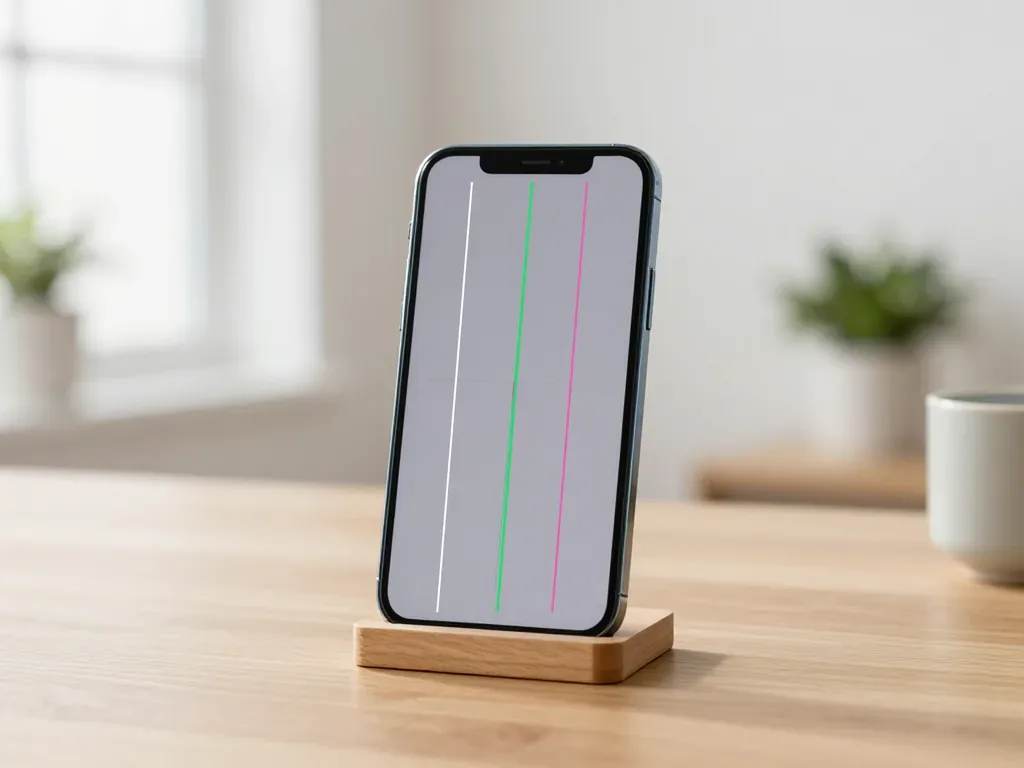
Lines on iPhone Screen
Lines across an iPhone display usually mean a damaged panel or display cable. Here is how to tell which one and what repair it needs.

Original iPhone screen vs an aftermarket one
The difference is not always visible, but it can be checked. An original panel is the one the manufacturer installs; an aftermarket copy costs about 35% less.

iPhone not charging, what to do first
Most charging faults come from the cable, the port or the battery. Here is how to find the cause and get a free check in Almaty.

What to do first if your iPhone dropped in water
Power it off, skip the rice, and get the board checked before corrosion starts. Here is the short version of the first 30 minutes.

When to Replace an iPhone Battery
What “maximum capacity” means, why the phone shuts down in the cold, and how long a new battery lasts.