The 13 Pro Max is a big, heavy phone with a stainless frame and a large OLED screen, so drops, battery wear and camera-glass cracks are the faults we see most. Here is how each one shows up.
Screen faults from a cracked glass to green lines
We see three separate screen problems on this model — a cracked outer glass with a working display, touch that stops responding, and green or white lines from a damaged OLED layer — and each one has a different fix. The display module on a 13 Pro Max bundles the picture layer, the touch sensor and the protective glass into one sealed unit, which is why a shattered front does not always mean the image is gone. Touch that dies in one strip usually points to the digitizer, not the panel itself, while vertical green lines mean the OLED has failed after pressure or moisture reached it. A shattered surface over a clean image is the cheapest case to catch early, because once moisture seeps through the cracks the whole module must be replaced.
Why the battery and charging port fail first
On a phone this age the battery has usually passed several hundred charge cycles, and a Lightning port packed with lint or oxidised pins is the second most common reason a 13 Pro Max stops charging. A worn cell shows up as sudden shutdowns at 20–30%, a swelling rear casing or a charge that drops in minutes, and the charging flex carries power from the port to the power controller, so a damaged flex can imitate a dead battery. Our engineers clean and test the port first, then measure the cell, and most of these jobs finish in the waiting area while you sit with coffee and Wi-Fi. Before anyone quotes a board repair, the port should be cleaned and tested with a known-good cable, because a dirty connector mimics a dead charging IC almost perfectly.
Camera glass, back panel and frame damage
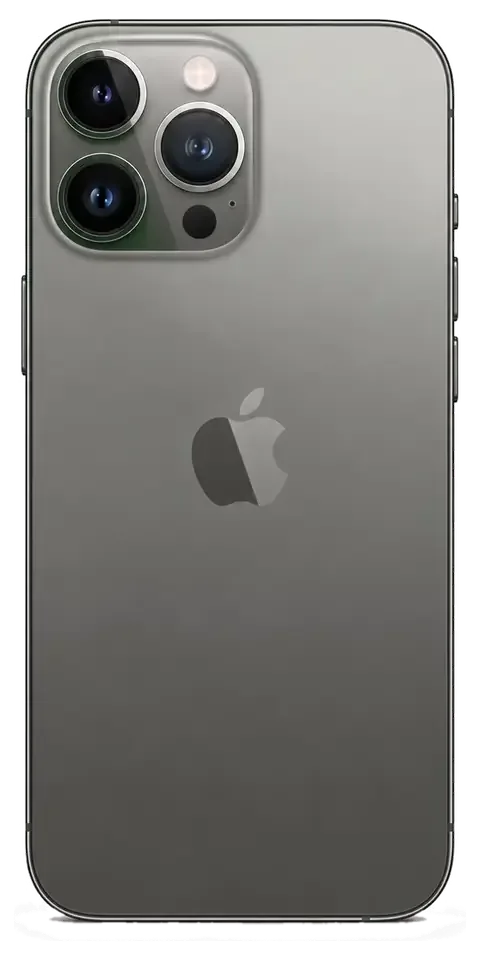
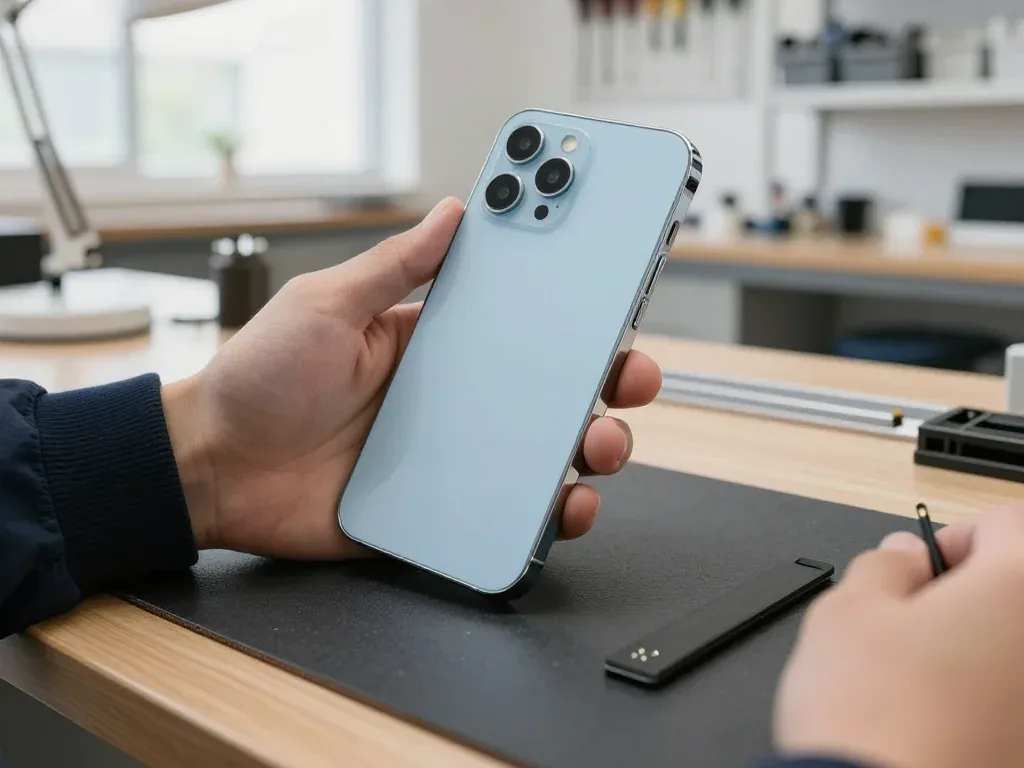
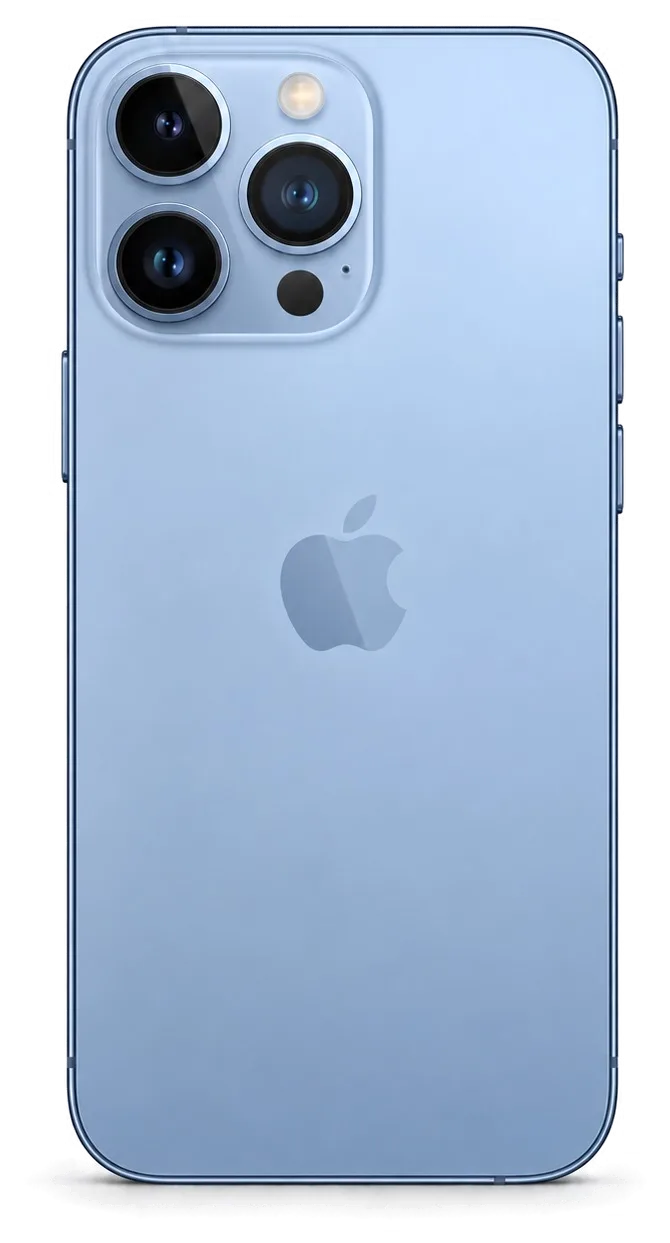
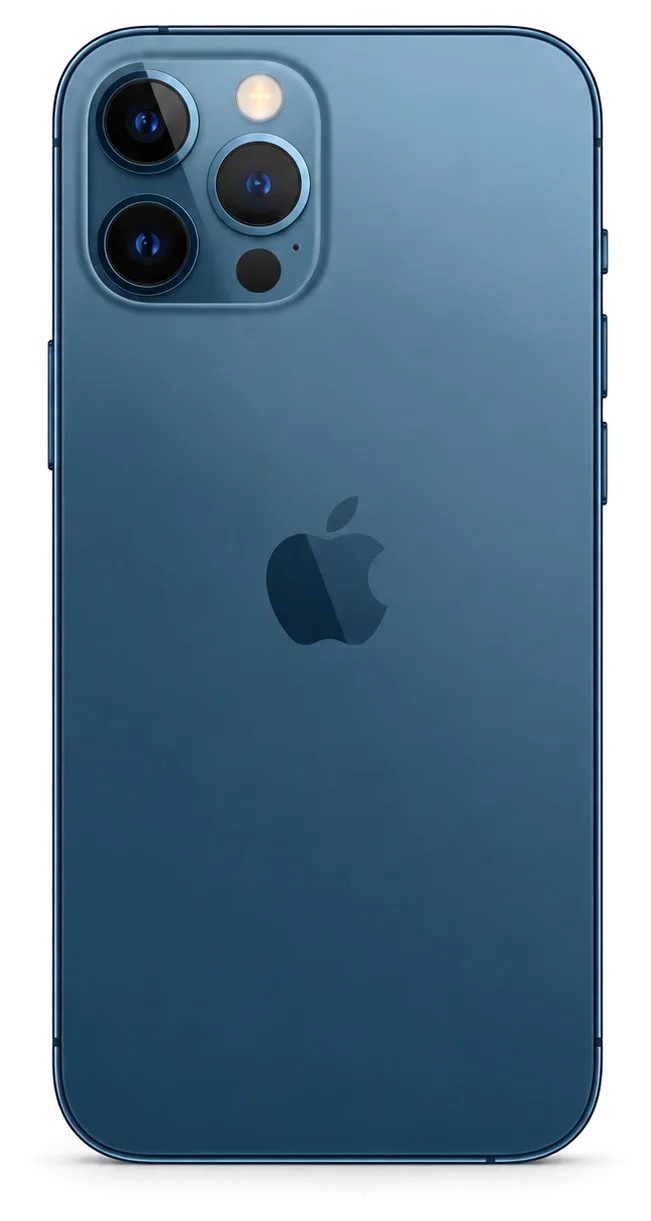
The raised camera bump on the 13 Pro Max takes the hit in most falls, so a cracked lens shield with a still-working camera is common, while a bent stainless frame usually points to a harder impact. That shield sits directly over the main camera element, and once it breaks, dust and moisture reach the optics and the autofocus starts to hunt. A rear panel cracked near the frame often travels into the wireless-charging coil, and a bent frame can push the logic board enough to loosen a connector. A cracked lens shield should be replaced quickly even when photos look fine, since dust and moisture get behind the glass and start to fog the actual lens element underneath.
Glass Only or the Whole Display Module
Whether you need a full module or just the glass depends on what is damaged underneath. The table below shows how we decide, and what each route means for the functions you use every day.
How we decide between glass and module
Damage type against part replaced and time needed| What is damaged | What we replace | Typical turnaround |
|---|
| Outer glass only, image and touch fine | Glass only | 40 minutes |
|---|
| Touch dead, image clean | Full module | 40 minutes |
|---|
| Lines, green tint or dead pixels | Full module | 40 minutes |
|---|
| Glass plus True Tone lost | Full module with calibration transfer | 40 minutes |
|---|
Keeping Face ID and True Tone after a screen swap
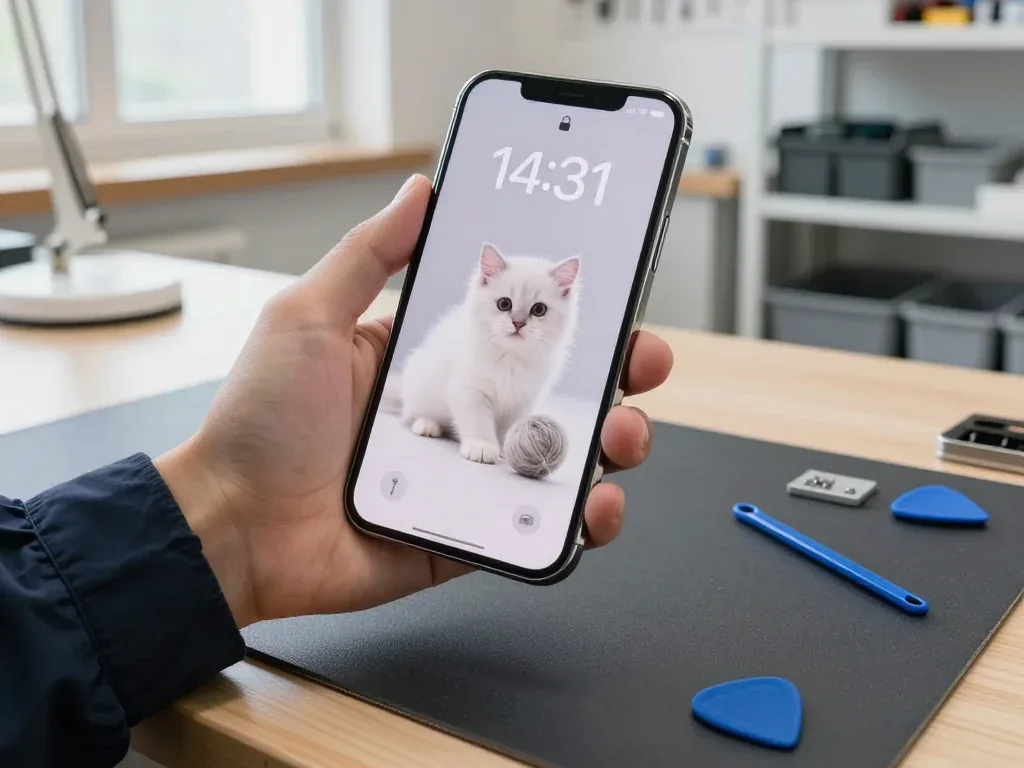
Face ID keeps working after a screen replacement because the TrueDepth assembly sits separately from the display, and True Tone is restored by transferring the calibration during the swap. That camera stack is glued to the frame, not to the panel, so a careful technician lifts it intact and refits it to the new component. True Tone relies on a calibration value stored on the original panel, and that value has to be carried over with the right equipment — it adds a few minutes inside the same 40-minute screen job. The pairing step is where most shortcuts happen, so both functions are verified before the phone leaves the bench. On some aftermarket panels True Tone cannot be transferred at all, so if that setting matters to you, confirm the component type before the work starts rather than after.
What the unknown part message really means
The unknown component notice is a software flag that records the type of component fitted, not a fault, and it appears when a display or battery is not paired to the board. The operating system reads a serial from the component and compares it with the value stored on the logic board; when the two do not match, the settings app lists the component as unidentified. The phone still boots, charges and runs every app — the flag lives in the settings history, not in the hardware. A genuine panel fitted without the pairing step triggers the same notice as a copy component, which is why the message alone tells you little about quality. The notice does not stop the phone from working, but it stays in the settings history, so it is worth knowing about it before you hand the device over rather than discovering it later.
Original or Aftermarket Part, Your Call
Both routes are legitimate, and the right one depends on how long you plan to keep the phone. Here is how the two component types differ in the functions they keep and how we lock your choice in writing.
How original and aftermarket parts differ
What each part type keeps working| Function | Original component | Aftermarket component |
|---|
| Image and touch | Full | Full |
|---|
| True Tone | Kept | May be lost |
|---|
| Battery health reading | Kept | May be hidden |
|---|
| Face ID | Kept | Kept |
|---|
Why most of our clients pick original
64% of our customers choose an original component, and the reason is usually simple — they plan to keep the 13 Pro Max for another couple of years and want the settings to stay intact. True Tone and the battery health reading are the two things people notice first when a cheaper module goes in, because the display no longer adapts its colour temperature and the settings menu stops reporting a figure. We fit aftermarket parts too, and for a cracked camera lens or a tired battery on a second phone they do the job — the fit and the picture look the same. An aftermarket part makes more sense on a device that is already a backup unit, where the saving outweighs a lost True Tone toggle you never touch.
Seeing the part before it goes in
We show the new part in its factory packaging before installation, and the type you agreed to is written on the receipt before any work begins. That two-minute step matters more than it sounds: the receipt carries the component type, the turnaround and the warranty up to 1 year, so there is a paper trail if anything needs revisiting later. Original modules arrive sealed with their own labelling, and aftermarket ones are marked as such — nothing gets swapped quietly between the counter and the bench. Seeing the sealed part first is the simplest way to confirm what is going into your phone, because once the module is fitted the packaging is the only record of what was supplied.
How Long iPhone 13 Pro Max Repair in Almaty Takes
Most jobs on this model finish while you wait, and the whole visit from first message to pickup usually takes under an hour. Here is the order of steps and how long each one runs.
From a WhatsApp photo to a fixed price
You send a photo of the damage on WhatsApp, an engineer replies within 5 minutes with a price and a free slot, and the price, component, turnaround and warranty are fixed on the receipt in about 2 minutes. The same message thread carries the whole history of your case, so nothing gets lost between the counter and the workshop. Free diagnostics then run in front of you and take 15 minutes, even if you decide not to go ahead. Ask the engineer to name the component in the chat — you will see the same name on the receipt. This is how iPhone 13 Pro Max repair in Almaty starts without a preliminary visit to the workshop.
What runs while you wait
Repair jobs and how long each one takes| Job | Time | Wait on site |
|---|
| Screen replacement | 40 minutes | Yes |
|---|
| Battery replacement | 25 minutes | Yes |
|---|
| Camera glass | 20 minutes | Yes |
|---|
| Board repair | 1–3 days | No |
|---|
Backing up and switching off Find My first
Before handing the phone over, make a backup, note your passcode and turn off Find My, because these three steps protect your data and let the engineer test the device fully. An iCloud copy runs overnight on Wi-Fi, while a computer backup over a cable is faster and keeps photos and messages in one place, so pick whichever you can finish before the appointment. Write the passcode on paper rather than in a note stored on the phone itself — a locked handset cannot show it to anyone. A backup taken the morning of the visit is worth more than one from last month, since the repair itself rarely touches storage but a board job can, and a board fault is exactly the case where the phone may come back wiped.
Checking the Phone and What You Take Home
The repair is not finished until you have tested the device yourself. Here is what we check together, what comes back with the handover, and why dealing with a direct contractor changes who is accountable.
The 32-point check we run together
- Face ID and True Tone: unlock and display settings behave exactly as before the repair.
- Cameras and microphones: front, rear and video recording all capture clean sound and image.
- Speakers: earpiece and loudspeaker play without crackle or dropouts.
- Charging: the port takes a charge and holds a stable connection.
- Network: calls, mobile data and Wi-Fi connect normally.
- Buttons and haptics: volume, power and vibration respond as expected.
Receipt, warranty card and your old part
The device comes back with the receipt, a card covering the work up to 1 year, and the old component in a bag so you can see exactly what was replaced. The receipt is not a formality: price, component type, turnaround and coverage terms are written on it and fixed before any work starts, so nothing about the job is left to memory. We hand over the removed component every time, whether it is a cracked display, a worn battery or a shattered camera lens. Keeping that spare component matters if a claim ever comes up, because it is the physical record of what was removed and when.
Why a direct contractor is accountable
iServices is a direct contractor with its own engineers and workshop, so the person who quotes your repair is the same team that stands behind the coverage, not a middleman passing the handset on. Our technicians handle the job from free diagnostics to the final 32-function test, and the workshop on site runs board work under a microscope rather than shipping logic boards elsewhere. Across 46,000+ repairs over 11 years, that structure is what keeps responsibility in one place. With an agency the coverage usually travels through a third party, which is why the question of who actually holds the guarantee is worth asking before you hand over any handset.
Summary: iPhone 13 Pro Max repair
Before you hand over the phone, five checks decide whether the repair holds up and whether you keep every function you paid for.
- Match the fix to the fault: a cracked glass with a clean image is not the same job as a display with lines, so confirm what is actually damaged first.
- Ask which functions survive: Face ID and True Tone depend on the part and the calibration, not on luck.
- Choose the component on purpose: original keeps every setting, aftermarket can save money on a backup phone.
- Prepare the device: a fresh backup and Find My switched off protect your data and speed up testing.
- Test before you leave: run through the screen, cameras, charging and network with the engineer while the phone is still on the bench.












 iPad
 MacBook
 iMac
 Mac mini and Studio
 Apple Watch
 AirPods
 Apple Pencil
 Apple TV
 HomePod




