MN Photo: Mukhpilov Nail
Mukhpilov Nail
smartphone repair technician
10years of experience
4.83rating, 83 reviews

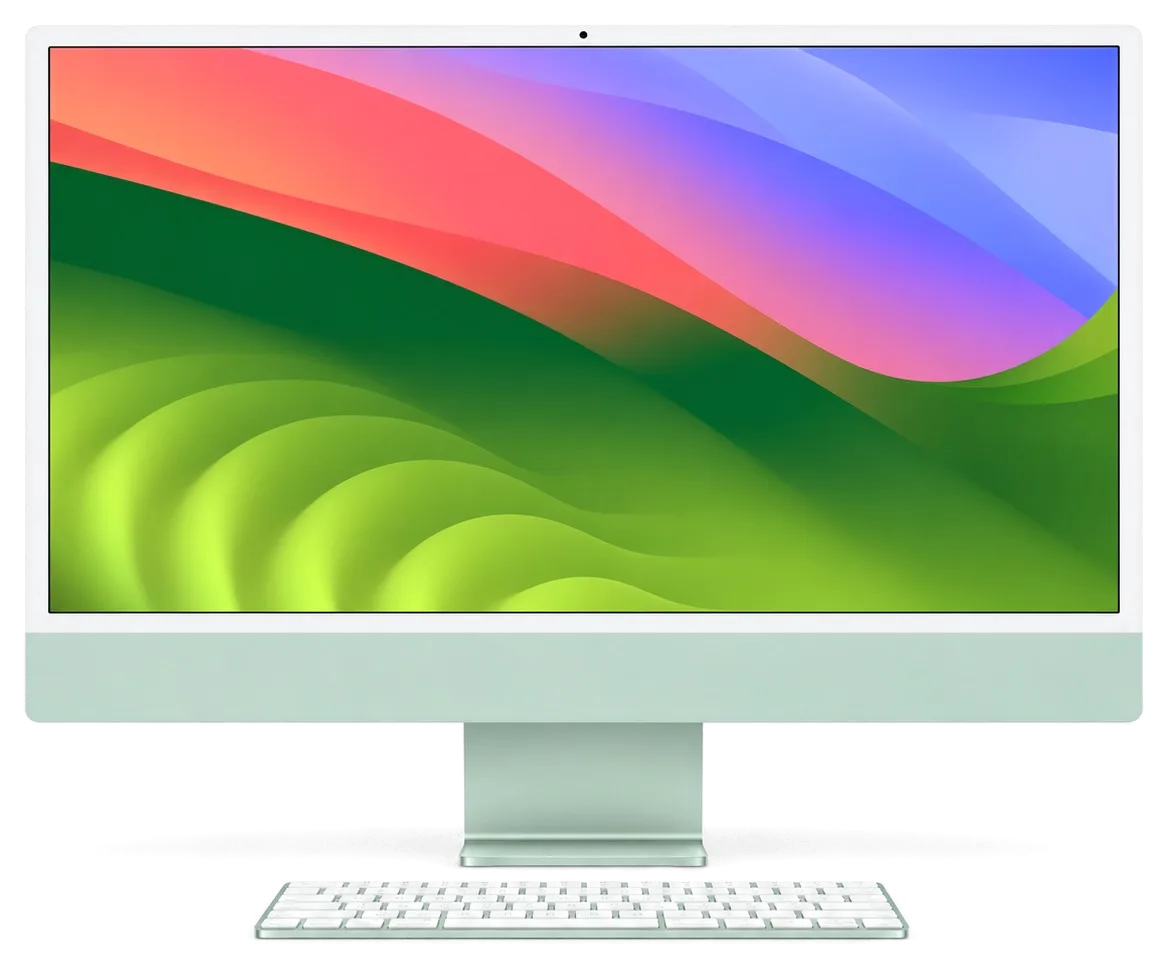
If your iMac 24 M4 won't turn on, overheats or has a cracked screen, we'll find the cause free of charge and fix it without unnecessary replacements.
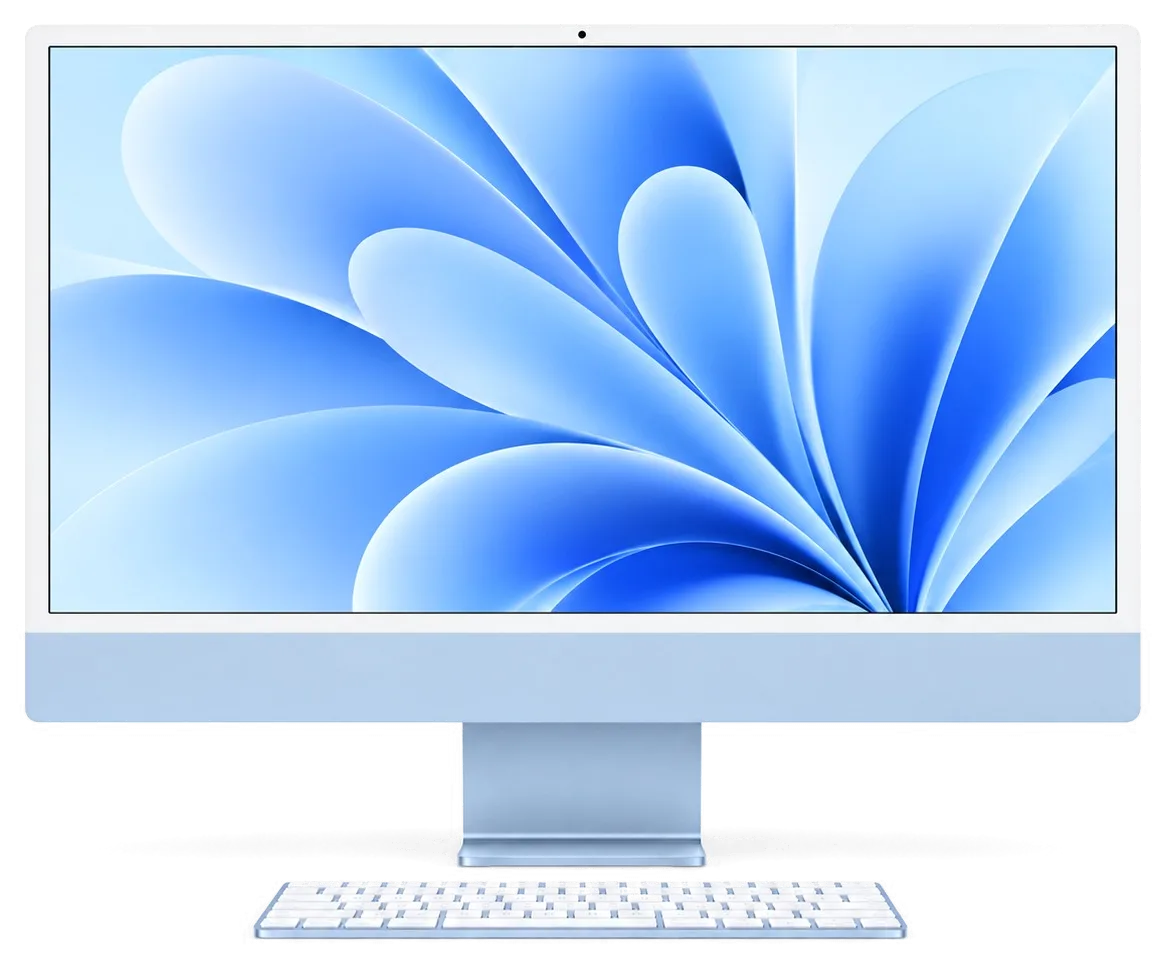
This slim all-in-one with the M4 chip has its own weak spots: here are the symptoms we see most often.
Pressing the power button does nothing, the screen stays black and no indicators light up.
The progress bar stalls, the Apple logo hangs or the computer restarts in a loop.
The back of the case gets hot and the fan roars even during simple tasks.
Vertical lines appear, the screen flickers or dark patches show up along the edges.
The screen has chips or a spiderweb crack, though the image may still work.
Dark or light spots are visible and don't go away after a restart.
Center Stage doesn't activate and the camera feed is missing from apps.
Thunderbolt or USB-C doesn't recognize devices and connections are unstable.
The magnetic power connector doesn't hold well and the computer shuts off when moved.
Wireless networks aren't found and the keyboard and mouse keep dropping their link.
Water or tea got on the case, screen or vents and the device doesn't respond.
Sudden restarts during work, followed by a crash report after startup.
The table lists the main iMac 24 M4 services; the final price depends on the fault and the inspection results.
| Service | Original | Aftermarket |
|---|---|---|
| Power supply replacement | 80 900 ₸ | 44 900 ₸ |
| Fan replacement | 24 900 ₸ | 13 900 ₸ |
| Speaker replacement | 37 900 ₸ | 20 900 ₸ |
| Display panel replacement | 383 900 ₸ | 237 900 ₸ |
| Other repairs | Price | |
| Dust cleaningdisassembly and dust cleaning | 19 900 ₸per job | |
| Logic board repairmicrosoldering · 1–3 days | 84 900 ₸per job | |
| Wi-Fi module repairwireless module · board-level repair | 34 900 ₸with parts | |
| MacOS installationOS installation, no parts replaced | 19 900 ₸per job | |
We quote the exact price after diagnostics, once we know which part has failed.
The iMac 24 M4 screen comes in original and aftermarket versions; the choice depends on your tasks and budget.
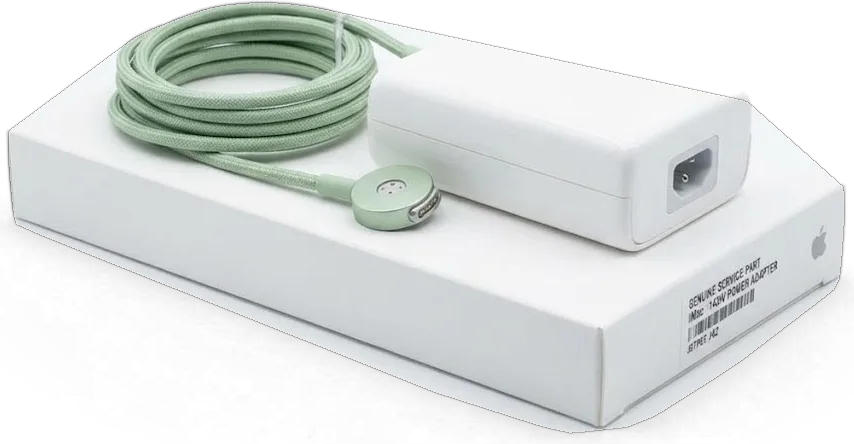
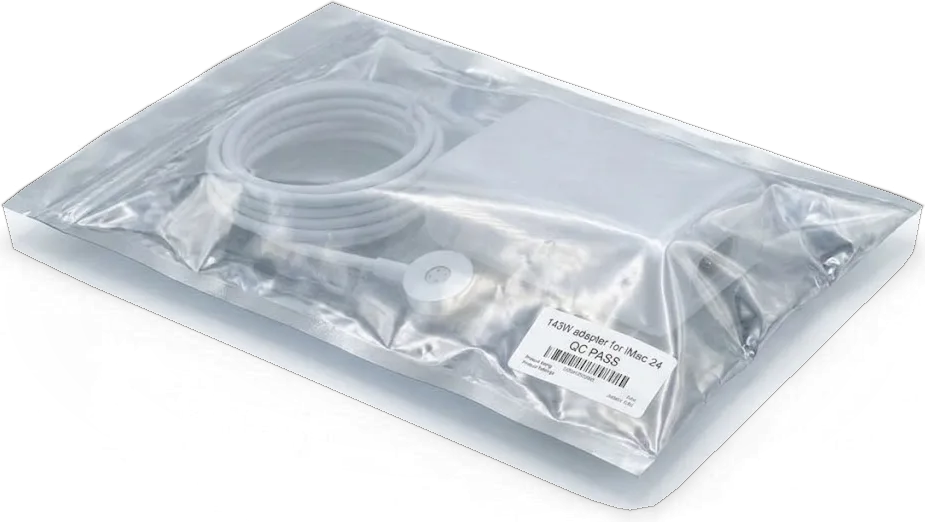
An all-in-one with soldered components needs a careful approach, so experience and transparent diagnostics matter.
We've been repairing Apple devices for eleven years and know the ins and outs of slim cases, power and displays.
We give a warranty of up to 1 year on our work: if a fault returns due to our work, we'll take the device back.
The iMac 24 M4 screen is glued in place, so we leave opening it to experienced specialists with the proper clearance.
We check 32 functions and find the cause without replacing working parts unnecessarily.
We explain what can be repaired and what is better replaced, and quote the price after inspection.
We're open weekdays from 10:00 to 19:00 and on weekends and holidays from 11:00 to 18:00.
Usually the whole journey — from message to pickup — takes less than an hour; complex repairs follow the timeline in the receipt.
Book a repairYou send a photo of the damage on WhatsApp — we quote the price and available time. Or you call a courier.
An engineer checks the device in front of you and shows what is broken. 0 ₸, even if you decline the repair.
We fix the price, the part (original or analog), the timeline and the warranty. You sign — we start.
Before installation we show you the new part in its factory packaging. You wait in the waiting area with coffee and Wi‑Fi.
Screen, camera, microphones, speakers, ports, Wi‑Fi and Bluetooth. You check together with the engineer.
Together with the receipt, warranty card and the old part. Payment — Kaspi, card or cash.
Technicians for iPhone, Mac, iPad, Apple Watch and AirPods repair.
Photo: Mukhpilov Nail Photo: Molchanov Rinat
 Photo: Shokan A
 Photo: Sybanbaev Birzhan
 Photo: Denis Gushchin
 Photo: Duisebaev Azhdar

“If the repair didn’t suit you or you have a complaint, write to me personally.”
Send a photo of the fault — an engineer will reply on WhatsApp, give the price and a time you can come in.
iMac 24" M4 Repair in Almaty by the iServices Team
For iMac 24" M4 repair in Almaty, iServices runs free 15-minute diagnostics in front of you, then fixes most faults the same day. We quote from a WhatsApp photo within 5 minutes, fix the price, part, turnaround and warranty on the receipt, and back every job with a warranty up to 1 year.
The iMac 24" M4 is an Apple Silicon all-in-one, and before any talk of repair it helps to know which parts are modular and which are tied to the board for good.
On the iMac 24" M4 the display module, external power adapter, cooling fan and ports are serviceable parts, while the memory and SSD are soldered to the mainboard and cannot be upgraded. The display is a single glass-and-matrix unit fixed with adhesive, so screen work means careful removal and re-gluing rather than a simple swap. The machine runs through an external adapter with a magnetic connector, which makes adapter faults the easiest thing to rule out first. The fan is a modular unit and can be cleaned or replaced on its own. For an iMac 24 M4 repair in Almaty, knowing which parts are modular sets the right expectations before any work begins. Thunderbolt and USB-C ports sit on the mainboard, so a dead port is a logic-level job.
| Component | iMac 24" M4 | Serviceable |
|---|---|---|
| Display module | Glass and matrix as one unit, glued | Yes, with re-gluing |
| Power | External adapter, magnetic connector | Yes, adapter replaceable |
| RAM | Soldered to logic board | No upgrade |
| SSD | Soldered to logic board | No upgrade |
| Cooling fan | Modular | Yes |
| Ports (Thunderbolt/USB-C) | Board-mounted | Board-level repair |
We explain to every owner that the M4's unified memory and storage are part of the logic board, so there is no slot to add RAM or swap the SSD — the configuration you bought is the configuration you keep. The same is true across the Apple Silicon line: earlier M1 and M2 machines were built the same way, which is why the upgrade question comes up in almost every consultation. Owners sometimes arrive convinced the machine needs more memory when the real cause is a full drive, a runaway background process or a corrupted system profile. If storage is the real complaint, we check drive health and system load during diagnostics before recommending any work.
Most M4 iMacs arrive with a recognizable sign — no power, no image, noise or a dead port. Matching what you see to a likely cause is the fastest route to the right repair.
When an iMac 24" M4 is dead, we first check the external adapter and its magnetic cable, because a failed brick looks exactly like a dead monoblock and is the cheaper, faster fix. The computer draws current from an external unit through a magnetic connector, so the chain splits into three points: the brick, the cable and the logic board input stage, so the supply path is checked end to end. A multimeter reading on the output tells us within minutes whether voltage arrives at all. Only when both pass do we move to the board side. Bring the brick and cable with the machine — without them the supply chain cannot be checked, and a "no power" verdict stays guesswork.
Stripes, blotches or sound-with-no-picture on an M4 iMac point either to the display module or to the graphics circuitry, and only a live check separates the two. During diagnostics we check whether the machine renders at all: a clean image means the fault sits in the panel or its ribbon, while identical stripes make the graphics path the suspect. A frozen boot screen or a flashing question mark is usually a storage or macOS problem rather than a screen fault, so do not assume the panel is gone before the boot sequence is examined. We check drive health during diagnostics before touching any hardware.
| Symptom | Likely cause | What we do |
|---|---|---|
| Constant fan noise at idle | Dust in fan and heatsink | Full cooling clean |
| Heat and throttling under load | Dried thermal paste | Repaste and load run |
| Shutdowns under load | Marginal cooling or supply | Cooling service, adapter check |
| Loud fan after liquid contact | Moisture on the circuitry | Board inspection under microscope |
Diagnosis is where a repair is won or lost. On an M4 iMac we check the power path, the board, the display and the cooling in a fixed order, in front of you, before anything is opened.
Our engineer runs free diagnostics in front of the customer for about 15 minutes, showing what is broken even if you decide not to repair — the check itself costs nothing. The supply stage comes first, then the display stage, then a short thermal stage under load, and the adapter is read before the board, and each reading is shown to you on the bench as it happens. Nothing is opened and no part is quoted until those three stages agree on one cause. Watching the procedure is the point: you see which component fails, so a second opinion elsewhere starts from the same facts rather than a fresh guess.
We check the external adapter under load, then the magnetic connector, then the mainboard's supply rails, so a failed adapter is ruled out before anyone quotes a logic-level repair. The 24" M4 desktop takes power through an external brick and a magnetic connector, which means the cheapest failure point sits outside the chassis and is checked first. A load run pushes the rail harder than idle does and exposes a supply that sags only under demand. Only after the adapter and connector read clean do we move to the logic board and trace the rails feeding the M4 chip. A fault that only appears when the machine warms up will not show on a cold bench — that is why sustained load matters as much as the first reading.
The three jobs that define M4 iMac repair are the glued display, the external power path and the cooling system. Each has its own risks and its own way of being done right.
The M4 panel is held by an adhesive gasket, so we cut the tape with a dedicated tool, then re-glue the glass with a fresh seal on reassembly — it is never unscrewed. The cutting tool separates the display module from the aluminium chassis without flexing the panel. On reassembly the old glue is stripped completely and replaced with a new layer rated for the same panel weight, so the front sits flush against the frame. A panel that was re-glued badly shows as lifting glass or dust at the edges weeks later, so ask whether fresh adhesive is part of the job, not an afterthought.
We replace the external supply brick and magnetic cable as separate parts, and test every Thunderbolt/USB-C port on the board, since a dead socket can mimic a failing adapter. The brick and the braided charging lead wear at different rates, so we check the unit under load and inspect the connector pins for scorching before deciding which piece to swap. We test every Thunderbolt/USB-C socket in turn, because a port that charges but will not move data points to the logic circuitry rather than the supply chain. Keep the original unit with the machine at handover — a mismatched one is one of the most common reasons a "repaired" desktop misbehaves again at home.
A cooling service on the M4 means clearing dust from the fan and heatsink and renewing the thermal paste, then running the machine under load to confirm temperatures settle. The fan is lifted out, the heatsink fins are blown through, and the old compound is removed before a fresh layer goes on. A load test then reads the thermal sensors under sustained stress to check that the fan ramps up and temperatures plateau instead of climbing. Thermal paste dries out with heat cycles, so a machine that has run hot for a long time often needs the service even if the fan still sounds normal.
Once the fault is known, the practical questions take over — how long, what is covered, how the machine gets here and what happens to your data. Here is how each is handled.
Before work starts we fix the price, the part, the turnaround and the warranty on the receipt, and the exact turnaround for MacBook and iPad is named after diagnostics — from 1 hour to 1 day, while board-level repair takes 1–3 days under the microscope. 72% of our repairs are completed while the customer waits in the waiting area with coffee and Wi-Fi. A WhatsApp photo gets a price quote within 5 minutes, and the receipt itself is written in about 2 minutes so nothing is agreed on a handshake. A written turnaround protects you from drift — if a part has to be ordered, the receipt is where the new date should appear, not a verbal promise.
We offer an original part or an aftermarket alternative on every job, show the new part in factory packaging prior to installation, and back the repair with a warranty up to 1 year. Across our work 64% of customers choose the original part, which keeps the machine closest to how it left the factory, while the aftermarket route suits a device used mainly for browsing and documents. Both options are named on the receipt together with the exact turnaround, so the choice is documented before a screwdriver touches the machine. The part choice changes how the machine behaves long-term, so decide it before the repair starts — swapping a part mid-job resets both the timeline and the paperwork.
Because the M4 SSD is soldered to the mainboard, we ask you to make a Time Machine backup ahead of any logic-level work, and we can send a courier across the city in about 90 minutes, free with a repair. Bring the machine in yourself or hand it over at the door — it is booked in with the same receipt either way, and our engineers have handled 46,000+ repairs over 11 years. If the board is the fault, weigh the repair against the machine's role — a working M4 with a fresh backup is usually worth fixing long before selling it for parts.
A repair on this model is a decision, not a gamble. The points below sum up what determines the outcome before any screwdriver touches the case.
Did not find an answer? Message us on WhatsApp: an engineer replies, not a bot.
Ask a questionThe cause may be the magnetic connector, the external power supply or internal components. Check that the connector sits firmly in the socket and disconnect peripherals. If there's no response, the device needs diagnostics at a service center.
No, the glass and the panel form a single module. If damaged, the entire display assembly is replaced. A technician will assess the extent of the damage after inspection.
The memory and SSD are soldered to the board, so recovering data after a breakdown is difficult. Make a copy via Time Machine or the cloud while the computer still works.
Unplug the power cable immediately, wipe the liquid off the outside and don't turn the all-in-one on. The slim case lets moisture reach the board quickly. Contact a service center as soon as possible.
Yes, sometimes it does: dust builds up on the heatsink unnoticed. Signs are a hot back panel and slower performance. In dusty rooms, it's worth checking regularly.
No, the memory and SSD are soldered to the board and their capacity is chosen at purchase. Use an external drive for extra files.
Проблема была такая: после отключения электричества перестал включаться — и непонятно, что делать. По результатам диагностики сделали диагностику питания и восстановили запуск в iservice.
У моего iMac 24″ (M4, 2024) компьютер сильно нагревался под нагрузкой. В итоге проверили терморежим и состояние охлаждения.
У моего iMac 24″ (M4, 2024) изображение иногда исчезало на внешнем мониторе. В сервисе проверили видеовыход и соединения.
У моего iMac 24″ (M4 2024) компьютер неожиданно отключался во время работы. После обращения проверили питание и причину перезагрузок.
iMac 24″ (M4 2024) подвёл: система иногда зависала на старте. После обращения проверили загрузку и программную часть.

Most slow iMacs are held back by a worn drive or too little memory. A short check shows which part is the real bottleneck.

Most dead iMacs trace back to power delivery or the logic board, and a free 15-minute check in front of you settles which one it is.

Most loud-fan cases trace back to dust-packed fins and dried thermal paste, not a dead fan. A free 15-minute check shows which one you have.

Back up your data, turn off Find My, and bring proof of purchase — then the repair starts faster.



 iPad
 MacBook
 Mac mini and Studio
 Apple Watch
 AirPods
 Apple Pencil
 Apple TV
 HomePod
