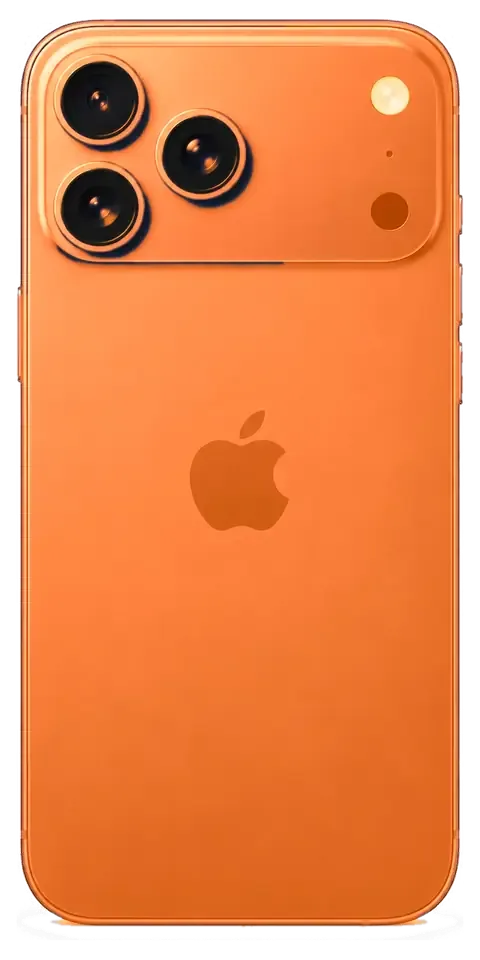
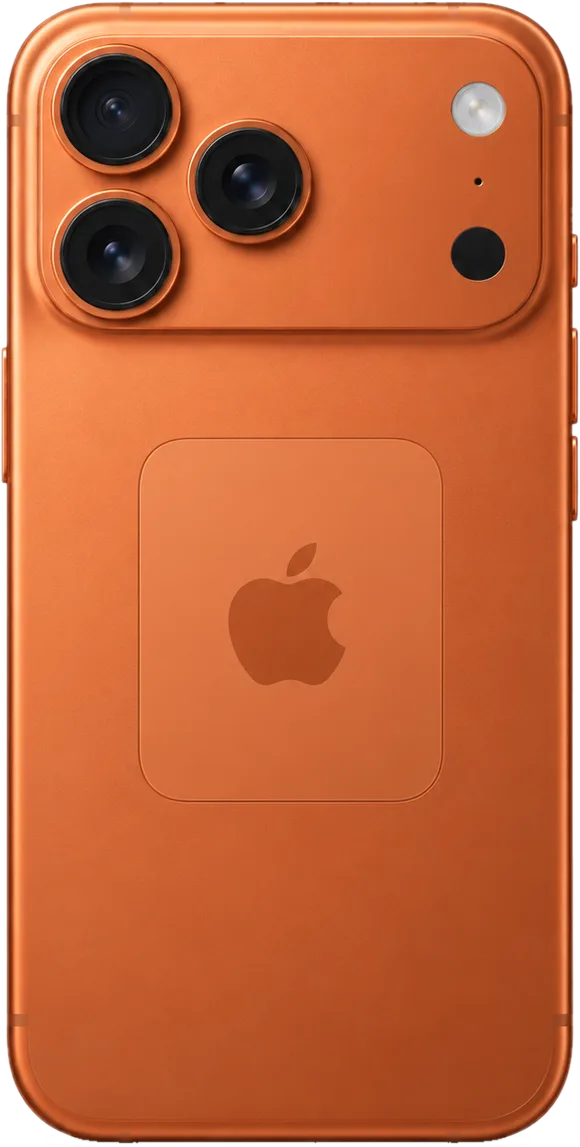
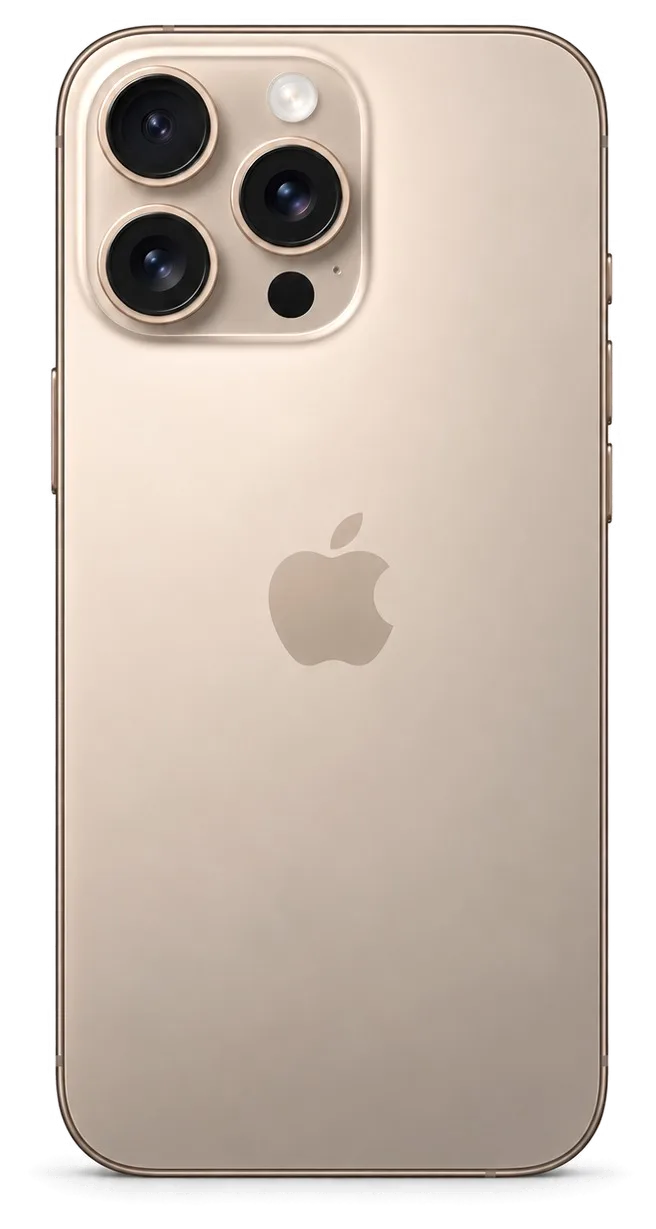
The 17 Pro Max is a large titanium-bodied handset, so drops hit the corners and the camera plateau hardest. Here is what owners bring us most often and what each symptom usually means.
The Most Common Faults We See
Most repairs we take in come from drops and pressure on a large body, and the screen, the lens cover and the rear panel lead the list. The titanium frame survives more than the panels it holds, so a unit that looks fine on the outside can still carry a shattered display module under a case. Cracks on the plateau are the second steady stream, and back-plate breaks on the rounded edges come third. Battery wear and a clogged USB-C port fill out the rest of the bench. A cracked lens cover is easy to ignore until dust reaches the optics, so it is worth sealing early rather than waiting for image quality to drop. For iPhone 17 Pro Max repair in Almaty, this is the shortlist of faults we handle most often.
Symptom to Cause to What We Do
Noticeable symptoms matched to probable causes and the fix each needs| What you notice | Likely cause | What we do |
|---|
| Cracks or dead touch zones | Broken glass or display module | Glass-only or full module swap |
|---|
| Lines, flicker, green tint | Damaged OLED panel | Display module replacement |
|---|
| Won't charge on USB-C | Dirty or oxidised port | Port clean or connector swap |
|---|
| Battery drains fast | Worn cell | Battery replacement |
|---|
| Blurry or dusty photos | Cracked lens cover | Lens cover replacement |
|---|
| Random restarts, no boot | Board-level fault | Microscope board repair |
|---|
When the Problem Is the Board, Not the Part
When a device restarts, heats up or refuses to boot, the fault often sits on the logic board, and we repair it under a microscope rather than swapping whole assemblies. A power controller that fails after a heavy drop can mimic a dead battery, and a shorted line near the charging circuit can look like a bad port. On the 17 Pro Max the circuitry is densely packed, so the microscope is not optional — it is the only way to trace a broken line without lifting neighbouring components. Board work is the one job that cannot be rushed on the spot, so plan for the device to stay with us for a few days instead of waiting.
Screen Damage and iPhone 17 Pro Max Repair Options
A cracked screen is the most common reason people call us, and the first question is always whether the whole display has to go. Often it does not.
Glass Only or the Whole Display Module
If the OLED matrix is intact and only the outer layer is cracked, we can replace just that top sheet; if there are lines, dead zones or a green tint, the full module has to go. The distinction is physical: the cover, the touch layer and the OLED matrix are laminated into one stack, and a partial job separates the top sheet while the display and digitiser stay untouched. The same principle we apply to an iPhone 15 Pro — swapping just the outer sheet when the matrix underneath is clean — carries across the lineup. A partial swap costs less but takes longer at the bench, so it suits a phone you can leave with us rather than one you need back in minutes.
Will Face ID and True Tone Survive
Face ID keeps working after a screen repair because the TrueDepth module is a separate unit, and True Tone survives once its calibration is transferred to the new display. The TrueDepth projector and sensor sit in the top bezel and are not part of the screen stack, so a swap does not touch them. True Tone is different: its calibration data is tied to the original unit, and a programmer reads it from the old component and writes it to the replacement. On some aftermarket panels True Tone cannot be carried over at all, so ask which part is going in before you agree to the job.
What Changes After the Phone Is Opened
Any time the body is opened, the factory water resistance is no longer guaranteed, even when the repair itself is flawless. The IP68 rating on an iPhone 17 Pro Max depends on a gasket and adhesive seal compressed at the factory; once the front panel is lifted, that seal is broken and replaced with fresh adhesive during reassembly. A careful technician restores the gasket and re-glues the frame, which brings back splash protection but not the original factory-tested rating. Treat the phone as splash-resistant rather than waterproof afterwards, and keep it away from pools and heavy rain regardless of the IP rating on the box.
Original or Aftermarket Part
The component you choose decides how the phone behaves afterwards, so it is worth understanding the trade-offs before the technician opens anything.
How the Two Options Differ in Practice
Which functions survive by part type| Part | Functions kept | Best for |
|---|
| Original display | True Tone, brightness, colour | Owners keeping the phone long-term |
|---|
| Aftermarket display | Usually all, True Tone may vary | Budget-conscious quick fix |
|---|
| Original battery | Full health reporting | Reliable daily use |
|---|
| Aftermarket battery | Basic charging, health may vary | Short-term or backup phone |
|---|
The Unknown Part Message Explained
A message about an unknown part is an indicator of which part is fitted, not a sign the device is broken or unsafe to use. The system flags a component it cannot match to the factory record, which happens with aftermarket displays and batteries and also with original parts moved from another unit. The phone keeps working normally in most cases, and the notification sits in the settings rather than blocking anything. What it does not tell you is how well the repair was done. The message can appear even after a perfectly good repair, so judge the job by how the phone behaves rather than by the notification alone.
Seeing the Part Before It Goes In
We show the new part in its factory packaging before installation, and the choice of original or aftermarket is written on the receipt so there is no ambiguity later. The engineer opens the box in front of you, compares the connector and flex to the one being removed, and only then starts the swap. Across the city, 64% of customers choose an original part, and that figure is highest on displays, where colour and True Tone are easiest to notice day to day. Keep that receipt with the warranty card, because it is the document that proves which part was fitted if anything needs attention down the line.
How the Repair Visit Works
The visit is built around your time, so most of it happens in front of you. Here is the sequence from the first message to the moment you walk out with the device.
From WhatsApp Photo to a Fixed Receipt
You send a photo of the damage on WhatsApp, an engineer replies within five minutes with a price and a free slot, and the price, part, turnaround and warranty are fixed on the receipt in about two minutes before work starts. We are the direct contractor on every job — our own technicians and workshop, not an aggregator passing the device along. The new component arrives in factory packaging and is shown to you before installation, so you see exactly what goes into the handset. Getting the quote from a photo first means you arrive knowing the figure, so there is no surprise once the device is already open on the bench.
How Long Each Job Takes
Estimated duration and waiting option per repair type| Job | Typical time | Wait on site |
|---|
| Screen replacement | 40 minutes | Yes |
|---|
| Battery replacement | 25 minutes | Yes |
|---|
| Camera glass | 20 minutes | Yes |
|---|
| Board repair | 1–3 days | No |
|---|
What to Do Before You Hand the Phone Over
Before handing the phone over, make a backup, turn off Find My so the device can be tested freely, and note the passcode so the engineer can check every function afterwards. Free diagnostics take 15 minutes in front of you, even if you decide not to repair — the engineer opens the device and shows what is broken rather than describing it from memory. After the work is done we run through 32 functions together in about ten minutes: Face ID, True Tone, cameras, microphones, speakers, charging and network. A current backup is the one step that protects you from the rare case where a board fault turns out to be worse than the symptom suggested.
Charging, Battery and Camera Glass
Not every fault needs a major repair. Charging, battery and camera glass are the small jobs that make up a large share of what we handle on this model.
Why the Phone Stops Charging on USB-C
A phone that will not charge on USB-C is more often a dirty or oxidised port than a failed board, and the difference shows up clearly during diagnostics. The iPhone 15 was the first model to get USB-C instead of Lightning, and the connector sits in the same pocket of dust and lint as before — compacted fluff at the back of the socket blocks contact long before the charging flex or the power controller gives up. Under the microscope we see whether the pins are coated, bent or pushed in, and whether the flex cable still carries current to the controller. Cleaning a port is quick and cheap compared with a connector swap, so it is always worth checking before assuming the worst.
Reading Battery Health Before You Replace
Battery health in Settings gives a rough guide, but a cell that drains fast or shuts the device down under load can need replacing even when the figure looks acceptable. The percentage is calculated by the controller, and it lags behind real wear — a handset that lost capacity unevenly can report a healthy number while dropping from full to empty in half a day. We read the cycle count and peak capacity together, then run a short load test to see how the voltage holds. A new battery restores runtime but not charging speed, so if the unit also charges slowly, ask for the port to be checked in the same visit.
The Handover Check We Do Together
- Face ID and True Tone: unlock the phone and check display warmth against a plain white screen.
- Cameras and microphones: shoot a photo, record a voice note, play it back and listen.
- Speakers: play audio at full volume on both channels and confirm there is no rattle.
- Charging: plug in the cable and confirm the battery indicator responds within a few seconds.
- Network: check signal, place a call and load mobile data before you leave the bench.
Summary: iPhone 17 Pro Max repair
A few short facts decide where a repair goes and how long it takes. These are the points worth weighing before you hand the handset over.
- A symptom is a lead, not a verdict: a hands-on check comes first, since the same flicker can come from a cable, a connector or the board itself.
- Glass-only screen work is possible when the OLED matrix is intact; lines or dead zones across the image mean the full module has to go in.
- Face ID survives a screen repair, True Tone depends on calibration, and water resistance is never guaranteed once the device has been opened.
- Original and aftermarket parts differ mainly on displays, and the choice belongs on the receipt prior to installation.
- Many jobs finish in under an hour, while board faults and water damage need the handset to stay on the bench for a day or more.











 iPad
 MacBook
 iMac
 Mac mini and Studio
 Apple Watch
 AirPods
 Apple Pencil
 Apple TV
 HomePod




