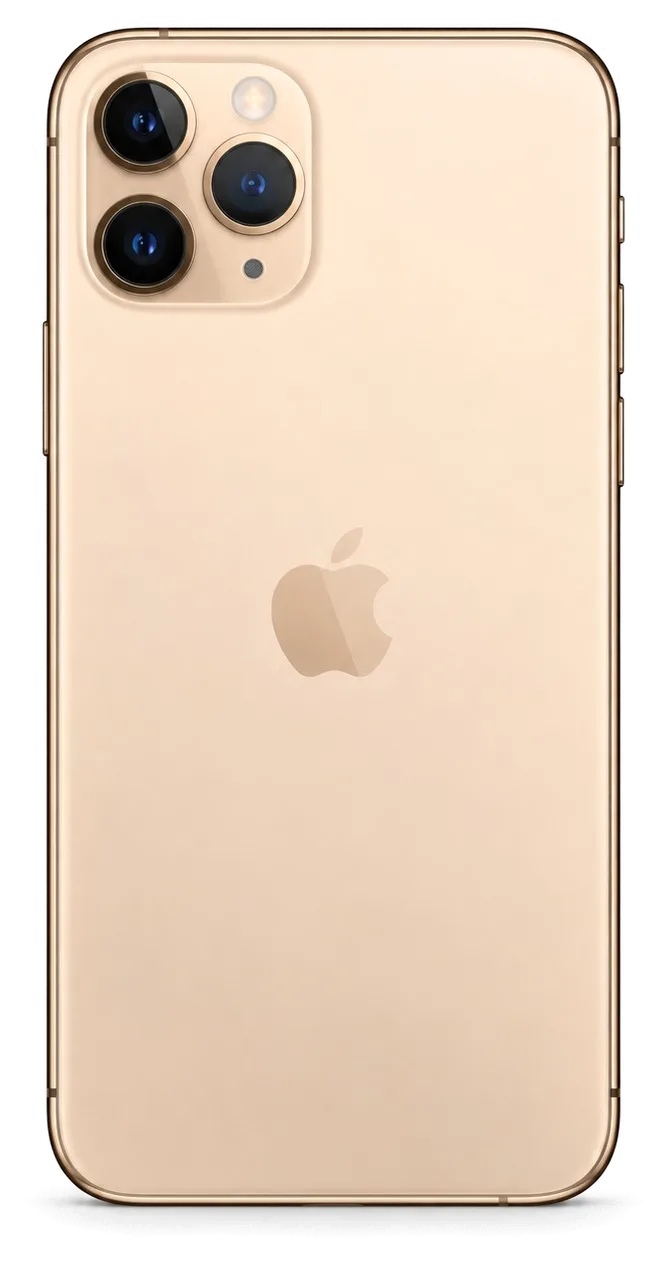
The 11 Pro is a triple-camera OLED phone with Face ID and a glass back, so its weak points differ from the LCD iPhone 11. Here is what we see most often at the bench.
The Three Faults We See Most on This Model
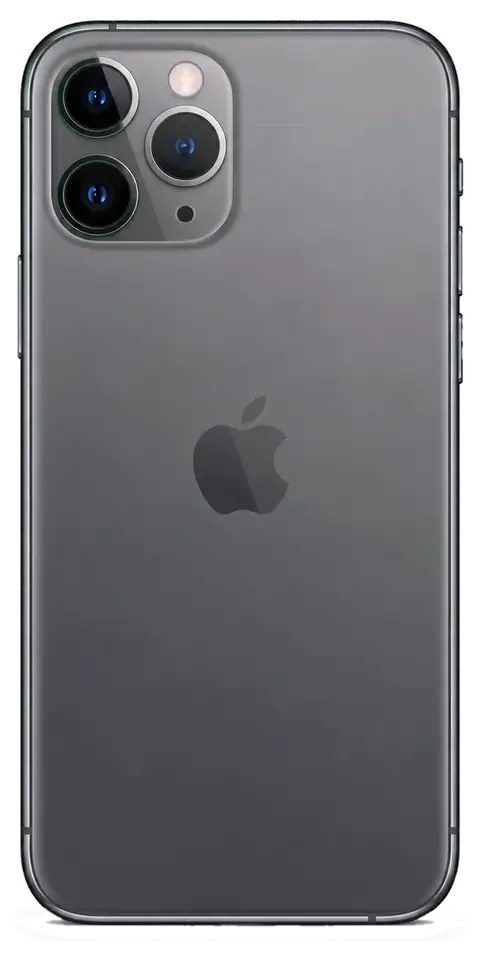
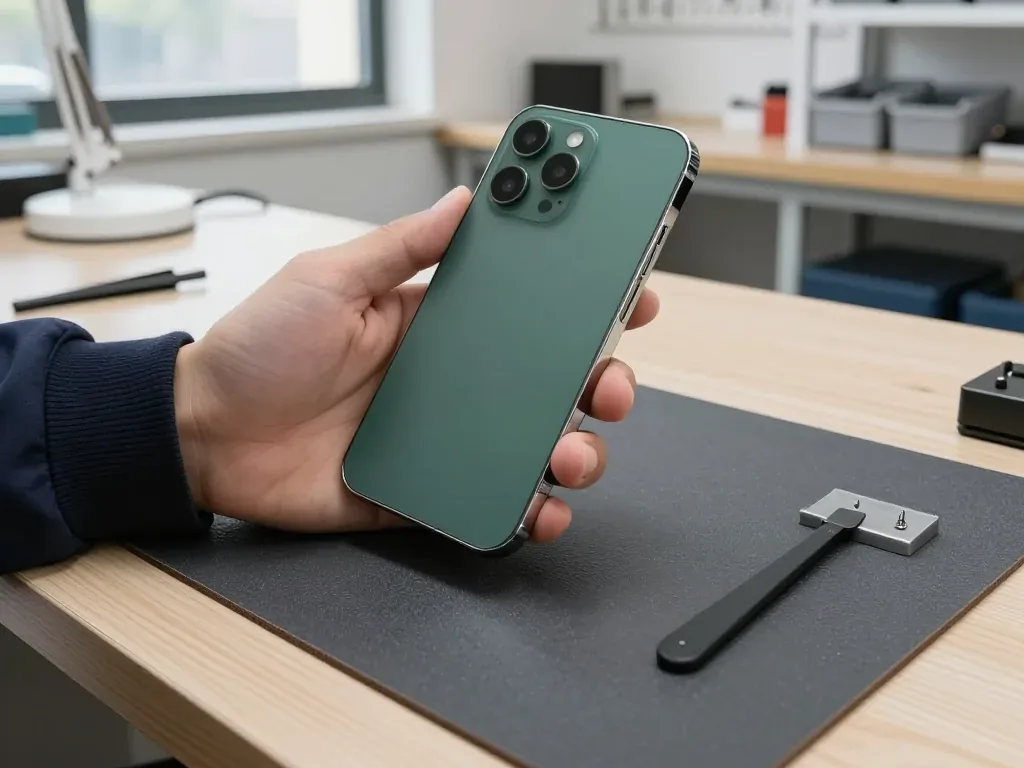
Most iPhone 11 Pro repair jobs that reach our bench involve a cracked OLED display, a worn power pack, or a shattered lens cover on the rear. The 5.8-inch panel is bonded to the frame, so one hairline crack spreads across the whole module within days of a drop. The power pack inside this chassis has usually cycled through 800 or more charges by now, and the health reading in Settings slides lower on older units. The lens cover fails because it sits proud of the body and takes the impact first. The matte back and the raised triple-lens plateau absorb the hit in most drops, so a case that leaves that lip exposed protects less than owners assume.
Symptom, Likely Cause and What We Do
Symptoms matched to the faulty node behind them| What you notice | Likely cause | What we do |
|---|
| Green lines or dead zones on screen | OLED panel damage | Replace display module |
|---|
| Drops fast, shuts down at 20% | Worn power pack | Replace power pack |
|---|
| Won't charge unless cable is angled | Dirty or worn Lightning port | Clean or replace port flex |
|---|
| Blurry shots, cracked lens cover | Broken lens cover | Replace lens cover |
|---|
| No sound on calls only | Audio flex fault | Inspect and replace flex |
|---|
Battery and Charging Problems Specific to the 11 Pro
We replace an iPhone 11 Pro power pack in 25 minutes, and we check the Lightning port and its flex first so we don't swap a healthy unit for a charging fault. A port packed with pocket lint reads exactly like a dead power source on a tester, and the two faults arrive together often enough that we test both before ordering a replacement. The 11 Pro uses a two-cell design, so a swollen unit can lift the screen from the frame and crack the OLED from underneath. The health figure in Settings is a guide, not a verdict; a unit that reads 85% can still be the reason a phone shuts down in cold Almaty winters.
Screen Repair for the iPhone 11 Pro
A cracked 11 Pro screen is not always a full module job. Whether the outer layer alone can be replaced depends on the OLED matrix underneath, and that is what the bench check decides.
Glass Only or the Whole Display Module
If the OLED matrix is intact and only the outer layer is cracked, we can replace that layer alone; if there are lines, dead touch zones or a dark patch, the full module goes in. A glass-only job means the technician lifts the broken top off the assembly, cleans the frame and bonds new glass with optical adhesive under a press. Lines across the picture, a black blotch spreading from a corner or a strip where touch stops responding all point to damage in the matrix itself, and there the whole assembly is the only route. Our engineers check the OLED under magnification before quoting either option, because a hairline crack is invisible in daylight. A glass-only job keeps your original matrix and its calibration, which is why it is worth asking for when the picture still looks clean.
Will True Tone and Face ID Survive a New Screen
Face ID keeps working after a screen replacement because the TrueDepth module sits apart from the display, and we transfer the True Tone calibration so the picture keeps its warm-to-cool shift. The dot projector, infrared camera and flood illuminator are mounted in the top bezel and do not travel with the broken assembly, so a straight swap leaves unlocking untouched. True Tone is a different story: its calibration data is tied to the original OLED, and a programmer writes it into the new assembly during fitting. True Tone is the function most often lost on a cheap aftermarket part, so if the tint shift matters to you, say so before we fit it.
How Long a Screen Job Takes
A screen replacement takes about 40 minutes, and 72% of repairs finish while the customer waits in the seating area with coffee and Wi-Fi. The technician heats the frame, lifts the broken assembly, moves the earpiece speaker and sensor flex across, fits the new module and runs the function check — the 40 minutes covers the whole sequence, not just the swap. Most jobs across the model line land in the 20–40 minute window: a battery takes 25 minutes, camera glass 20. If the frame is bent from a drop, add a straightening step before fitting, since a warped chassis puts pressure on the new panel and cracks it again within weeks. Book the slot from a WhatsApp photo and the 40 minutes starts when you arrive, not when the queue clears.
Original Part or Aftermarket for Your iPhone 11 Pro Repair in Almaty
The part you choose decides which functions survive. We show both options in factory packaging before fitting anything, and the choice goes on the receipt.
How Original and Aftermarket Parts Differ by Function
What each part type keeps working after fitting| Part | True Tone | Face ID | Factory seal |
|---|
| Original display | Works after calibration | Works | Yes |
|---|
| Aftermarket display | May not work | Works | No |
|---|
| Original battery | Full health reporting | n/a | Yes |
|---|
| Aftermarket battery | Health may not show | n/a | No |
|---|
Why the Phone Shows an Unknown Part Message
The unknown part notice is an identifier of the part type, not a sign the repair failed, and it appears when the phone cannot confirm a component as its factory original. The display and the battery carry a small chip that pairs with the logic board, and a replacement component without a matching identifier triggers the note in Settings. On this model the notice shows up under Battery and, for screens, in the parts history, while the screen itself still lights up, responds to touch and runs at full brightness. The message does not stop the component from working, but it does tell a future buyer the screen or battery was changed, so keep the receipt with the device. If you are weighing an iPhone 11 Pro repair in Almaty, this notice is worth knowing about before you decide.
How We Fix Your Choice Before Work Starts
Before any work we write the price, the component type, the turnaround and the warranty on the receipt, which takes about 2 minutes, and we show the new module in its factory packaging. The engineer opens the box in front of you, checks the serial marks against the line on the paper, and only then starts the job — on this model that is 40 minutes for a screen and 25 for a battery. You leave with the receipt, the warranty card and the old component in a bag, so nothing about the swap is left to memory. A receipt that names the component is what makes the warranty usable later, so check that line before you sign.
Water Damage and Board-Level Work on the 11 Pro
Water and board faults are the cases that do not fit a 40-minute slot. They need a microscope, a longer diagnostic and a clear plan before anything is unscrewed.
What Happens After the Phone Falls in Water
A wet iPhone 11 Pro should not be charged or dried with a hairdryer; we clean the logic board, and diagnostics after water can take up to two days before we know the full picture. Liquid reaches the circuitry through the speaker grille and the SIM tray opening, and once inside it attacks the power controller and the charging circuit first. Opening the case already lowers the factory IP68 water resistance, so the seal is never the same after the first swim. Corrosion keeps spreading while the handset sits wet, so the sooner it reaches the bench the more of the mainboard can be saved.
Board Repair Under the Microscope
Board-level faults on the 11 Pro go under a microscope for micro-soldering, and that kind of job takes 1 to 3 days rather than the 40 minutes a screen needs. Shorted power controllers, torn pads and corrosion under the shielding are soldered by hand at iServices, with each joint checked under magnification before the component goes back into the chassis. This is the deepest repair we do, and it is worth choosing when the data on the device matters more than the device itself — say so up front and we plan the schedule around your files. Bring the phone in as soon as the fault appears: corrosion and shorted rails spread while the board sits idle, and a joint that is still clean today can be gone by the weekend.
What to Do Before You Hand the Phone In
- Back up first: run an iCloud or computer backup so your photos and chats survive whatever the outcome.
- Turn off Find My: the activation lock blocks service work, so disable it at home, not at the counter.
- Note your passcode: the engineer may need it to test Face ID, cameras and network once the repair is done.
- Remove the case and screen protector: these slow the bench check and can hide hairline cracks.
- Bring the receipt from a past repair: it shows which components are already non-original.
What You Get Back and Who Stands Behind the Work
The handover is where a repair proves itself. You check the phone with the engineer, and you leave with the receipt, the warranty card and the old part.
The 32-Point Check at Pickup
After the repair we run a 32-function check that takes about 10 minutes, and you go through Face ID, True Tone, cameras, microphones, speakers, charging and network with the engineer. Each item maps to a component we touched, from the front sensor array down to the charging port and the antenna lines. Face ID depends on the TrueDepth module sitting correctly against the frame, True Tone needs the display serial to stay paired, and the cameras only prove themselves once you open the app and shoot a frame in good light. The engineer hands you the device rather than holding it, because your finger on the sensor and your face in the frame are the real test. Testing Face ID and the cameras yourself at the counter is the fastest way to catch a fault while the phone is still on our bench, not a day later.
Warranty, Receipt and the Old Part
Every repair leaves with cover up to 1 year, a warranty card and the removed component, and the receipt names the module we fitted so the term is easy to use. The document records what went in, whether it was original or aftermarket, the turnaround and the cover period — the same four lines we agreed before work started, now printed and signed. That matters when a question comes up months later: the paper says which module was installed, so nobody has to guess from memory. The old component travels home with you in a small bag, still bearing its serial. Keep it until the cover ends; it is the simplest proof of what was inside the device before the repair.
Direct Contractor, Courier and Payment
iServices is a direct contractor with its own technicians and workshop, not an agency or a middleman, and a courier across the city takes 90 minutes and is free with a repair. The same team that answers your WhatsApp photo does the bench work in our workshop, and we hold branches in two cities — the southern one and the capital — so a job booked in one place follows the same routine. Pay by Kaspi, card or cash, whichever suits you at the counter. With a direct contractor the person who quotes the job is the person whose workshop does it, so there is no hand-off to explain a delay.
Summary: iPhone 11 Pro Repair
A repair goes smoothly when you know the fault, the part and the functions to check before you leave the counter.
- Match the fault to the component: a cracked screen, a worn battery and a broken camera glass are three different jobs with three different turnaround times.
- Ask about glass-only repair: if the OLED image is clean, the outer glass can be replaced without losing the original panel.
- Check the functions that matter: Face ID and True Tone are the two that a cheap component most often costs you.
- Prepare before you arrive: a backup and Find My switched off save time and protect your data.
- Keep the paperwork: the receipt, warranty card and old component are what make a warranty usable months later.














 iPad
 MacBook
 iMac
 Mac mini and Studio
 Apple Watch
 AirPods
 Apple Pencil
 Apple TV
 HomePod




