The iPhone 8 is an older but still serviceable handset. The faults we see most are predictable, and a quick in-person check tells us which one you have.
The Faults We See Most on This Model
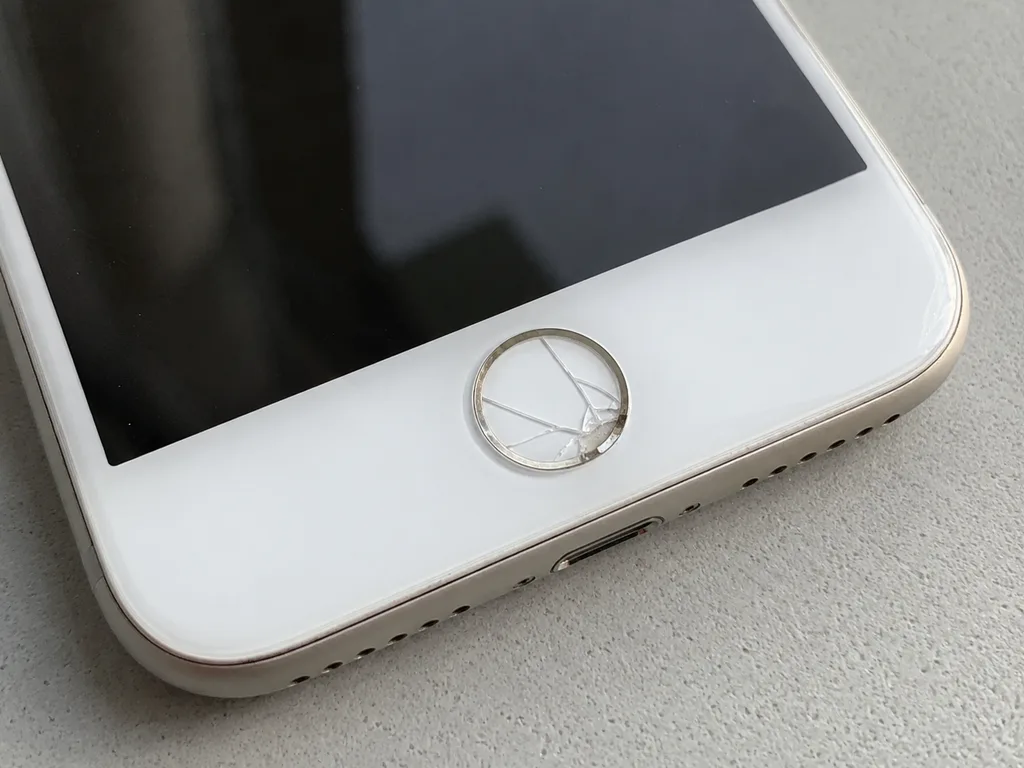
We see four common faults again and again — a cracked screen, a worn battery, a dirty or damaged Lightning port, and shattered camera glass. A dropped unit often cracks the front panel or kills the touch layer, so the whole display module needs replacing. After several years of charging cycles the cell holds less charge and the handset may shut down early. Pocket lint, dust and oxidation block the Lightning contacts, so the cable no longer sits firmly. The small rear lens cover cracks on impact and lets dust onto the sensor underneath. If you are looking for iPhone 8 repair in Almaty, the engineer can confirm which of these faults you have during a free in-person check.
Symptom, Likely Cause and What We Do
symptom, root cause and the fix we apply| Symptom | Likely cause | What we do |
|---|
| Screen cracked, lines or dead touch | Display module damage | Swap the module |
|---|
| Dies fast or shuts down early | Worn battery | Fit a new battery |
|---|
| Will not charge or cable falls out | Clogged or oxidised port | Clean or replace the port |
|---|
| Blurry photos, dust spots | Cracked camera glass | Replace the lens cover |
|---|
| No image, no boot after water | Board damage | Microscope board repair |
|---|
What to Do Before You Hand the Phone Over
Before any repair, make a backup, turn off Find My iPhone, and note your passcode so the engineer can test every function afterwards. Copy photos, chats and contacts to iCloud or a computer before you leave the device at the counter. Sign out of your Apple ID in Settings, because an activation-locked unit cannot be fully tested after a screen or board job — the check stalls until it is disabled. Write the passcode down and share it with the engineer, so they can open and test the handset on the spot. Snap the broken area first, so you keep your own record of the condition before work starts and can compare it with the result at pickup.
Screen Damage and Whether iPhone 8 Repair Needs Glass or the Whole Module
A cracked iPhone 8 screen is not always a full display replacement; whether you need glass only or the whole module depends on what the damage reached.
Cracked Glass, Dead Pixels or a Failing Touch Layer
If only the outer layer is cracked and the image and touch still work, we can often replace that layer alone; lines, black patches or a dead digitiser mean the full module goes. We sort every iPhone 8 screen job into one of three scenarios during free diagnostics: surface cracks with a clean image, dead pixels or coloured lines across the matrix, and a sensor that stops responding along an edge or in patches. The display module on this model bundles the LCD and the digitiser into a single laminated assembly, so the matrix and the sensor cannot be separated once either part fails. A phone that still shows a perfect picture but ignores swipes near one corner is the classic sign of a failing digitiser, not dirt under the surface.
Will True Tone and Touch ID Still Work After a Screen Swap
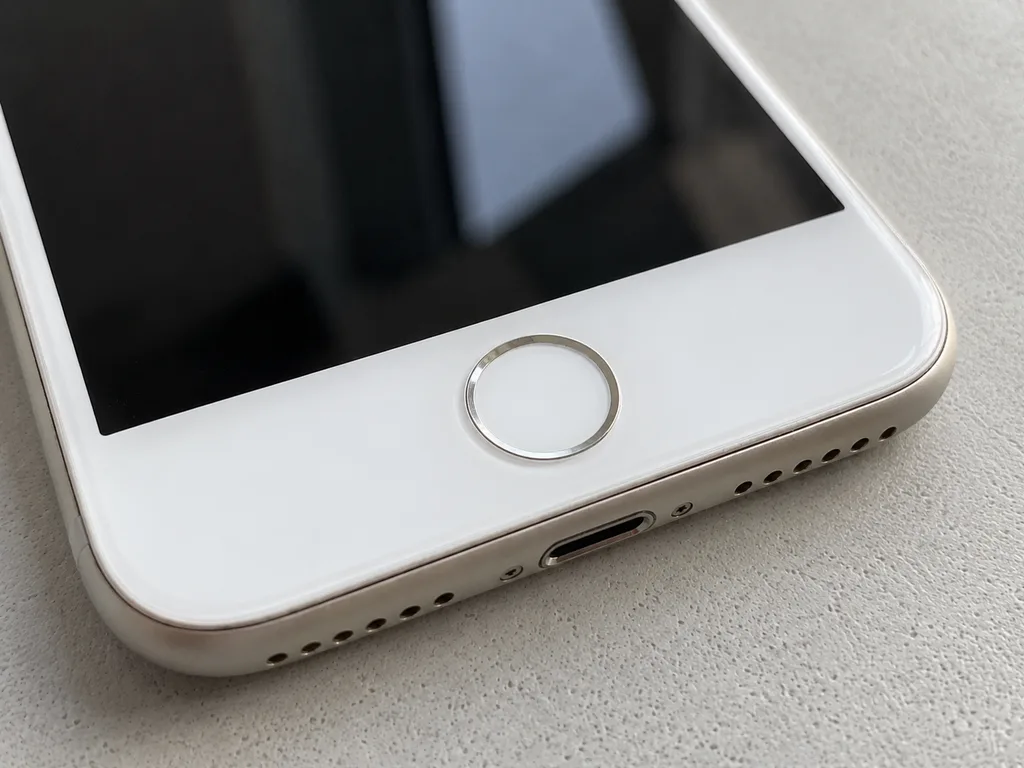
Touch ID keeps working after a screen swap because the Home button is a separate part, and True Tone works once we transfer the display calibration to the new panel. The Home button on this model carries its own fingerprint sensor paired to the board, so it moves from the old panel to the new one intact and keeps unlocking the phone as before. True Tone is different: it reads a calibration file written to the original panel at the factory, and a fresh module arrives without it. We copy that calibration across during the swap, so the display still warms and cools with the light in the room. Skipping this step leaves a panel that looks fine on a test bench but stays fixed in tone.
Glass Only or Full Module at a Glance
Two screen repair routes side by side| What is damaged | What we replace | What you keep |
|---|
| Outer layer only, image and touch fine | Outer layer | Original LCD and its calibration |
|---|
| Dead pixels, lines or colour patches | Full display module | Home button and its Touch ID |
|---|
| Digitiser dead along an edge | Full display module | Original frame and fittings |
|---|
Original Part or Aftermarket and What It Means for Your iPhone 8
The part you choose changes how the phone behaves afterwards, so it is worth knowing what each option keeps and what it may cost you in function.
How Original and Aftermarket Parts Differ in Use
An original part matches the factory behaviour of the iPhone 8 across brightness, colour and battery reporting, while an aftermarket part can differ in one or more of those. A display module carries the True Tone calibration and the touch layer together, so a mismatched unit may look slightly cooler or warmer than the rest of the screen and lose automatic brightness shifts. A battery feeds the Battery Health readout, and a low-grade cell can show a healthy percentage that quietly falls over the following weeks. Around 64% of our customers pick the original option once they see both side by side. The gap shows up over months, not on day one — an aftermarket cell may report health normally at first and then drift, so the warranty terms matter as much as the unit itself.
What the Receipt Locks In Before We Start
- Price and part type: both are printed before the engineer picks up a screwdriver, so the figure cannot shift mid-job.
- Turnaround: the promised completion window is written down, which matters when a screen job runs to 40 minutes.
- Warranty: the term of up to 1 year is stated on paper and backed by a separate card.
- Old part: the removed component goes back to you in the box as a physical reference.
The Unknown Part Message Explained
The unknown part message is an indicator of the part type, not a fault, and it appears when a component is not paired to the board. It shows up in Settings under the battery or display section and tells the system that the installed unit was not matched to the logic board at the factory. The phone keeps working — charging, touch and the camera all behave normally — but the software flags the component as unidentified. On this model the message is rare compared with newer generations, because fewer parts are serial-paired to the logic board here. If you see it after a repair elsewhere, ask which unit was fitted and keep the paperwork, since the message follows the component, not the phone.
Battery, Charging and Camera Glass Repairs While You Wait
Battery, charging and camera glass are the quick jobs on an iPhone 8, and most of them finish while you sit in the waiting area.
When the Battery Needs Replacing
A battery swap on the iPhone 8 takes about 25 minutes, and we recommend it when the health reading drops and the phone shuts down under load. You can see the wear yourself under Settings, Battery, Battery Health — once the maximum capacity falls into the low eighties and the handset dies at 20–30%, a fresh cell restores a full day of use. Our engineers fit the new module in front of you, in factory packaging, and the receipt records the part type and the warranty before any screw comes out. A swollen cell is a safety issue, not just a runtime one — it can lift the screen from the frame, so it is worth checking before the display itself cracks.
Lightning Port or Board, Why the Phone Will Not Charge
Most charging faults on this model come from a clogged or oxidised Lightning port, and the port is visible on the first inspection, so we can tell you quickly whether it is the connector or the board. Pocket lint packed against the contacts blocks the cable from seating fully, and a phone that charges only when you hold the plug at an angle is usually showing worn pins rather than a power-controller failure. We clean the port under magnification first, then test charging with a known-good cable; if the current still will not pass, the charging flex is replaced, and only a board-level fault sends the device to the microscope bench. A port that charges only at a certain angle is usually worn contacts rather than a board fault, and cleaning buys time but a replacement connector is the lasting fix.
Camera Glass and Rear Panel Jobs
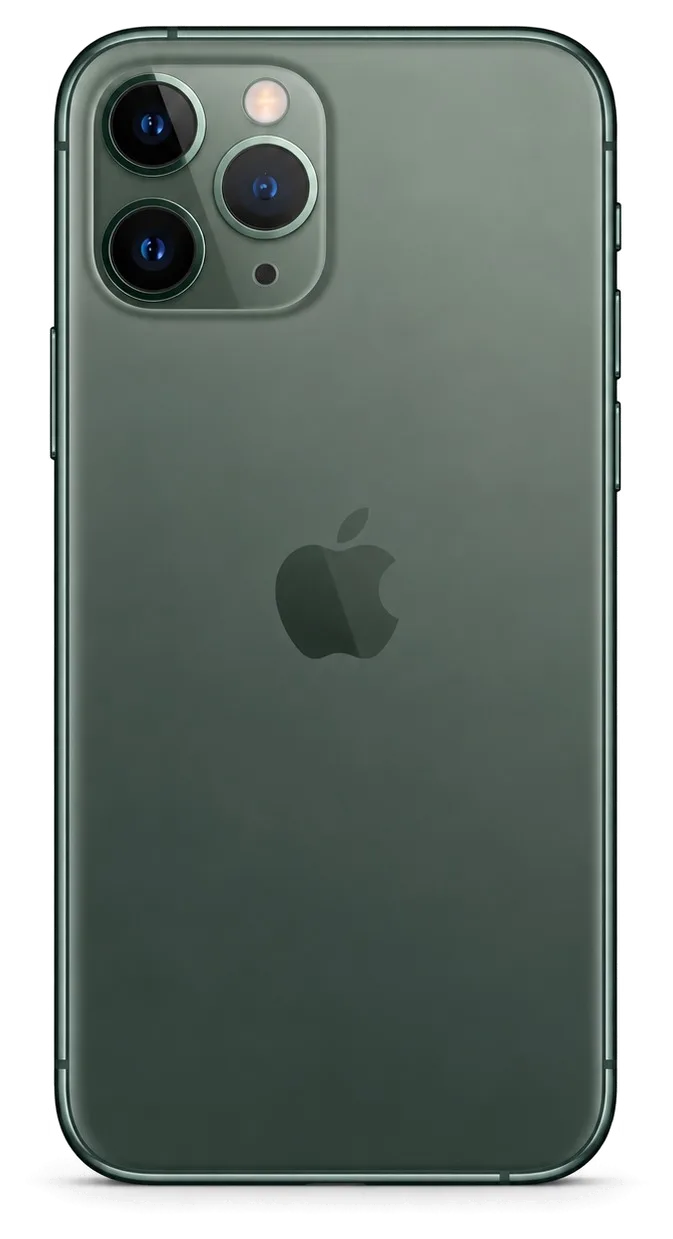
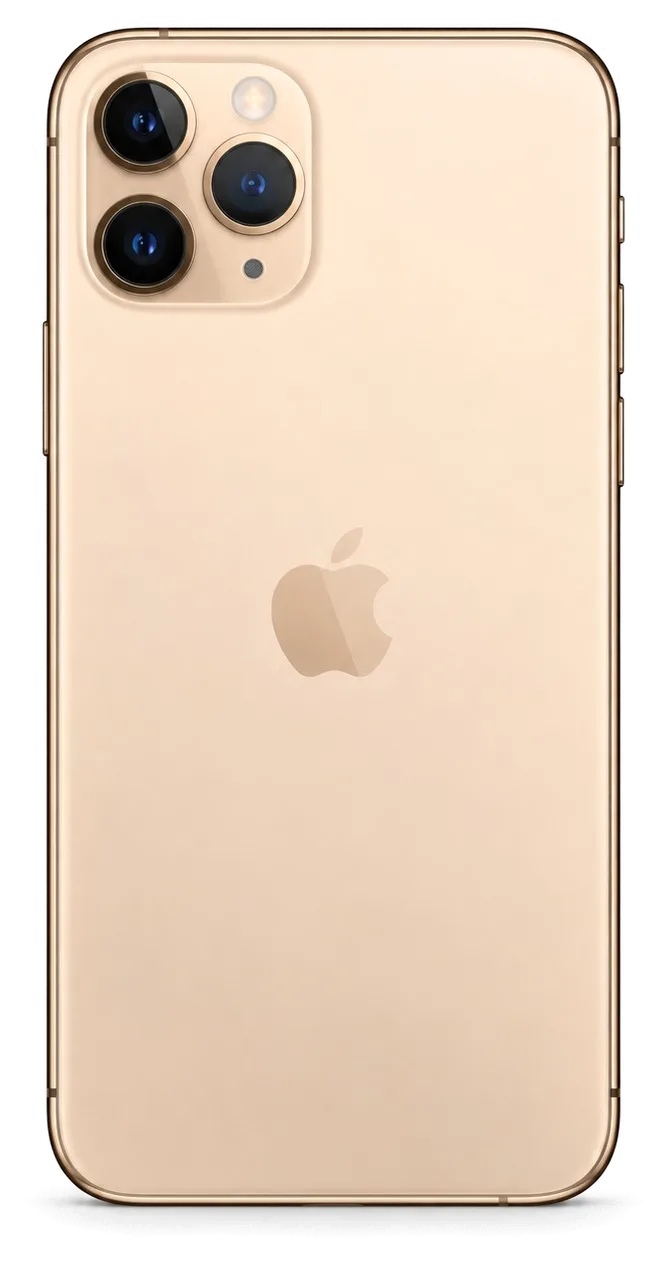
The camera lens cover on the iPhone 8 takes about 20 minutes to replace, and the rear panel is a separate job because it is bonded to the frame. The lens cover sits over the main camera and shatters on its own from a drop, while the rear panel is glued across the whole chassis and needs heat and controlled lifting to come away without bending the aluminium. We keep the original camera module untouched during a lens-cover swap, so focus, stabilisation and image quality stay as they were. A scratched lens window scatters light and softens every photo, so a cheap-looking crack can quietly degrade image quality long before the optics themselves are touched.
How Your Visit Works and What You Get Back
From the first WhatsApp message to the moment you walk out, the visit follows a fixed order, and you leave with more than a working device.
From WhatsApp Photo to Free Diagnostics
Send a photo of the damage on WhatsApp and an engineer replies within 5 minutes with a price, then checks the device free of charge in front of you for 15 minutes. The engineer runs the diagnostics in your presence and shows exactly what is broken, even if you decide not to repair. A courier can be called to collect the unit across Almaty, and the trip takes about 90 minutes, free with a repair. Payment is by Kaspi, card or cash. The photo quote is only as good as the photo, so shoot the damage in daylight from two angles — it saves a second trip if the fault turns out to be deeper than it looks.
The 32-Point Check You Do With the Engineer
- Touch ID: the fingerprint sensor is tested on the spot, since a screen swap can affect the home button connection.
- Cameras and microphones: front and rear cameras, plus both microphones, are checked for focus, clarity and recording.
- Speakers and earpiece: both audio outputs play a test tone to confirm sound is clean at full volume.
- Charging: the Lightning port and cable are tested together to confirm the handset actually takes a charge.
- Network and True Tone: cellular signal, Wi-Fi and the display tint are confirmed before you sign off.
What Comes Back With the Phone
- The receipt: it lists the part fitted, the turnaround and the warranty fixed before work started, so the record matches what was agreed.
- The warranty card: coverage runs up to 1 year and travels with the device, not with the person who paid.
- The old part: the removed component is returned in a bag, so you can see what actually came out of your unit.
- The check sheet: 32 functions were verified with the engineer, and 72% of jobs finish while the customer waits in the waiting area.
Summary: iPhone 8 Repair
A few decisions shape how an iPhone 8 repair turns out: which component goes in, what the paperwork locks down, and how the finished phone is checked before it leaves.
- Screen work starts with a question: whether only the outer layer is cracked or the touch and image layers have failed decides if a full module is needed.
- Component choice echoes later: an original unit keeps True Tone and sensor behaviour predictable, while an aftermarket one may drift in feel over the following months.
- Battery and charging port jobs are short: these are the fastest fixes and usually finish inside 25 minutes while you wait.
- The receipt is the contract: item type, turnaround and warranty terms are written down ahead of any screwdriver work.
- The handover check protects you: testing cameras, speakers and charging together with the engineer confirms the fix prior to your departure.
















 iPad
 MacBook
 iMac
 Mac mini and Studio
 Apple Watch
 AirPods
 Apple Pencil
 Apple TV
 HomePod




