Buyers usually arrive with a cracked cover layer and no idea what actually gets swapped. We separate the three components involved, explain what a module is, and show which cases need the full unit rather than surface work.
What a display module actually contains
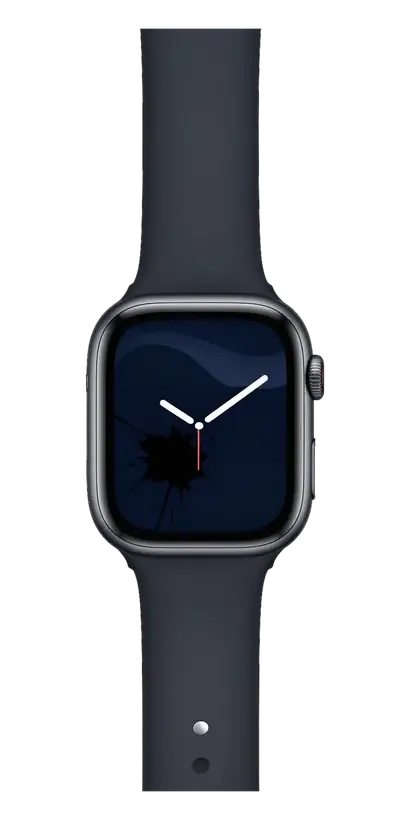
A display module is a single assembly of OLED panel, touch layer and cover glass bonded together, so replacing the screen usually means swapping the whole unit. The OLED panel produces the image, the digitiser reads finger position, and the protective top sheet shields both; flexible ribbon cables carry the signal from the assembly to the watch board. Because the three layers are laminated under pressure, the seam between them is what seals the stack against dust and moisture. When only the outer sheet is cracked but touch and image are intact, a glass-only job is possible, yet the bond between layers is what keeps moisture out, so a partial fix is a judgement call the engineer makes after looking at the damage.
When touch fails but the image is fine
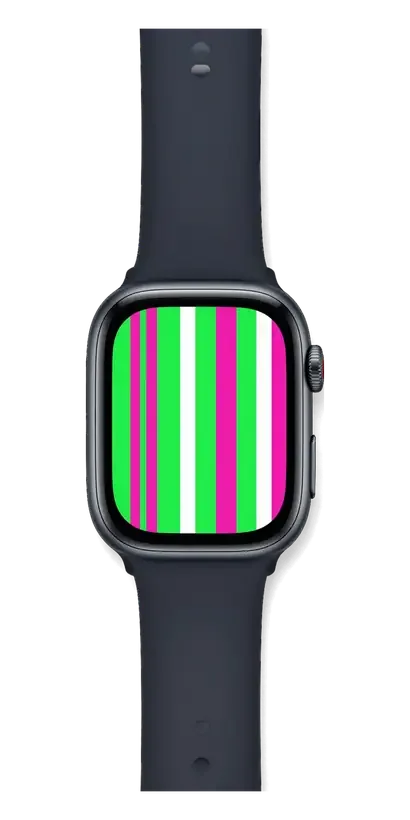
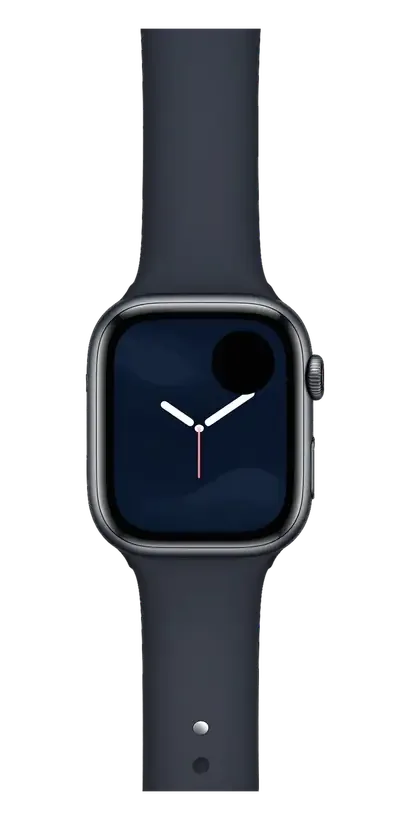
If the picture is sharp but taps do not register, the touch layer inside the assembly has failed, and we replace the whole unit rather than polish or re-glue the top sheet. Polishing removes surface scratches only; it cannot rebuild a broken digitiser grid or re-laminate a delaminated stack. Our engineer checks the device in front of you for 15 minutes free of charge, confirms which component is at fault, and shows the reading before any work is agreed. Paying for polish on a non-responsive screen just delays the real repair, since no amount of buffing restores a dead digitiser.
What happens to watch functions after the Apple Watch display replacement
The main worry before a display job is that the watch will feel worse afterwards. Here is which functions depend on the display module itself and how we confirm each one with you before handover.
Always-On, ECG and brightness
These functions live in the module and the watch body, so a correctly installed display keeps Always-On, brightness and ECG working, and we confirm each one with you before handover. The ambient light sensor sits behind the glass, so a poorly seated connector shows up as a dim or flickering Always-On rather than a dead screen. Our 32-function check covers the display, sensors and biometrics in about ten minutes, and you run through the results alongside the engineer at the counter. A dim or flickering Always-On after a swap usually points to a poorly seated display connector rather than a bad panel, which is why the connector check comes before the cosmetic check.
Water resistance and the microphone after replacement
Water resistance depends on how well the new screen assembly is sealed during installation, and we test the microphone and speaker as part of the 32-function check so a loose connection never leaves the bench. The gasket and adhesive around the display are what keep moisture out, and reusing a compressed seal is the usual reason a watch fogs up after service. Our engineers fit a fresh seal and press the unit evenly, then run the speaker and microphone through a short audio test with you listening. Even a perfect seal ages with wear, so treat post-repair water resistance as reduced rather than guaranteed and avoid swimming with the watch right after service.
Original part or aftermarket, and how we show it
The panel you pick shapes colour accuracy, brightness headroom and how long the screen holds up. Below is how the two routes differ and how you inspect the new module before fitting.
Comparing the two part options
Two display routes compared by panel quality and use case| Option | Colour and brightness | Durability | Best for |
|---|
| Original part | Matches factory calibration | Longest service life | Daily driver you keep |
|---|
| Aftermarket part | Slightly cooler tone | Shorter lifespan | Backup or older watch |
|---|
| Lead time | Same-day on both | — | — |
|---|
Seeing the part before it goes in
We open the new display in its factory packaging in front of you prior to installation, so you see exactly what is going into your watch. Our engineer lays the module beside the opened carton, checks the connector and flex cable, and confirms the model match against your case size. The receipt already records whether you chose an original or aftermarket component, along with turnaround and warranty, so the paperwork and the hardware on the bench line up ahead of any screw coming out. In our practice, 64% of customers go with the original, and most of them ask to see the box first. Ask to keep the packaging slip with your receipt, since matching the serial on the component to the paperwork is the simplest way to confirm later which option was fitted.
How the replacement runs from message to pickup
Buyers want to know whether the watch disappears for a week and what gets written down before anyone touches it. We walk through each step, from a photo on WhatsApp to pickup with the old part in hand.
From a WhatsApp photo to a fixed receipt
You send a photo of the damage on WhatsApp, an engineer replies within 5 minutes with a price, and before any work starts we fix the price, component, turnaround and warranty on the receipt in about 2 minutes. The photo needs to show the cracked glass straight on and at an angle, plus a shot of the watch face switched on, so the engineer can tell a glass-only job from a full module swap. Free diagnostics follow in front of you — 15 minutes, even if you decide not to repair. For Apple Watch display replacement in Almaty, owners usually ask about timing first, and the answer is that most jobs run 20–40 minutes at the bench. Getting the turnaround written down matters more than the estimate itself, because it turns a verbal promise into something you can point to if the job runs long.
Waiting on site and what you take home
Most display jobs finish in 20–40 minutes while you wait in the seating area with coffee and Wi-Fi, and 72% of our repairs are completed on the spot rather than sent away. Nothing leaves the workshop: our own technicians work at their own benches, so the watch is not passed to a third party and the wait stays short. After the swap you run through the checks with the engineer — touch, brightness, charging, microphone and speaker — across 32 functions, about 10 minutes. We hand back the device with the receipt, a warranty card covering up to 1 year and the old display in a bag. Keeping that old component is worth it if you ever need to prove what was originally fitted.
Handing over the watch and paying for the job
Not everyone can find time to visit a branch during a working day. Below we explain how to pass the watch to a courier or bring it yourself, and how to settle the bill.
Courier pickup across the city
A courier can collect your watch anywhere in Almaty within 90 minutes, and the pickup is free when it comes with a repair. We arrange the visit around your address and confirm a time slot in the same WhatsApp thread where the engineer quoted the job from a photo. The driver carries the watch to our workshop, where the part is fitted and the 32-function check runs before anything goes back to you. Our branches in the capital and the southern city work with the same intake rules, so a device sent from either location follows an identical route. Photograph the watch and note any existing scratches prior to handing it over, so the condition on arrival is not in question later.
Payment methods and opening hours
You can pay by Kaspi, card or cash, and we accept devices 7 days a week, with weekday hours 10:00-19:00 and weekends and holidays 11:00-18:00. Payment is taken at pickup, once you have seen the watch and checked the screen together with the engineer, so nothing is charged until the work is confirmed. The receipt you receive lists the part, the turnaround and the warranty, which lasts up to 1 year on the fitted module. If you are paying by card, confirm the amount on the receipt before tapping, since the figure fixed at intake is the one that should match the terminal.
Summary: Apple Watch Display Replacement
A display swap on a smartwatch comes down to a few decisions you can control before and after the job. Here is what matters most.
- Module versus glass: a cracked screen is usually a module job, while a glass-only fix only makes sense when touch and image still work.
- Functions after the swap: Always-On, ECG and brightness survive a correct replacement, but water resistance is reduced rather than guaranteed.
- Part choice: original and aftermarket parts differ in colour, brightness and lifespan, so match the choice to how long you plan to keep the watch.
- Paperwork: a written receipt with part, turnaround and warranty protects you more than any verbal estimate.
- Time out of your hands: waiting on site, courier pickup and flexible payment all shorten how long the watch is away from you.










 iPad
 MacBook
 iMac
 Mac mini and Studio
 AirPods
 Apple Pencil
 Apple TV
 HomePod