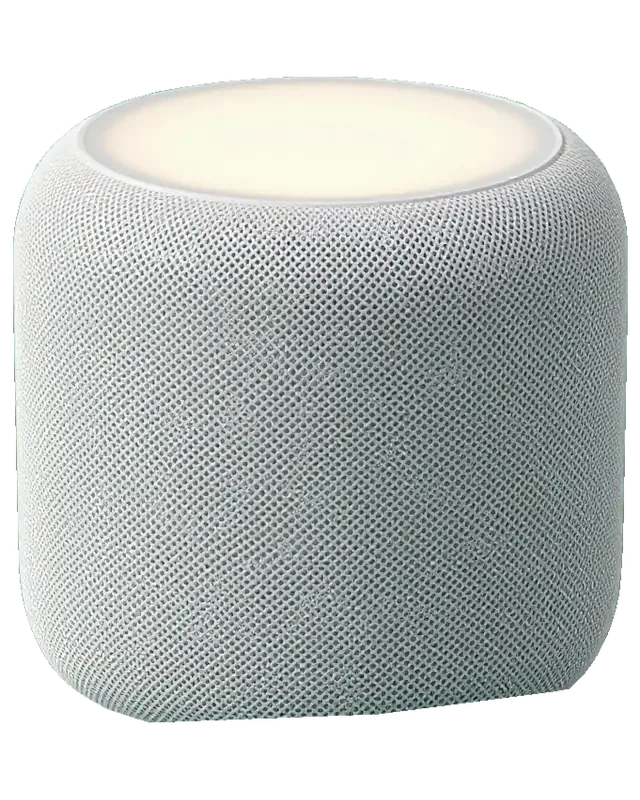
A HomePod 2 packs a woofer, five tweeters, a power supply, a logic board and a touch panel into one sealed mesh body, so the first job is to find which of these actually failed.
What sits inside a HomePod 2 and which part usually fails
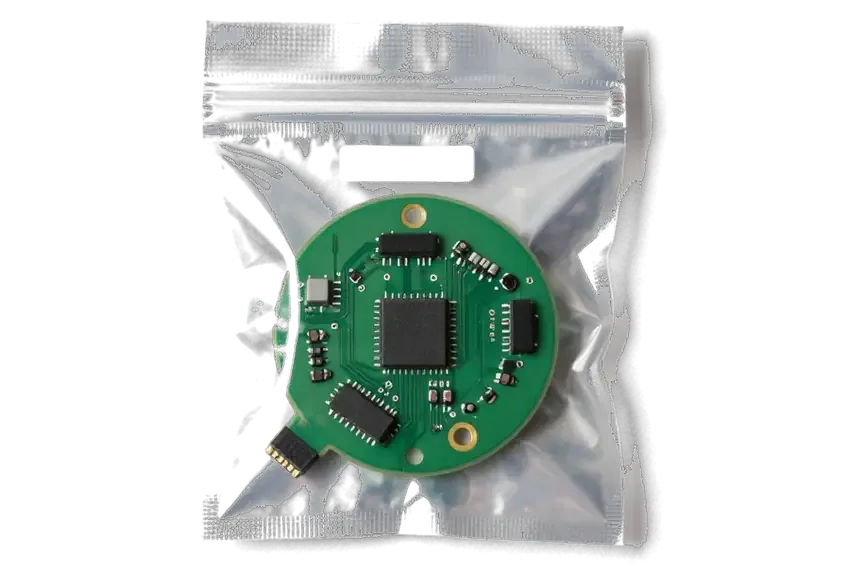
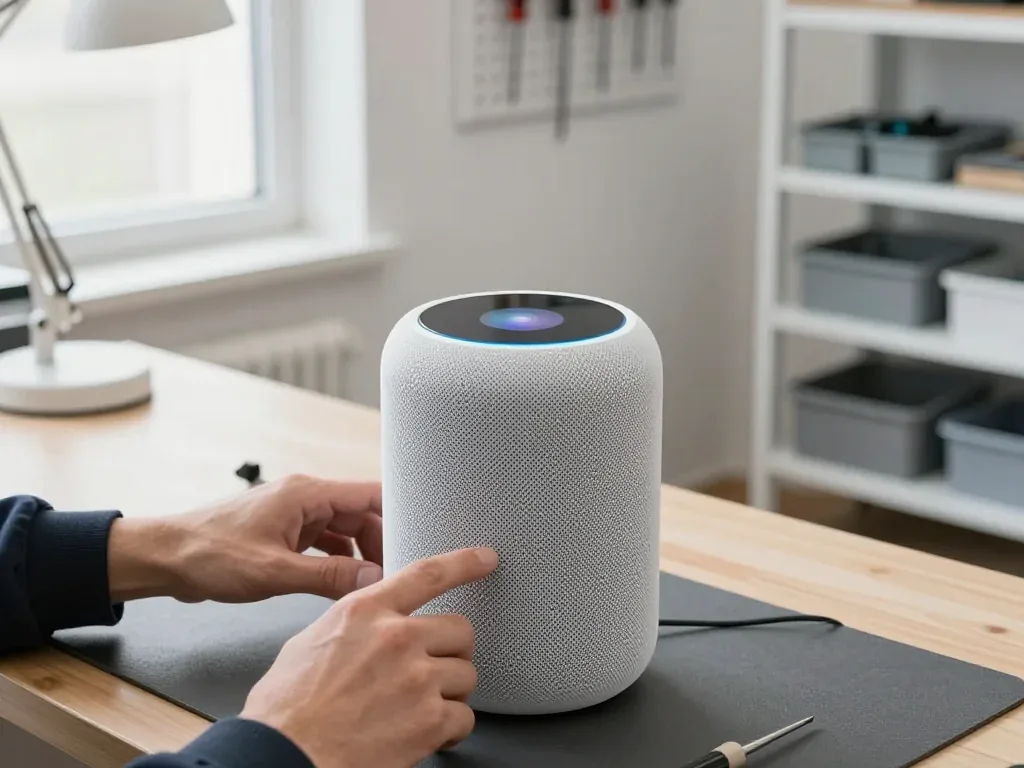
The speaker holds a woofer, five tweeters, a built-in power supply, a logic board, a microphone array and a touch panel, and the power supply and cable are the parts that fail most often. The woofer handles low frequencies down to the bass you feel through the table, while the five tweeters in a ring around the base carry mids and highs in every direction. The logic board runs Siri, the Wi-Fi module and the audio processing, and the microphone array listens for commands through the same mesh that lets sound out. The power supply sits inside the sealed housing and feeds every one of these components. Because the power module is internal and the cable is detachable, a dead unit is often a cable or module fault rather than a board fault, so testing it first saves the cost of a full board repair.
Symptom to part, a quick map of common faults
matching each symptom to the component it points to| Symptom | Likely part | What we do |
|---|
| No light, no sound | Cable or power supply | Test supply, replace cable or supply |
|---|
| Crackle or buzz on bass | Woofer or loose body element | Inspect driver and body, replace if needed |
|---|
| Drops off Wi-Fi, "No Response" | Wi-Fi module or software | Check network, then module and board |
|---|
| Siri does not hear you | Microphone array | Test mics, clean or replace |
|---|
| Touch panel dead or flickering | Touch panel or board | Test panel, check board under microscope |
|---|
How we tell a router problem from a broken speaker
We first connect the unit to a second network, and if it still drops off, the fault is in the Wi-Fi module or the board rather than your router. The engineer opens the Home app, checks whether the speaker disappears from the network at the same moment as other devices, and watches the signal strength the unit reports on a clean channel. A weak channel or heavy interference from neighbouring networks can mimic a hardware fault almost exactly, and the mesh body gives no clue on its own. Interference and a weak channel can mimic a hardware fault, so testing on another network before opening the unit avoids charging you for a module repair you did not need.
HomePod 2 Repair in Almaty for Power and Sound Faults
Power and sound faults are the two most common reasons a HomePod 2 comes to us, and both are usually fixable without replacing the whole unit.
When the unit will not turn on
If the touch panel shows no light and the speaker stays silent on a known-good outlet, we test the detachable cable and the internal power supply first, since those are the usual culprits. The cable is a separate part, so a damaged one is swapped without opening the device. The internal supply sits next to the logic board and feeds the amplifier and the touch panel; a dead supply leaves the unit dark, while a weak one may allow only partial boot. The touch panel itself is a third suspect, and we check it with a bench supply before touching the board. For HomePod 2 repair in Almaty, this first check tells us whether the fault is in the cable, the supply or the panel.
Crackle and buzz on bass, driver or body
A buzz on bass usually comes from a damaged woofer or a loosened element in the body, and the diagnostic shows which of the two is causing it. The woofer handles low frequencies and its surround can deform after years of high volume; the tweeters sit above and rarely rattle. A dirty or slightly loose mesh can rattle at high volume without any driver damage, so we clean and reseat the body before quoting a driver replacement. The fabric mesh also hides a ring of screws that work loose over time, and tightening them removes a surprising share of buzzes. We run a frequency sweep at low and high volume to separate a driver fault from a body resonance, and only then decide what to replace.
What we can repair and how long it takes
repair options and expected turnaround for each job| Job | What it covers | Turnaround |
|---|
| Cable replacement | Detachable power cable | While you wait |
|---|
| Power supply repair | Internal supply fault | While you wait |
|---|
| Driver replacement | Woofer or tweeter | While you wait |
|---|
| Body and mesh fix | Rattle, loose element | While you wait |
|---|
| Board repair | Logic board under microscope | 1 to 3 days |
|---|
Fixing Siri, the Touch Panel and Software on a HomePod 2
Not every HomePod 2 fault is hardware, and Siri, the touch surface and a stuck update each need a different check before any part is replaced.
Siri does not hear you and the touch panel is dead
When Siri stops responding and the top surface ignores taps, we test the microphone array and the touch layer separately, because one can fail while the other still works. That glass strip drives volume and pause, so a speaker that still answers voice commands but ignores a tap points to the touch layer, not the microphones. A muffled Siri with a working surface usually means dust or a loose connector on the microphone array, and we confirm which by running a voice test and a tap test side by side. A strip that flickers but still responds is often a logic-side issue rather than a dead component, so we check the mainboard under the microscope before ordering a replacement. Ask for both tests to be run in front of you — the difference decides whether you pay for a touch layer, a microphone or a connector.
Stuck on an update, how we recover the software
A HomePod 2 stuck mid-update is usually recovered by a factory reset and a clean software restore, and only if that fails do we look at the board. The light ring looping on top is the device telling you the firmware did not finish writing, and the Home app often shows the speaker as unavailable while it retries in the background. We clear the device in the correct order, push a fresh restore and watch the ring until it settles into a steady state. A failed update can leave the hardware looping on the light ring, and a wipe done in the right sequence often clears it without any hardware work at all. Do not unplug anything halfway through a restore — an interrupted write is what turns a software glitch into a board job.
What happens to your Home setup and stereo pair after repair
After a repair the HomePod 2 usually needs to be added back to the Home app, and a stereo pair has to be set up again once both speakers are online. AirPlay targets, room names and Intercom settings live in the app, not on the device, so they survive a reset as long as your account stays the same. The pair itself does not: the two speakers have to be reassigned to each other, and the left-right split is chosen again during setup. Room assignments and automations tied to the device can drop when it is reset, so it helps to note your scenes and pair settings before handing the gadget in. A screenshot of the Home app takes a minute and saves you rebuilding every scene from memory afterwards.
HomePod 2 Repair in Almaty, Original Part or Aftermarket
The component you fit decides how the repair ages, so we show both options and let you pick before anything is ordered.
Original part or aftermarket, how to choose
We offer an original part or an aftermarket one, and 64% of our customers choose the original, though a compatible option can be the right call for an older unit. Both options go on the receipt with the type spelled out, so you know exactly what is going into the device ahead of the technician opening it. A genuine item keeps the speaker closest to how it left the factory; a compatible one can shorten the wait and still restore full function. The new piece arrives in factory packaging and we show it to you prior to installation. On a unit you plan to keep for years, the genuine option is the safer bet; on a speaker headed for resale or a spare room, the aftermarket version does the job. Either way, the choice is yours, not ours.
How this model differs from other generations at repair
power cable design across three HomePod generations| Model | Power cable | What it means at repair |
|---|
| HomePod 2 | Detachable | Swap without opening the body |
|---|
| HomePod (1st gen) | Fixed | Fault needs a teardown |
|---|
| HomePod mini | Fixed into body | Replacement requires opening |
|---|
Why the receipt matters before work starts
Ahead of any work beginning we fix the price, the part, the turnaround and the warranty term on the receipt, and you get the old component back with it. That takes about two minutes and covers four things you can hold us to later: which item goes in, how long the job runs, what it costs and how long coverage lasts up to 1 year. When you collect the speaker, the receipt, the warranty card and the removed element travel together, so nothing about the job is left to memory. A written record is what lets you hold the service to what it promised, so check that the type and coverage term are on it prior to leaving the unit with us. Ask for the old component even if you do not want it — it confirms the swap actually happened.
Booking, Diagnostics and Handover at iServices
From the first WhatsApp message to the handover check, the process is built so you see every step and leave knowing the unit works.
From a photo on WhatsApp to a free diagnostic
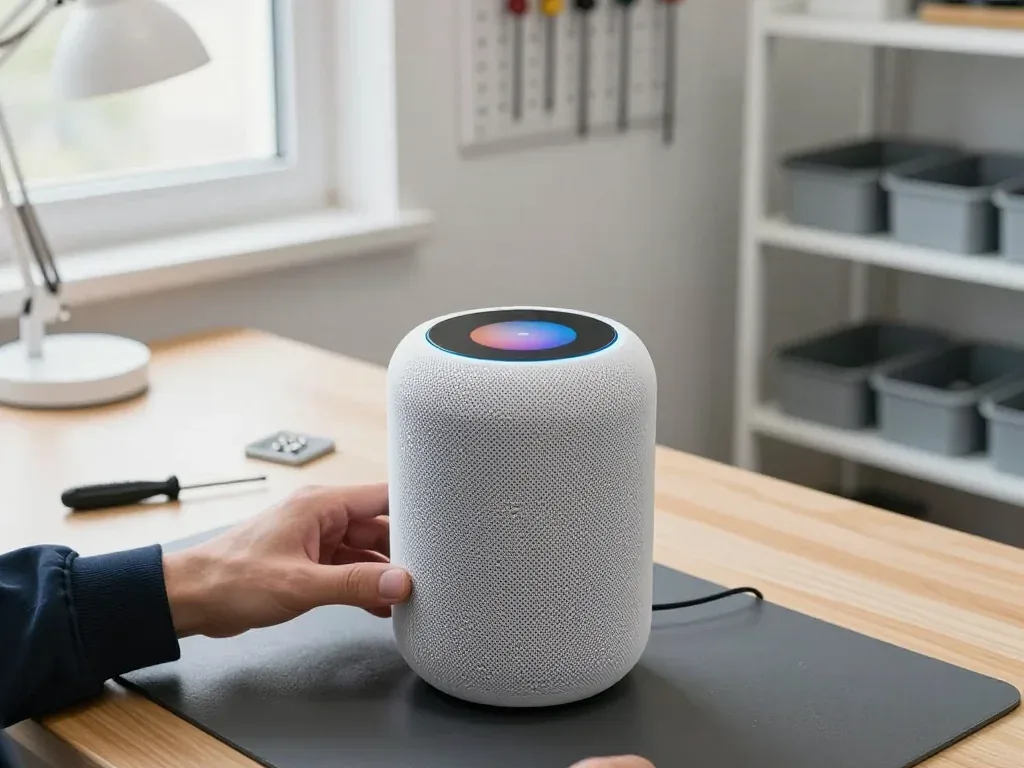
You send a photo of the damage on WhatsApp, a technician replies within 5 minutes with a price, and the free 15-minute diagnostic happens in front of you even if you decide not to repair. The specialist opens the HomePod 2 on the bench, points at the failed component and explains what it does before any work is agreed. A courier can be called to collect the device anywhere in the city and bring it to the workshop the same day, free with a repair. A photo taken in good light showing the cable, the panel and the body helps the team quote accurately ahead of your travel, which saves a wasted trip.
What we check together at handover
- Sound at low and high volume: listen for crackle or buzz across the range.
- Siri and microphones: confirm voice commands register from across the room.
- Touch panel: check taps, volume and pause respond cleanly.
- Wi-Fi and Home app: make sure the unit stays connected and shows online.
- Paperwork: receipt, warranty card and the old component go back with you.
Courier, payment and waiting in comfort
A courier can be called across Almaty in about 90 minutes and is free with a repair, and you can pay by Kaspi, card or cash. The pickup runs during working hours, Monday to Friday 10:00–19:00 and weekends 11:00–18:00, so a morning call usually means the unit is on our bench ahead of lunch. If you would rather not travel, that same-day collection keeps the job inside a single visit cycle, and 72% of repairs are finished while the customer waits in our lounge with coffee and Wi-Fi. Ask the technician for a realistic slot before you hand the device over, since a board fault runs 1–3 days while most audio work is done in 20–40 minutes.
Summary: HomePod 2 Repair
Five checks cover most of what decides a HomePod 2 repair — where the problem sits, whether the network is involved, and what the paperwork should say before anyone opens the device.
- Start with the power path: a dead unit is most often a cable or supply issue, not a board failure.
- Test the connection before the hardware: a speaker that drops off Wi-Fi may be fine once tried on a second router.
- Match the symptom to the part: crackle points to the driver or body, silence to power, and a dead panel to the touch layer.
- Choose the replacement deliberately: an original component suits a long-term keeper, an aftermarket one can suit an older device.
- Get it in writing: a receipt that names the component, turnaround and warranty protects you after the repair.









 iPad
 MacBook
 iMac
 Mac mini and Studio
 Apple Watch
 AirPods
 Apple Pencil
 Apple TV
