MN Photo: Mukhpilov Nail
Mukhpilov Nail
smartphone repair technician
10years of experience
4.83rating, 83 reviews

Apple Pencil won't charge or skips strokes — we'll test it with your iPad for free and quote the price upfront. Independent service, not authorized by Apple

Every model of the stylus is welcome, from the glossy original to Apple Pencil Pro; pick yours to see the typical jobs for it.
Repair from 2 990 ₸
Repair from 2 990 ₸
Repair from 2 990 ₸
Repair from 2 990 ₸
Send a photo and we will identify the model and name the price.
Send a photoThe complaints iPad owners bring us most often, listed from the most frequent to the rarest.
Battery widget shows nothing, the stylus stays silent after a whole night plugged in
02No pairing prompt, or the stylus vanishes from Bluetooth after every iPad restart
03Letters lose pieces, fast handwriting leaves gaps, short taps do not register
04Line weight never changes and tilt shading does nothing in drawing apps
05A full charge is gone after a day in the bag, the stylus dies mid-lecture
06Metal shows through the plastic, scratchy feel, marks on the screen protector
07First-gen connector wobbles, will not seat in the port or charges intermittently
08Gestures do not switch tools, no haptic click on the Pro model
09Pencil 2 and Pro slide off the iPad edge and won't snap onto the wireless charger
10Shading fails: tilting the stylus doesn't change line thickness at all
11On the first generation, the magnetic cap slips off and gets lost, exposing the plug
12After a drop, the body is cracked, the stylus rattles and sometimes turns off by itself
The final cost depends on the stylus generation and the cause of the fault; the table lists starting prices for the most common jobs.
| Model | Battery | Tip replacement | Bluetooth module repair | Restoring connection with iPad | Charging port repair |
|---|---|---|---|---|---|
| Apple Pencil 2 | 11 900 ₸ | 3 490 ₸ | 2 990 ₸ | 2 990 ₸ | — |
| Apple Pencil 1 | 11 900 ₸ | 3 490 ₸ | 2 990 ₸ | 2 990 ₸ | 2 990 ₸ |
| Apple Pencil Pro | 11 900 ₸ | 3 490 ₸ | 2 990 ₸ | 2 990 ₸ | — |
| Apple Pencil USB-C | 11 900 ₸ | 3 490 ₸ | 2 990 ₸ | 2 990 ₸ | 2 990 ₸ |
If a repair makes less sense than a new stylus, the technician will say so before any work starts.
The tip is the part most owners end up choosing, and it shapes both the writing feel and the safety of the iPad glass.
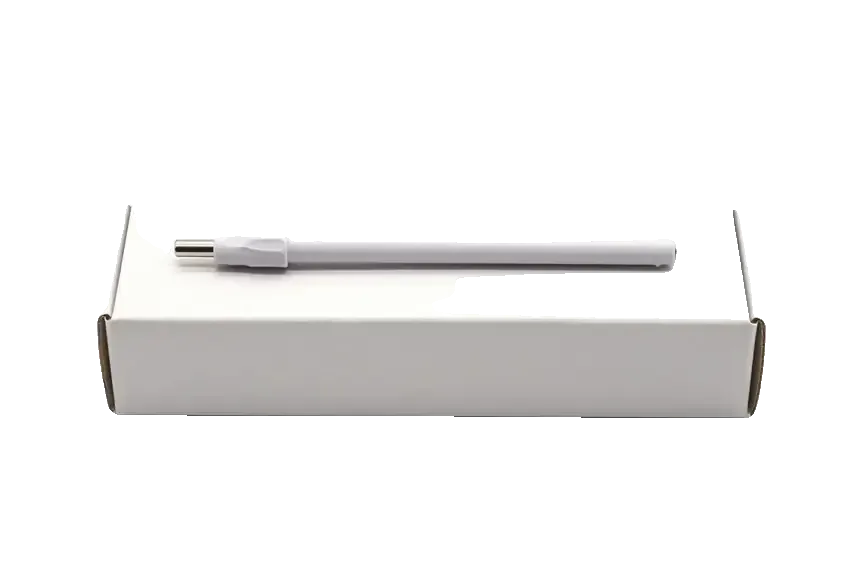
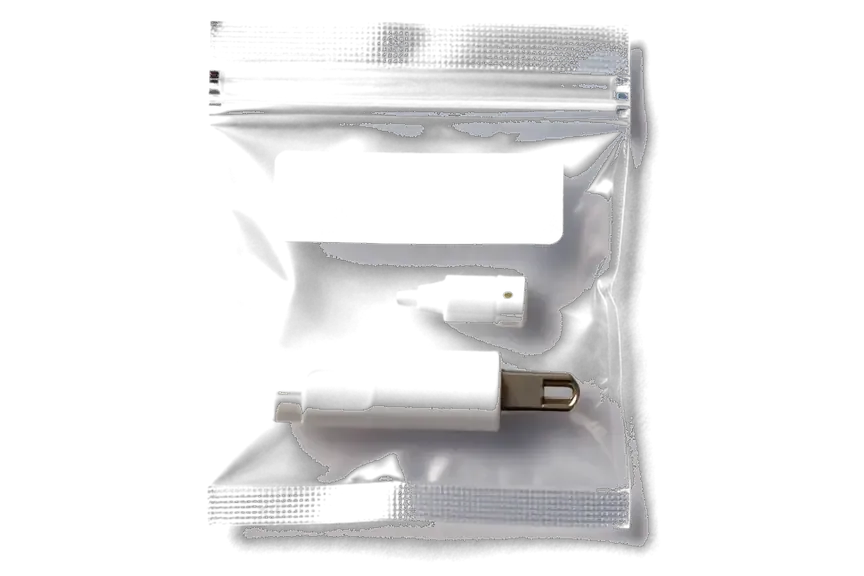
Eleven years of repairs have shown us styluses after drops, spills and months without charge, so we know where each model tends to fail.
Completed repairs come with a warranty up to 1 year; if the same fault returns, we take another look at it.
Some stylus faults are really screen or tablet faults, so if you bring the iPad, we test both devices side by side.
The stylus body is glued shut and not every fault is worth fixing. When a repair is poor value, we say it before starting.
Experienced technicians handle every stylus and know how the four Apple Pencil models differ in charging and pairing.
Mon–Fri 10:00–19:00, Sat–Sun and holidays 11:00–18:00, so dropping a stylus off after classes or work is easy.
Usually the whole journey — from message to pickup — takes less than an hour; complex repairs follow the timeline in the receipt.
Book a repairYou send a photo of the damage on WhatsApp — we quote the price and available time. Or you call a courier.
An engineer checks the device in front of you and shows what is broken. 0 ₸, even if you decline the repair.
We fix the price, the part (original or analog), the timeline and the warranty. You sign — we start.
Before installation we show you the new part in its factory packaging. You wait in the waiting area with coffee and Wi‑Fi.
Pairing, pressure and tilt, charging, response on the iPad screen. You check together with the engineer.
Together with the receipt, warranty card and the old part. Payment — Kaspi, card or cash.
Technicians for iPhone, Mac, iPad, Apple Watch and AirPods repair.
Photo: Mukhpilov Nail Photo: Molchanov Rinat
 Photo: Shokan A
 Photo: Sybanbaev Birzhan
 Photo: Denis Gushchin
 Photo: Duisebaev Azhdar

“If the repair didn’t suit you or you have a complaint, write to me personally.”
Send a photo of the fault and the Apple Pencil model. An engineer will reply on WhatsApp, give the price and available time — no calls or forms.
Apple Pencil Repair in Almaty for Every Stylus Generation
iServices handles the Apple Pencil repair that Almaty owners actually need, from worn tips and dead Lightning ports to batteries that no longer hold charge. Our engineers run free 15-minute diagnostics in front of you and back every job with a warranty up to 1 year.
An Apple Pencil is not a sealed monolith. Inside the barrel sit a tip, a pressure sensor, a battery, a small circuit and a Bluetooth antenna, and each fails in its own way.
The device is built from a handful of serviceable parts, and knowing which ones fail first saves you from replacing the whole device. The writing nub unscrews and swaps in seconds, the pressure sensor sits under it, and the battery, circuit and Bluetooth antenna are reachable once the barrel is opened. The outer shell and the internal coil are the parts that rarely survive a hard drop, so a cracked housing or a dead coil usually ends the story for that unit. Everything between the writing nub and the circuit, though, is fair game for repair. The nub wears fastest because it is the only part touching glass thousands of times a day, so it is the first thing to inspect on any writing complaint. If you are looking for Apple Pencil repair in Almaty, the same logic applies: the sooner the worn part is identified, the cheaper the fix.
We treat the cell and the logic board as the delicate end of this work, because the battery is glued into the barrel and the circuitry sits under a microscope. Separating a swollen cell from a thin aluminium tube without bending the housing takes patience, and the logic carries components small enough that a steady hand and magnification matter more than speed. We have handled this class of work for 11 years across 46,000+ repairs, and this accessory is one of the few devices where a rushed teardown costs more than the part itself. A unit that dies overnight without use usually points to a swollen or drained cell rather than a software glitch, so a charge test comes before any logic work.
| Symptom | Likely part | What we check |
|---|---|---|
| Will not charge at all | Lightning port or USB-C socket | Port contacts, cable, adapter |
| Charges but dies fast | Battery cell | Charge retention under load |
| No pressure or tilt | Pressure sensor | Sensor response to tilt |
| Skips and breaks lines | Nib or internal winding | Nib wear, winding continuity |
| Will not pair with the tablet | Bluetooth antenna or board | Pairing log, antenna trace |
Charging trouble is the most common reason this accessory comes to us. We work from the power source inward: cable and adapter first, then the contact or port, then the internal cell. Most cases resolve without opening anything.
A unit that will not charge is often fine, and the fault sits in the cable, adapter or magnetic contact it relies on. Start with the adapter: a 5W brick charges a first-generation Pencil far more reliably than a laptop USB port that sleeps, and a frayed Lightning cable can deliver data but no current. On the second-generation model the magnetic edge of the iPad is both the mount and the charger, so a thick case or a screen protector that overlaps the edge is enough to break contact. Wipe the magnetic strip and the flat side of the device with a dry cloth — skin oil and pocket lint form an invisible barrier. Testing the same unit on a second iPad or a different cable separates a dead accessory from a dead device in under a minute.
We match the charging fault to the generation, since a first-generation Lightning port, a second-generation magnetic coil and a USB-C connector fail in completely different ways. The Lightning socket collects lint until the plug barely seats, and the contacts wear shiny at one angle; the wireless coil on the second-generation sits behind the plastic shell and dies from drops that crack its ferrite plate; the USB-C model has a small sliding cap and a port that takes the most mechanical stress of the three. A port that charges only at a certain angle is usually worn contacts, not a dead battery, and cleaning or replacing the connector is the cheaper path. Our engineers check all three variants daily and keep the matching connectors in stock.
Our free diagnostics take 15 minutes in front of you, and a charging test walks from the power source to the coil to the cell so nothing is guessed. The engineer connects the stylus to a known-good iPad, reads the current draw, then checks the contact pads and the coil winding for continuity; the battery is measured last, under load. Because the cell is glued in, we confirm the coil and connector are healthy before recommending a battery swap, so the deeper repair is only done when it is truly the cause. The verdict, the part and the turnaround go onto the receipt before any work starts, and 72% of jobs are finished while the customer waits in the lounge.
Pairing and Bluetooth problems sit between two devices, and the first task is to work out which one is failing. This section separates an accessory fault from a tablet fault before any repair starts.
An accessory that will not pair is frequently a settings or pairing-state issue rather than a hardware failure. The tablet keeps a stale entry in its Bluetooth list, and the two devices stop recognising each other even though both still work. Open Settings, find the device in the Bluetooth menu and choose to forget it, then attach it to the magnetic edge again and let the prompt appear. A flat battery mimics a dead device exactly, so charge the accessory for a full cycle before drawing conclusions. On first- and second-generation models the magnetic edge must be clean and free of a thick case, since a magnetic flap blocks the contact. Forgetting the device in Bluetooth settings and re-pairing after a full charge resolves a surprising share of "not detected" cases before any repair is needed.
When pairing fails on a known-good tablet, we look at the Bluetooth antenna and the board, and board-level work is done under a microscope. The antenna sits close to the charging coil inside the barrel, so a drop that cracks the shell often disturbs the antenna trace or a solder joint on the board. Under magnification we trace the signal path and check each joint rather than replacing parts on guesswork. A unit that pairs but drops the connection mid-stroke points to the antenna or board rather than the tablet, which changes the whole repair plan. That distinction matters: a shorted trace is reworked under the lens, while a cracked shell is a straightforward swap.
| Test | Result | What it means |
|---|---|---|
| Same stylus on a second tablet | Pairs and draws | Fault is in the original tablet |
| Same stylus on a second tablet | Fails again | Fault is in the pen |
| Second stylus on the same tablet | Pairs and draws | Original tablet is fine |
| Second stylus on the same tablet | Fails again | Tablet pairing or magnetic edge |
A stroke that skips, a line that breaks mid-word and a pen that ignores how hard you press are the three complaints we hear most often. The worn writing point is usually the first thing to rule out.
A tip worn down to the metal core will scratch the iPad glass, so it should be replaced the moment the plastic wears through. The plastic cone around the sensing core grinds against the display thousands of times a day and thins out long before the device shows any other fault. Once the metal touches the surface, every stroke leaves a fine scratch in the oleophobic coating, and those marks catch the light at an angle even after the glass is cleaned. A screen protector absorbs that damage instead of the display, which is why we suggest fitting one on any tablet that sees daily stylus work. Replacing the worn part early is far cheaper than a screen repair, and the new component screws on by hand in seconds.
Lost pressure or tilt usually means the force sensor or the internal contact has failed, not that the iPad stopped supporting it. The component sits behind the writing point and reads how hard you press; when its contact pad oxidises or the flex cable cracks from repeated drops, the pencil still draws but every line comes out at one fixed width. Tilt behaves the same way, because the same assembly reports the angle of the barrel. We open the housing, check the contact pad under a microscope and test the reading against a known-good board before quoting. One model is a special case, since the USB-C Apple Pencil has no force sensor by design, so a flat reading there is normal and not a fault.
| Symptom | First suspect | Next step |
|---|---|---|
| Faint lines, visible metal at the point | Worn nib | Swap the nib |
| Same line width at any pressure | Force sensor | Bench test the reading |
| Tilt ignored, drawing works | Tilt assembly | Check the flex connector |
| No reaction on the screen at all | Board or pairing | Test against a second tablet |
| Intermittent strokes near the magnet | Coil contact | Inspect the charging winding |
Four generations of the accessory, four different sets of weak points. The charging path, the connector and the sensors change from model to model, and so does the repair we plan for each one.
The first generation charges through Lightning and the second through a magnetic face, and that single difference shapes what fails and what we repair. On the original model the exposed Lightning connector and its cap take the daily wear: the cap goes missing, the contact collects lint, and charging stops meeting the port. The second hides the contact behind a magnetic coil and a magnet ring, so failures move inward to the winding and the pairing circuit that talks to the iPad. Both share the same tip, pressure sensor and battery inside the barrel, so a dead cell or a pen that draws broken lines follows one diagnostic route whatever the age. If your unit stops charging, look at the exposed plug on the older one and at the winding on the newer before assuming the battery is gone.
We service the USB-C and Pro models too, and the Pro adds a squeeze sensor and haptic module that the earlier models never had. The USB-C generation swaps the Lightning plug for a reversible USB-C socket, which fails differently: the socket loosens with repeated cable pulls and the inner pins bend rather than clog with lint. The Apple Pencil Pro keeps the magnetic charging of the second generation and adds a squeeze sensor, a haptic module and a barrel-roll gyroscope, so more parts can fail independently. Our engineers treat each of those as a separate fault, not as one general board problem. A lost squeeze or haptic response is therefore diagnosed as its own part rather than a board issue. Tell us which model you own when you send a photo — the version narrows the suspect parts before the device reaches the bench.
| Generation | How it charges | What we repair |
|---|---|---|
| First generation | Lightning connector | Connector, cap, cell, nib, pressure sensor |
| Second generation | Magnetic face | Winding, magnet ring, cell, pairing |
| USB-C model | USB-C socket | Socket, cell, nib, pressure sensor |
| Apple Pencil Pro | Magnetic face | Squeeze sensor, haptic module, winding, gyroscope |
A visit runs from a photo on WhatsApp to a handover at the counter, with every detail written down before work begins. Here is what the process looks like and what travels home with you.
An engineer replies on WhatsApp within 5 minutes and quotes a price from a photo, then books a free time slot so you are not waiting in a queue. Send a clear shot of the damage from two angles and name the generation, and the reply usually confirms the part before you leave the house. Most jobs take 20–40 minutes while you wait, and 72% of repairs are finished in the waiting area, which has coffee and Wi-Fi. Free diagnostics take 15 minutes in front of you, even if you decide against the repair. Clear photos up front let us confirm the part and turnaround before you travel, so the visit stays a single trip.
Before any work starts we fix the price, the part, the turnaround and the warranty on the receipt, and we show the new part in its factory packaging. That step takes about two minutes and settles the question of original versus aftermarket before a screwdriver comes out. Of our customers, 64% choose an original part, and the choice is yours to make once you see both options side by side. Payment runs by Kaspi, card or cash, and a courier across the city takes 90 minutes, free with a repair. You leave with the receipt, the warranty card and the old part in hand, so the replaced component stays yours to inspect.
After the repair you test the device with the engineer, checking the line, pressure, tilt and pairing on your own iPad before you take it home. The handover check covers 32 functions in about 10 minutes, and for this accessory that means drawing a full stroke, varying pressure, tilting the tip and confirming the pairing holds. Warranty runs up to 1 year, written on the same receipt as the part and the turnaround. Testing on your actual iPad rather than a shop unit catches compatibility quirks that a bench test would miss, so the check happens on the device you use daily.
The device rarely dies as a whole unit. The fault almost always sits in one accessible part, and the right sequence of checks narrows it down before any tool touches the shell.
Did not find an answer? Message us on WhatsApp: an engineer replies, not a bot.
Ask a questionThe widget only lists a stylus that is paired and has some charge left. Re-pair it and leave it on charge for a while; if it still does not appear, the battery or charging circuit should be checked.
It works, but the long barrel acts as a lever and a small knock can bend the plug. Charging through the adapter and a cable is the gentler option for everyday use.
That model has no pressure sensing by design, so it is not a fault. Tilt still works for shading in supported apps, but for pressure-based drawing you need the first generation, the second generation or the Pro.
First remove the case and make sure Bluetooth is on, then check that your iPad model supports this stylus at all. If it is compatible and still silent, the magnetic charging or the stylus board needs testing.
Yes, because a cracked or worn tip can expose metal that scratches the screen or its protector. Tips are swapped without opening the stylus.
Yes, the Pro model supports the Find My app, which earlier styluses do not. If it was lost after a fall and now behaves oddly, bring it in for a check.
Sometimes, but the odds drop with every day of waiting and every charging attempt. Keep it unplugged and bring it to the workshop as soon as possible.
Mention your iPad model, when the problem appeared, any drops or liquid, and the steps you already tried. That history narrows the search and makes the diagnosis faster.
На Apple Pencil (2-го поколения) после падения появился люфт наконечника. По результатам диагностики осмотрели крепление и оценили повреждения.
Apple Pencil (1-го поколения) подвёл: стилус разряжался быстрее обычного. В итоге оценили аккумулятор и зарядку.
На Apple Pencil (2-го поколения) перестала срабатывать чувствительность к нажатию. Ребята проверили функции и совместимость.
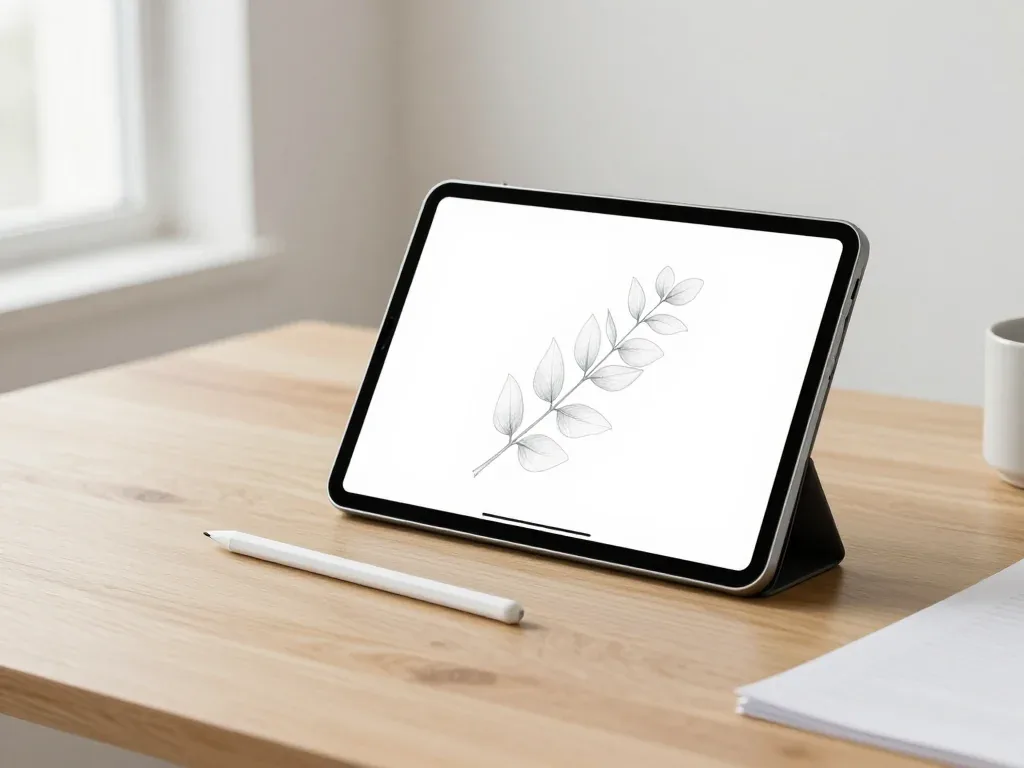
Most pairing failures come from a flat stylus, a stale Bluetooth entry or dirty contacts, and a free 15-minute check confirms the cause.

Back up your data, turn off Find My, and bring proof of purchase — then the repair starts faster.
 iPad
 MacBook
 iMac
 Mac mini and Studio
 Apple Watch
 AirPods
 Apple TV
 HomePod
