BS Photo: Bakmukhammed S.
Bakmukhammed S.
on-site iPhone technician
13years of experience
4.93rating, 107 reviews

Apple Pencil won’t connect or draws with a delay — we’ll diagnose it free and fix it with a warranty up to 1 year. Independent service, not authorized by Apple
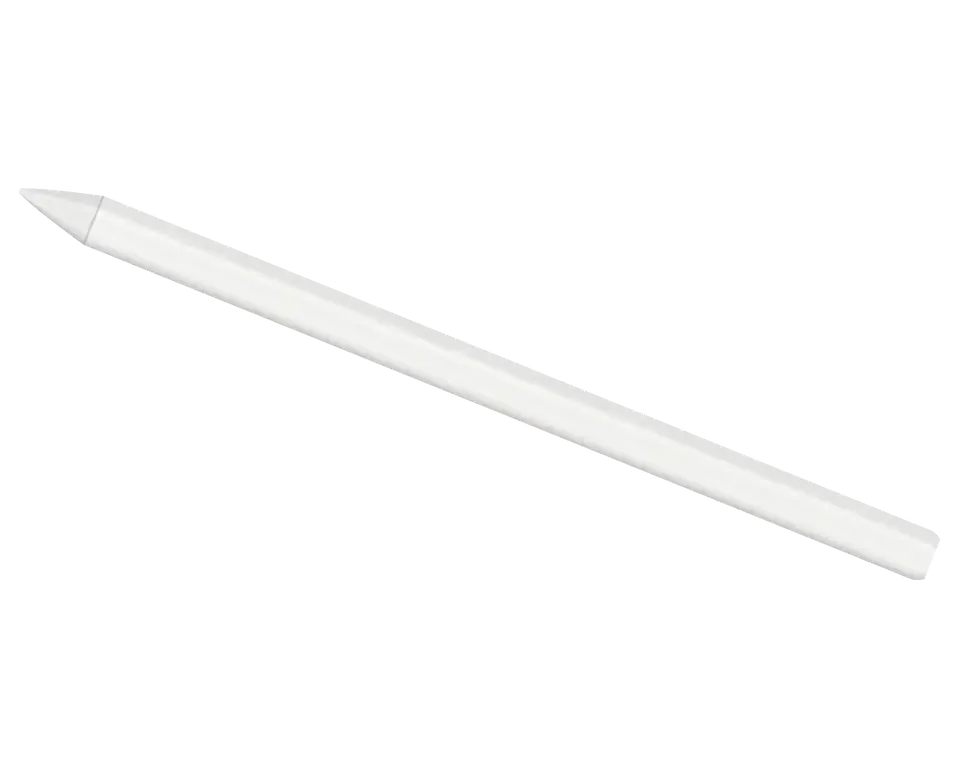

Pick your stylus below to see the usual faults for that generation and how the check is carried out.
Repair from 2 990 ₸
Repair from 2 990 ₸
Repair from 2 990 ₸
Repair from 2 990 ₸
Send a photo and we will identify the model and name the price.
Send a photoMatch your symptoms to the list and mention them to the technician, which shortens the search for the cause.
Connected to the iPad, yet the level does not rise or drops fast
02The iPad cannot see it, or pairing vanishes after a restart
03Strokes trail the tip, break up or draw in short jumps
04The tip touches the screen but nothing appears, pressure is lost
05Lasts only briefly after a full charge and dies while stored
06The nib is flattened, squeaks on glass and scratches the protector
07A double tap or squeeze does nothing and the palette stays shut
08A crack, a dent or a missing cap, with the magnet holding poorly
09The stroke appears off to the side of the tip instead of right under it
10The tip spins in the thread and rattles with every touch
11The second generation doesn’t attach magnetically to the side edge
12Mid-drawing, the pencil drops out of the Bluetooth list within a couple of minutes.
The final price depends on the stylus generation and on what exactly has failed; the table shows starting prices for common jobs.
| Model | Battery | Tip replacement | Bluetooth module repair | Restoring connection with iPad | Charging port repair |
|---|---|---|---|---|---|
| Apple Pencil 2 | 11 900 ₸ | 3 490 ₸ | 2 990 ₸ | 2 990 ₸ | — |
| Apple Pencil 1 | 11 900 ₸ | 3 490 ₸ | 2 990 ₸ | 2 990 ₸ | 2 990 ₸ |
| Apple Pencil Pro | 11 900 ₸ | 3 490 ₸ | 2 990 ₸ | 2 990 ₸ | — |
| Apple Pencil USB-C | 11 900 ₸ | 3 490 ₸ | 2 990 ₸ | 2 990 ₸ | 2 990 ₸ |
The technician explains which options exist for your case and states the price before any work begins.
A stylus has little room for error, so the part you choose shapes sensitivity and lifespan.
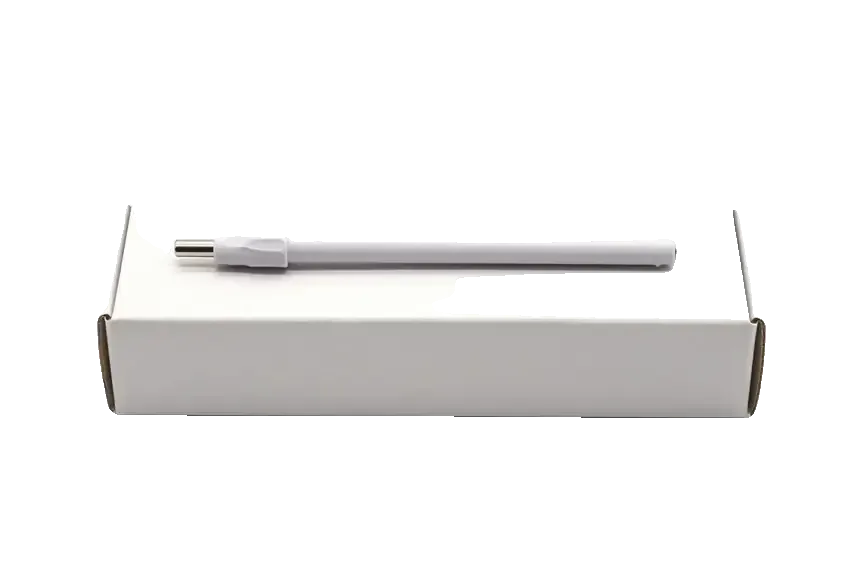
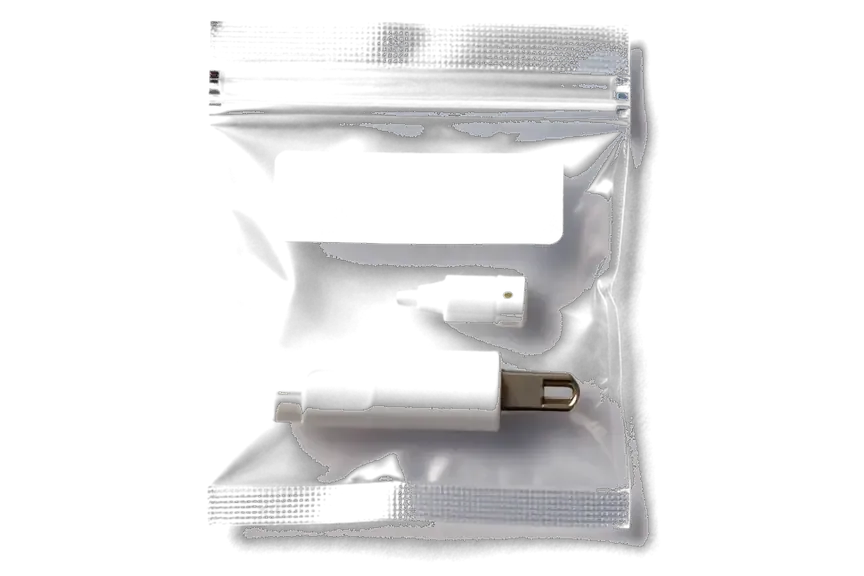
A stylus and a tablet work as a pair, so we check both sides and say plainly whether the fault can be repaired.
The workshop has run for eleven years, and technicians know how a stylus and an iPad behave together, so they do not guess.
Repairs we finish are covered for a full year, and before any work starts the technician walks you through what that means for your stylus.
We look at the pencil first and the iPad second, because the fault is often in a port, a setting or a screen film.
The stylus body is sealed, so the technician says plainly whether a repair is possible or replacement is wiser.
We show what is wrong and lay out the options. You decide, with no pressure and no unnecessary work.
Visit on weekdays from 10:00 to 19:00, or on weekends and holidays from 11:00 to 18:00.
Usually the whole journey — from message to pickup — takes less than an hour; complex repairs follow the timeline in the receipt.
Book a repairYou send a photo of the damage on WhatsApp — we quote the price and available time. Or you call a courier.
An engineer checks the device in front of you and shows what is broken. 0 ₸, even if you decline the repair.
We fix the price, the part (original or analog), the timeline and the warranty. You sign — we start.
Before installation we show you the new part in its factory packaging. You wait in the waiting area with coffee and Wi‑Fi.
Pairing, pressure and tilt, charging, response on the iPad screen. You check together with the engineer.
Together with the receipt, warranty card and the old part. Payment — Kaspi, card or cash.
Technicians for iPhone, Mac, iPad, Apple Watch and AirPods repair.
Photo: Bakmukhammed S. Photo: Galymzhan S.
 Photo: Zhandos Sh.
 Photo: Darkhan T.
 Photo: Kudiret S.
“If the repair didn’t suit you or you have a complaint, write to me personally.”
Send a photo of the fault and the Apple Pencil model. An engineer will reply on WhatsApp, give the price and available time — no calls or forms.
Apple Pencil Repair in Astana with Free On-Site Diagnostics
For Apple Pencil repair in Astana, iServices diagnoses your stylus free of charge in front of you in 15 minutes, then fixes the tip, charging port, coil, battery or board while you wait. Before fitting, the replacement part is shown to you in its factory packaging; on top of that, each repair is covered by a 1-year warranty.
Before anyone talks about repair, the real question is where the fault sits — inside the accessory or inside the tablet. That answer decides everything that follows.
We begin every visit by pairing the accessory with a second iPad and running it on a known-good device, so the fault is located before any part is touched. The engineer watches whether the contact strip holds the pencil in place and whether the on-screen battery indicator appears at all. A tool that draws on our unit but dies on yours shifts the search to the connector along the tablet edge and the wireless stack; one that draws on neither keeps the fault inside the pencil itself. This cross-test takes a few minutes and costs nothing. If it fails on a second device and works on none, the fault is inside the pencil; if it fails on one and works on another, the connector or the wireless stack is the culprit — so bring the tablet along, not just the pencil.
When a stylus refuses to pair, the cause is often a pairing glitch, grime on the contact strip or a charging coil that has died — all three get checked one after another during the free 15-minute inspection. The engineer wipes the strip on the device edge, forgets the pencil in settings and pairs it again from scratch, then watches whether the coil pulls any charge at all. Dirty contacts on a pencil that rides in a bag every day are a common finding — a wipe and a fresh pairing often bring it back without opening anything. Forgetting the device in settings and re-pairing fixes more "dead" units than any hardware swap, so we always try that before opening the shell.
| Test result | Likely faulty part | What we check next |
|---|---|---|
| Will not charge on any source | Charging port or coil | Port contacts, coil continuity |
| Charges but will not pair | Bluetooth antenna or board | Board under microscope |
| Pairs but line breaks | Tip or pressure sensor | Tip wear, sensor response |
| Works on one iPad only | iPad magnetic connector | Tablet-side contact |
| Dies within minutes | Battery | Battery health |
Of all the issues bringing this accessory to our workshop, charging problems rank first. We work from the simplest source of failure to the hardest, so nothing gets replaced before it is actually proven faulty.
We check the charging source first, because a Lightning port, a magnetic iPad edge and a USB-C cable each fail differently, and the fix depends on your model. On a first-generation stylus the connector seats into the iPad port and picks up lint, pocket grit and bent contact pins; on a second-generation or Pro model the flat magnetic edge carries the current, and a case, a screen protector or a misaligned magnet can break contact. A USB-C model draws power through the cable, so we test the cable and the wall adapter separately before touching the device. A stylus that charges on a wall adapter but not on the iPad magnet usually has a weak coil. For apple pencil repair in Astana, this step-by-step check is where diagnosis starts.
After the source is excluded, continuity of the port or coil is measured and the battery is read; because it sits glued inside the shell, replacement happens only once diagnostics point to it as the culprit. Continuity testing shows whether current reaches the board at all; a broken coil on a magnetic model or a worn Lightning connector on the older one cuts the circuit long before the cell is involved. The board itself is checked under a microscope, because a single lifted pad or a hairline crack looks identical to a flat battery from the outside. A swollen or deeply discharged battery often reads as "not charging" even when the port is fine, so we never quote a port repair until the battery is measured.
| Generation | How it charges | Commonly repaired by us |
|---|---|---|
| 1st generation | Lightning port | Port, cap, battery |
| 2nd generation | Magnetic iPad edge | Coil, magnet, battery |
| USB-C model | USB-C cable | Port, battery |
| Apple Pencil Pro | Magnetic iPad edge | Coil, squeeze sensor, battery |
Skipping lines and lost force sensitivity worry owners more than anything else, yet most of the time the cause is a consumable nib rather than the electronics inside the accessory.
Since the nib is replaceable, wear reaching the metal core means scratches on the iPad glass — that is why a worn tip gets swapped during the same visit instead of waiting until the line fails entirely. The point itself is a soft polymer that grinds against the display with every stroke, and after months of drawing or note-taking the rounded end flattens, then exposes the hard pin underneath. That pin leaves fine arcs across the glass that no screen protector will hide later. We keep spare nibs in the workshop and fit one in a few minutes, then run a stroke test across the whole display to confirm the line is continuous again. A component that looks fine but has a flattened or chipped end causes skipping long before it reaches the metal, so check the very point under light, not the length.
Should a new nib still fail to register force or angle, the sensor or the board is to blame, and both are tested against a reference iPad before any board repair is quoted. The sensor reads how hard the point presses the glass, while a separate coil handles angle and position, so the two failures look different on a test stroke. We connect the accessory to a known-good tablet, draw lines at three force levels and rotate it through a full circle, watching which signal drops out first. Board-level work goes under the microscope, and the whole diagnosis takes about fifteen minutes at the counter. Both signals failing together points to the sensor, while lost force with angle intact usually means a software pairing issue worth re-pairing first.
For Apple Pencil repair in Astana, owners often bring a stylus that skips only in certain apps — we check compatibility before replacing anything. Some skipping is not a fault at all but a mismatch between the accessory generation and the tablet model, so compatibility is checked before any part is replaced. First-generation and second-generation units pair differently, charge differently and support different sensitivity ranges, and a device bought for another tablet may connect over Bluetooth yet draw erratically. We confirm the model number on the iPad, the generation printed on the box, and whether the pair actually holds a stable link during a two-minute drawing test. A device that pairs but skips only in certain apps is usually a compatibility or app issue, not hardware, so testing in the Notes app separates the two.
We walk through the visit step by step, from the first image on WhatsApp to the final line test at handover, so you know what to expect and when.
You send an image of the damage on WhatsApp, an engineer replies within 5 minutes with a quote based on what the picture shows and a free time slot, and the price, spare, turnaround and warranty are fixed on the receipt once work starts. The shot should capture the writing end, the charging side and the port area in good light — that is enough for a first estimate. A courier can be called if you would rather not come in person. At the counter the technician confirms the quote and asks whether you want an original or aftermarket component, and both options go onto the receipt with the chosen turnaround. A sharp picture of the worn point and the connector up front lets the specialist bring the right component to the first visit, which is why most stylus jobs finish the same day.
The 15-minute diagnostics cost nothing and happen while you watch — even if the repair is declined — and before any spare part is ordered, the engineer points out precisely what has failed. The check covers the writing end, the internal battery, the charging contact and the Bluetooth pairing with your iPad, and you watch each step rather than reading a summary afterwards. If the fault turns out to sit in the tablet rather than the accessory, you learn that in the same 15 minutes and pay nothing. Because the inspection happens in front of you, you see the worn point or dirty contact yourself, which removes the guesswork about whether a repair is really needed.
| Check before handover | What it confirms |
|---|---|
| Line drawn across the screen | No skipping or gaps |
| Pressure and tilt response | Sensor works |
| Bluetooth pairing | Antenna and board fine |
| Charging on the iPad | Port or coil fixed |
| Old part and warranty card | Repair documented |
When the accessory needs a new internal unit, the choice comes down to a genuine item or an aftermarket equivalent. Below is how the two differ, which repairs tolerate an analogue, and what happens to the piece we take out.
We offer both an original unit and an aftermarket one, show the new item in factory packaging before installation, and let you choose — 64% of our customers pick the genuine option. The original arrives sealed with its own batch code, while the analogue comes from a third-party supplier. The physical fit is identical, but the internal calibration is not: a genuine charging coil holds its pairing with the iPad through firmware checks, and a real pressure sensor reports tilt and force within the tolerance the tablet expects. An aftermarket coil can pair on the first attempt and still drift once the device warms up during a long writing session. That drift is the difference between consistent line weight and a stroke that thins out mid-sentence.
| Repair | Original part | Aftermarket part |
|---|---|---|
| Tip replacement | Available | Usually fine |
| Charging port | Recommended | Acceptable |
| Charging coil | Recommended | Pressure drift risk |
| Battery | Recommended | Shorter life |
| Board repair | Component-level | Not applicable |
Along with the device you get the old part back, plus a warranty card and the receipt — the record of what was done stays with you and shows precisely which component was swapped. The removed unit goes into a small bag with the stylus, and the receipt lists its type, the turnaround and a warranty period of up to 1 year. We do not resell or scrap what we take out — the customer owns it from the moment the new one goes in. Keeping the old item lets a second engineer verify the diagnosis later, which is why we hand it back. Store the old part with the warranty card — if the same node fails again inside the coverage window, it is the quickest reference for the technician.
This last block is about who actually handles the accessory and why that matters for the result you take home.
iServices is a direct repair contractor with its own technicians and workshop, not an aggregator or middleman, and we have handled 46,000+ repairs over 11 years. The specialist who opens your device is the same person who tests it before handover, and the bench it sits on belongs to our workshop rather than a third party across town. Two branches cover Almaty and the capital, so a device logged in here does not travel to another company for the actual work. Experienced technicians diagnose the coil, the battery and the pressure sensor in one pass instead of forwarding a description. A direct shop keeps the same pair of hands on your accessory from diagnosis to handover, so nothing is lost in a hand-off between a front desk and a third-party bench.
A 1-year warranty applies to every repair; payment is accepted via Kaspi, cash or card, and those who prefer not to visit can arrange a courier pickup. The warranty period is confirmed before work starts and printed alongside the part type, so the terms are identical whether you hand the device over at the desk or send it by courier. A WhatsApp photo reaches our team within 5 minutes, and that reply already includes a price and a free time slot — useful when you want the courier to collect the item at a set hour. Payment clears at pickup, after you have inspected the result with the specialist. Those terms are written on the receipt at drop-off, so keep that slip — it is what you show if anything needs a second look.
While the technician works, guests can relax in the waiting area over coffee with Wi-Fi access; customers stay on site for 72% of repairs, which are completed during that time. Most jobs here run 20–40 minutes, and the free 15-minute diagnostic in front of you happens before any of that clock starts, so you see the fault and the plan together. A short walk-in visit is possible, but a booked slot is smarter: the technician orders the part ahead, and it is already on the bench when you arrive. That single step removes the only common reason a device sits overnight. Because most jobs are quick, booking rather than walking in means the replacement is waiting when you get there.
Most of these problems fall into a few predictable categories, and knowing which one you face saves time, money and screen damage.
Did not find an answer? Message us on WhatsApp: an engineer replies, not a bot.
Ask a questionYes, many faults can be fixed, though it depends on the generation and the fault. The body is sealed, so the technician first tests both the stylus and the iPad. Then you hear whether repair is possible or a replacement makes more sense.
Because a stylus that will not charge may need a new nib contact, a straightened Lightning plug or work on the sealed battery, and each job takes a different effort. The table lists starting prices for common jobs. The exact figure is written on the receipt before the technician begins.
Look at the charging method first. The first generation has a cap over a Lightning plug, the second clips magnetically to the side of the iPad, and the USB-C model hides its port under a sliding cap. The Pencil Pro looks like the second generation but adds squeeze and a gyroscope.
Most often the battery is so worn that it cannot hold a steady Bluetooth link. Charge the stylus fully, then check its level in the battery widget of the iPad. If the level jumps or the link keeps dropping, the stylus needs a bench test.
Change it when the tip feels rough, shows bare metal or leaves broken strokes. The nib unscrews by hand, so the stylus stays closed. A worn tip can also scratch the iPad screen, so do not wait too long.
Yes, a thick or magnetic case can keep the stylus too far from the charging strip. Try it on the bare edge of the iPad for a few minutes. If it charges there, the case is the cause, not the stylus.
Yes, bring both. The fault often lies with the tablet rather than the stylus, and testing the pair together finds the cause faster.
The repair carries a warranty up to 1 year on the work that was done. The receipt names the job and the part, original or aftermarket, so it is clear what is covered. Keep the warranty card that comes back with the stylus.
Позвонил по объявлению, приехал на следующий день. Оставил заявку на Apple Pencil Pro. Проблема — не соединяется. Ғалымжан С. отсоветовал дорогой ремонт, предложил простой. Сказали, что перезвонят, и правда перезвонили. Экран яркий, батарея держит.
В Астана сервисов много, но по Apple берут не все. Оставил на зарядке на ночь, утром — не заряжается. Ғалымжан С. провозился, но сделал. Третий месяц — никаких проблем.
Ғалымжан С. пообещал и сделал, без напоминаний. Мастер вышел, послушал и срозу забрал в работу. После ремонта — как новое.
Техника рабочая, терять её надолго нельзя. Проблема — не пишет. Вернули — проверила, всё ок.
Проблема — не заряжаеться. Ғалымжан С. подобрал аналог дешевле, не навязывал оригинал. Дома включила, всё на месте)
Проблема — не соединяеться. Ғалымжан С. подобрал аналог дешевле, не навязывал оригинал. Все функции проверил — работают
Смотрела отзывы в 2ГИС, выбрала по адекватности. Проблема — не заряжается. Ни шума, ни запаха, всё штатно.
Живу в Есиле, искал поближе к дому. В командировке достал, а у него не пишет. Всё чётко, без сюрпризов.
Смотрела отзывы в 2ГИС, выбрала по адекватности. Сдала Apple Pencil Pro мастеру. Проблема — не заряжаеться. Перезвонили на следующий день, уточнили детали. Вышло из строя: наконечник. Экран яркий, батарея держит.
Ғалымжан С. принял без вопросов, хотя был без записи. После ремонта — как новое.
Most pairing failures come from a flat stylus, a stale Bluetooth entry or dirty contacts, and a free 15-minute check confirms the cause.

Back up your data, turn off Find My, and bring proof of purchase — then the repair starts faster.

 iPad
 MacBook
 iMac
 Mac mini and Studio
 Apple Watch
 AirPods
 Apple TV
 HomePod
