A box that ignores the remote and shows no light is the most common reason people book Apple TV HD repair in Astana. Here is why the internal supply fails and what our bench shows.
What a Dead Indicator Usually Means
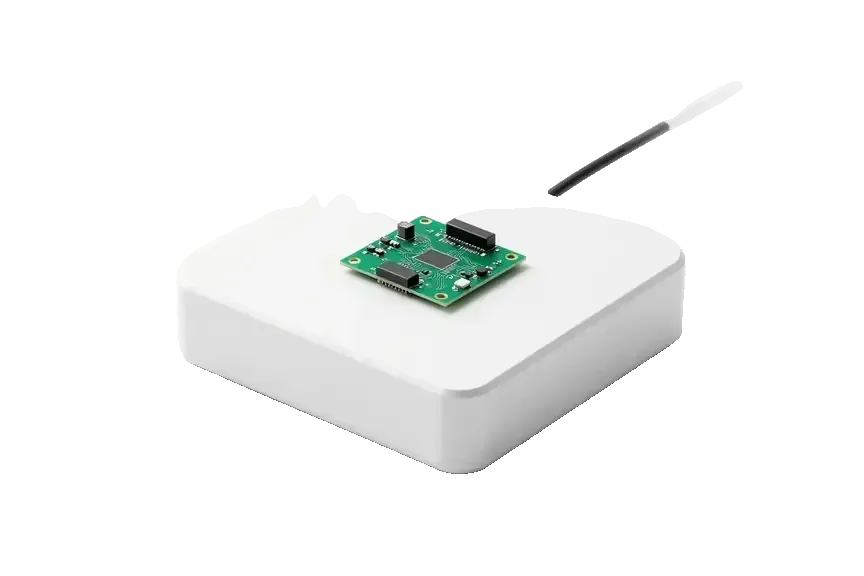
When the indicator stays dark, the built-in power board is the usual suspect, and we confirm it during free diagnostics right before you. The unit gives no light, no chime, no HDMI handshake — three signals that point to the supply section rather than to the remote or the software. Our engineer opens the case, measures the rails and shows you the failed component on the spot; the check takes 15 minutes and costs nothing even if you walk away. A power surge often kills the supply silently — the unit looks intact, so owners keep pressing the remote for days before bringing it in. That delay rarely changes the outcome, but it does cost you evenings of guessing.
Power Board, Cable or Remote — How We Tell Them Apart
- Wall outlet and cord: we swap the cable and try a second socket to rule out a dead line before touching the case.
- Remote and pairing: a fresh battery and a re-pair check show whether the box is asleep rather than dead.
- Indicator behaviour: a steady light with no picture points elsewhere; a dark light points to the supply.
- Rail measurement: we open the unit and measure the power rails, which takes 15 minutes in front of you.
- Adapter reality: nothing plugs in outside, so the diagnosis must go as far as the inner circuitry before a price is given for the fix.
- Receipt first: price, part and turnaround are fixed on the receipt before work starts.
Surge Damage and the Repairs It Leads To
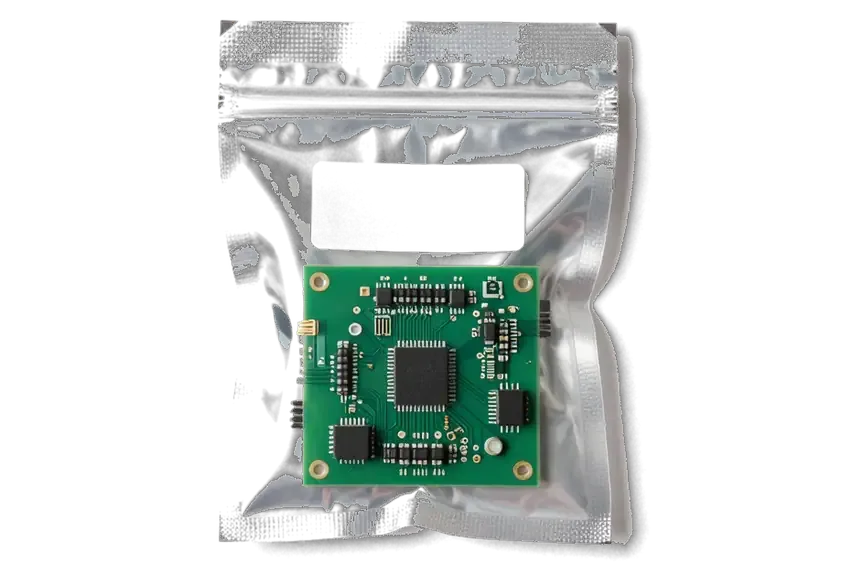
Most surge cases are repairable — we replace the power section or repair the circuitry under a microscope, and component-level work takes 1–3 days. A spike enters through the mains, burns the first components in its path and sometimes travels further into the main circuitry, which is why we inspect both sections before naming a turnaround. Component-level work happens under a microscope, and the price, the part and the timeline are written on the receipt before we start. A surge rarely stops at the supply; it can reach the main circuitry, so we check both before promising a same-visit fix. If that second section is clean, the job is often finished the same day — ask for that check first.
When the screen stays blank and how we follow the Apple TV HD repair signal
The light is on, the casing feels warm, but the screen keeps reporting a missing signal. Quite often apple tv hd repair in Astana begins by examining the lead and the television's chosen source instead of the device.
Check the Cable and TV Input Before You Blame the Box
- Swap the HDMI cable: a worn or low-grade lead is the first suspect when the picture vanishes but the box stays powered.
- Try another TV input: move the plug to a second HDMI socket — dead inputs are far more common than dead ports.
- Test on a known-good TV: a faulty screen can mimic a failed HDMI port on the Apple TV and send you chasing the wrong part.
- Reseat both ends: push the connectors fully home at the box and at the panel, then power-cycle the television.
- Watch for flicker: an image that drops when the cable moves points to a loose connector, not to a software fault.
HDMI Port and Board Faults Behind a Blank Screen
Once the lead and the television are ruled out, we examine the HDMI jack and the circuitry — a wobbly or broken socket frequently explains a black picture on this model. That jack is mounted on the main board, and a bump to the casing or a forceful tug on the lead may fracture its solder points or twist the pins within. Through the microscope we search for detached pads, tiny fissures near the jack and scorch marks on adjacent parts. Should the jack prove intact, we follow the video signal along the board and test the chips that produce the output. Swapping the port needs 20–40 minutes on the spot, while board-level repairs take 1–3 days. The HDMI socket absorbs the tug of every lead, so it degrades well before the rest of the device.
What We Compare on the Bench
Matching symptoms to the part worth testing first| Indicator / TV state | Likely area | What we check |
|---|
| Dark indicator | Power board | Power section, surge damage |
|---|
| Lit, no signal | Cable or HDMI port | Cable, TV input, port |
|---|
| Blinking indicator | Boot failure | tvOS recovery, main board |
|---|
| Picture, no sound | Audio path | Settings, board audio |
|---|
Restart cycles, flashing indicators and tvOS restoration during Apple TV HD repair
An endless restart loop and a blinking indicator form a separate scenario from a dead box or a missing picture. We start with tvOS recovery, and only then touch the board.
When a Blinking Light Means a Software Fault
A blinking indicator usually points to a failed boot, and we try tvOS recovery prior to opening the chassis. The light pulses because the hardware cannot finish loading its system — it restarts, fails again, and repeats the cycle. A corrupted update, an interrupted download or a full storage partition can all trigger this. We connect the player, watch how far the boot sequence gets, and note whether the indicator blinks in a steady rhythm or stalls at one point. A steady pattern suggests software; an irregular one often hints at a storage chip or power rail. We run recovery first because it takes minutes and costs nothing if it fails. A failed update can leave the box looping even though the hardware is fine, so this step is the cheapest first move before any board work.
Reinstalling tvOS With No Service Connector
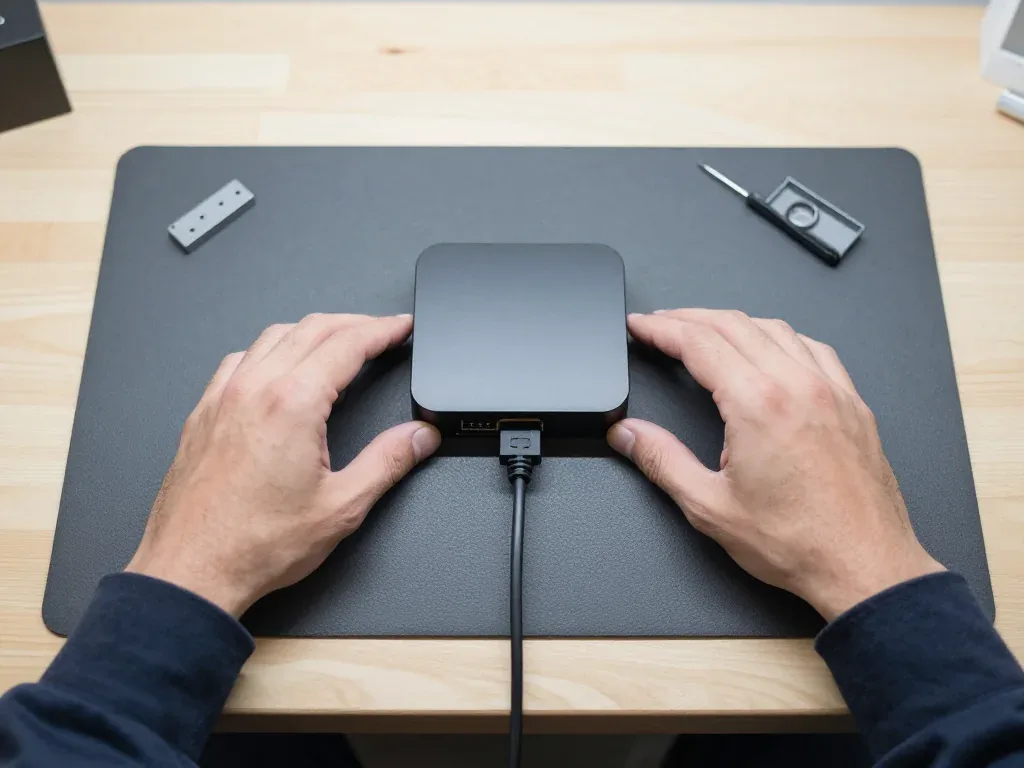
This set-top carries a USB-C service port, so recovery is simpler than on units lacking one — we rely on it to reinstall tvOS cleanly. A lead links the box to our bench computer, the software writes a fresh system image, and the device starts from zero. This method skips the network altogether, so a faint Wi-Fi signal or a router that keeps dropping cannot break the process midway. On units lacking that port, the procedure relies on the network and may stall partway, occasionally leaving the device in a worse condition than before. We examine the port contacts first, because dust or a bent pin can prevent the connection. The presence of this port on the model removes guesswork and keeps the whole procedure predictable.
What Happens to Your Account and Purchases
Your Apple ID and purchases live in the account, not on the box, so a repair or a clean tvOS reinstall does not erase what you bought. Films, series and apps stay tied to the Apple ID and reappear in the library once you sign in on the restored player. Home screen layout, downloaded apps and settings are stored locally and will need setting up again — that part does not travel with the account. Two-step verification may ask for a code sent to another trusted device, so keep that phone or tablet nearby. Sign back in after the fix and your library returns, but keep your password handy, since setup may ask for it.
Which Siri Remote, Wi-Fi and Ethernet issues get their own Apple TV HD repair track
Its controller and network get fixed separately from the box, and both are common reasons people book apple tv hd repair in Astana. Why the set-top drops Wi-Fi and what fails in a Siri Remote is covered below.
What Breaks Inside the Siri Remote
- Battery: the built-in cell loses capacity after years of daily charging, so the remote dies within hours.
- Charging connector: the Lightning socket collects lint and bends at the pins, stopping the unit from taking power over the cable.
- Buttons: the membrane under the click keys wears through, so presses register late or not at all.
- Touch surface: cracks can appear on the glass pad or it may stop reacting, so moving through the interface becomes erratic or completely frozen.
Why the Box Drops Wi-Fi and Buffers Video
Vanishing Wi-Fi is frequently the router or the band, not the box — we test the module and the network before declaring a hardware fault. The wireless chip shares its antenna with Bluetooth, so a faint 5 GHz signal and a busy 2.4 GHz band both appear as stutter, audio gaps and endless buffering circles. We run the unit against a control access point, track signal strength across ten minutes and see whether the fault follows the set-top or remains with the router. Only when the module fails on our own network do we open the case and check the antenna connection and the main circuitry. Buffering over a wired link points to the Ethernet socket or the board, while wireless drops usually trace back to signal, not the unit.
Ethernet and Port Checks
A dead Ethernet port is examined at the jack and the main board, and on the Apple TV HD the wired socket is a standard part of the unit. We check the RJ45 jack for bent contacts and pushed-in pins, then test continuity from the jack inward and confirm link speed with a reference cable. A socket that negotiates at 100 Mbps rather than gigabit, or loses the link under load, usually has a fractured solder joint where it meets the circuitry. Local repair is simple because the socket is mounted on the main board rather than a separate module. If Wi-Fi works but Ethernet does not, the fault is confined to the port — worth fixing if you depend on a stable wired stream.
How the visit works, plus Apple TV HD repair or replace
Before booking apple tv hd repair, Astana owners weigh repair against replacing the box outright. Here is how we help you decide, what gets written down before work begins, and what we test together at pickup.
Should You Repair a Legacy Apple TV HD
For a unit that only needs a power board, HDMI port or controller fix, repair usually makes more sense than replacing a box that still streams Full HD well. The Apple TV HD handles 1080p content, AirPlay and the main streaming apps, so a single failed component rarely justifies a new purchase. A dead indicator often traces to the power board, a blank screen to the HDMI port, and an unresponsive clicker to the Siri controller — three faults that sit well within a bench repair. Component-level work under the microscope takes longer and costs more effort than a straight socket or clicker swap. The deciding factor is the part, not the age — a component-level fault costs more to chase than a straightforward socket or battery job, so ask which component failed before you decide.
What Gets Fixed on the Receipt Before Work Starts
- Price: the agreed sum is printed on the receipt before the first screw comes out, so nothing is added later.
- Part type: we mark original or aftermarket, and 64% of our customers pick the original option.
- Turnaround: the agreed time slot is recorded, and the majority of repairs are completed in 20–40 minutes on the spot.
- Warranty: coverage up to 1 year is stated on the same receipt and confirmed on the warranty card.
- Old part: the failed component goes back to you at pickup together with the paperwork.
What We Check Together at Pickup
On collection we perform a 32-function test together with you — picture, sound, network, pairing and charging — so you go home with a unit that works end to end. The engineer gives you the receipt, the warranty document and the replaced part, then reviews each result on the screen instead of reciting a list. We pair the Siri controller once more, verify the Wi-Fi link and play a brief clip to test audio and video together. The whole check lasts about 10 minutes and takes place in the waiting area, where you can sit with coffee and Wi-Fi while it runs. Testing the remote and network in front of you catches pairing and login problems that surface only once the box is back on your TV.
Summary: Apple TV HD Repair
The faults covered above fall into a few clear groups, and each group has its own first step. A short summary of what to check before booking anything.
- Dark indicator: a dead light usually points to the built-in power supply, often after a surge through the mains.
- Lit box, blank TV: begin by checking the HDMI lead and the television's chosen source, then examine the HDMI port on the device.
- Blinking light: treat it as a boot fault and try tvOS recovery before any hardware work is quoted.
- Remote and network: the Siri Remote, Wi-Fi drops and Ethernet faults are diagnosed and fixed apart from the box itself.
- Repair over replacement: a unit that needs one or two parts is usually worth fixing rather than replacing outright.








 iPad
 MacBook
 iMac
 Mac mini and Studio
 Apple Watch
 AirPods
 Apple Pencil
 HomePod
