BS Photo: Bakmukhammed S.
Bakmukhammed S.
on-site iPhone technician
13years of experience
4.93rating, 107 reviews

The stylus won't charge from the magnetic connector or has stopped drawing — we'll inspect it for free and fix it, with a warranty of up to 1 year.
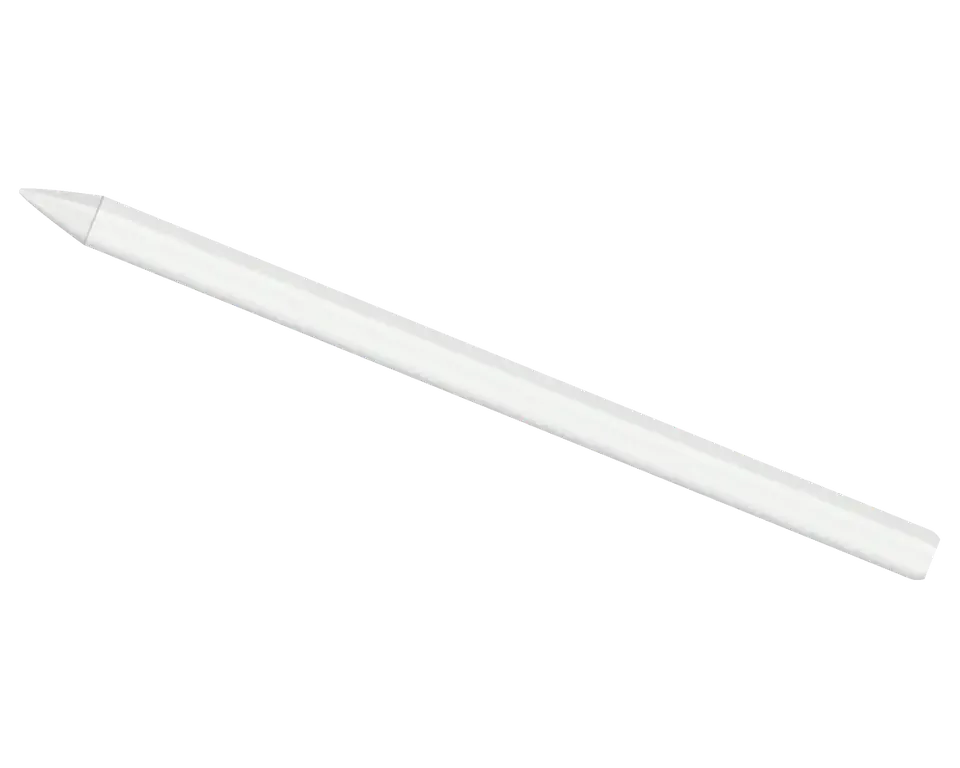
The stylus suffers from drops, tip wear, and magnetic contact issues, and sometimes the iPad itself is to blame.
It snaps onto the iPad yet provides no charge, and the indicator stays off.
The stylus doesn't show up in Bluetooth, pairing fails, and drawing is impossible.
Strokes cut out, the pen loses connection during use, and reconnecting becomes necessary.
Tool switching doesn't happen or only works intermittently.
The tip is worn down, there's play, and the glass gets scratched when writing.
After a drop or long period of disuse, it shows no signs of life.
A full charge gives only two or so hours, not the whole day advertised.
The body gets noticeably warm on the magnet, and you don't want to leave it longer.
Lines are the same thickness, shading doesn't change, and sensitivity is lost.
After detaching from the iPad, it stays active and drains the battery.
A dent or crack after a drop, and the flat side doesn't sit flush with the iPad.
The tablet doesn't respond to touches, even though the stylus looks fine.
The price depends on the fault: tip, battery, magnetic contact, or the iPad itself. We'll give you the exact amount after diagnostics.
| Service | Original | Aftermarket |
|---|---|---|
| Tip replacement | 6 490 ₸ | 3 490 ₸ |
| Battery replacement | 20 900 ₸ | 11 900 ₸ |
| Other repairs | Price | |
| Bluetooth module repairwireless module · board-level repair | 2 990 ₸per job | |
| IPad pairing restorationsoftware restore, no parts replaced | 2 990 ₸per job | |
The technician will explain what exactly failed and state the cost before starting work.
The choice of part affects sensitivity, connection stability, and the stylus's lifespan.
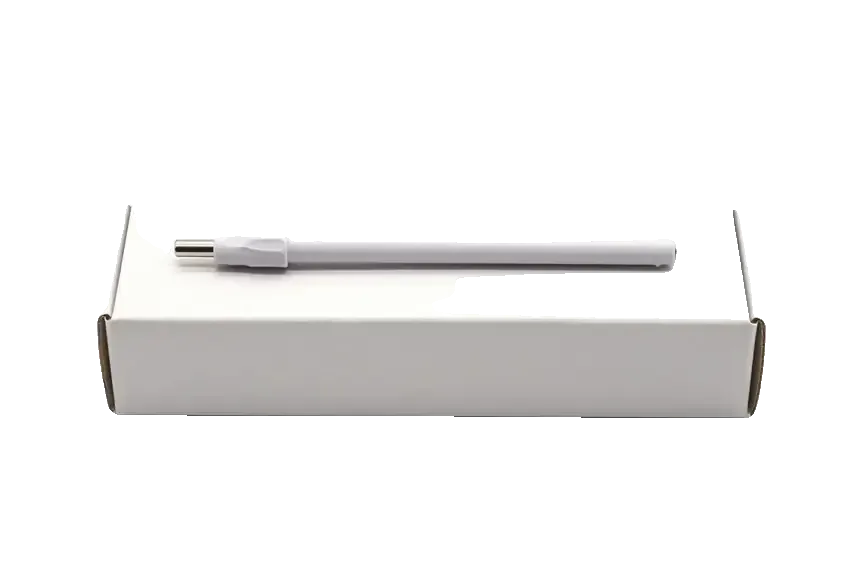
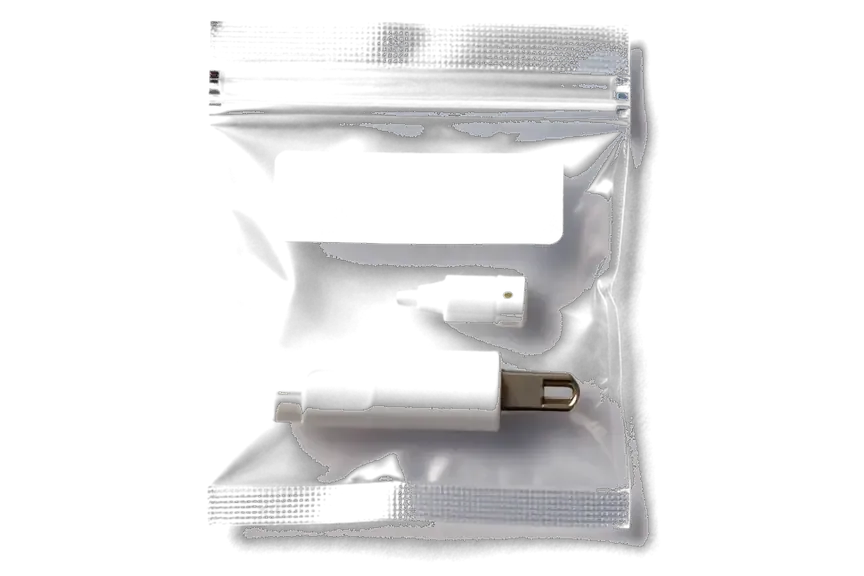
The stylus and iPad work as a pair, so we check both devices and honestly tell you if repair is possible.
Over eleven years, our technicians have studied how styluses and tablets behave together and don't guess at the cause.
We guarantee the work for up to 1 year and inform you about parts for your stylus beforehand.
First we look at the Apple Pencil, then the tablet: sometimes the problem isn't the pencil but the connector or settings.
The stylus body is non-removable, so the technician will directly say whether it can be repaired or is better replaced.
We show the fault and offer options; you make the decision, without imposed services.
We're here on weekdays from 10 to 19, and on Saturday, Sunday, and holidays from 11 to 18.
Usually the whole journey — from message to pickup — takes less than an hour; complex repairs follow the timeline in the receipt.
Book a repairYou send a photo of the damage on WhatsApp — we quote the price and available time. Or you call a courier.
An engineer checks the device in front of you and shows what is broken. 0 ₸, even if you decline the repair.
We fix the price, the part (original or analog), the timeline and the warranty. You sign — we start.
Before installation we show you the new part in its factory packaging. You wait in the waiting area with coffee and Wi‑Fi.
Pairing, pressure and tilt, charging, response on the iPad screen. You check together with the engineer.
Together with the receipt, warranty card and the old part. Payment — Kaspi, card or cash.
Technicians for iPhone, Mac, iPad, Apple Watch and AirPods repair.
Photo: Bakmukhammed S. Photo: Galymzhan S.
 Photo: Zhandos Sh.
 Photo: Darkhan T.
 Photo: Kudiret S.
“If the repair didn’t suit you or you have a complaint, write to me personally.”
Send a photo of the fault — an engineer will reply on WhatsApp, give the price and a time you can come in.
Free Diagnostics for Apple Pencil 2 Repair in Astana
iServices handles Apple Pencil 2 repair in Astana as a direct repair shop with its own technicians, not an agency. For 15 minutes we run free diagnostics in front of you, fix most stylus faults while you wait, and back the work with a 1-year warranty. Before we start, you pick an aftermarket part or an original one.
The accessory is not a sealed monolith. Inside the barrel sit a writing tip, a pressure sensor, a battery, a charging coil and a board — some parts wear out, some are swapped, and a few are repaired in place.
| Sign | Probable component | Our action |
|---|---|---|
| Line skips or breaks | Tip or pressure sensor | Swap the tip, test the sensor |
| No pressure response | Pressure sensor | Test the strip, replace if dead |
| Dies within minutes | Battery | Open the barrel, fit a new cell |
| Fails to charge at the side | Induction coil | Inspect coil and contacts |
| Will not pair at all | Logic board | Inspect it under a microscope |
Once the tip has rubbed through to the metal core, the iPad glass gets scratched, so it is worth swapping before that happens. The writing point wears out by design — it absorbs the rubbing that would otherwise hit the screen, and a sharp worn edge leaves thin marks that never come off the display. During each no-cost check we look at it under light, and if the core is visible we install a new tip right away. A fresh point also brings back even line thickness, so some complaints about "lost pressure" go away after a simple replacement. Quite often a full stylus service is ordered when the tip is the only worn piece, and a screen protector takes the early wear while you make up your mind.
The second-generation stylus draws power only from the magnetic edge of a compatible iPad. When that handshake fails, the break sits somewhere in a short chain, and we work through it link by link.
Our first step is checking the magnetic band on the tablet, then we move on to the induction coil and the battery housed in the body, since trouble with any of them can interrupt charging. Beneath the flat edge of the shell lies a wireless charging coil, together with magnets that hold it against the contact strip on the tablet. Energy passes that gap by induction, which is why a weakened magnet, grime on the contact or a fractured coil all feel identical to the owner: the screen shows nothing. The battery accumulates the incoming charge, and a depleted cell that no longer takes power closely resembles a failed coil. Should you require an apple pencil 2 repair in Astana, bring both gadgets to the complimentary diagnostic and we will identify which side is at fault before any work begins.
A healthy unit holds charge for days, so a device that is flat after a night on the shelf usually has a worn battery. The energy store is small and sits deep inside the barrel, sealed behind the glued housing that also holds the coil and the logic board. Self-discharge shows up as a slow, steady drop rather than a sudden cut-off, and it gets worse in the cold months when owners leave the accessory in a bag overnight. We measure capacity under load rather than trusting the percentage the tablet reports, because that figure is estimated, not read directly. The power source is glued in, so we confirm its condition during diagnostics before quoting a replacement rather than guessing from the symptom. With 46,000+ repairs behind us, we have learned to distrust a single reading.
When the accessory refuses to pair or the line breaks mid-stroke, the cause sits in one of three places: the pairing itself, the antenna, or the board. Here is how to tell software from hardware.
If the tablet fails to detect the stylus, we pair it again, inspect the Bluetooth antenna and only after that examine the board. Re-pairing takes about a minute: we remove the old entry in the Bluetooth menu, press the stylus to the magnetic side and wait for the on-screen confirmation. Should the iPad still show nothing, the antenna inside the barrel becomes the next suspect — a hairline crack or a loose contact blocks the handshake before it can start. Only when both steps look clean do we open the shell and study the board under magnification. A unit that pairs but loses the link mid-stroke usually has a board or antenna problem rather than a pairing glitch, so re-pairing by itself will not cure it.
Pressure, tilt and double tap all run through the pressure sensor and the board, so losing one of them points to hardware rather than settings. The second generation of the stylus supports double tap on the flat side, and that gesture travels through the same sensor block as pressure. When a customer reports that the line is thin and even, no matter how hard they press, we test the sensor with a bench readout before touching the shell. Tilt failing alone is often a magnetometer issue, while pressure and double tap dropping together usually means the sensor block has lost contact with the board. Double tap failing on its own, while pressure still works, narrows the fault to the sensor area and keeps the repair smaller than a full board job.
| Check | What it confirms |
|---|---|
| Pairing on your iPad | Bluetooth link holds |
| Pressure across the line | Sensor responds to force |
| Tilt shading | Angle data reaches the app |
| Double tap | Gesture registers reliably |
| Line continuity | No skipping mid-stroke |
Before anyone opens the stylus, it is worth knowing which half of the pair is actually failing. These checks separate a pencil fault from a tablet fault in minutes.
The quickest way to separate a pencil problem from a tablet problem is to try the pencil on a second iPad and a known-good pencil on your own tablet. Pair your Apple Pencil 2 with another compatible iPad and attempt to write, top up at the magnetic side and trigger a double tap. Then take a pencil known to work and repeat the same steps on your tablet. Compare both results side by side rather than one after the other, since a stale pairing can mimic a hardware fault. A pencil that draws on the second tablet but not on yours has a sound tip, sensor and battery. If the pencil fails on both tablets, the accessory is at fault; if it works elsewhere, the magnetic side or Bluetooth of your iPad is the suspect.
| Outcome | Interpretation |
|---|---|
| Pencil works on both iPads | Stylus is fine, look at the tablet |
| Pencil fails on both iPads | Fault sits inside the stylus |
| Pencil charges, will not draw | Tip, sensor or pairing issue |
| Pencil draws, will not charge | Magnetic edge or battery problem |
Certain faults cost more to repair than the device is worth, so we say plainly when a repair makes no sense. A cracked housing, a swollen battery and a damaged board often come together, and swapping all three parts seldom pays off. When a board fault meets a heavily worn body, we tell you before you spend anything and explain what a new pencil would offer instead. We are a direct contractor with our own workshop, not an intermediary, so the assessment comes from the person holding the tool. A no-cost check done in your presence settles the question in 15 minutes, whatever you decide about repairing. You leave knowing whether your stylus is worth fixing.
The visit runs from the first message to the moment you walk out with the stylus, the receipt and the old part in hand. Here is what happens at each step.
Share a picture of the damage via WhatsApp and an engineer answers in 5 minutes with the cost and an available time. Based on that picture we set the price and reserve a free slot, while the precise defect is confirmed during the free diagnostic. The free diagnostics last 15 minutes and are performed in your presence — the engineer inspects the device, points out what has failed and outlines the choices even if you choose not to proceed with repair. Before any work begins, the cost, the component, the duration and the warranty are recorded on the receipt within about 2 minutes, so nothing shifts during the repair. Request that receipt before the engineer takes up a tool — it is the document that safeguards you if a promised duration overruns.
Before starting, you pick either a genuine component or a third-party alternative, and we present the replacement in its sealed factory box prior to fitting. Both options are valid: a genuine assembly brings the stylus back to factory performance, whereas a compatible component reduces the expense and fits a pencil used chiefly for note-taking. Overall, 64% of our clients choose the genuine component, and the decision tends to track how intensively the accessory is used. The receipt states which component was fitted, so the selection is never merely a spoken assurance. The removed component is returned to you along with the receipt, letting you see precisely what was swapped and set it beside the new piece.
A stylus that skips, will not charge or loses pressure is usually a worn part, not a dead device. Here is what to carry away from this guide.
Did not find an answer? Message us on WhatsApp: an engineer replies, not a bot.
Ask a questionA bulky case or cover along the tablet's edge often blocks contact. Take it off and test charging once more; should that fail, the stylus or the iPad port needs diagnostics.
Yes, if the problem is in the contacts or battery. But the body is non-removable, so the technician will first check the stylus and say whether repair is possible in your case.
The double tap setting may be disabled or the sensor may be faulty. Check the Apple Pencil settings on your iPad first; if that doesn't help, diagnostics are needed.
Look through the Apple Pencil options on your iPad and confirm the setting is on. Should that not fix it, a sensor fault is possible and diagnostics are required.
Bringing the tablet helps us pinpoint the cause faster. The magnetic connector and screen sensor sit on the iPad side, so the technician tests the pair together and tells you right away where the fault lies.
Slight heating is normal, but if the body becomes hot, it's better to stop charging and show the stylus to a technician. This may indicate a faulty battery or contacts.
Ғалымжан С. пообещал и сделал, без напоминаний. Мастер вышел, послушал и срозу забрал в работу. После ремонта — как новое.
Искал сервис, где дадут гарантию и чек. Залил чаем, и через день — не пишет. Пользуюсь и вспоминаю добрым словом.
Ғалымжан С. показал старую деталь, всё прозрачно. Перезвонили на следующий день, уточнили детали. Экран яркий, батарея держит.
Уронил на плитку — и всё, не заряжается. Ғалымжан С. всё сделал при мне, за пятнадцать минут. Приняли вечером, хотя до закрытия было минут десять. Пользуюсь и вспоминаю добрым словом.
Работаю рядом, заехала в обед. Проблема — не соединяеться. После ремонта — как новое)
Ғалымжан С. разрулил всё быстро. Все функции проверил — работают. Ни шума, ни запаха, всё штатно)
В Астана сервисов много, но по Apple берут не все. Приехал с мороза, занёс — и не реагирует на нажатие. Назвали срок — два дня, уложились. Внутри оказалось: аккумулятор. Вернули — проверил, всё ок.
Позвонил в три места, здесь внятно объяснили по цене. Приехал с Apple Pencil 2, как есть. Проблема — не пишет. Ғалымжан С. разрулил всё быстро. Диагностику сделали при мне. Вскрытие показало: аккумулятор. Вернули — проверил, всё ок
Проблема — не пишет. Ғалымжан С. разобрался в редкой модели. В iService в Есиле и обратился. Всё чётко, без сюрпризов!!
Ostavil na zariadke na noch, utrom — ne pishet. Pozvonil, opisal problemu, skazali privozit — posmotriat. Ni shuma, ni zapakha, vse shtatno!!
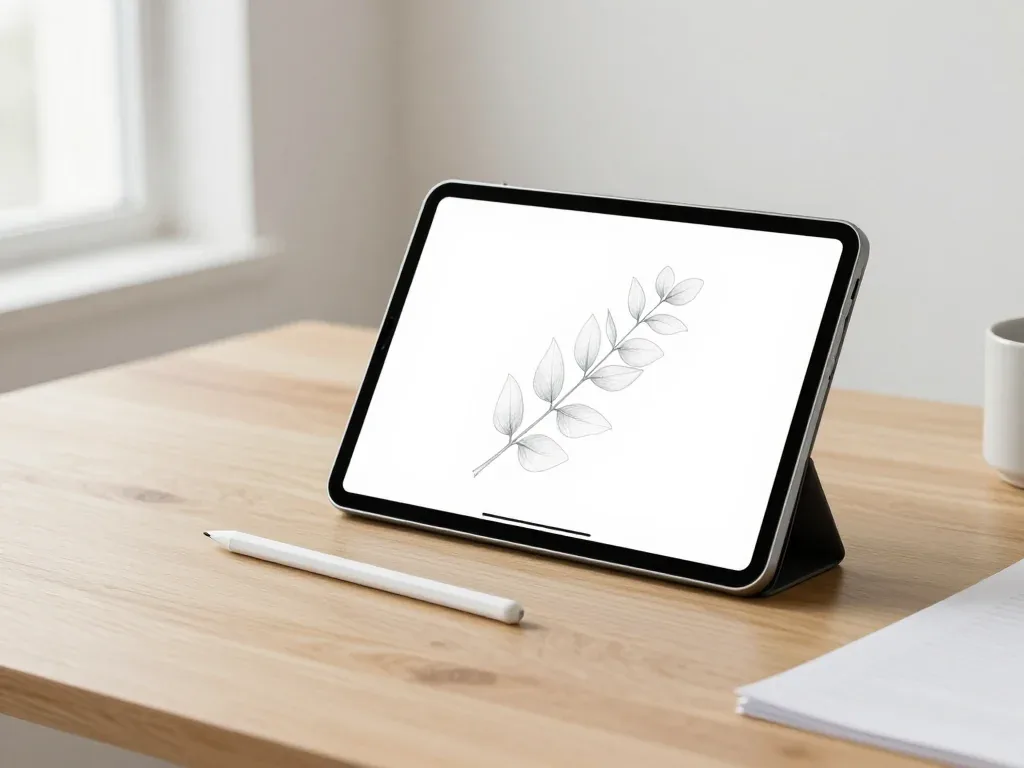
Most pairing failures come from a flat stylus, a stale Bluetooth entry or dirty contacts, and a free 15-minute check confirms the cause.

Back up your data, turn off Find My, and bring proof of purchase — then the repair starts faster.


 iPad
 MacBook
 iMac
 Mac mini and Studio
 Apple Watch
 AirPods
 Apple TV
 HomePod
