KS Photo: Kudiret S.
Kudiret S.
iCloud unlock specialist
10years of experience
4.37rating, 100 reviews

If your Intel Mac mini won't power on, runs loud, or loses its drive, we diagnose it with you, explain the fault, and add the warranty to your receipt.
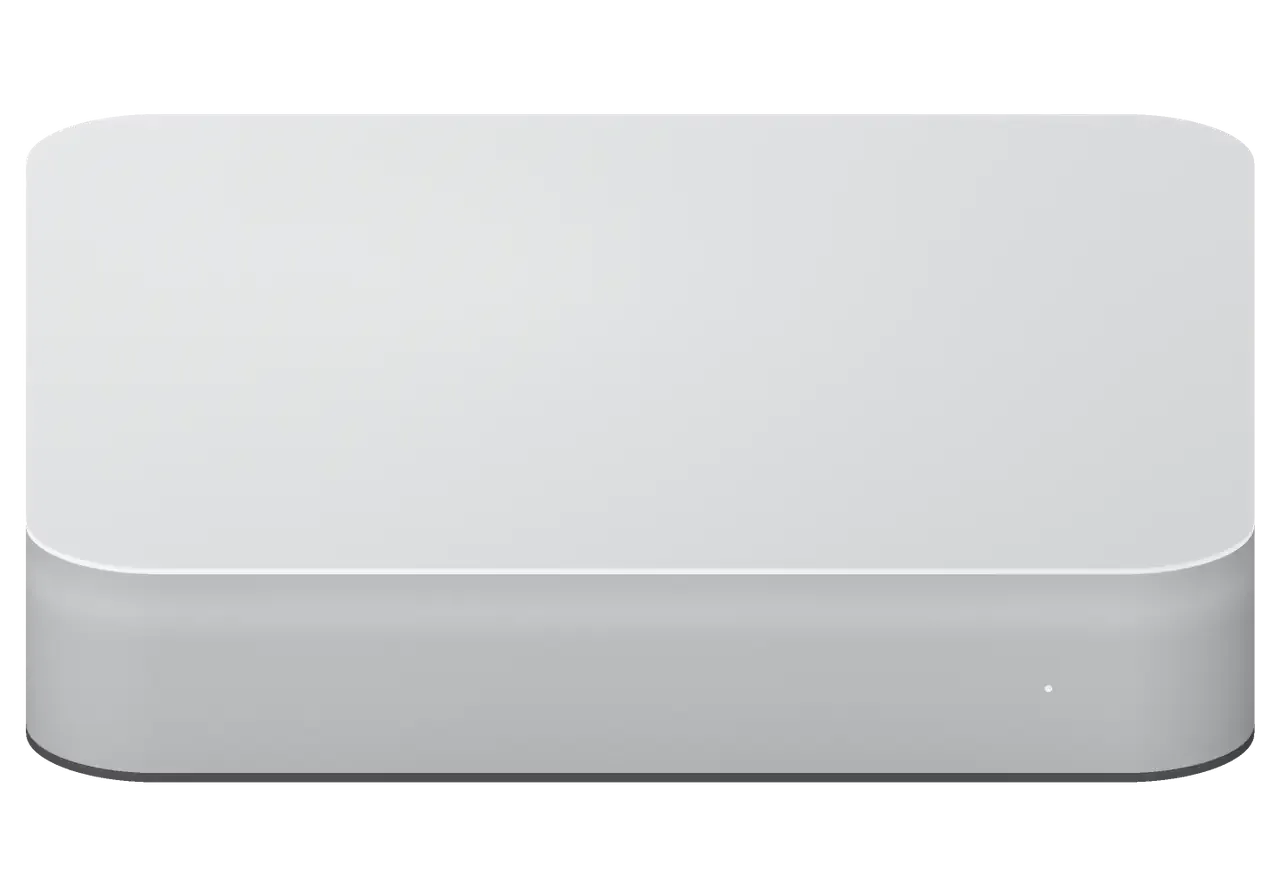
The compact case with an internal power supply and fan collects dust over the years, while the drive and memory wear out from daily use.
The light is off, the fan doesn't spin — we diagnose the power supply and board.
Editing or rendering stops midway: power protection or overheating kicks in.
The heatsink is clogged with dust, and a worn bearing can be heard even in the next room.
HDD or Fusion Drive disappears from the system, the computer hangs on the logo.
Clicking and grinding from the HDD: better to turn off the disk to avoid data loss.
The system lags with several windows open: some models have replaceable memory modules.
The monitor flickers or isn't detected: we check the cable, port, and video output.
Keyboard and flash drives aren't recognized after a power surge or controller failure.
An external drive or audio interface won't connect through the port.
The case is hot at idle: thermal paste has dried out or the air exhaust is clogged.
macOS doesn't reach the desktop: we troubleshoot the firmware, disk, and power.
Moisture got inside the case: don't turn it on, corrosion worsens under power.
The table below shows estimates for common jobs on Mac mini Intel; the final amount is confirmed by the technician after diagnostics.
| Service | Original | Aftermarket |
|---|---|---|
| Power supply replacement | 58 900 ₸ | 32 900 ₸ |
| Fan replacement | 24 900 ₸ | 13 900 ₸ |
| USB-C / Thunderbolt ports replacement | 37 900 ₸ | 20 900 ₸ |
| Other repairs | Price | |
| SSD installationstorage installation | 48 900 ₸with parts | |
| RAM replacementmemory chip installation | 23 900 ₸with parts | |
| Dust cleaningdisassembly and dust cleaning | 17 900 ₸per job | |
| Logic board repairmicrosoldering · 1–3 days | 25 900 ₸per job | |
| Wi-Fi module repairwireless module · board-level repair | 33 900 ₸with parts | |
| MacOS installationOS installation, no parts replaced | 10 900 ₸per job | |
After liquid damage, we estimate work only after opening the case, since damage is visible inside.
This version has both options; which one suits you depends on how critical downtime is.
In Astana, a desktop Mac often sits in an office or at home, and the owner needs to quickly find the cause of the failure without losing the machine for long.
We perform free diagnostics and name the fault, and only then discuss the cost of work and parts.
We stand behind our work for up to 1 year, so if the problem recurs, we sort it out together with you, no arguments.
We've been repairing Apple equipment for eleven years and know how compact desktop models with internal power supplies are built.
Cases are opened by experienced technicians who work carefully with the board, cables, and drive mounts.
Before handover, we check 32 functions so you get your computer back with working ports, network, and cooling.
Weekdays 10am–7pm, weekends and holidays 11am–6pm, so a visit can fit around your workday.
Usually the whole journey — from message to pickup — takes less than an hour; complex repairs follow the timeline in the receipt.
Book a repairYou send a photo of the damage on WhatsApp — we quote the price and available time. Or you call a courier.
An engineer checks the device in front of you and shows what is broken. 0 ₸, even if you decline the repair.
We fix the price, the part (original or analog), the timeline and the warranty. You sign — we start.
Before installation we show you the new part in its factory packaging. You wait in the waiting area with coffee and Wi‑Fi.
Startup and operation under load, ports, Wi‑Fi and Bluetooth, sound. You check together with the engineer.
Together with the receipt, warranty card and the old part. Payment — Kaspi, card or cash.
Technicians for iPhone, Mac, iPad, Apple Watch and AirPods repair.
Photo: Kudiret S. Photo: Kamran A.

“If the repair didn’t suit you or you have a complaint, write to me personally.”
Send a photo of the fault — an engineer will reply on WhatsApp, give the price and a time you can come in.
Mac mini Intel Repair in Astana with Free On-Site Diagnostics
iServices handles Mac mini Intel repair in Astana that owners can watch from start to finish: an engineer runs free checks while you watch, shows the faulty part, and fixes most units while you wait in the lounge. Cost, components, service time, and guarantee are locked in on your receipt prior to the start of work, with coverage lasting one year.
The Mac mini Intel is a compact desktop with a storage bay, a cooling fan, rear ports and a built-in power supply. Its layout explains which parts fail first and what can be replaced without touching the mainboard.
Inside the Intel Mac mini sit a built-in PSU, a 2.5-inch hard disk, a Fusion Drive or an SSD, and on many revisions RAM in slots as well, so storage, memory and cooling can all be serviced. Voltage conversion happens within the chassis instead of in an external brick, so a unit that refuses to start often points to this part first. The rear panel carries Thunderbolt, USB and HDMI, each wired through its own module or solder joint. The fan draws air through a heatsink that gathers dust over time. Since some versions come with slotted memory, adding RAM tends to cost less than a new logic board, yet the drive bay and thermal layout vary between revisions, so the exact model must be confirmed before a part is ordered.
| Revision trait | What it means for repair | Part availability |
|---|---|---|
| HDD or Fusion Drive | Can be swapped, data migration needed | Standard 2.5-inch drives |
| SSD revision | Faster, different mounting | Matched SSD required |
| Socketed RAM | Memory upgrade possible | Standard SO-DIMM |
| Soldered RAM | Board-level work only | Board repair |
| Port layout | Thunderbolt and HDMI count varies | Port module matched to revision |
A unit that stays silent and a unit that runs but shows nothing are two different diagnostic branches. We separate them in the first minutes, because the test path and the part at fault differ from the start.
We check the internal power supply first, because a dead PSU on this desktop looks exactly like a dead mainboard from the outside. The chassis takes the cable, the LED stays dark, the fan never spins — and the owner assumes the worst. Our engineer opens the case, measures the output rails under load and confirms whether the supply delivers stable voltage downstream. Only then does the motherboard itself go on the bench for a rail-by-rail check. A PSU that fails after a voltage spike often takes the circuitry with it, so swapping only that module without testing what sits behind it can leave a unit that still will not boot.
When the fan spins but the screen stays black, we test the HDMI and Thunderbolt outputs and the wake-from-sleep behaviour before touching the logic board. A known-good monitor and cable go on both ports, then the desktop is put to sleep and woken several times to see whether the display returns. Owners in Astana often describe the same pattern — the device runs, the fan is audible, yet nothing reaches the panel. A system that boots fine but never wakes from sleep usually points to a firmware or SMC state rather than a dead GPU, so a reset and DFU check come before any component work. That order keeps a working mainboard out of the parts bin and saves the owner the cost of a replacement.
The path from a photo on WhatsApp to a handed-over desktop is short and predictable. Here is what happens between your first message and the moment you carry the machine out.
We carry out a free diagnostic of about 15 minutes in the client's presence, whether or not the repair is approved, and identify the defective part. The technician takes off the lid, inspects the mainboard under a microscope and powers the unit from a bench supply to track current draw. Such a measurement exposes a failing PSU or a shorted trace far faster than a simple boot attempt. The client sees the same screen and readings as the technician, so the verdict is completely open. Watching the test pays off, because a fault that appears only under load may be missed on the bench, so the symptom is recreated with the owner nearby. That is how Mac mini Intel repair in Astana starts, from the very first check.
Microscope-assisted work at component level is standard for these desktops, and such a repair typically needs one to three days. Using hot air and a soldering iron, the specialist reworks the faulty region, exchanging capacitors, voltage regulators or a shorted controller instead of replacing the entire circuit. Each connection is checked under magnification prior to reassembly, since a micro-crack the eye cannot see tends to fail again within a few weeks. On the Intel Mac mini, port problems frequently stem from a fractured solder point rather than a dead controller, so reflowing that point may bring HDMI or Thunderbolt back to life without swapping the whole assembly.
Storage and memory shape most repair decisions on this desktop, because both parts wear out and both hold what you cannot reinstall. Here is what can be swapped, what needs deeper work, and what happens to your files.
Since the storage device in this all-in-one is user-serviceable, we swap out the hard disk, Fusion Drive, or solid-state drive and move your data to the replacement. Unibody versions offer a 2.5-inch SATA slot, while the later generation relies on an NVMe blade soldered to the mainboard, so the teardown procedure differs for each build. Data is copied through a dock or external housing, and a Time Machine archive provides a second copy whenever the original disk still mounts. A disk that responds sluggishly or emits clicking noises is already deteriorating, so we duplicate it before it freezes completely rather than letting it run until failure.
On models with socketed RAM the memory can be upgraded, while soldered memory can only be addressed through chip-level work. The unibody units take two SO-DIMM modules, the mid-cycle revision has RAM soldered to the mainboard, and the last Intel generation pairs its memory with the SSD on a single substrate. Multitasking, browser tabs and virtual machines respond to more RAM, yet a disk that is nearly full or failing slows the whole unit regardless of capacity. That is why storage health is read first: if the volume reports errors or bad sectors, a RAM upgrade alone leaves the desktop just as sluggish as before.
We recover firmware through DFU using a second Mac, and we back up readable data before any deeper work begins. The T2-equipped unit is restored over a USB-C cable from another Mac running the current system software, and the process rewrites the firmware chip rather than the volume contents. An earlier unit has no T2 chip, so its firmware sits in the EFI chip and is reflashed under the microscope when the logic board is serviced. A DFU restore can wipe the volume, so we copy your files to an external drive first whenever the disk still mounts, and we tell you before the restore what will be lost if it cannot be read.
Before we touch a screwdriver, the cost, the part, the timing and the guarantee are written down. Here is how long the work takes, what the paperwork covers, and how the unit gets back to you.
| Job type | Typical duration | Done while you wait |
|---|---|---|
| Cleaning and repasting | between 1 hour and 1 day | Partly |
| Drive swap and migration | between 1 hour and 1 day | Partly |
| Port or power supply | between 1 hour and 1 day | Partly |
| Component-level repair | 1–3 days | No |
We fix the cost, the part, the timing and the guarantee on the document before work starts, and coverage runs up to 1 year. The paper names whether the item is original or aftermarket, so there is no ambiguity later about what sits inside the machine. Writing it down takes about two minutes, and the new item is shown in factory packaging before installation. That record matters more than any verbal promise: 64% of customers choose an original one, and the document states plainly which went in. We have handled 46,000+ jobs over 11 years, and the same paper is what a returning fault is checked against. Keep it with the guarantee card and the old piece you get back — a written record is what lets a repeat fault be traced to the exact item and term.
A short checklist of what decides the outcome of any desktop Mac repair, from the first symptom to the signed handover.
Did not find an answer? Message us on WhatsApp: an engineer replies, not a bot.
Ask a questionYes, in most models the drive can be replaced. The technician will select a compatible SSD, transfer your data, and verify the system recognizes the new disk.
Usually the culprit is a clogged heatsink and thermal paste that has dried out. A thorough clean plus fresh paste brings back silent running, provided the fan still spins.
Some Intel models have replaceable memory modules, and capacity can be increased. The exact answer depends on the specific case revision; diagnostics will tell.
Power the machine down and leave it off. Clicking points to mechanical wear, so copy your data right away with a specialist beside you.
The surge may have damaged the internal power supply or board circuits. Don't turn the device on again; bring it in for inspection.
The time depends on the fault and parts availability. After diagnostics, the technician will give a realistic timeframe; we try to complete simple jobs on the day you come in.
Камран А. всё сделал при мне, за пятнадцать минут. Кулер не слышно, греется меньше)
На Mac mini (2014) компьютер начал запускаться только со второй попытки. По результатам диагностики проверели блок питания и стабильность загрузки.
Mac mini (2014) подвёл: связь по Wi-Fi периодически пропадала. Ребята проверили модуль связи и настройки.
У моего Mac mini Intel (2018) компьютер неожиданно отключался во время работы. В айсервис проверили питание и причину перезагрузок.


 iPad
 MacBook
 iMac
 Apple Watch
 AirPods
 Apple Pencil
 Apple TV
 HomePod
