Owners in Astana most often bring a cracked screen, a tired battery or a charging port that stopped responding; the model's smaller notch and board-tied Face ID shape how we diagnose each case.
Signs Tied to a Particular Component
Symptom, likely cause and the fix for each iPhone 13 fault| Symptom | Probable reason | What we do |
|---|
| Cracks or dead touch | Broken front glass or display module | Glass-only or full module swap |
|---|
| Lines, flicker, green tint | Damaged OLED panel | Display module replacement |
|---|
| Battery drains fast | Worn battery cells | Battery replacement |
|---|
| Charging works solely when the connector is bent | Dirty or worn Lightning port | Port clean or flex replacement |
|---|
| Blurry photos | Scratched camera glass | Camera glass replacement |
|---|
| Random restarts | Board or connector fault | Microscope board diagnostics |
|---|
Battery and Charging Problems on the iPhone 13
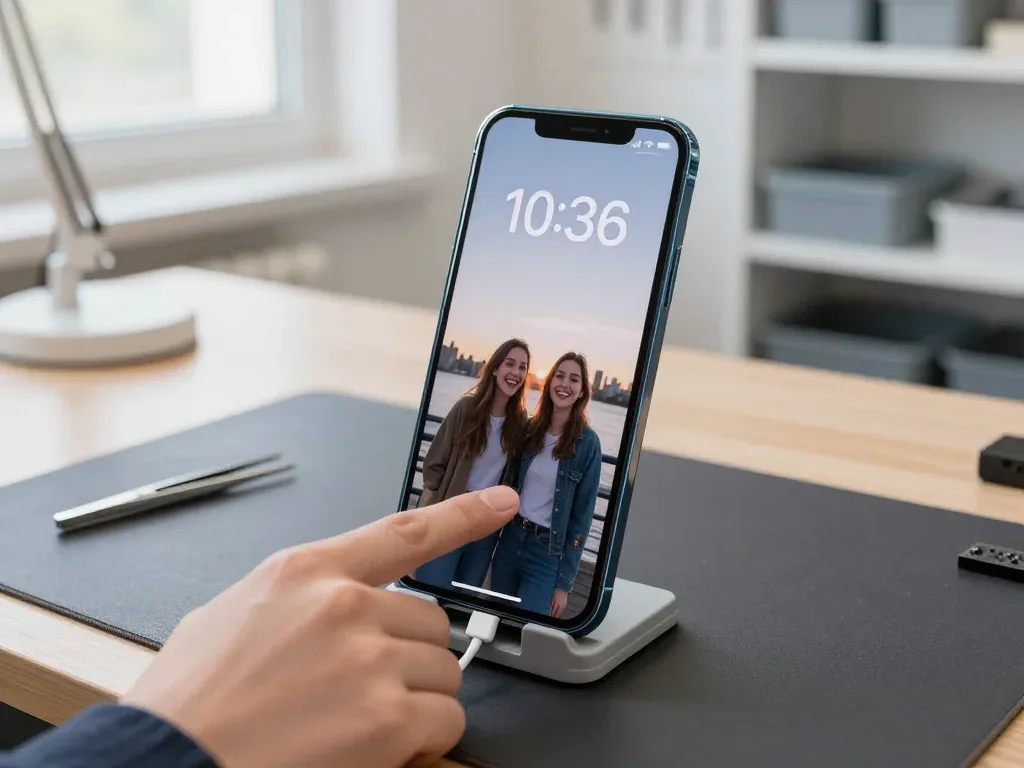
We replace an iPhone 13 battery in about 25 minutes, and a charging port that only works at an angle is usually cleaned or swapped the same visit. The port itself is a wear item: dust and pocket lint pack into the Lightning cavity, the pins lose contact, and the phone starts charging only when the cable sits at a certain tilt. A tired charging flex can also make the device cut out mid-charge or refuse to hold a cable at all. Battery wear shows differently — the percentage falls in steps, the phone shuts down under load and the back warms up during video. Check Battery Health before assuming the cell is dead; a healthy figure paired with fast drain often points to a background app or a failing flex, which is cheaper to address than a new battery.
Camera Glass and Back Panel Damage
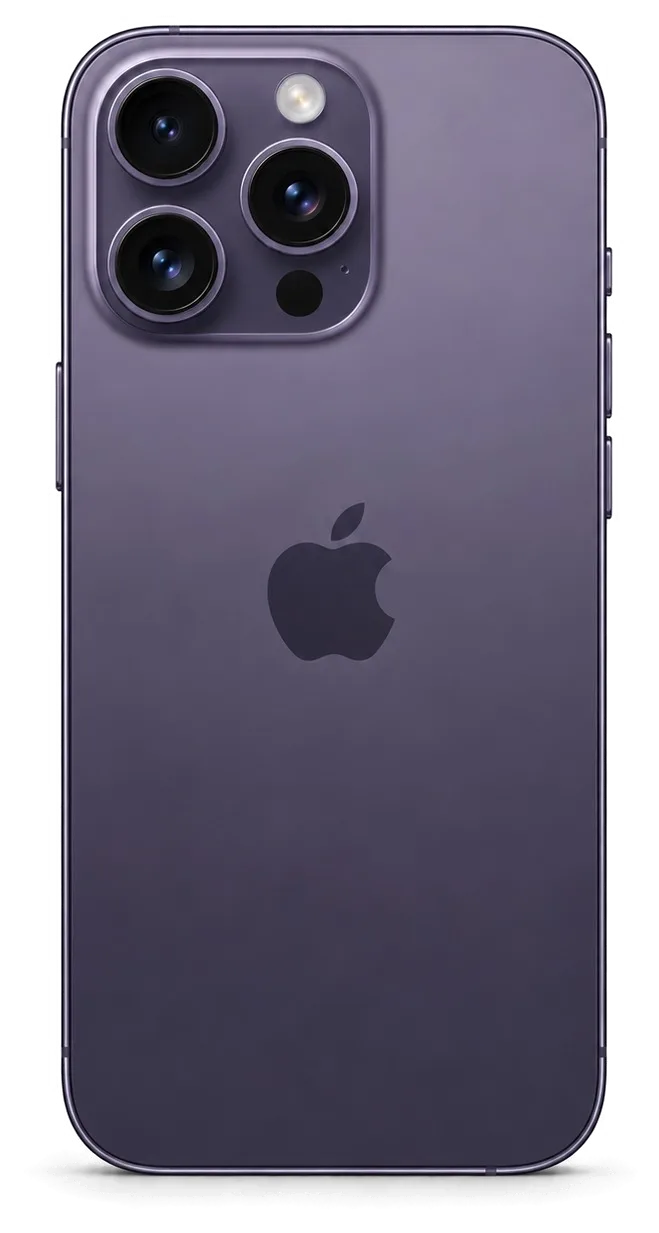
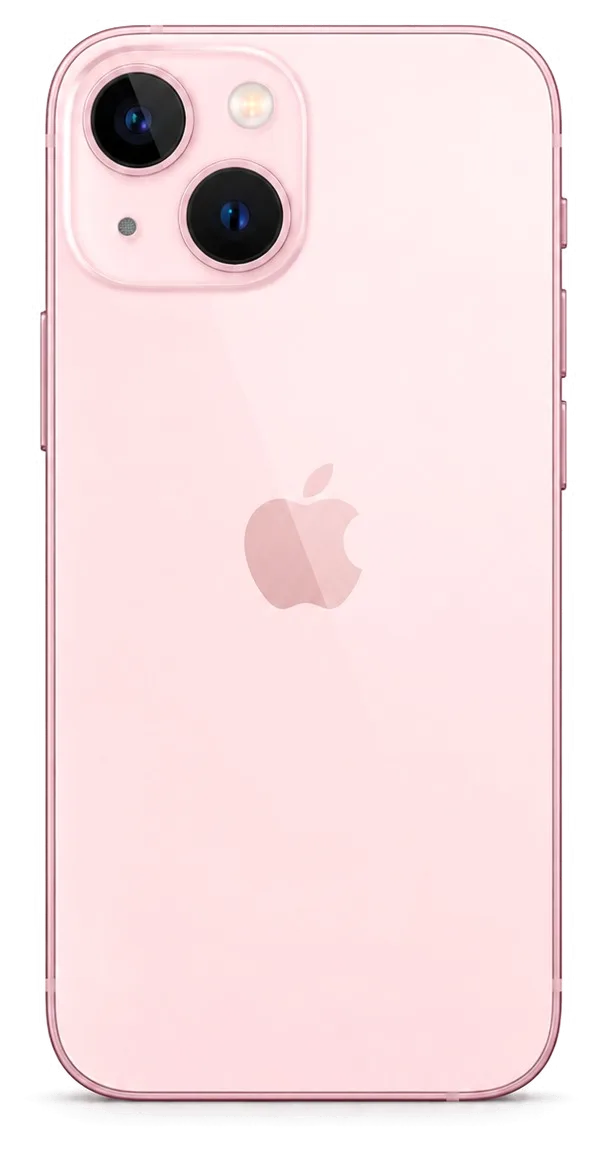
A cracked camera lens cover on the iPhone 13 is a 20-minute job at our bench, and we show the replacement lens in factory packaging before it goes on. The cover sits over the main camera and the ultra-wide, so a single drop that fractures the ring usually leaves fine splinters right above the sensor. We lift the old piece with heat, clear the adhesive residue and seat the new one flush with the frame, then check focus, flash and stabilization. Cracks in the rear panel are a separate matter — the back is glued to the chassis, so we confirm whether the frame itself is bent before quoting. A scratched camera lens scatters light and softens every photo, so replacing the cover early protects the main camera underneath from grit that would otherwise scratch the sensor.
Screen Repair for the iPhone 13 Glass or the Whole Module
A cracked iPhone 13 screen is not always a full display swap. When the OLED panel underneath is intact, swapping just the outer layer keeps the original panel and its True Tone calibration.
When Only the Glass Can Be Replaced
When the OLED produces a clean image and touch still responds, replacing only the outer layer lets us retain your original panel. The digitalizer and OLED matrix stay untouched, so the part you keep is the one calibrated at the factory. We separate the shattered outer layer, bond a fresh top layer to the existing panel and test the result under the microscope before closing the frame. This route suits phones that took a corner hit or a face-down drop, where the impact spread across the surface rather than punching through the matrix. Swapping only the outer layer preserves the factory display, so brightness, colour and True Tone stay exactly as they left the factory — a full module swap cannot always promise the same. For iPhone 13 repair in Astana, this is the option we recommend when the panel itself is still healthy.
Glass or Full Module at a Glance
which repair route fits which kind of screen damage| Damage | Best option | What stays original |
|---|
| Cracked outer layer, image fine | Outer-layer replacement | OLED panel and True Tone |
|---|
| Lines, dead spots, no touch | Full display module | Frame and Face ID |
|---|
| Glass and panel both broken | Full display module | Frame and Face ID |
|---|
| Touch works, outer layer shattered | Outer-layer replacement | OLED panel and True Tone |
|---|
Does Face ID Survive a New Screen, and What Happens to True Tone
After a repair in Astana, Face ID continues to work since the TrueDepth module is its own part, and the True Tone calibration gets transferred by us so the display once again adapts to ambient light. The dot projector and infrared camera sit in their own housing at the top of the frame, so a screen swap never touches them. True Tone is different: the panel carries a calibration file, and we copy it to the new module with the programming tool before the screen goes back on. On some aftermarket panels True Tone may not return, so ask which part is going in and confirm it on the receipt before the work starts.
Factory Component vs Aftermarket and What Each Option Preserves
Choosing between a factory component and an aftermarket one is part of every iPhone 13 repair, and brightness, battery behaviour and any iOS notice about the component reveal the difference.
Factory vs Aftermarket Components and the Distinctions Between Them
Factory versus aftermarket components and the functions they preserve| Component | What it keeps | What may differ |
|---|
| Original display | True Tone, brightness, no warning | Nothing |
|---|
| Aftermarket display | Touch and image | True Tone may not return |
|---|
| Original battery | Battery Health reporting | Nothing |
|---|
| Aftermarket battery | Charging and runtime | Health percentage may not show |
|---|
Why iOS Shows a Message About an Unknown Part
The unknown-part message on a phone is an indicator of which component iOS recognises, not a sign that the repair failed or the device is broken. A serial tag lives inside the module and is read by the system; if it differs from the factory-recorded tag for your handset, a notice appears in Settings under the display or battery area. A factory unit carries the matching tag, so the banner stays away; an aftermarket unit usually has no tag to read, so the notice appears even though the screen lights up and the cell charges normally. The message can appear even after a perfectly working repair, so judge the result by how the phone behaves, not by the banner in Settings.
What Gets Fixed on the Receipt Before Work Begins
In Astana, prior to starting work we put on the receipt the turnaround, warranty, price and part type — roughly two minutes. The line names the exact component — factory or aftermarket — so you know ahead of time what will sit inside the phone, and the technician shows the new unit in factory packaging before it goes in. Our warranty runs up to 1 year, and the paperwork ties that promise to the specific component rather than to a vague assurance at the counter. A receipt that names the exact unit protects you later, because a warranty claim can be checked against the item that was actually installed.
Turnaround Times and Waiting On Site
Most iPhone 13 jobs at our bench finish while the customer waits, and the whole visit from first message to pickup usually takes less than an hour.
How Long Each Repair Takes
Typical duration for each common iPhone 13 job| Repair | Usual duration | On-site waiting |
|---|
| Screen replacement | 40 minutes | Yes |
|---|
| Battery replacement | 25 minutes | Yes |
|---|
| Camera glass | 20 minutes | Yes |
|---|
| Repair of the board | 1–3 days | No |
|---|
From a WhatsApp Photo to a Signed Receipt
WhatsApp us a picture showing the damage; within five minutes an engineer sends a quote, and before you sign anything the no-cost 15-minute diagnostic is performed right in front of you. The engineer opens the device at the bench, shows you the failed part, and only then puts the terms on paper. Price, part (original or aftermarket), turnaround and warranty are fixed on the receipt in about 2 minutes, and the new component is shown in factory packaging before it goes in. Sending the photo first means the part can be reserved before you arrive, which is what keeps most jobs inside the one-hour visit.
What Changes on This Generation Compared with Older Models
The iPhone 13 keeps Lightning rather than USB-C, uses Face ID instead of Touch ID, and ties several parts to the board, which shapes how a repair is planned. The TrueDepth module that drives Face ID sits in the top bezel and is paired with the logic board, so a screen swap on this generation involves more than unscrewing a panel. Charging also runs through the Lightning port on the board, and a worn connector shows up as slow charging or a cable that only works at one angle. Because Face ID and the display are paired to the board on this generation, choosing the right part up front matters more than on an iPhone 8, where swaps were simpler.
Handover Checks and Who Backs the Work
The last ten minutes of an iPhone 13 repair matter as much as the work itself, because that is when you and the engineer confirm every function together before the phone goes home.
The 32-Point Check Before You Leave
- True Tone & Face ID: open the phone and see how the screen colour changes beneath a lamp.
- Cameras and microphones: take a photo, record a voice note and play it back.
- Speakers and charging: play audio, then plug in a Lightning cable and confirm it charges.
- Network and calls: check signal bars and place a short test call.
- Buttons and touch: press every button and drag an icon across the whole screen.
Steps to Take Before Handing the Phone In
When handing in an iPhone 13, make a backup, keep Find My in mind and have your passcode ready, because a repair does not require wiping the handset but a backup protects your data. An iCloud copy over Wi-Fi or a local one through Finder on a Mac takes a few minutes and covers photos, messages, health data and app logins. Find My does not block a screen or battery swap, yet it is worth knowing whether the feature is on, since some procedures need the phone unlocked and signed in. Write the passcode down or tell the engineer verbally — do not tape it to the back of the case. Your files usually stay in place after service, yet making a backup beforehand is free — and it can turn an uncommon board failure from a catastrophe into a minor hassle.
A Direct Repair Shop and the Warranty You Keep
iServices runs its own workshop staffed by in-house technicians — it is not an aggregator — and each iPhone 13 repair comes with up to 1 year of warranty, plus your old part is handed back. Small details reveal that difference: whoever gives you a quote based on a WhatsApp photo is the same person who later disassembles the phone, and before any screw is touched, the receipt you sign spells out the part used, how long it will take and what the warranty covers. Original components are chosen by 64% of clients, and whichever route they take, both come with identical paperwork. A direct shop means the specialist who diagnoses your phone is the same person fixing it, so there is no hand-off to a third party and no gap in responsibility.
Summary: iPhone 13 repair
An iPhone 13 repair is predictable when the fault is named correctly, the component is agreed in writing and the handover checks happen in front of you. These five points cover what matters most.
- Cracked outer layer: a cracked screen is often fixed by swapping only the outer layer, so the original OLED panel and its True Tone stay in place.
- Face ID: the TrueDepth module is a separate unit and survives a screen swap, but confirm which variant goes in before work starts.
- Component choice: original and aftermarket versions differ in brightness, battery reporting and the unknown-part message, so the decision belongs on the receipt.
- Timing: while you wait, the majority of jobs are done within 20–40 minutes; the notable exception is board-level faults, which take 1–3 days under the microscope.
- Two habits: a backup before handover and a 32-point check at pickup protect both your data and the quality of the work.










 iPad
 MacBook
 iMac
 Mac mini and Studio
 Apple Watch
 AirPods
 Apple Pencil
 Apple TV
 HomePod




