KS Photo: Kudiret S.
Kudiret S.
iCloud unlock specialist
10years of experience
4.37rating, 100 reviews

A2485 shuts down in the cold or the battery is swollen — we'll replace it in an hour, price fixed in the receipt.

A harsh winter tests a laptop hard: cold, condensation, heavy editing loads and a battery that ages.
Frost drops the reading suddenly and the Mac powers down mid-task.
Condensation after coming indoors can reach the board if you start it early.
MagSafe seats loosely or a USB-C port charges only at an angle.
The panel flashes, dims in zones or shows bright halos on dark scenes.
Sticky residue stops keys registering or makes them repeat.
Fans roar, the clock speed drops and the aluminium turns hot.
The chassis bows upward and the trackpad is pushed out of line.
HDMI or Thunderbolt screens drop out even with a known good cable.
Bass breaks up at high volume and voices crackle during calls.
The camera above the screen won't turn on or shows a blurry frame.
The cable wobbles in the port and the dock disconnects at a touch.
The lid was closed on debris and cracks and bright spots spread across the screen.
Every listed job for this model sits in one table, priced for the work alone without extra parts.
| Service | Original | Aftermarket |
|---|---|---|
| Display replacement | 501 900 ₸ | 310 900 ₸ |
| Battery replacement | 171 900 ₸ | 98 900 ₸ |
| Charging port replacement | 35 900 ₸ | 19 900 ₸ |
| Speaker replacement | 33 900 ₸ | 18 900 ₸ |
| Fan replacement | 26 900 ₸ | 14 900 ₸ |
| Other repairs | Price | |
| Logic board repairmicrosoldering · 1–3 days | 16 900 ₸per job | |
| Dust cleaningdisassembly and dust cleaning | 10 900 ₸per job | |
| Liquid damage cleaningcorrosion cleaning · diagnostics up to 2 days | 42 900 ₸per job | |
| Wi-Fi module repairwireless module · board-level repair | 41 900 ₸with parts | |
| MacOS installationOS installation, no parts replaced | 10 900 ₸per job | |
Final cost is confirmed by the technician after diagnostics and depends on the board and on the part type.
You can usually choose between original and aftermarket; the technician explains what changes in daily use.


With this model, predictability matters, so we agree the job list first and pick the part to suit your work.
11 years of experience helps link a symptom to its cause faster, from a tired battery to a fault in the power circuit.
Completed work carries a warranty up to 1 year. What it covers is explained before the repair begins, not after.
Boards and batteries are handled by experienced technicians, because mistakes there are the costliest to put right.
After diagnostics you get a list of jobs and decide what to do. Costly parts are discussed before work starts.
Our service points are located in Astana as well as Almaty, letting you choose whichever city feels handier for getting your MacBook Pro sorted out.
The shop is open from 10:00 until 19:00 on weekdays, and on Saturdays, Sundays and public holidays it opens at 11:00 and closes at 18:00.
Usually the whole journey — from message to pickup — takes less than an hour; complex repairs follow the timeline in the receipt.
Book a repairYou send a photo of the damage on WhatsApp — we quote the price and available time. Or you call a courier.
An engineer checks the device in front of you and shows what is broken. 0 ₸, even if you decline the repair.
We fix the price, the part (original or analog), the timeline and the warranty. You sign — we start.
Before installation we show you the new part in its factory packaging. You wait in the waiting area with coffee and Wi‑Fi.
Screen, keyboard and trackpad, camera, microphones, speakers, charging, Wi‑Fi. You check together with the engineer.
Together with the receipt, warranty card and the old part. Payment — Kaspi, card or cash.
Technicians for iPhone, Mac, iPad, Apple Watch and AirPods repair.
Photo: Kudiret S. Photo: Kamran A.

“If the repair didn’t suit you or you have a complaint, write to me personally.”
Send a photo of the fault — an engineer will reply on WhatsApp, give the price and a time you can come in.
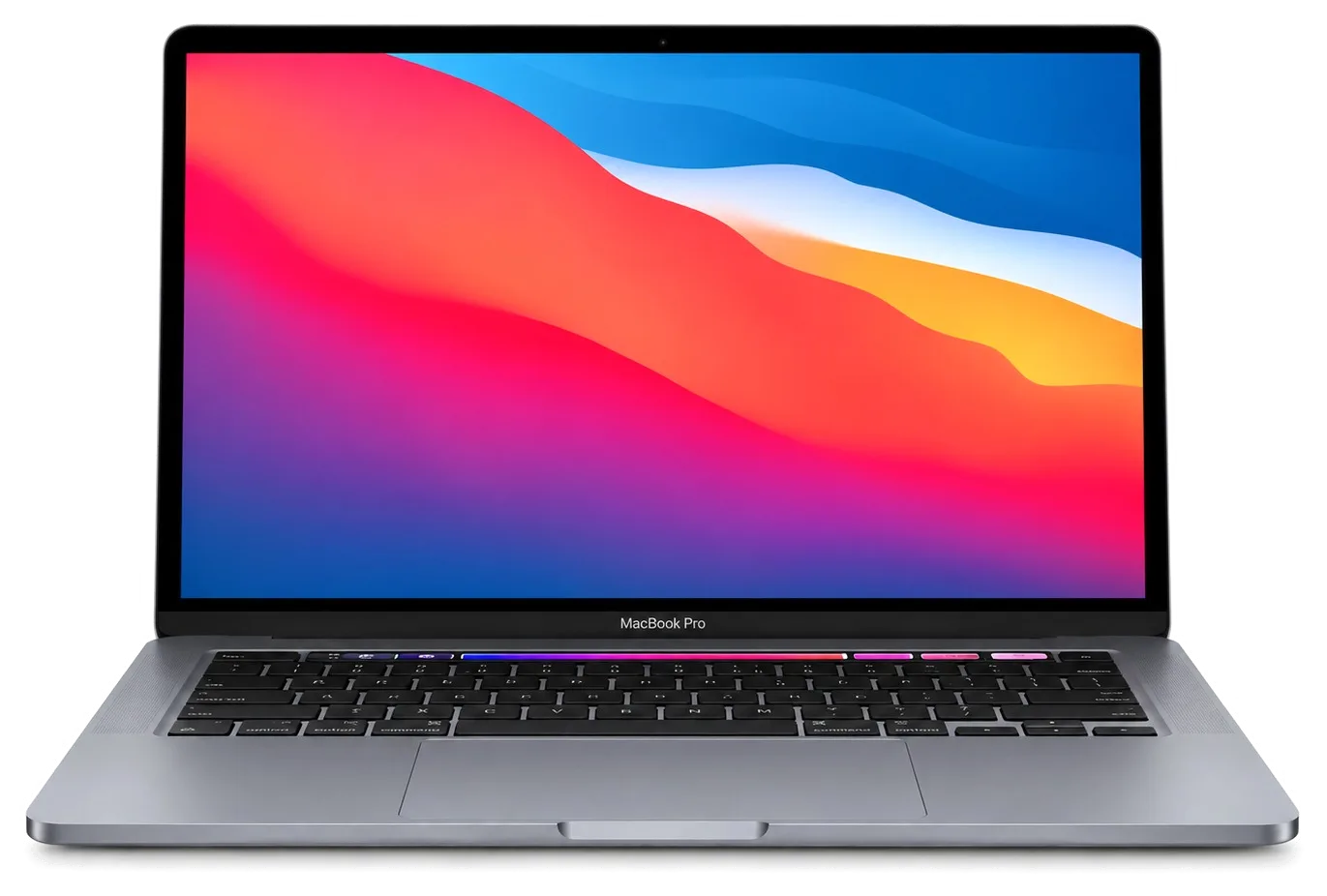
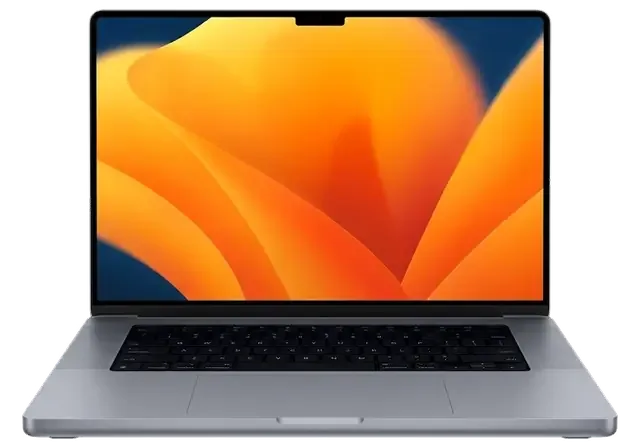
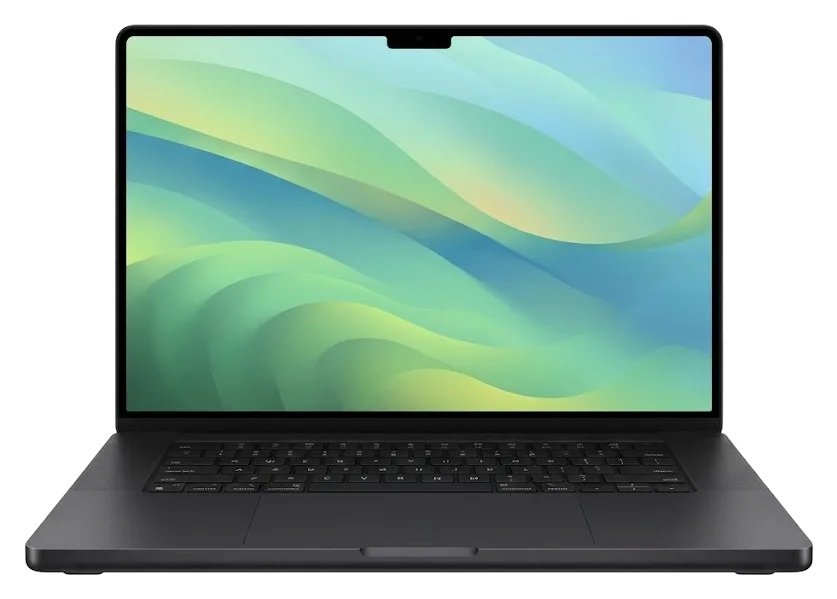
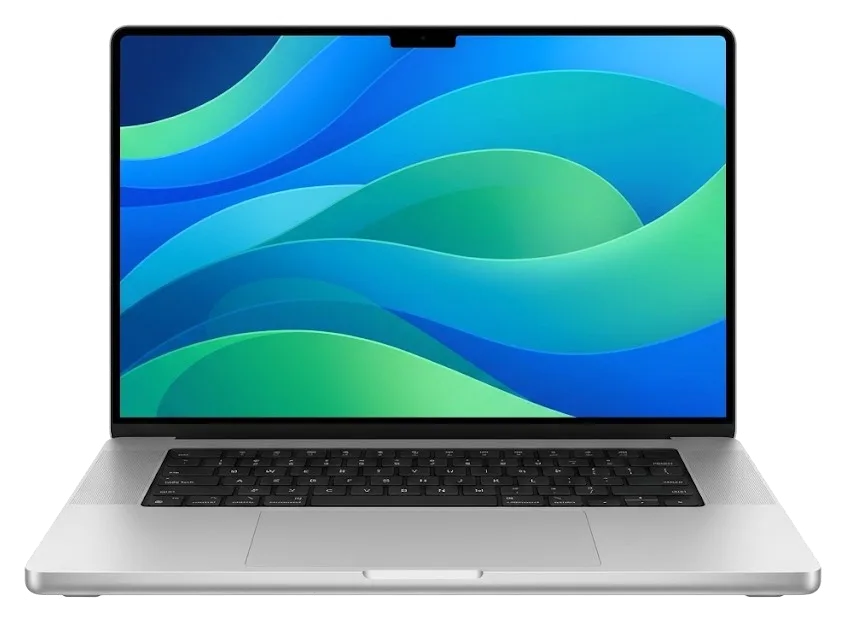
MacBook Pro A2485 Repair Available in Astana at iServices
When you need MacBook Pro A2485 repair in Astana, iServices relies on in-house specialists rather than an aggregator. You watch the whole 15-minute diagnostic run; repairs on most devices finish between an hour and a full day. Pick either a genuine component or an aftermarket one — warranty lasts up to 1 year.
This A2485 model is a 16-inch Pro built on Apple Silicon, equipped with a mini-LED screen and MagSafe 3. Below are the complaints owners bring us most often, and why a symptom is not yet a verdict.
The most common A2485 complaints are a cracked or flickering mini-LED display, a battery that swells and pushes on the trackpad, a unit that stops charging through MagSafe 3 or USB-C, and liquid damage to the mainboard. A swollen pack lifts the Force Touch trackpad until the lid no longer closes flush, while a failing power controller shows up as a device that boots on the pack but refuses a charger. Liquid damage often looks harmless for a day and then kills a rail. A symptom rarely names the failed part — a laptop that "won't charge" can be a dead port, an exhausted pack or a controller fault, so the first step is always measurement, not a parts swap.
| Symptom | What we check | What we do |
|---|---|---|
| Lines or cracks on screen | mini-LED display, lid cable, external-monitor test | module or cable replacement |
| Trackpad bulging, lid not closing | battery swelling, cell count | battery replacement |
| Not charging | MagSafe 3 port, USB-C ports, power controller | port or board-level repair |
| Keys sticking or double-typing | key mechanism, top case, liquid traces | key, top case or keyboard service |
| Fan loud, case hot | dust in cooling, thermal paste | preventive cleaning and paste |
| Spilled liquid, dead unit | corrosion under microscope | board repair, 1–3 days |
The A2485 runs on Apple Silicon with memory and SSD soldered to the mainboard, so unlike older Intel Pros it cannot be upgraded — only repaired or replaced as a unit. That changes what a failure means in practice: a screen fault stays a screen job, but a storage fault is no longer a quick drive swap. The mini-LED display adds its own layer, because a cracked lid and a dead panel look identical from the outside until the cable is tested. Because the storage sits on the board, a failing SSD becomes a board-level job, and that is the single biggest planning difference owners notice when they compare it to an old unibody Pro.
The generation decides what can be repaired at all and which part will physically fit. Below we break down how the A2485 differs from earlier Pros and how to confirm you own exactly this machine.
The model number is printed in small type on the bottom case near the hinge, and "A2485" identifies the 16-inch MacBook Pro, which is what parts are matched against. The same lid carries the serial number, and the two are often confused: the serial tells the warranty history, while the A-number tells the engineer which display, battery or keyboard assembly belongs in the chassis. Retail names drift between regions and configurations, so a machine sold as a "16-inch Pro" can hide a different internal layout than the buyer expects. On the A2485 the code sits beside the regulatory markings, legible without opening anything. A retail name is not enough to order a display or battery — two machines sold under the same name can carry different A-numbers, so the code on the lid is the only reliable key.
Our A2485 work covers the MagSafe 3 charging port, the mini-LED screen, and memory that is soldered onto the logic board — hence a charging fault, a screen fault and a memory fault each follow a separate repair route. The magnetic connector feeds the machine through its own circuit, separate from the USB-C and Thunderbolt ports, which also carry HDMI and an SD reader on this chassis. The mini-LED panel is a laminated assembly, so a cracked outer glass and a failed backlight are handled as one module rather than two layers. Memory and SSD sit on the mainboard as chips, not slots, which shapes what a storage complaint actually means. MagSafe 3 and USB-C charge through separate paths, so a machine that charges on one cable but not the other points to a specific port rather than the battery — tell the engineer before you arrive.
The path runs from a photo on WhatsApp to handover with the old module in a bag. Each step is written down, so you know what you pay for and what comes back to you.
Snap the damaged area and message it over WhatsApp — an engineer answers in five minutes or less with pricing plus a free slot, and before anything is touched the cost, spare, timeline and guarantee are written down on paper. The picture tells us enough to quote on most jobs: a cracked lid, a swollen battery, a port that no longer grips. If the shot is unclear, we ask for one more angle rather than guess. Writing the terms takes about 2 minutes and names the exact unit — original or aftermarket — so nothing shifts later. In Astana, a MacBook Pro A2485 repair follows that same documented path, keeping the terms locked from the first message through to handover.
The check-up costs nothing and runs about 15 minutes while you watch — the engineer explains what failed even if you choose not to proceed with repair. We open the bottom case, inspect the logic board for corrosion or burn marks, test the battery cycle count and voltage, run the display through its brightness range, and verify both USB-C ports and the MagSafe 3 connector under load. On liquid cases the inspection can stretch to two days, because corrosion keeps spreading until it is cleaned. Watching the procedure happen is what separates a diagnosis from an estimate — you see the failed unit and the test that proves it, so the decision to repair rests on evidence rather than on a technician's word.
Prior to fitting, the replacement component is presented in factory wrapping; nearly all A2485 repairs are completed within one hour up to one day, and at handover you check the laptop together with the technician before leaving. Microscope-level board work requires 1 to 3 days. You can wait in our lounge with coffee and Wi-Fi — 72% of repairs are completed while the customer waits. The final walk-through covers charging, ports, keyboard, trackpad, display, camera, sound and Wi-Fi, because a job that fixes the screen but disturbs a port is not finished. At handover you receive the receipt, the warranty card, plus the old component.
Choosing a part is the owner's decision, not the technician's. This section shows how the two options differ in daily use and what goes onto the receipt before any work begins.
| Option | What it means | What the receipt records |
|---|---|---|
| Original part | factory component matched to the A2485 | part type, turnaround, warranty |
| Aftermarket part | compatible alternative, lower entry point | part type, turnaround, warranty |
| Your choice | decided before work starts | confirmed in writing |
The receipt, filled in ahead of the work, lists cost, whether the spare is genuine or third-party, how long it takes and the guarantee terms; the removed component is returned to you when you collect the device. We offer an original component or an aftermarket one, and 64% of customers choose the original, but the decision is yours to make before installation rather than after. The receipt takes about two minutes to complete and every line is read aloud to you in the waiting area. The warranty runs up to 1 year, and the warranty card travels with the device alongside the receipt. Keeping the old part is more than a formality — it lets you or a second opinion confirm later what was actually replaced, which is why we hand it over with the receipt and warranty card rather than discarding it.
Emergency cases call for different steps than a planned repair. Here is what to do in the first minutes after liquid gets inside, and how to keep your data safe when the logic board itself needs work.
When corrosion or broken traces need attention, the A2485 gets circuit-level work viewed through a microscope; expect 1 to 3 days, since faults are located and resolved at a scale invisible to the naked eye. We work on the logic board itself rather than swapping whole assemblies: under magnification the engineer traces corroded pads, damaged lines and shorted components around the Apple Silicon package, cleans the affected area and rebuilds the broken connections. That is why a liquid case is quoted in days, while a screen or battery is finished in the hours a customer waits. A unit that "just needs cleaning" can still hide a damaged trace that only shows under magnification, so the estimate is always given after inspection, not before.
Before handing over the laptop, make a Time Machine backup, note your user password and decide what to do with Find My Mac, because a repair can affect access to the soldered SSD. On Apple Silicon the storage sits on the main PCB next to the T2 security chip, so data recovery is not a simple drive removal — the drive cannot be pulled out and read on another machine. Signing out of Find My Mac and leaving the password with the engineer keeps the unit usable for testing after the work. A backup taken beforehand is the only reliable safety net if the work goes further than expected.
Five points decide how an A2485 job ends: the code on the case, soldered memory, spill protocol, repair timelines and a backup made before you hand the machine over.
Did not find an answer? Message us on WhatsApp: an engineer replies, not a bot.
Ask a questionYes, the logic boards for the two chips are different and are not interchangeable. Check About This Mac before calling so the engineer knows which board your laptop has.
Try another card and make sure it is pushed all the way in; also check that it is not locked. If no card shows up in Finder, the slot or its circuit is tested in the workshop.
The camera notch leaves limited room in the menu bar, so macOS hides icons when too many apps add them. It is not a fault; remove items you do not need or use a menu bar manager app.
Yes, the speaker modules are separate parts. If sound rattles or distorts at moderate volume after testing several apps, the faulty module is replaced.
Sometimes: Apple-chip Macs can share their disk with another Mac over a USB-C cable from macOS Recovery, if the board still boots that far. When even that fails, the board is repaired first, since the storage is part of it.
Not always, but have your Apple ID password ready. After a board or display job the engineer may need to activate the Mac again together with you.
Проблема — треснул экран. Камран А. объяснял без умных слов, за это спасибо. Работает, как будто и не ломалось.
Камран А. разрулил всё быстро. Привёз на такси, приняли без вопросов. Сделали так, что и не придерёшься
Бұл жерге бірінші рет келдім. Қайта жүгінуден тартынбаймын. Рахмет, ұсынамын!!
Проблема — шумит кулер. Камран А. разрулил всё быстро. Всё чётко, без сюрпризов
У нас в офисе три таких ноутбука, один сломался. Проблема — шумит кулер. Проверила на всех режимах — держит.
Хотел сначала в официальный, но там очередь и цена. В работе было: MacBook Pro A2485. Проблема — шумит кулер. Всё оформили по договору, с печатью. Замена: кулер. Приятно удивлён. Полёт нормальный.
Телефон суға түсіп кетті, тез жөндеу керек болды. Мастер бірден қарап шықты. Диагностика тегін болды. Бағасы мен сапасы сай.
Было важно, чтобы сделали до конца недели. Записался на ремонт MacBook Pro A2485. Проблема — шумит кулер. Камран А. посмотрел и честно сказал: менять не надо. Перезвонили на следующий день, уточнили детали. Внутри оказалось: клавиатура. Экран яркий, батарея держит.
До этого обращался в сервис у дома, там только развели руками. Залил кофе, и через день — вздулась батарея. Не пришлось стоять в очереди. Вышло из строя: плата. Сказали 44 500 по телефону, столько и вышло. Экран яркий, батарея держит.
Проблема — треснул экран. Камран А. объяснял без умных слов, за это спасибо. Функционирует, тьфу-тьфу!!

Replace the battery when macOS reports Service Recommended and runtime no longer covers your workday. A free 15-minute check shows whether the cell is at fault.

Why your MacBook runs hot and loud, and whether cleaning solves it or the board needs repair.

Power it off, unplug the charger and bring the laptop in for a free 15-minute check before corrosion spreads.

Sticky or unresponsive keys usually mean debris, worn mechanisms or liquid damage. A technician can check the keyboard and advise on cleaning or replacement.

Back up your data, turn off Find My, and bring proof of purchase — then the repair starts faster.


 iPad
 iMac
 Mac mini and Studio
 Apple Watch
 AirPods
 Apple Pencil
 Apple TV
 HomePod
