BS Photo: Bakmukhammed S.
Bakmukhammed S.
on-site iPhone technician
13years of experience
4.93rating, 107 reviews

If your stylus stopped charging or your tablet fails to detect it, bring it in: we'll check it at no cost and fix it, with coverage up to 1 year.
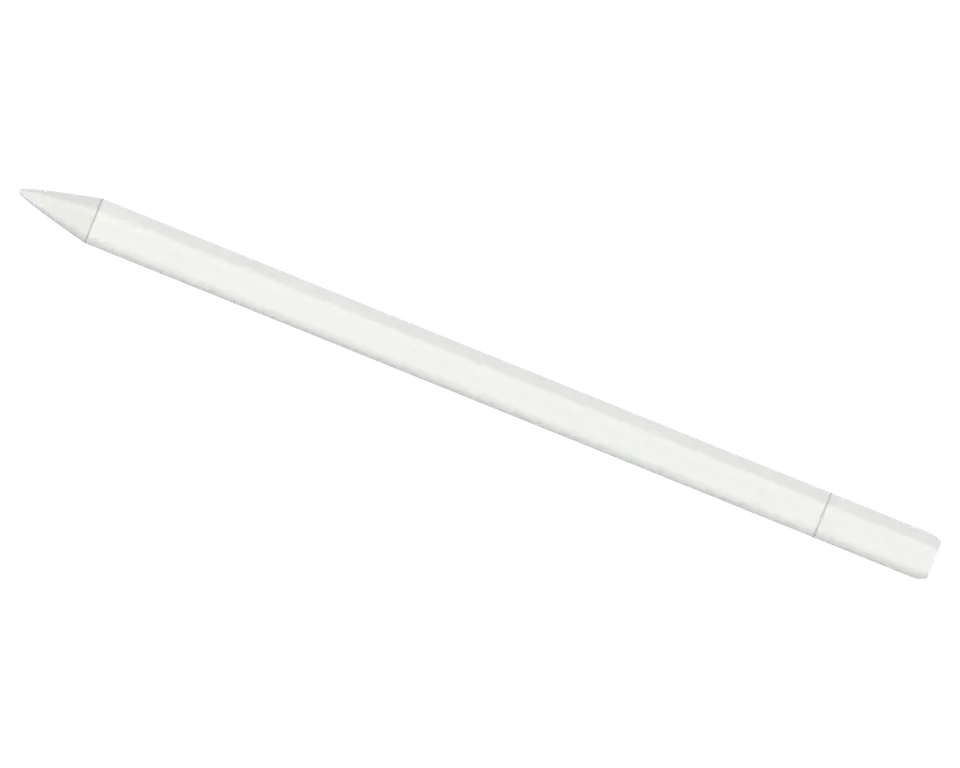
The USB-C stylus breaks less often than you might think, but its weak points are the port under the cap, the magnetic attachment, and the battery.
After connecting the USB-C cable, the iPad shows no sign of charging.
The cable doesn't fit snugly, and charging cuts out with the slightest movement.
The sliding cover is loose, slips off, and may get lost.
After connecting with a cable, the Pencil doesn't appear in Bluetooth and doesn't work.
The stylus discharges within a day even though you draw only a little.
The stroke disappears halfway, and the tip jumps across the screen.
The tip catches on the glass, leaving marks and scratches.
The magnet on the tablet's edge doesn't hold the Pencil, and it falls off.
A dent or crack appeared, or the stylus stopped turning on.
With a full battery, the Pencil still won't write or respond to taps.
The body gets noticeably warm just minutes after plugging in.
The stylus worked with an old tablet but won't pair with a new one.
The cost depends on the fault: port, battery, or tip. The technician will give you an exact price after free diagnostics.
| Service | Original | Aftermarket |
|---|---|---|
| Charging connector repair | 5 490 ₸ | 2 990 ₸ |
| Tip replacement | 6 490 ₸ | 3 490 ₸ |
| Battery replacement | 20 900 ₸ | 11 900 ₸ |
| Other repairs | Price | |
| Bluetooth module repairwireless module · board-level repair | 2 990 ₸per job | |
| IPad pairing restorationsoftware restore, no parts replaced | 2 990 ₸per job | |
The technician will explain what repairs are possible in your case and give you the price before starting work.
For Apple Pencil USB-C, precision and iPad compatibility are crucial, so the choice of part affects drawing and service life.
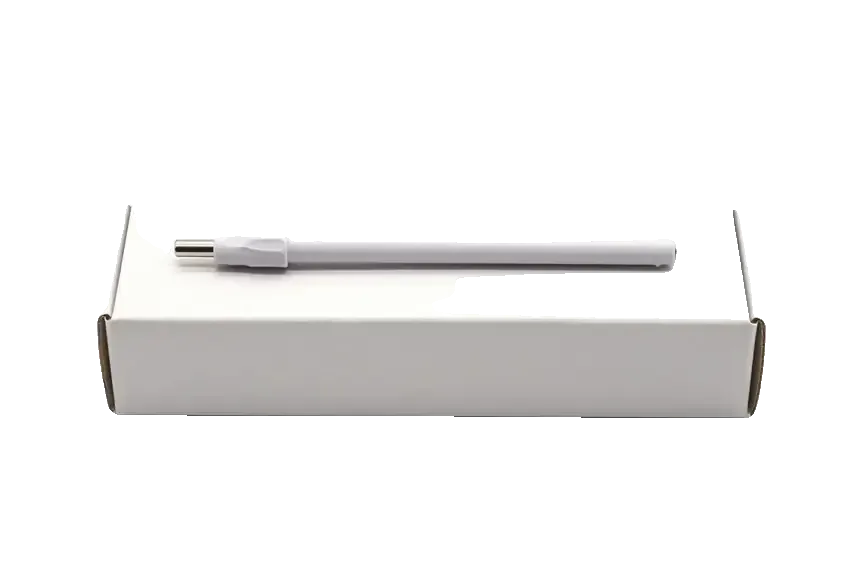
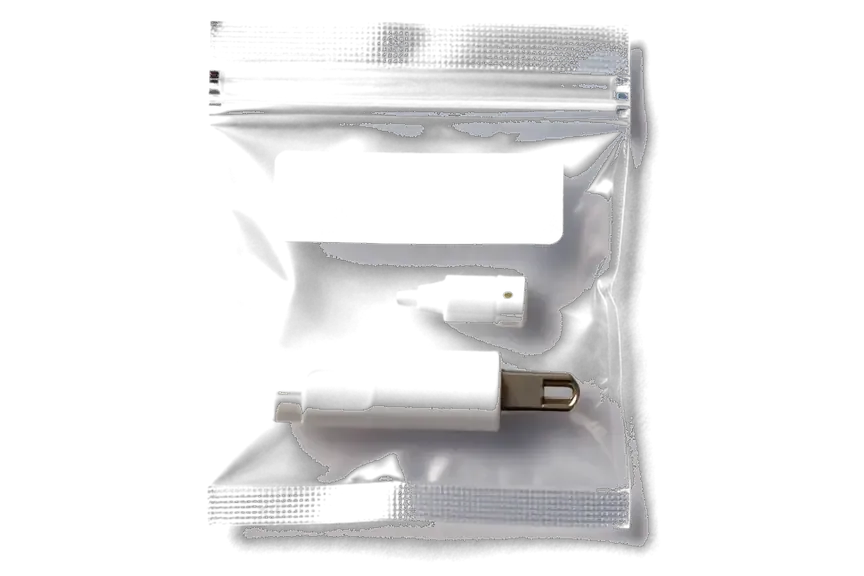
The Pencil USB-C works in tandem with the iPad, so we check both devices and honestly tell you what can be fixed.
The service has been operating for eleven years, and our technicians know how USB-C styluses behave with various iPad models.
Work we carry out is covered for up to 1 year; before any repairs begin, our technician explains which components your stylus needs.
A experienced technician examines the stylus: first diagnoses, then proposes a repair plan and gives the final price.
We first look at the Pencil, then the tablet: the problem may be in the iPad port, settings, or screen protector.
We give you the cost after diagnostics but before repair begins — no sudden extra charges during the process.
Weekday hours run 10–19, while Saturday, Sunday and public holidays are 11–18 — convenient for stopping in once your shift ends.
Usually the whole journey — from message to pickup — takes less than an hour; complex repairs follow the timeline in the receipt.
Book a repairYou send a photo of the damage on WhatsApp — we quote the price and available time. Or you call a courier.
An engineer checks the device in front of you and shows what is broken. 0 ₸, even if you decline the repair.
We fix the price, the part (original or analog), the timeline and the warranty. You sign — we start.
Before installation we show you the new part in its factory packaging. You wait in the waiting area with coffee and Wi‑Fi.
Pairing, pressure and tilt, charging, response on the iPad screen. You check together with the engineer.
Together with the receipt, warranty card and the old part. Payment — Kaspi, card or cash.
Technicians for iPhone, Mac, iPad, Apple Watch and AirPods repair.
Photo: Bakmukhammed S. Photo: Galymzhan S.
 Photo: Zhandos Sh.
 Photo: Darkhan T.
 Photo: Kudiret S.
“If the repair didn’t suit you or you have a complaint, write to me personally.”
Send a photo of the fault — an engineer will reply on WhatsApp, give the price and a time you can come in.
Apple Pencil USB-C Repair in Astana Available at iServices
At iServices in Astana, a USB-C Apple Pencil that won't charge, won't pair or writes with gaps is diagnosed for free in your presence in 15 minutes. Our own technicians handle the USB-C port, battery and board, and every job carries a 1-year guarantee as we are a direct repair provider.
The Apple Pencil USB-C is a USB-C port under a sliding cap, a magnetic side attachment that does not charge, and a glued-in battery. Only a limited set of parts fails, and those we inspect first.
The USB-C port sits under a sliding cap and is the most exposed part of the pencil, so lint, bent pins and a worn connector are the usual reason charging stops. The cap slides back for every charge cycle, and each slide drags pocket dust toward the contacts. Bent pins inside the opening are common after a cable is pushed in at an angle, and a tired connector loses grip so the plug sits loose. None of this touches the cell or the circuitry — a dead stylus often has healthy internals and one worn inlet. A unit that only charges at a certain cable angle is already failing — swap the cable first to rule it out, then have the inlet inspected before the power source is blamed.
The battery is glued into the barrel, so we replace it only after diagnostics confirm it is the cause, not the port or the board. Adhesive holds the power pack against the inner wall, which means the barrel has to be opened carefully and the new component seated and secured the same way. A swollen cell is the worst case: it presses on the electronics and can crack the housing from inside, so we treat any bulge as urgent. A pencil that arrives dead often has a charge path problem rather than a spent cell. A stylus that drains while idle usually has a battery that no longer holds charge, not a software fault — a widget check over a few days tells you which before you book.
Charging and pairing failures look alike but come from different places — the port and battery on one side, Bluetooth and the board on the other. Here is how we separate them before any part is ordered.
We start by charging the pencil from a known-good USB-C cable and adapter, because the USB-C model charges by cord only and never from the iPad magnet. Our engineers plug it into a wall adapter first, watch whether the battery indicator moves within ten minutes, then repeat the test with a second cord of known quality. A pencil that draws power from the wall but stays flat on your iPad or laptop points to the source, not the stylus. A "dead pencil" is often an adapter or cable failure, and the device itself is healthy. Test one variable at a time and note which change restores charging.
| Symptom | Likely part | What we check |
|---|---|---|
| Won't charge at all | USB-C port | Pins, lint, plug angle |
| Charges then dies fast | Battery | Idle drain over days |
| Charges, won't pair | Board or antenna | Radio, pairing record |
| Line breaks mid-stroke | Nib or sensor | Nib wear, pressure response |
A pencil that seems dead is sometimes fine and the tablet is the culprit, or the other way round. A short set of checks separates the two before you spend on a part you may not need.
The fastest way to clear the stylus is to pair it with a second compatible tablet — if it charges and writes there, the fault is in your device. Pairing takes under a minute: attach the stylus to the magnetic edge, wait for the prompt, and draw a diagonal line in Notes to confirm the digitizer reads input. If the second unit shows the same dead response, the stylus itself is the suspect and the port, battery or tip moves to the front of the queue. Run the test with the same cable you normally use, so a bad cord does not masquerade as a dead unit. Compatibility matters here: the USB-C model pairs with USB-C tablets, so test on a matching unit or the result means nothing.
| Check | Result | What it means |
|---|---|---|
| Pencil on 2nd tablet | Works | Tablet-side fault |
| Pencil on 2nd tablet | Fails | Pencil-side fault |
| Charges by cable | Yes | Port and battery OK |
| Pairs but no line | Yes | Nib or sensor |
Pressure sensitivity was never part of this USB-C variant's design, so the absence of a pressure reaction is expected behaviour rather than a defect — no service procedure can introduce it. Compared with the Pro range, Apple kept the internal design of this pencil simpler: tilt recognition and low latency are present, yet the sensing hardware that measures how firmly you press simply isn't fitted, leaving the firmware with nothing to report. Customers occasionally arrive certain the pressure layer gave out after a drop, when in reality stroke width never changed from the very first day. Tilt detection continues to function, so shading looks correct in drawing software, and palm rejection remains enabled. Anyone who requires both pressure and tilt should understand this before scheduling — the answer is a different stylus, not a repair order.
The nib is the only part of the pencil you are meant to replace yourself, and it is also the part that quietly damages the iPad when ignored. Here is when to swap it.
We swap the tip in minutes and check the line and tilt afterwards, so you leave knowing the stylus writes cleanly on the whole screen. The part unscrews by hand — no tools, no glue, no risk to the barrel — and a fresh one seats with a light twist until it stops. After fitting, we draw test strokes across all four corners and the centre, then test tilt shading at a shallow angle, because a cone that sits a fraction too loose reads as pressure loss rather than a fit problem. A fresh nib that still skips points to the sensor, not the nib — don't keep buying replacements for a fault that lives inside the barrel.
A screen protector absorbs the scratches a worn nib would leave on the glass, and it is far cheaper to replace than the display. Tempered glass handles a dropped pencil or a knock against the frame; a thin film handles the daily abrasion of a worn cone dragging across the same few square centimetres for months. Neither protects the stylus itself, so pair a protector with regular nib checks rather than treating the film as a substitute. Matte protectors change the feel of the stylus, so test one before committing if you write for hours a day — the reduced glide some artists like reads as drag to people who sketch quickly. Glossy film keeps the original feel and hides fine scratches less well.
Everything runs from your initial WhatsApp note until you check the screen yourself — the whole point is to see what failed and what got repaired. Below is the order of events.
Send us a photo of the issue via WhatsApp, and within five minutes an engineer responds with a quote based on that image; part, turnaround, guarantee and cost are then locked on the receipt before any work begins. Writing the receipt takes 2 minutes and states whether the replacement is an original or an aftermarket component; 64% of our customers pick the original. The new part arrives in factory packaging and is shown to you prior to installation, so the component on the bench matches the line on the paper. Getting those terms in writing ahead of time is what protects you if the fault turns out to be deeper than the picture suggested. For apple pencil usb-c repair in Astana, this written record keeps every step transparent from the first photo to the finished job.
The check-up costs nothing and lasts 15 minutes while you watch, regardless of whether you go ahead with the fix, and the technician points out the exact fault. The inspection includes the USB-C connector, a battery report and a real pairing test on your own iPad, with the stylus in your hands instead of sitting behind a counter. When liquid is involved, the assessment may take up to two days, since the residue needs time to settle before the board gives a reliable reading. Seeing it all happen is what separates trusting a conclusion from simply believing it — the connector, the battery report and the pairing test are right there in front of you.
| Check | How | Pass looks like |
|---|---|---|
| Charging | USB-C cable | Charges steadily |
| Pairing | Your iPad | Pencil appears in Bluetooth |
| Line | Draw across screen | No gaps or skips |
| Tilt | Shade a stroke | Smooth response |
| Handover | Receipt + old part | Warranty card included |
Five points cover almost every case that lands on the bench, from a dead charging port to a force reading that never appears.
Did not find an answer? Message us on WhatsApp: an engineer replies, not a bot.
Ask a questionCheck the cable and power adapter: sometimes they're the culprit. If charging doesn't work with another cable, the port under the cap may be dirty or damaged. A technician in Astana will check the port and battery.
Typically we swap the cap or adjust it so it sits snugly. Keep track of it, since without the cap the USB-C socket is left open to dust and damp.
Try connecting the Pencil with a cable and restarting the tablet. If pairing doesn't occur, test the stylus on another compatible iPad. If there's still no response, diagnostics are needed.
Yes, most often a battery replacement helps. But the Apple Pencil body is non-removable, so the technician will first check how worn the battery is and tell you if repair is possible.
Yes, it's better to bring both devices. Some stylus issues are actually caused by the tablet — port or settings — and testing the pair will reveal this immediately.
You can pull the tip out yourself, yet handing it to a specialist is safer: the inner core must stay intact. Once the tip has worn through to the metal, it has to be changed, or the display may get scratched.
В Астана сервисов много, но по Apple берут не все. Оставил на зарядке на ночь, утром — не заряжается. Ғалымжан С. провозился, но сделал. Третий месяц — никаких проблем.
Живу в Есиле, искал поближе к дому. В командировке достал, а у него не пишет. Всё чётко, без сюрпризов.
Расстроился, если честно. Проблема — не пишет. Ғалымжан С. подобрал аналог дешевле, не навязывал оригинал. После ремонта — как новое.
Техника рабочая, терять её надолго нельзя. Привёз на диагностику: Apple Pencil USB-C. Проблема — не соединяется. Перезвонили на следующий день, уточнили детали. Приговор — аккумулятор. 9 000, и гарантия в комплекте. Пользуюсь и вспоминаю добрым словом.
Проблема — не соединяеться. Пользуюсь и вспоминаю добрым словом. Работает, как будто и не ломалось.
Жұмыстан кейін баруға болатын жер керек еді. Құрылғыны әкелдім, бірден қабылдады. Бағасы мен сапасы сай)
Хотел сначала в официальный, но там очередь и цена. Позвонил насчёт Apple Pencil USB-C. Проблема — не пишет. Приняли вечером, хотя до закрытия было минут десять. Вышло из строя: аккумулятор. В 14 500 уложился, как и обещали. Работает, даже лучше прежнего.
Живу в Есиле, искал поближе к дому. Проблема — не заряжаеться. Ғалымжан С. разрулил всё быстро. Внешне не видно, что разбирали
Проблема — не соединяется. Ғалымжан С. объяснял без умных слов, за это спасибо. Экран яркий, батарея держит.
U nas v ofise tri takikh noutbuka, odin slomalsia. Zalil chaem, i cherez den — ne zariazhaetsia. Privez na taksi, priniali bez voprosov. Polet normalnyi)
Most pairing failures come from a flat stylus, a stale Bluetooth entry or dirty contacts, and a free 15-minute check confirms the cause.

Back up your data, turn off Find My, and bring proof of purchase — then the repair starts faster.


 iPad
 MacBook
 iMac
 Mac mini and Studio
 Apple Watch
 AirPods
 Apple TV
 HomePod
