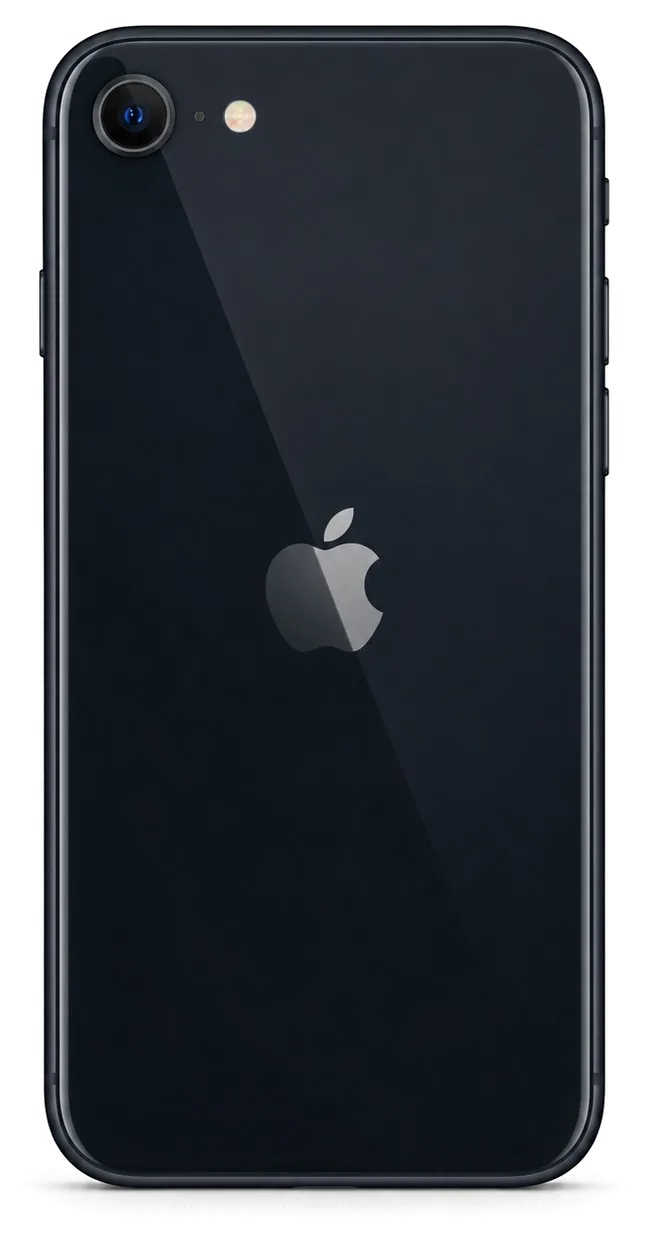
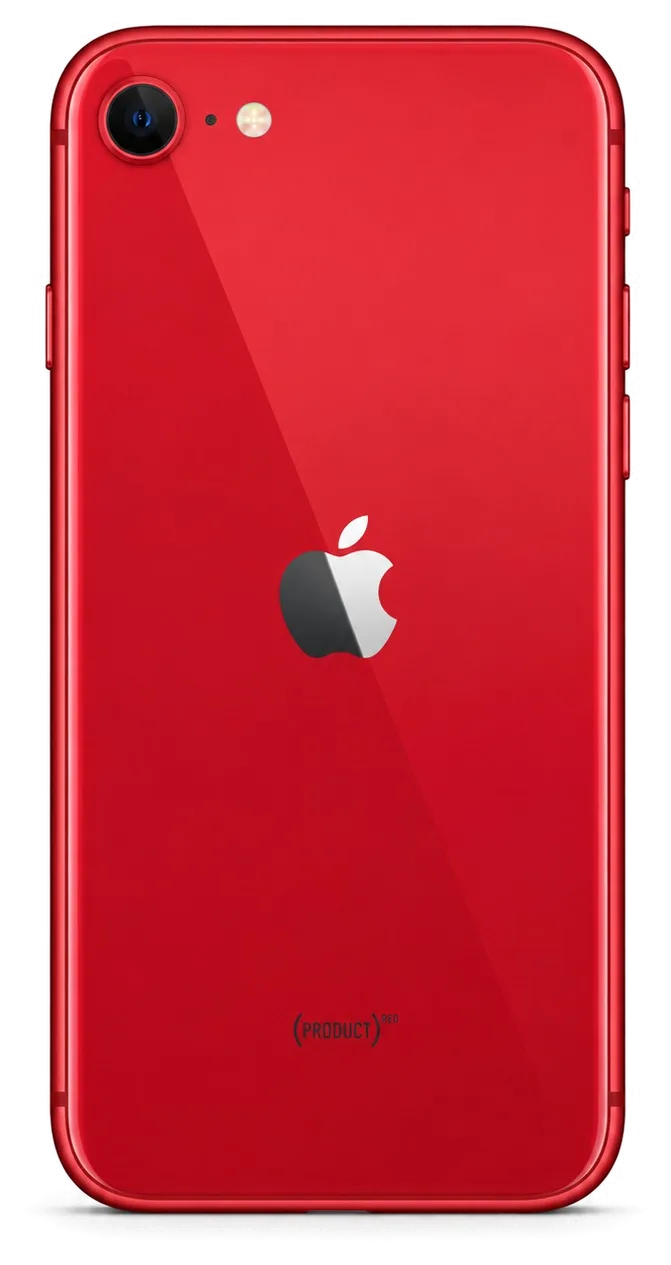
The SE is a compact model with a physical Home button, and it wears in its own way. Most workbench visits come down to the display, the battery and the charging connector. Here is what we see most on diagnostics.
The Symptoms Owners Bring In Most Often
- Cracked front panel: the top layer shatters on a drop, while the image and touch layer often survive intact.
- Drain by midday: the battery has simply aged, and a worn charging tail can flatten it just as fast.
- Connector at one angle: lint packs into the socket, and the ribbon behind it bends after years of plugging.
- Dead Home key: Touch ID stops responding when the button strip is damaged, usually after a crack or moisture.
- Shutdown in cold: the battery reports healthy, then the phone dies outdoors — a sign of wear, not software.
What the Symptoms Point To, and Our Actions
Complaints matched to the fault and the fix| Symptom | Probable reason | What we do |
|---|
| Cracked glass, touch works | Damaged top layer | Glass-only replacement |
|---|
| Cracked glass, no image | Broken display module | Full module swap |
|---|
| Dies by midday | Aged battery | Battery replacement |
|---|
| Charges at one angle | Clogged or worn connector | Clean or ribbon swap |
|---|
| Blurry camera shots | Scratched camera lens cover | Lens cover replacement |
|---|
Why the SE Ages Differently From Newer Models
On the SE you still find a Lightning port plus a physical Home button that reads fingerprints via Touch ID, which is why wear lands differently than on later models — the socket and that button absorb stress that newer handsets spread across other charging and input routes. Owners press the button thousands of times, and the socket sees a plug every day, which is why the ribbon behind it wears out here far more often than on a modern handset. That is also why iPhone SE repair in Astana so often starts with the button and the connector rather than the screen. The compact body is also densely packed, and a swollen battery presses on the screen sooner than on larger phones, so a bulging back or a lifted display is a sign to stop charging and bring it in.
Screen Damage and What We Can Save
A shattered iPhone SE screen isn't automatically a case for swapping the entire module. Whether we change only the protective layer or the whole assembly depends on the digitizer and the image.
Glass Only or the Whole Display Module
When the SE picture stays clear and touch registers across the whole digitizer, swapping only the protective glass is enough; should you see dead zones, lines or a dark patch, a complete display module is fitted instead. The sensing layer sits on the matrix, so a crack that stops short of the picture often leaves the assembly reusable. On the SE the outer layer and the panel are separate components, which makes a light-only job possible in cases where newer bonded assemblies force a full swap. A glass-only job keeps your original matrix and its factory tuning, which is why it is worth asking for when the picture is intact rather than defaulting to a complete replacement.
Keeping Touch ID After a Screen Job
Touch ID is untouched by this job because the Home button is a separate component from the display. The Home button carries the fingerprint sensor and its pairing data, so it stays with your phone while the assembly around it changes. The cost, which part is used (original or aftermarket), how long the job takes and warranty terms — all of this is entered on the receipt before the technician begins, and the replacement component is presented in factory packaging prior to fitting. On some aftermarket parts the image quality may differ from the original, so if that matters to you, say so before we order the part and we will match the screen to it.
What You Check on the Screen Before Leaving
- Brightness range: slide the control from minimum to maximum and watch for flicker, uneven patches or a warm tint.
- Corners and edges: drag an icon to each of the four corners and along all sides to confirm the digitizer reads everywhere.
- White balance: open a plain white image and a plain black one under changing light to confirm the tint stays even.
- Dead pixels and streaks: open a plain white image and a plain black one to spot any stuck pixel or line.
- Home button feel: press the fingerprint reader a few times to confirm the click and the unlock respond as before.
Original or Aftermarket Part for Your SE
The SE is old enough that both original and aftermarket parts are on the market, and they differ in what they preserve. Here is how the two compare on functions and how your choice is locked in before work starts.
How Original and Aftermarket Differ in Practice
Comparison of original and aftermarket parts by what they keep| Aspect | Original | Aftermarket |
|---|
| Fit and size | Factory-exact | Matches the slot |
|---|
| Battery health reading | Shows normally | May not display |
|---|
| Packaging | Factory-sealed | Varies by supplier |
|---|
What the Unknown Part Message Really Means
The unknown part message is an indicator of the component type, not a fault — it appears when the phone cannot confirm a component as its factory one, and the device still works normally. On the SE this message is far less common than on models with more paired components, because the SE carries fewer parts that the system verifies. If you see it after a repair, it tells you which component was fitted rather than that something is broken. The message does not affect calls, charging, cameras or the touch layer. On the SE it usually follows a screen or battery swap with a non-factory component, and the phone keeps running the same way it did before.
Locking Your Choice on the Receipt
Prior to starting, we log on the receipt — within roughly two minutes — the price, whether the component is original or aftermarket, repair duration and warranty coverage, then show you the new component still sealed in factory packaging. Our engineers open the sealed bag in front of you so the component you agreed to is the one that goes into the phone, and the old component comes back to you with the warranty card. A receipt that names the component is what makes a warranty claim simple later, so read that line before you sign rather than after the repair. 64% of customers choose an original part once they see both options side by side on paper.
Charging, Battery and Camera Work
Beyond the screen, the SE most often comes in for power trouble, a tired battery or a cracked lens. Each has a quick fix and a slow one, and the check tells us which you are facing.
When the Port Is the Problem and When It Is the Board
A Lightning port that only charges at an angle is usually dirt or a worn flex, not a board fault, and that is visible on the free check in front of you. Lint packed against the pins and oxidised contacts account for most power complaints we see, while a flex worked loose at the connector explains the rest. Cleaning the port or swapping the flex is a short job we finish while you wait. If the port tests clean and power still fails to flow, the fault sits on the board and moves to microscope work with a turnaround of one to three days. Ask to see the port under light before you agree to anything.
Battery Health and When to Replace It
We read the battery health figure with you and replace the cell when it no longer holds a day, which on an SE is a 25-minute job done while you wait. The percentage in Settings is a guide, not a verdict: a cell at 82% that shuts the phone down at 30% is ready for replacement, while a pack at 79% that still lasts until evening is not. You pick original or aftermarket and it is noted on the receipt; the fresh cell is displayed in factory packaging prior to fitting. A swollen battery is a different case from a tired cell — it can lift the display module, so stop charging and bring it in rather than waiting for the number to drop further.
Steps to Take Before Bringing the Phone to Us for Camera Glass Repair
- Back up first: copy photos and messages to iCloud or a computer before the visit, since a bench test may need the phone wiped in rare cases.
- Turn off Find My: disable Activation Lock in Settings so the engineer can test the device fully without your account blocking the bench.
- Share the passcode: give your code at the counter so we can open the app, run the 32-point check and confirm focus.
- Test focus yourself: open the app and try zoom before handing over, so you can tell us what changed.
- Take the old component home: the cracked glass goes back to you with the receipt and warranty card.
How the Visit Runs and What You Get Back
From the first message to pickup, an SE repair usually fits into a single visit. Here is the order of steps, how long each takes, and what stays in your hands at the end.
From a Photo on WhatsApp to a Fixed Phone
Shoot a picture of the cracked area over WhatsApp, and an engineer answers in five minutes or less with a quote based on that image plus an available free slot; from first message to pickup the job typically wraps up inside an hour. The free diagnostics runs about 15 minutes and happens in front of you: the engineer opens the device, shows what is broken and explains what can be saved. Price, component type, turnaround and warranty go onto the receipt within two minutes, before any work starts. The replacement arrives in factory packaging and is shown to you prior to installation. Sending the photo first means the spare can be set aside ahead of your arrival, which is why 72% of jobs finish while the customer waits in the waiting area.
What Stays in Your Hands After the Repair
Along with the device you get the old component, a warranty card (valid 1 year) and the receipt; payment options include Kaspi, cash or card. That document is the same one you signed before the work began, so the installed component, turnaround and guarantee terms can be checked against what was actually fitted. Keeping the removed item is useful if you ever resell or want to compare — it is proof of what came out of your phone. If you cannot come in, a courier can be called and the device is collected and returned the same way. With 11 years of experience and more than 46,000 completed jobs, our paperwork is routine, not improvised — since your card is linked to the receipt number, store the two together.
The 32-Point Check You Do Together
- Touch ID and biometric unlock: your fingerprint sensor is tested on the spot, and Touch ID matters most on the SE.
- Display: brightness, colour shift and auto-brightness are checked side by side with you.
- Cameras and microphones: front and rear cameras, video recording, both mics and speaker playback are run through.
- Charging and network: cable charging, port fit, Wi-Fi, cellular signal and calls are confirmed working.
- Final handover: any seating or connector issue is fixed immediately, and the phone leaves only after every function passes.
Summary: iPhone SE repair
What stays with you after a repair is simple: the phone either keeps every function it had or it does not. These are the points worth carrying into your next decision.
- Failures follow a pattern: screens, batteries and charging ports make up the overwhelming share of SE work, so diagnosis rarely surprises anyone.
- Glass and module are separate jobs: swapping only the outer glass keeps the factory matrix and its calibration intact, while a full module replacement is a heavier step.
- Original parts hold every function: aftermarket assemblies can cost you the battery health indicator, and that trade is yours to make knowingly.
- The unknown part message is information: it reports the type the phone detected, not a new fault in the device.
- The receipt protects the future: a paper naming the component and the warranty term settles any later question in one glance, months down the line.









 iPad
 MacBook
 iMac
 Mac mini and Studio
 Apple Watch
 AirPods
 Apple Pencil
 Apple TV
 HomePod




