Any generation of MacBook Pro and MacBook Air can get a fresh battery pack, and which mounting type is present determines the procedure followed. Below is how the work splits across models and what changes on the bench.
Battery Compatibility Across All MacBook Air and Pro Generations
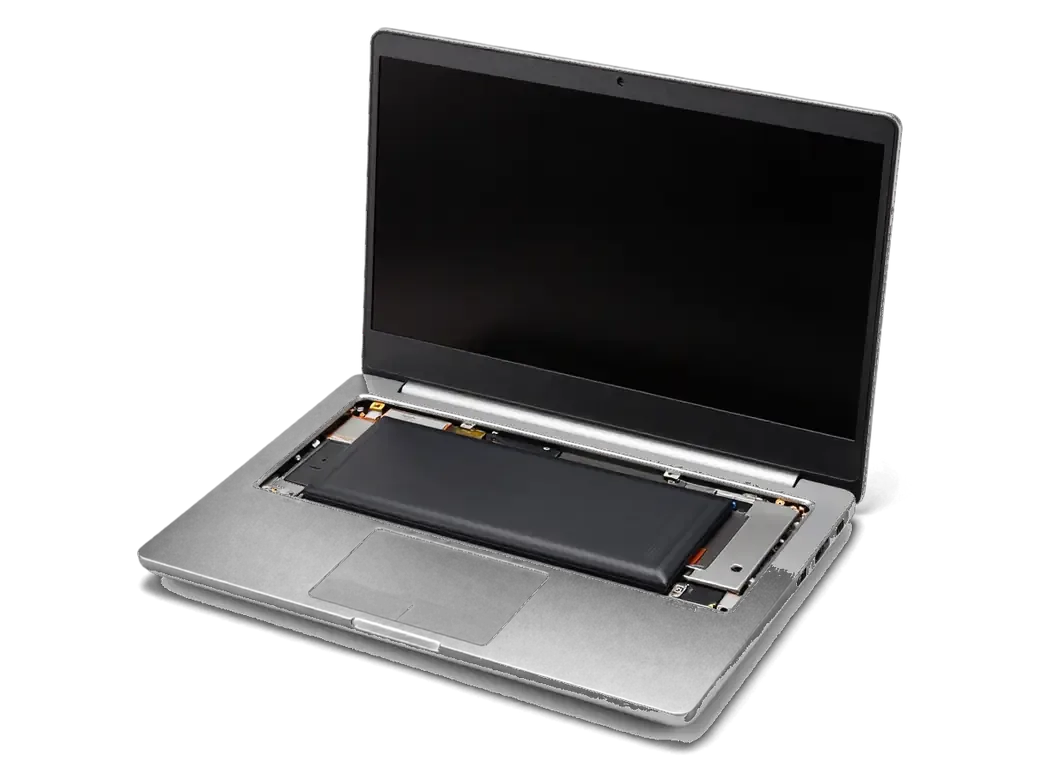
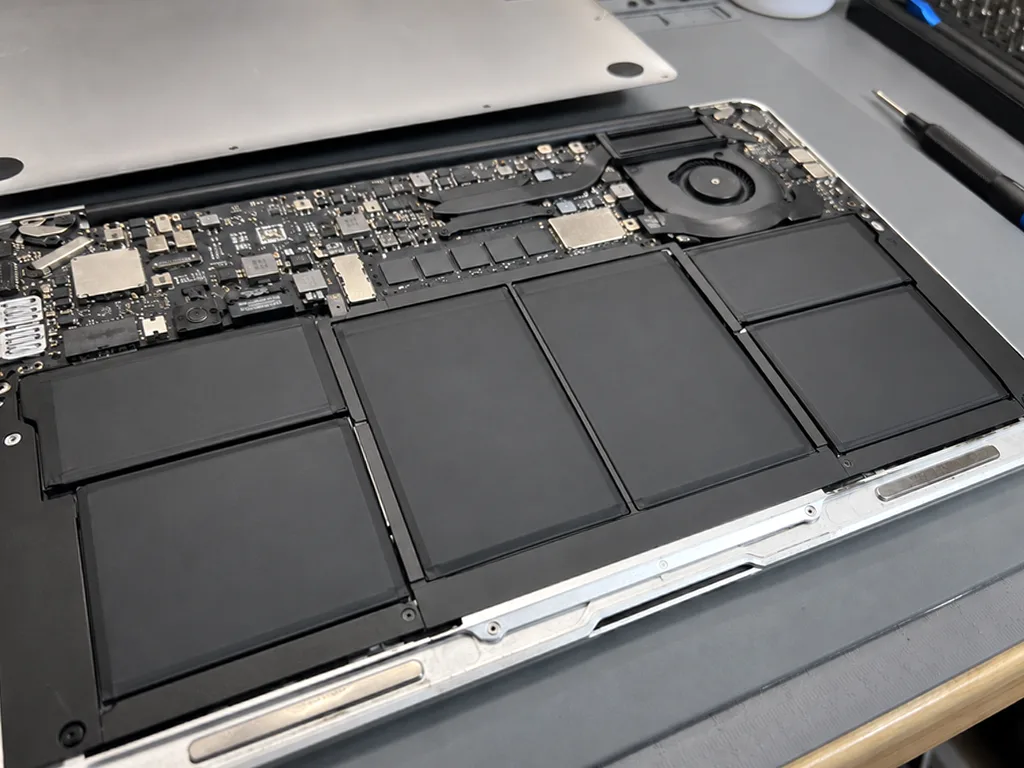
From early Intel machines through Apple Silicon, each Air and Pro generation gets its battery pack swapped; the procedure followed depends on the mounting type. On older Pro bodies the cells sit on screws, so the block lifts out once the bottom cover is off. Retina and thin Air models hold the cells with adhesive strips, and the technician softens the glue with solvent and controlled heat prior to lifting them. Apple Silicon Air and 14- or 16-inch Pro units use pull tabs that release the pack in a set order. A battery that is screwed in can be swapped in minutes, while glued cells need solvent and controlled heat, so the same symptom can mean a very different amount of work.
How Mounting Differs Across Generations
Fastening types and removal steps by MacBook generation| Generation | Battery mounting method | What has to come off | What to watch |
|---|
| Retina-less MacBook Pro | Screws | Bottom cover | Simple swap, check connectors |
|---|
| Retina and thin Air | Glued cells | Trackpad and, on certain models, speakers | Solvent and controlled heat |
|---|
| Touch Bar-equipped Pro | Glued pack | Trackpad, keyboard flex cables | Fragile flex cables nearby |
|---|
| Apple Silicon Air and Pro 14/16 | Adhesive pull tabs | Bottom cover, shields | Follow tab order carefully |
|---|
How to Tell the Battery Is Worn Out or Swollen
Wear and swelling send different signals. The first speaks about runtime, the second about safety, and each needs its own response prior to booking anything.
Cycle Count and the Service Recommended Status
Under About This Mac, macOS lists cycle count plus maximum capacity once you open System Report and then Power; the same health number appears in plain language within Battery settings. The Service Recommended status appears once the measured charge drops noticeably below the design value, and Optimized Charging may already be holding the top of the range at 80% to slow further degradation. Read the two numbers together: cycles describe how much the pack has worked, the percentage describes how much it still holds. A high cycle count alone is not a verdict, because a battery that mostly ran plugged in ages on the calendar rather than on cycles, so a lightly used four-year-old machine can fail ahead of a heavily cycled two-year-old one.
Signs of a Swollen Battery and Pre-Visit Steps
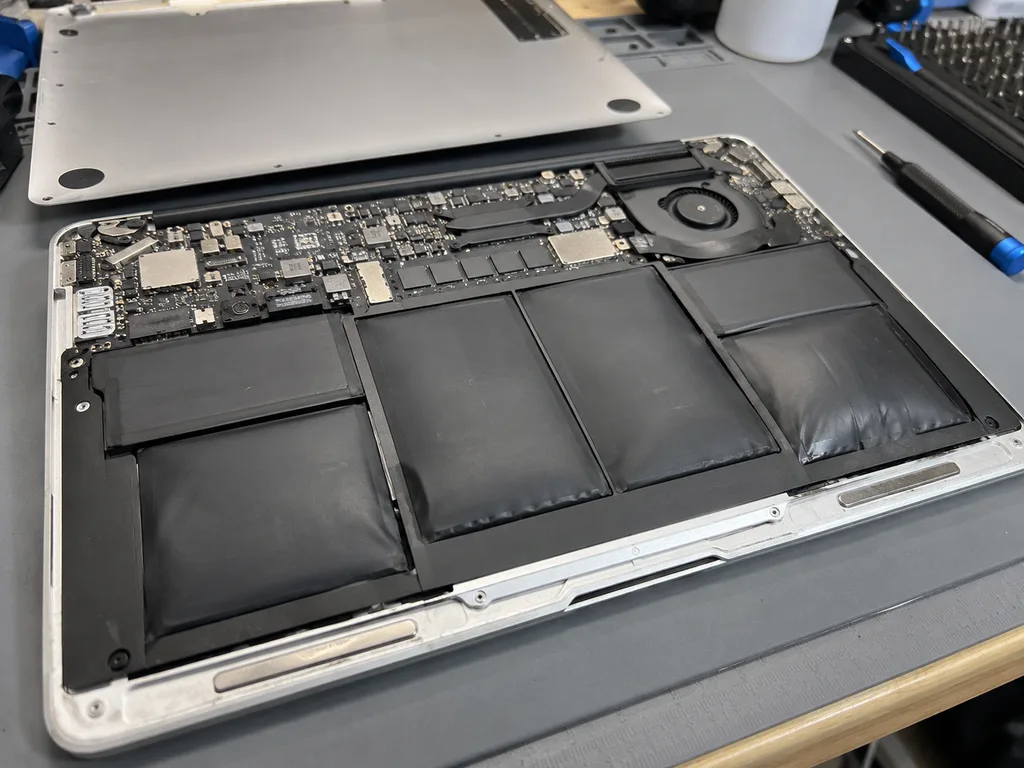
- Trackpad feels stiff: clicks are uneven and the surface sits above the palm rest.
- Bottom cover lifts: a gap appears along the front edge, or the case wobbles on a flat surface.
- Keyboard looks uneven: keys near the center rise slightly above their neighbors.
- Power down first: shut the laptop off and stop charging it until the swap.
- Carry it flat: transport the device level and never squeeze the swollen area.
Original Block or Aftermarket and What Drives the Job
Two decisions shape the job: which component goes in and what the diagnostics actually find. Sometimes the cell is fine and the fault sits elsewhere in the power path.
Original or Aftermarket Battery for a MacBook
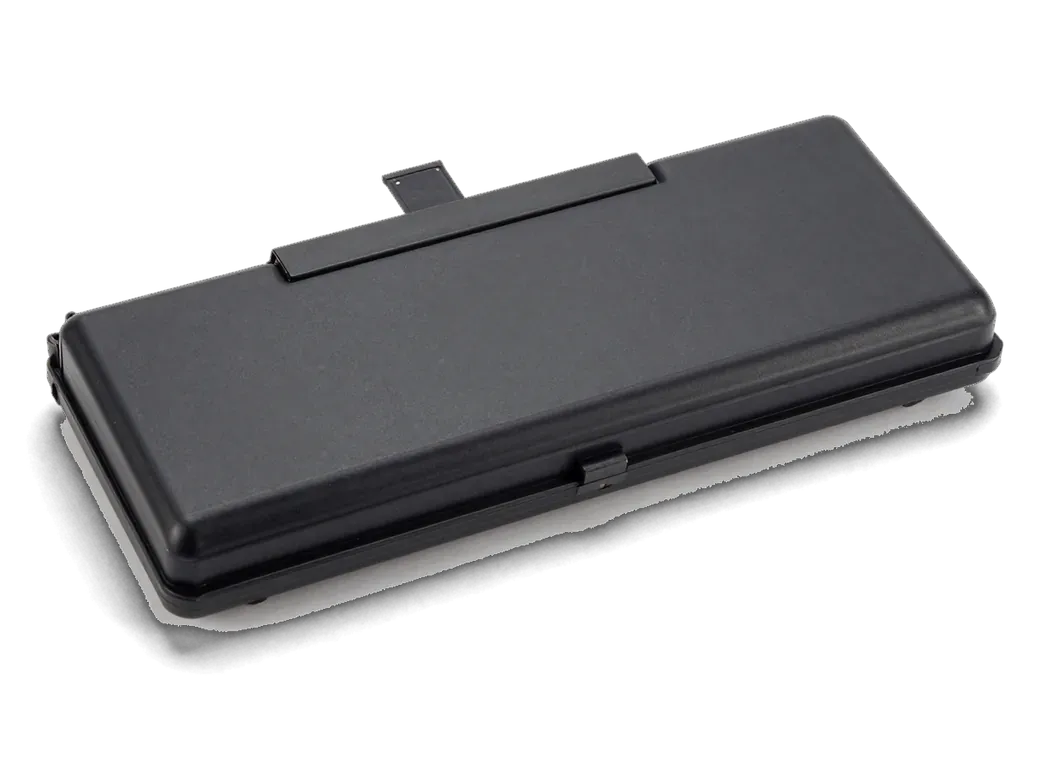
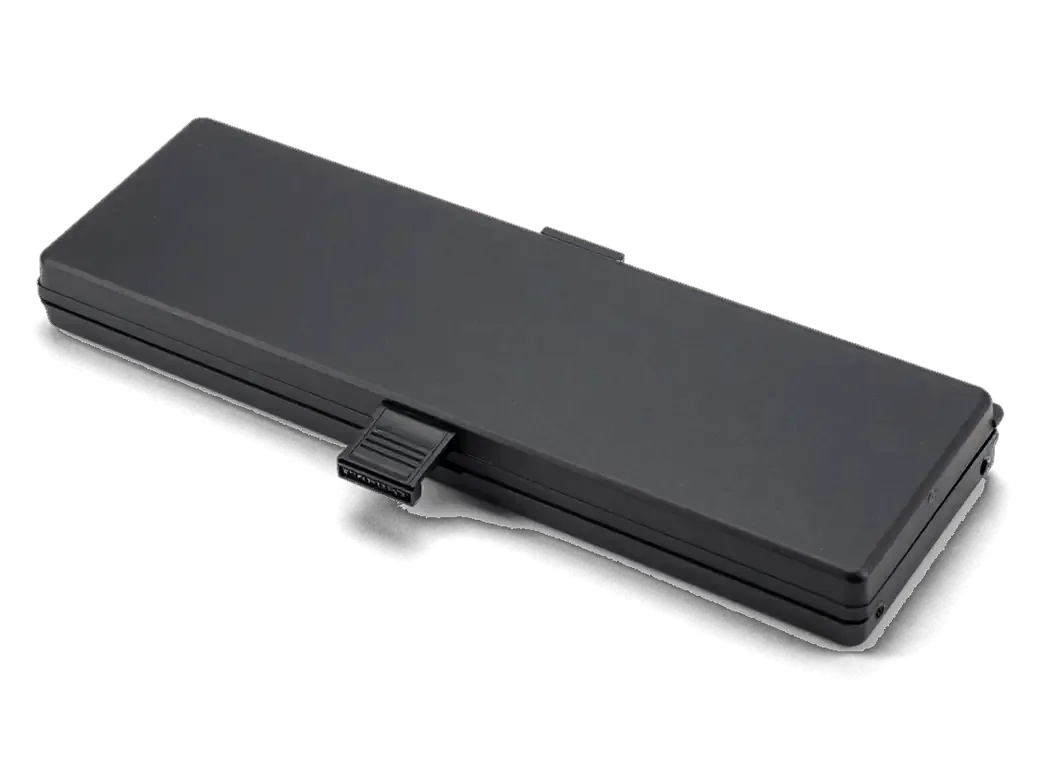
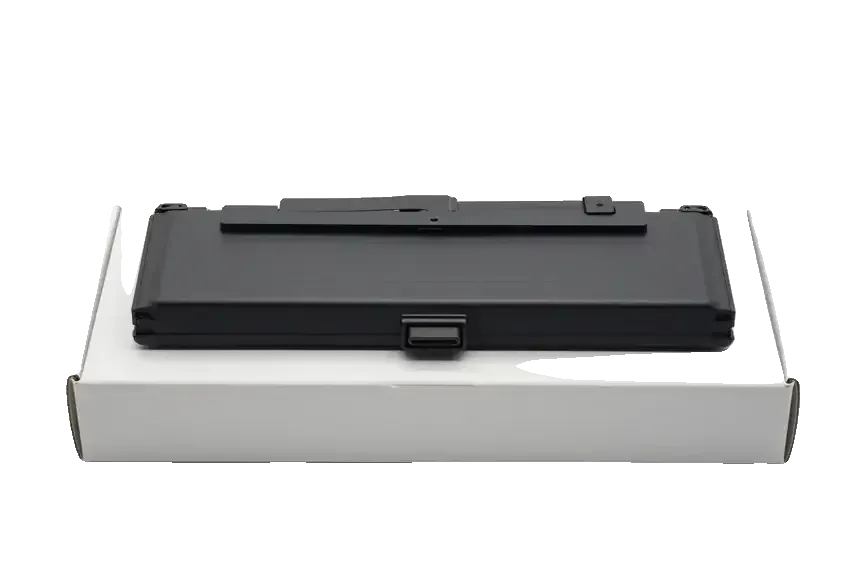
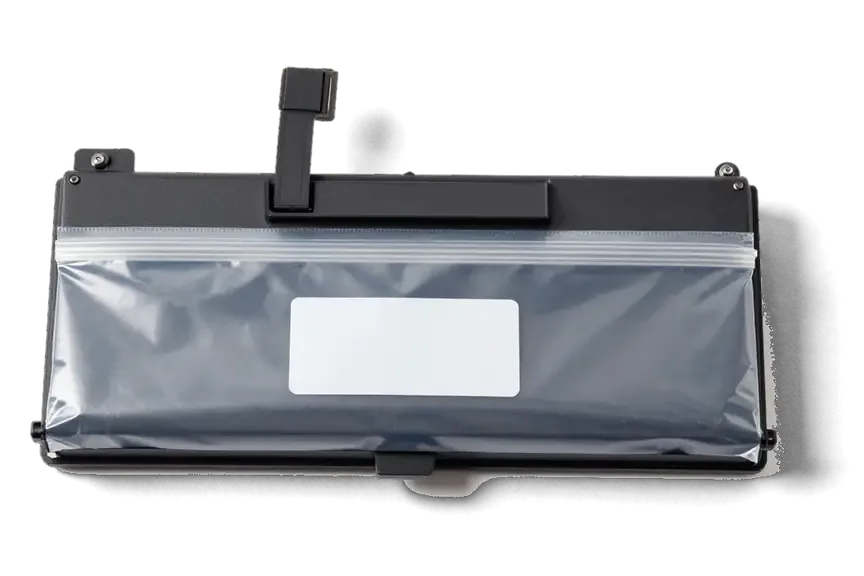
We offer an original pack or a tested aftermarket unit, and 64% of our customers pick the original for the longer service life and stable capacity readings. Both options arrive in factory packaging and are shown to you prior to installation, and every aftermarket pack is bench-tested first. Capacity, cycle count and charge behaviour are logged once it is fitted, so you leave with a record of how the fresh cell behaves. An aftermarket pack can display a slightly different capacity figure in macOS, so judge the swap by real runtime over the first week rather than by the number on day one.
Battery or Power Controller
A laptop that won't charge might still have a good cell — often the adapter, charge cable or logic board power controller is at fault. Our free diagnostics take 15 minutes right before your eyes; before opening anything, the engineer checks charging current and inspects the battery flex. A swollen pack and a dead controller produce the same symptom on screen, yet only one of them needs a new cell. Swapping the cell first on a charging fault wastes a good component, so we test the adapter and the current it delivers prior to opening the case. This step confirms whether power reaches the board at all, which keeps the diagnosis honest and the repair targeted.
What Shapes the Turnaround and the Final Figure
- Model and generation: glued Retina packs take more bench time than screwed blocks.
- Component choice: an original unit and an aftermarket one differ in service life.
- Extra nodes: trackpad or speaker removal adds steps on some models.
- Condition found: a swollen pack or cable damage can change the plan.
- Receipt terms: price, component, turnaround and warranty are set in writing before work begins.
The Path of a Replacement From Your First Message to Pickup
It begins with a photo sent via messenger and finishes with the old pack handed back to you. Every step is fixed prior to the engineer picking up a tool, so nothing about the work is decided on the fly.
From a WhatsApp Photo to a Fixed Receipt
An engineer answers on WhatsApp within 5 minutes and gives a price from a photo; then free diagnostics right before your eyes take 15 minutes, and the receipt is finalized in 2 minutes. You watch the check happen at the counter rather than handing the laptop over a barrier, and the engineer points at the worn cells and the swollen corner as they find them. This is how MacBook battery replacement in Astana works from the first message to the finished job. The receipt records the price, the part, the turnaround and the warranty, and it takes two minutes to write out. Getting the price and part on paper prior to work starting means the figure cannot drift once the case is open and the old pack is out.
The Bench Work and the Waiting Area
Before fitting, the fresh battery is displayed in its factory box; laptop servicing takes anywhere from one hour up to a full day, and 72% of repairs are completed while you wait in our waiting area. The waiting area has coffee and Wi-Fi, so a 40-minute bench slot does not cost you a trip home and back. A glued Retina pack is the case most likely to stretch past an hour, so plan a same-day pickup rather than a strict wait for those models. Eleven years of bench work and 46,000+ repairs sit behind the estimate you get at the start.
Payment and Getting the Old Part Back
- Pay your way: Kaspi, bank card or cash all work at the counter.
- Take the old pack: the removed battery goes home with you.
- Keep the paperwork: the receipt and warranty card travel with the device.
- Ask about a courier: a courier can be called where the service covers it.
Post-Swap Checks and Warranty Coverage
After the new pack has been fitted, the laptop is put through a complete function check; from there, everyday habits and the warranty conditions determine the next steps.
The Post-Swap Function Check
After the swap we check 32 functions in about 10 minutes, covering power delivery, the trackpad, the keyboard, sound, the camera and the network together with you. The engineer walks the same list every time: the indicator under load, a click across the full surface, every key row, both speakers, the front camera and a Wi-Fi join. The battery connector sits deep on the logic board, so a partly seated plug shows up as an intermittent fault rather than a dead device. We run the pass with you at the counter, not behind a closed door, and you keep the printed result with the receipt. The click and the power indicator are the two checks most likely to reveal a loose connector, so test them yourself prior to leaving the counter.
Warranty Coverage and Extending New Battery Life
- Optimised charging: keep the macOS setting enabled — it holds the charge around 80% through lengthy desk-bound sessions, which slows chemical ageing.
- Heat is the enemy: heavy exports on a duvet or in direct sun raise cell temperature and cut usable cycle count.
- Mains versus cycles: a unit plugged in for months rarely calibrates its gauge, so let it drop below 40% now and then.
- Storage level: park the laptop at roughly half capacity if it will sit unused for weeks, never fully drained.
- Genuine adapter: a low-quality brick heats the cells and can trip the circuit mid-session.
Summary: MacBook Battery Replacement
A battery swap goes smoothly when you know the mounting type, read the health data and confirm the result prior to leaving the bench.
- Every generation is serviceable: the mounting type, not the model year, decides how the job runs.
- Check health data first: whether the wear is genuine is shown by the cycle count together with service status.
- A bulge counts as urgent: shut the machine down, halt charging and move the laptop while keeping it flat.
- Diagnose before swapping: a charging fault can sit in the adapter or controller.
- Check the work: confirm charging, trackpad and keyboard prior to leaving.








 iPad
 iMac
 Mac mini and Studio
 Apple Watch
 AirPods
 Apple Pencil
 Apple TV
 HomePod





