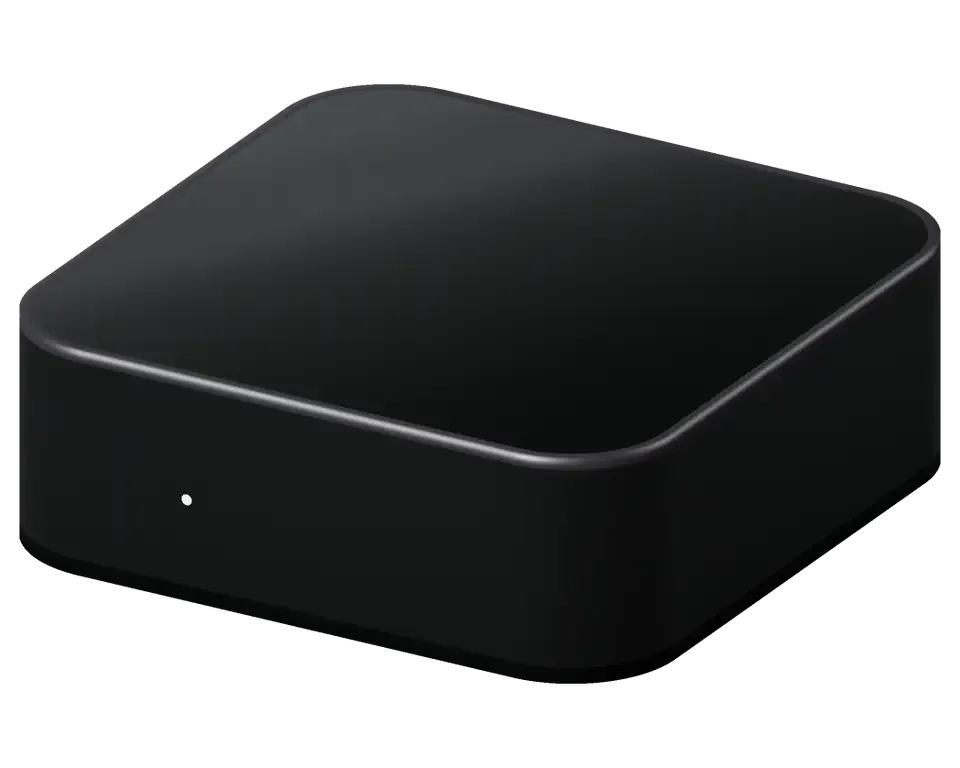
The most frequent complaint: the unit ignores the remote and the button, and no indicator lights up at all. Below we explain what sits behind a total loss of power.
How the Built-in Power Supply Affects the Repair Process
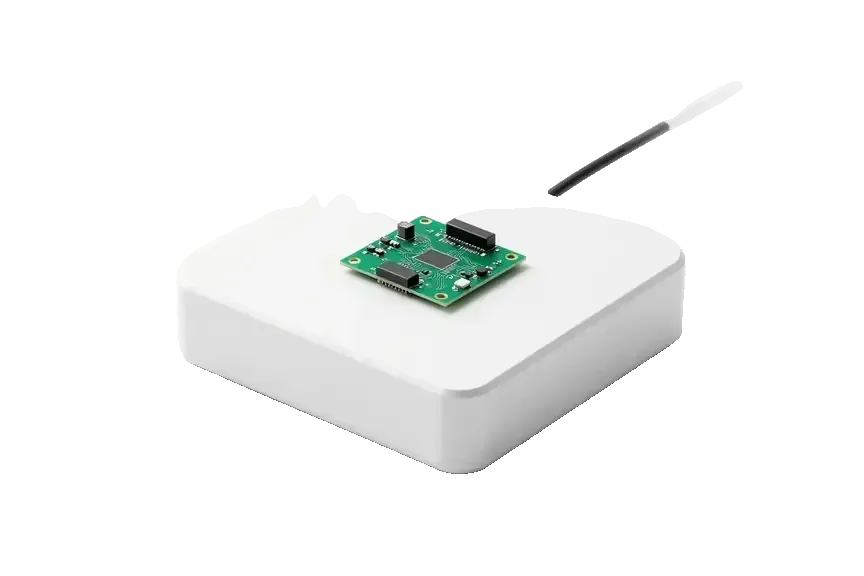
Since the power supply is located within the housing, a dead unit is not a loose adapter you can swap but a component the technician must open the casing to test. No external brick exists to replace on the spot: the supply is soldered near the main logic and shares lines with the network module. That is why a device showing no light at all is treated as an internal fault from the first minute, not as a cable problem. A surge often damages the power section and the board line together, so swapping only the visible part can leave the device dead a second time — the technician checks both before quoting. If you need Apple TV repair in Astana, the specialist tests the internal supply and the logic line together before naming a price.
A Surge, a Dead Socket or a Failed Supply
We test the socket, the cable and the internal supply in that order, and in most dead-on-arrival units the fault lands on the power section after a voltage spike. A spike from a storm or a restart after an outage burns the first component on the input line, and the housing gives no hint from the outside. We start with a known-good outlet and cord to rule out the cheap causes, then open the casing and trace the circuit with a meter. If the device died during a storm, tell the specialist up front — surge damage can reach the main logic, and knowing the cause shortens the hunt for the failed line.
What We Check Before We Quote a Fix
- Socket and cord: we plug the unit into a known-good outlet with a tested cable to rule out the simplest cause first.
- Indicator and button: we press the control and watch the front light to see whether the device responds at all.
- Supply section: the technician opens the casing and measures the internal supply to confirm the power stage has failed.
- Trace check: we follow the circuit onto the main logic to see whether the surge reached the logic side as well.
- Written quote: price, part, turnaround and warranty go onto the receipt before any work starts.
- Bench walkthrough: the engineer shows you the failed component on the bench so the verdict is visible, not just spoken.
TV Shows No Picture Despite the Box Being On apple tv repair
The indicator is lit, yet the screen says no signal — and the set-top box is not always the culprit. Here is how to separate the wire and the television from a fault inside the device.
First, Rule Out the Cable and TV
Before blaming the unit, move the same HDMI lead to another TV input and try a second lead, because a failed wire or a wrong input produces the exact same black screen. Check that the television is set to the correct source — a set that switched to a streaming app or a game console input looks identical to a dead unit. Then test the unit on a different display, if one is available. A wire that passes 1080p can still choke on 4K HDR, so a picture that drops only on high-resolution content points at the lead, not the socket. Pay attention to flicker, sparkles or a pink tint before the image disappears — those are handshake failures, and they usually travel with the wire rather than the connector.
HDMI Port Damage and What a Port Swap Involves
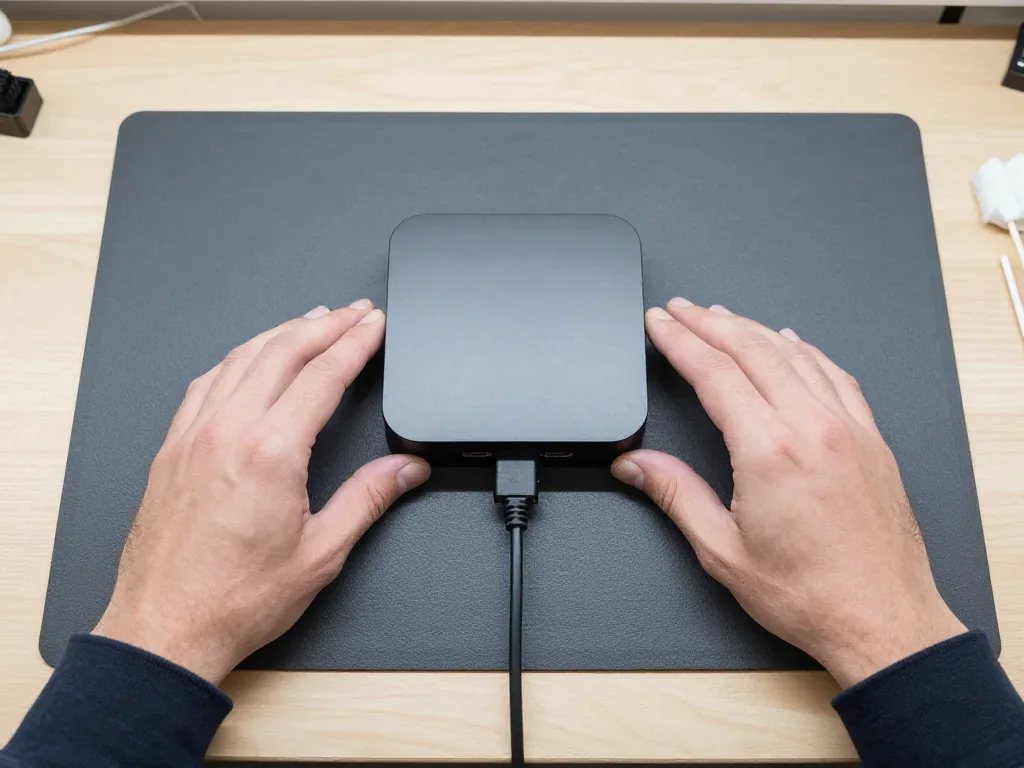
When the wire and TV are ruled out, we inspect the HDMI socket and the trace behind it, since a bent or lifted connector is a common result of a yanked lead. At iServices the engineer opens the case in front of you, shows the damaged pins under magnification and explains whether the connector alone can be replaced or the trace needs work. Microscope-assisted board-level soldering is performed, and a fix like this usually requires one to three days. A socket that wiggles but still shows a picture will fail completely over time — fixing it early costs less than a full logic repair once the trace tears. We fix the part and the turnaround on the receipt before any work begins.
Symptom to Likely Cause at a Glance
Matching the light and message to a faulty section| Indicator / screen | Likely section | What we do |
|---|
| Dark, no light | Power supply | Test and repair supply |
|---|
| Solid light, no signal | HDMI socket or lead | Swap lead, inspect socket |
|---|
| Blinking light | Boot failure | Restore tvOS, then logic |
|---|
| Picture drops on 4K | Lead or connector | Test lead, check connector |
|---|
| No Ethernet link | Ethernet socket | Inspect socket and trace |
|---|
Endless Rebooting and a Failed Update apple tv repair
A unit that loops through the startup screen or freezes on the logo is a separate scenario from a dead one. Here we cover the tvOS recovery route and the point where the fault reaches the board.
Bringing tvOS Back Without Using a Service Port
We attempt a tvOS restore first, and on newer 4K units that happens over the network rather than through a physical service port. The Apple TV HD still carries a USB-C connector on the back, so it can be wired to a computer and recovered in DFU mode; the 4K generations dropped that plug, and recovery runs over the same network the device already uses. A restore returns the software to its factory state and clears local settings, accounts and downloaded apps. Your purchases stay tied to the account, not to the hardware, so films and series you bought are re-downloaded after sign-in. We keep the device on a stable wired link during the process, because a dropped connection mid-restore can leave the software worse than it started.
When a Boot Loop Means the Board
When blinking persists after a clean restore, software is no longer the issue—the logic board is—and our microscope work begins there. A blinking status light on its own tells you the unit cannot finish booting, not why: the same signal appears for corrupted firmware, a failed NAND chip and a shorted power rail. We separate those causes on the bench, with the main logic under a microscope, checking solder joints, capacitors and the storage chip that holds tvOS. Eleven years of logic work and 46,000+ repairs across both branches taught us that a loop surviving two restores is almost never software. Board-level service runs 1–3 days, so a loop that survives a restore is the one case where you should plan to leave the device with us.
The Recovery Path Step by Step
- Confirm the symptom: watch the unit start, note whether it loops, freezes on the logo or blinks, and check the remote for a stuck button.
- Run the restore: tvOS is recovered over the network on 4K units or via the USB-C port on the HD, followed by a clean start test.
- Quote before opening: if the loop persists, we show what is broken and fix the price, part and warranty on the receipt.
- Repair the logic: microscope work on the main logic, then a full start test and a 32-function check before handover.
- Hand back the device: you leave with the unit, the old part, the receipt and a warranty card covering the work.
- Bring the remote: a stuck button on the Siri Remote can mimic a boot loop and is ruled out in seconds.
The Siri Remote Stops Responding or Charging
The controller is a separate device with its own battery and charging socket. We service it independently of the receiver, and the fault sits in the handset more often than in the set-top box.
Battery, Port or Touch Surface
A Siri Remote that won't charge often has a worn socket or a depleted battery, whereas an unresponsive surface indicates the touch panel or the buttons beneath. The Lightning or USB-C connector collects lint and bends at the contact pins after repeated cable insertion, so the handset reports no charge even on a working cable. After years of cycling, a power pack loses capacity and drains within a day of standby. A drifting clickpad registers phantom swipes, and a collapsed button membrane stops the click from reaching the contact. Test the handset on a known-good charger before assuming the power source is dead — a weak cable looks identical to a failed one.
What We Repair Inside the Remote
Parts, faults and the fix for each| Remote part | Symptom | What we do |
|---|
| Battery | Dies fast, won't hold | Swap the cell |
|---|
| Charging port | Won't charge | Fit a new port |
|---|
| Touch surface | Drifts, double-clicks | Renew the panel |
|---|
| Buttons | Stuck or dead | Change the membrane |
|---|
| Microphone | Siri ignores voice | Test and service |
|---|
Pairing the Remote Back to the Box
After a repair we pair the handset back to your receiver and test every button, the clickpad and Siri voice before you leave. Pairing runs over Bluetooth, so the handset must sit within a metre of the receiver during the handshake; the infrared emitter only carries volume and power signals to the TV. We hold the Menu and Volume Up buttons together until the on-screen prompt confirms the link, then run the microphone check by dictating a search phrase and reading the result on screen. Keep the replaced part and the receipt — should the same fault return inside the warranty, part history speeds up the claim.
Wi-Fi Drops, Buffering and a Dead Ethernet Port
Video that keeps buffering, or a unit that keeps losing the network, can point to the router, the wireless board or the wired socket. Here is where to look.
Router, Module or Port
Buffering that hits every device on the network is a router problem, while drops that follow only the set-top unit point at its wireless board or wired socket. Start with the split test: stream the same 4K title on a phone beside the unit. If the phone stalls too, the line or router is the culprit — reboot it, check the channel and move the device away from a microwave or a cordless base station, which sit on the same 2.4 GHz band. If only the unit drops, the fault is inside it: the wireless module is a small part soldered to the main logic, and the network connector is separate, with its own magnetics. A device that streams fine on cable but stalls over the air has a wireless fault, not a broadband fault — testing both paths separates the two in minutes.
Ethernet Ports and Which Models Have Them
Not every 4K model has a wired socket — the compact third-generation version ships without one, so a missing link can simply be a model without the connector. The first- and second-generation 4K devices carry a gigabit socket, and the HD model has one too, which is why most calls about a dead connector end with a photo of the back panel. On hardware that does have it, a link that stays dark usually means bent pins, a loose solder joint after a cable was yanked, or a failed magnetics block on the circuit. Check the model before diagnosing a dead socket, because on the portless version the fix is Wi-Fi, not a logic repair.
What We Test on the Network Side
- Wireless module: we pair the unit with a known-good router and stream 4K for ten minutes to watch for drops.
- Wired socket: we run a cable test and a live link to confirm full-speed negotiation, not just a light.
- Antenna contacts: we inspect the internal connectors, since a fall or an earlier opening can cut range alone.
- Thermal behaviour: we watch chip temperature during a long stream, as heat soak often breaks the link.
- Bluetooth side: we test Siri Remote pairing at once, because both radios share one chip.
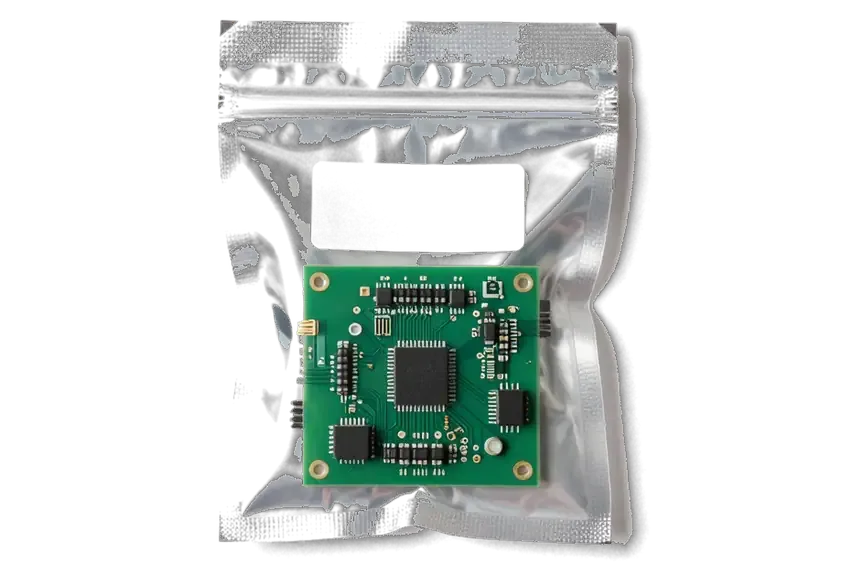
- Verdict on the receipt: we fix the part and turnaround before work begins and show the new part in factory packaging.
How the Visit Works and Repair or Replace
Owners weigh a repair against buying a new unit, and the decision hinges on the generation, the fault and the component involved. Here is how we frame that decision and what a visit looks like.
Old Box, New Box or a Repair
An older HD unit with a failed supply is often worth repairing, while a newer 4K unit with logic damage is a closer call that depends on the fault and the component. The Apple TV HD carries an accessible USB-C service port, which makes supply and logic work more straightforward than on the 4K model, where the logic is denser and the power section is integrated differently. A 4K unit that still renders full HDR and holds a network connection has real life left in it, so the repair restores capability rather than just a standby light. Ask what the fix brings back before you decide — a job that returns full 4K HDR and networking is a different value than one that only powers the device on.
From WhatsApp Photo to Pickup
On WhatsApp you forward an image showing the damage; within five minutes an engineer responds with the cost and an available time slot; before any work begins, the receipt locks in price, part, duration and warranty. The new component is shown in its factory packaging before installation, and the warranty runs up to 1 year. Should visiting us be impossible, courier pickup is available; meanwhile 72% of repairs are completed as clients relax in the lounge, which has Wi-Fi and coffee. Most jobs take 20–40 minutes, so the whole process from first contact to pickup usually lands under an hour.
The Check We Run Before Handover
- Function test: we run a 32-function check of about 10 minutes and walk through the results with you at the counter.
- Video and audio: picture output, HDR handling, speakers and the remote pairing are confirmed working before you leave.
- Network: Wi-Fi and the Ethernet port, where the model has one, are tested against a live connection.
- Paperwork: the device goes back with the receipt, the warranty card and the old component, so you keep proof of what was replaced.
- Your turn: you test the unit yourself at the counter, and any question about the fix is answered on the spot.
Summary: Apple TV repair
Four symptoms account for nearly every unit that reaches a workbench, and each one points to a different part of the system. Recognising yours early shortens the whole visit.
- No light at all: a silent unit usually means the built-in power supply has failed, and that supply is soldered to the logic rather than plugged in.
- Unit on, screen black: the cable and the HDMI port come first, since a bent pin or a worn connector mimics a failed device.
- Boot loop or failed update: restore tvOS before suspecting the logic, because software faults outnumber hardware ones at this stage.
- Siri Remote: a remote that won't charge or pair is repaired on its own, separately from the receiver.
- Network and model: a dropping Wi-Fi signal or a dead Ethernet port depends on which generation you have, so check the model number first.








 iPad
 MacBook
 iMac
 Mac mini and Studio
 Apple Watch
 AirPods
 Apple Pencil
 HomePod
