Eng

Apple Watch Series 7 Repair in Astana

Apple Watch Series 7 dying by lunch or a cracked screen — we test the watch in front of you for free, quote before work and return the old part.

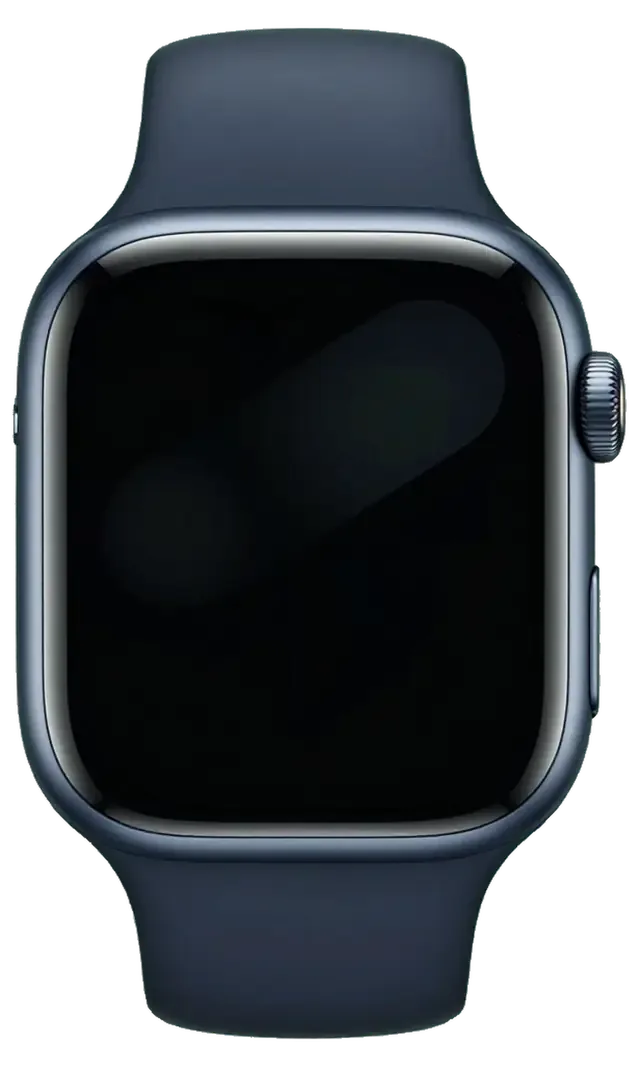
Apple Watch Series 7 in the dark night
Apple Watch Series 7, Midnight repair
Glass replacementfrom 53 900 ₸
Display replacementfrom 75 900 ₸
Battery replacementfrom 23 900 ₸
All services and prices

Faults that most often bring an Apple Watch Series 7 in for repair

A larger screen with curved glass is exposed at the edges, while the battery, Digital Crown and sensors wear down beside it.

01

Cracked edge glass

A knock against a desk sends cracks from the rim of the display inward.

02

Battery gone by lunch

The cell has lost capacity and the watch is empty long before the evening.

03

Will not charge

The watch ignores the magnetic puck because of residue or a failed charging coil.

04

Digital Crown is stiff

The wheel scrapes or sticks after sweat, soap or moisture gets underneath.

05

Screen lifting away

A gap along the glass often means the battery inside has started to swell.

06

Muffled speaker

Alerts and calls sound faint after water, as the mesh is clogged or worn.

07

Heart rate jumps

Readings spike when the sensor window on the back is scratched or dirty.

08

Haptics have stopped

The taps on the wrist are gone although the sound and screen still work.

09

Mic not heard

On calls from the watch the other person struggles to make out your voice and hears noise.

10

Side button stuck

Pressing it does not open the Dock or trigger Emergency Call, the button is jammed.

11

Screen flickers

The image shivers and goes dark in stripes, especially at low brightness.

12

Restarts by itself

The watch shows the apple logo and boots again several times a day.

Apple Watch Series 7 repair in Astana

We handle the main Series 7 jobs: glass, display and battery replacement. The price is named after a free diagnostics — call or message us on WhatsApp.

ServiceOriginalAftermarket
Glass replacement96 900 ₸53 900 ₸
Display replacement136 900 ₸75 900 ₸
Battery replacement40 900 ₸23 900 ₸
Rear cover with sensors replacement83 900 ₸46 900 ₸
Digital Crown repair24 900 ₸13 900 ₸
Side button replacement24 900 ₸13 900 ₸
Speaker replacement24 900 ₸13 900 ₸
Microphone replacement24 900 ₸13 900 ₸
Other repairsPrice
Board repairmicrosoldering · 1–3 days42 900 ₸per job
Firmware flashingsoftware restore, no parts replaced5 490 ₸per job

The final amount depends on the part and the condition of the watch, so it is named after an inspection.

Original or aftermarket for a watch

On a small display the gap is subtler, but touch response and sensors still matter when you choose.

Original Applewarranty up to 1 year
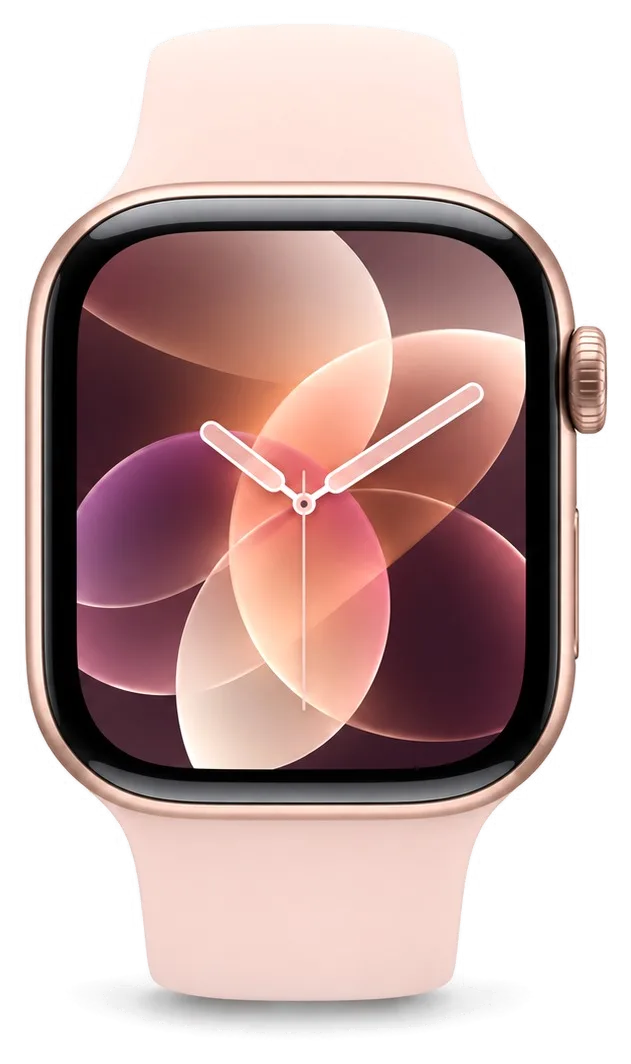
Apple Watch Series 7 glass96 900 ₸
Apple Watch Series 7 glass: original part in Apple packaging
Display
Bright always-on screen with accurate touch response
Battery
Capacity and lifespan close to factory figures
Glass
Familiar clarity and a neat fit at the edge
Warranty
Up to 1 year on completed work
Chosen by 64% of clients
Book with an original part
Aftermarketwarranty 6 months
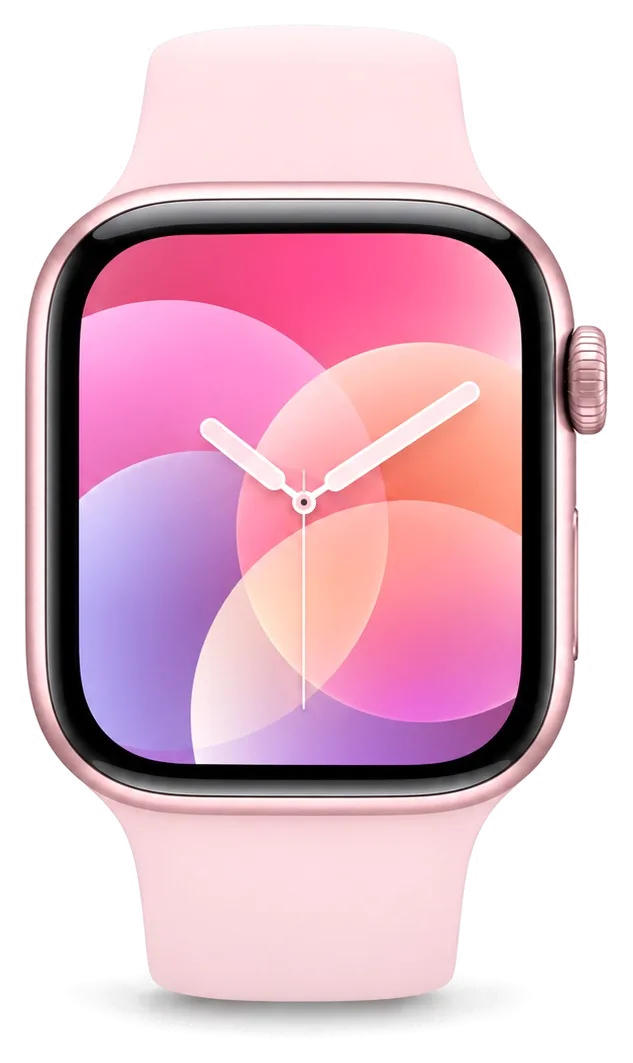
Apple Watch Series 7 glass53 900 ₸−44%
Apple Watch Series 7 glass: aftermarket part in an antistatic bag
Display
Plainer picture, lower brightness, softer touch feel
Battery
Lasts a day, though lifespan depends on the batch
Glass
Fits the case, but the tint may look different
Warranty
Up to 1 year on completed work
Chosen by 36% of clients
Book with an aftermarket part

Why watches come to us

Prices are on display, you pick between an original and an aftermarket part, and weekend visits in Astana are welcome.

11years

11 years of experience

Eleven years with Apple devices help our technicians work carefully around the thin case and tiny cables of a watch.

1year

Warranty up to 1 year

Completed work is covered by a warranty up to 1 year, and the technician explains the terms before starting.

2options

Experienced technicians

Your watch is taken by a experienced technician who is used to tiny parts and adhesive seals.

Original or aftermarket

You hear how the part options differ and can pick the one that suits your budget and your routine.

0₸

Prices on show

The main jobs have published prices, and the final total is named after inspection and agreed before the repair.

7days a week

Open at weekends

Mon–Fri 10:00–19:00, Sat–Sun and holidays 11:00–18:00, so a weekend visit is possible.

Apple Watch Series 7 before and after repair

1 / 2
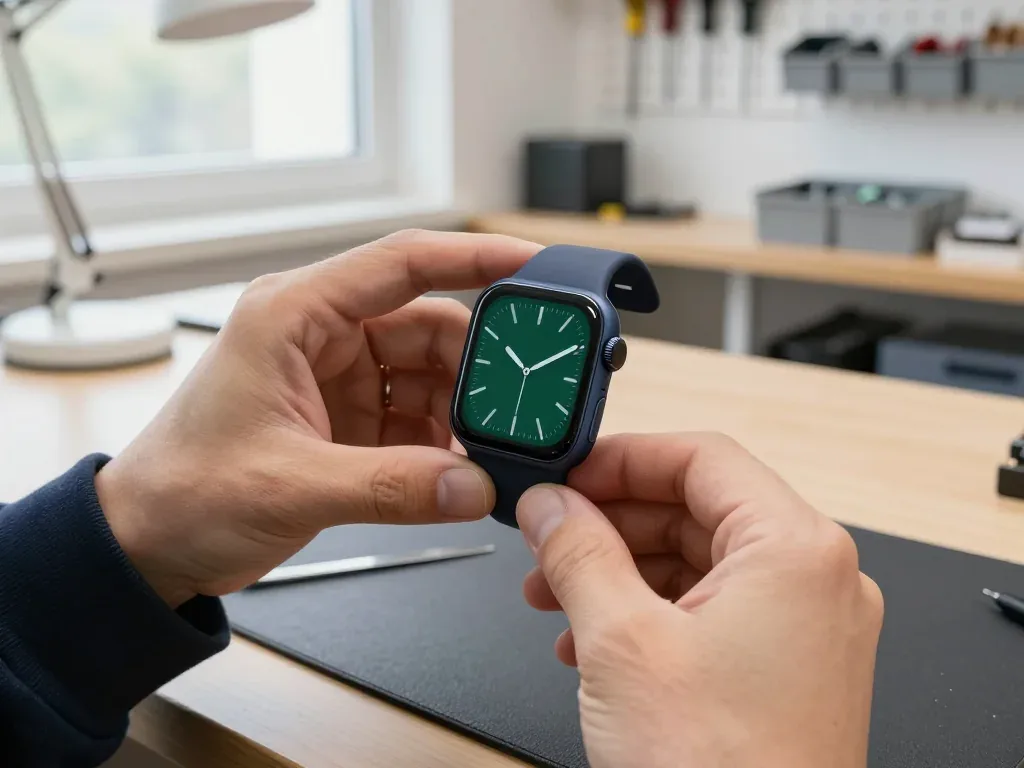
Apple Watch 7 in dark case with green dial in master's hands after glass replacement

Apple Watch 7: cracked glass after hitting a wall

The client bumped their watch against a wall — the glass cracked, but the display stayed intact. We replaced just the glass, checked the touchscreen and water resistance — the watch works as before.

from 53 900 ₸repair cost
I want the same
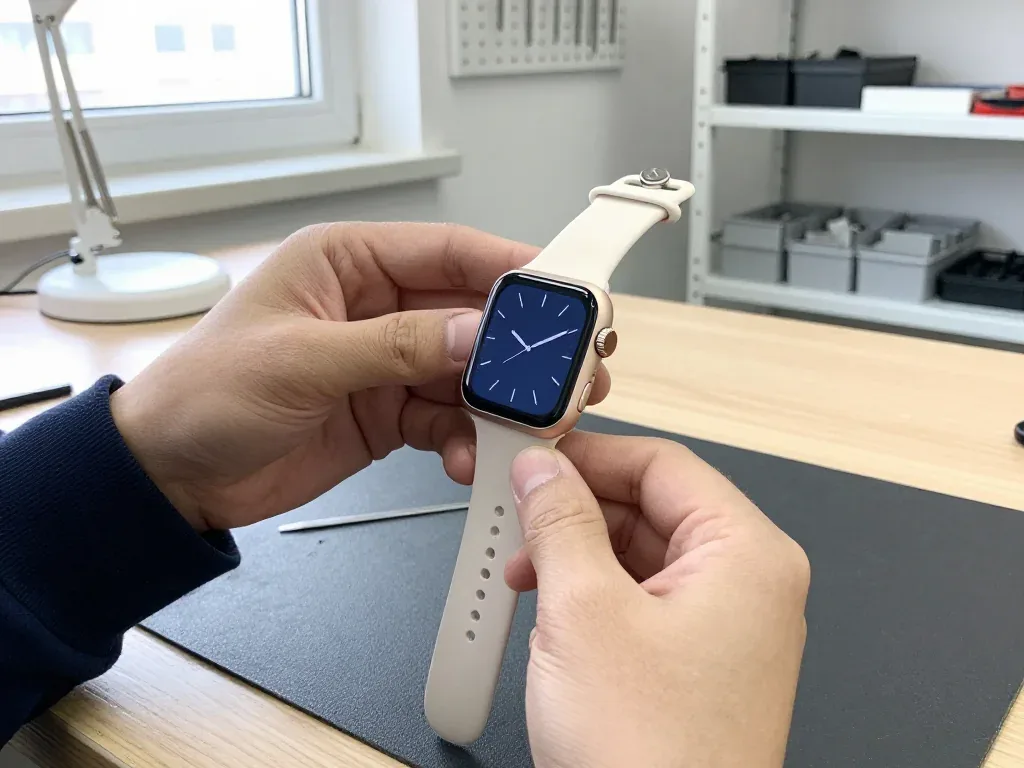
Apple Watch 7 with a dark blue analog face held by the technician after a display replacement

Apple Watch 7: black screen after a knock

The client caught the watch on a door frame — the screen went black even though the watch itself still worked. We replaced the display and checked the touch sensor and water resistance: the watch tells time and responds to taps again.

from 75 900 ₸repair cost
I want the same

How Apple Watch Series 7 repair is done in Astana

Usually the whole journey — from message to pickup — takes less than an hour; complex repairs follow the timeline in the receipt.

Book a repair
  1. Step 1

    Message or call

    5 min

    You send a photo of the damage on WhatsApp — we quote the price and available time. Or you call a courier.

  2. Step 2

    Free diagnostics

    15 min

    An engineer checks the device in front of you and shows what is broken. 0 ₸, even if you decline the repair.

  3. Step 3

    Price in the receipt

    2 min

    We fix the price, the part (original or analog), the timeline and the warranty. You sign — we start.

  4. Step 4

    Repair while you wait

    20–40 min

    Before installation we show you the new part in its factory packaging. You wait in the waiting area with coffee and Wi‑Fi.

  5. Step 5

    Post-repair check

    10 min

    Touchscreen, brightness, Digital Crown, sensors, microphone, speaker, charging. You check them together with the engineer.

  6. Step 6

    Pick up your device

    warranty up to 1 year

    Together with the receipt, warranty card and the old part. Payment — Kaspi, card or cash.

Meet the iServices team

Technicians for iPhone, Mac, iPad, Apple Watch and AirPods repair.

1 / 5
BSBakmukhammed S. — on-site iPhone technician, iServices service center in AstanaPhoto: Bakmukhammed S.

Bakmukhammed S.

on-site iPhone technician
13years of experience
4.93rating, 107 reviews
GSGalymzhan S. — iPhone repair technician, iServices service center in AstanaPhoto: Galymzhan S.

Galymzhan S.

iPhone repair technician
8years of experience
4.79rating, 90 reviews
ZSZhandos Sh. — iPhone screen replacement technician, iServices service center in AstanaPhoto: Zhandos Sh.

Zhandos Sh.

iPhone screen replacement technician
6years of experience
4.65rating, 112 reviews
DTDarkhan T. — iPhone firmware technician, iServices service center in AstanaPhoto: Darkhan T.

Darkhan T.

iPhone firmware technician
8years of experience
4.44rating, 19 reviews
KSKudiret S. — iCloud unlock specialist, iServices service center in AstanaPhoto: Kudiret S.

Kudiret S.

iCloud unlock specialist
10years of experience
4.37rating, 100 reviews
Bakmukhammed S., on-site iPhone technician
“If the repair didn’t suit you or you have a complaint, write to me personally.”
Bakmukhammed S.on-site iPhone technician · +7 701 333-47-01

We'll quote Apple Watch Series 7 repair in Astana from a photo in 5 minutes

Send a photo of the fault — an engineer will reply on WhatsApp, give the price and a time you can come in.

  1. 5 minAn engineer replies and names the price
  2. 0 ₸Diagnostics in front of you in 15 minutes
  3. 30 minMost repairs — while you wait

Apple Watch Series 7 Repair in Astana with Clear Part Choice

In short

For Apple Watch Series 7 repair in Astana, iServices offers free 15-minute diagnostics in front of you, then fixes most screen and battery faults while you wait. You choose an original or aftermarket part; price, part, turnaround and warranty up to 1 year are fixed on the receipt before work starts.

iServices Editorial TeamWe reply on WhatsApp within 10 minutes
Ask

Why the Apple Watch Series 7 Repair Screen Cracks So Easily

The Series 7 carries the largest display and the thinnest bezel of its generation, so in most drops the glass edge takes the hit. Here is what that means for repair.

What the Larger Display and Thin Bezel Mean for Damage

The Series 7 pushed the OLED display close to the case edge, so the exposed glass rim absorbs impact that older, thicker-bezel models deflected. On a Series 3 or SE the metal housing stands proud of the panel and catches the corner first; on the Series 7 the screen curves almost to the aluminium, leaving a narrow band of unprotected crystal all the way around. That band is where cracks begin — a chip at two o'clock or eight o'clock that looks cosmetic until it spreads across the display within days. The centre rarely fails on its own, because the flat middle has nothing sharp to strike. A case or bumper that covers the rim protects more than a flat screen film, because the crack almost always starts at the curve, not the middle.

Ion-X Glass on Aluminium Series 7 and How It Ages

Aluminium Series 7 uses Ion-X glass, which resists knocks better than it resists scratches, so fine scuffs build up over months of daily wear. The ion-exchange treatment hardens the surface against a single sharp blow, yet grit in a pocket or a sleeve clasp will still leave hairline marks that catch the light at an angle. Sapphire on the steel and titanium versions is far harder to scratch but more brittle on impact — a trade-off most owners never notice until something breaks. Light scratches on Ion-X can be polished down, but deep gouges that catch a fingernail usually mean the outer layer has to be replaced rather than buffed.

Which Series 7 Faults We See Most Often

  • Cracked edge: a chip at the bezel curve that spreads across the display, the single commonest arrival at our bench.
  • Worn battery: capacity drops and the watch stops lasting a full day, usually after two or three years of charging.
  • Charging faults: a misaligned or damaged charging coil that leaves the watch warm but never full.
  • Water ingress: moisture reaching the board through a hairline crack that was ignored for weeks.
  • Board issues: the rarest category — nearly all dead watches trace back to the faults above, not to the logic board.
  • Catch it early: a cracked rim lets moisture in, and that is what turns a simple glass job into a board-level repair.

Glass or the Whole Display

On the Series 7 the front glass is bonded to the screen, so the right fix depends on what the impact actually did. This section separates the two cases.

How to Tell a Glass Crack from a Display Fault

If the image is clean and input still works, the fault is usually in the top sheet; if you see lines, blotches or dead zones, the OLED itself is affected. A hairline split that stops at the surface leaves the picture untouched, because the sensor layer and the flex cable sit beneath the bonded cover. Watch for a bright vertical line, a green or purple tint in one corner, or a strip near the bezel that no longer reacts to a finger — that points to the panel, not the surface. Shine a light at an angle across the split — a shadow that shifts with the cover but not the picture points to surface-only damage. If you are unsure which case you have, Apple Watch Series 7 repair in Astana starts with a free check that shows you exactly what is broken.

Glass Replacement, Display Replacement and What Each Covers

Which repair fits each kind of screen fault
DamageWhat we doWhat you keep
Crack or chip, image and input fineRe-bond the front sheetOriginal OLED panel
Lines, blotches or dead inputReplace the full displayNew part, checked on the spot
Crack plus moisture insideClean, then screen workBoard protected from corrosion
Deep edge gouge into panelFull assembly swapCalibrated new unit

Do You Need a Screen Protector on a Watch

A protector helps against scratches but does little against the impact that splits most Series 7 screens, so a bumper that covers the raised edge does more. The Ion-X front on aluminium models resists keys and grit well, yet the curved edge sits proud of the case and takes the first hit in a fall. A flat film guards the centre and leaves that millimetre bare — the same spot where most splits start. A tempered layer adds scratch protection for daily desk and gym wear, while a raised bumper absorbs corner knocks and spreads the force across the case. If you fit a film, choose one that wraps the curved edge — a flat protector leaves the most fragile millimetre exposed.

When the Battery No Longer Lasts the Day

For Apple Watch Series 7 repair in Astana, we read the battery health together with you and explain what the numbers mean. A Series 7 that dies before evening is usually telling you about its power source, not its software.

Reading the Battery Health and the Real Symptoms

Battery health in Settings gives a first clue, but sudden drops from 40 percent to shutdown point to a worn power source rather than an app problem. A healthy Series 7 unit holds a full day of use for most owners; when the watch needs a charge by lunchtime or loses charge overnight on the charger, the chemistry inside has aged past its useful point. Ageing shows up unevenly — a unit can sit at 30 percent for an hour, then collapse in minutes under a workout or GPS session. Cold mornings on the street make the voltage sag faster, so a watch that behaves on a desk can still shut down outdoors. A swollen unit can lift the display slightly — if the screen rocks under a fingertip, stop charging and get it checked.

How We Replace a Series 7 Battery

We open the watch through the display, swap the power source, re-seal the case and check charging and sensors before you leave. The display lifts on a heated pad to soften the adhesive gasket, then the old unit comes out and a fresh one goes in its place. Before the panel goes back down we test the charging coil, the heart rate sensor and the crown, then lay a new gasket so the case closes flush. Most swaps take 25 minutes while you wait, and 72% of our repairs finish with the customer in the waiting area. Because the power source sits under the screen, a swollen unit is also a panel risk — replacing it early protects the display too.

Original or Aftermarket Battery and What Changes

  • Original cell: matches the factory capacity and keeps health reporting intact, chosen by 64% of our customers.
  • Quality aftermarket cell: a lower-cost option with the same fit and charging behaviour, though health percentage may read differently.
  • Receipt before work: price, part, turnaround and warranty are fixed on paper in about 2 minutes.
  • Warranty terms: both options carry a guarantee up to 1 year, and the warranty card travels home with the watch.

Charging, Power and Water Damage

A watch that will not charge or wake can have a simple cause or a wet one. We test the chain from the charger to the board before touching anything.

Why the Watch Stops Charging

We check the charger and cable first, then the charging coil and the board, because a dead coil and a dead board look identical from the outside. The magnetic puck sends energy through the coil into the board, and a break anywhere along that path leaves the display dark. The fault usually sits in one of three places: a worn cable, a coil knocked loose after a drop, or a charging circuit damaged by heat. We test each link separately with a known-good stand, so we never replace a board when a coil would have fixed it. Try a different puck and cable before booking — a surprising share of "dead" watches charge fine on another stand.

What Happens After Water Gets In

After liquid contact we clean and inspect the board under a microscope, and that diagnostics can take up to two days because corrosion shows up slowly. Water reaches the charging coil and the board through the crown opening and the speaker slots, and the damage rarely appears at once. We strip the case, clean the contacts, and trace every joint under magnification to catch the green corrosion that shorts a circuit days after the watch dried. Board repair of this kind runs one to three days, longer than a screen or battery job. Do not charge a wet watch to "test" it — power on a damp board is what turns a cleanable watch into a board replacement.

Water Resistance After the Case Is Opened

We re-seal the case with a fresh gasket after any opening, but a repaired watch should not be treated as swim-proof the way a factory-sealed one is. Opening the case breaks the factory adhesive seal, and a new gasket restores splash protection rather than the original depth rating. The Series 7 carries a 50-metre rating from the factory; after a repair, that number no longer holds in the same way. Keep the watch out of the pool, the sea and the shower, and avoid saunas and steam. Skip the pool and the shower for the first days after a repair so the new adhesive can set properly.

Repair or Replace and How the Visit Works

The last question is usually whether a Series 7 is worth fixing at all, and what the visit actually looks like from the door to pickup.

When a Series 7 Is Worth Repairing

A screen or battery fault on a Series 7 is almost always worth fixing, because those are the components that fail and the rest of the watch is still current. The case, the sensors and the chipset on this model handle everything watchOS asks of them, so a new display or cell restores full daily use rather than buying you a few months. Our own figures show the pattern clearly: 64% of customers choose an original component, and the watch returns to the wrist the same day in most cases. A board-level fault is the one case where the maths changes — ask for the diagnosis result before committing to a deep repair, since a shorted line can cost more than the device is worth to you.

From WhatsApp Photo to Pickup

  • WhatsApp first: send a photo of the damage and an engineer replies within five minutes with a price and a free slot.
  • Receipt before work: price, component, turnaround and warranty go onto the receipt in about two minutes, and the new element is shown in factory packaging before installation.
  • Waiting area: 72% of repairs finish while the customer waits, with coffee and Wi-Fi in the lounge.
  • Courier option: a courier can be called if you cannot come in during working hours.
  • Unpair the watch: bring it unpaired from your iPhone so we can test notifications and pairing straight after the repair.

What We Check Together Before You Leave

Handover checks run together with the engineer
CheckWhat it confirms
Touch and imageDisplay and glass seated correctly
Heart rate and sensorsRear cover and gasket aligned
ChargingCoil and board working
Digital Crown and buttonCase reassembled cleanly
Pairing with iPhoneWireless and notifications fine
Receipt and old componentWarranty up to 1 year in hand

Summary: Apple Watch Series 7 Repair

The Series 7 is a repairable watch, and most faults come down to the display, battery or charging — each with a clear fix and a defined outcome.

  • Edge cracks: damage usually starts at the thin rim, so a bumper that wraps the bezel protects more than a flat film.
  • Crack versus panel fault: damage to the outer layer alone keeps the original panel, while lines or dead touch mean the full unit is swapped.
  • Battery signs: a watch that dies before evening or swells at the glass needs a new cell, not a new watch.
  • Water ingress: slow diagnostics matter, and a reopened case is never as swim-proof as a sealed one.
  • Before the visit: send a photo, unpair from the iPhone, and check every function together at pickup.

Questions people ask about Apple Watch Series 7 repair

Did not find an answer? Message us on WhatsApp: an engineer replies, not a bot.

Ask a question
Is a cracked Apple Watch Series 7 screen fixed by changing the display module?

In most cases yes, because the front crystal and the OLED panel are bonded together. Separating them on such a small screen is rarely worth the risk. The engineer checks the panel and tells you what is possible for your watch.

Why does my Series 7 drain faster in the Astana winter?

Cold reduces how much power a battery can deliver, and a worn cell suffers more. Wearing the watch under a sleeve helps. If it shuts off with charge left even indoors, check the battery.

What should I do if my watch gets wet in salt or soapy water?

Rinse it with fresh water, dry it and keep it off the charger until dry. If sound and crown do not recover, have the watch inspected.

Does a Series 7 keep fast charging after a battery replacement?

Yes, fast charging on the Series 7 depends on the charging circuit of the watch and the USB-C magnetic fast charger, not on the cell itself. A new battery takes the charge the same way. Use the original puck to get the full speed.

Is it safe to charge a Series 7 whose screen has lifted?

No. A lifting screen usually means a swollen battery, so stop charging, avoid pressing the glass and have the watch inspected as soon as possible.

Can heart rate readings on a Series 7 be restored after the back crystal cracks?

Often yes: the sensors sit under the back crystal, and the cracked back part can be replaced. After the repair, heart rate and blood oxygen readings are checked in the apps. If readings were wrong without visible damage, the engineer first rules out a loose band and dirty sensors.

Series 7 repair feedback from Astana clients

1 / 10
4.9

iServices network rating on Google Maps, wikicity and our website · 2 028 reviews
Google Maps4.438 reviews ›wikicity5.015 reviews ›Reviews on the iServices website4.91 975 reviews ›
ДК
Давид К.Order No. IS‑•••55 · 7 October 2026
Apple Watch Series 7 · screen

Проблема — не работает дисплей. Ғалымжан С. объяснял без умных слов, за это спасибо. Работает, даже лучше прежнего.

iServices customer review, in Russian
ЕД
Ербол Д.Order No. IS•••92 · 30 April 2026
Apple Watch Series 7 · screen

Искал, где есть оригинальные запчасти, а не «как оригинал». Было ощущение, что ремонт не окупится. Проблема — не работает дисплей. Диагностику сделали при мне. Внутри оказалось: стекло. 40 000, и гарантия в комплекте. Пять баллов. Все функции проверил — работают

iServices customer review, in Russian
ЛР
Лаура Р.Order No. ISV‑•••75 · 28 December 2025
Apple Watch Series 7

Қабылдау тез болды, кезек жоқ. Бағаны алдын ала айтты, соңында өзгермеді. Ақауын тез анықтады, қажетсіз нәрсе ұсынбады. Бөлшек қоймада бар екен, күтпедік. Жұмыс істеп тұр, шағым жоқ

iServices customer review, in Kazakh
ЖЦ
Жомарт Ц.Order No. ЗК‑IS‑•••32 · 1 August 2025
Apple Watch Series 7

Ғалымжан С. не пропал после ремонта, помог с настройкой. Не пришлось стоять в очереди. Все функции проверил — работают.

iServices customer review, in Russian
НГ
Нұргүл Г.Order No. •••76 · 8 May 2025
Apple Watch Series 7 · screen

Позвонил по объявлению, приехал на следующий день. Ребёнок поиграл, теперь не включается. Оплату взяли после ремонта. Вскрытие показало: дисплей. В 11 500 уложился, как и обещали. Пользуюсь и вспоминаю добрым словом!!

iServices customer review, in Russian
ЕГ
Еркежан Г.Order No. IS‑•••29 · 14 November 2024
Apple Watch Series 7 · screen

Уронил на плитку — и всё, треснуло стекло. Мастер сам предложил забрать технику позже. Внутри оказалас: аккумулятор. Пользуюсь и вспоминаю добрым словом

iServices customer review, in Russian
АЦ
Абылай Ц.Order No. •••10 · 19 August 2024
Apple Watch Series 7 · screen

Сдал Apple Watch 7 мастеру. Проблема — не роботает дисплей. Дома включил, всё на месте.

iServices customer review, in Russian
ГС
Геннадий С.Order No. •••30 · 23 February 2024
Apple Watch Series 7 · screen

Проблема — треснуло стекло. Ғалымжан С. разобрался в редкой модели. Про айсервис слышал от соседа. Ни разу не пожалел!!

iServices customer review, in Russian
БК
Баян К.Order No. ISV‑•••86 · 30 October 2023
Apple Watch Series 7 · screen

Позвонил насчёт Apple Watch 7. Проблема — не включается. Приняли без записи, оформили за пять минут. Пришлось ставить: стекло. Ставлю пять. Дома включил, всё на месте)

iServices customer review, in Russian
ТБ
Темирлан Б.Order No. •••22 · 20 April 2023
Apple Watch Series 7

Проблема — не включается. Ғалымжан С. объяснял без умных слов, за это спасибо. Пользуюсь и вспоминаю добрым словом

iServices customer review, in Russian
Showing 10 of 17

Where to get Apple Watch Series 7 repair in Astana

Address
Astana, Kabanbay Batyr Ave., 7/2
Opening hours
Mon–Fri 10:00–19:00Sat–Sun 11:00–18:00
Phone and messengers
+7 727 339-99-12WhatsApp: +7 701 333-47-01
Directions map: iServices Astana© OpenStreetMapFind us on the maps: Google Maps · 2GIS