BS Photo: Bakmukhammed S.
Bakmukhammed S.
on-site iPhone technician
13years of experience
4.93rating, 107 reviews

AirPods 3 die in the cold or one earbud goes silent — we find the cause free while you wait and quote before work.
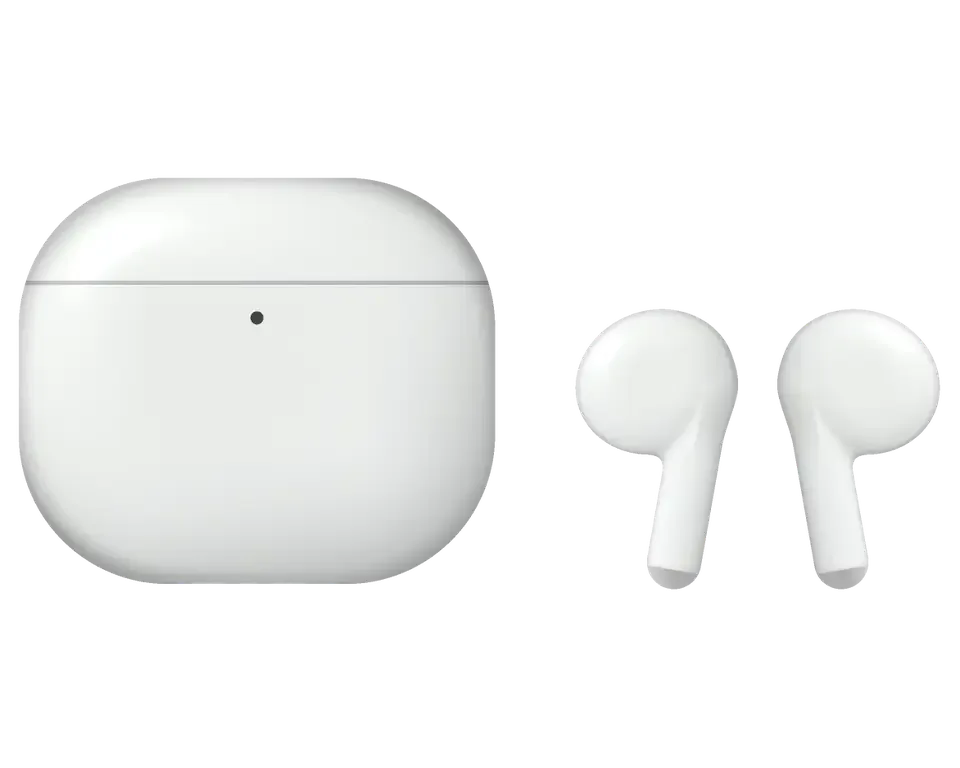
Tiny earbuds suffer from frost, dirt in the mesh and battery wear, and the charging case fails about as often as the buds do.
Die within minutes outdoors, then wake up at home and show a decent charge
No sound after leaving the case, missing from the list, or switching on randomly
Lid is shut and the light works, yet the earbuds stay almost empty
Lightning does nothing, wireless charging fails, the light stays asleep
Sound buzzes at high volume, hisses in the background, left and right differ
Callers hear you in bursts, street noise swallows your voice, speech cuts out
Signal drops, connection falls over, the pair will not hold with an iPhone
Sound feels squeezed, volume has dropped, a film and fibers sit on the grille
The hinge has worked loose, the lid hangs to one side and no longer holds the earbuds in
The light shows no sign of life, whether you open the lid or plug in to charge
Without it you can't reset the pair or connect the earbuds to a new phone
The body feels noticeably warm just minutes after the cable goes in
The exact amount is given only after diagnostics, since it is set by the faulty part: an earbud, the case or the contacts.
| Service | Original | Aftermarket |
|---|---|---|
| Earbud battery replacement | 18 900 ₸ | 10 900 ₸ |
| Case battery replacement | 40 900 ₸ | 22 900 ₸ |
| Earbud replacement | 55 900 ₸ | 30 900 ₸ |
| Charging case replacement | 45 900 ₸ | 30 900 ₸ |
| Earbud speaker replacement | 20 900 ₸ | 11 900 ₸ |
| Microphone replacement | 13 900 ₸ | 7 900 ₸ |
| Case charging connector replacement | 15 900 ₸ | 8 900 ₸ |
| Other repairs | Price | |
| Cleaningdisassembly and dust cleaning | 5 490 ₸per job | |
| Water damage repaircorrosion cleaning · diagnostics up to 2 days | 13 900 ₸per job | |
| Firmware flashingsoftware restore, no parts replaced | 5 490 ₸per job | |
The technician announces the result after the examination, because battery and shell condition differ from pair to pair.
Options depend on the model and on the condition of the pair, while the age of the earbuds and your budget settle the decision.
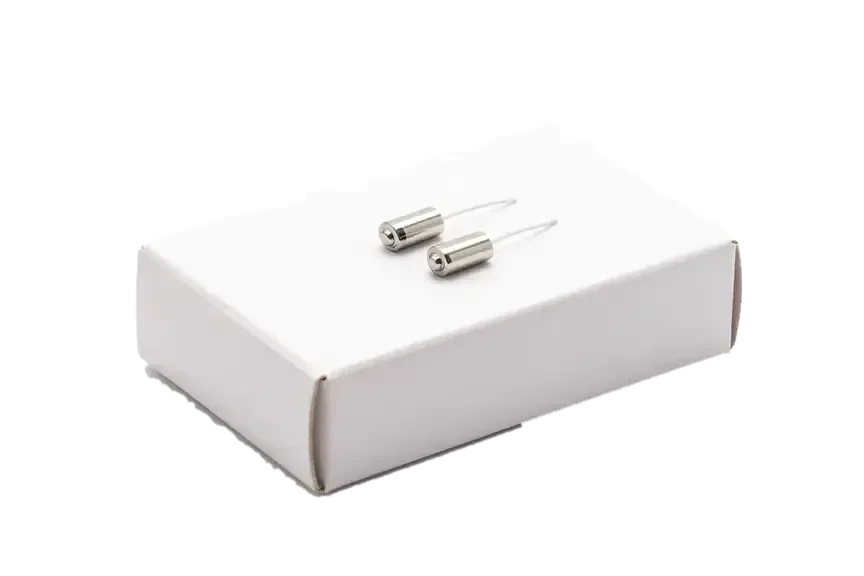
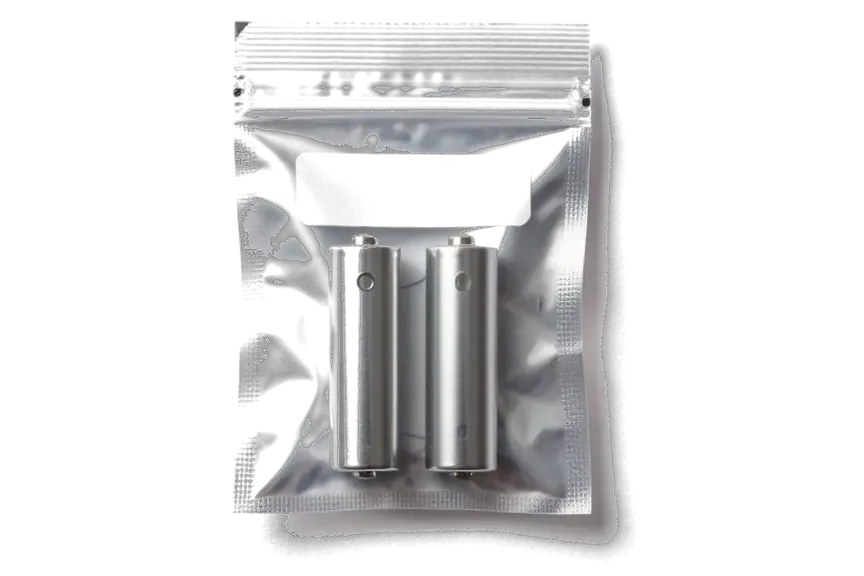
Before replacing anything we test each part on its own, both earbuds, the case and its connector, so you never pay for something unneeded.
11 years of practice shows right away where battery wear ends and where dirt, a dropped connection or a case fault begins.
Warranty on work we finish lasts up to 1 year, and the technician explains the details for your pair before starting.
A experienced technician looks at your earbuds: the diagnosis comes first, then a repair plan and the final amount.
Eleven years in the field teach a careful approach to tiny electronics: we distinguish battery wear from pairing issues or dirty contacts.
Here, each earbud and the charging case are handled individually, and the cost is quoted before any work begins.
A experienced technician accepts your earbuds, first identifies the cause, then outlines the work plan and the amount.
Usually the whole journey — from message to pickup — takes less than an hour; complex repairs follow the timeline in the receipt.
Book a repairYou send a photo of the damage on WhatsApp — we quote the price and available time. Or you call a courier.
An engineer checks the device in front of you and shows what is broken. 0 ₸, even if you decline the repair.
We fix the price, the part (original or analog), the timeline and the warranty. You sign — we start.
Before installation we show you the new part in its factory packaging. You wait in the waiting area with coffee and Wi‑Fi.
Sound, microphones, noise cancellation, ear sensor, earbud and case charge, connection. You check together with the engineer.
Together with the receipt, warranty card and the old part. Payment — Kaspi, card or cash.
Technicians for iPhone, Mac, iPad, Apple Watch and AirPods repair.
Photo: Bakmukhammed S. Photo: Galymzhan S.
 Photo: Zhandos Sh.
 Photo: Darkhan T.
 Photo: Kudiret S.
“If the repair didn’t suit you or you have a complaint, write to me personally.”
Send a photo of the fault — an engineer will reply on WhatsApp, give the price and a time you can come in.
Free Diagnostics Before Payment for AirPods 3 Repair in Astana
Bring your AirPods 3 for repair in Astana to iServices: a no-charge 15-minute check happens right beside you, after which most earbud and case problems get resolved in the lounge while you relax. A fresh component is presented in its factory box; the price, the part and the 10-year warranty backing our work all appear on your receipt.
AirPods 3 splits into two halves — the buds and the Lightning or MagSafe charging case — and the first job is deciding which half actually failed before anyone opens anything.
| Symptom | Likely part | What we do |
|---|---|---|
| Housing shows no charge | Port, pins, coil or battery | Test the chain, clean or replace the failed node |
| One bud drains fast | In-ear battery | Repair or replace the bud |
| Sound is quiet or crackly | Driver mesh, membrane | Clean the mesh, check the driver |
| Bud not detected | Pins, pairing | Clean pins, re-pair, update firmware |
| Charges by cable only | Wireless coil | Test the coil, replace if open |
The AirPods 3 battery is bonded into the shell, so a straight cell swap is not the routine fix it is on a phone. Opening the shell means cutting through adhesive, lifting the driver and the board, and resealing the acoustic chamber afterwards — every step carries a risk of damaging the microphone or the membrane. The housing can already be stressed from a drop or a previous attempt, and forcing the cell out at that point can crack the chamber and ruin the seal. That is why we weigh replacement of the bud against repair first, and we tell you which one holds up better before anything is opened. A single bud that dies early is usually a worn in-ear battery, not a software bug, so a factory reset rarely helps for long.
When a single half of the pair is at fault, the real question is repair versus replacement, and the answer depends on the part, the model match and how the device behaves after it links to the case.
We swap a single piece when the battery or driver is beyond a clean repair, and restore it when the fault is contacts, mesh or a dropped link. A dead cell inside the stem or a torn driver diaphragm cannot be brought back reliably, so fresh hardware is the honest route. Contacts, clogged mesh and connection dropouts respond well to cleaning and re-seating, and the original unit keeps its fit and serial history. When you need airpods 3 repair in Astana, the choice between a single piece and a full swap is settled after the engineer checks the part in front of you. 64% of customers choose an original part when a swap is needed, which keeps volume and battery behaviour close to the half they still have. A replacement must match the AirPods 3 generation.
Only an AirPods 3 unit links correctly with an AirPods 3 housing, so generation and left or right marking matter more than looks. The two halves carry separate identifiers, and the charging shell firmware expects the exact channel you are replacing. An AirPods 4 piece got a USB-C shell without a pairing button, and the two simply do not speak the same protocol. A mismatched item may charge but refuse to link or update, which looks like a fault and is really an incompatibility. When you source a spare, confirm the generation stamp and the L or R marking, and ask the seller to show the connection screen before you pay.
A quiet or crackly earbud is not always a dead driver. The first check is the grille and vents before anyone reaches for a replacement part.
In most cases a quieter unit is blocked by earwax and dust in the driver grille, not by a failed speaker. Between the membrane and your ear canal lies that delicate mesh, which gathers wax, flakes of skin and lint from pockets as weeks pass. Once the layer thickens, high frequencies drop first, so voices lose clarity while bass still feels present. The vent port beside it clogs the same way, which changes air pressure inside the housing and flattens the sound further. We play both units on the same track at equal volume to hear whether the gap sits in the screen or in the speaker itself. Cleaning restores loudness only if the membrane is intact, so we test sound before and after rather than assuming a wipe fixes it.
Crackle that only appears on calls usually comes from a blocked or failing microphone, not the music driver. Each unit in this model carries mics for voice pickup and noise cancellation, and the same screen that protects the speaker also covers the mic inlet. When that inlet clogs, beam-forming fails, so callers hear you faintly or with a rustle. A failing ear sensor adds a second sign: the device stops pausing playback when you take it out. We record a short call on both units and listen from the other side, which separates a blocked inlet from a dead mic in under a minute. Wind and echo complaints often trace to the same clogged screen, so we test the mic in a call before quoting a part.
Sweat and splashes are no problem for AirPods 3, yet swimming is, and how you act within sixty minutes after a soak determines the chances of recovery.
If liquid has got inside, our inspection may last as long as two days: corrosion develops gradually, so a fast check risks overlooking it. Drops reach the board through the vents and sit under the shields, where they start eating the solder joints over hours rather than seconds. Under a microscope the board is examined, with paths around the driver and charging contacts traced; rushing this inspection risks missing a green spot that later spreads. Board work itself runs from a day to three days, and a soaked unit sometimes needs the longer end of that window. A device that works right following a spill can fail a week later, so we inspect the circuit before calling it fixed.
| Check | Why it matters after water |
|---|---|
| Sound and driver | Liquid distorts the membrane |
| Microphones | Blocked ports mute calls |
| Charging contacts | Corrosion stops power flow |
| In-ear sensor | False wear detection |
| Case charging | Coil and port corrode |
The component you pick shapes how the device sounds and how long it lasts, so we lay out both options before any work begins.
You may pick an original unit or an aftermarket one; sound quality and pairing consistency lead 64% of our customers to the original. The original keeps the bud matched to the charging case and to the firmware both halves already share, which is why voices stay centred and the left-right balance holds. An aftermarket unit handles everyday listening well — calls, podcasts, music at moderate volume. What separates the two shows up later: firmware updates from the phone sometimes arrive unevenly on a non-original unit, and the touch controls can feel a beat slower. An aftermarket piece can match on volume but sometimes lags on updates, so the trade-off is features, not just cost. Ask which component is going in before you agree — a ten-second question that decides how the device behaves six months on.
Our warranty runs up to 1 year, and the terms are written on the card. If the new unit stops charging, drops its pairing or develops a rattle, bring the device and the card and we look at it under the same terms as the first visit. The cover follows the specific piece, not the whole device, so a fault in the untouched bud or the case is a separate diagnosis — free, as on any visit. We fit original components in 64% of orders, and those carry up to 1 year of cover, while aftermarket units carry 6 months; the card spells out which unit you received. The old piece comes back with the device, so you can see exactly what was replaced. Store the card with the receipt — the two together are what we ask for at any warranty visit.
Faults in the earbuds rarely mean the device is finished. A matching generation and a documented warranty line decide whether the fix holds over time.
Did not find an answer? Message us on WhatsApp: an engineer replies, not a bot.
Ask a questionLithium cells give out less energy below zero, so a cold earbud may report a low level or switch off early. Keep the case in an inside pocket rather than an outer one. If the earbuds still drain quickly at room temperature, the battery itself is worn.
Put both earbuds in the case, open the lid and hold the setup button on the back until the light flashes amber and then white. After that, pair them again from your phone. If the light never changes, the case or an earbud needs diagnostics.
A flashing amber light usually means the pair needs to be set up again or something stops normal charging. A reset fixes many such cases. If the amber flashing returns after a reset, bring the case and both earbuds for a check.
AirPods 3 use a skin-detect sensor to know when they are in your ear. Make sure Automatic Ear Detection is on and wipe the inner side of the earbud. If one earbud never reacts, its sensor may be faulty.
Often yes: the microphones sit in the stem, and their openings collect dirt. Gently clean the stem openings and record a voice memo to compare both sides. If one side stays muffled, the technician checks the microphone itself.
Sometimes it is, if only the hinge is loose and the case shell is intact. The technician inspects the case and explains the options before any work starts. When the shell itself is cracked, replacing the case is usually the more sensible choice.
Warranty coverage runs for one year, and this is noted on your receipt before any work starts. That same receipt shows the price, which part was fitted and how long the job took. When you collect the earbuds you also receive a warranty card and the old component back.
You check sound in both earbuds, the microphones and charging of the case and earbuds together with the engineer. If anything feels off, it is easier to sort out on the spot. Bring the cable you normally use for charging.
Проблема — хрипит. Ғалымжан С. всё сделал при мне, за пятнадцать минут. Полёт нормальный
Ғалымжан С. показал старую деталь, всё прозрачно. Ни шума, ни запаха, всё штатно
Проблема — не подключаются. Ғалымжан С. отсоветовал дорогой ремонт, предложил простой. Полёт нормальный!!
До этого обращался в сервис у дома, там только развели руками. Проблема — не заряжается. После ремонта — как новое)
Проблема — не заряжается. После ремонта — как новое. Всё чётко, без сюрпризов.
Ғалымжан С. всё сделал при мне, за пятнадцать минут. Всё оформили по договору, с печатью. Экран яркий, батарея держит.
Телефонмен кеңестім, кейін апардым. Бағаны алдын ала айтты, соңында өзгермеді. Жұмыс істеп тұр, шағым жоқ.
Было важно, чтобы сделали до конца недели. Записался на ремонт AirPods 3. Проблема — одно ухо не роботает. Ғалымжан С. отсоветовал дорогой ремонт, предложил простой. Сделали так, что и не придерёшься
Знакомый мастер раньше работал с Apple, дал наводку. Думала, проще новое купить. Проблема — не заряжается. Ғалымжан С. не пропал после ремонта, помог с настройкой. Ни шума, ни запаха, всё штатно.
Друг посоветовал, у него после воды ноут подняли. Проблема — не подключаются. i-service оказался единственным, кто взял такую модель. Все функции проверила — работают.
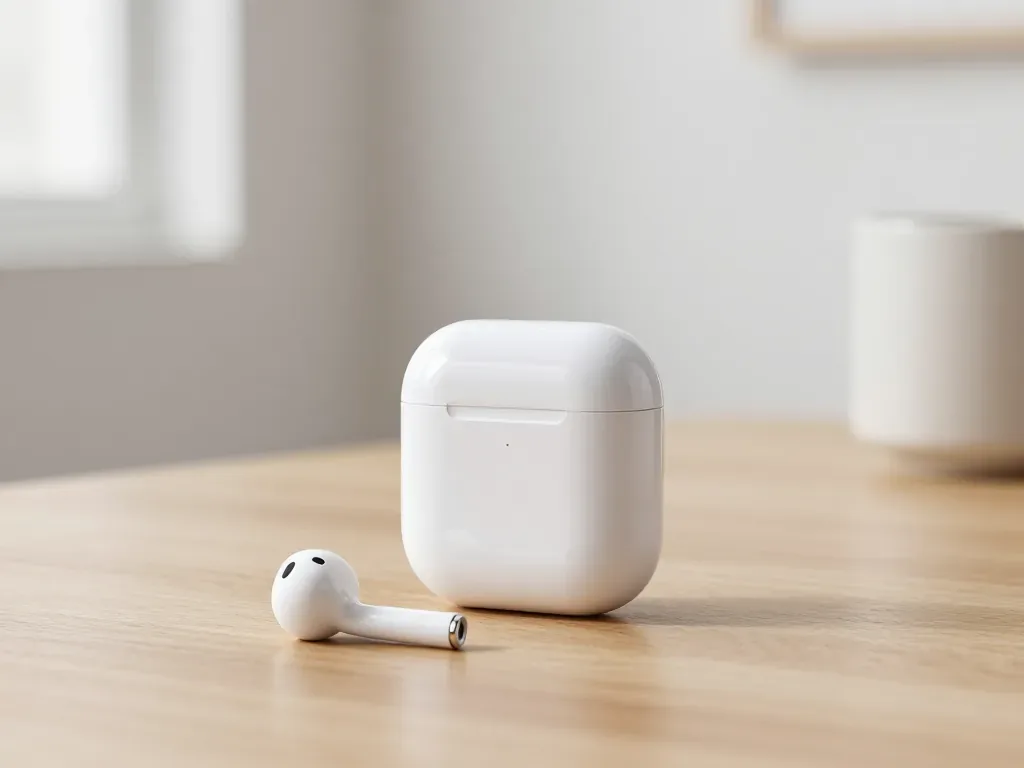
One earbud losing charge first is usually a worn cell or a dirty contact, not a dead pair. A free check tells which.
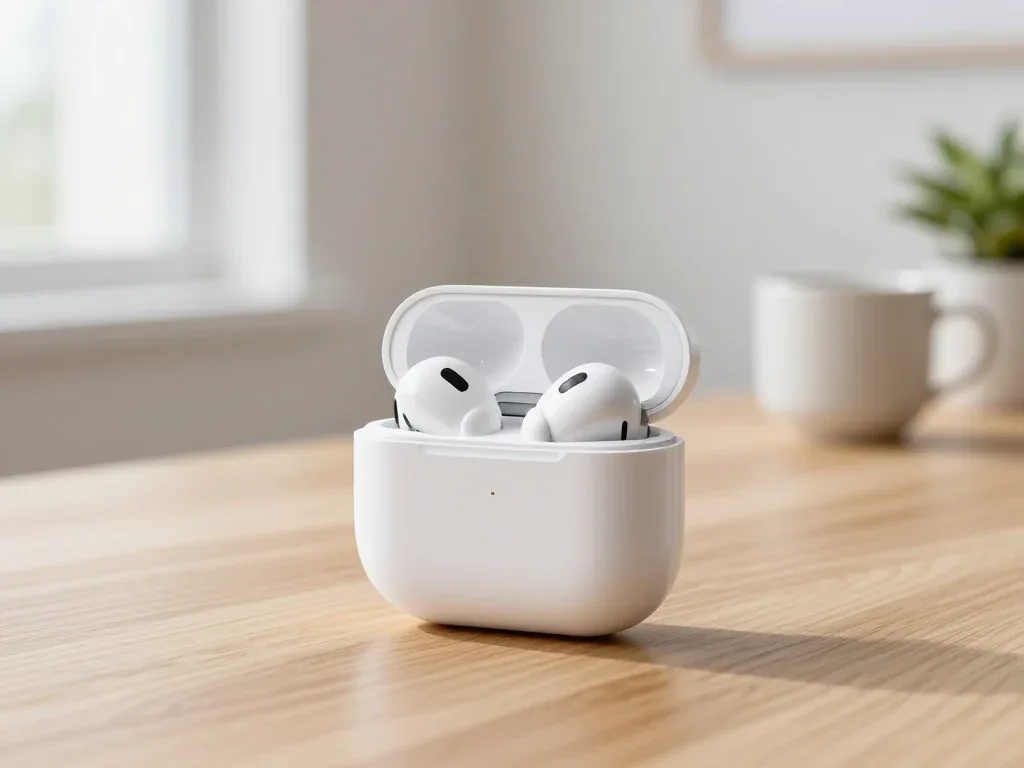
Find out why your AirPods case won't charge and what to check before visiting a repair shop.
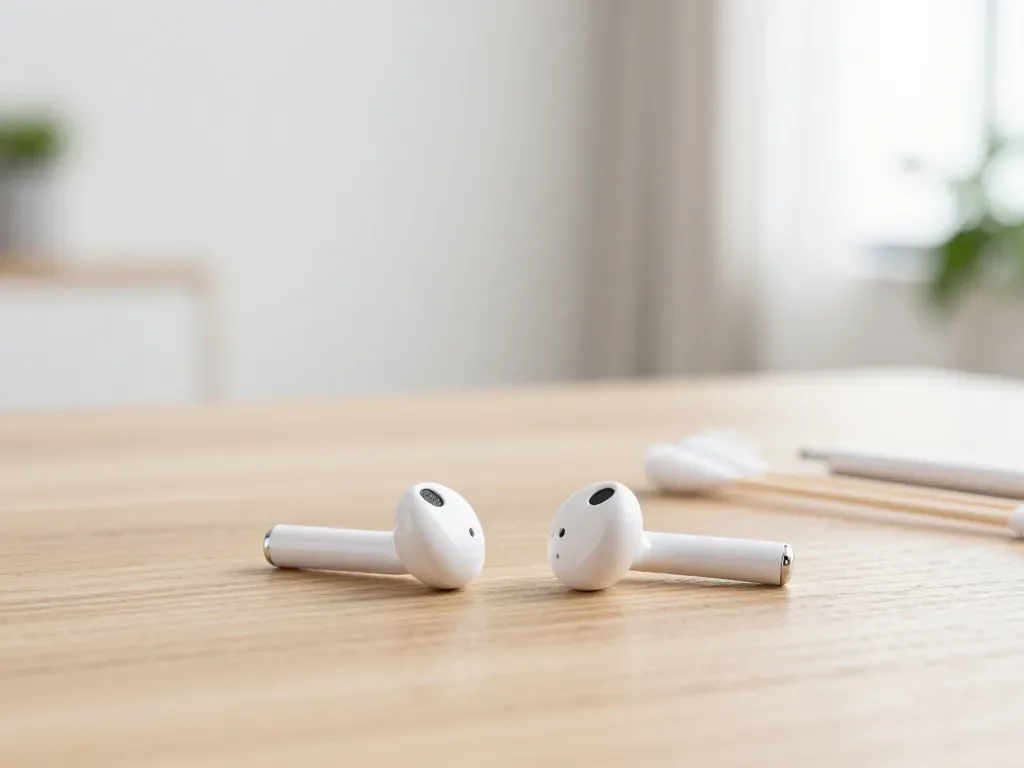
Most quiet AirPods come down to clogged mesh or a tired driver. Here is how to tell the difference before you clean anything.

Back up your data, turn off Find My, and bring proof of purchase — then the repair starts faster.


 iPad
 MacBook
 iMac
 Mac mini and Studio
 Apple Watch
 Apple Pencil
 Apple TV
 HomePod
