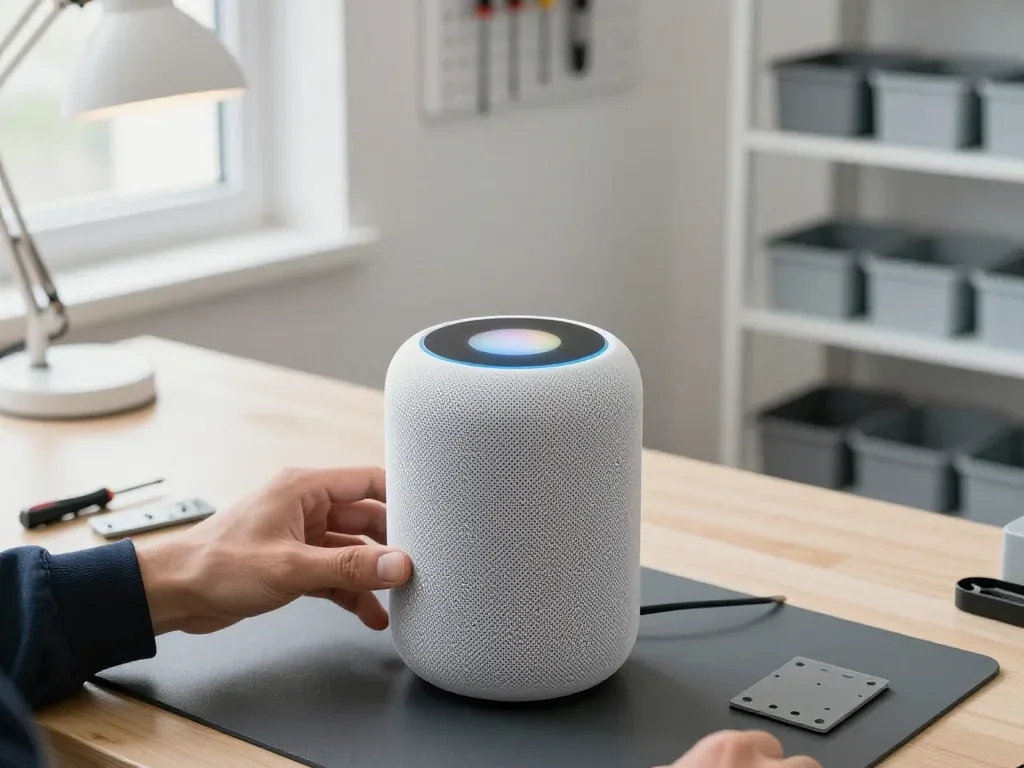
A column that ignores you, rattles on bass or drops off the network rarely needs a full rebuild. Before touching a single component, our specialist spends 15 minutes in front of you naming the failed node.
Power faults and a speaker that will not switch on
We start every power case by checking the cable and the built-in power supply, because on a full-size unit the supply sits inside the body and a dead supply looks exactly like a dead board. Our technician first swaps the cable, then measures the output voltage, and only after that opens the logic compartment. On the mini the same chain runs in a different order — the adapter is external, so a silent unit is often a charger or a port rather than the mainboard. A surge from the mains typically stops at the transformer stage and leaves the circuitry intact. A unit that stays dark after a voltage spike is worth diagnosing rather than replacing outright — the spike usually halts at the transformer and never reaches the circuitry.
Distorted bass and rattling at higher volume
A rattle during bass playback typically indicates either a blown woofer or a component that has come loose inside the casing; our specialists determine which on the bench prior to giving any estimate. The check runs in three steps: a sweep at moderate volume, a hands-on inspection of the woofer surround, and a look at the tweeters and the fabric cover for a loose thread or a torn edge. A cracked surround sounds identical to a broken driver to the ear, yet it is a far cheaper fault. On the mini the woofer is smaller and the housing tighter, so a loose screw mimics a blown driver more often. Turning the volume down hides the symptom but keeps stressing the driver, so a rattle that appears only at high volume is still worth checking early.
What the first 15 minutes of diagnostics actually show
- Free and on the spot: the 15-minute diagnostic costs nothing and happens while you watch, regardless of whether you choose to proceed with repair.
- Power path: the technician tests the cable, the supply and the board feed in sequence and shows which link drops out.
- Acoustics: a volume sweep and a hands-on check separate a damaged woofer from a loose housing element.
- Connectivity: we check whether the speaker or the router is at fault before any component is named.
- Written down: the failed node, the replacement and the turnaround go onto the receipt before work begins.
- Your call: you see the failed node yourself, so the decision to repair rests on a named component, not a guess.
- Handover: the speaker comes back with the receipt, warranty card and the old component after the fix.
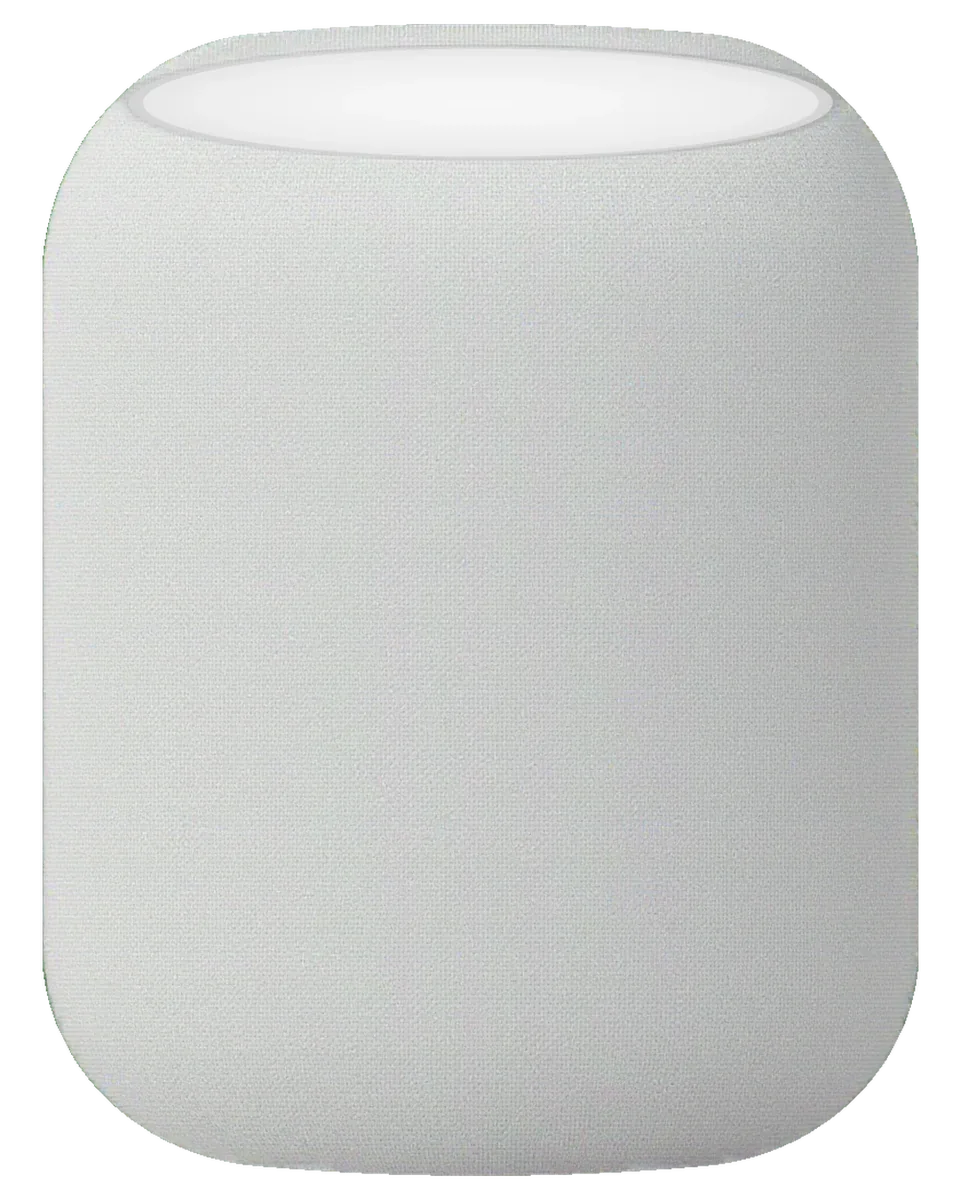
HomePod Repair in Astana for Network and Siri Faults
Two of the most frequent network-related issues are a "No response" message in the Home app and Siri failing to react to commands. This is how a unit fault gets distinguished from a router issue.
Router or speaker — how we separate the two
Where the fault sits when the app loses the device| Check | Points to router | Points to the unit |
|---|
| Other gadgets drop too | All of them | Only this one |
|---|
| Works on second network | No | Confirmed |
|---|
| Wi-Fi module warm | Unlikely | Often |
|---|
| Dropouts over Bluetooth | Rare | Common |
|---|
| Fault follows the unit | No | Confirmed |
|---|
Siri cannot hear you and the touch panel misbehaves
When Siri stops responding to voice but the touch surface still works, we check the microphone array first; when the top panel itself is dead, we look at the panel and its lighting. The array sits under the perforated ring at the top, and dust or moisture on the mesh mutes voice pickup long before the microphones fail. Volume and pause are managed via that surface, so when taps are ignored but the lights still come on, the sensor is likely fine and the problem lies in a connection behind it. We test both paths on a bench network, then open the top assembly only if the software side is clean. For homepod repair in Astana, these checks are performed on a bench network before we open the device. A panel that flickers rather than fails outright often points to a connection issue, not a dead touch surface.
Stuck on an update and what happens to your Home setup
A unit frozen mid-update is usually a software recovery job, and we restore the firmware before considering any hardware work. The process starts with a forced reset, then a fresh pairing through the Home app on your iPhone; most devices come back within the same visit, since the whole job normally takes under an hour. If the board is swapped later, rooms, scenes and the stereo pair stay stored in that application on your iPhone, not on the hardware itself, so a repair does not erase them. Re-pairing after a board swap is a step we walk you through at the counter.
HomePod, HomePod 2 and HomePod mini — What Differs in Repair
The three models open differently and break differently, so knowing which one you own tells you what a repair will involve before you arrive. Here is how they compare on the bench.
Cable design across the three models
Cord arrangement compared across the three models| Model | Cable | What it means for repair |
|---|
| HomePod 2 | Removable | A swap can be a quick job |
|---|
| HomePod mini | Built into the body | Work starts with opening the housing |
|---|
| The original model | Fixed in place | Diagnosis begins at the supply section |
|---|
| All three | Sealed housing | Access always means controlled disassembly |
|---|
What sits inside and which part usually fails
- Power section: converts mains current and is the prime suspect when a unit stays silent with no light.
- Logic board: runs audio processing and networking, and trouble here shows as boot loops or unresponsive behaviour.
- Woofer: handles low frequencies, and a worn cone produces the rattle heard at higher volume.
- Tweeter ring: the full-size model carries a circle of tweeters, and one blown driver dulls the whole soundstage.
- Microphone array: picks up voice commands, and a blocked mic makes the unit seem deaf.
Repair or replace — deciding on an older speaker
Whether an older unit is worth repairing depends on which component went down, since a cord or supply problem is a contained job while a board issue is a bigger decision. A first-generation device with a dead power section usually comes back to life with a straightforward fix, and the same holds for a worn woofer or a single blown driver. A logic board failure is where the maths changes: the work is longer, the component is the most expensive inside the cabinet, and on an old speaker you have to weigh that against what it is still worth to you. The broken part is named first, and you decide with that in hand. Ask what the diagnosis names before deciding — a clear part name is what makes repair-or-replace a real comparison instead of a guess.
Water Damage, Housing and Fabric Cover Questions
Liquid, a torn fabric cover and a dented shell are the cases owners ask about most once the obvious faults are ruled out. Each has its own realistic outcome, and none of them benefits from guesswork.
A speaker that took on water
After water contact our diagnostics can take up to two days, because moisture inside the housing has to be assessed before any part is declared dead. We open the unit, inspect the board and the power section under the microscope, and track where the residue sits — around the woofer, along the connector or across the amplifier area. A unit that was switched on while still wet usually arrives with more than one damaged section, and the pattern tells us which. Powering a wet unit on to test it is the step that turns a recoverable fault into a board replacement, so keep it off until it is checked.
Torn fabric cover and a damaged housing
A torn fabric cover is a cosmetic and acoustic question at once, and we tell you honestly whether the outer layer can be replaced or whether the shell work is the real fix. The textile wraps the body and protects the drivers, so a snag near the base matters more than a scuff on top. On the mini the cover sits tighter around the base, while the full-size models give more room to work the fabric back into its channel. A dented shell is a separate job: if the frame is out of round, the woofer can rub against it and produce a rattle that no software reset will cure. A loose cover can add its own buzz at high volume, so a rattle is not always the driver — sometimes the textile is the source.
When the fault is really the power in your home
A unit that misbehaves only in one socket or after a storm is telling you about the supply in your home, not necessarily about the hardware. A voltage spike damages the power supply section first, and the symptom often looks like a dead unit rather than a gradual decline. Test the same unit on another outlet in a different room, then watch the status light: if it flickers in step with a lamp on the same circuit, the cable and the outlet deserve attention before any bench work. Flickering that follows the socket rather than the unit is a sign to check the outlet before booking any repair.
How a Visit Works from First Message to Pickup
The whole visit is built around speed and transparency — a photo, a fixed receipt, a wait in the lounge and a joint check at the end.
From a WhatsApp photo to a fixed receipt
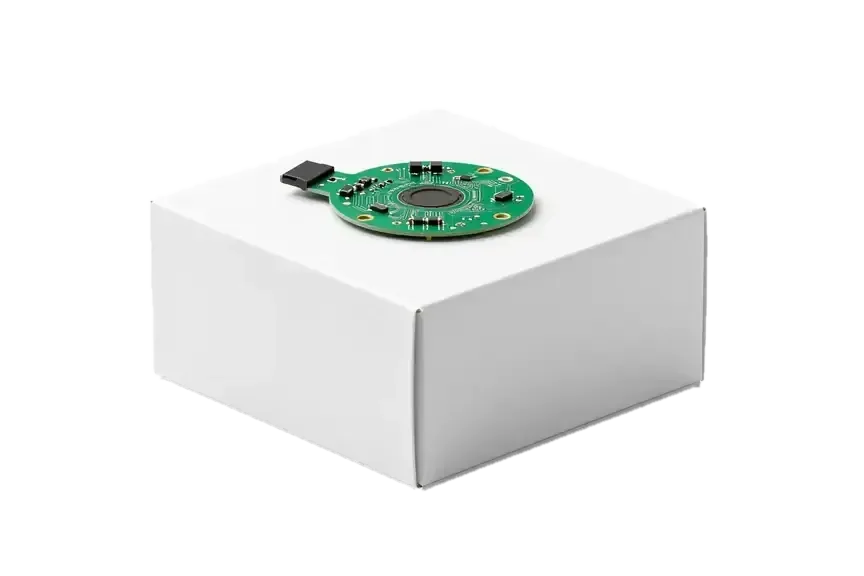
Send a photo of the damage via WhatsApp; within 5 minutes an engineer responds with a price based on that image, and roughly 2 minutes before work begins the cost, part, turnaround and warranty are locked in on the receipt. The exact spare — original or aftermarket — is specified in the document, so you know what will be installed before a single screw is removed. The replacement is shown in factory packaging before installation. Putting that item and the warranty on paper ahead of the job is what protects you if the repair turns out bigger than the image suggested, and it is also why the paperwork is signed before any disassembly rather than after.
Waiting in the lounge and how long repairs take
72% of repairs are finished while the customer waits in the lounge with coffee and Wi-Fi, and the whole process from first contact to pickup usually takes less than an hour. Most jobs run 20 to 40 minutes: a screen takes 40, a battery 25, camera glass 20. Board-level repairs are the exception: they require a microscope and take 1 to 3 days, so it is worth asking which category your fault falls into. If you would rather not travel across the city, a courier can be called to collect the device and bring it back. That last option matters for anyone juggling a workday, since the pickup and return happen without a second trip.
Handing the speaker over and checking it together
- Sound at several volumes: we play music low, mid and loud so rattles and distortion that appear only at high output are caught.
- Touch panel and Siri: by tapping the top surface and issuing a voice command, you confirm that gestures and microphones react properly.
- Wi-Fi and the Home app: re-pairing the unit on the spot reveals any network fault that might have persisted through the repair.
- Receipt and warranty card: the paperwork goes home with you, matching the item and the term set out ahead of the job.
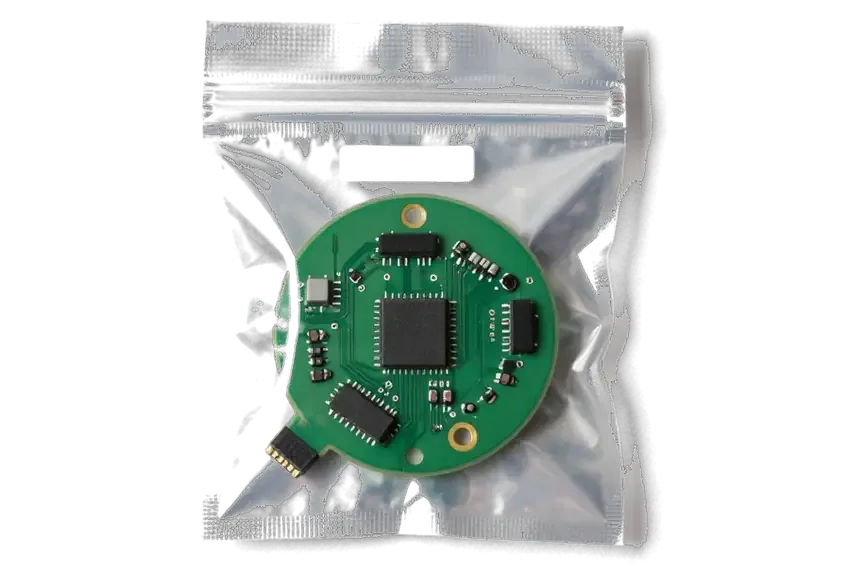
- The old part: the failed piece is returned in a bag so you can see exactly what was swapped out, and a courier can bring it back to your door if you prefer.
Original Part or Aftermarket and What the Warranty Covers
Most owners hesitate over picking an original part versus an aftermarket one, and that decision is written down on the receipt prior to starting any work.
Original versus aftermarket in plain terms
Сравнение вариантов деталей по назначению| Option | What you get | When it makes sense |
|---|
| Original unit | Factory-sealed packaging | Cable or driver faults where output matters |
|---|
| Aftermarket unit | Compatible substitute, lower cost | Cosmetic trim and minor housing work |
|---|
| Original on electrical | Matched spec for power and audio | Intermittent faults that keep returning |
|---|
| Aftermarket on cover | Fabric or trim replacement | Visible wear without function loss |
|---|
What the warranty terms on the receipt mean
Every repair carries coverage up to 1 year, and the terms are written on the receipt and the card you take home with the device. The card names the spare that was fitted, the date the work closed and the fault it addresses, so a later claim does not depend on memory or a verbal promise. Our engineers fill both documents before you leave the bench, and the replaced unit travels home with you in the same bag. Most coverage questions come from owners who never read the line about which part was swapped — a two-minute check at handover prevents that confusion entirely. Coverage is only as clear as its paperwork, so read the item and the term on the receipt before you leave — that is the document that matters later.
Why a direct contractor changes the experience
We are a direct contractor with our own engineers and workshop, not an aggregator or a middleman, so the person who diagnoses your device is the person who repairs it. That matters when a fault sits between the power board and the driver: the same hands trace it from the first check to the final test, and no detail is lost in a handover note. A courier can be called if you cannot come in, and the device still lands on our own bench rather than a third-party table. With 11 years in business and 46,000+ repairs behind us, the value of a direct contractor is that nothing is handed off between a photo and the bench.
Summary: HomePod repair
A short checklist separates a confident repair from a guess. Use these five points before you hand over a device, and the visit stays predictable from first message to pickup.
- Start with diagnostics: a free check names the failed node in about 15 minutes, in front of you, even if you walk away without the job.
- Test on a second network: if the unit drops off a different router too, the fault is inside the hardware, not in your home connection.
- Know your model: HomePod, HomePod 2 and HomePod mini use different cable designs, and that changes which part the job needs.
- Fix it on paper: before work starts, part type, turnaround and warranty are written on the receipt, so nothing gets renegotiated later.
- Check at pickup: sound, Siri and a fresh re-pairing with your Home app confirm the fix better than a quick power-on.








 iPad
 MacBook
 iMac
 Mac mini and Studio
 Apple Watch
 AirPods
 Apple Pencil
 Apple TV
