KS Photo: Kudiret S.
Kudiret S.
iCloud unlock specialist
10years of experience
4.37rating, 100 reviews

iMac M3 freezes or restarts on its own — we'll check it in front of you and lock the price in the receipt.
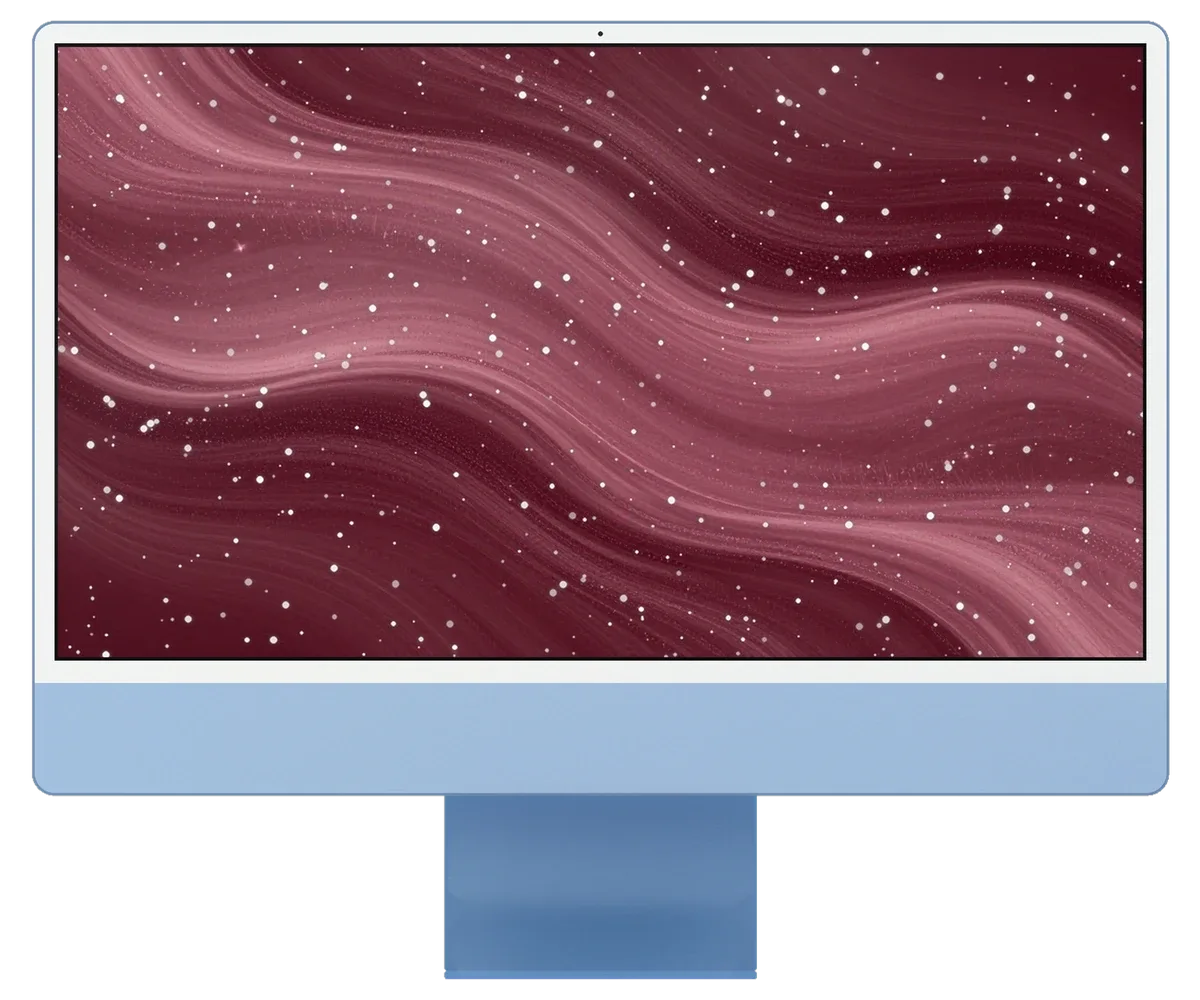
An all-in-one sits on the work desk, so freezes, screen flicker and overheating are what show up most.
Windows stop responding and the cursor locks; causes range from storage to heat.
It reboots under load, so we hunt for the weak link in power delivery or the board.
The backlight blinks off or ripples run across; we check the cable, power and panel.
A port with no current or one ignoring a flash drive leads us to socket and controller.
The case is warm and the fan loud; cleaning and fresh paste often restore quiet.
Dark patches spread from the corner where the case was bumped or dropped.
If tea got inside, the machine must be opened, the board washed and every circuit tested.
The network lags only on this computer, so we examine the antenna and the wireless module.
Sound in movies buzzes, and at high volume there's a rattling noise.
No indicators, no startup sound, and the screen stays dark.
Magic accessories disconnect over Bluetooth and only work via cable.
Boot stops at the apple, and after a restart it repeats.
Reference prices for the main jobs are listed below, and the technician states the exact figure after checking your computer.
| Service | Original | Aftermarket |
|---|---|---|
| Power supply replacement | 80 900 ₸ | 44 900 ₸ |
| Fan replacement | 24 900 ₸ | 13 900 ₸ |
| Speaker replacement | 37 900 ₸ | 20 900 ₸ |
| Other repairs | Price | |
| Logic board repair,microsoldering · 1–3 days | 84 900 ₸per job | |
| Dust cleaning,disassembly and dust cleaning | 19 900 ₸per job | |
| Wi-Fi module repairwireless module · board-level repair | 34 900 ₸with parts | |
| MacOS installationOS installation, no parts replaced | 19 900 ₸per job | |
The total depends on the fault that is found and the part you select, so confirm it with the technician.
If the screen has to be replaced you have two routes, and here is a short look at how they differ.
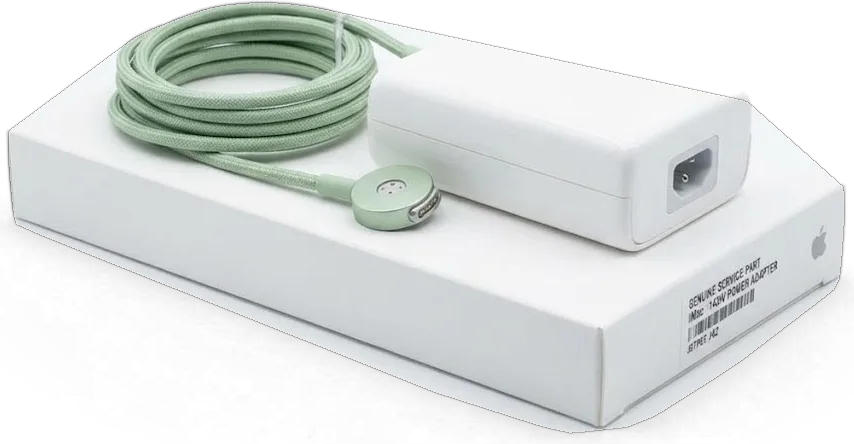
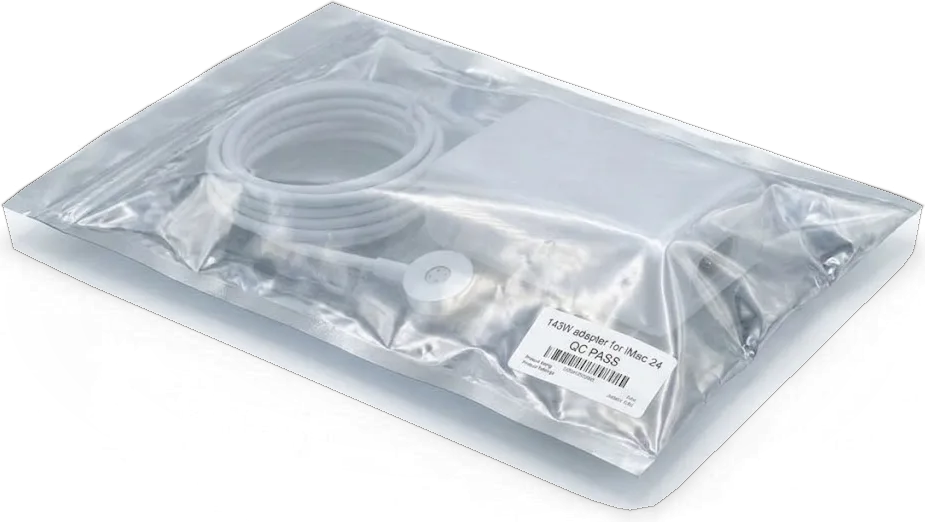
For desktop gear what matters is an honest explanation of what is wrong and workable opening hours.
11 years with Apple hardware helps us find the cause quickly and leave untouched whatever works fine.
Every repair we finish comes with a guarantee up to 1 year, and the specialist walks you through its terms beforehand.
Experienced technicians lift the glass of an all-in-one without twisting it, which matters when the display is held by adhesive.
We find the cause first, then name the cost and the list of work, so nothing unneeded ends up on the bill.
We describe the fault in simple terms and show the difference between original and aftermarket parts.
An all-in-one needs a steady touch to open, so we run diagnostics first and only then propose a solution, never pushing you.
Usually the whole journey — from message to pickup — takes less than an hour; complex repairs follow the timeline in the receipt.
Book a repairYou send a photo of the damage on WhatsApp — we quote the price and available time. Or you call a courier.
An engineer checks the device in front of you and shows what is broken. 0 ₸, even if you decline the repair.
We fix the price, the part (original or analog), the timeline and the warranty. You sign — we start.
Before installation we show you the new part in its factory packaging. You wait in the waiting area with coffee and Wi‑Fi.
Screen, camera, microphones, speakers, ports, Wi‑Fi and Bluetooth. You check together with the engineer.
Together with the receipt, warranty card and the old part. Payment — Kaspi, card or cash.
Technicians for iPhone, Mac, iPad, Apple Watch and AirPods repair.
Photo: Kudiret S. Photo: Kamran A.

“If the repair didn’t suit you or you have a complaint, write to me personally.”
Send a photo of the fault — an engineer will reply on WhatsApp, give the price and a time you can come in.
No-Cost iMac M3 Diagnostics in Astana Before Any Repair Decision
For iMac M3 repair in Astana, iServices offers a free check in your presence, about 15 minutes, then resolves most issues while you relax in the lounge. Send a photo on WhatsApp and within 5 minutes you get a quote; the receipt lists fix cost, part, turnaround and warranty before work begins, coverage up to 1 year.
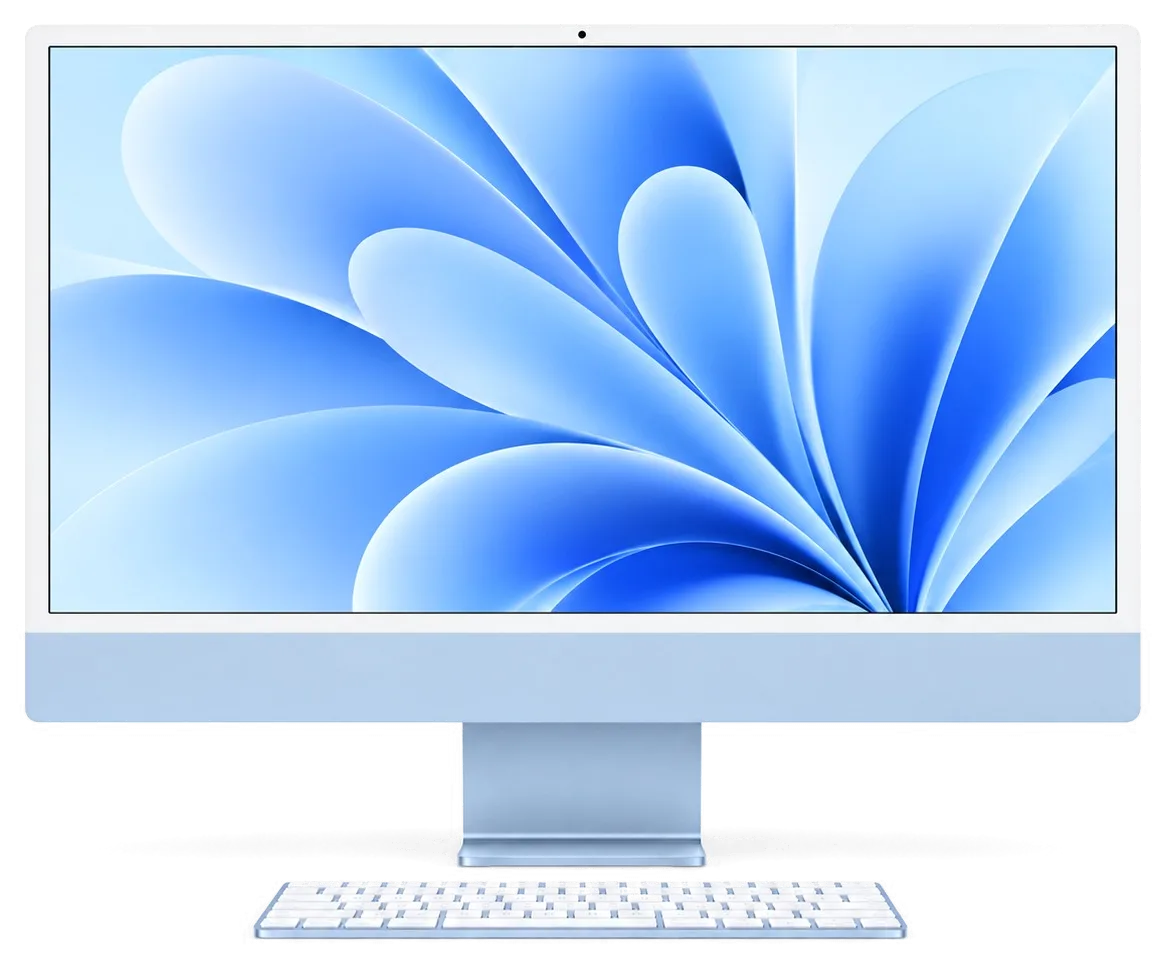
The M3 looks like the 24-inch M1 from the outside, but the internals decide what a workshop can actually replace. Here is the layout that drives every decision an iMac M3 repair in Astana begins with.
Inside this 24-inch all-in-one, Apple's M3 silicon plus RAM and storage are combined on a single logic board; adhesive tape holds the screen bonded to the front glass. A 4.5K Retina panel spans the entire front face; one fan and heatsink keep the chip cool, and the ports, FaceTime camera, microphones and speakers all connect through that same circuitry. Nothing inside is held by user-accessible screws the way a tower is. Because the panel is glued rather than screwed, any job that reaches the mainboard starts with cutting the tape, so the re-gluing step is part of the repair, not an optional extra.
| Component | Replaceable or soldered |
|---|---|
| Memory (RAM) | On the board, soldered |
| SSD storage | Soldered to the board |
| Logic board | Replaceable as a unit |
| Display panel | Replaceable, re-glued |
| External power supply | Replaceable |
| Fan and heatsink | Replaceable |
The chassis and our opening procedure match those of the 24-inch M1, yet the mainboard houses a different chip, meaning M1 and M3 units cannot be swapped. We see the same adhesive strip, the same port layout and the same external power brick on both generations, which keeps our opening procedure identical across the two. The difference sits in the silicon and its power delivery, so a fault traced to the chip or its surrounding components is handled on M3-specific documentation, not M1 notes. That means a donor mainboard from an older 24-inch unit will not rescue an M3, which is why we source the correct part rather than improvising from stock.
Most owners arrive with a symptom, not a diagnosis. Linking the symptom to a probable cause quickly reveals whether an imac m3 repair in Astana means a simple part replacement or mainboard service.
| Symptom | Likely cause | First, what we check |
|---|---|---|
| No power, no sound | External power supply or cable | Brick and magnetic connector |
| Stripes or spots | Its cable or the display panel | Panel and seating |
| Random restarts | Board or overheating | Board and fan |
| No Ethernet | Power supply port module | Brick with Ethernet port |
| Dead camera or mics | Board-level module | Board and connectors |
Before any disassembly, the external brick and magnetic cable are tested by us, since a failed supply can mimic a dead machine and is much cheaper to fix. The M3 all-in-one draws power through an external adapter with a magnetically attached cord, so a loose connector or a tired brick produces exactly the same silence as a fried mainboard. We swap in a lab bench supply, watch the current draw on start-up, and confirm whether the unit wakes. That single step has pulled plenty of machines off the bench before a screwdriver touched the glass. A supply that powers on but drops under load can pass a quick check, so we load-test it rather than trusting the light alone.
If the supply and cable check out but the unit keeps restarting or remains dark, our attention turns to the mainboard, which we examine under a microscope. Our technicians trace the power rails, look for corrosion or a cracked joint, and reflow what the microscope reveals — the workshop keeps a soldering station beside every bench for exactly this. Mainboard work runs 1–3 days, longer than a part swap, because the diagnosis and the reflow both need patience. Mainboard faults often show as intermittent behaviour that a cold machine hides, so we run a load test after the fix to confirm the symptom is gone rather than merely paused.
The stage most workshops keep behind a curtain is the diagnosis. We run it in front of you, then put the agreement on paper before a screwdriver moves.
For roughly 15 minutes our engineer examines the device in your presence at no cost and points out the fault, even if you choose not to proceed with the repair. The inspection starts with the external power supply, then moves to the logic circuitry, the display connector and the fan, so the fault is traced to a component rather than guessed from a symptom. You observe the identical multimeter readings that we see and identify which rail drops under load. Seeing the fault live removes the guesswork a customer usually has to accept on trust, so the decision to proceed is made with the same information we have.
Send a photo of the damage on WhatsApp and an engineer replies within 5 minutes with a price and a free time slot. The photo route works best for cracked glass, a dead screen or a bent stand, where the visible damage already points to the faulty module; intermittent faults still need the workbench. A courier can be called if the 24-inch all-in-one is awkward to move across the city. A quote from a picture is only useful if it holds, so the figure we give on WhatsApp is the one we confirm during the inspection, not a teaser that grows later.
Two questions come up more than any other: can the screen be saved, and will the files survive. Both have concrete answers tied to how the M3 all-in-one is assembled.
The display is held by adhesive tape, so we cut the tape to lift the panel and fit a new strip when it goes back, which is why the screen survives a repair rather than being sacrificed to it. A thin foam-backed strip runs around the entire perimeter and carries the 4.5K Retina display; the glass comes away only after the adhesive has been warmed and cut, lifted with suction cups rather than pried. A fresh strip goes on before the panel closes, pressed evenly so the seal sits flush with the aluminium edge. Re-gluing is a skill step, not a formality: a strip seated badly lets dust in and shows as new spots weeks later, so we treat the seal as part of the job. Ask whether the tape is replaced on every opening, since reused adhesive is where repeat dust complaints begin.
The SSD is soldered to the logic circuitry, so data can only be read while that circuitry is alive, which makes a backup before any mainboard work the single most important step. There is no drive to pull and plug into a reader: the storage chips sit next to the M3 package, and macOS reaches them only through a working controller. Before the unit leaves your desk, make a Time Machine backup to an external disk and sync the documents you cannot lose to iCloud. If the mainboard is the fault, copy what matters first and treat the repair as a recovery of the device, not a guarantee about the files on it. A backup made the day before beats any promise made once a dead unit fails to boot.
Intermittent restarts and liquid damage are exactly the situations where a quick look falls short, and when liquid has been involved diagnostics may run up to two days. Residue creeps under the shields and between the storage chips, so a unit that boots today can short a week later once corrosion bridges two traces. We clean and inspect the circuitry under a microscope, and work of that depth runs one to three days, longer than a screen or a fan swap. Corrosion keeps eating traces long after the spill dries, so a computer that came back to life is still on a clock until the mainboard is cleaned and inspected. If a restart pattern appears following a spill, stop powering it on and let the electronics be examined first.
Just as important as the repair itself are the turnaround time and how the machine reaches you. Here is what to expect from drop-off to the signed coverage card.
A large share of work is done on the spot: 72% of repairs wrap up right in the waiting area, while mainboard tasks need 1–3 days and a complete Mac-class job may require anywhere between an hour and a full day. A screen or fan job that owners in Astana book often ends inside a single visit, because the technician works on the unit in front of you rather than in a queue. Mainboard-level faults go under the microscope, and that stage alone is measured in days, not minutes. Liquid damage adds time as well, since diagnostics can stretch to two days before we know what survived. The estimate we give reflects the actual fault, so a job quoted as an hour is one we expect to hand over the same visit rather than a best case we hope holds.
Once the repair is done, you and the engineer check the machine together, we run a 32-function test in about 10 minutes, and the device goes home with the receipt, coverage card and the old part. The check covers the display, True Tone, the camera, microphones, speakers, charging and the network, and you watch each one pass before the unit leaves the bench. Coverage runs up to 1 year and is written on the same receipt that fixed the price, the part and the turnaround before work started. Handing over the removed component lets you see what was actually replaced, which is the simplest proof that the paperwork and the work match — keep it until the covered period ends.
A repair decision on a 24-inch all-in-one comes down to a few checks made upfront. The points below are the ones that most often change the outcome.
Did not find an answer? Message us on WhatsApp: an engineer replies, not a bot.
Ask a questionThere are several causes: extensions and login items, overheating, or drive and memory errors. Boot in Safe Mode and check the drive, and if freezes persist, hardware diagnostics are needed.
Better not. Let it warm up at room temperature for several hours so condensation on the boards can dry. Powering on a cold device risks a short circuit.
Test the outlet, remove any extension cord and inspect the contacts on the end of the cord. If power still does not appear, the socket or the board may be at fault and diagnostics are needed.
We advise against it. The glass is bonded, and inside there are fragile cables and charged parts. A mistake risks a cracked panel or board damage, so it is better to see a technician.
A reference price is in the table above, and it depends on whether you choose original or aftermarket. We state the final sum after diagnostics, once the cause of the defect is clear.
Yes. Every finished iMac M3 job in Astana gets a warranty up to 1 year, written on the receipt together with the part type, so keep that paper until the term runs out.
Обратился по поводу iMac M3. Проблема — перегревается. Камран А. посмотрел и честно сказал: менять не надо. Позвонил, описал проблему, сказали привозить — посмотрят. Нагрев в норме, посторонних звуков нет.
Техника рабочая, терять её надолго нельзя. Проблема — перегревается. Ни разу не пожалела.
До этого обращался в сервис у дома, там только развели руками. Проблема — перегревается. Работает, как будто и не ломалось.
До этого обращалась в сервис у дома, там только развели руками. Работал в жару, и вот — полосы на экране. Приняли без записи, оформили за пять минут. Внутри оказалось: матрица. 19 000, и гарантия в комплекте. Ни шума, ни запаха, всё штатно.
Записался на ремонт iMac M3. Проблема — шумит. Позвонил, описал проблему, сказали привозить — посмотрят. Обошлось заменой: матрица. Достойно сделали. Работает, даже лучше прежнего.
Обидно, техника не из дешёвых. Проблема — шумит. Назвали срок — два дня, уложились. Сделали так, что и не придерёшься
Мастер бірден қарап шықты. Кепілдік берді, бұл маңызды. Бағасы мен сапасы сай
Проблема — шумит. Камран А. отсоветовал дорогой ремонт, предложил простой. Внешне не видно, что разбирали.
Камран А. пообещал и сделал, без напоминаний. Приняли вечером, хотя до закрытия было минут десять. Все функции проверил — работают.
Rabotaiu riadom, zaekhal v obed. Problema — ne vkliuchaetsia. Krutitsia rovno, bez ryvkov.

Most slow iMacs are held back by a worn drive or too little memory. A short check shows which part is the real bottleneck.

Most dead iMacs trace back to power delivery or the logic board, and a free 15-minute check in front of you settles which one it is.

Most loud-fan cases trace back to dust-packed fins and dried thermal paste, not a dead fan. A free 15-minute check shows which one you have.

Back up your data, turn off Find My, and bring proof of purchase — then the repair starts faster.




 iPad
 MacBook
 Mac mini and Studio
 Apple Watch
 AirPods
 Apple Pencil
 Apple TV
 HomePod
