KS Photo: Kudiret S.
Kudiret S.
iCloud unlock specialist
10years of experience
4.37rating, 100 reviews

If your Intel Xeon iMac Pro 27 hums or shows stripes, we'll find the cause for free and lock the price in the receipt.
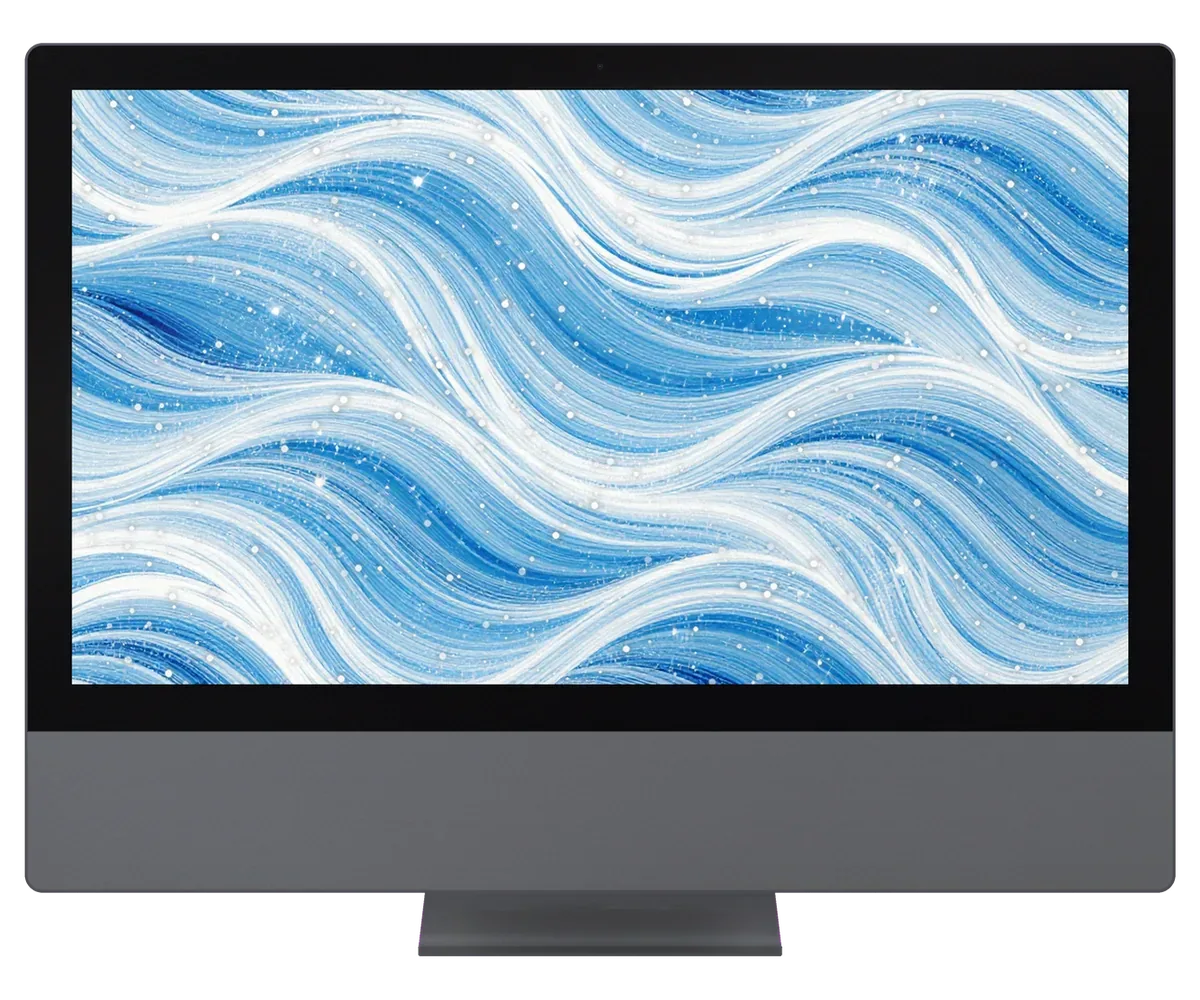
What worries owners of the Xeon iMac Pro 2017 most: fan noise, 5K panel defects, power, storage, restarts under load and audio or wireless trouble.
Dust-packed fins push the fan to full speed on trivial tasks and the back panel runs hot.
Vertical lines, shadowed edges or flicker usually trace back to the panel or its cable.
We check the outlet, the cord, the supply and the board circuits one after another.
Drops reaching the vents cause glitches and odd smells; cleaning needs disassembly.
Slow boots and lagging file access: we check the drive and the system first.
If it reboots while rendering or on calls, we examine heat, memory and power delivery.
Speakers that rattle at volume point to a loose cable or a worn audio path.
Wi-Fi fading and Bluetooth misses lead us to the antennas and the radio board.
The Ethernet port won't link or runs at gigabit or below.
External drives and monitors aren't detected through the rear ports.
The all-in-one won't start, and T2 firmware recovery keeps failing.
Video calls show a gray screen instead of an image, and the camera indicator stays off.
Reference prices for the main jobs are below, and the technician states the exact amount after diagnosing your particular machine.
| Service | Original | Aftermarket |
|---|---|---|
| Display panel replacement | 639 900 ₸ | 395 900 ₸ |
| Power supply replacement | 80 900 ₸ | 44 900 ₸ |
| Fan replacement | 37 900 ₸ | 20 900 ₸ |
| Speaker replacement | 58 900 ₸ | 32 900 ₸ |
| Other repairs | Price | |
| Logic board repair,microsoldering · 1–3 days | 50 900 ₸per job | |
| Dust cleaning,disassembly and dust cleaning | 15 900 ₸per job | |
| RAM replacementmemory chip installation | 17 900 ₸with parts | |
| Graphics card replacementboard-level chip · microsoldering | 89 900 ₸with parts | |
| Wi-Fi module repairwireless module · board-level repair | 49 900 ₸with parts | |
| MacOS installationOS installation, no parts replaced | 15 900 ₸per job | |
The final figure depends on the fault and the part you pick, so confirm it with the technician.
What to consider when picking between a genuine and a third-party component
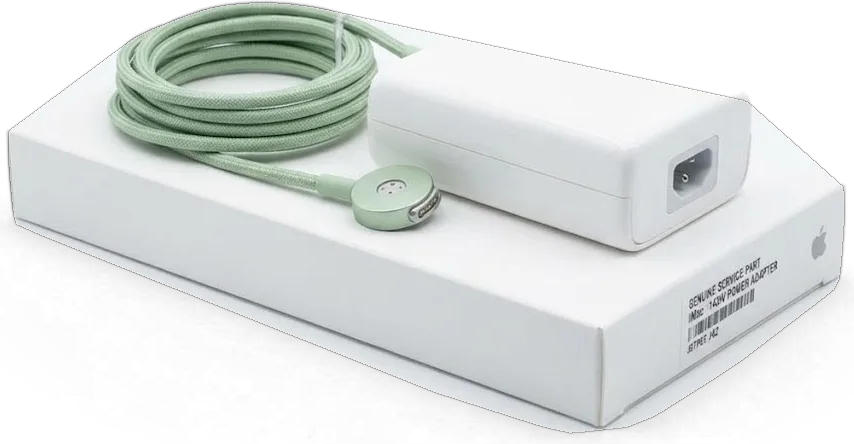
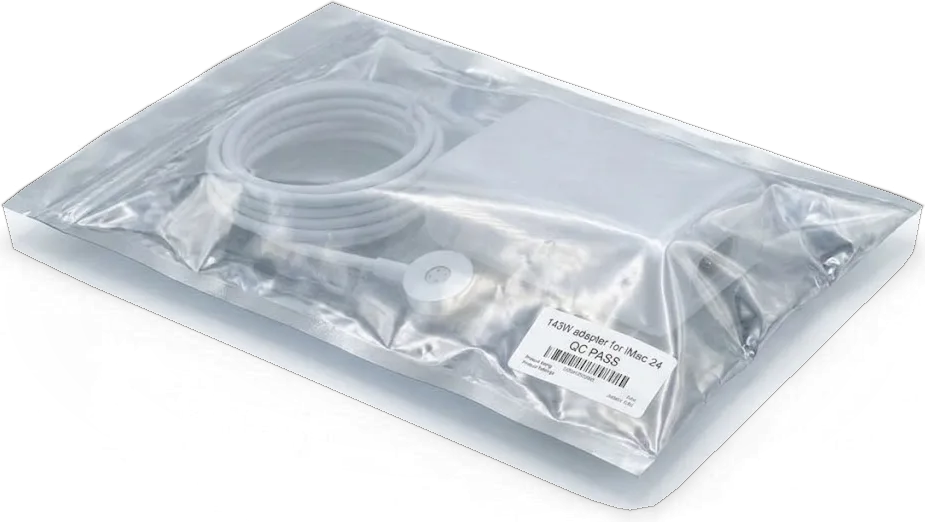
Why our Astana service suits a working iMac: the cause comes first, parts are chosen openly, there is a warranty and handy hours.
Our technicians have spent eleven years on Apple hardware, so they know where big all-in-ones hide their faults.
Every repair we finish is covered, and the technician walks you through the conditions for your case before starting.
Only experienced technicians work on your iMac, because a glued display punishes haste and rough tools.
We establish what failed before discussing money, so you do not pay for parts and labor you never needed.
We show the gap between original and aftermarket in plain words and leave the decision with you.
Our doors are open 10:00–19:00 on weekdays, while on Saturdays, Sundays and public holidays the shop opens at 11:00 and closes at 18:00.
Usually the whole journey — from message to pickup — takes less than an hour; complex repairs follow the timeline in the receipt.
Book a repairYou send a photo of the damage on WhatsApp — we quote the price and available time. Or you call a courier.
An engineer checks the device in front of you and shows what is broken. 0 ₸, even if you decline the repair.
We fix the price, the part (original or analog), the timeline and the warranty. You sign — we start.
Before installation we show you the new part in its factory packaging. You wait in the waiting area with coffee and Wi‑Fi.
Screen, camera, microphones, speakers, ports, Wi‑Fi and Bluetooth. You check together with the engineer.
Together with the receipt, warranty card and the old part. Payment — Kaspi, card or cash.
Technicians for iPhone, Mac, iPad, Apple Watch and AirPods repair.
Photo: Kudiret S. Photo: Kamran A.

“If the repair didn’t suit you or you have a complaint, write to me personally.”
Send a photo of the fault — an engineer will reply on WhatsApp, give the price and a time you can come in.
iMac Pro 27" (2017) Repair in Astana by iServices Engineers
iServices handles iMac Pro 27 repair in Astana as a direct contractor with its own technicians. You watch a free 15-minute diagnostic, receive WhatsApp photo quotes in about 5 minutes, and before any work begins the cost, part, turnaround and warranty are locked in on the receipt. Warranty runs up to 1 year.
Inside the iMac Pro 27 sits an Intel Xeon CPU, Radeon Pro Vega graphics and a T2 security chip, so certain components are modular while others remain attached to the logic board and that chip.
On the iMac Pro 27 the display assembly, cooling fans, power supply, ports module and the modular SSD are serviceable units, while the CPU, GPU and T2 sit on the mainboard and are handled at component level. The display comes off as one glued assembly that includes the matrix, backlight and glass, so a cracked panel is a full-assembly job rather than a glass-only swap. The two cooling turbines and the heatsink unbolt as a set, and the internal power supply and the Thunderbolt ports board each lift out on their own connectors. The SSD is a removable module, yet it is still paired with T2, so a random drive pulled from another machine will not boot — the pairing has to be handled by a technician, not by the customer.
The Xeon processor, Radeon Pro Vega graphics and T2 security chip are soldered to the logic board, so there is no CPU, GPU or RAM upgrade path on the iMac Pro 27 — only repair or component-level service. The memory is fixed on the mainboard as well, which is why a machine bought with a given amount of RAM keeps that amount for its whole life. The T2 also governs the SSD controller and boot security, so any storage task runs through it. Because the GPU shares the mainboard with the CPU, a graphics fault on this machine is a component-level repair, not a card swap, which is why the job is quoted after inspection rather than from a symptom alone.
| Unit | Modular or board-level | What we check |
|---|---|---|
| Display assembly | Modular | Matrix, backlight, glass, adhesive |
| Cooling fans and heatsink | Modular | Bearing noise, dust load, thermal paste |
| Power supply | Modular | Voltage under load, connectors |
| Ports board | Modular | Thunderbolt, USB, Ethernet |
| SSD | Modular, paired with T2 | SMART, pairing, boot |
| CPU, GPU, T2 | Mainboard-level | Microscope inspection, power rails |
People usually come in describing a symptom rather than carrying a diagnosis. The symptom narrows the suspect node before the machine is even opened, and that is what we map first.
A workstation that ramps its fans and powers off during render or export is usually choked by dust on the heatsink and dried thermal paste, and we clear both before touching anything else. The cooling stack on this chassis pulls air through a dense fin array behind the rear vents; once that array mats over, the blowers spin to maximum and the chip throttles long before the enclosure feels hot to the hand. Dried paste between the die and the cold plate adds a second bottleneck: heat has nowhere to travel even when airflow is restored. Our engineers run a sustained stress test after cleaning to confirm temperatures settle instead of climbing. Shutdowns that happen only under heavy strain, never at idle, point at cooling rather than at the power supply — a distinction worth stating when you book, because it changes what the engineer prepares.
If the machine powers on, chimes and produces sound yet the 5K screen remains black, the problem lies in the display chain — backlight, matrix or internal cable — rather than the mainboard's core. The Radeon Pro Vega graphics still drive the external signal, so sound and system activity continue while the built-in screen shows nothing. Because adhesive tape bonds the panel on this model, any screen work requires cutting the seal, lifting the glass and re-taping during reassembly — which is why we confirm the diagnosis before opening the unit. A quick external check helps ahead of your trip: connect a second monitor over Thunderbolt, and if the picture appears there, the panel or its cable is the suspect, not the graphics.
| Symptom | Likely cause | First check |
|---|---|---|
| Fans loud, powers off under strain | Dust, dried paste | Heatsink and paste |
| Dark screen, audio plays | Backlight, matrix, cable | External monitor test |
| Random restarts | Power supply, mainboard rails | Voltage under strain |
| Slow boot, spinning wheel | SSD health | SMART and pairing |
| No Wi-Fi or camera | Module or cable | Connector seating |
Diagnostics on a workstation follow a fixed order — power, then mainboard, then display, then cooling — so a fault is not masked by a second one further down the chain.
For 15 minutes we run diagnostics free of charge in front of you, even if the repair is declined, and instead of describing the fault the engineer points to the broken part. A bench supply feeds the rails while the machine is still open, thermal sensors are read during a sustained stress test, and each reading stays visible on screen as it changes. Nothing is replaced before you agree, and the inspection itself costs nothing whether or not the unit stays with us. This is how iMac Pro 27 repair in Astana diagnostics begins — with the fault shown to you directly. Watching this matters more than the verdict — you see which rail fails and which does not, so a second opinion elsewhere is easy to compare against what you already observed.
On the iMac Pro the power unit is internal, so the split is made by measuring rails during a sustained stress test: if voltages sag when the GPU is pushed, the PSU is the suspect, and if they hold, the fault is on the mainboard. We log idle figures first, then apply a heavy workload and watch the 12V and 5V lines for droop, ripple and recovery time. The same reading is repeated twice to rule out a fluke in the bench supply itself, and loose connectors are re-seated before any part is blamed. A PSU that fails only when stressed passes every idle test, which is why a bench inspection at rest proves little on this model and a real workload is the honest trial.
Three types of work account for most of what we handle on this machine — cooling maintenance, display service behind the glued panel, and microscope-level component repair.
We take the cooling stack apart, clear the heatsink fins and replace dried thermal paste, then run the machine under sustained load to confirm the fans settle back to a quiet curve. On the iMac Pro 27 the intake grille sits behind the lower chin and collects dust from the floor, so the heatsink channels clog long before the turbofans themselves fail. A load test at the end tells us whether the fan curve returns to normal or whether the unit still spikes under rendering. Paste dries from heat cycles, not from age alone, so a workstation that renders daily needs the service sooner than one used for office tasks — the load history matters more than the calendar.
The 5K panel is secured by an adhesive strip, so a dedicated tool cuts it and a fresh strip re-seals it on reassembly — it is never unscrewed or levered. Suction cups lift the glass only after the strip is fully cut on all four sides, and a protective sheet guards the front face while it rests on the bench. Dust sneaking behind the glass weeks later is usually caused by reusing old adhesive, so on this model a fresh strip at every reassembly is mandatory. A second pair of hands keeps the panel level during the lift — 5K glass is thin and flexes easily.
On the iMac Pro, component-level faults are fixed under a microscope and usually require 1 to 3 days, since the mainboard undergoes diagnosis, rework and stress-testing before being reinstalled. A soldering station handles the fine-pitch work, and every reworked section is checked for continuity before the panel returns. Because the SSD is paired with T2 on this machine, a mainboard repair is also a data question — the backup has to exist before the work starts, not after. iServices quotes the slot only once the fault is confirmed on the bench, so the estimate reflects the actual rework rather than a guess.
Delivery, backup and the paperwork around the job deserve their own section: a workstation is not as easy to relocate as a phone, and its data lives on a paired drive.
On the iMac Pro the SSD is paired with the T2 chip, so data can only be read through a functioning mainboard — a Time Machine backup before mainboard work is the difference between a repair and a loss. The drive itself is modular, but the controller that encrypts it lives on the mainboard, which means pulling the SSD and mounting it in another computer returns nothing readable. If the unit still boots, complete a full Time Machine backup to an external drive and also copy the working folder to iCloud; if it does not boot, mention this upfront, because recovery then begins from the circuitry, not from Disk Utility. A backup that has never been restored is a guess, so run one test restore to an external drive before the unit leaves your desk.
A courier can be called, and the unit travels face-down in its original box with the stand supported, because the glued panel is the part most easily cracked in transit. We operate in Almaty and Astana, so a pickup inside the city is a short run rather than a shipment across the country, and the box rides upright with foam at the corners instead of lying flat on its back. Keep the stand locked to the body and never lift the device by the aluminium edge above the screen. Send the power cable and the keyboard with Touch ID along with the package — the engineer needs them to test boot, login and the full function check afterwards.
Before work begins, the receipt fixes part, price, turnaround and warranty; coverage lasts up to 1 year, and when the device comes back you also get the warranty card, the old part and that same receipt. For MacBook and iPad the turnaround is from 1 hour to 1 day, board repair takes 1–3 days, and 72% of repairs are completed in the waiting area with coffee and Wi-Fi on hand. Payment goes by Kaspi, card or cash once you have seen the result. The handover check is done together with the engineer — display uniformity, audio, cameras, ports and temperature under load — so anything you notice later has a baseline you already saw.
Briefly, what determines the outcome on this machine: which faults are routine, which parts are modular, and what to settle before the workstation leaves your desk.
Did not find an answer? Message us on WhatsApp: an engineer replies, not a bot.
Ask a questionNo, let it stand at room temperature for a few hours first so condensation does not form on the board. Keep it in its bag or box while it warms up. Powering a cold, damp machine is a common cause of short circuits.
Note whether restarts happen under load, at random or after waking from sleep. Heat, a failing power supply or a memory fault are frequent causes. Diagnostics narrow it down before any part is replaced.
Yes, a surge protector or UPS is sensible because the power supply sits inside the all-in-one. A spike can damage it along with the board. A UPS also gives time to save work during an outage.
No: despite the name, this machine runs on an Intel Xeon processor, not an M1 chip. Apps that ship in Intel or universal versions work, while Apple Silicon-only software will not launch, so check the requirements before buying it.
It is better not to, because the all-in-one must be opened from the front and the display removed. The storage also works with the security chip of the machine, so a wrong part may not be accepted. Leave this work to the technician.
After free diagnostics the engineer names the price, the part and the turnaround, and all of it goes on the receipt. Nothing is added later without your consent. Payment is by Kaspi, card or cash.
Досым осы жерді ұсынды, сеніммен келдім. Телефонмен кеңестім, кейін апардым. Қайта жүгінуден тартынбаймын.
Камран А. — мастер от бога, если можно так сказать. Приняли вечером, хотя до закрытия было минут десять. Дома включил, всё на месте.
Жұмыстан кейін баруға болатын жер керек еді. Бұл жерге бірінші рет келдім. Бағаны алдын ала айтты, соңында өзгермеді. Кепілдік берді, бұл маңызды. Екі күннен кейін өзі қоңырау шалды. Ақауын тез анықтады, қажетсіз нәрсе ұсынбады. Ескі бөлшекті көрсетіп, қайтарып берді. Жұмысты сол күні аяқтады. Диагностика тегін болды. Нәтижесіне ризамын

Most slow iMacs are held back by a worn drive or too little memory. A short check shows which part is the real bottleneck.

Most dead iMacs trace back to power delivery or the logic board, and a free 15-minute check in front of you settles which one it is.

Most loud-fan cases trace back to dust-packed fins and dried thermal paste, not a dead fan. A free 15-minute check shows which one you have.

Back up your data, turn off Find My, and bring proof of purchase — then the repair starts faster.



 iPad
 MacBook
 Mac mini and Studio
 Apple Watch
 AirPods
 Apple Pencil
 Apple TV
 HomePod
