MN Photo: Mukhpilov Nail
Mukhpilov Nail
smartphone repair technician
10years of experience
4.83rating, 83 reviews

The 27-inch Xeon iMac Pro overheats or won't start — we'll clean the cooling in a day and quote the price before work begins.

Overheating, artefacts on the 5K panel, a machine that will not wake: what most often goes wrong with the Xeon-based iMac Pro 2017.
Dust clogs the heat sink, the fan roars under light loads and the system throttles itself.
Stripes, flicker or dark patches on the panel call for a proper display check.
Nothing happens when you press power: we test the supply, the cables and the logic board.
After spilled coffee or water the boards must be opened and cleaned fast.
A packed drive slows everything down; we check it and advise how to protect your data.
Memory errors and board faults cause reboots; we trace the cause with component tests.
We check the speaker cable, the audio path and any blocked grilles.
If the network drops or devices won't pair, we inspect antennas and the wireless board.
The memory card isn't recognized, though it reads in another computer.
Dark spots on a white background — dust has settled between the glass and the panel.
Instead of the desktop, a crossed-out circle or a folder with a question mark.
Callers can't hear your voice even though the built-in microphone is selected.
The table lists reference prices for the main jobs; the technician confirms the exact amount after looking at your machine.
| Service | Original | Aftermarket |
|---|---|---|
| Display panel replacement | 639 900 ₸ | 395 900 ₸ |
| Power supply replacement | 80 900 ₸ | 44 900 ₸ |
| Fan replacement | 37 900 ₸ | 20 900 ₸ |
| Speaker replacement | 58 900 ₸ | 32 900 ₸ |
| Other repairs | Price | |
| Logic board repair,microsoldering · 1–3 days | 50 900 ₸per job | |
| Dust cleaning,disassembly and dust cleaning | 15 900 ₸per job | |
| RAM replacementmemory chip installation | 17 900 ₸with parts | |
| Graphics card replacementboard-level chip · microsoldering | 89 900 ₸with parts | |
| Wi-Fi module repairwireless module · board-level repair | 49 900 ₸with parts | |
| MacOS installationOS installation, no parts replaced | 15 900 ₸per job | |
The final amount depends on the fault and the chosen part, so confirm it with the technician.
Original and aftermarket screens are both available, and the right one depends on your work and budget.
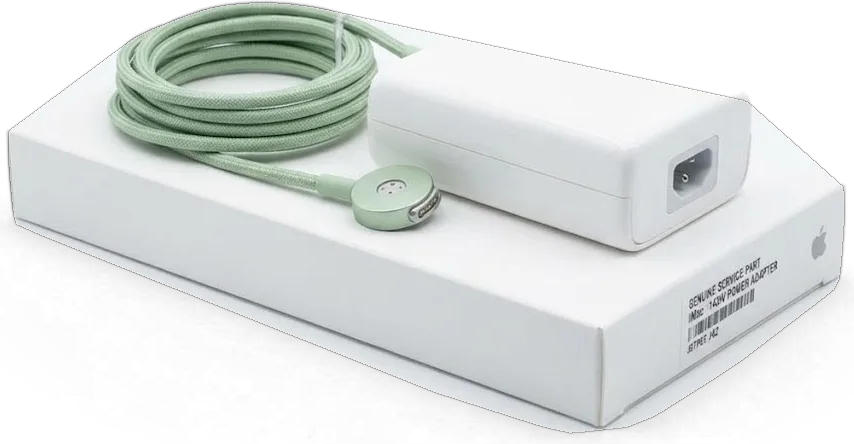
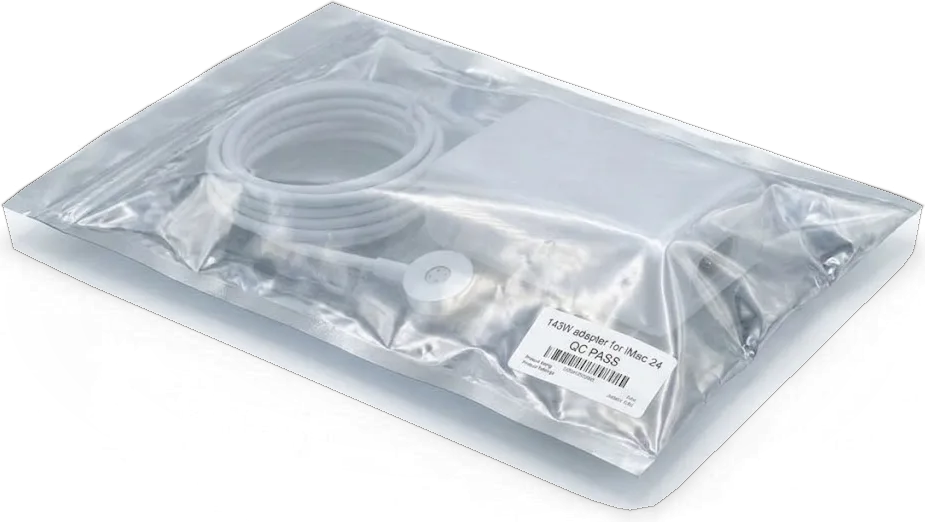
An all-in-one is awkward to carry and hard to leave behind, so here is plainly how we handle one in the workshop.
11 years of repairing Apple devices means we know how large all-in-ones fail and why, from dust to board faults.
Completed work comes with a warranty up to 1 year, and the technician explains the terms for your repair up front.
Your iMac is opened by experienced technicians, which matters because the big glued display needs a careful hand.
We find the cause before anything else, then name the list of jobs and the cost instead of guessing.
We explain the original versus aftermarket trade-off and won't push the pricey option if you do not need it.
Open Mon–Fri 10:00–19:00 and weekends and holidays 11:00–18:00, so you can drop by when it suits you.
Usually the whole journey — from message to pickup — takes less than an hour; complex repairs follow the timeline in the receipt.
Book a repairYou send a photo of the damage on WhatsApp — we quote the price and available time. Or you call a courier.
An engineer checks the device in front of you and shows what is broken. 0 ₸, even if you decline the repair.
We fix the price, the part (original or analog), the timeline and the warranty. You sign — we start.
Before installation we show you the new part in its factory packaging. You wait in the waiting area with coffee and Wi‑Fi.
Screen, camera, microphones, speakers, ports, Wi‑Fi and Bluetooth. You check together with the engineer.
Together with the receipt, warranty card and the old part. Payment — Kaspi, card or cash.
Technicians for iPhone, Mac, iPad, Apple Watch and AirPods repair.
Photo: Mukhpilov Nail Photo: Molchanov Rinat
 Photo: Shokan A
 Photo: Sybanbaev Birzhan
 Photo: Denis Gushchin
 Photo: Duisebaev Azhdar

“If the repair didn’t suit you or you have a complaint, write to me personally.”
Send a photo of the fault — an engineer will reply on WhatsApp, give the price and a time you can come in.
iMac Pro 27" (2017) Repair in Almaty Done While You Wait
For iMac Pro 27 repair in Almaty, iServices starts with a free 15-minute diagnostic in front of you, so you see exactly what failed before any work begins. We fix the display, cooling, power and board, quote from a photo within 5 minutes, and back every job with a warranty up to 1 year.
The iMac Pro 27 is an Intel Xeon machine with Radeon Pro Vega graphics, a T2 security chip and a large cooling system. That architecture decides which parts are serviceable and which are tied to the main circuitry.
On this model the SSD is bound to the T2 chip, so the drive cannot simply be moved to another machine and read. The T2 holds encryption keys and secure boot, and a drive pulled from one computer stays locked outside its original device. Memory is fixed to the same circuitry, so a RAM fault means component-level work rather than a stick swap. The recovery path runs through a working machine, not through a third-party reader. That is why a Time Machine backup is worth making ahead of any component-level work — recovery is possible through a working machine, but a backup removes the risk entirely.
| Component | iMac Pro 27 | M1 iMac |
|---|---|---|
| Processor | Intel Xeon | Apple M1 |
| Memory | Fixed to mainboard | Fixed to mainboard |
| Storage | Modular SSD, T2-bound | Fixed, T2-bound |
| Cooling hardware | Serviceable fans and paste | Serviceable fans and paste |
| Component repair | Under the microscope | Under the microscope |
Most owners arrive with a symptom, not a diagnosis. Matching that symptom to the likely node tells you what to expect and helps us prepare the right part ahead of your visit.
We start by checking the power supply and cable, then the main circuitry, because a dead unit is usually a power fault rather than a circuitry fault. On this model the internal PSU feeds the main circuitry directly, so one failed rail leaves the whole unit silent while the screen and storage stay intact. A proper iMac Pro 27 repair begins with a 15-minute diagnostic in front of you: we meter the lead, the PSU output and the rails, then show you which one dropped. If the PSU is the culprit, the fix is a straight swap; if the main circuitry is, we scope the power stages under the microscope. If you are booking an iMac Pro 27 repair in Almaty, bring the power lead and note whether the unit died suddenly or faded over weeks.
Sound with no image usually means the main circuitry and macOS are alive and the fault sits in the display, its connector or the graphics path. Radeon Pro Vega graphics run through a dedicated flex cable that bends every time the panel is opened, and a partly seated plug produces exactly the symptoms owners describe as a dead screen. Vertical stripes, a washed-out picture or an image that appears only at an angle all point to that connection or to the panel matrix itself, not to the processor. Stripes that show up only when the unit is warm often trace to a failing plug rather than the panel, so a reseat can resolve what looks like a dead screen. A known-good panel swapped in for two minutes separates the two cases ahead of any commitment to a part.
Every job follows the same order: free diagnostic in front of you, a fixed quote on the receipt, the repair itself, then a full function check before you take the unit home.
We run a free 15-minute diagnostic with you watching, and the engineer shows you what is broken even if you decide not to repair. The check moves from the power supply to the main circuitry, then the display and the cooling loop, so a dead iMac Pro 27 is traced to its actual source rather than the first suspicious component. Ahead of opening anything, the engineer boots the unit into macOS Recovery and reads About This Mac to rule out a software fault. Watching the process is the fastest way to separate a real hardware failure from a settings issue — plenty of "dead" units turn out to need a recovery reinstall, not a new module.
Before any work we fix the price, the component, the turnaround and the warranty on the receipt, and we show the new module in factory packaging before installation. The engineer writes down whether the replacement is original or aftermarket, how long the job takes, and what the warranty covers — 64% of our customers pick an original, and the receipt states which one is going in. A written record protects both sides: if the scope or the component changes mid-repair, it is re-agreed in writing rather than discovered at pickup. Ask for the old part back in the same envelope — it stays yours either way.
Three jobs account for most iMac Pro 27 work: opening the glued display, restoring the cooling loop, and component-level repair under the microscope. Each carries its own risks and its own turnaround.
The panel is bonded with adhesive tape, so we cut the tape with a dedicated tool and re-glue it with fresh tape on reassembly. Suction cups lift the freed edge while a thin cutting wire traces the perimeter, keeping the blade away from the LCD itself. Re-gluing matters as much as opening: old adhesive loses grip and lets dust creep behind the glass, so we always fit a new strip rather than reuse what came off. The glass is the fragile part, not the panel — prying instead of cutting is what cracks it, which is why this step is never rushed even on a straightforward swap.
Board-level faults on the iMac Pro 27 are repaired under a microscope and typically take 1 to 3 days, longer than a part swap. We trace power rails and inspect the Radeon Pro Vega and CPU sections for shorted components, then reflow or replace chips with a soldering station rather than swapping the whole assembly. That matters because the T2 chip ties the SSD and the unit's identity to that circuitry. Component-level work preserves the T2-bound drive and the device's identity, which a full replacement would not — that is the main reason we attempt it first.
A desktop is harder to move than a phone, and its files are harder to recover than a laptop's. Here is how we protect both and what the schedule and cover look like.
A Time Machine backup ahead of circuitry work is the single step that removes all risk to your files, because the T2-bound SSD cannot be read outside a working machine. The drive is soldered and encrypted by the T2 chip, so a technician cannot pull it out and mount it in another computer the way an old SATA disk was handled. Run a full Time Machine copy to an external drive, or at minimum sync the desktop and documents to iCloud, and confirm the copy opens on another Mac ahead of the unit leaving your desk. If it will not boot at all, tell us at drop-off — recovery then becomes part of the plan from the start rather than an afterthought.
| Job | Typical turnaround | Fixed on the receipt |
|---|---|---|
| Fan or thermal service | Same day | Part, schedule, cover |
| Display or adhesive reseal | Same day | Part, schedule, cover |
| Logic board repair | 1–3 days | Part, schedule, cover |
| Recovery attempt | Agreed case by case | Scope and cover |
A short recap of what decides the outcome of an iMac Pro 27 repair: the part, the method and the paperwork you leave with.
Did not find an answer? Message us on WhatsApp: an engineer replies, not a bot.
Ask a questionOften yes, because a dead power supply, a board fault or a firmware issue each have their own fix. The engineer finds the cause during free diagnostics in front of you. Only after that is the repair agreed and written on the receipt.
If it reaches the login screen or recovery, copy the important files to an external drive straight away. Avoid repeated forced restarts, which put extra strain on a failing system. If the data cannot be reached, tell the technician that saving it is the priority.
Not always: light bleed or a small spot may stay stable for years and does not affect work. If it grows, flickers or comes with lines, the panel is likely failing. The technician compares an original and an aftermarket panel for your needs.
Dust inside the large cooling system and blocked rear vents are the usual causes in a machine this size. A dust cleaning removes the build-up from the fans and radiator. If the noise continues, the temperature sensors are checked.
Switch it off and unplug the power cord immediately, then do not turn it on again. Sugary drinks leave a residue that keeps corroding the board. Post-spill cleaning should be done as early as possible.
Together with the engineer you check startup, the display, sound, the camera, ports and Wi-Fi. The receipt lists the installed part and the warranty up to 1 year. The old part is returned to you.
Be the first to leave a review

Most slow iMacs are held back by a worn drive or too little memory. A short check shows which part is the real bottleneck.

Most dead iMacs trace back to power delivery or the logic board, and a free 15-minute check in front of you settles which one it is.

Most loud-fan cases trace back to dust-packed fins and dried thermal paste, not a dead fan. A free 15-minute check shows which one you have.

Back up your data, turn off Find My, and bring proof of purchase — then the repair starts faster.

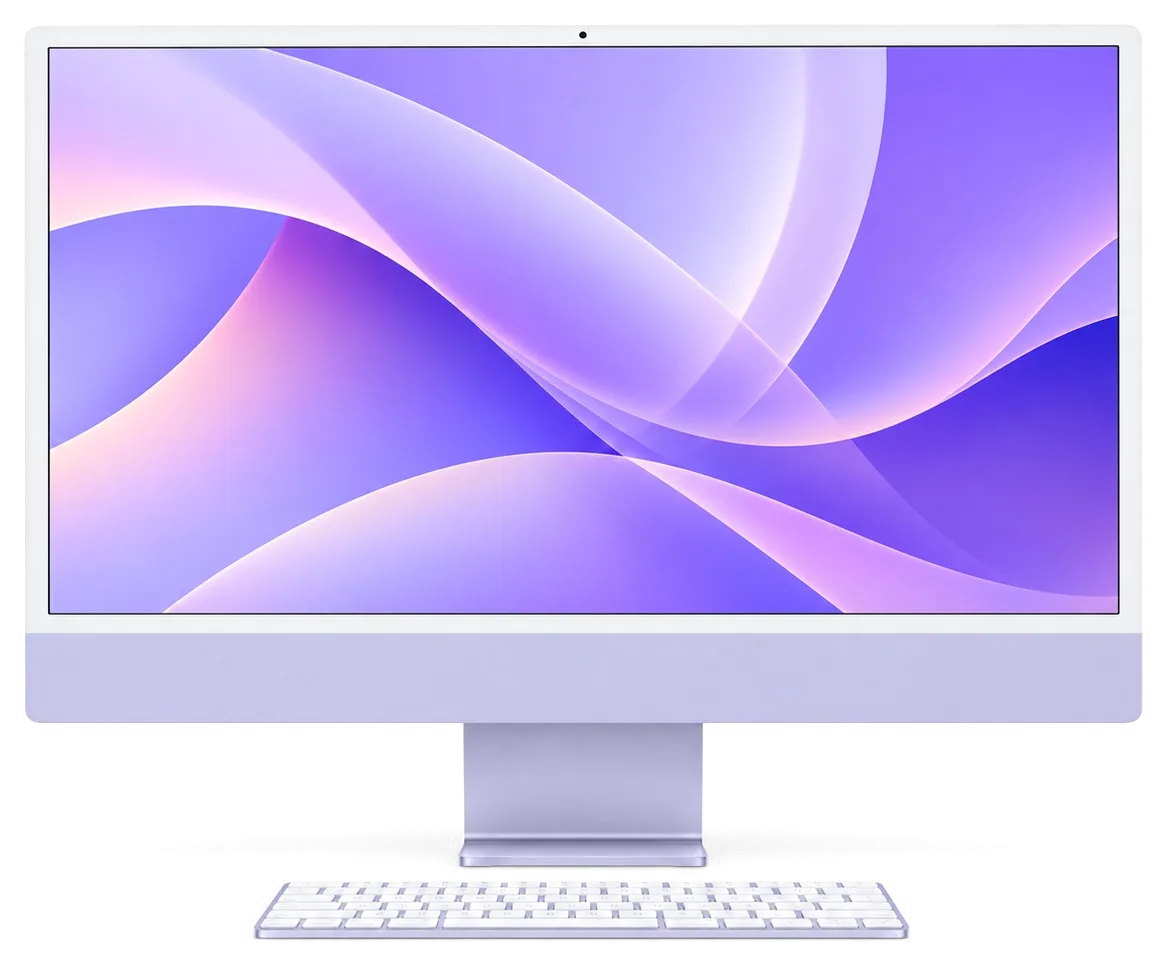
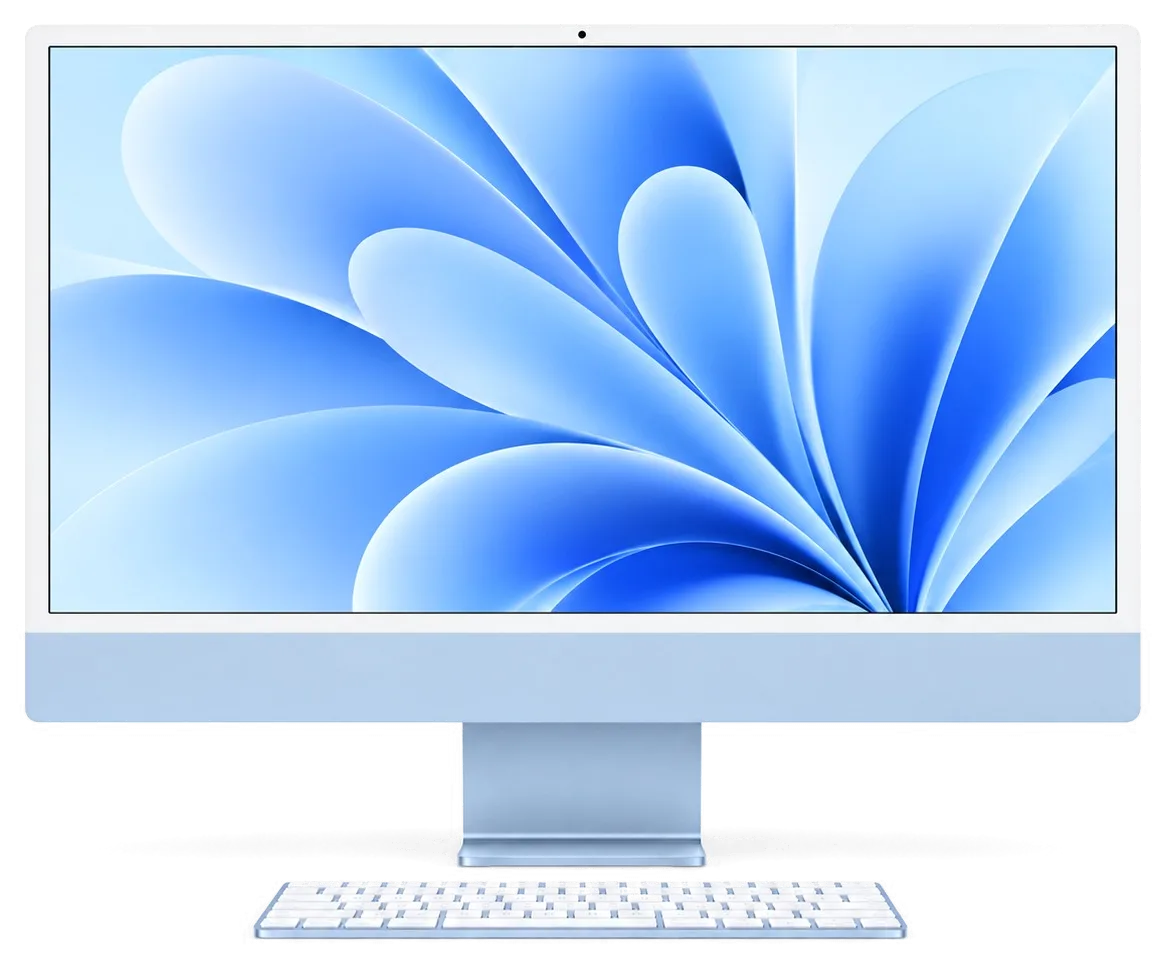

 iPad
 MacBook
 Mac mini and Studio
 Apple Watch
 AirPods
 Apple Pencil
 Apple TV
 HomePod
