An iPad battery degrades quietly, and the first step is to tell a tired cell apart from a charging, board or heat problem. Here is what to look at prior to booking anything.
Signs Your iPad Battery Is Worn Out
- Fast drain: a charge that dies within a couple of hours of light browsing points to a pack that no longer holds capacity.
- Shutdowns at 20–30%: the tablet cutting out with charge left on the gauge signals voltage sag under load.
- Cold-air failures: sudden power-offs outdoors in winter happen because a worn pack cannot deliver current at low temperature.
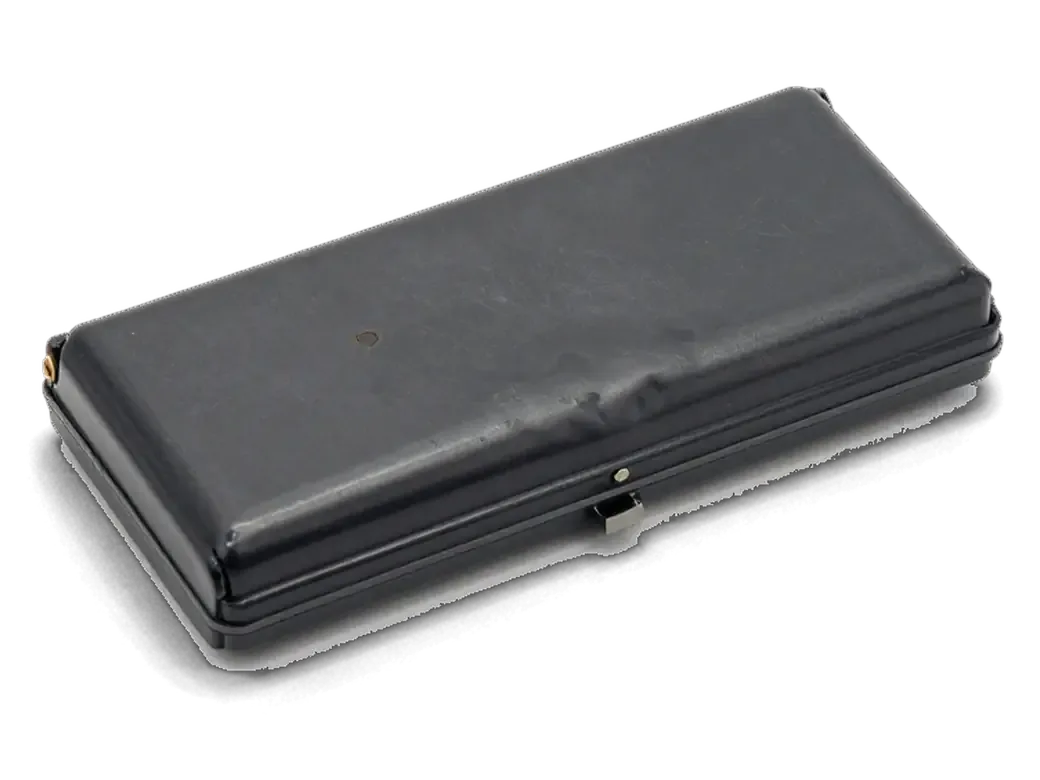
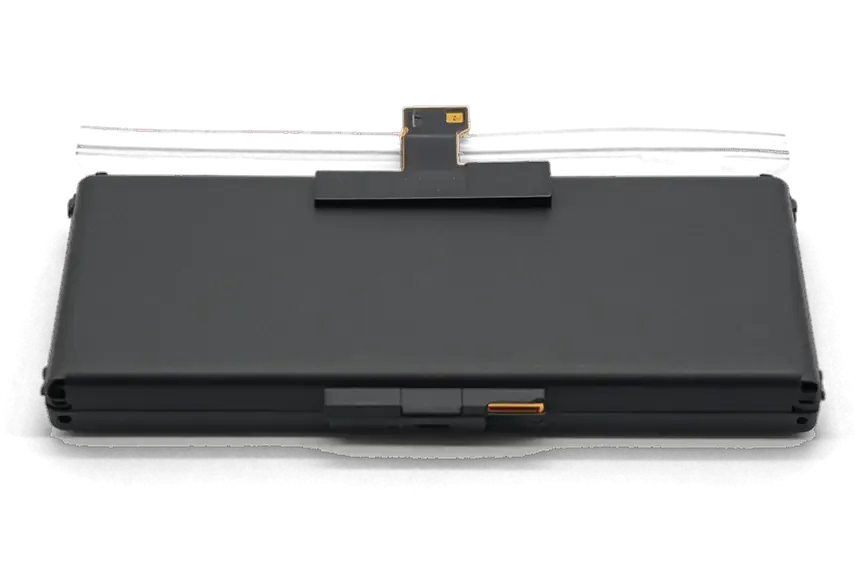
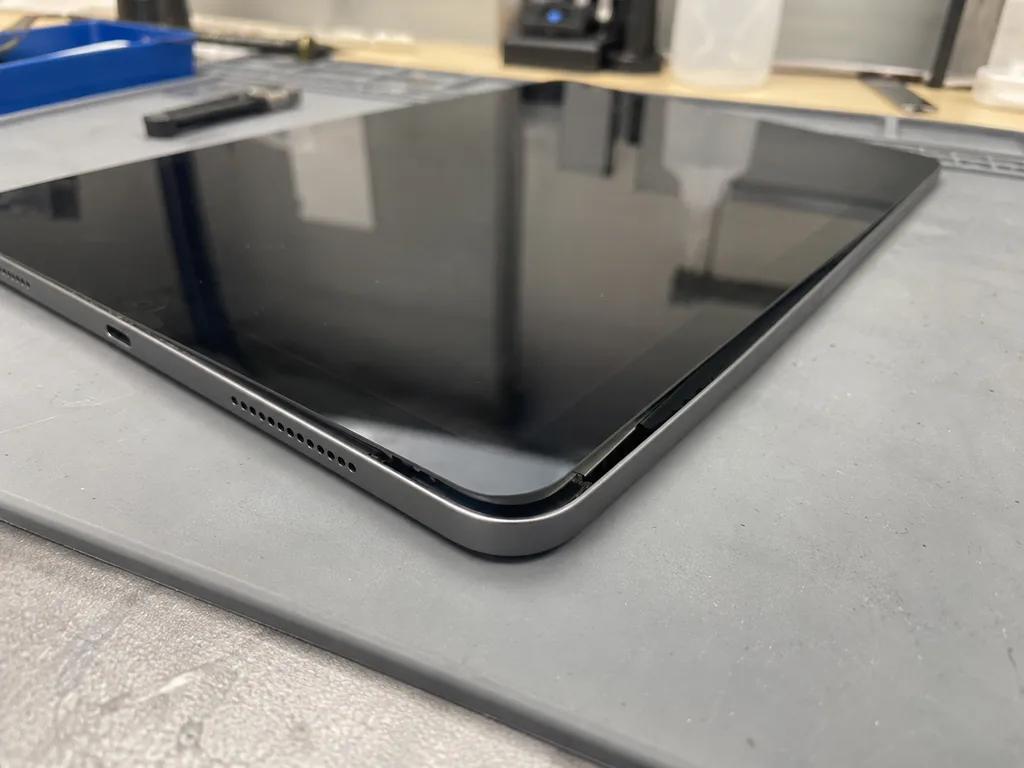
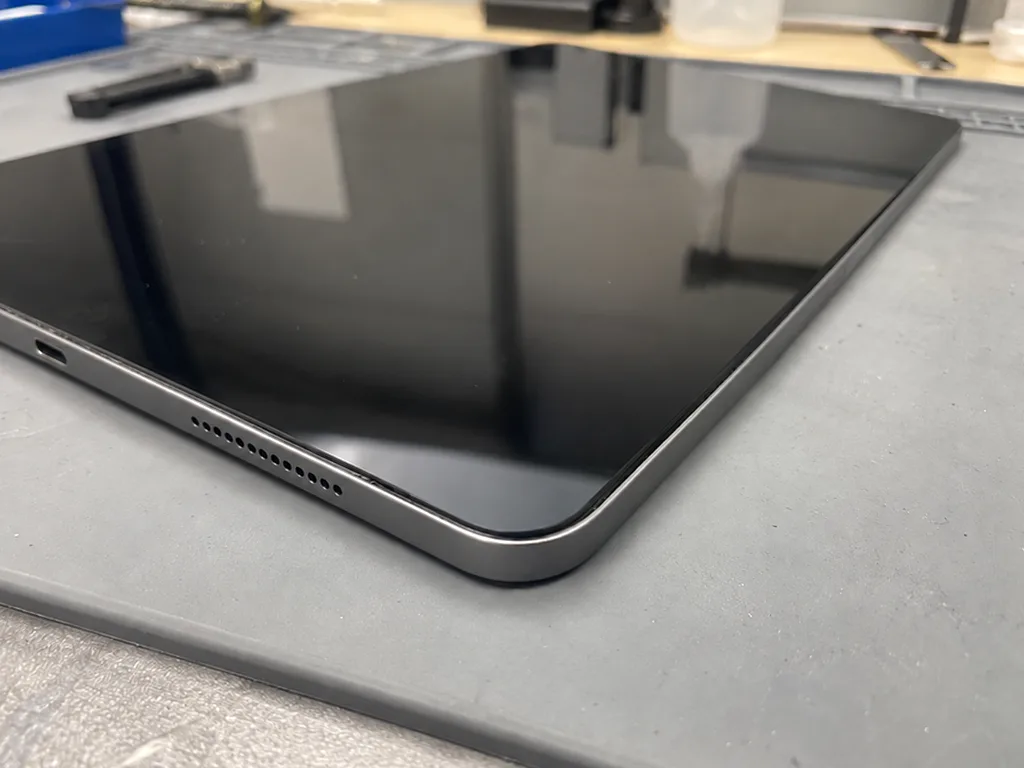
- Swollen case: a lifted screen edge or a tablet that rocks on a flat desk means the battery has expanded.
- Charging oddities: slow top-ups or a gauge that jumps around often trace back to the adapter or cable, not the pack.
- Check the charger first: rule out the adapter and cable — a failing power supply mimics a dying battery, and swapping the part will not cure a power-delivery fault.
Checking Battery Health in iPad Settings
iPadOS shows battery percentage and usage graphs under Settings, but unlike iPhone it does not expose a health figure or cycle count to the user. You can see which apps drained energy over the last 24 hours and the past ten days, yet the menu never says how worn the pack actually is. A swollen battery is the one case where settings do not matter at all: stop charging, power the device down and bring it in rather than pressing on the screen. Because the built-in menu hides real wear, the honest read comes from behaviour over a week — note how fast the gauge drops and whether the tablet dies before reaching zero. Write those two numbers down and show them at handover; they tell an engineer more than any on-screen figure.
Original Part or Aftermarket for Your iPad
Choosing the battery is the main decision when you order, and it shapes how long the new component lasts and how the tablet behaves. Here is how the options differ and what most of our customers take.
How Original and Aftermarket iPad Batteries Differ
Two battery types compared by origin and intended use| Option | What it is | Best for | Shown to you |
|---|
| Original | Factory component matched to the model | Long-term daily use | In factory packaging before fitting |
|---|
| Aftermarket | Compatible third-party unit | Older iPads, budget focus | In factory packaging at handover |
|---|
| Warranty | up to 1 year on the cell and workmanship | Any model | Listed on the warranty card |
|---|
Seeing the Part Before It Goes In
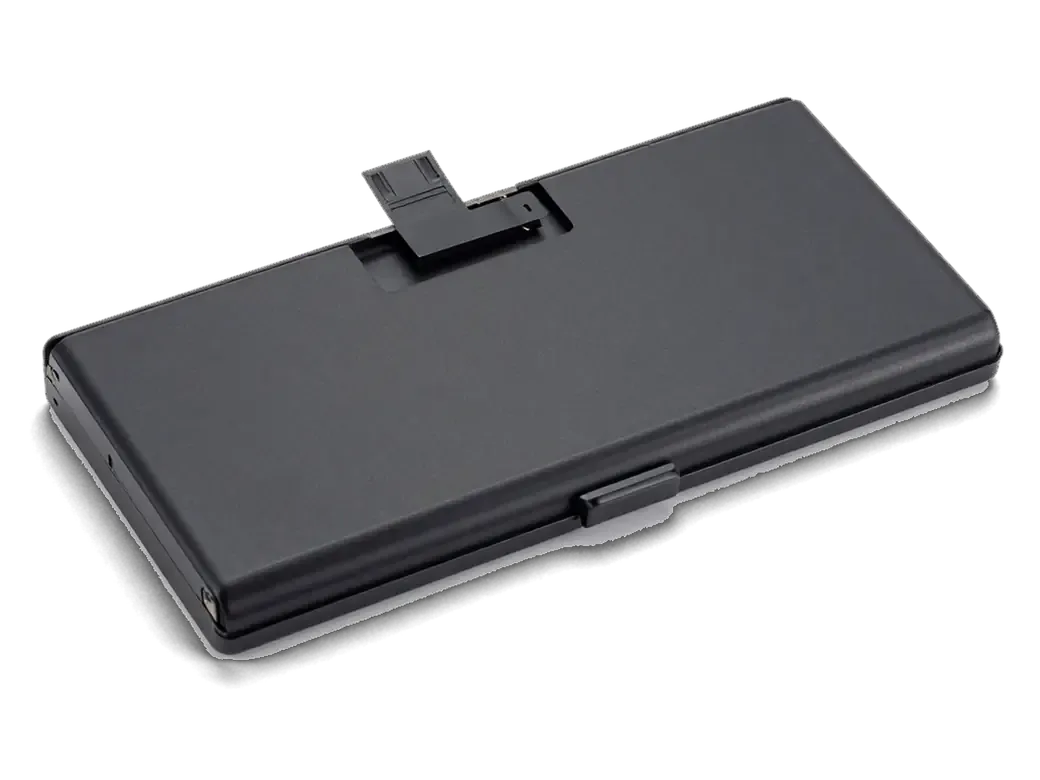
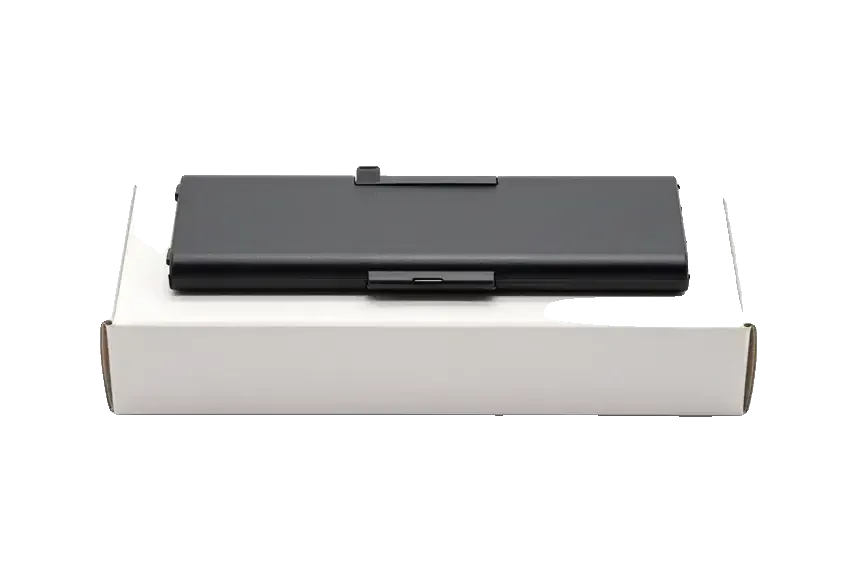
We show the new iPad battery in its factory packaging before installation, so you see exactly which unit is going into your device. If you are looking for iPad battery replacement in Almaty, the same rule covers the whole order: price, part type, turnaround and warranty are fixed on the receipt prior to work starting, and an engineer replies on WhatsApp within 5 minutes with a quote from your photo. Our technicians handle both original and aftermarket cells, and the choice is written down rather than agreed verbally. Ask to keep the old component — we hand it back with the device, and comparing the two is the simplest way to confirm the swap actually happened.
What Happens to Your iPad After the Swap
The main worry ahead of a battery swap is that the tablet comes back with features missing or behaving oddly. Here is what we test after the work and how the handover check runs with the engineer.
The 32-Point Check We Run After Replacement
- Face ID: unlock the iPad several times and confirm the sensor recognises the owner at the usual angle.
- True Tone: open Settings and watch the display shift colour under warm and cool light.
- Cameras: shoot a still and a short clip with both lenses, checking focus and stabilisation.
- Microphones and speakers: record a voice note, play it back, then run a call on speaker.
- Charging and network: connect the adapter, watch the percentage climb, then test Wi-Fi and cellular.
Backing Up Your Device Before Handover
A battery swap does not touch your data, but a current iCloud or computer backup costs minutes and removes any risk if the device needs further work. The cell sits behind the display assembly, so the technician opens the front panel and disconnects the battery connector — files, apps and photos stay untouched through that sequence. An encrypted Finder or iTunes copy on a laptop suits large photo libraries, while iCloud covers notes, messages and app data without a cable. Run it the evening prior rather than at the counter — a full dump over weak Wi-Fi can take longer than the repair itself, and a tablet handed over at 60% charge may power off mid-copy.
How Long It Takes and How to Hand Over the Device
For most owners the real question is how long the tablet stays out of their hands and whether it must be left behind for days. Here are the actual turnaround times and the ways to get it to us.
Turnaround Times for iPad Battery Replacement
A battery replacement at iServices usually takes less than an hour from first contact to pickup, and 72% of our repairs are finished while the customer waits in the lounge with coffee and Wi-Fi. The workshop accepts devices 7 days a week, so a weekend drop-off is no obstacle. The spread comes from the model and from what the engineer finds once the device is open. A board-level complication found mid-job is the other reason a unit rolls into the next morning. In our practice the honest move is to ask which model you own before booking, because that single detail decides whether you leave with the tablet or come back for it.
Ways to Hand Over Your Device
You can bring the tablet to the workshop yourself, or call a courier across Almaty who reaches you in 90 minutes, free with a repair. The waiting area is stocked with coffee and Wi-Fi, so a same-visit appointment rarely feels like dead time. A photo sent on WhatsApp first gets you a price and a free time slot within 5 minutes, so the visit or courier run is booked rather than improvised. Both routes end the same way: a receipt, a warranty card and the old part go back with the device. Before you hand anything over, run a backup and switch off Find My — an activation-locked tablet cannot be tested after the swap, and that one setting can stall a job you expected to collect the same afternoon.
Warranty, Fixed Terms and Payment
Terms fixed before work begins remove the risk that something changes on the spot. We break down what goes into the receipt, what the warranty covers and how you can pay.
What the Receipt Locks In Before Work Starts
Prior to any work starting we fix the price, the part, the turnaround and the guarantee on the receipt in about 2 minutes, and you get it back with the device, the guarantee card and the old part. The engineer writes down whether the cell is original or aftermarket, so the document matches the component that actually goes in. We show the new battery in factory packaging prior to installation, and the old one leaves with you rather than staying in the workshop. Our team handles the work directly — no middle layer sits between you and the person holding the screwdriver. A written receipt is what separates a direct contractor from a middleman: if terms are only spoken, there is nothing to hold anyone to when the bill changes.
Warranty Coverage and Payment Options
We give a warranty up to 1 year on the iPad battery replacement, and you can pay by Kaspi, card or cash. The term applies to the new cell and to our workmanship, and the guarantee card lists both. If your tablet is still under a manufacturer warranty, the swap here does not cancel it for the rest of the device — but check the terms of that coverage first, since a third-party battery can affect how the maker treats a later claim. Settling the bill takes a minute at the front desk, and the receipt stays with you. Keep the receipt and guarantee card — they are what you present if the cell misbehaves within the term.
Summary: iPad Battery Replacement
A battery swap on a tablet is a short job, but the decisions around it — which component you approve, how you check the result, what paperwork you keep — decide how long the device stays usable.
- Spot the wear early: fast drain, shutdowns at 20–30% or in cold air, and a bulging case signal a tired battery — watch the pattern for a week, since iPadOS hides real wear.
- Pick the component by ownership plans: an original unit suits long daily use, an aftermarket one an older tablet you will retire within a year or two.
- See it before fitting: ask to inspect the new battery in its factory packaging and to keep the old one afterwards.
- Test on the spot: run Face ID, True Tone, cameras, speakers, charging and network yourself before leaving the counter.
- Lock the terms: expect 1 hour to 1 day, a written receipt with fixed turnaround and a guarantee up to 1 year.













 MacBook
 iMac
 Mac mini and Studio
 Apple Watch
 AirPods
 Apple Pencil
 Apple TV
 HomePod





