iPadOS does not show a Battery Health figure the way an iPhone does, so wear is judged by how the charge behaves over a week of normal use.
Why iPadOS hides battery health and how to read the signs instead
Tablets do not expose a Battery Health percentage, so the practical way to judge wear is by how the charge behaves over a week of normal use. The software logs cycles internally and reports them to service tools, not to the Settings screen, which means the only reliable evidence you can gather yourself is behavioural rather than a single number. Instead, watch three things across five to seven days: how many hours you get from a full top-up, where the percentage sits when the device shuts down, and whether the drop is steady or sudden. A pattern of shutdowns at 10–30 % across several days points to a worn battery rather than an app.
Symptoms that point to the cell and not to software
- Shutdowns at 10–30 %: the device dies with power still showing, then restarts once plugged in.
- Sudden drops in the cold: the percentage falls outdoors, then partly recovers indoors.
- Slow top-ups: a full refill takes noticeably longer on the same cable and adapter.
- Warmth along the lower edge: the frame near the charging port and connector gets hot.
- Uneven runtime: four hours of video one day, barely two the next, at the same brightness.
When the screen lifts and the battery has swollen
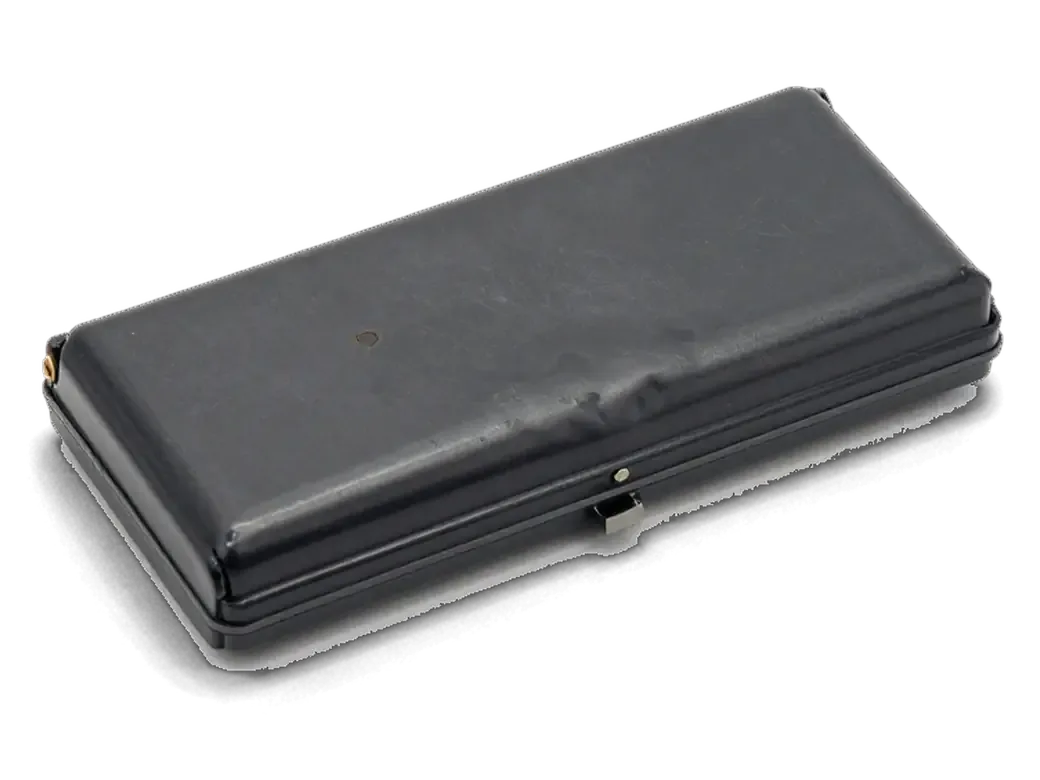
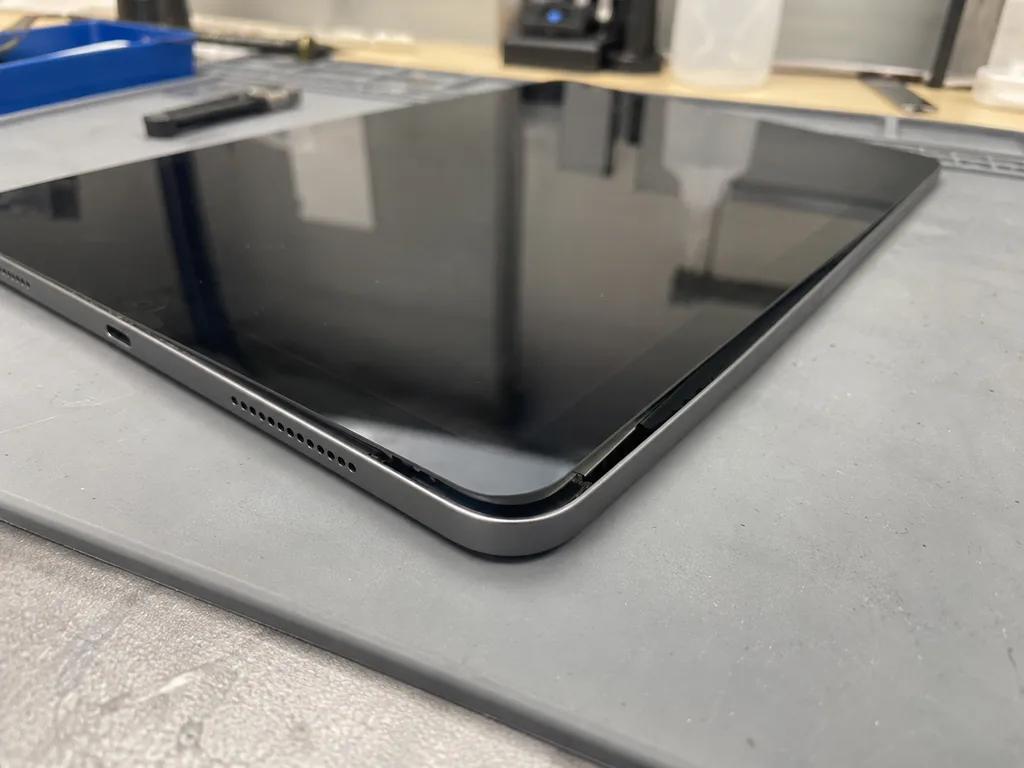
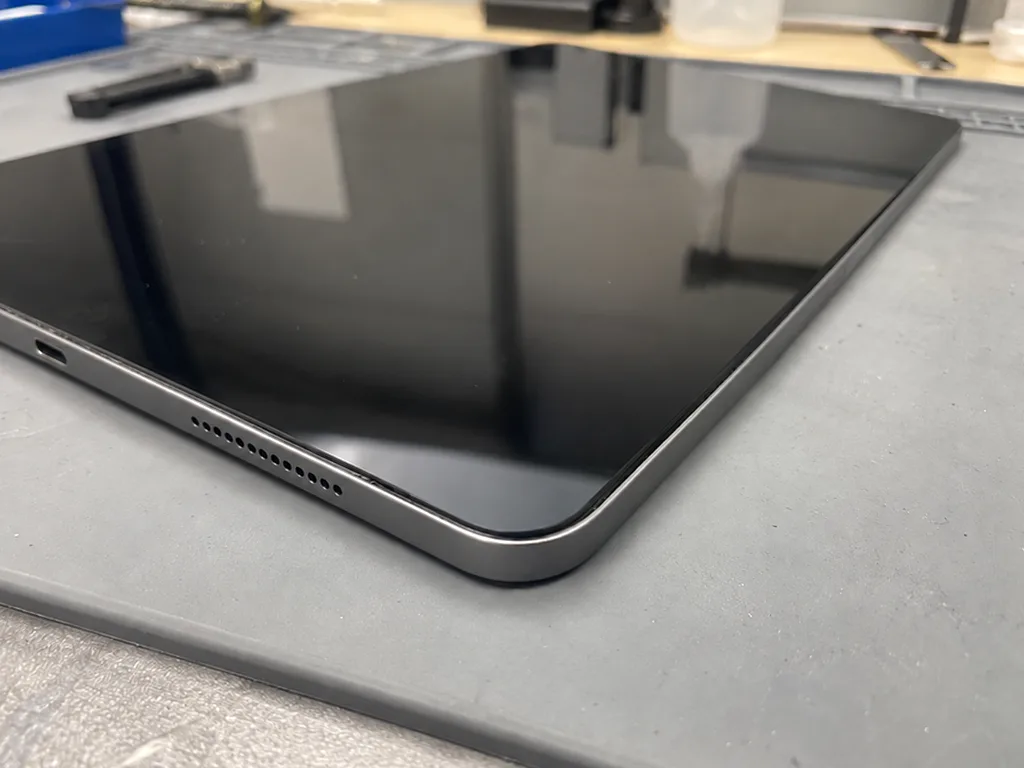
If the glass starts to lift along one edge, the first suspect is a swollen battery, and the tablet should not be charged until it is inspected. A battery that has gassed up pushes outward against the display and the aluminium frame, and the gap often appears on the side nearest the charging port first. A soft spring-back and a visible bulge under the panel confirm the diagnosis, while a hard, sharp edge usually means impact damage instead. A swollen battery keeps pressing on the display and the frame, so waiting turns a battery job into a glass job as well. Stop charging and bring it for the free 15-minute check before the panel cracks.
How we replace the battery on iPad 2, 3 and 4
On older iPads the power cell sits under a display panel bonded into the aluminium body, so the access route matters more than the part itself.
Why the front glass has to come off first
On iPad 2, 3 and 4 the battery is bonded under the display, so we warm the panel, lift the top layer and disconnect the battery before anything else. A heating plate softens the frame adhesive evenly across the whole edge, and thin plastic tools then slide under the panel without touching the LCD matrix beneath it. Metal blades stay out of this step entirely — they scratch the digitizer layer and leave a permanent mark on the image. The top layer on these generations is brittle with age, and a cold panel cracks far more easily than a warmed one, which is why the heating step is never skipped. The adhesive on a decade-old frame hardens into a thin crust, so we give it a few extra minutes on the plate rather than rush the lift.
Connector, capacity and access across the generations
generations compared by port, capacity and access route| Model | Charging port | Battery note | Access |
|---|
| iPad 2 | 30-pin | Smaller pack, ages fastest | Bonded display panel |
|---|
| iPad 3 | 30-pin | Larger Retina-era pack, charges longer | Bonded display panel |
|---|
| iPad 4 | Lightning | Larger pack, controller faults more common | Bonded display panel |
|---|
From a WhatsApp photo to the finished job
We quote from a WhatsApp photo within 5 minutes, run free diagnostics in front of you for 15 minutes, and most iPad battery replacement jobs in Astana take from 1 hour to 1 day. The engineer shows the new part in its factory packaging before installation and fixes the price, the part, the turnaround and the warranty on the receipt in about 2 minutes. That written record before work starts is what keeps the final bill identical to the quote. You collect the tablet with the receipt, the warranty card and the old pack, and 72% of our repairs finish while the customer waits in the waiting area.
Original cell or aftermarket cell
Both options are fitted by our technicians, and the difference shows up in how the charge indicator behaves and how long the battery lasts.
What actually differs between the two
How the two battery options compare on accuracy and use case| Option | Charge indicator | Best for |
|---|
| Original cell | Most accurate, stable | Daily use, long service life |
|---|
| Aftermarket cell | Can drift at low percentages | Light loads, kids' tablet |
|---|
| Warranty | up to 1 year on original, 6 months on aftermarket | Any scenario |
|---|
| Wait time | From 1 hour to 1 day | Same-day pickup |
|---|
How we show the part before it goes in
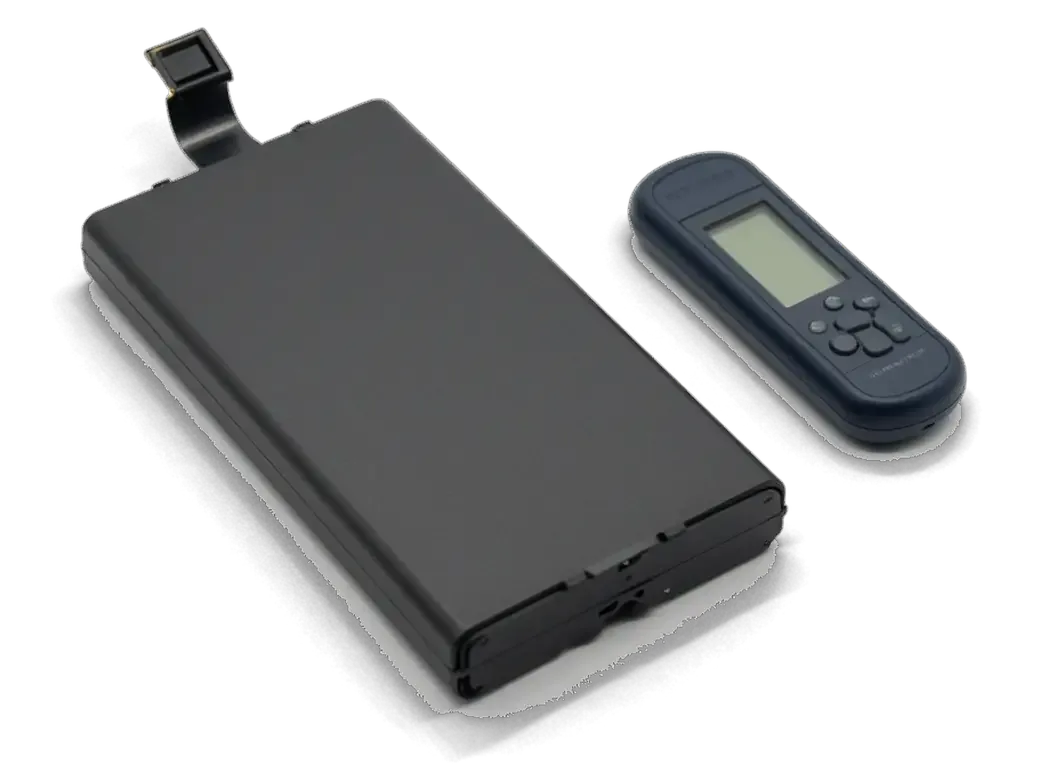
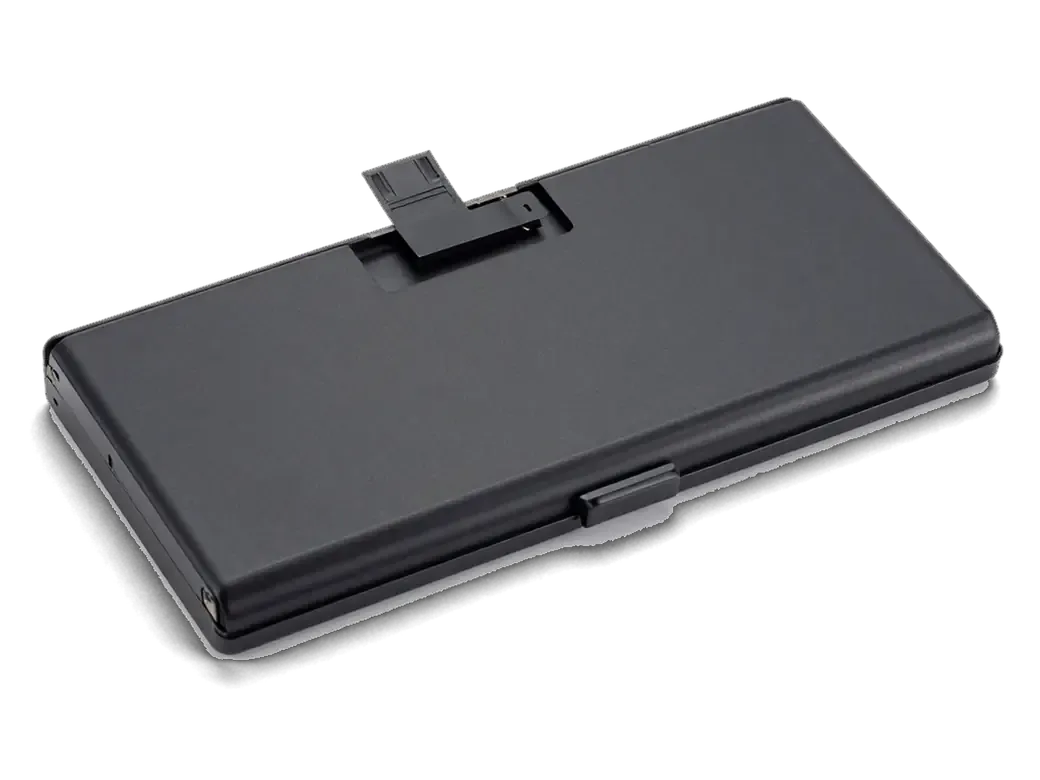
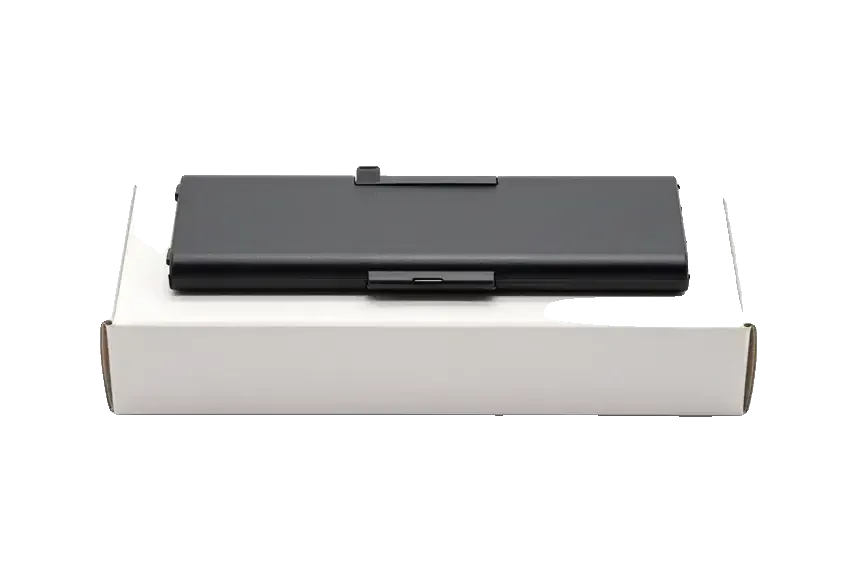
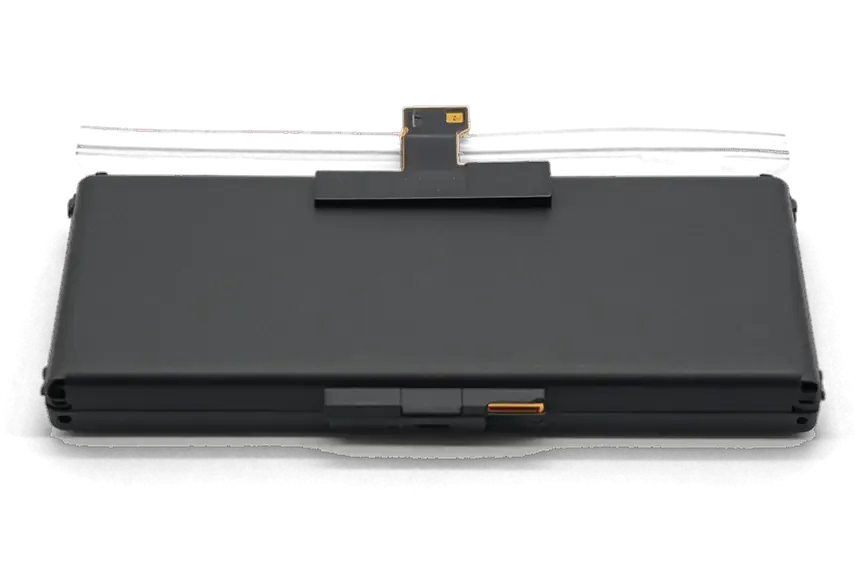
We open the new battery in factory packaging in front of you and hand back the worn one together with the receipt and warranty card. The price, the part type, the turnaround and the coverage are written on that receipt before we start, so nothing changes halfway through the job. 64% of customers pick the original component, and the reason is usually identical — the percentage reading stays predictable on a tablet that is already a few years old. After the swap you check True Tone, charging and speakers with the engineer, roughly 10 minutes across 32 functions. Keeping the used part lets you see the swelling or wear for yourself, which is the simplest way to confirm the diagnosis was right.
When the tablet does not charge at all
A dead iPad is not always a dead battery, and the order in which we rule out the cable, the port and the power controller saves an unnecessary swap.
Cable, port, cell or power controller
We test the cable and charger first, then the charging port, and only then the battery and the power controller on the board. A known-good Lightning cable and a USB tester show whether current reaches the tablet at all: a flat reading points to the cable or the adapter, a live reading with no charge points further inside. From there we move to the port, checking for lint, bent pins and a loose contact that breaks the circuit under slight movement. A bench power supply then reveals the actual draw, which tells a worn battery apart from a faulty controller. On iPad 4 the power controller fails more often than the battery, so replacing the battery there without testing the board would not fix the charging.
What the free 15-minute check shows you
The engineer checks the device in front of you for 15 minutes and shows what is broken, even if you decide not to repair it. That session covers the charging circuit end to end: the port under a magnifier, the current draw at several charge levels, and the heat pattern around the power controller after a few minutes on load. A tired battery pulls a steady, low current, while a board fault shows a sharp spike or localised heat. The decision to swap a battery, clean a port or open the board rests on measurements, so you see the evidence behind each option before agreeing to any work.
Is a new battery worth it on an older iPad
Whether a fresh battery makes sense depends on what the tablet is used for, not on how old the model is. Two tablets of the same age can have very different futures.
Scenarios where a fresh cell pays off
- Reading and video: an iPad 2, 3 or 4 that streams video, opens PDFs and shows recipes still runs for hours on a healthy battery.
- A child's tablet: drawing apps, cartoons and simple games on an older model stay usable when runtime stops collapsing after lunch.
- Kitchen or counter screen: a wall-mounted iPad 4 for timers and smart-home panels needs steady power, not speed.
- Backup device: a tablet kept for travel or bedside use earns a new battery long before it earns an upgrade.
- A slow tablet stays slow: if the device already stumbles on modern apps, a swap restores runtime but not performance — judge it by workload first.
The first days after the swap and long-term care
After the repair you check True Tone, cameras, microphones, speakers, charging and network together with the engineer, and the data stays on the device — a battery swap does not wipe it. We still advise a backup before any work. The new part goes in on fresh adhesive strips, so the glass sits flush and the tablet keeps its grip on the frame. 72% of repairs finish while the customer waits in the waiting area, and an iPad battery usually lands in the one-hour-to-one-day window. For a tablet you rarely use, storing it at about half charge and topping it up every few months keeps the new battery from deep-discharging.
Summary: iPad battery replacement
A tired battery shows itself through behaviour, not a health percentage — the device shuts down early, charges slowly or lifts at the screen edge.
- Symptoms over software: shutdowns at 10–30 %, cold-weather drops and slow charging point to a worn power source rather than to iPadOS.
- Glued access: on iPad 2, 3 and 4 the battery sits under glued front glass, so the panel is warmed and lifted before the swap.
- Swollen unit: a lifted screen edge usually means a swollen battery, and the device should not be charged until it is checked.
- Part choice: original and aftermarket versions differ mainly in charge-indicator accuracy and service life.
- Worth the swap: a fresh battery makes sense when the tablet still handles its daily workload, and stored data survives the repair.











 MacBook
 iMac
 Mac mini and Studio
 Apple Watch
 AirPods
 Apple Pencil
 Apple TV
 HomePod





