BS Photo: Bakmukhammed S.
Bakmukhammed S.
on-site iPhone technician
13years of experience
4.93rating, 107 reviews

AirPods Pro 2 earbud died in the cold or the case drains in a day — we'll check it free and fix the price upfront.
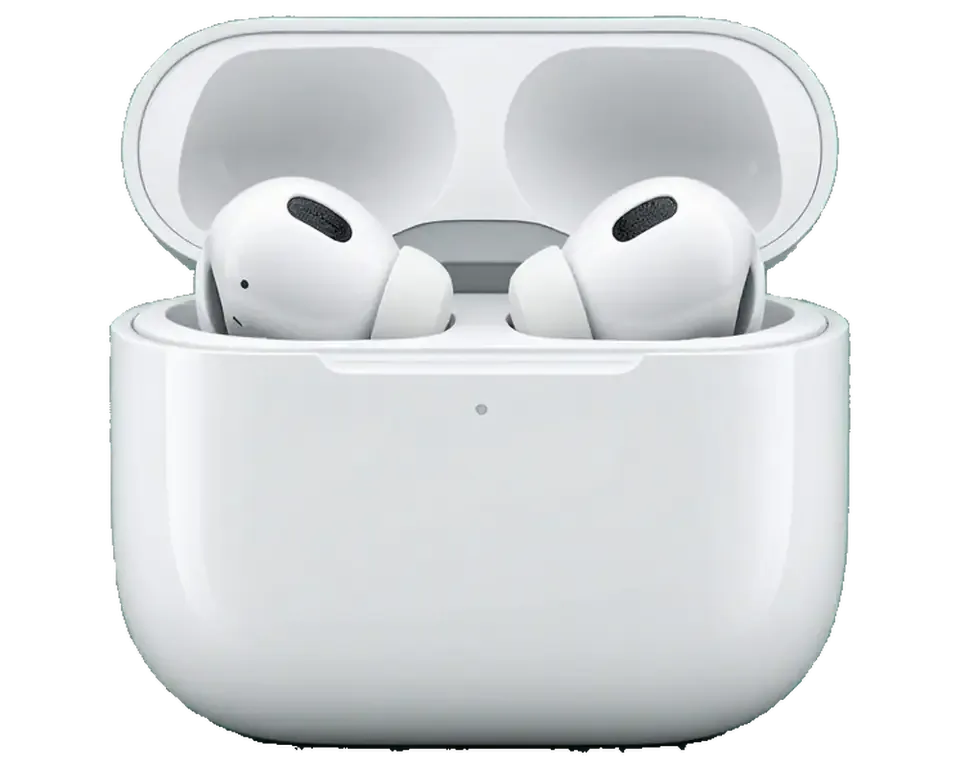
Situations that bring AirPods Pro 2 to our Astana bench: a missing earbud, a case that will not close or charge, and muffled sound.
Dropped, left behind or lost in a coat, and the single one left does not pair on its own.
The hinge is bent or the magnets are weak, so the lid pops open in a bag.
It gives the earbuds a single top-up and then drains itself within hours.
One side reaches full much sooner than the other, so music cuts off early.
Dirt in the speaker mesh muffles vocals and flattens the bass in one earbud.
The stem no longer registers a press, so tracks and calls need the phone.
A rattle or a loud click shows up when the earbuds are put away or pulled out.
After a reset the earbuds appear separately and will not work as one set.
The other person hears noise and clipped words, though music in the earbuds is clear.
The mode turns on but the street sounds muffled, as if the earbuds were regular ones.
The case does not react on a Qi or MagSafe pad, but charges from a cable.
After a drop there is a crack on the stem, and the sensor and mic work intermittently.
The table gives published starting prices for AirPods Pro 2 work that we can quote before diagnostics.
| Service | Original | Aftermarket |
|---|---|---|
| Charging case replacement | 62 900 ₸ | 41 900 ₸ |
| Earbud replacement | 91 900 ₸ | 50 900 ₸ |
| Earbud battery replacement | 20 900 ₸ | 11 900 ₸ |
| Case battery replacement | 40 900 ₸ | 22 900 ₸ |
| Earbud speaker replacement | 20 900 ₸ | 11 900 ₸ |
| Microphone replacement | 13 900 ₸ | 7 900 ₸ |
| Case charging connector replacement | 15 900 ₸ | 8 900 ₸ |
| Other repairs | Price | |
| Cleaningdisassembly and dust cleaning | 5 490 ₸per job | |
| Water damage repaircorrosion cleaning · diagnostics up to 2 days | 13 900 ₸per job | |
| Firmware flashingsoftware restore, no parts replaced | 5 490 ₸per job | |
Battery replacement and dust cleaning are priced after diagnostics, because they depend on how worn your set is.
Both options work in many cases, so a technician lays out the trade-offs before you commit.
Why AirPods Pro 2 owners in Astana pick our workshop: experience, a warranty, published prices and no unnecessary work.
Eleven years of repairing earbuds, watches and phones taught us how these tiny wireless parts usually fail.
The completed repair is backed for one year, and we walk you through the conditions beforehand.
Sealed, glued earbuds are opened by experienced technicians who handle fragile assemblies every day.
Pricing for cases and earbuds is shown in the table, while other tasks get a quote once diagnostics are done.
We take visitors on weekdays from 10:00 to 19:00 and on weekends and holidays from 11:00 to 18:00.
If a clean or a reset fixes it, we tell you so, rather than recommending a replacement you do not need.
Usually the whole journey — from message to pickup — takes less than an hour; complex repairs follow the timeline in the receipt.
Book a repairYou send a photo of the damage on WhatsApp — we quote the price and available time. Or you call a courier.
An engineer checks the device in front of you and shows what is broken. 0 ₸, even if you decline the repair.
We fix the price, the part (original or analog), the timeline and the warranty. You sign — we start.
Before installation we show you the new part in its factory packaging. You wait in the waiting area with coffee and Wi‑Fi.
Sound, microphones, noise cancellation, ear sensor, earbud and case charge, connection. You check together with the engineer.
Together with the receipt, warranty card and the old part. Payment — Kaspi, card or cash.
Technicians for iPhone, Mac, iPad, Apple Watch and AirPods repair.
Photo: Bakmukhammed S. Photo: Galymzhan S.
 Photo: Zhandos Sh.
 Photo: Darkhan T.
 Photo: Kudiret S.
“If the repair didn’t suit you or you have a complaint, write to me personally.”
Send a photo of the fault — an engineer will reply on WhatsApp, give the price and a time you can come in.
AirPods Pro 2 Repair in Astana with iServices Technicians
iServices handles AirPods Pro 2 repair in Astana as a direct contractor with its own experienced technicians, not an aggregator. Every job carries a guarantee lasting up to 1 year, most earbud and charging case faults are resolved on the spot, and a free 15-minute check is done right in front of you. Original or aftermarket part, your choice.
AirPods Pro 2 pack a lot into a small shell — a glued battery, the H2 chip, microphones and a smart case. Here is what actually breaks and how we tell one fault from another.
The glued battery, the microphone grille and the charging contacts are the three components that are replaced most often on these earbuds. The cell sits inside the stem, bonded to the shell, and after two or three years of daily cycles it loses capacity faster than the rest of the hardware. The grille clogs with earwax and skin oil, which dulls transparency and pulls noise cancelling off balance. The gold pins collect oxide and stop passing current cleanly, so one bud tops up while the other sits at half. Because the power source is bonded into the stem, a worn one rarely gets swapped alone — the practical route is a replacement bud of the same model. When customers ask about AirPods Pro 2 repair in Astana, we explain that the worn cell is usually the reason the earbud stops holding a charge.
| Symptom | Likely zone | What we do |
|---|---|---|
| One bud drains fast | Battery cell | Test capacity, advise replacement |
| Sound is muffled or quiet | Dynamic grille | Clean grille, check membrane |
| Charges via cable, no wireless | Wireless coil | Inspect coil and pins |
| No power at all | Port, pins, cell | Trace the power chain |
| Crackle with ANC on | Microphone, seal | Clean mics, check tip fit |
The Pro 2 charging case carries its own speaker and lanyard loop, and the earbuds run on the H2 chip, so a replacement component must match this generation exactly. The built-in speaker plays the Find My chime and confirms pairing, which means a shell from another generation leaves you without those cues even if it fits. Apple shipped the model with both Lightning and USB-C versions, and the two are not interchangeable — the connector and internal flex differ. Inside, the H2 chip handles adaptive audio and ear detection, so a mismatched unit may connect but lose pressure relief or head tracking. A shell from AirPods 3 or Pro 3 will not pair cleanly with Pro 2 buds, so we always confirm the generation before ordering a component.
A dead charging case is the most common reason people bring AirPods Pro 2 to us. The fix depends on which link in the charging chain has failed, so we test each one in order.
We check the case in a fixed order — contacts under the earbuds, the Lightning or USB-C port, the wireless coil, the internal battery, then the board. A unit that charges by cable but not on a pad points to a coil fault rather than a dead battery. A port that holds the cable loosely usually has a bent or compacted pin, and a unit that drops charge overnight has a worn cell. Our engineer runs free diagnostics in front of you and shows which link failed on the spot, in about 15 minutes. Skipping straight to a battery swap wastes a component when the real fault is a bent port pin or dirty contacts, which clean up in minutes.
If the earbuds have been in water, stop charging them and let them dry before anything else, because power on a wet board is what turns a spill into a dead device. Wipe the contacts under the earbuds and the port with a dry cloth, keep the lid open in a warm room, and skip the wireless pad until the case is fully dry. Moisture reaches the microphones and the internal battery first, so sound and charging often fail together. Even after drying, corrosion on the contacts can appear days later, so a diagnostic check is worth doing before you trust the earbuds again.
A dirty contact or a worn port is a quick repair, while a swollen internal battery or a damaged board usually means replacing the case with a matching Pro 2 unit. We quote the component and the turnaround on the receipt before work starts, and 64% of our customers choose an original part over an aftermarket one. A replacement case must be the same generation so the earbuds pair and the Find My speaker keeps working; we confirm this before ordering. Swapping to an older case is the mistake we see most — the earbuds pair, then drop the connection mid-call.
The Pro 2 relies on several microphones and an H2 chip to run noise cancelling, so crackle, a weak voice on calls or a dead transparency mode each point to a different part inside the earbud.
Crackle that appears only with noise cancelling switched on usually comes from a blocked or damaged feedback microphone, since that mic feeds the H2 chip its reference signal. The chip compares what the feedback mic hears inside the ear with what the outer mic picks up, then inverts the difference; once the inner signal is noisy, the correction itself turns into the rattle you hear. Dust packed into the acoustic mesh, dried sweat or a loose mic contact all produce the same symptom, and the driver is rarely the culprit. We run a short signal test on both mic paths and compare the readings before quoting any component. Test it yourself by switching to transparency mode, because if the crackle disappears there the driver is fine and the fault sits in the mic path.
If people on calls say you sound distant or muffled, the voice microphone in the stem is usually clogged or failing, and we check it against a known-good recording before touching anything. Each stem carries a beam-forming mic behind a fine mesh, and that mesh collects skin oil, pocket lint and sweat salt faster than the speaker grille. A clogged voice mic passes low frequencies but loses the upper band that carries consonants, so your voice arrives intact in volume yet hard to follow. Our experienced technicians compare the live capture with a reference sample, then confirm whether the mesh needs cleaning or the mic module needs replacing. Wind and sweat accelerate this, so cleaning the stem mesh regularly keeps the voice mic working far longer than waiting for it to fail.
| Complaint | Likely cause | First check |
|---|---|---|
| Crackle on ANC only | Feedback mic | Mic path and mesh |
| Muffled calls | Voice mic in stem | Stem mesh clean |
| One side quieter | Blocked grille | Grille and membrane |
| No transparency mode | Mic or chip fault | Mic signal test |
Pro 2 resist sweat and splashes but are not waterproof, so a drop in water or a soaked workout can still flood the mics and the case. The first hour matters most.
Do not charge wet earbuds and do not put them in the case, because power plus moisture is what turns a splash into a dead board. Wipe the mesh and the stem with a dry cloth, shake out loose droplets and leave both buds on a paper towel with the vents facing down. Air-dry them open at room temperature and skip rice or a hairdryer, since heat pushes moisture deeper into the mics and the driver while rice dust clogs the acoustic mesh. A wet charging case is the bigger risk: moisture sits in the contact wells and starts corrosion within hours. When the set was fully submerged instead of just splashed, liquid diagnostics can occasionally stretch to two days, so bring both buds along with the case together rather than separately.
A unit that took on water sometimes needs up to two days of diagnostics, because corrosion on the board only shows up once the contacts and coil are tested under load. A unit that lights up and charges today can drop its earbuds tomorrow, so a quick visual check proves little. At iServices we open the case, inspect the charging contacts and the coil, measure current draw and look at the board under a microscope, since corrosion hides under the shielding and along the solder joints. We have handled 46,000+ repairs over 11 years, and liquid ingress is one of the faults that rewards patience. Bring the unit in even if it seems to work, since corrosion spreads quietly and a cheap early clean beats a board repair later.
Choosing a part and knowing what a visit looks like are the two things owners ask about most. Both are settled before any work starts, on paper, so there are no surprises at pickup.
We offer both an original component and an aftermarket one, and 64% of our customers choose the original because it keeps sound and noise cancelling closest to how the earbuds left the factory. The aftermarket option costs less and arrives faster, so it suits a spare set or a tight budget. What matters is the function list that comes with each analog — some preserve noise cancelling and transparency, others only deliver basic audio and drop the pressure vents. Our engineers name the exact component on the receipt and show it in factory packaging before installation. The aftermarket option is a fair choice for a spare set or a tight budget, but ask which functions it preserves before you commit, since not every analog keeps every feature.
The price, the part, the timing and the guarantee are all confirmed on the receipt within a couple of minutes, and the replacement component is displayed in its sealed factory box prior to installation. The receipt names which node is replaced — the left earbud, the right earbud, the charging case or the battery inside it — because a case fault and an earbud fault are different jobs with different timelines. Warranty runs up to 1 year and is tied to that document, not to a verbal promise. Your old component comes back with the set, so you can see exactly what was swapped. Keep that receipt, because it is what the warranty is checked against and it also records which earbud or case node was replaced.
Five points decide whether a set of AirPods Pro 2 gets fixed well or fixed twice, and each one is worth checking before you hand the earbuds over.
Did not find an answer? Message us on WhatsApp: an engineer replies, not a bot.
Ask a questionOpen Find My and play a sound on the missing earbud; you can mute the other side to hear it better. The charging case of AirPods Pro 2 also has its own speaker and supports Precision Finding on compatible iPhones. If the earbud is out of range, Find My shows the last known location.
The new earbud should belong to the same AirPods Pro 2 version as your remaining earbud and case. Tell the technician whether your case takes Lightning or USB-C. After pairing, the earbuds update their firmware while near your iPhone.
Usually the hinge is bent or debris sits between the lid and the body. Do not force the lid, as that can break the hinge completely. The technician checks the hinge and magnets and explains what can be done.
It might, but a cracked case can have damaged contacts or a stressed battery. Stop charging it if it bulges or gets hot. Bring the case and both earbuds for inspection.
The new earbud joins the set through the case and your iPhone. Once paired, the whole set appears under your Apple ID in Find My. The engineer checks this with you before handing the earbuds back.
Different firmware, an unequal tip fit or wax in the old earbud can cause it. Keep both earbuds in the case near your iPhone to update them and clean the old earbud mesh. If the difference stays, bring the pair back for a check.
Yes, bring the case and the remaining earbud, because a replacement is paired through them. Without the case the set cannot be tested. The receipt lists everything you leave with us.
До этого обращался в сервис у дома, там только развели руками. Скептически относился, пока не забрал. Проблема — не подключаются. Дома включил, всё на месте.
Обратился по поводу AirPods Pro 2. Проблема — не подключаються. Ғалымжан С. посмотрел и честно сказал: менять не надо. Позвонил, описал проблему, сказали привозить — посмотрят. Все функции проверил — работают.
Сначала думал сам поменять, посмотрел видео и передумал. Оставил заявку на AirPods Pro 2. Проблема — одно ухо не работает. Ғалымжан С. разрулил всё быстро. Назвали срок — два дня, уложились. Вытащили и показали: кейс. 7 500 за работу и деталь, считаю нормально. Обращусь ещё. Экран яркий, батарея держит.
Хотел сначала в официальный, но там очередь и цена. Ребёнок поиграл, теперь не подключаються. Ғалымжан С. показал старую деталь, всё прозрачно. Выдали номер заказа и сказали, как отслеживать. Вышло из строя: динамик. Сравнивал — здесь дешевле. Скажу знакомым. Ни разу не пожалел.
Проблема — одно ухо не работает. Ғалымжан С. посмотрел и честно сказал: менять не надо. Функционирует, тьфу-тьфу.
Проблема — не заряжается. В айсервис привёл знакомый, у него тут чинили iPhone. Вернули — проверил, всё ок.
После обновления началось: не заряжается. Дома включил, всё на месте. Проверил на всех режимах — держит.
Не ожидала, что придётся искать сервис. Проблема — хрипит. Ғалымжан С. всё сделал при мне, за пятнадцать минут. Выбрала iService, потому что близко к работе. Внешне не видно, что разбирали
Экран сынып қалды, көрсетуге апардым. Диагностика тегін болды. Нәтижесіне ризамын.
Друг посоветовал, у него после воды ноут подняли. В работе было: AirPods Pro 2. Проблема — не заряжается. Ғалымжан С. всё сделал при мне, за пятнадцать минут. Привёз на такси, приняли без вопросов. Ни шума, ни запаха, всё штатно.
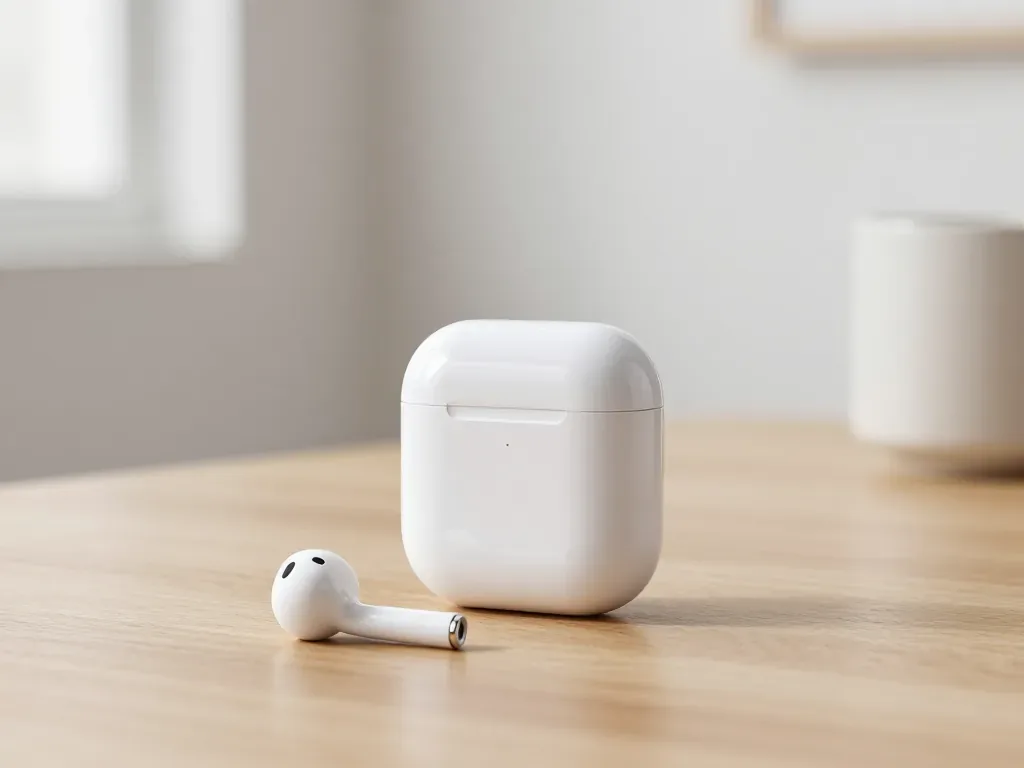
One earbud losing charge first is usually a worn cell or a dirty contact, not a dead pair. A free check tells which.
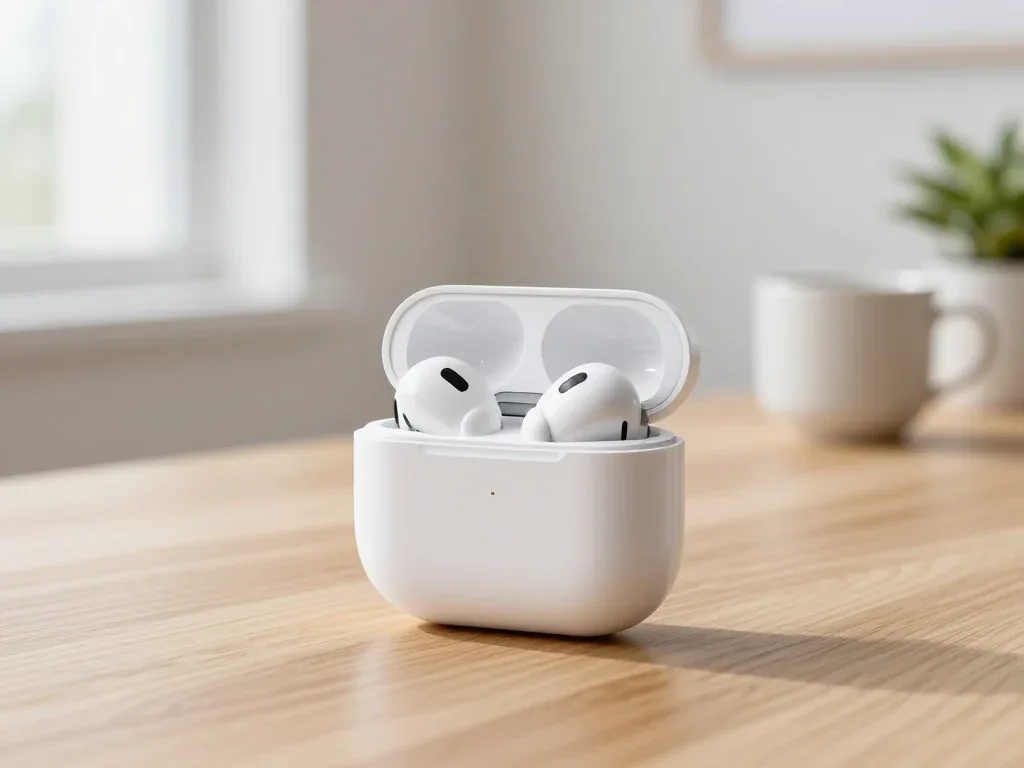
Find out why your AirPods case won't charge and what to check before visiting a repair shop.
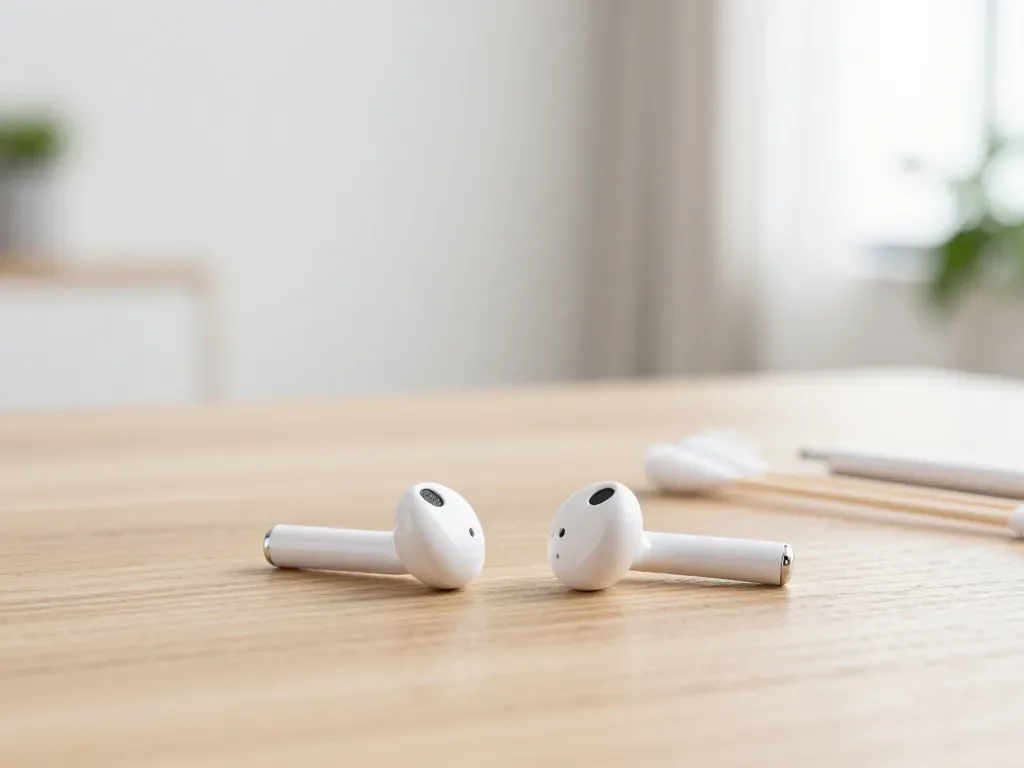
Most quiet AirPods come down to clogged mesh or a tired driver. Here is how to tell the difference before you clean anything.

Back up your data, turn off Find My, and bring proof of purchase — then the repair starts faster.


 iPad
 MacBook
 iMac
 Mac mini and Studio
 Apple Watch
 Apple Pencil
 Apple TV
 HomePod
