Apple repair blog Astana for owners who want to understand the fix first
i
iServices Editorial TeamService editors with technicians
Published February 20, 2026 Updated October 25, 2026
In short
Notes in this Apple repair blog for owners in Astana come from technicians who actually work on devices — marketers do not write them. Posts explain what actually fails, what you can check yourself, and when a device needs a workshop. Free 15-minute diagnostics in front of you is the next step.
iServices Editorial TeamWe reply on WhatsApp within 10 minutes
This apple repair blog Astana is kept by working technicians, not copywriters. Each article starts from a repair that came through the workshop.
Who writes the posts and what they are based on
Our posts come from the same technicians who repair devices daily, backed by 11 years in business and 46,000+ completed repairs across Almaty and the capital. We are a direct contractor with our own workshop and staff, so the person describing a swollen battery or a dead charging port is the one who opens the device. Board-level work goes under a microscope, and every technician is experienced. Two branches mean the same standards apply whether a device arrives from Astana or the southern city. A write-up naming the exact symptom and the exact test beats a generic "bring it in".
What this blog will not do
No remote verdicts: photos and descriptions cannot confirm a board fault or swollen battery.
No shortcut past diagnostics: the free 15-minute check shows what is broken, even without repair.
No guesswork on water damage: after liquid contact, diagnostics can take up to two days.
No pressure to act: reading helps you decide whether to act now or wait.
What you can check in our Apple repair blog before booking a repair
Most enquiries turn out to be quicker to sort out than owners expect — part of the picture is already visible in Settings.
Three checks you can run in five minutes
Battery health: open Settings, note maximum capacity, then watch for sharp drops while idle.
Charger and adapter: test accessories on another device; a worn cord mimics a failing port.
Background apps: close location, sync and streaming apps one by one; fast drain points to software or weak signal.
What to send us so the first reply is useful
A clear photo: send the damage or battery screen on WhatsApp; an engineer replies within 5 minutes with a price and free slot.
The model and symptom: name the device and when the fault appears.
A courier request: if travelling across the city is inconvenient, say so in the same chat.
How a repair actually runs from message to pickup
The path from your first message to collecting the device breaks into clear steps, each with a fixed timeframe you can plan around prior to committing.
The steps and how long each one takes
Timeline of a typical repair from message to pickup
Step
What happens
Typical time
First message
Photo on WhatsApp, price and slot named
5 minutes
Diagnostics
Engineer checks the device in front of you
15 minutes
Receipt
Price, part, turnaround, warranty fixed
2 minutes
Repair
Most jobs done while you wait
20–40 minutes
Pickup
32 functions checked together, old part returned
~10 minutes
What we check together before you leave
Screen and display: Face ID and True Tone work as before, no dead zones or colour shift.
Cameras and audio: front and rear cameras, microphones and speakers tested on the spot.
Power and network: charging, signal and connectivity checked together; you leave with warranty card and old part.
Original part or aftermarket part
Choosing a component is the owner's call, and that decision is recorded in writing ahead of any work, not after.
How the two options differ in practice
Two part types and where the choice is recorded
Option
What you get
Where it is recorded
Original
Factory component in sealed packaging
Named on the receipt
Aftermarket
Compatible component, shown before fitting
Named on the receipt
Your pick
Shown to you in the workshop
Fixed in writing
Why the choice is written down before work starts
Receipt first: price, component, turnaround and warranty are fixed in about 2 minutes before opening the device.
Warranty up to 1 year: the card travels with the unit, so the covered period is in writing.
Direct contractor: iServices is the direct executor with its own technicians and workshop.
Old component returned: you leave with the receipt, warranty card and removed piece.
How to read our posts and use them
A useful post names the symptom, explains the likely cause and tells you what to do next, so you can quickly understand the issue and act.
Three signs a repair post is worth your time
A named symptom: exact behaviour, like a screen flickering only at low brightness, not a vague display problem.
A stated cause: the author explains why the fault happens, so you can match your handset.
A next step: what to verify or where diagnostics lead, without promising a guaranteed outcome.
When a post is enough and when to book a check
Read and self-test: if behaviour matches an article and the handset works, follow guidance.
Book a diagnostic: if the fault returns, we run a free 15-minute diagnostic and show the issue.
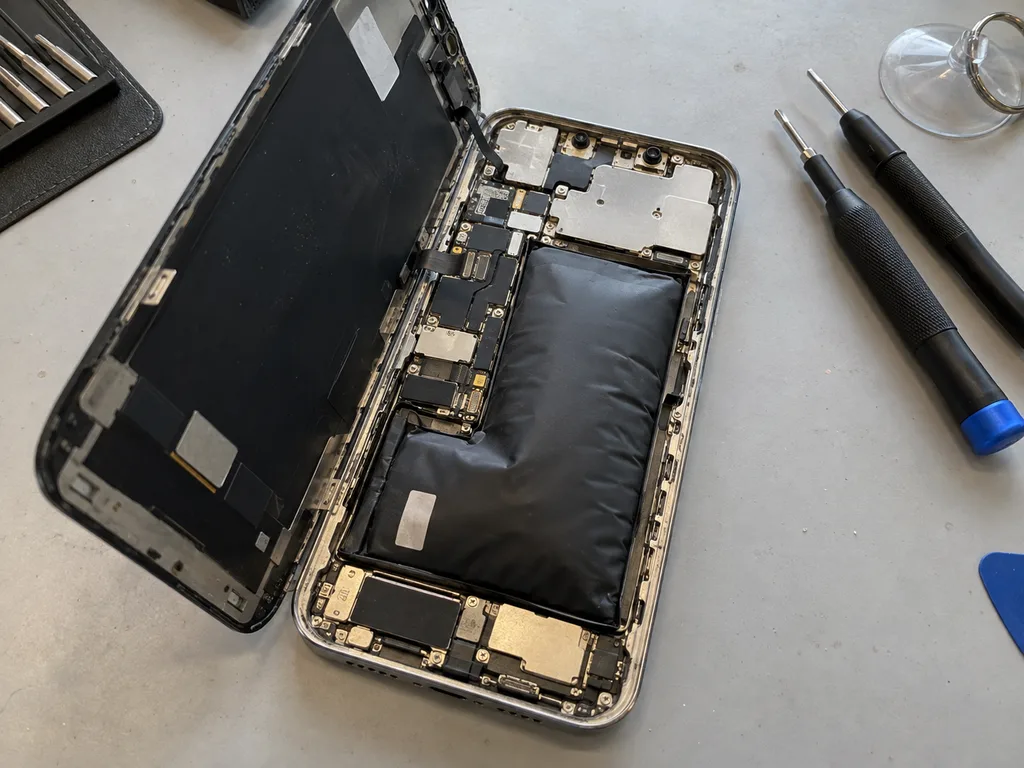
Stop and bring it in: a swollen battery or hot frame means power down and come in.
Summary: Apple Repair Blog
A short recap of what matters most when you read about a fix.
Useful posts name the problem: describe symptom, likely cause and next step, not prices.
Five-minute checks first: most battery and screen complaints narrow down in Settings before a workshop.
Written receipt protects you: fixing part, turnaround and warranty is the strongest safeguard.
A swollen battery does not wait: stop using the device and get it checked.
The whole path is short: from first message to pickup usually fits inside an hour.
Questions readers send to the Apple repair blog
Did not find an answer? Message us on WhatsApp: an engineer replies, not a bot.
In frost the battery temporarily delivers less energy, so a device may switch off even when it shows charge. After warming up the charge usually returns, but frequent chilling shortens battery life.
Can I charge a device right after coming in from frost?
No, let it reach room temperature first. Charging a cold battery and moisture inside the case raise the risk of a fault, so there is no need to hurry.
How do I know that moisture got inside?
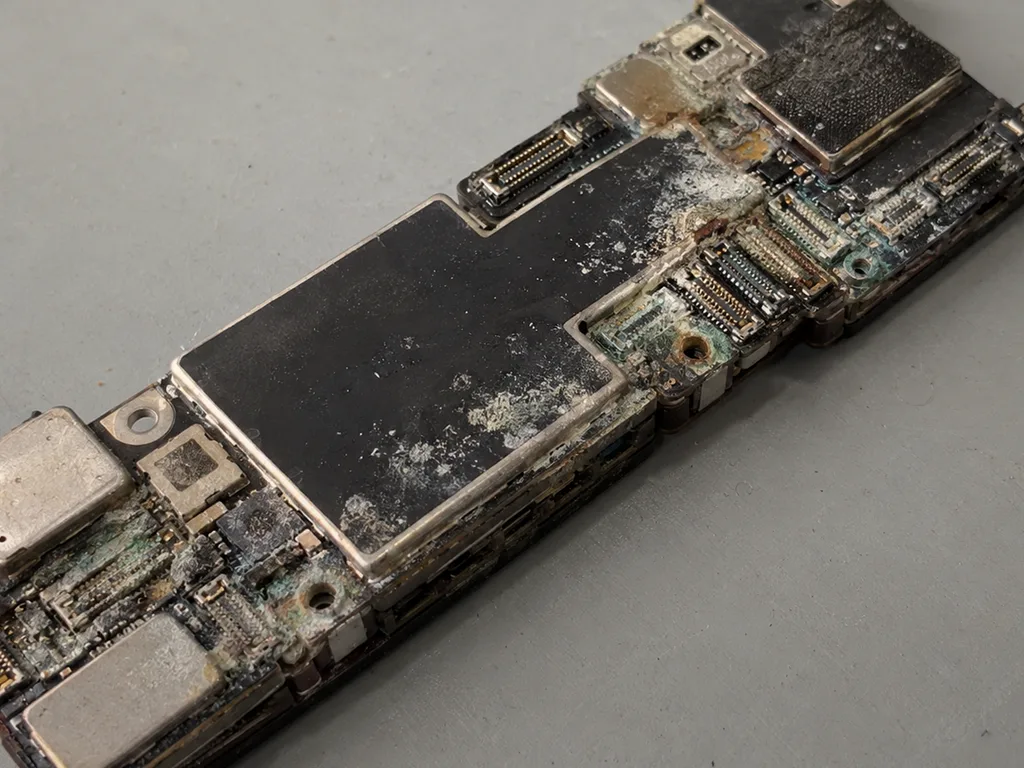
A foggy camera, smears on the screen, a crackling speaker and charging glitches are typical signs. Switch the device off and show it to a technician without drying it with a hairdryer.
How can I suggest a blog topic?
Which topics would you like to see covered? Share your suggestions using the contact details published on our site, and we will consider them when planning future articles.
Does the dry air of the Astana heating season harm Apple devices?
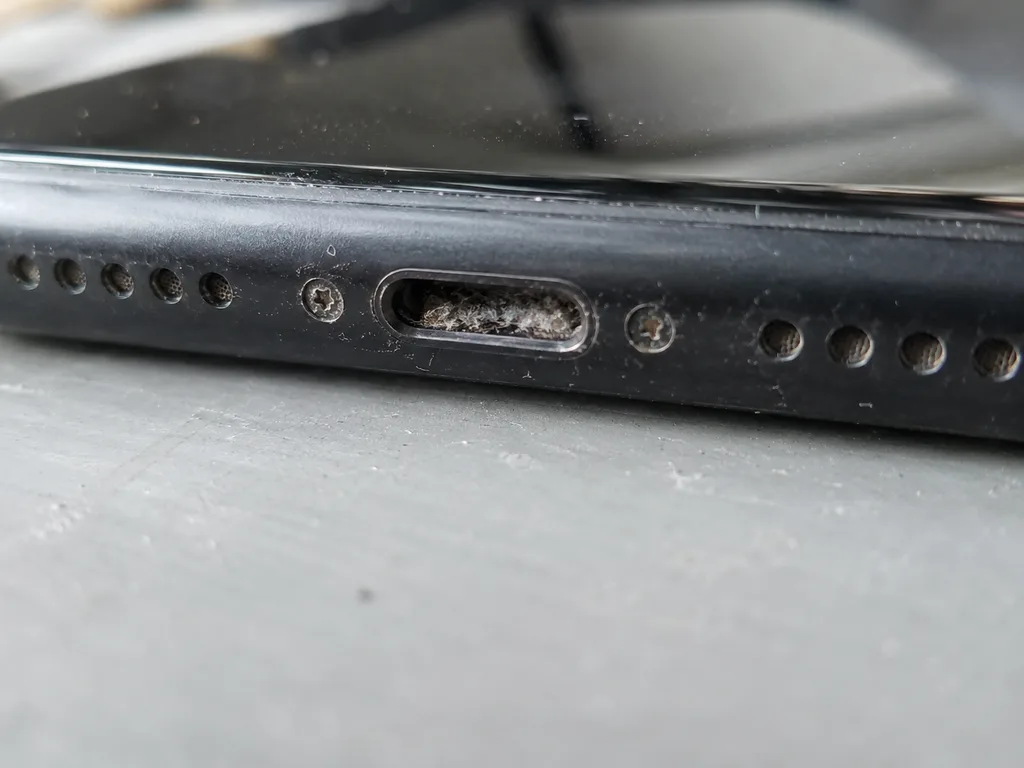
Dry indoor air adds static and lets dust settle in ports and speaker grilles faster. Clean the ports gently with a soft brush and keep devices away from radiators. Overheating next to a radiator is more harmful than the dry air itself.
Can I bring a frozen device to the Astana workshop at the weekend?
Yes: at weekends and on public holidays we take devices 11:00–18:00, on weekdays 10:00–19:00. Carry the device in a closed bag so it warms up slowly on the way, and don't switch it on or charge it while it is still cold.
Apple repair feedback from customers in Astana
1 / 10
4.9
iServices network rating on Google Maps, wikicity and our website · 2 028 reviews
Проблема — попала вода. Бақмухаммед С. принял без вопросов, хотя был без записи. Ни разу не пожалел.
iServices customer review, in Russian
БГ
Бақытжан Г.Order No. IS•••96 · 3 November 2026
Apple Pencil Pro · screen
Позвонил по объявлению, приехал на следующий день. Оставил заявку на Apple Pencil Pro. Проблема — не соединяется. Ғалымжан С. отсоветовал дорогой ремонт, предложил простой. Сказали, что перезвонят, и правда перезвонили. Экран яркий, батарея держит.
iServices customer review, in Russian
РК
Руслан К.Order No. •••03 · 3 November 2026
iPad (A16, 2025)
Приехал с мороза, занёс — и не работает тач. Сейчас работает без нареканий
iServices customer review, in Russian
КД
Куралай Д.Order No. •••66 · 2 November 2026
iPhone 16 Pro Max · screen
У нас в офисе три таких ноутбука, один сломался. Неделю лежал без дела, теперь хрипит динамик. Бақмухаммед С. отсоветовал дорогой ремонт, предложил простой. Выдали номер заказа и сказали, как отслеживать. Нужна была новая деталь: дисплей. 10 500, и горонтия в комплекте. Пришлось самому напомнить о себе. Скажу знакомым. Функционирует, тьфу-тьфу.
iServices customer review, in Russian
АЛ
Айнара Л.Order No. ISV‑•••15 · 2 November 2026
iPad mini (A17 Pro)
Было ощущение, что ремонт не окупится. Проблема — не работает тач. Назвали срок — два дня, уложились. Вскрытие показало: шлейф. Вышло около 28 500, точнее не считала. Сейчас работает без нареканий.
iServices customer review, in Russian
ДЭ
Данагүл Э.Order No. IS•••97 · 1 November 2026
iPhone 16e
Сначала думал сам поменять, посмотрел видео и передумал. Оставил заявку на iPhone 16e. Проблема — не держит заряд. Ғалымжан С. посмотрел и честно сказал: менять не надо. Не пришлось стоять в очереди. Вытащили и показали: шлейф. Вышло около 14 500, точнее не считал. Третий месяц — никаких проблем.
iServices customer review, in Russian
ЖС
Жұлдыз С.Order No. •••25 · 29 October 2026
Mac mini (M2, 2023)
Бағасын білмей тұрып, бірнеше жерге қоңырау шалдым. Бұл жерге бірінші рет келдім. Бағаны алдын ала айтты, соңында өзгермеді. Ескі бөлшекті көрсетіп, қайтарып берді. Жұмысты сол күні аяқтады. Кепілдік берді, бұл маңызды. Бөлшек қоймада бар екен, күтпедік. Жұмыс істеп тұр, шағым жоқ.
iServices customer review, in Kazakh
ЖЦ
Жанерке Ц.Order No. ISV‑•••82 · 29 October 2026
iPhone 16 Plus
Искал, где есть оригинальные запчасти, а не «как оригинал». Проблема — не включается. После ремонта — как новое.
iServices customer review, in Russian
ЕХ
Еділ Х.Order No. ISV‑•••76 · 28 October 2026
iPad Pro 13″ (M4)
Позвонил насчёт iPad Pro 13" M4. Проблема — не работает тач. Работает, как будто и не ломалось.
iServices customer review, in Russian
АЖ
Асан Ж.Order No. IS‑•••34 · 28 October 2026
iPhone Air
Ғалымжан С. разобрался в редкой модели. Внешне не видно, что разбирали