If your Apple TV won't turn on in Almaty, check the outlet, the power cable and the LED indicator first, then force-restart the box and the remote. If the light stays off after that, the power supply or board needs a free 15-minute diagnosis at iServices, done in front of you.
What to Check First When Apple TV Won't Turn On
Run short checks in order: power, cable, indicator, restart. Most dead units fail at one of these four points, and each step takes under a minute.
Service details: “Apple TV repair”.
Start With the Power Source and the LED Indicator
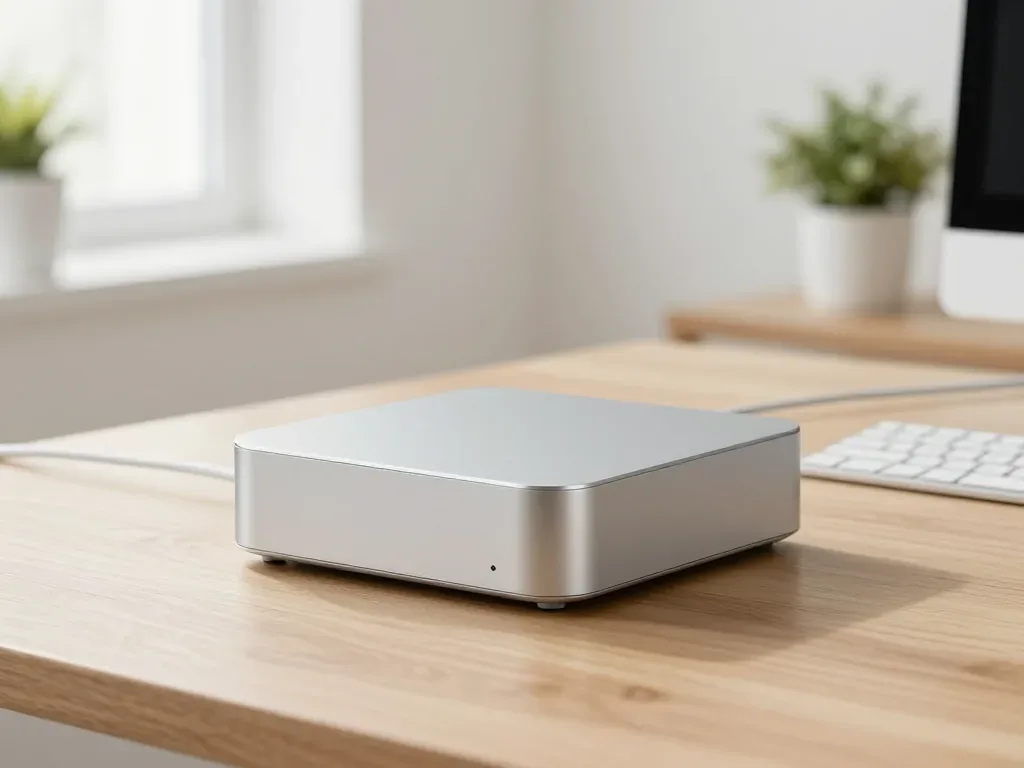
Start With the Power Source and the LED Indicator A dark LED on the set-top box almost always means the unit is not receiving current, not that it is dead — the light only comes on when the supply reaches the board. Unplug the power lead from the wall and from the back of the device, then reseat both ends firmly; a loose barrel connector is a common cause of a set that seems lifeless. If the indicator stays dark, move the plug to a different outlet and remove any extension strip. Test that same socket with a phone charger before blaming the device; a working outlet plus a dark light narrows the fault to the lead or the internal supply. If your Apple TV won't turn on in Almaty, these same steps apply to the local power setup.
Force-Restart the Box and the Remote
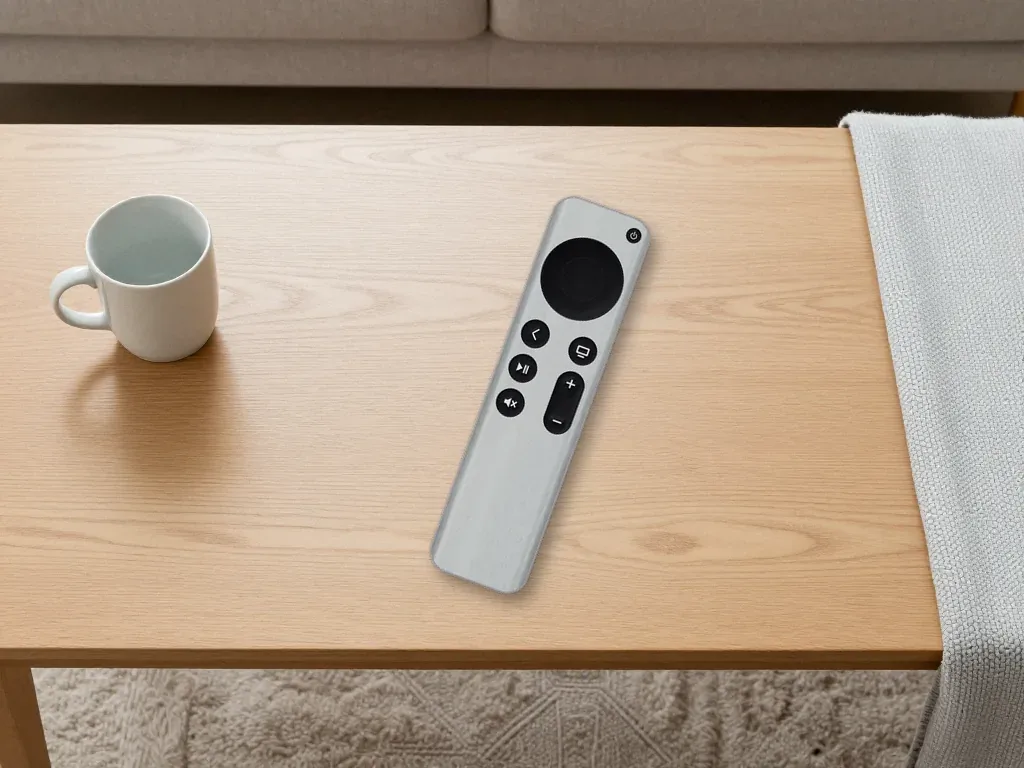
A frozen unit can look completely off, so unplug it for 30 seconds, plug it back in, and hold Menu and Home on the remote for six seconds to force a restart. Pull the power lead from the wall rather than from the back of the set, because the adapter holds charge for a few seconds. Point the controller at the front of the box — it talks over Bluetooth, so stay within two metres and keep a clear line. Press Menu and Home together, not one after the other, or the command will not register. After the reboot, watch the light: if it comes on but the screen stays black, the fault has moved to the HDMI chain, so stop repeating the sequence.
Rule Out the Cable and the HDMI Port
Swap the HDMI lead and try a second TV port before concluding the box is broken — a failed wire produces the same black screen as a dead unit. Unplug both ends and inspect the connector for bent pins or dust; a lead bent sharply behind a wall-mounted TV often loses the high-speed lanes needed for a stable picture. Move the set-top box to a second screen if available, since that test separates it from the television in under a minute. Wiggle the connector gently while watching the screen; if the picture flickers, the port or wire is at fault, and the hardware needs no repair.
Why Apple TV Won't Turn On After a Surge or Freeze
A dead set-top has a few causes, split into hardware and software. Knowing your case's group decides whether a restart helps or a part needs replacing.
Power Supply and Surge Damage
A power surge is the most common hardware cause we see — it damages the internal module that feeds the set-top, and the device goes dark with no indicator light even though the outlet still works. Thunderstorms and unstable grid voltage in older apartment blocks do this quietly: the unit simply stops responding one morning, with no burn smell outside. When such a unit reaches us, we open it and trace the input section on the circuit. A surge-damaged module rarely fails alone; a burnt trace around the input will kill a replacement within weeks, so we inspect that area under the microscope before fitting a new one. If your unit went dark right after a storm or a flickering light, mention it when you contact us — it changes the repair plan to a board-level check.
Software Freezes and Failed Updates
Software Freezes and Failed Updates A failed tvOS update can leave the device stuck in a boot loop that looks identical to a dead unit — the indicator blinks or stays on, but the screen never reaches the home menu. An interrupted download or a cut mid-install leaves internal storage half-written, so the bootloader has nothing valid to load. The tell is behaviour: a software fault still shows light activity and often answers the remote with a click or a chime, while a dead module shows nothing. If the light is on and the unit responds to the remote but never finishes booting, a restore through a computer usually recovers it; if it fails twice, the fault is on the circuit.
Overheating and Repeated Shutdowns
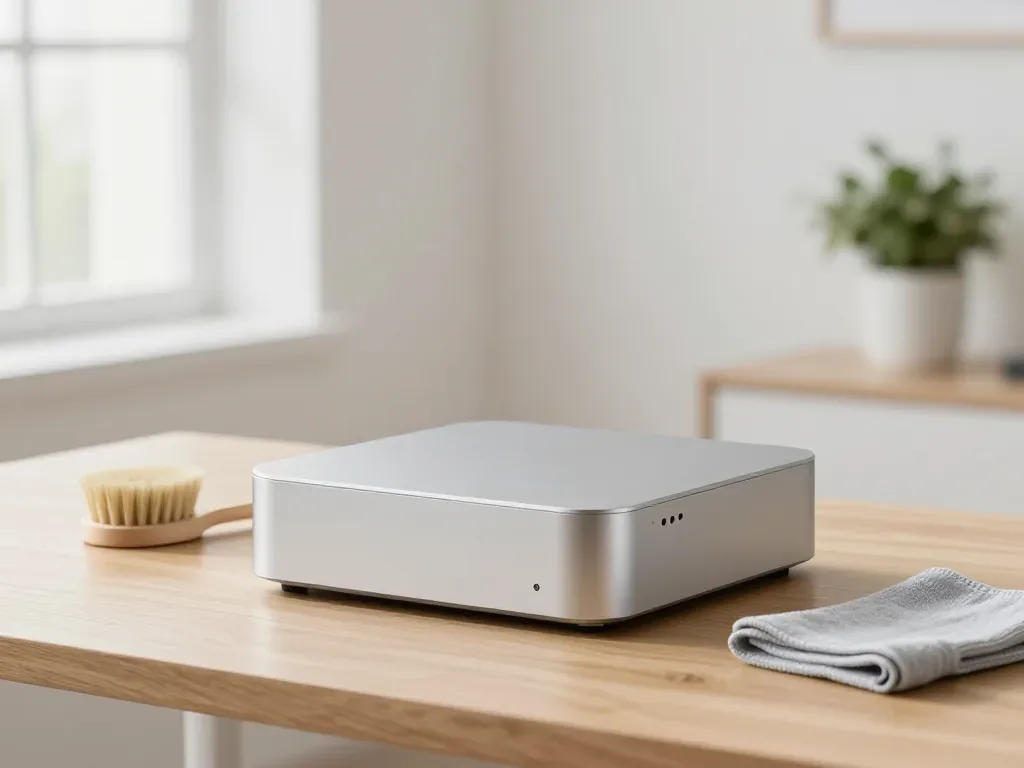
A set-top that powers on, heats up and shuts itself down within minutes is protecting its chip from thermal damage, usually from dust-blocked vents or a failing component. The fanless design relies on passive airflow through the bottom and rear slots, so a unit pushed against a wall or buried under papers has nowhere to dump heat. The internal module feeds the circuit, and when its output drifts under load the chip pulls more current, runs hotter and triggers the same cutoff. Give the device 10 cm of clear space on every side and never stack it on a receiver; if shutdowns continue after cleaning the vents, the thermal fault is internal and needs bench diagnostics.
Symptom to Cause at a Glance
| Symptom | Likely cause | What we check |
|---|---|---|
| No light, outlet works | Surge damage or dead module | Voltage, traces under microscope |
| Light on, stuck on boot | Failed tvOS update | Restore through computer, then circuit |
| Boots, heats, shuts down | Overheating or drifting output | Vents, thermal path, component |
| Light blinks, no picture | HDMI handshake or port | Cable, second screen, port continuity |
Apple TV Won't Turn On but the TV Shows No Signal
A lit LED with a black screen differs from a dead unit: find which side of the connection is failing — the streaming device or the television.
Check the TV Input and the HDMI Handshake
The most frequent cause of a black screen on a working device is a wrong input selected on the TV or a failed handshake between the two devices. Cycle through every source on the television with its own remote, not the Apple remote, and look for the label that matches the socket the box is plugged into. A handshake failure is a separate fault: the box powers up and outputs a signal, but the panel never confirms resolution and frame rate, so the screen stays dark. Unplug the connector from the TV for 10 seconds and plug it back in while both devices are on — this forces a fresh handshake and fixes more black screens than any menu setting.
Test the Unit on a Second Screen
Connecting the box to a second TV or monitor is the fastest way to prove which device is at fault — if the picture appears, the original TV or its input is the problem. Carry the unit and its power lead to another screen, connect with the same lead, and watch for the logo within a minute of power-up. A second screen that stays black too points at the output stage of the box, not the television. If the second screen works, return to the original panel and try a different socket and lead there before blaming the device. Use a short, known-good lead; a long or damaged one can pass on one TV and fail on another, sending people to repair the wrong device.
When the HDMI Port Itself Is Damaged
A bent or loose socket on the box produces intermittent signal that no lead swap will fix, and we see it most often after a unit has been dropped or yanked by the plug. Look into the opening with a torch: a crushed shell, a pushed-in pin or a connector that wobbles when the lead moves all point to a socket repair. The socket is soldered to the board, so the fix means board-level work under a microscope rather than a part swap. Before we quote a socket repair we test the same opening with a known-good lead and a second screen, because one that passes both tests does not need to be touched. Our free diagnostics take 15 minutes in front of you, and the engineer shows exactly what is broken before any work starts.
When the Remote Stops Responding
A handset that does nothing is often blamed on the Apple TV, but the two failures look different. A few quick tests separate a dead controller from a dead box.
Charge and Re-Pair the Remote
- Charge first: A flat Siri Remote acts broken, so plug it in with a Lightning cable for 30 minutes before testing.
- Re-pair the controller: Hold it close to the set-top and press any button until the pairing prompt appears, then confirm.
- Watch the LED: A blinking light means charging; no light points to a dead cell or bad cable.
- Swap the cable: Try a second Lightning cable and wall adapter, since charge-only cables often carry no power.
- Check the pairing range: Stand within a metre; a handset pairing only up close usually fails on Bluetooth, not battery.
Test the Box With a Second Remote or the App
The Apple TV Remote app on an iPhone controls the set-top over the same network, so if the app works and the physical controller does not, the controller is the failed part. Install the app, open it, and tap the directional pad — the device should react within a second or two. If the app also gets no response, the fault sits in the set-top, and the next step is a second known-good remote rather than a new purchase. Make sure the phone and the set-top are on the same Wi-Fi network; a guest network or a VPN will block the app and make a healthy controller look broken. Turn the VPN off and rejoin the main network first.
When the Bluetooth Module on the Box Fails
If neither the physical controller nor the phone app can reach the device, the Bluetooth module on the board has failed, and that is a board-level repair rather than a handset replacement. We see this branch regularly after a power surge, when the wireless chip takes the hit while the rest of the unit still boots and shows a picture. We confirm the diagnosis on the bench with a second known-good remote before opening the unit, and board work is done under a microscope. A board repair is only justified once the remote and the app have both been ruled out, so bring the box and the remote together — testing them as a pair saves a second visit.
Fixing It Yourself or Bringing It to a Service
Some faults are fixed at home in five minutes, others need a bench and a microscope. The line between them is clear from the symptoms.
What You Can Safely Do Yourself
- Socket and cord swap: try another outlet and cable — a loose plug often explains a dark unit.
- HDMI swap: the HDMI cable carries the picture, so a worn connector black-screens a running unit.
- Force-restart: unplug for thirty seconds, plug back in, hold Menu and Home until the LED blinks.
- Remote re-pairing: hold pairing buttons five seconds, keep the remote near the front edge.
- Safe boundary: stop once the case must be opened — a slipped screwdriver turns a cheap fix into full replacement.
When It Is Time for a Professional Diagnosis
A dark LED after a working outlet and a fresh cable, repeated shutdowns, or a unit that never finishes booting signal an internal fault needing a bench diagnosis. We run a free check in front of you: an engineer inspects the set-top, measures the supply and logic board, and shows what is broken in about 15 minutes, even if you decline repair. This test tells a dead supply apart from a shorted HDMI port and a failed storage chip, three faults that look identical outside. Board work happens under a microscope, since a cracked solder joint under a power rail is invisible. We test before quoting a replacement, because a module reading correct voltage need not be changed.
Repair or Replace the Box
A supply or port repair usually costs far less than a new device, so replacement only makes sense when the board itself is damaged beyond a single component. A module, an HDMI port or a single chip is one part and one bench session, while a new purchase means a fresh setup of every app and account. In our practice, a unit written off as dead often comes back to life after one component swap, and only a board with damage across several traces justifies buying new. Ask for the diagnosis in writing before deciding — a technician who can name the failed component and show it gives you the information to choose repair confidently.
How Repair Works at iServices
We are a direct repair shop with our own technicians in Almaty and Astana, not an aggregator. Here is what happens from the first WhatsApp message to pickup.
Free Diagnostics in Front of You
We run a free 15-minute diagnosis in front of you, even if you decide not to go ahead, and the engineer shows you exactly what is broken before any work starts. The check covers the power board, the HDMI output and the internal supply rail, so the verdict comes from measurements rather than a guess. We accept Apple TV units seven days a week. A dead set-top box is usually a failed power component or a cracked solder joint on the board. Send a photo of the damage on WhatsApp first — an engineer answers within 5 minutes and quotes a price from the photo, so you arrive knowing roughly what to expect.
Original Part or Aftermarket, Fixed on the Receipt
You choose between an original component and an aftermarket one, and the price, the item, the turnaround and the warranty are fixed on the receipt before work begins — 2 minutes at the counter. The document names the exact spare, so nothing is swapped mid-job and the figure you agreed to is the figure you pay. We show the new component in its factory packaging before installation, so you can compare it with the old one; 64% of our customers pick the original once they see both side by side. The team handles 46,000+ jobs across 11 years, and the paperwork follows the same template every time.
Turnaround, Warranty and Courier Pickup
Turnaround, Warranty and Courier Pickup Most jobs take 20–40 minutes while you wait, board-level work takes 1–3 days, and every fix carries a warranty up to 1 year with the receipt, warranty card and old component returned to you. After the work we check 32 functions in about 10 minutes — ports, output, remote pairing and network — together with you at the counter. If you cannot come in, a courier across the city takes 90 minutes and is free with a repair; 72% of our jobs are finished while the customer waits in the lounge. Payment works by Kaspi, card or cash, and the whole process usually takes under an hour.
Original and Aftermarket Options Side by Side
| Option | What you see | Warranty | Best for |
|---|---|---|---|
| Original component | Factory packaging, matching markings | Up to 1 year | Daily use, longest service life |
| Aftermarket component | Factory packaging, compatible fit | Up to 1 year | Secondary device, budget priority |
| Replacement remote | Sealed box, paired on site | Up to 1 year | Lost or unresponsive control |
Summary: Apple TV Won't Turn On and What to Check First
A dark Apple TV rarely means a dead device. Most cases trace back to power, cabling or a stalled update.
- Start with the outlet: a working socket, seated cable and lit LED rule out simple causes before suspecting the board.
- Force-restart the box and remote: a held button combination clears most software freezes and failed updates within minutes.
- Check the HDMI path: no signal usually means the input, cable or port, not the box.
- Read the LED: no light after a confirmed outlet and fresh cable points inside the device.
- Move to a bench diagnosis: once external causes are excluded, a technician tests the power supply and board under a microscope.