MN Photo: Mukhpilov Nail
Mukhpilov Nail
smartphone repair technician
10years of experience
4.83rating, 83 reviews

Your Siri Remote stopped responding or won't hold a charge — we'll check it for free and restore Apple TV control without unnecessary replacements.
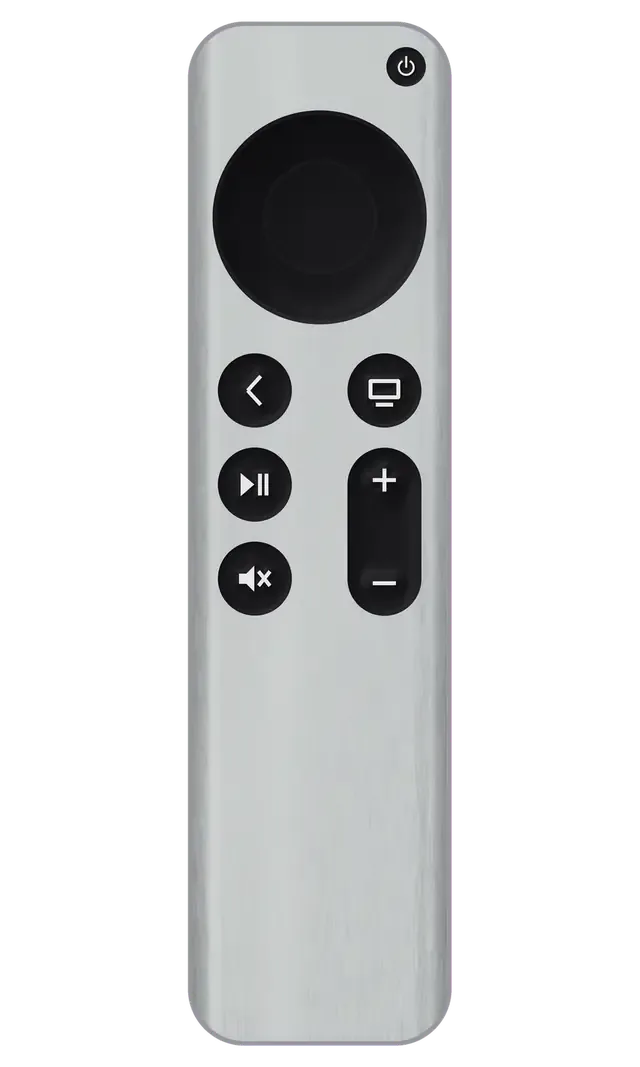
The remote suffers from drops, discharge, and connector wear, so complaints involve charging, buttons, touch surface, and connection to the set-top box.
Lightning or USB-C doesn't take charge, no indicator appears on the remote
Charge lasts a day instead of weeks, remote dies mid-movie
Touch surface doesn't move the cursor, swipes and presses don't register
Home, volume, or pause respond intermittently or stick
Apple TV doesn't see Siri Remote, pairing window doesn't appear
Microphone is silent, voice search doesn't start even though the button is intact
Remote doesn't turn off the TV or control its volume
Buttons press but Apple TV doesn't respond to commands
After a drop, the touch surface has a chip or crack, part of the area doesn't respond
After liquid spill, buttons act on their own, panel glitches
Remote disconnects at distance, commands arrive with delay
Aluminum body bent after impact, cover loose and creaky
The cost depends on what failed — battery, charging connector, touch surface, or buttons — and is quoted after inspection.
For battery, glass, and buttons there are different options, and the choice depends on the remote's condition and your needs.
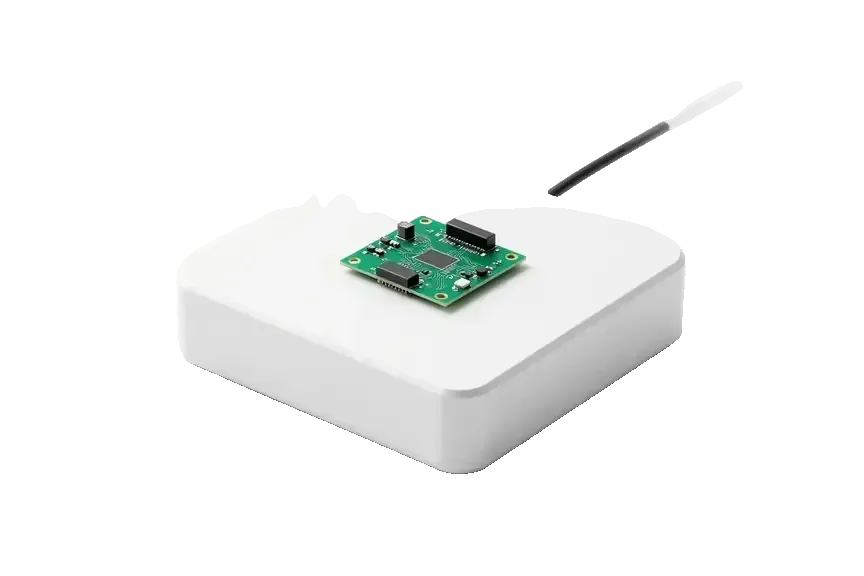
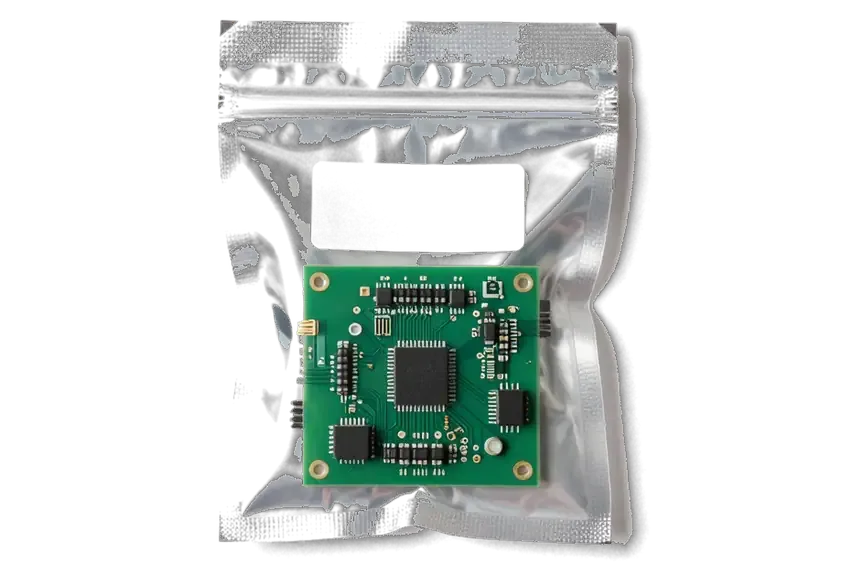
What an Apple TV owner in Almaty gets when bringing the remote to service: a clear check and work without forced replacements.
Small remotes require care, and over eleven years of work we've learned to distinguish battery wear from board or sensor failure.
We give a warranty up to 1 year on the work performed, and the exact terms are stated before the remote goes into repair.
The remote is accepted by a experienced technician: first they determine the cause, then propose a work plan and quote the price.
We check the Siri Remote and the Apple TV itself separately to avoid fixing what works and replacing unnecessary parts.
We quote the cost after free diagnostics and before repair, so there are no unexpected extra charges along the way.
We accept on weekdays from 10:00 to 19:00, on weekends and holidays from 11:00 to 18:00 — easy to drop off the remote on your way.
Usually the whole journey — from message to pickup — takes less than an hour; complex repairs follow the timeline in the receipt.
Book a repairYou send a photo of the damage on WhatsApp — we quote the price and available time. Or you call a courier.
An engineer checks the device in front of you and shows what is broken. 0 ₸, even if you decline the repair.
We fix the price, the part (original or analog), the timeline and the warranty. You sign — we start.
Before installation we show you the new part in its factory packaging. You wait in the waiting area with coffee and Wi‑Fi.
Picture, sound, remote, Wi‑Fi, HDMI. You check them together with the engineer.
Together with the receipt, warranty card and the old part. Payment — Kaspi, card or cash.
Technicians for iPhone, Mac, iPad, Apple Watch and AirPods repair.
Photo: Mukhpilov Nail Photo: Molchanov Rinat
 Photo: Shokan A
 Photo: Sybanbaev Birzhan
 Photo: Denis Gushchin
 Photo: Duisebaev Azhdar

“If the repair didn’t suit you or you have a complaint, write to me personally.”
Send a photo of the fault — an engineer will reply on WhatsApp, give the price and a time you can come in.
Siri Remote Repair in Almaty with a Free Check Before You Pay
iServices repairs Siri Remote in Almaty as a direct contractor with its own technicians, not an agency. We check the remote in front of you for free in 15 minutes, fix the battery, charging port, buttons, clickpad or touch surface, and back the work with a warranty up to 1 year. Most jobs finish while you wait.
A Siri Remote goes silent for a few reasons — a drained cell, a worn connector, sticking keys, a failing touch layer or a cracked clickpad. Telling a remote fault from a box fault comes first.
If the Apple TV light blinks when you press a key but nothing changes on screen, the remote is transmitting and the problem sits with the HDMI cable, the TV input or the box itself. Point the remote at a phone camera and press a button — the IR beam shows as a faint purple dot on the screen, which confirms the remote is alive. A remote that stays dark in that test has a flat cell, a dead connector or a board fault, and no amount of re-pairing will bring it back. Before you blame the TV, run the camera check — it takes ten seconds and rules out the remote as the culprit.
We see remotes that charge to full yet lose Bluetooth pairing every few minutes, and in most of them the culprit is a worn connector or a swollen cell pressing on the board. The socket flexes each time the cable goes in, its solder joints crack, and the remote reboots mid-session even at 100%. A swollen cell is a safety issue, not just a performance one — it can crack the glass touch surface from inside, so it is worth checking before the shell gives way. A remote that pairs, drops and re-pairs within a minute almost always needs the socket resoldered or the cell replaced, not a software reset.
A remote repair is rarely just a battery swap. We work on the charging port, the buttons, the touch surface and the clickpad, and we show you the new part in its packaging before it goes in.
| Repair | What we replace | Typical turnaround | Part choice |
|---|---|---|---|
| Cell | Internal power cell | 20–40 minutes | Original or aftermarket |
| Charging port | Lightning or USB-C connector | 20–40 minutes | Original or aftermarket |
| Buttons | Membrane and contacts | 20–40 minutes | Aftermarket |
| Touch surface or clickpad | Glass panel or clickpad | 20–40 minutes | Matched to generation |
64% of our customers choose an original part, and on a Siri Remote the genuine cell and connector are the safer pick because aftermarket units lose capacity faster. The cell decides how long the remote holds its charge, and a cheap one can drop to half its runtime within months of daily use. The connector carries current too, so a loose aftermarket piece shows up as intermittent power long before it fails outright. For buttons and the clickpad the cheaper option is usually fine, since these parts carry no chemistry and wear out slowly. The receipt fixes the part, the turnaround and the warranty before work starts, so the choice is written down rather than agreed verbally. When you need a Siri Remote repair in Almaty, we compare both options with you before any work begins.
The process starts with a photo on WhatsApp and ends with the remote checked together with the engineer. Price, part, turnaround and warranty are written on the receipt before any work begins.
An engineer replies on WhatsApp within 5 minutes and quotes a price from a photo of the damage, so you know the ballpark before you leave home. Send one shot of the charging port straight on and one from the side, plus a short note on what the remote does or fails to do — whether the light blinks, whether the touch surface answers, whether it pairs at all. If travelling is awkward, a courier can be called and collects the device across the city. A photo of the charging port from two angles saves a trip — a bent Lightning pin and a dirty port look identical in one shot but need different repairs.
Diagnostics are free and take 15 minutes in front of you, even if you decide not to repair, and the engineer shows exactly what is broken. The remote is opened on the bench beside you, the port, battery and board are probed, and the click of each button is tested against a known-good unit rather than by feel alone. Watch where the engineer points the probe — if the fault sits at the port and not the battery, a battery-only quote would have been the wrong repair, and seeing the check protects you from paying for a part that was never the problem.
Most remote repairs take 20–40 minutes, and 72% of jobs are finished while the owner waits in our waiting area. Payment runs through Kaspi, card or cash, and a courier can collect the unit from anywhere in the city.
Most such repairs take 20–40 minutes with you on site, and 72% of our jobs are finished before the customer leaves the waiting area. A battery swap is the quickest task in that window, a charging port takes longer because the shell has to come apart first, and a button or touch-surface fix depends on how the ribbon cable sits under the top layer. We quote the exact slot at free diagnostics, before any work starts. This gadget is small with a tight shell, so the 20–40 minute window assumes the fault is confirmed at diagnostics — if the connector needs re-soldering, plan for the longer end of that range.
A Siri Remote is worth repairing when the fault is the battery, charging port or buttons, because those are the parts that wear out and the rest of the remote is still good. The cell and the charging port fail first on most units we see, and both sit on a replaceable assembly rather than the main board, so a fix restores full function without touching the touch surface or the pairing chip. Buttons go next, usually from years of thumb pressure on the same spot. If the touch surface is cracked and the remote has been dropped repeatedly, weigh the repair against the age of the remote — a heavily worn shell may fail again soon after a glass swap.
A direct contractor keeps the work in its own hands. We run our own workshop with our own technicians, have spent 11 years on Apple devices, and completed more than 46,000 repairs across two cities.
We are a direct contractor with our own experienced technicians and workshop, so your remote is repaired in-house and never passed to a third party. That matters more than it sounds. Every handoff is a chance for the gadget to be misplaced, swapped or returned with someone else's board inside, and with hardware this small the swap is easy to miss until the remote stops pairing. Our engineers open it themselves, photograph the fault, and show you the failed component before anything is replaced. A middleman adds a handoff where the device can be lost or swapped, so ask any service whether the work happens on site. With us the answer is always yes, and you can watch the bench from the waiting area.
We have been repairing Apple devices for 11 years and have completed more than 46,000 repairs across Almaty and Astana. Volume matters for a small device like a remote because the tricky spot is the flex cables: the ribbon strips are thin, the connectors are tiny, and a technician who opens remotes daily is far less likely to tear a contact during reassembly. Our branches share the same components stock and the same repair standards, so a controller handled in either city gets the same bench process. Most callbacks on tiny electronics trace back to a rushed reassembly rather than the fresh component itself. That is why the same engineer who opens the remote also closes it and runs the final check.
Every repair carries a warranty up to 1 year, and the warranty card names the component we replaced so the coverage is tied to a specific element inside the remote. The card is issued together with the receipt and the old spare, which means you leave with three things that document exactly what changed. The warranty covers the item we installed, not accidental damage after pickup — so if the remote is dropped and the new glass cracks, that is a new repair, not a claim. Keeping the old spare and the card makes any later question far easier to settle, because the paper trail shows the starting point. Store the card with the receipt; it is the only document that ties the coverage to your specific device.
A Siri Remote fails in predictable ways, and knowing which part gives out first shortens every conversation about the repair.
Did not find an answer? Message us on WhatsApp: an engineer replies, not a bot.
Ask a questionYes, the Siri Remote can be shown separately: the technician will check charge, connector, buttons, and touch surface. If the remote doesn't pair, it helps to bring the set-top box too — that way we can see which side is at fault.
Most often the Lightning or USB-C connector is to blame: dust accumulates, contacts oxidize, or the connector loosens after drops. Less often the cause is the battery or charging board — inspection will show.
With normal use, the charge lasts several weeks, and with active gaming and voice commands — less. If the remote drains in a day, it's time to check the battery.
The touch surface is sensitive to impacts and moisture: after a drop, the glass may crack and the sensor layer may be damaged. Sometimes cleaning and re-pairing help, but if cracked, the panel needs replacement.
The microphone may be clogged or its flex cable may have come loose inside the case, and sometimes the issue is related to the set-top box firmware. The technician will check the remote and re-pair it with Apple TV if needed.
Yes, Siri Remote repair doesn't affect the set-top box memory: movies, apps, and account remain in place. After work, the technician will check pairing and main commands.
Be the first to leave a review

 iPad
 MacBook
 iMac
 Mac mini and Studio
 Apple Watch
 AirPods
 Apple Pencil
 HomePod
