A cracked or dead panel is not always a display problem. We start by finding out which layer failed, because that decides whether you need a full module or a smaller fix.
Cracked Glass, Lines or a Dead Screen
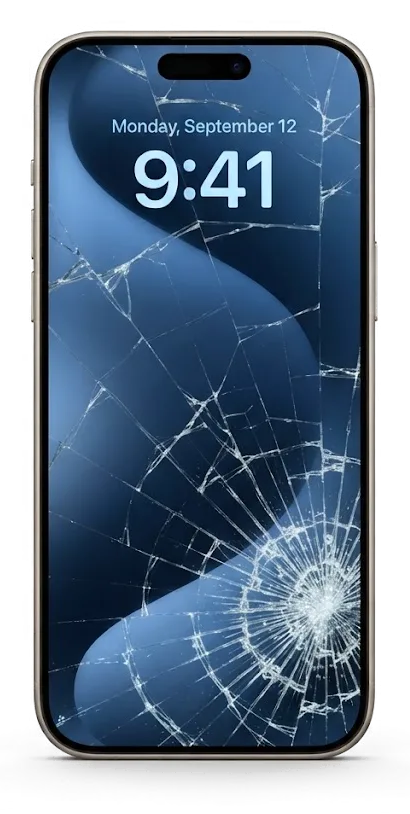
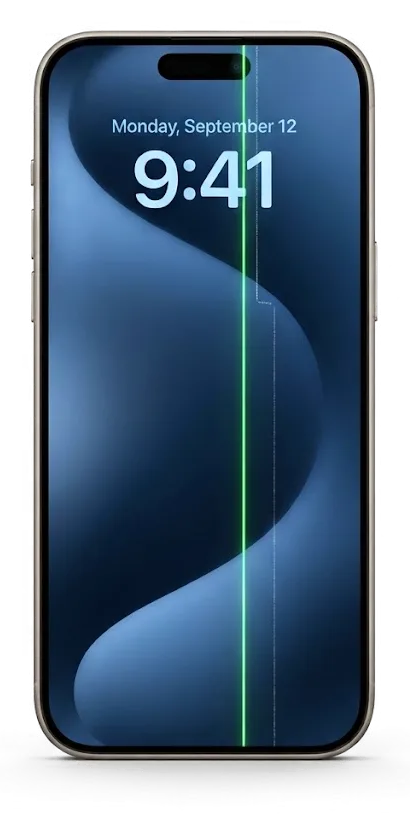
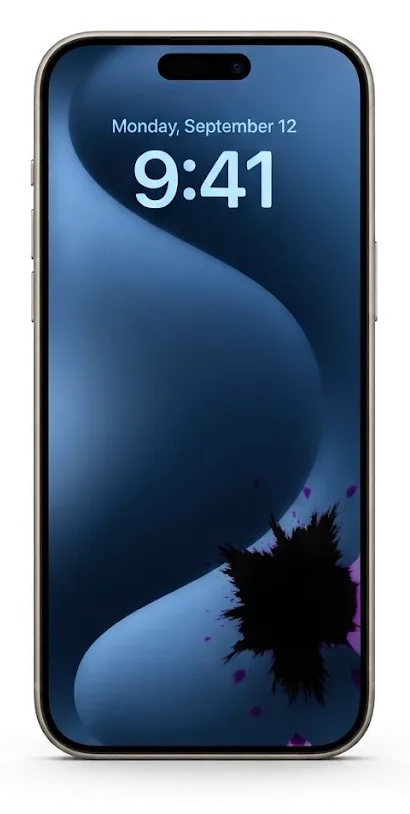
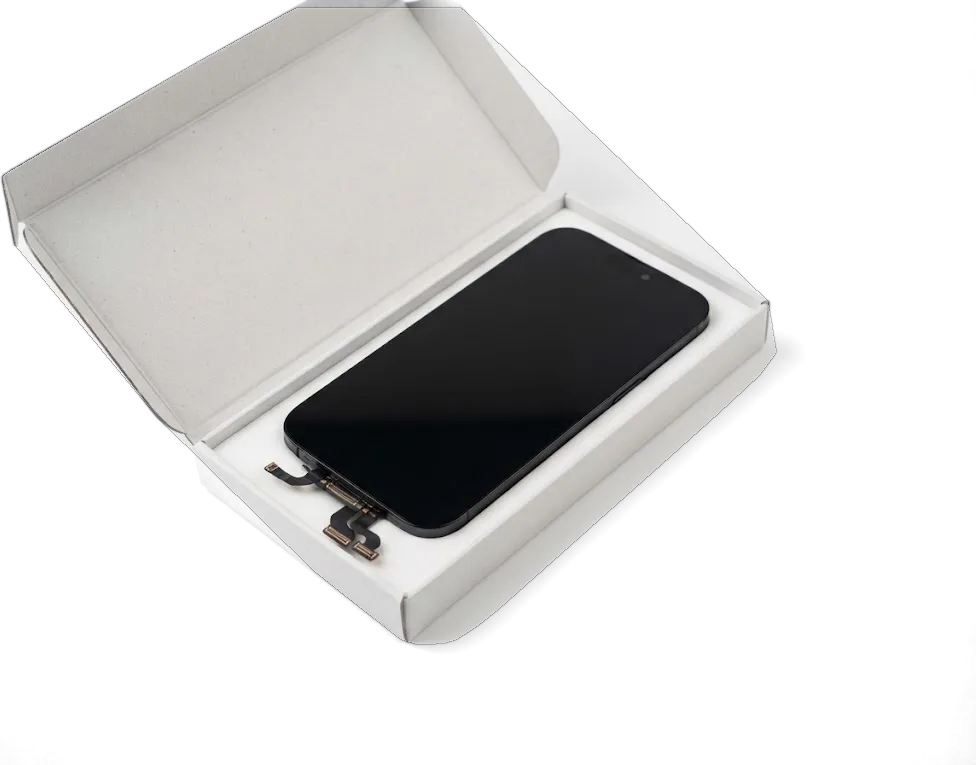
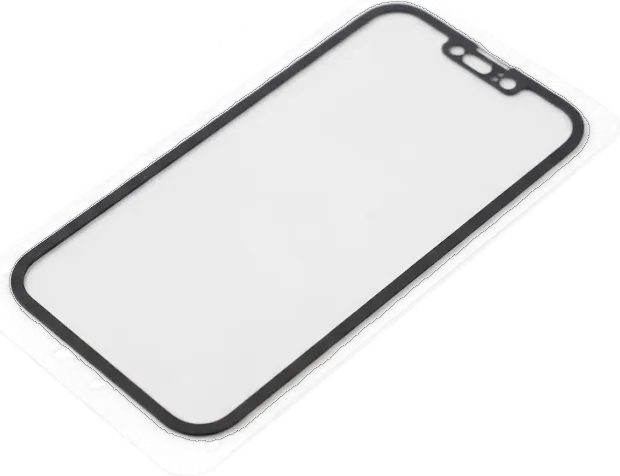
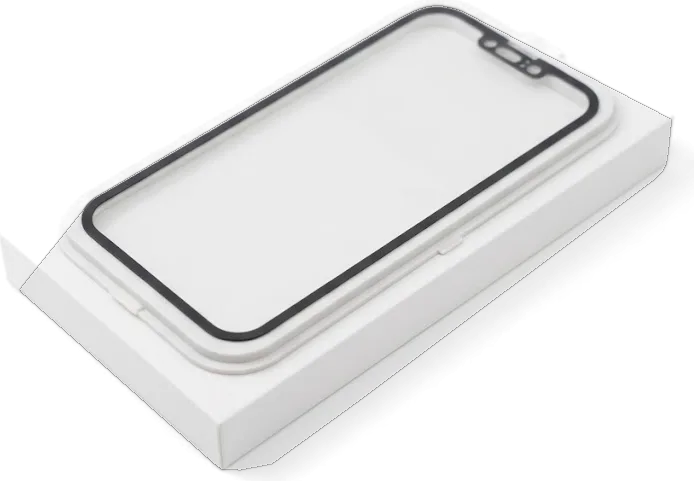
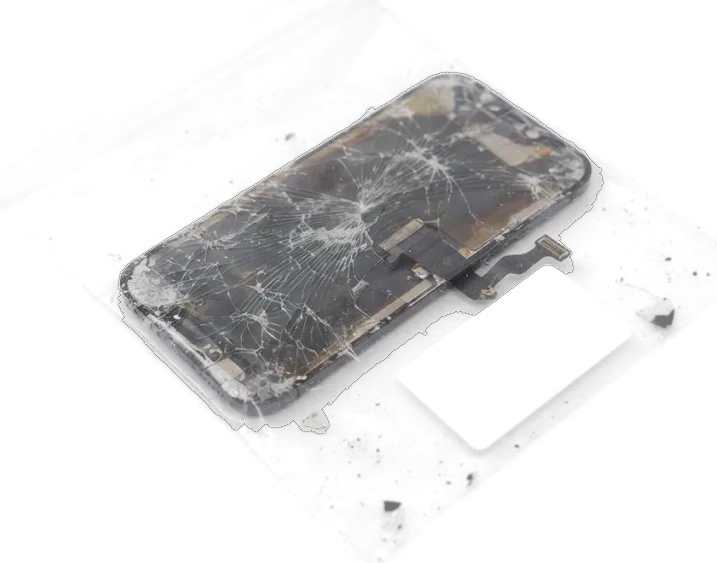
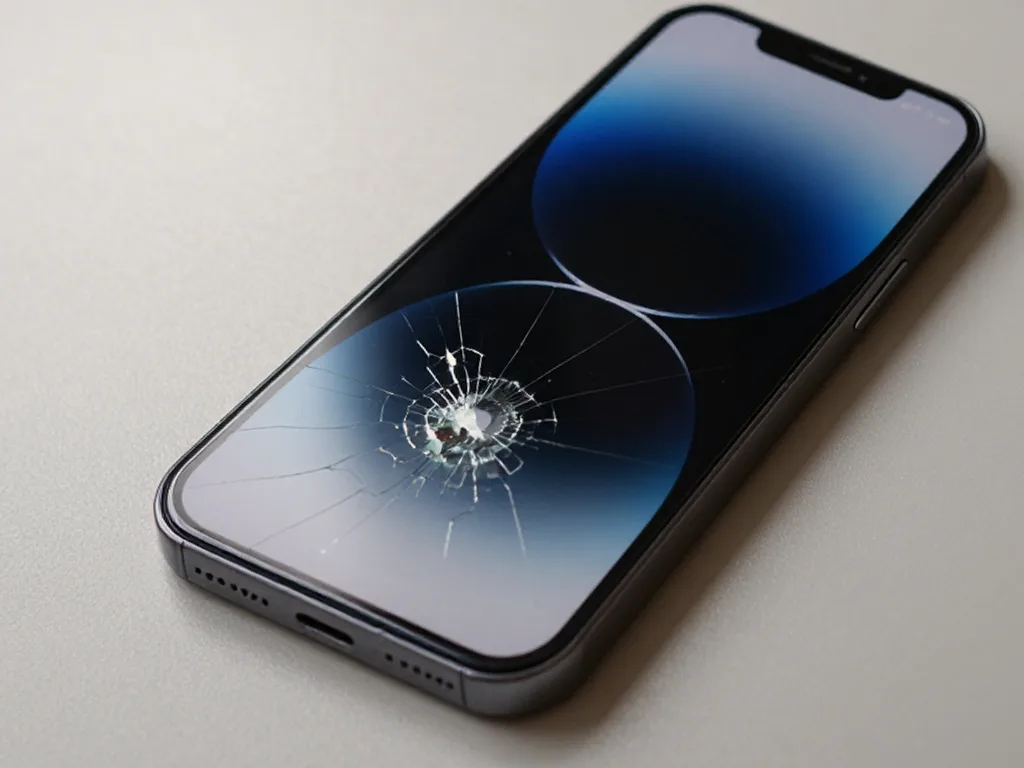
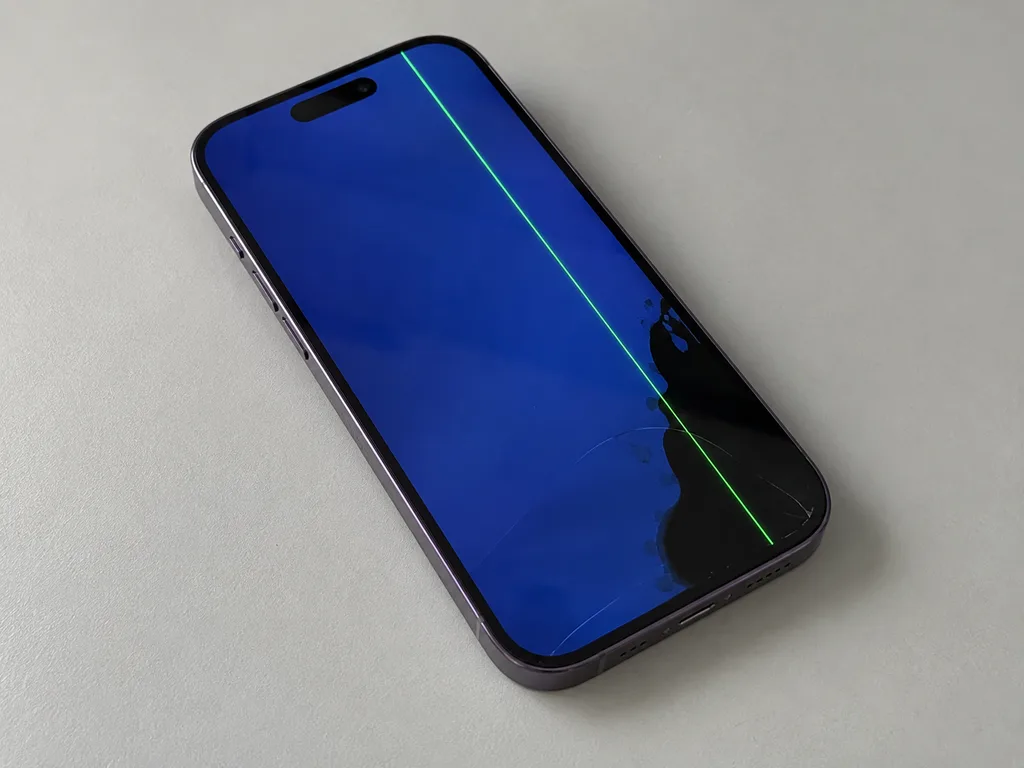
On most iPhone models the outer layer, touch sensor and matrix are glued into one unit, so a single crack usually means the whole display is replaced, not just the top sheet. A spiderweb crack that still shows a clean image and registers taps has damaged the outer glass only, yet separating it from the matrix on a factory-laminated unit rarely pays off. Vertical lines, dark blotches or a picture that stays black after a drop point to the matrix itself, and there a full assembly is the only route. We confirm which layer failed during a 15-minute diagnostic in front of you, before any part is ordered. If you are looking for iPhone display replacement in Almaty, the engineer will show you which layer failed and whether a full assembly is really needed.
When the Screen Is Intact but Stops Responding
Lines, ghost touches or a frozen image on an unbroken panel point to the display flex or the board rather than the glass, and we confirm which with free diagnostics in front of you. Flickering that appears only when the phone warms up, phantom taps that open apps on their own, or a picture that freezes while sound keeps playing are classic flex symptoms on display replacement jobs in Almaty. Liquid contact changes the picture: corrosion on the connector can mimic a dead matrix, and an engineer replies on WhatsApp within 5 minutes to quote from a photo before you come in. After water contact the same symptoms can take up to two days to settle, so a rushed verdict on a wet phone is usually wrong.
Original or Aftermarket iPhone Display Replacement and How the Two Part Types Differ
The part you choose changes brightness, colour and thickness, and on OLED phones it changes the display technology itself. Here is how the options compare before you decide.
Comparing Original and Aftermarket Modules
how the three part options differ in practice| Option | Screen technology | What differs in daily use |
|---|
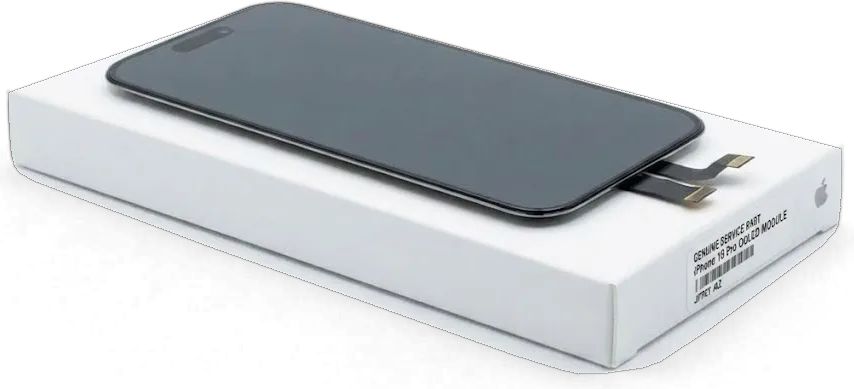
| Original module | Matches factory LCD or OLED | Brightness, colour, thickness as designed |
|---|
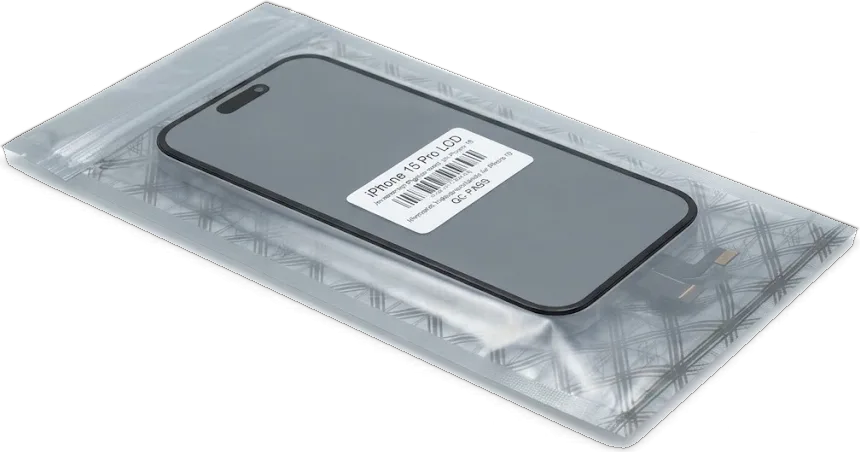
| Quality aftermarket | Often LCD-type on OLED phones | Thicker panel, weaker blacks, dimmer outdoors |
|---|
| Aftermarket budget | LCD-type | Noticeable colour shift, different touch feel |
|---|
LCD and OLED Models Side by Side
iPhone 6 through 8, XR and 11 carry a backlit LCD panel, while X, XS, 11 Pro and the 15 series use OLED, where every pixel lights itself. A backlit aftermarket module on an OLED handset is physically thicker and needs its own light source, so the assembly sits deeper under the glass. Liquid Retina models tolerate budget replacements more gracefully because the factory screen is backlit anyway. Super Retina models, including the 15 Pro, expose the gap at once — deep blacks turn grey and viewing angles wash out. On an OLED handset a backlit substitute cannot reproduce true black, so dark-mode users notice the difference first, while 64% of our customers pick the original part and have that choice fixed on the receipt before work starts.
What Still Works After the Display Is Replaced
The biggest worry is losing biometrics or the natural colour of the screen. Whether those keep working depends on which parts are moved from the old module to the new one.
Keeping Face ID, Touch ID and True Tone
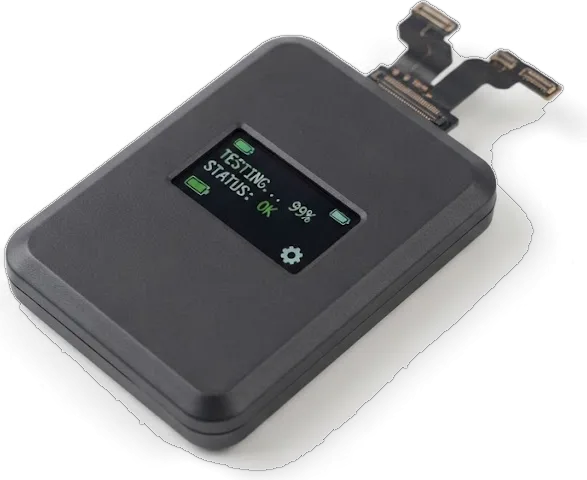
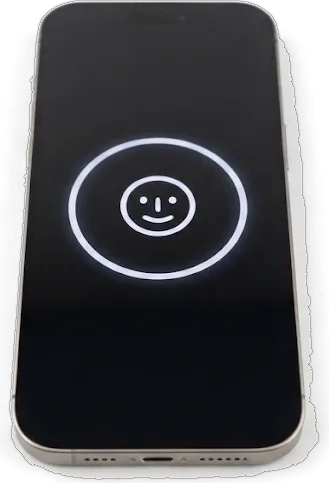
Biometrics keep working because we transfer the original Home button or the top flex with its sensors, and the colour balance works only when the display data is carried over too. On a button-equipped model the fingerprint scanner sits inside that assembly and is paired to your board, so it is never swapped for a fresh one. On face-unlock models the upper flex carries the earpiece, the proximity sensor and the flood illuminator the scan relies on, so the whole assembly travels from the cracked part to the new glass. The natural tint reads the screen's own identity data, which is why a unit fitted without that transfer looks correct at first glance but stays slightly cold. We verify both features during the 32-function test, which takes about 10 minutes.
What Moves From the Old Module to the New One
- Home button: carries the fingerprint scanner paired to the board, so it stays with your phone and is never replaced.
- Upper flex: holds the earpiece speaker and proximity sensor that the face scan uses to wake and confirm a match.
- Front camera: moved across so unlocking and selfie quality keep working exactly as before.
- Display data: transferred so the natural tint and auto-brightness read the assembly the way they did originally.
- Ambient sensor: stays with the upper assembly, keeping brightness adaptation steady in daylight and dim rooms.
How the Replacement Runs and How Long You Wait
The whole process is built around not leaving your phone behind. Most display jobs finish while you sit in the waiting area with coffee and Wi-Fi.
From Free Diagnostics to a Sealed Screen
An engineer checks the phone in front of you for a quarter of an hour, then disconnects the battery, swaps the display, moves the paired parts and reseals the chassis. The free diagnostics run even if you decide not to repair, and the verdict comes before any screwdriver touches the device. Once the new module is seated, the technician transfers the earpiece, the front camera bracket and the sensor flex from the old module, so Face ID and True Tone keep their original pairing. The battery connector goes back last, and the housing gets a fresh adhesive gasket rather than the stretched original. Resealing that edge is the step most often skipped elsewhere, and it is what keeps dust and moisture from reaching the new assembly. The seal is the difference between a display that lasts and one that collects lint along the rim within weeks.
Waiting Times and Courier Pickup
How long each stage takes| Service | Typical time | Where it happens |
|---|
| iPhone screen replacement | About 40 minutes | While you wait |
|---|
| Full visit, first contact to pickup | Under an hour | In branch |
|---|
| Courier across Almaty | 90 minutes | Free with a repair |
|---|
The Check at Handover, the Receipt and the Warranty
A repair is only finished when you have checked the phone yourself. Here is what is fixed in writing before work starts and what you walk out with.
Checking 32 Functions Together Before You Pay
After fitting, we run through 32 functions with you in about 10 minutes, covering Face ID, True Tone, cameras, microphones, speakers, charging and network. The engineer holds the device and walks you through each item on the list rather than handing over a sealed phone with a nod — you tap the screen, unlock with your face, take a photo and play a track while the display is still on the counter. True Tone and auto-brightness are checked against a reference screen, and the proximity sensor is tested with a call. Testing with the customer present means any issue is caught before the phone leaves the counter, not after a second trip back. If a microphone sounds muffled or the network drops in the workshop, we reseat the connector and repeat the pass on the spot.
What Is Fixed in Writing and What You Take Home
- Receipt: price, part type, turnaround and warranty written in about 2 minutes before work starts.
- Warranty card: coverage up to 1 year on the fitted module, kept with the receipt.
- Old part: the removed module comes back to you at handover as proof of what was taken out.
- Payment: Kaspi, card or cash — whichever suits you at the counter.
- Price first: an engineer replies on WhatsApp within 5 minutes from a photo of the damage.
Summary: iPhone Display Replacement
A display replacement is a decision about a part, a process and paperwork, not just a broken screen. The five points below are the ones worth keeping.
- One crack, whole display: glass, digitizer and matrix are glued into a single unit, so one crack normally means the entire assembly is swapped.
- Intact but dead: a panel that stays black or ignores input often points to the flex cable or the board, so diagnosis comes first.
- Part types differ: original and aftermarket modules vary in brightness, colour accuracy and thickness, and on OLED phones the aftermarket option is frequently an LCD-type display.
- Paired features: Face ID, the fingerprint sensor and True Tone keep working only when the matched parts and display data are moved across.
- Paper trail: a written receipt, a warranty up to 1 year and the old unit handed back are what separate a transparent repair from a guess.









 iPad
 MacBook
 iMac
 Mac mini and Studio
 Apple Watch
 AirPods
 Apple Pencil
 Apple TV
 HomePod




