On the iPhone 5 the front glass, the touch layer and the LCD are bonded into a single assembly, so replacing just the outer pane rarely works out. We first establish which layer actually failed.
Cracked Glass, Dead Touch or a Black Display as the Symptoms
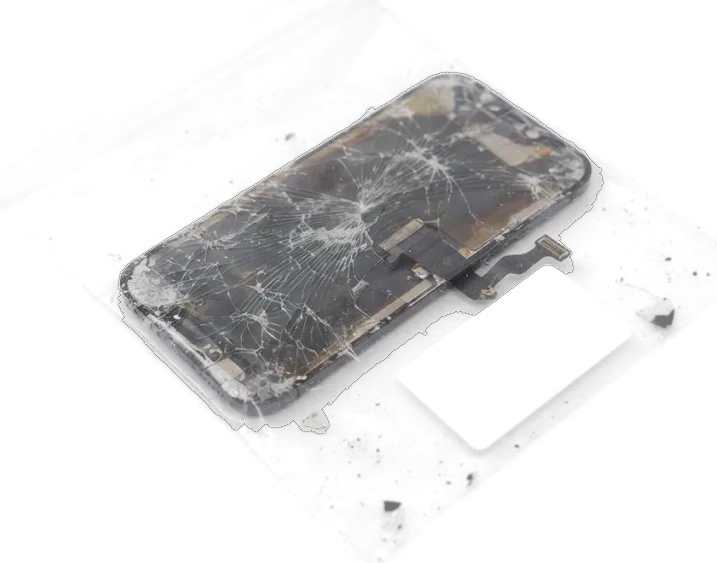
On this model the front pane, the digitizer and the LCD are bonded into one assembly, so a crack almost always means the whole display is replaced rather than just the outer layer. A spiderweb pattern with working input and a clear picture is the mild case; dark bands, bright spots or a greenish tint mean the LCD itself is damaged. When the display stays black or ignores taps with no crack at all, the digitizer or the display flex is the suspect — a cable that has worked loose or torn. A drop on the corner or pressure in a pocket produces all three patterns on this device. If you are looking for an iPhone 5 display replacement in Almaty, the engineer confirms the failed layer before any part is ordered.
When the Fault Sits Behind the Display Itself
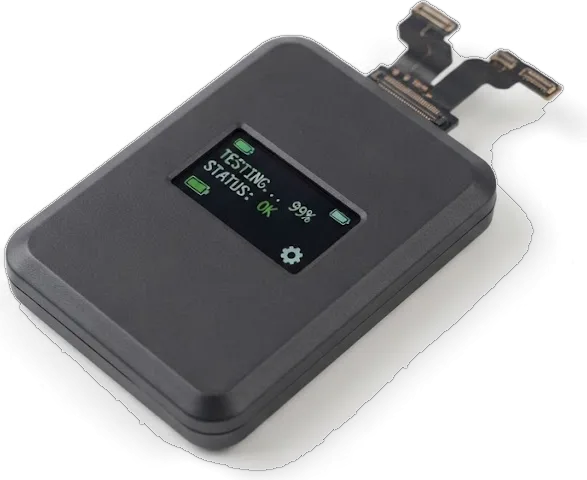
We start every visit with free diagnostics in front of you, 15 minutes, and show you on the spot whether the display, its flex or the board is at fault. The engineer opens the device, checks the connectors under the shields and runs the module on a bench tester, so you see the actual cause rather than a guess. A display that flickers or shows pale patches after contact with liquid usually hides corrosion on the board, not a dead panel. If the phone took water, the same check can stretch to two days, because corrosion under the shields has to be cleaned before a new part is worth fitting.
Original or Aftermarket Panel for an iPhone 5
Both options for the iPhone 5 are LCD modules, and the difference sits in matrix quality, brightness and how the touch layer holds up. The choice shapes how the display behaves over the following months.
Two Module Options Side by Side Compared
Comparing original and aftermarket iPhone 5 panels| Panel option | Matrix type | Brightness and colour |
|---|
| Original panel | LCD, factory spec | Closest to factory |
|---|
| Quality aftermarket | LCD, copy | Slightly dimmer, cooler tint |
|---|
| Aftermarket, budget grade | LCD, copy | Noticeably dimmer, uneven tint |
|---|
Whether Fixing an iPhone 5 Is Worth It Today
A display swap on this handset is worth it when the board, battery and home button are healthy, because the display is the only failed part and the rest still works. A cracked glass front on most models leads to replacing the whole assembly, not just the glass, so the display is the single cost that matters. Check the battery and the charging port before committing, since a device that also needs those parts rarely justifies the spend on a fresh display. A handset that passes those two checks usually keeps running as a spare or a child's first handset for another stretch, while one with a swollen battery and a worn port tends to fail elsewhere within months.
What Survives the Swap on an iPhone 5
The iPhone 5 has no Face ID and no True Tone, but its home button with a fingerprint scanner and the flex cable with earpiece and proximity sensor both travel from the old panel to the new one.
The Home Button and the Top Ribbon Move Across
We move your original home button and the top ribbon onto the new panel, because the Touch ID scanner inside the button is paired to the board and a fresh button would kill fingerprint unlock for good. The front camera and the metal frame come across in the same pass, so nothing on the face of the phone is left behind. That flex cable carries the earpiece and the proximity sensor, and its connector seats with almost no slack, which is where most of the fiddly work sits. The seating is the step that decides whether calls sound right afterwards. If the earpiece sounds muffled after a swap, the cable seating is the first thing to recheck before anything else is blamed.
What This Generation Lacks Compared with Newer Models
The handset has no Face ID, no True Tone and no 3D Touch, so a display swap here carries none of the calibration worries that come with newer OLED models. True Tone on later phones depends on data pulled from the original display, and losing it is what triggers complaints after a repair; this generation simply has no such dependency. Auto-brightness still works through the ambient light sensor in the top flex, so keep that cable intact when the display is rebuilt. That also means no iOS warning about an unconfirmed part on this generation, so the panel you choose is judged purely by how it looks and responds under your thumb.
How We Carry Out the iPhone 5 Display Replacement
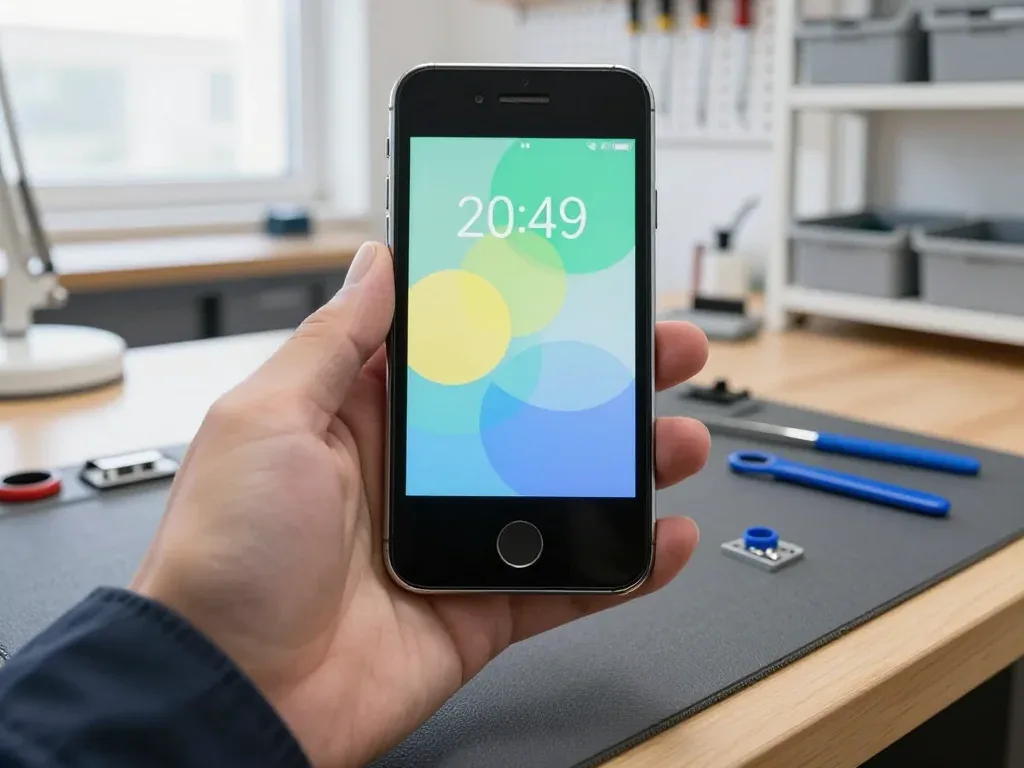
The work happens in front of you: an engineer opens the device, moves the home button and the top flex across, seats the new module and re-seals the frame while you wait in the waiting area.
From a WhatsApp Photo to a Finished Display in One Visit
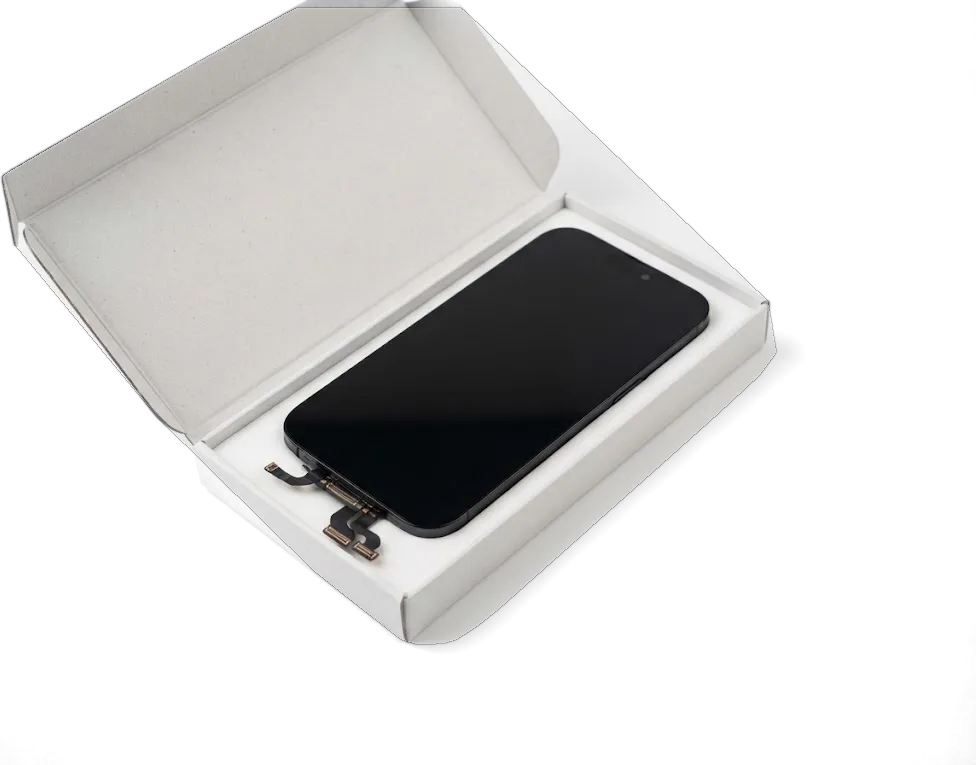
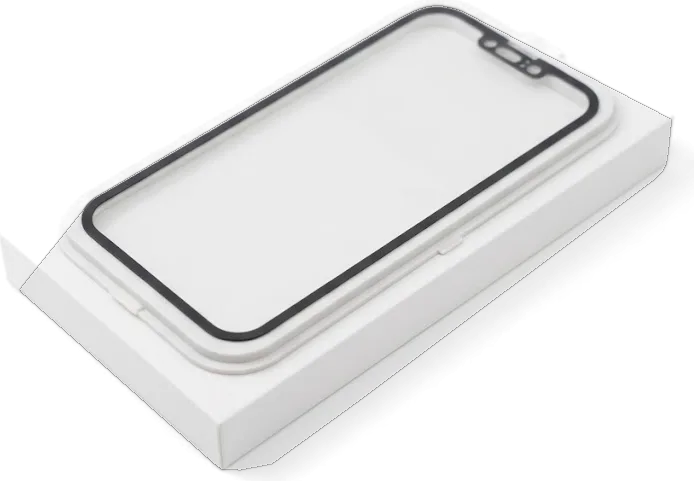
Send a photo of the damage on WhatsApp and an engineer replies within 5 minutes with a price and a free slot, then the display swap itself takes about 40 minutes while you wait. Between those two moments the handset is opened on the bench, the home button and the top flex are moved from the old panel to the new one, the display is seated and the frame is re-sealed. Before the new panel goes on, we show you the part in its factory packaging, and the price, part, turnaround and warranty are written on the receipt in about 2 minutes. That receipt fixes the job before a single screw comes out, so nothing about the part or the deadline changes later. Ask to see the module still sealed in its packaging — the simplest way to know which of the two options you are paying for.
Waiting on Site or Sending It by Courier Across Almaty
Most display swaps are finished while the customer waits, and 72% of our repairs across the workshop end that way, with coffee and Wi-Fi in the waiting area. The doors are open Mon–Fri 10:00–19:00 and Sat–Sun and holidays 11:00–18:00, so a display job fits into a lunch break or a weekend morning. If you cannot come in, a courier across Almaty reaches you in 90 minutes and is free with a repair, so the device can be collected, fixed and returned without a trip. Payment is by Kaspi, card or cash once the handset is back in your hands and you have checked it with the engineer. The courier route suits people who work through the day — book the pickup slot by message and the handover takes a couple of minutes.
The Check, the Receipt and the Warranty
Once the new panel is seated, the device is tested in front of you, and you walk out with a receipt, a warranty card and the old display in a bag.
The 32-Point Check You Watch Before Leaving the Workshop
After the swap we run a 32-function check that takes about 10 minutes, and you go through the results with the engineer before the device leaves the bench. Both cameras, the microphone pair, the loudspeaker, charging and the cellular network are switched on one by one, and you watch each result appear rather than hearing about it afterwards. Brightness is swept from minimum to maximum so a dim corner shows up early. On an iPhone 5 the touch layer is tested along all four edges, since a screen that responds in the centre can still miss taps near the frame. Ask the engineer to open the keyboard and drag a finger over every row — that single test catches dead strips a home-screen tap never touches.
What Goes Home with You After the Swap
You leave with the handset, the paperwork, the guarantee card and the old display, and cover on the work runs up to 1 year. The document is not a formality: price, part type, turnaround and terms were printed on it before the work began, so the numbers you compare at the counter are the ones agreed in the chat. Payment goes through Kaspi, a card or cash, whichever suits you. Keep the old display until you have used the device for a few days, because it is the quickest way to prove the original home button and top flex came from your handset if anything needs revisiting. Should the display misbehave later, bring both documents back — they shorten the conversation considerably.
Summary: iPhone 5 Display Replacement
The points below summarise what decides the outcome of an iPhone 5 screen job — the part, the swapped components, and the checks that confirm the phone works afterwards.
- Bonded assembly: on the iPhone 5 the front pane, touch layer and LCD are fused, so a cracked face means a full display swap, not a pane-only fix.
- Panel choice: an original screen keeps colour and brightness closest to factory, while a quality aftermarket one suits a spare phone.
- Moved parts: the original home button and top flex must transfer to the new display, or the home function and earpiece stop working.
- Diagnostics first: a black or unresponsive screen without a crack points at the flex or the board, so testing comes before any part is ordered.
- Timing and cover: the swap runs about 40 minutes, followed by a 32-function check and a warranty up to 1 year at handover.











 iPad
 MacBook
 iMac
 Mac mini and Studio
 Apple Watch
 AirPods
 Apple Pencil
 Apple TV
 HomePod




