The iPhone 5 screen is one bonded module of glass, touch layer and LCD, so a single crack rarely stays a cosmetic problem. Here is how to tell what has actually failed before you book anything.
Glass, Touch Layer or LCD and How to Tell Them Apart
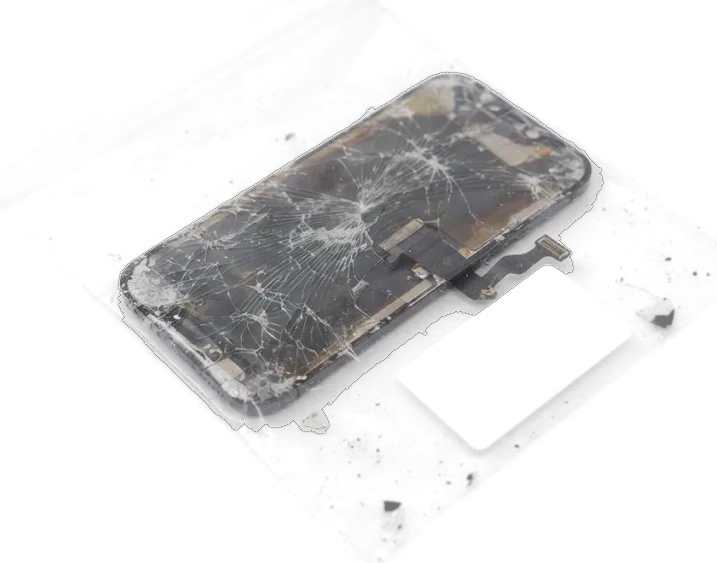
Since the touch sensor, the front pane and the LCD on this handset form a single glued assembly, a cracked surface nearly always results in replacing the entire display unit. A hairline crack with a working picture and responsive touch is the mildest case, yet the exposed edge lets dust and moisture reach the panel underneath. When the image shows dead pixels, a patch of uneven colour or a washed-out area, the liquid crystal layer has failed and no outer-pane fix exists. A panel that stays blank while the phone still vibrates on an incoming call points away from the surface entirely. The display connector, a torn flex cable or a shorted backlight circuit can produce the same empty result. A screen that still rings usually means the connector or logic board rather than the front pane, so a photo alone cannot settle it.
Symptoms That Mean More Than a Cracked Surface
- Vertical or horizontal lines: coloured or black bands across the picture mean the LCD or its flex is damaged.
- Ink-like blotches: spreading spots appear when liquid crystal leaks inside the panel after a crush.
- Flicker and dimming: a backlight that pulses or fades points to the assembly, not a loose setting.
- Ghost touches: the phone taps and swipes on its own when the digitizer is cracked or loose.
- Liquid contact: moisture behind the glass leaves haze, and corrosion can mimic a dead display.
Factory or Aftermarket Display for iPhone 5
The iPhone 5 uses an LCD panel, and the choice between an original module and an aftermarket one changes brightness, colour and touch feel. Here is how the two compare in daily use.
How Original and Aftermarket Panels Differ
Сравнение оригинального и аналогового дисплейных модулей| Property | Original module | Aftermarket module |
|---|
| Panel type | Factory LCD | Third-party LCD |
|---|
| Brightness | Factory level | Slightly lower |
|---|
| Colour and blacks | Balanced | Softer contrast |
|---|
| Touch response | Consistent to edges | Can feel lighter at edges |
|---|
Why the Part Is Shown Before Installation
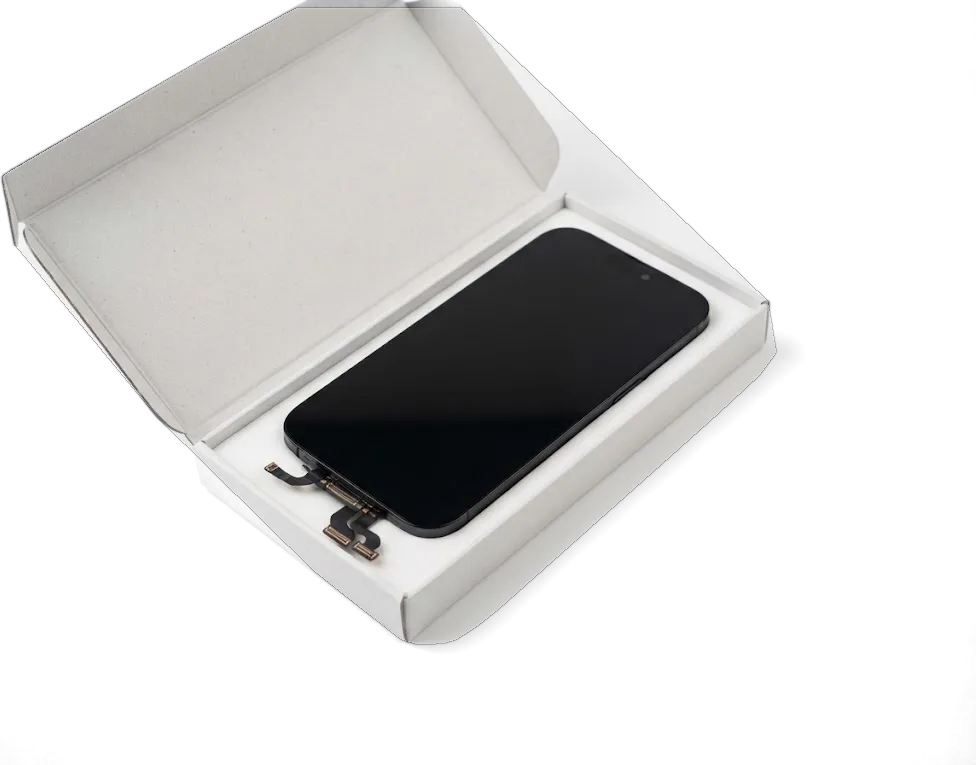
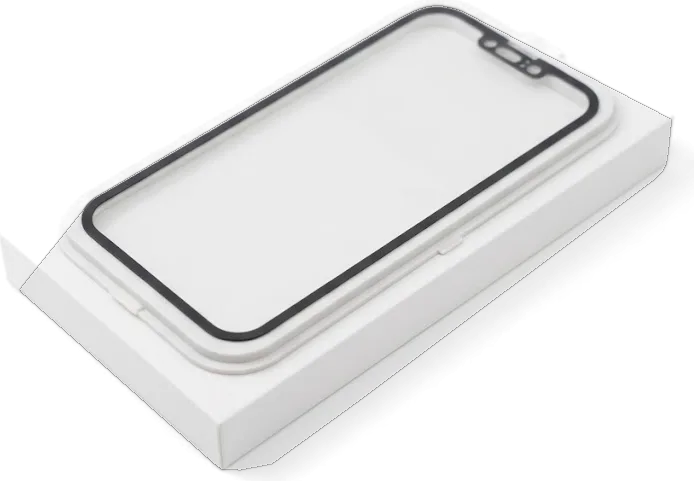
We show the new display in its factory packaging before it goes in, so you see exactly which component you are paying for. Both a factory unit and a quality aftermarket option are available, and 64% of our customers choose the original part. The engineer opens the box in front of you, lifts the display out and lets you handle it before any screw comes loose. The receipt already names the part type, turnaround and warranty, so the sealed box simply confirms what you signed for. Seeing the sealed component first also protects you from a swapped-in used module, since a repackaged screen is hard to pass off once you have handled the original box.
Touch ID on the iPhone 5
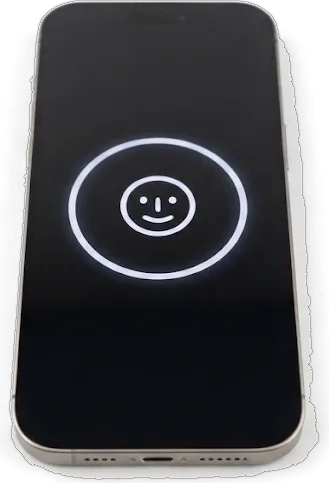
No Face ID or True Tone is present on the iPhone 5, yet it does include a Home key featuring a fingerprint reader linked to the logic board. What survives the swap depends on how the module is handled.
Reusing the Home Button and Touch ID
Since the reader is tied to the logic board, we transfer your existing Home button — fingerprint scanner included — over to the replacement display; installing a new button instead would leave the phone unable to unlock. That component lives on a flex cable at the bottom of the display assembly, so the entire lower bracket is carried over from the previous panel to the replacement rather than exchanged for a spare unit. Our engineers lift it with a plastic pry tool, keep the cable flat and clip it back in front of you. If a shop fits a new component instead of transferring yours, the scanner stops working permanently and no software step brings it back, so always ask whether your own one is reused.
What Else Carries Over From the Old Module
- Earpiece speaker: the small speaker for calls clips into the top bracket and moves over with the original ribbon.
- Front camera: the FaceTime lens sits beside the earpiece and is transferred, not replaced, so picture quality stays the same.
- Proximity sensor: the element that blanks the screen during calls travels with the top ribbon and needs clean seating.
- Top flex cable: this ribbon carries the speaker, the proximity sensor and the camera at once, which is why a rushed swap often kills several functions together.
How the iPhone 5 Display Replacement Works at iServices
The whole visit is built around doing the work in front of you. From your opening photo to pickup, most iPhone 5 display replacement jobs are finished in under an hour.
From WhatsApp Photo to Fixed Receipt
Shoot us a WhatsApp picture showing the damaged area, and within five minutes a technician answers with pricing plus an available slot; before repair begins, the receipt lists which component gets fixed, how long it takes and the warranty terms. The quote comes from the picture, so you know the figure prior to leaving home, and the free slot means the bench is reserved rather than shared with a queue. On arrival, the same written note covers which panel goes in, the time the swap will take and how long the guarantee runs. Getting the component and coverage written down upfront means the number you agreed to by message is the number you pay, with no add-ons appearing once the phone is already open. This is how the iPhone 5 display replacement in Astana is arranged at iServices, from the first message to the finished job.
The Swap Itself and How Long You Wait
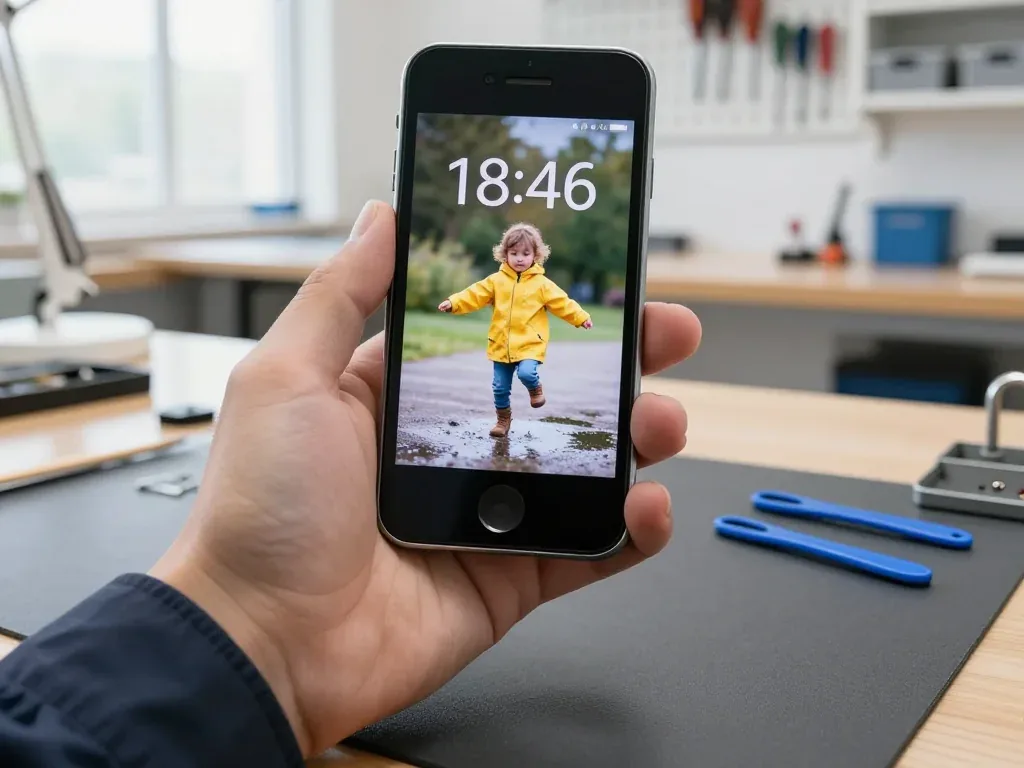
Replacing the screen here requires roughly 40 minutes, and 72% of repairs we handle are completed while the client waits in our seating area with coffee and Wi-Fi. The specialist opens the device on the bench in front of you, lifts the old display out, transfers the home button assembly and brackets across, seats the new panel and reseals the frame. Most visitors watch the opening few turns, then settle into the waiting area until a technician calls them back to the desk. Waiting on site is worth it for a screen job specifically, because you can test touch and brightness yourself the moment the display is back on, before you leave the desk.
The Check, the Warranty and What You Take Home
A screen that lights up is not the finish line. Before you leave, we run a full function check with you and hand over the paperwork and the removed part.
The 32-Point Check We Do Together
- Touch and brightness: swipe across every corner and drag the brightness slider end to end to confirm the digitiser responds evenly.
- Cameras: open the front and rear cameras, take a shot with each, and check focus, flash and preview for dust.
- Microphones and speakers: record a voice note, play it back through the earpiece and loudspeaker, and confirm call audio.
- Charging and network: plug in a cable, watch the battery indicator react, then check signal bars, Wi-Fi and data.
- Sensors and buttons: test the proximity sensor during a call, the silent switch, volume keys and the home button.
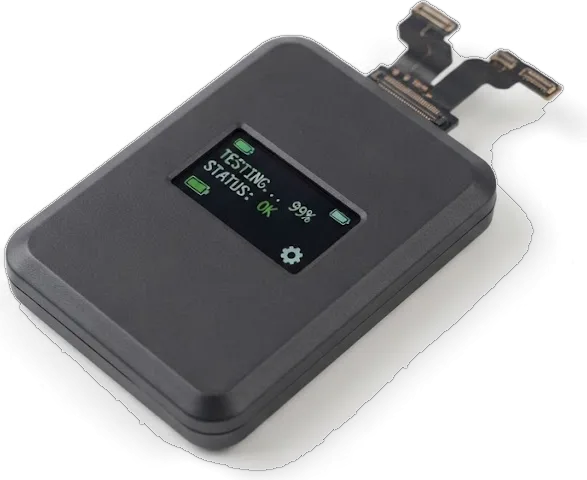
- Testing with you present catches a loose display connector on the spot, while the same fault found at home would mean a second trip and a reopened phone.
Receipt, Warranty Card and Your Old Screen
You leave with the receipt, a warranty card covering the work up to 1 year, and your old iPhone 5 screen, all handed over at the same time as the phone. The receipt repeats what was fixed on paper before the swap: the part type, the turnaround and the warranty term, so nothing rests on memory. Keeping the damaged display is useful proof of what was removed and lets an independent technician confirm later that the component you paid for is the one now fitted. Filing that panel with the paperwork settles any later question about the job in minutes rather than days. Ask for it even if you plan to discard it — once it leaves the workshop unclaimed, matching it back to your device becomes guesswork.
Summary: iPhone 5 Display Replacement
Here is a brief summary of what replacing a display on this model actually involves, so your decision rests on facts rather than guesswork.
- Bonded module: on the iPhone 5 the glass, digitizer and LCD form a single unit, so a crack usually means the whole display assembly is replaced.
- Fault reading: lines, blotches and ghost taps point to the display, while a black screen that still rings may be a connector or board fault.
- Panel choice: an original LCD gives steadier brightness and steadier response to the finger, whereas an aftermarket panel can look softer at the edges.
- Home control: because the scanner is tied to the logic board, the Touch ID key from your old screen has to be transplanted onto the replacement display — putting in a new button renders it useless.
- Handover: a proper finish means a function check, a written warranty and the old screen in hand, not just a device that powers on.









 iPad
 MacBook
 iMac
 Mac mini and Studio
 Apple Watch
 AirPods
 Apple Pencil
 Apple TV
 HomePod




