Breakages rarely come one per model. Most complaints trace back to a handful of nodes, and an engineer who reads the symptom can name the cause in about 15 minutes of free diagnostics.
Symptoms That Point to the Screen or the Glass
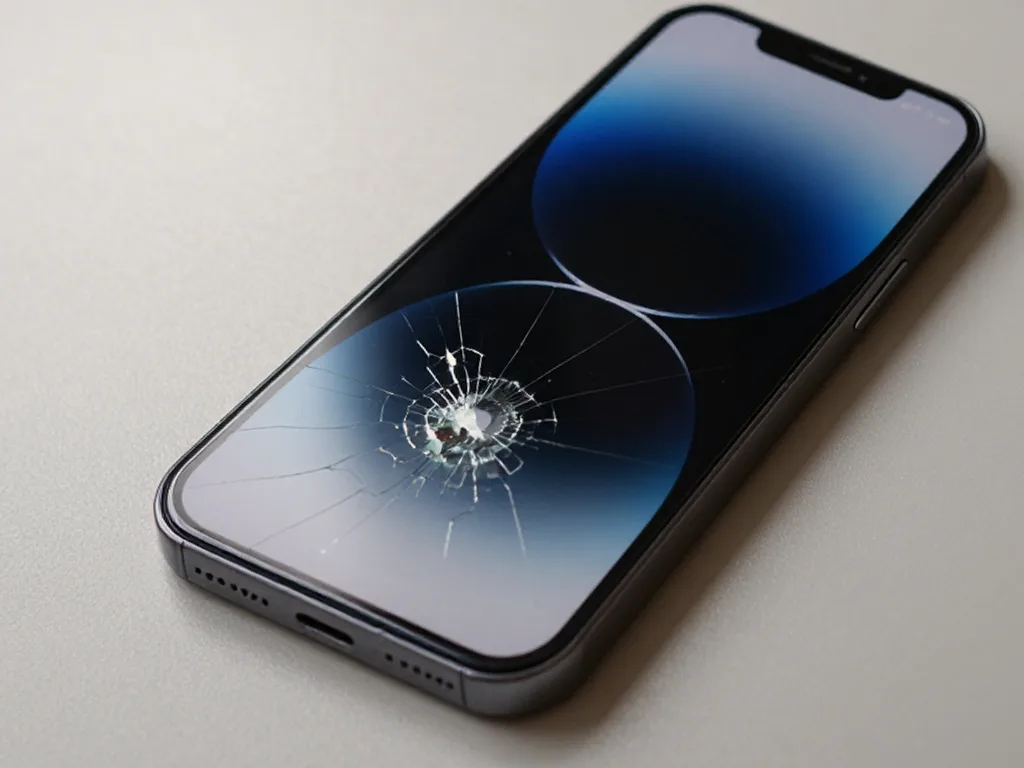
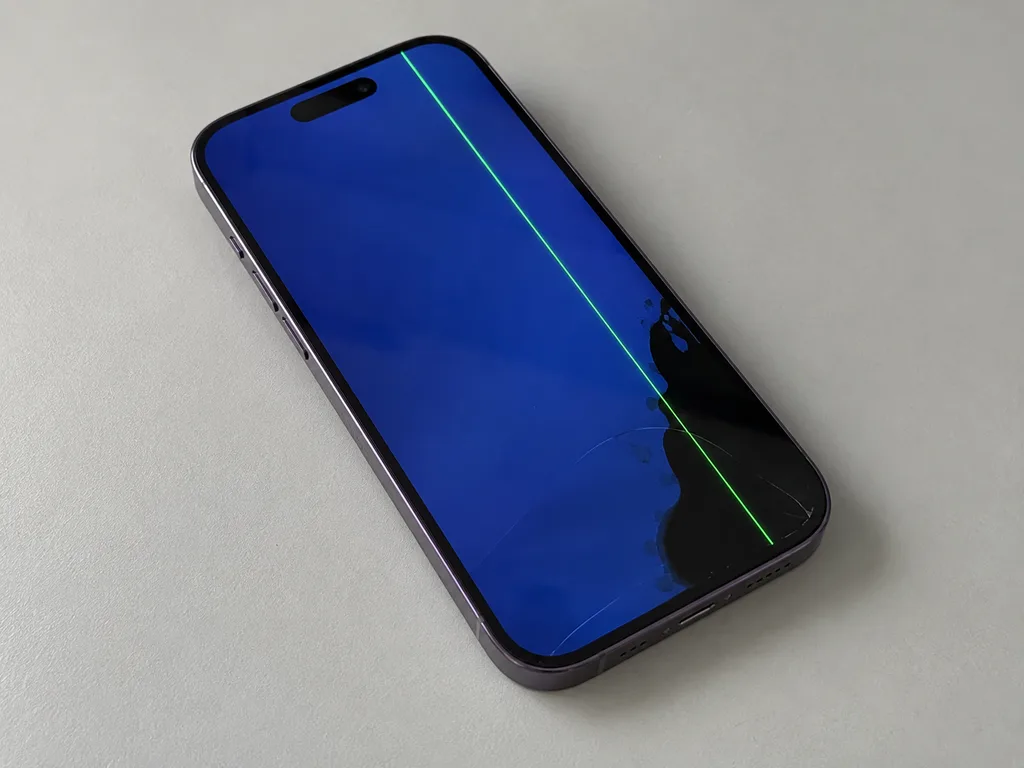
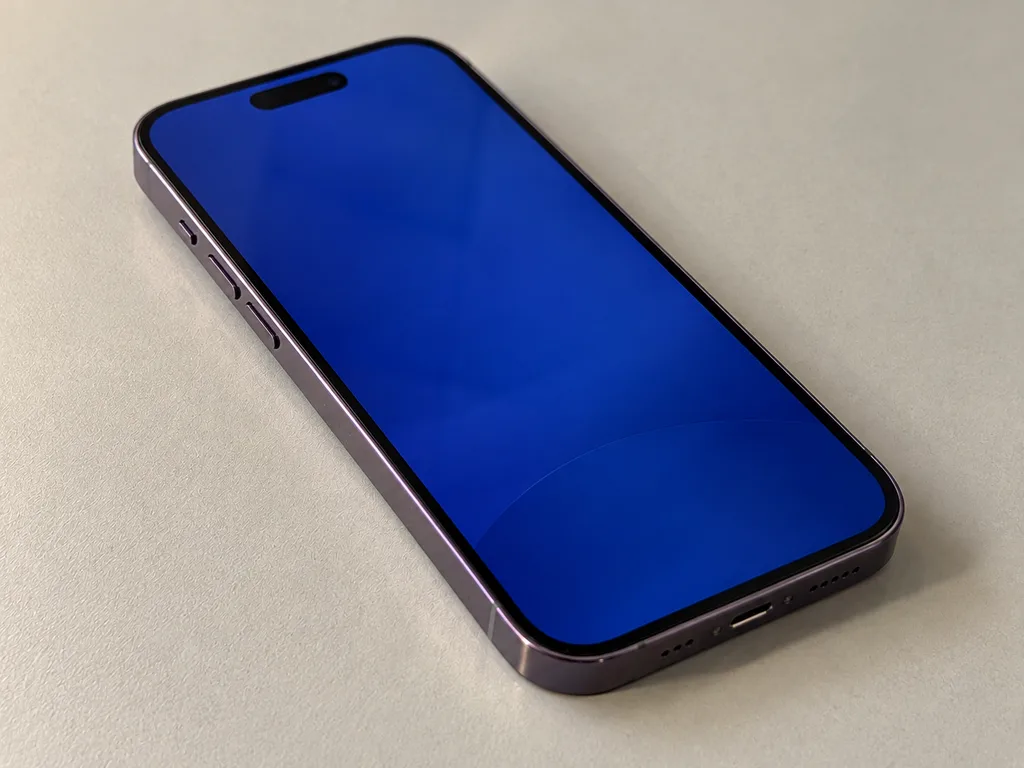
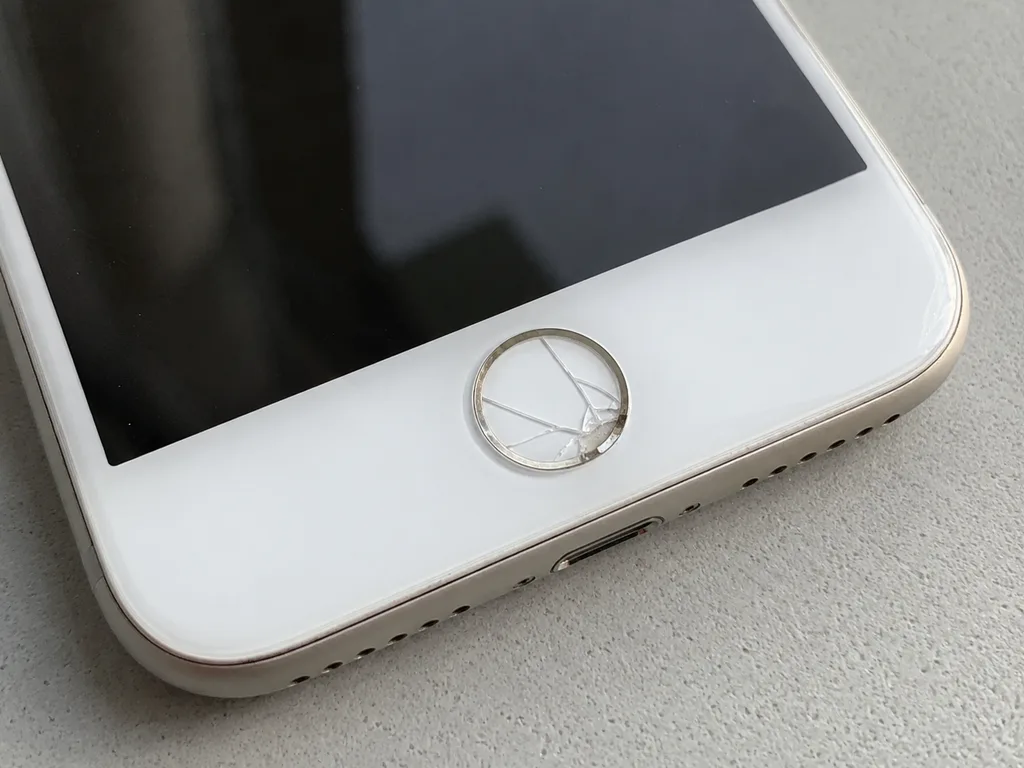
If the picture and touch still respond and only surface cracks are visible, the top layer is likely the sole damage; lines, unresponsive areas or a dark screen instead indicate a problem in the display module. Since the touch layer and the matrix (OLED or LCD) form a single module, replacing just the top sheet won't fix a defect located inside the matrix. A screen that still shows a picture but ignores touch in one corner is often a failing digitizer layer, so replacing only the top sheet will not fix it. On the same phone the surface may be intact while the image fades at the edges — that is panel degradation, not physical damage. Bring the device in before ordering anything: the split between the top sheet and the module decides the whole job.
Charging, Battery and Heat Complaints
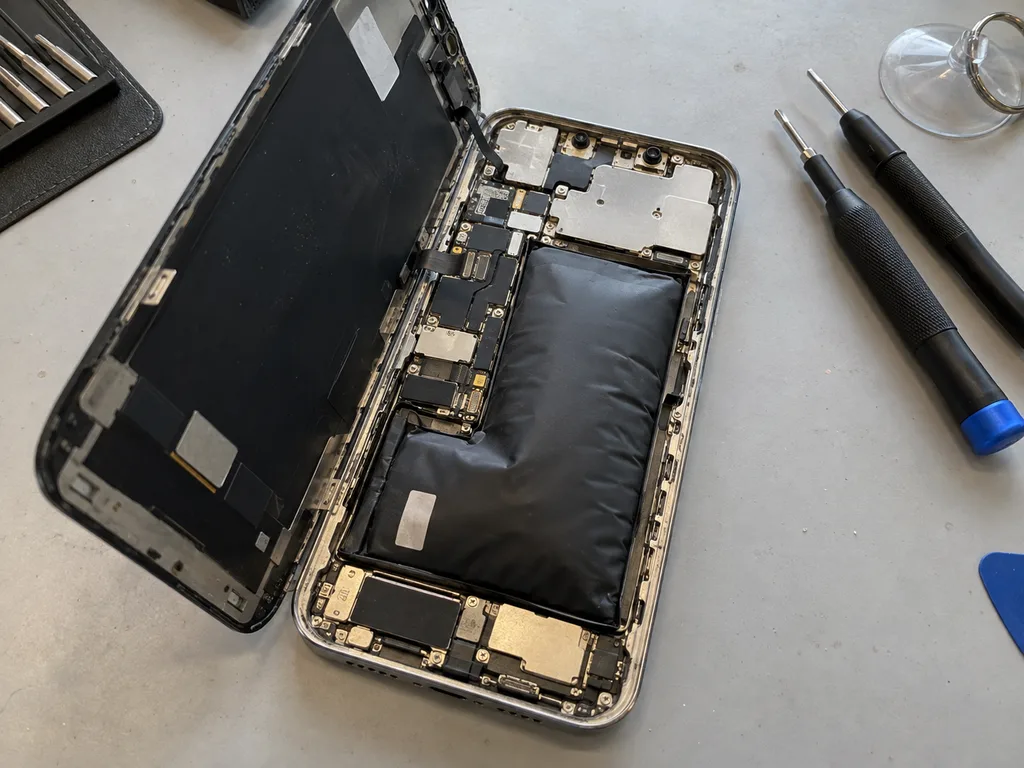
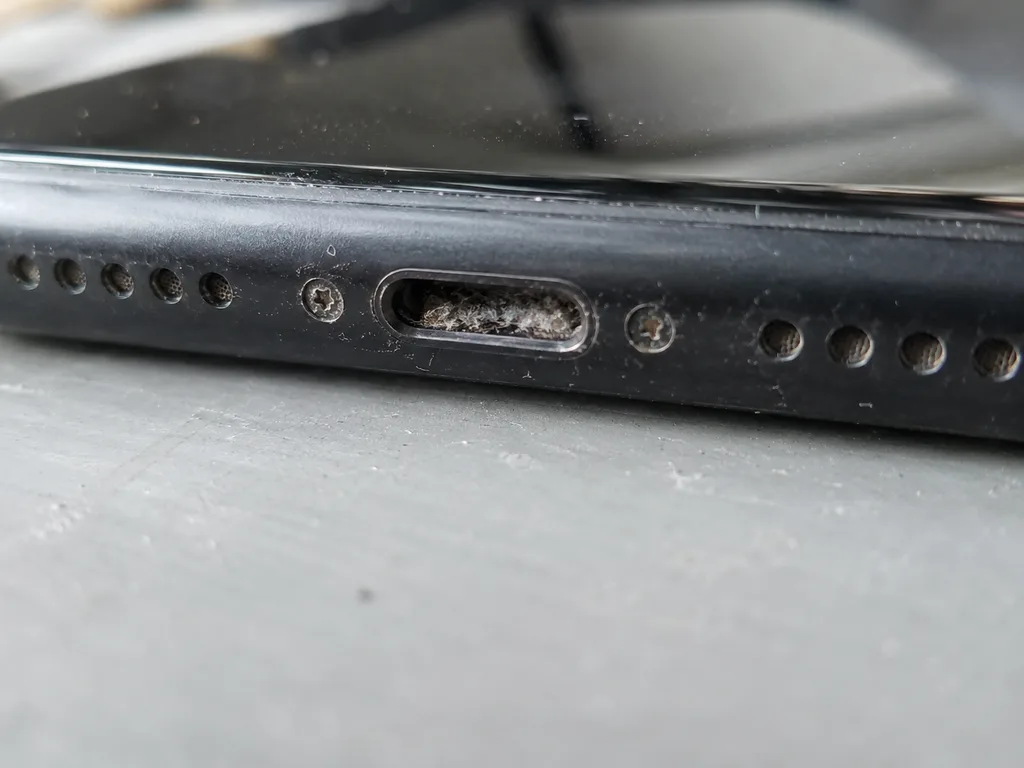
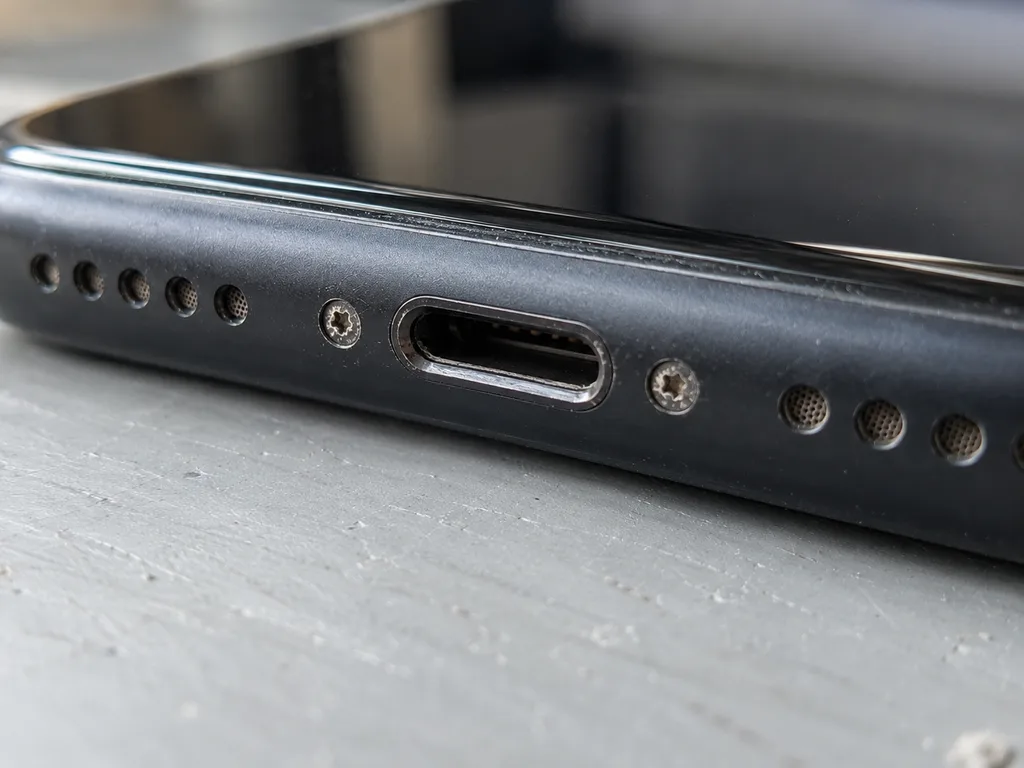
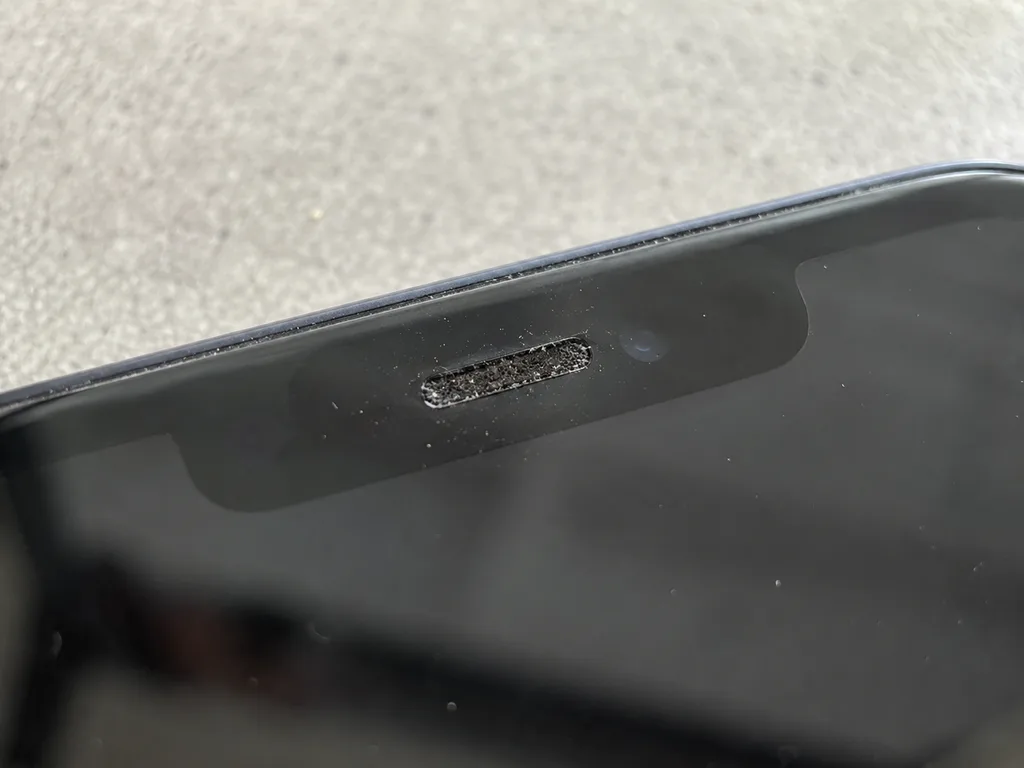
We check the charging port, the cable flex and the battery health separately, because a dirty or oxidized Lightning or USB-C port mimics a dead battery far more often than a failed board does. Lint packed into the connector blocks contact and makes the phone report a charger it cannot hold, while the Battery Health menu can still read a healthy percentage. A swollen cell is different — it pushes the screen off the frame, and a gap along the edge is a reason to stop charging the phone and bring it in rather than keep using it. Heat under load with fast drain points to the cell or the charging flex, not the processor.
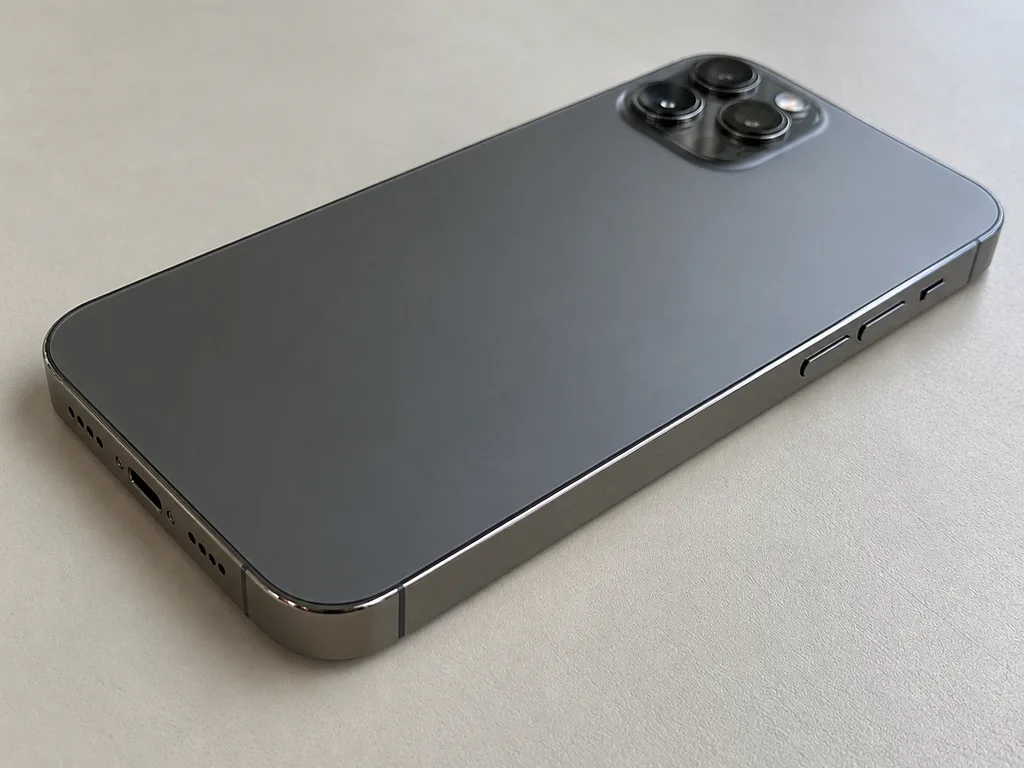
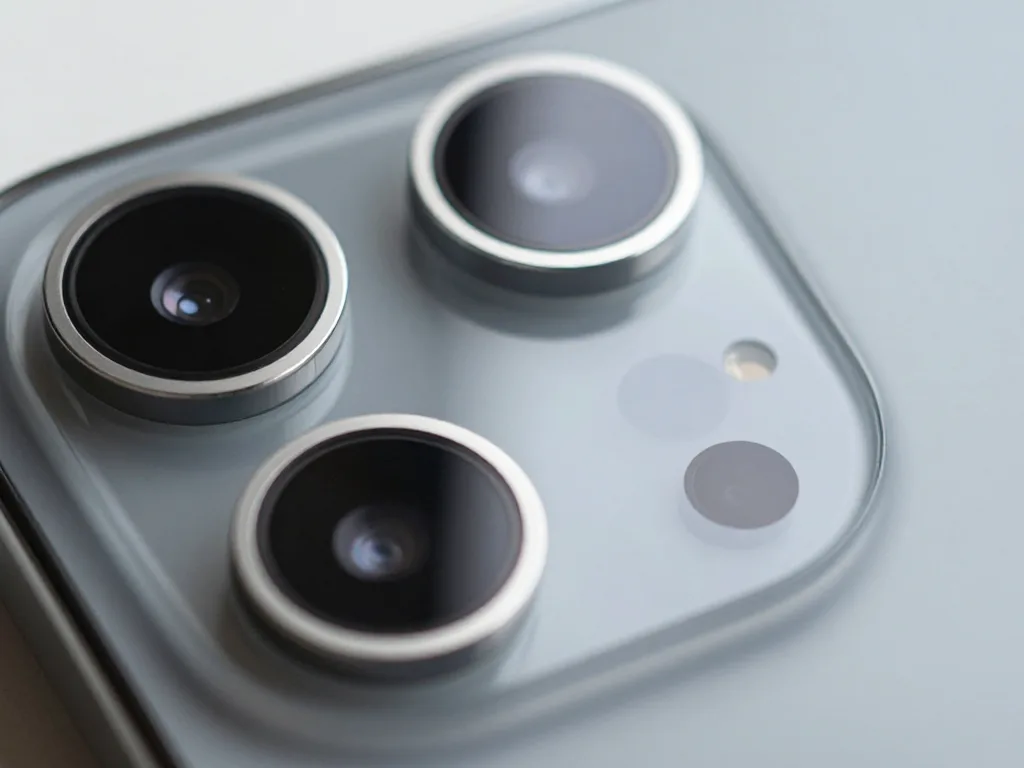
Camera Glass, Back Panel and Frame Damage
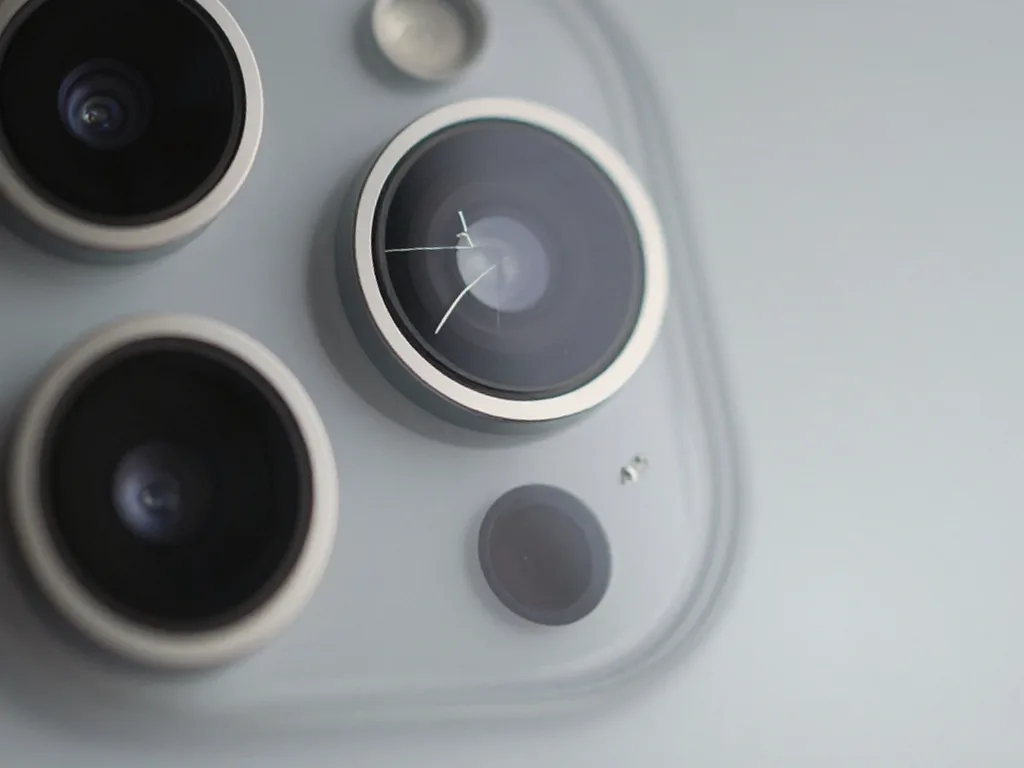
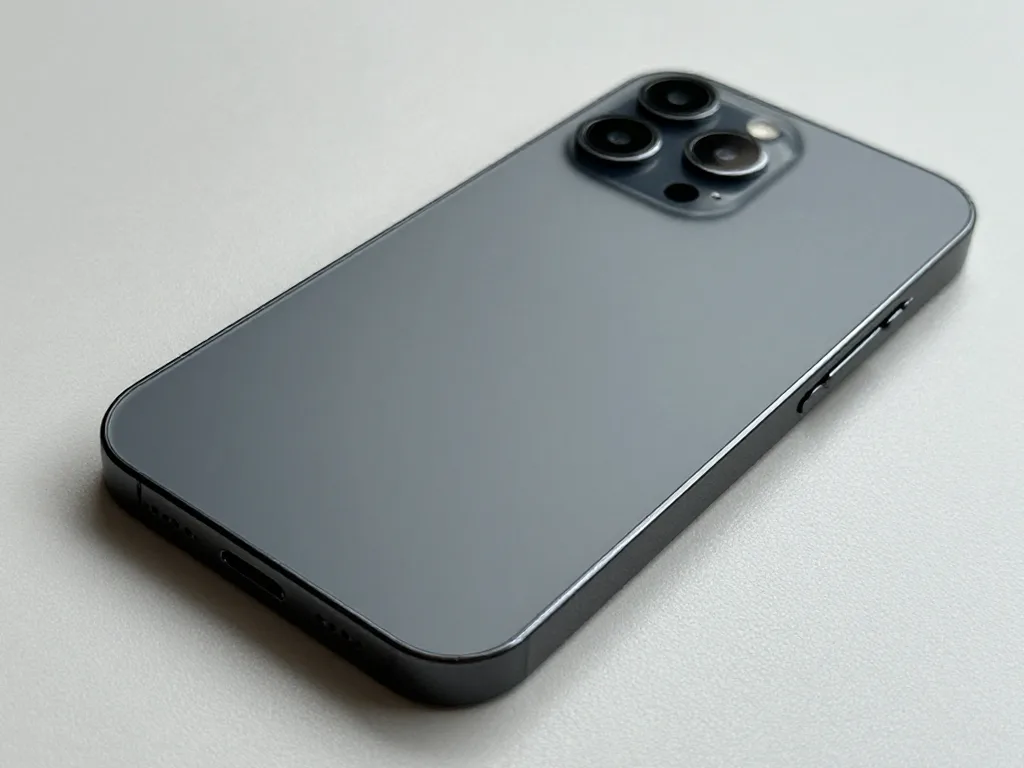
- Shattered lens cover: the camera keeps working but every shot picks up haze, flare or soft focus.
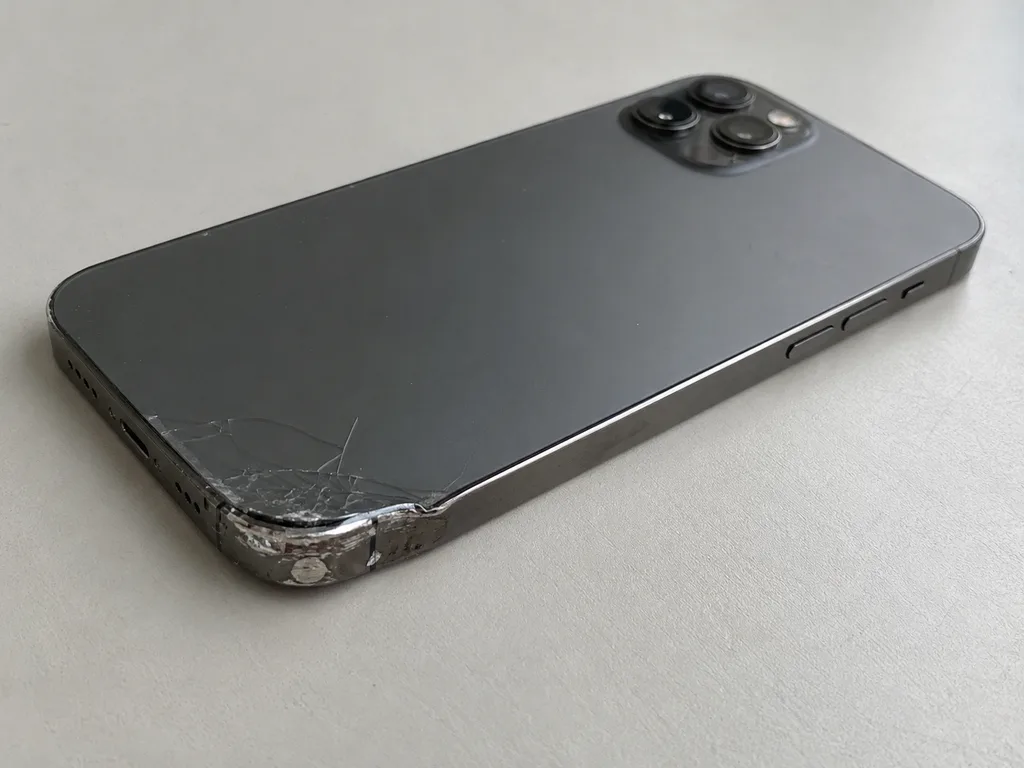
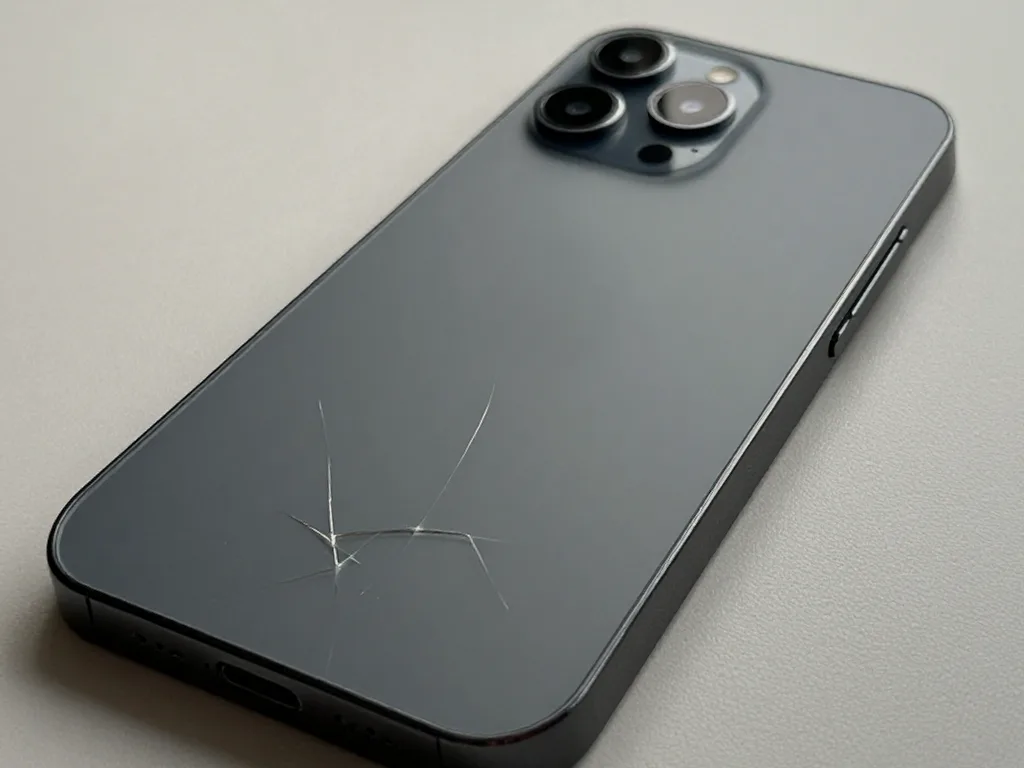
- Cracked rear panel: the back layer is separate from the frame and is replaced on its own.
- Bent frame: a drop that warps the chassis stops a new panel from sealing flush against the body.
- Blurry photos with an intact cover: dust or a scratch sits on the lens underneath, not on the surface.
- Loose camera wobble: a broken internal bracket, which shows as rattling when the phone vibrates.
- Dust under a broken cover: scratches the lens below, so a cracked cover should be replaced before the camera starts producing blurry shots.
Replacing Just the Glass Versus the Full Display Assembly
The screen is the most common reason a phone comes to us, and the first question is always the same: can the glass alone be saved. It hinges on how the matrix and touch layer are doing.
When Replacing Only the Glass Is Enough
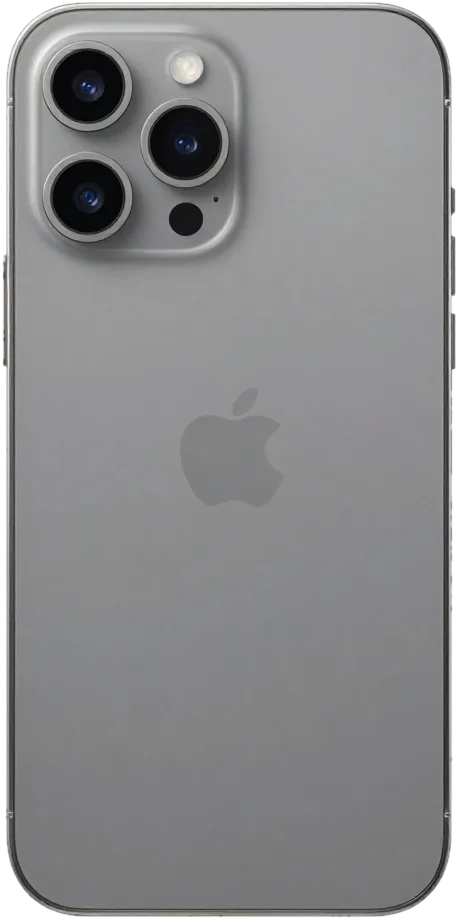
On an iPhone 15 Pro with an intact matrix we can replace just the glass, which keeps the original display and its True Tone calibration untouched. The laminate under the broken cover is inspected under magnification first: if the OLED layer shows no dark spots, no pressure marks and the touch grid responds evenly across the whole surface, the panel is separated and a new cover glass is bonded in a vacuum press. The phone then leaves with its factory display, its original colour rendering and no calibration step needed. Glass-only work is only worth it when the image and touch are perfect, because a hidden matrix defect shows up days later and turns the saving into a second visit.
When the Full Module Has to Go
When lines appear, half the screen goes dark, flicker starts or touch stops responding, the module has failed — in that case the entire display assembly gets replaced, not the glass. A green or pink stripe along an edge, a bright spot that stays after the image changes, or a zone that ignores taps all point to the OLED layer itself, and no cover glass will fix that. We then fit a complete module, transfer the calibration data so True Tone keeps working, and test brightness and touch across the full area. A module replacement is also the moment to ask what will be fitted, since an aftermarket panel can lose True Tone while an original one keeps it after calibration is transferred.
Comparing the Two Screen Options
Two screen routes by originality and risk| Route | What stays original | What can be affected | Typical time |
|---|
| Glass only | Display matrix, True Tone | Nothing if matrix is intact | 40 minutes |
|---|
| Full module | Frame, Face ID module | True Tone needs calibration transfer | 40 minutes |
|---|
| Module, aftermarket part | Frame, Face ID module | True Tone may not work | 40 minutes |
|---|
What Remains of True Tone, Face ID and Water Resistance After Service
The biggest fear before a repair is losing something that worked fine. We break this down function by function: what depends on the technician, and what depends on the type of component fitted.
Why Face ID Survives a Correct Screen Swap
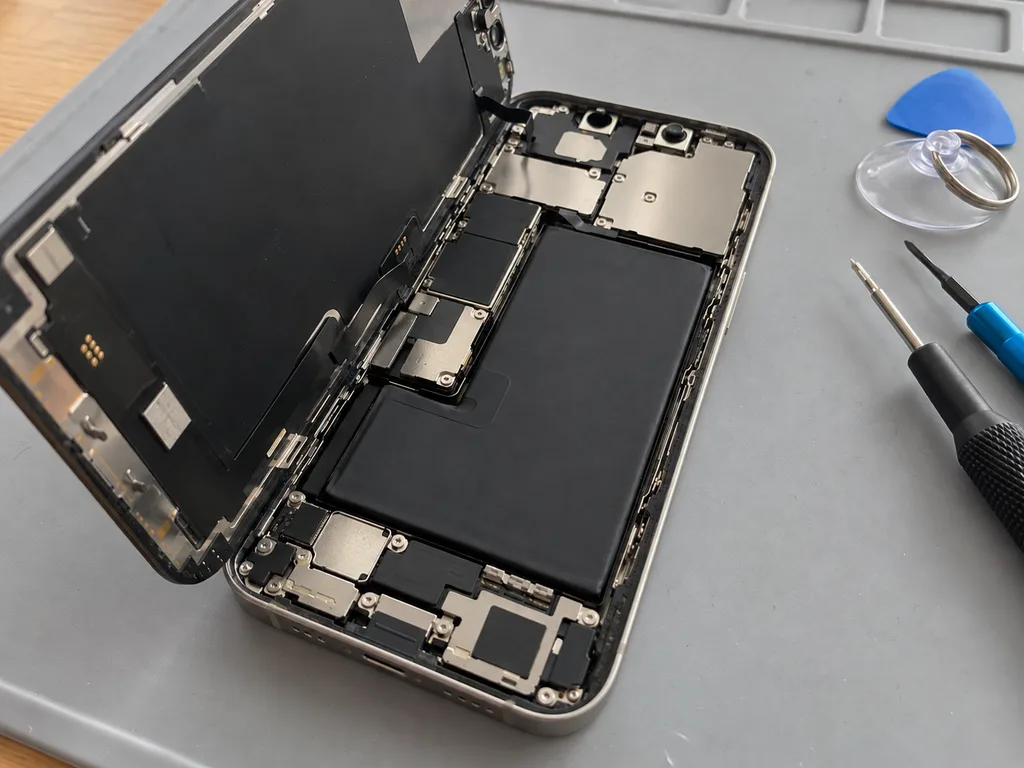
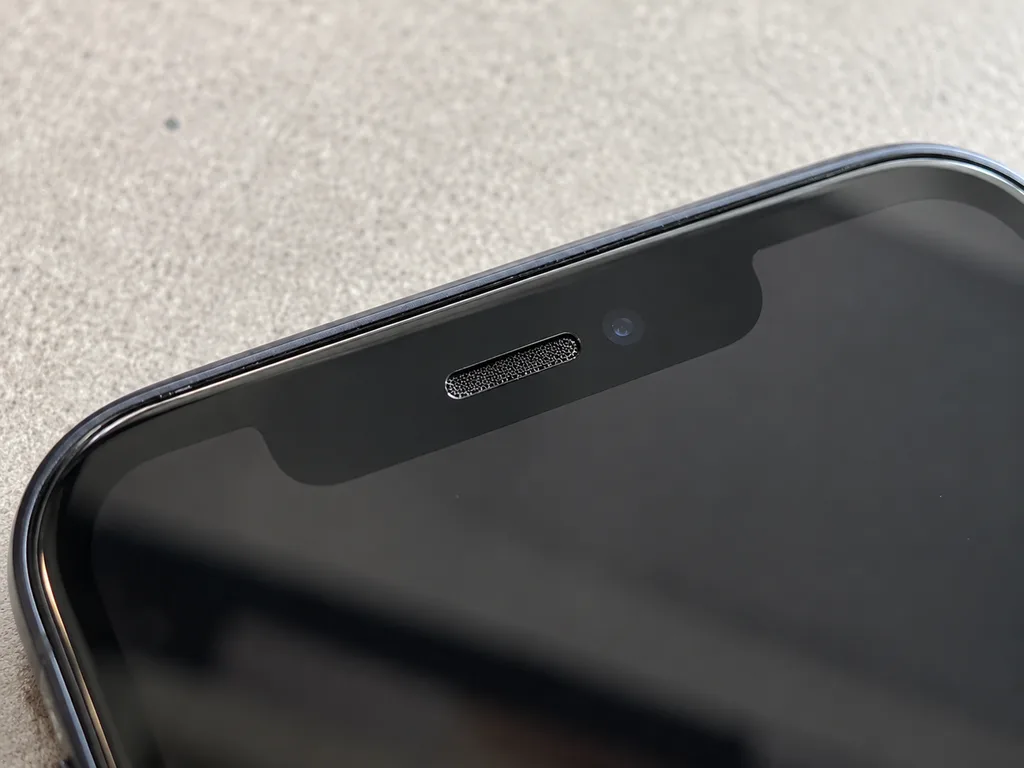
Because the TrueDepth assembly is a distinct component mounted in the top bezel and is not included in the module being replaced, Face ID continues to function after the screen is swapped. When that block is carefully lifted out, the dot projector, infrared camera and flood illuminator remain intact; rushing this stage risks tearing the flex cable that connects it to the logic board. On our bench the TrueDepth assembly is transferred with a suction tool and tested before the new glass goes on. Face ID fails after a repair only when the hardware itself was damaged earlier, which is why we check it during the free 15-minute diagnostic and tell you upfront.
True Tone Behaviour and the Unknown Part Alert
After calibration data is copied over, True Tone functions on a new panel, while the unknown part alert simply identifies the component type and does not signal a defect. The handset stores the serial number of the display it left the factory with, so a replacement without that serial triggers the notice in Settings. With an original component, we write the calibration data across, so True Tone once again adapts colour temperature to ambient light just as it did originally. An aftermarket panel may keep the message on screen permanently, and True Tone can stay off if the chip does not accept the transfer. That notice appears because the phone records the serial of the fitted item, so it tells you honestly whether an original or an aftermarket component went in.
What Happens to Water Resistance
No opening of the case leaves factory water resistance intact, even if we re-glue the frame with fresh adhesive. The IP67 or IP68 rating is measured on a sealed unit at the plant, and the gasket that ships with the handset compresses once; a replacement strip restores the fit but not the tested rating. A job that involves the front glass, the battery or the back cover all break that seal, and no workshop can put the original protection back. Since the seal will never match the factory one, treat a serviced phone as splash-resistant at most and avoid pools or heavy rain.
Choosing Between Original and Aftermarket Parts Is Your Call
Choosing what goes inside is your decision, not ours. What has to happen is that the choice is written down before any work begins. Here is how that works at our workshop.
Practical Differences Between Original and Aftermarket Components
An original component keeps every function the phone shipped with, while an aftermarket one can lose True Tone or behave differently under load, and 64% of our customers pick the original. The difference shows up in small things: a third-party display may dim unevenly at low brightness, and a replacement battery can report health that drifts within weeks. Both options are legitimate — an aftermarket screen restores a cracked panel and keeps the device usable, and for older models it is often the sensible call. What differs is the ceiling on behaviour, not the basic job. The right question is not which part is cheaper but which functions you cannot live without, since a lost True Tone is noticeable every time you unlock the phone.
What the Receipt Records Before Work Starts
Before any screw is turned, we confirm on the receipt — within roughly 2 minutes — the price, which part type is used, how long it takes and the warranty terms. The document names whether the unit is original or aftermarket, states the warranty period up to 1 year, and gives the handover time you agreed to. You get a copy, and the same details go into our system, so a later conversation about what was fitted does not depend on anyone's memory. The old part is returned to you with the device, which closes the loop — you can see the failed piece and compare it against what the paperwork describes. Only a document stating which category of part was used allows you to verify afterwards that a genuine unit — or a non-original one — went into the device.
Inspecting the Component While It Is Still Sealed
Before anything is installed, the replacement is shown to you sealed as shipped, so the contents of your phone are visible instead of merely promised. You watch the packaging get opened, the component is taken out onto the bench in your presence, and there is time to match it against the receipt line before any tool is touched. For an original display this matters most: the box carries the identifying marks, and matching them to the paperwork takes seconds. The same step applies to batteries, camera glass and charging assemblies. Nobody is asked to accept a wrapped bundle on faith, and nothing is installed while you are looking the other way. Request that the seal be cut open while you watch — a component handed over already out of its wrapper reveals nothing about where it came from.
Duration of iPhone Repair in Astana and What to Expect While Waiting
Turnaround depends on which component failed, not on the model in your hand. Most jobs are finished while you sit in the waiting area with coffee and Wi-Fi.
Jobs Finished While You Wait
A screen takes 40 minutes, a battery 25 minutes and camera glass 20 minutes, and 72% of our repairs finish while the customer waits in the waiting area. For iPhone repair in Astana, the display module swap is the longest of the three because the technician transfers the earpiece, sensors and bracket from the old assembly, then reseats the connectors and runs the touch calibration. Battery work is quicker: the adhesive strips come out, the new cell goes in and the charge cycle is verified on a tester. Camera glass is a 20-minute job with a heat pad and a pick, since only the outer lens is bonded. Most visits wrap up in less than sixty minutes from the first message to collection, so sending a photo on WhatsApp to reserve a slot avoids a wasted journey when the component needs ordering.
When the Phone Stays Overnight
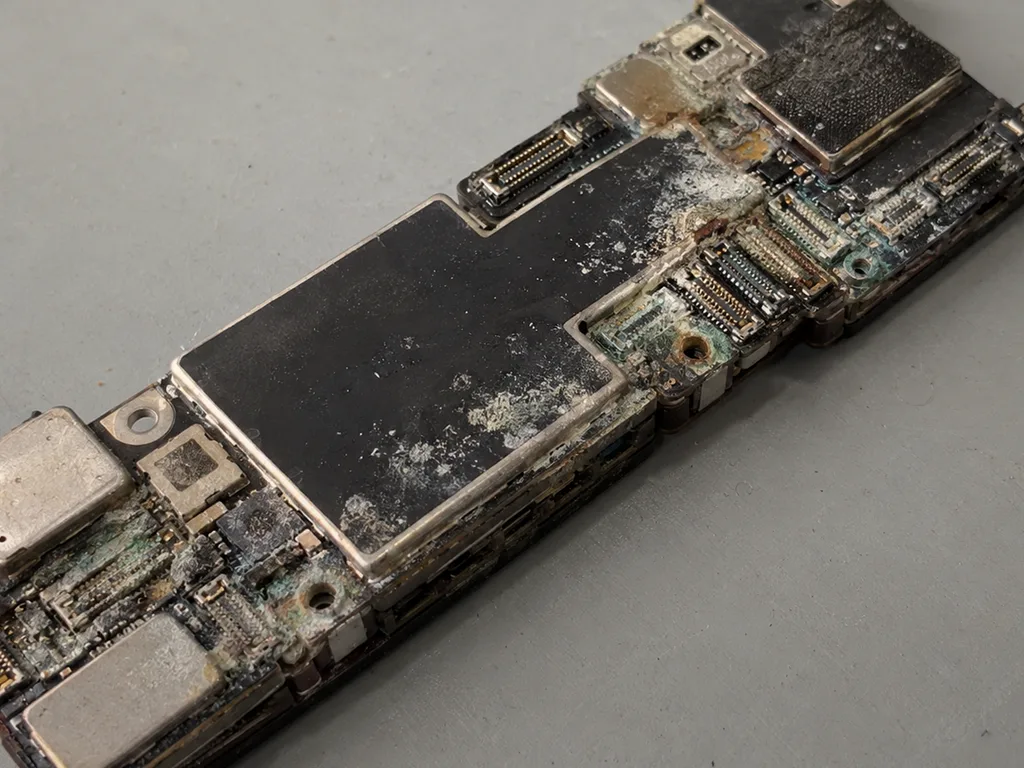
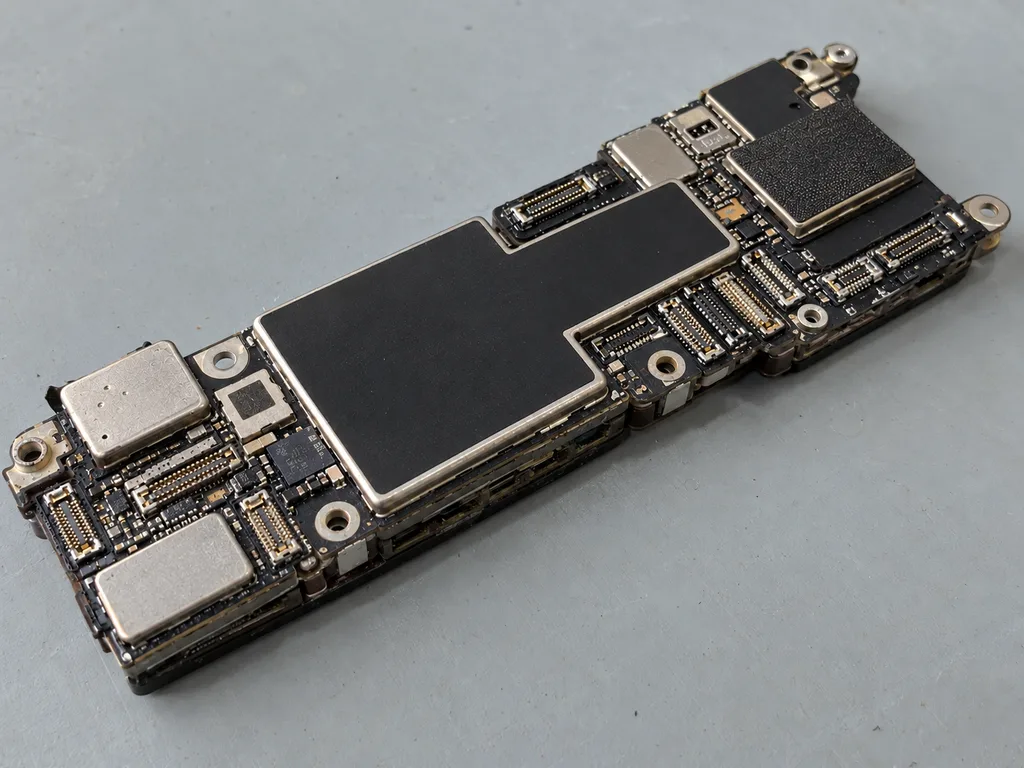
Board repair runs 1 to 3 days under the microscope, and MacBook or iPad work takes from 1 hour to a full day, so those devices are left with us. Micro-soldering is slow by nature: the technician maps the shorted line, lifts the shield, replaces the damaged IC and reflows the joints under magnification, then runs the board through a bench test before reassembly. Water damage can stretch diagnostics to two days, because the board has to be cleaned in an ultrasonic bath and dried completely before any power is applied to it. Powering a wet board is what turns a recoverable short into a dead CPU, so we never rush that step.
Sending a Photo Instead of Coming In
- WhatsApp message: within 5 minutes an engineer answers and gives a price based on a picture showing the fault.
- Describe the symptom: mention drops, water contact or a blank screen so the engineer knows which part to inspect.
- Pick a time: a free window is offered and the component — original or aftermarket — is confirmed prior to your arrival.
- Call a courier: if you cannot come in, a courier can be arranged to collect and return the device.
- Fix terms on the receipt: price, part, turnaround and warranty go on paper in 2 minutes before work starts.
Joint Verification Before Departure
A repair does not end when the new component goes in. The final check takes about 10 minutes and happens at the counter, with the engineer beside you.
Thirty-Two Functions Tested Side by Side
After the repair we check 32 functions in about 10 minutes, covering Face ID, True Tone, cameras, microphones, speakers, charging and network with you at the counter. Everything gets demonstrated live on the handset itself: Face ID unlocks it, True Tone is switched on and off, pictures are taken with the front camera and both rear ones, a voice memo is recorded and replayed via earpiece and loudspeaker, a cable is connected so you can watch the charge indicator respond, and finally a call goes out to check the cellular signal. The whole sequence follows the same order every time, so nothing gets skipped on a busy afternoon. Testing together means you see each function pass rather than reading a report, so any issue is caught before you leave the workshop.
What You Take Home With the Phone
- Receipt: lists which component went in, how long the job took and the warranty conditions, keeping the paperwork consistent with what had been agreed.
- Warranty card: the repair is covered up to 1 year, with the scope of coverage spelled out on the card.
- Removed part: whatever came out of your phone is handed back in a bag rather than discarded.
- The tested unit: handed over only after the function check is finished and signed off at the counter.
Preparing the Device Before You Hand It Over
Back up the phone, disable Find My and note your passcode before handing it in, so the technician can test every function after the repair. A full backup to iCloud or a computer takes minutes on a healthy battery and saves the photos, messages and app data that no repair can restore. Find My blocks activation and prevents a complete post-repair test, so switch it off in Settings ahead of the visit. Hand the passcode over privately rather than saying it aloud — the engineer needs it to unlock the device and run Face ID, and you can change it the moment the phone is back in your hands. A backup taken the morning of the visit is worth more than one from last month, since it captures the messages and photos you would miss most.
Summary: iPhone Repair
Five points decide whether a phone repair goes smoothly: the diagnosis, the display option, the parts inside, the paperwork, and the checks at handover. Here is the short version.
- Start with diagnostics: faults usually trace to a few nodes, and a 15-minute inspection done while you watch identifies the cause prior to any work.
- Glass versus module: a cracked display can often be solved by swapping just the glass, yet lines appearing or a touch layer that no longer responds require the whole module.
- True Tone and Face ID: a properly done swap keeps Face ID working, True Tone hinges on transferring calibration, and water resistance as delivered at the factory cannot be promised once the device is opened.
- Paper trail: the receipt must list the warranty, turnaround and component type up front, and you should get the old part back.
- Prior to arrival: make a backup and disable Find My, then go through the main functions with the technician before you head out.
















 iPad
 MacBook
 iMac
 Mac mini and Studio
 Apple Watch
 AirPods
 Apple Pencil
 Apple TV
 HomePod




