BS Photo: Bakmukhammed S.
Bakmukhammed S.
on-site iPhone technician
13years of experience
4.93rating, 107 reviews

AirPods 4 that keep losing charge, or a case refusing USB-C — our team swaps the battery within one day, and the receipt shows the cost before any work starts.
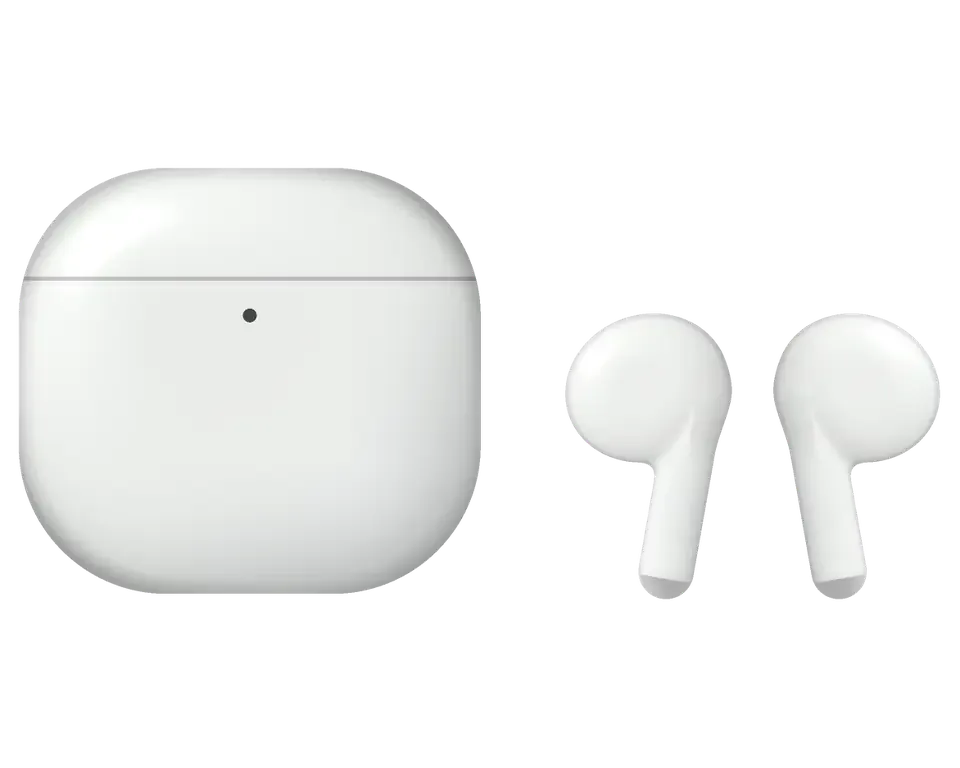
Tiny earbuds suffer from cold, moisture and the charging case, and the complaints sound alike: quiet, noisy, out of sync.
Switch off within minutes outdoors, then come back charged and playing at home
Music pauses by itself, a squeeze does nothing, gestures work only some of the time
USB-C cable is in, the light is silent, the port is packed with lint or snow
Left or right sounds muted with a rustle, and the balance is clearly off
Callers hear wind, interference and clipped phrases, especially at a bus stop
Earbuds drop from iPhone, the pair takes time to appear, no pop-up shows
Charge melts away in a pocket, and earbuds do not top up between trips
Lid wobbles, pops open by itself, and snow or dust gets into the gap
Sulfur and dust block the speaker mesh, sound becomes muffled and loses bass
You open the lid, but the LED does not light up and the pair does not appear
Earbud wobbles in the cradle, contacts do not touch and charging does not start
Double tap on the front of the case does not turn on pairing mode
The final amount is named after diagnostics, because it depends on the fault: an earbud, the case, the USB-C port or the contacts.
| Service | Original | Aftermarket |
|---|---|---|
| Earbud battery replacement | 13 900 ₸ | 7 900 ₸ |
| Case battery replacement | 40 900 ₸ | 22 900 ₸ |
| Earbud replacement | 55 900 ₸ | 30 900 ₸ |
| Charging case replacement | 45 900 ₸ | 30 900 ₸ |
| Earbud speaker replacement | 20 900 ₸ | 11 900 ₸ |
| Microphone replacement | 13 900 ₸ | 7 900 ₸ |
| Case charging connector replacement | 15 900 ₸ | 8 900 ₸ |
| Other repairs | Price | |
| Cleaningdisassembly and dust cleaning | 6 990 ₸per job | |
| Water damage repaircorrosion cleaning · diagnostics up to 2 days | 13 900 ₸per job | |
The technician announces the result after an examination, since battery and shell condition are individual for every pair.
You can pick between original parts and third-party equivalents when swapping out the battery.
AirPods generations are easy to mix up, so the technician matches the model and quotes the cost upfront.
11 years of experience helps us work out quickly what is to blame: the cold, battery wear, dirt or a connection glitch.
Completed work comes with up to 1 year of warranty; our technician walks you through the conditions before starting.
A experienced technician takes in the earbuds, looks for the cause first and only then states the scope and the final amount.
Small earbuds need a careful touch and a clear picture, so the replacement list and its cost are settled before any work starts.
We name the cost after diagnostics and before the repair, so you decide for yourself whether the work is needed.
Small earbuds deserve a careful approach, so you learn up front which part gets swapped and the price involved.
Usually the whole journey — from message to pickup — takes less than an hour; complex repairs follow the timeline in the receipt.
Book a repairYou send a photo of the damage on WhatsApp — we quote the price and available time. Or you call a courier.
An engineer checks the device in front of you and shows what is broken. 0 ₸, even if you decline the repair.
We fix the price, the part (original or analog), the timeline and the warranty. You sign — we start.
Before installation we show you the new part in its factory packaging. You wait in the waiting area with coffee and Wi‑Fi.
Sound, microphones, noise cancellation, ear sensor, earbud and case charge, connection. You check together with the engineer.
Together with the receipt, warranty card and the old part. Payment — Kaspi, card or cash.
Technicians for iPhone, Mac, iPad, Apple Watch and AirPods repair.
Photo: Bakmukhammed S. Photo: Galymzhan S.
 Photo: Zhandos Sh.
 Photo: Darkhan T.
 Photo: Kudiret S.
“If the repair didn’t suit you or you have a complaint, write to me personally.”
Send a photo of the fault — an engineer will reply on WhatsApp, give the price and a time you can come in.
AirPods 4 Repair in Astana for Case, Battery and Sound Faults
iServices starts any airpods 4 repair in Astana with a free 15-minute diagnostic, carried out while you watch, so you see precisely which component has failed. We repair the USB-C case, depleted batteries and clogged speakers, give a quote from a WhatsApp photo in 5 minutes, and cover the job with a warranty up to 1 year.
AirPods 4 divides its problems between two distinct units, the buds and the USB-C case, so the initial task is working out which of them is truly faulty before a replacement gets ordered.
| Symptom | Probable component | What we do |
|---|---|---|
| No charge on USB-C | Port or housing cell | Clean port, test cell, replace part |
| Bud dies within minutes | Bud cell | Swap the bud |
| One side sounds muffled | Speaker mesh | Ultrasonic clean, re-test |
| Not seen by iPhone | Bud or pairing | Reset, re-pair, check firmware |
| Charges by cable only | Wireless coil | Test coil, repair or replace |
We test the case and each bud as separate units during the free 15-minute diagnostic, because a fault in one rarely explains a fault in the other. The shell holds its own cell and charge contacts, so a bud that dies fast can be perfectly healthy while the cell inside is the real problem. Owners often swap a working bud when a worn housing cell no longer holds enough charge to top both up. The check is performed while you watch and we demonstrate which unit fails before ordering a replacement, and the diagnosis remains free even if you turn down the repair. If you are looking for AirPods 4 repair in Astana, this separate check helps avoid replacing a part that is still working.
The AirPods 4 housing no longer has a setup button and switched to USB-C, which alters our testing — the charge path goes from the port through the contacts to the cell, and any link may break.
We trace the charge path step by step — USB-C port, internal contacts, case battery, then the board — halting at whichever link first fails the test. The socket takes the cable, the pins carry current inward, the cell stores it, and the logic decides how the accessory reports charge to the earbuds and to your phone. Each link fails differently: a worn socket grips the plug loosely and charges only at an angle, dirty pins cut the current intermittently, a tired cell holds minutes instead of hours, and a logic fault can leave the unit cold even with a good battery inside. We test cable and wireless charging separately, because they travel different routes through the unit. A unit that looks dead often just has lint packed into the USB-C socket, and a clean and re-seat fixes it without ordering anything new.
A wet unit goes straight onto the bench without charging, because pushing power through a damp circuit is what turns a clean-up into a board repair. Liquid sits under the pins and along the traces, and corrosion keeps working while the shell looks dry outside. The housing is opened, the logic board lifted, residue cleaned off and joints inspected under the microscope, all before powering anything up again. Charging a damp unit can short the circuit beyond what cleaning recovers, so keep the lid open, skip the cable and the pad, and bring it in as it is. Diagnostics after liquid sometimes run up to two days, since corrosion under the pins only shows once everything is dry and re-tested.
One side misbehaving is the most common AirPods 4 complaint we hear, and the fix ranges from a two-minute brush-down to a full replacement depending on what the test shows.
When one AirPods 4 earbud sounds quieter, the speaker mesh is usually packed with earwax and dust, and a proper service restores the balance without replacing anything. That fine steel screen sits a fraction of a millimetre above the driver diaphragm and traps a grey mix of skin oil and dust that slowly closes the openings. Using a soft brush plus a low-pressure air line beneath a bench lamp, we lift the layer away, then compare left and right output on a test tone before the pair goes back. Poking the grille with a pin pushes debris deeper into the driver, so the procedure has to lift it from the surface rather than press it inward.
The AirPods 4 battery is glued into the shell, so once the cell is worn past recovery we swap the whole unit rather than cut the shell open. The cell sits behind the stem board and is bonded to the body with an adhesive gasket that also seals the acoustic chamber, and cutting it loose leaves the shell unable to hold its fit or its water resistance. Our engineers confirm the diagnosis on a charge cycle test, watching how fast the percentage falls under a fixed audio load. A cell that drops from full to empty in under an hour of listening is past the point where a brush-down or a reset helps, and that is the signal to talk about a swap.
| Situation | Repair | Replace earbud |
|---|---|---|
| Mesh blocked, sound muffled | Yes, service | No |
| Battery drains in minutes | No | Yes |
| Earbud dropped, no pairing | Sometimes | Usually |
| Cracked shell, driver damaged | No | Yes |
| Water ingress, still responds | Dry and service | If board corroded |
A repair is only finished when the earbuds pair cleanly, the firmware matches and every function the owner uses still works, so pairing and testing are part of the job rather than an afterthought.
A new AirPods 4 earbud is paired to its charging cradle on our bench before handover, so the owner opens the lid and sees both buds connect to the iPhone without a manual reset. The procedure takes a few minutes: we seat the fresh bud, let the contacts register it, then confirm in the Bluetooth menu that both earbuds report the same charge level and firmware build. If the housing already carries an older build, the linked phone pushes the current version automatically while the lid stays open and the buds are seated. Our technicians verify the match before the earbud ever reaches the customer. If a fresh earbud refuses to pair, the firmware on the accessory is usually the reason, and updating it through a connected phone resolves the mismatch.
The first walk with freshly repaired AirPods 4 is the real test, and a few simple checks catch most issues while the warranty still covers them. Play a track at low volume in each ear and listen for the balance you had before the fault; make a short call outdoors so wind and traffic reveal a weak microphone. Open the Find My app and confirm the housing still plays a sound and shows its last location, since the speaker and board inside drive that feature. Set it on a wireless pad and watch the light respond, then repeat with a cable. Any drop-out, hiss or missing chime is worth reporting the same day. Find My depends on that speaker and board, so a repair here is worth re-checking in the app rather than only by ear alone.
The component inside the earbud or housing decides how the repair ages, so the choice between an original and an aftermarket option is made openly and written down before any work starts.
| Part | Sound and fit | Sensor support | Warranty |
|---|---|---|---|
| Original earbud | Matches factory tuning | Full, including in-ear detection | Up to 1 year |
| Aftermarket earbud | Close, slight tuning difference | Core functions, sensor may vary | 6 months |
| Original housing part | Factory charge behaviour | Full | Up to 1 year |
| Aftermarket housing part | Works, coil may differ | Charging only | 6 months |
Prior to starting, we lock in the price, the part, the turnaround and the warranty on the receipt within roughly two minutes, so no detail of the job is left verbal. That single sheet also names whether an original or an aftermarket component goes in, which matters because 64% of our customers pick the original and want that choice on paper. Together with the receipt and warranty card, the old component goes back to its owner, so it is clear to anyone what was swapped out and when. Our warranty runs up to 1 year, and it is tied to the component named on the receipt rather than to a general promise. On my desk, the most common dispute is not the repair itself but a missing record of which component was fitted — a two-minute signature prevents it.
The majority of AirPods 4 repairs are completed while the owner waits in our lounge, where coffee and Wi-Fi are available, and 72% of jobs are done before the customer leaves. From the first contact through to pickup, the whole process usually takes under an hour, so a lunch break covers a battery or a charging fault. If you send a WhatsApp photo of the damage first, the engineer answers within 5 minutes with a price and a free slot, so the visit is planned rather than guessed. If coming in is awkward, a courier can be called and the earbuds collected from an address across the city. The photo-first route saves the most time on charging faults, where the fix is often a contact clean rather than a new component.
AirPods 4 work splits into two clean halves, the earbuds and the USB-C housing, and a short repair depends on naming the failed half first.
Did not find an answer? Message us on WhatsApp: an engineer replies, not a bot.
Ask a questionYes, any small battery works less efficiently below zero, and AirPods 4 are no exception. The charge usually returns once the earbuds warm up. If they also drain quickly indoors, the battery has lost capacity.
No — AirPods 4 keep the open fit with no silicone tips, so nothing on the earbud itself needs changing. When sound turns quieter or thinner, wax in the speaker mesh is the usual cause. The mesh is cleaned with care, since a sharp tool can push dirt deeper.
The noise-cancelling version shows noise control modes in settings, supports wireless charging and has a speaker in the case. The standard version has none of these. Tell the technician which one you have so the right parts are used.
On the noise-cancelling AirPods 4, Adaptive Audio blends noise cancellation and Transparency depending on surroundings. Busy streets and wind make it switch more often. You can pick a fixed mode in Control Center if that bothers you.
A new earbud has to be paired as a set with the remaining one and the case. Put both earbuds in the case and follow the prompts on your iPhone. The engineer checks that the pair works together before handing it back.
The stem reacts to pressure, so a tight hat or hood can register as a press. Try wearing it differently or adjust the press settings. If music pauses without any contact, the sensor needs a check.
The receipt lists the price, the part (original or aftermarket), the turnaround and the warranty up to 1 year. It is filled in before the work starts. Nothing is replaced without your agreement.
Yes, either earbud can play music and handle calls on its own. Stop using an earbud that gets hot or looks swollen. When you come for the repair, bring both earbuds and the case, since the set is paired as a whole.
Телефонмен кеңестім, кейін апардым. Жақсы сервис
Друг посоветовал, у него после воды ноут подняли. Просто перестало работать: одно ухо не роботает. Диагностику сделали при мне. Пришлось ставить: кейс. Спасибо, что выручили. Дома включил, всё на месте.
Записалась на ремонт AirPods 4. Проблема — не заряжается. Работает, как будто и не ломалось.
Проблема — не подключаются. Ғалымжан С. разобрался в редкой модели. Вернули — проверил, всё ок!!
Уронил на плитку — и всё, хрипит. Позвонил, описал проблему, сказали привозить — посмотрят. Нужна была новая деталь: кейс. За такую работу 10 000 — адекватно. Квитанцию потеряли, пришлось восстанавливать. Рекомендую без оговорок. Ни шума, ни запаха, всё штатно.
Алдымен интернеттен қарадым, кейін осында келдім. Рахмет, ұсынамын. Жақсы сервис
В Астана сервисов много, но по Apple берут не все. В командировке достал, а у него одно ухо не роботает. Экран яркий, батарея держит.
Проблема — не заряжаеться. Третий месяц — никаких проблем. Проверил на всех режимах — держит.
Искал, где есть оригинальные запчасти, а не «как оригинал». Обидно, вещь не из дешёвых. Проблема — не подключаются. Привёз на такси, приняли без вопросов. Дома включил, всё на месте.
Бұрын басқа сервиске барғанмын, бірақ бұл жолы осында келдім. Құрылғыны әкелдім, бірден қабылдады. Ескі бөлшекті көрсетіп, қайтарып берді. Мастер бәрін түсіндірді. Барлығы ресми, чек берді. Қосымша жұмыс қажет болды, бірақ бағаны көтермеді. Бөлшек қоймада бар екен, күтпедік. Ақауын тез анықтады, қажетсіз нәрсе ұсынбады. Қайта жүгінуден тартынбаймын.
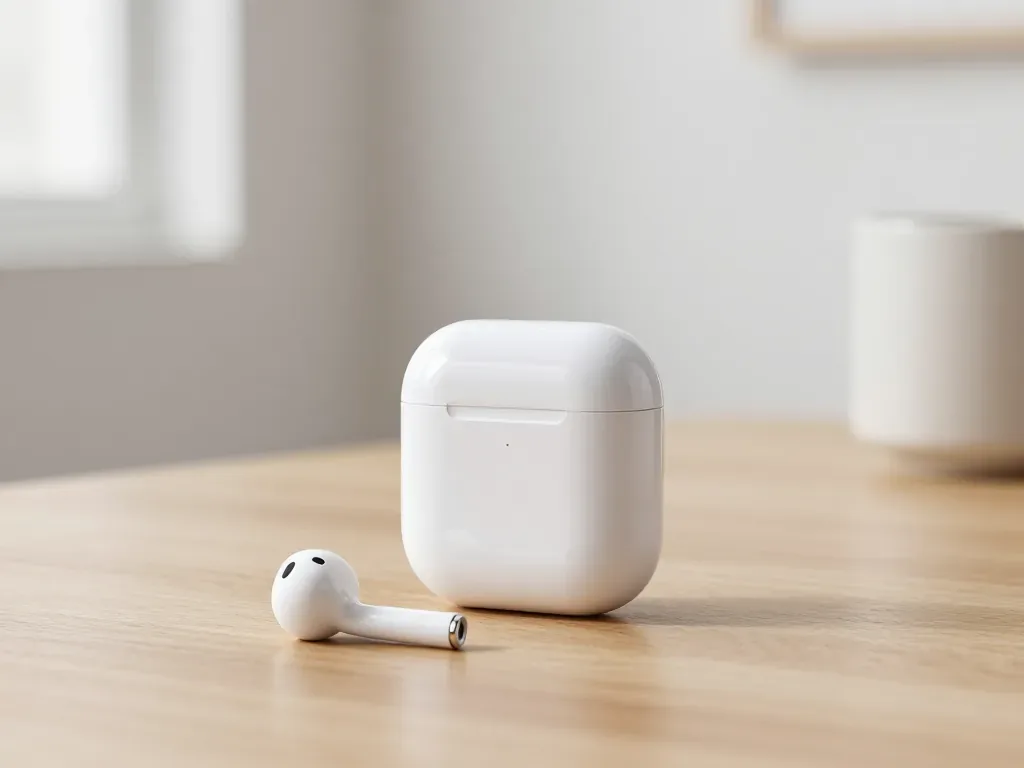
One earbud losing charge first is usually a worn cell or a dirty contact, not a dead pair. A free check tells which.
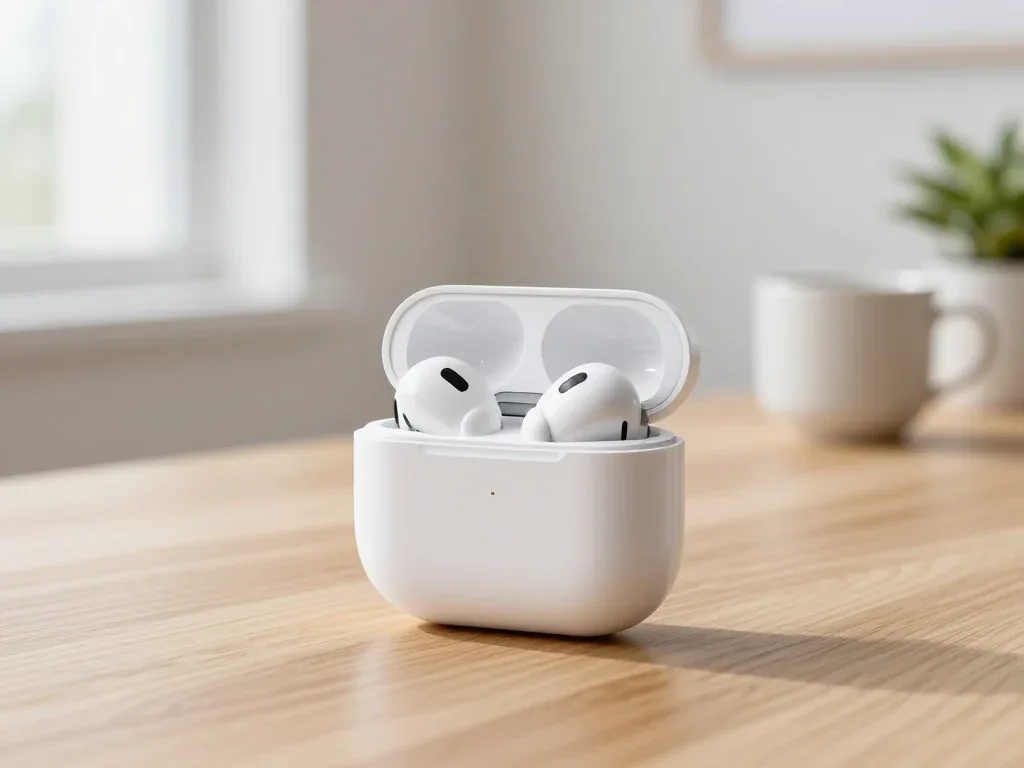
Find out why your AirPods case won't charge and what to check before visiting a repair shop.
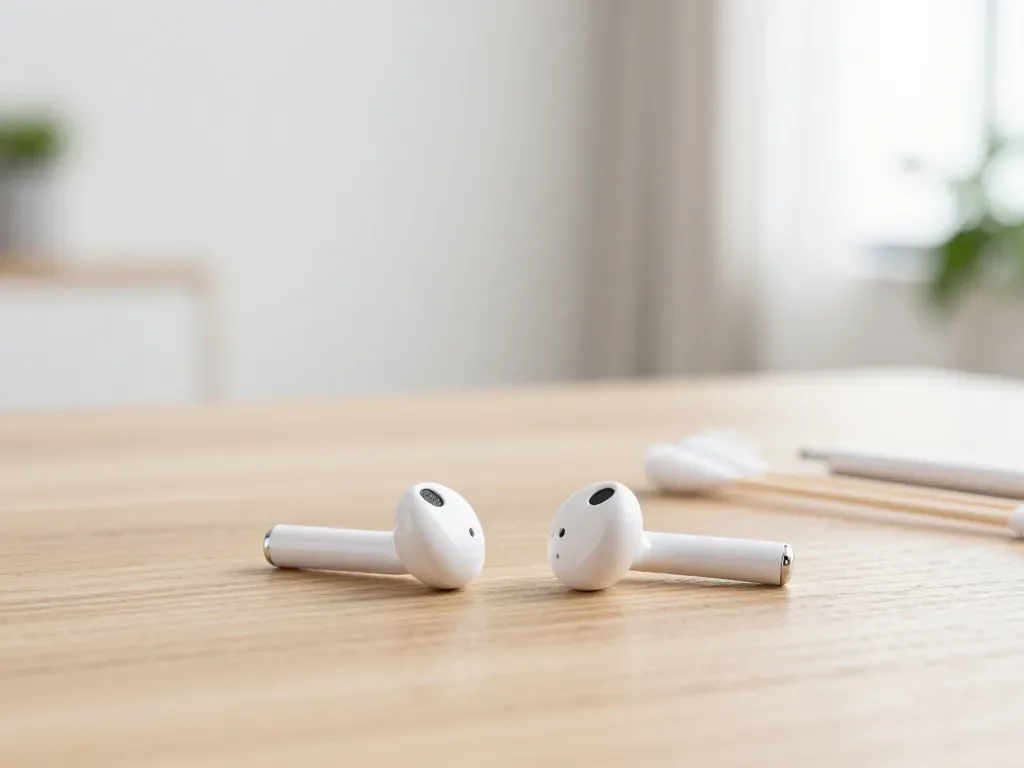
Most quiet AirPods come down to clogged mesh or a tired driver. Here is how to tell the difference before you clean anything.

Back up your data, turn off Find My, and bring proof of purchase — then the repair starts faster.


 iPad
 MacBook
 iMac
 Mac mini and Studio
 Apple Watch
 Apple Pencil
 Apple TV
 HomePod
