BS Photo: Bakmukhammed S.
Bakmukhammed S.
on-site iPhone technician
13years of experience
4.93rating, 107 reviews

Your Siri Remote no longer responds, the clickpad sticks or it won't charge — we'll inspect it free of charge and quote the price before any work begins.
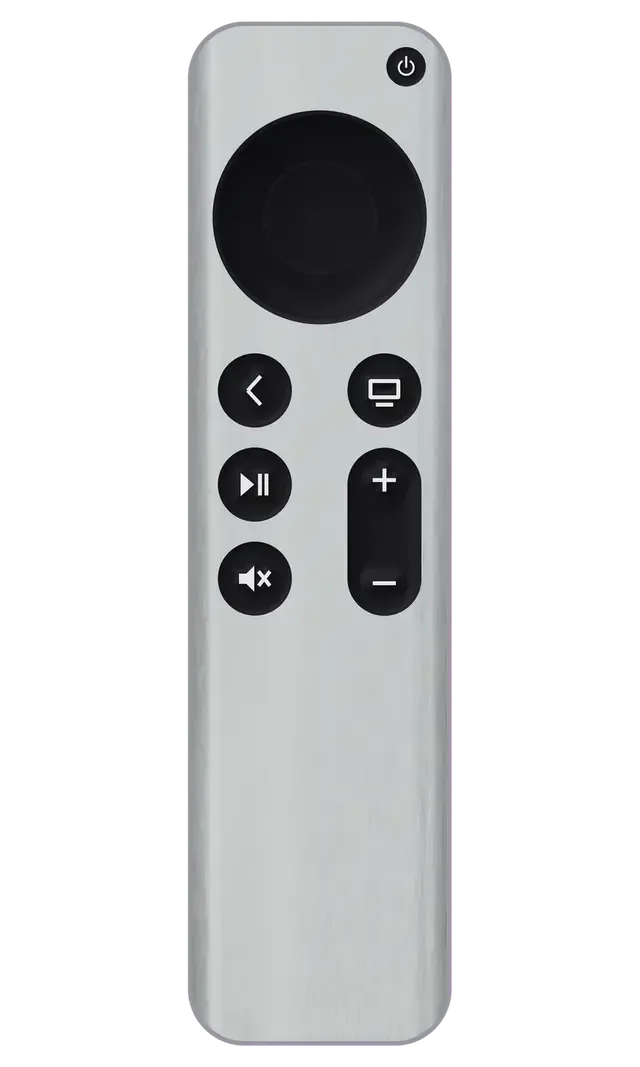
The Apple TV remote breaks from drops, moisture and worn buttons, and sometimes the culprit isn't the panel itself but the connector or battery inside.
Taps on the glass panel don't register, the cursor stays put or jumps around.
The Back or Menu button sinks in and won't spring back, making the box awkward to control.
With the cable connected, the indicator stays dark and no charge goes in.
The remote holds a charge for a few hours instead of weeks, so it needs constant charging.
The button gets pressed and the box is on, yet voice commands go unrecognised.
Bluetooth pairing with the remote fails, and it's missing from the device list.
The touch panel is damaged or cracked, and some areas don't respond to touch.
If moisture gets inside, buttons respond erratically and the clickpad jumps around.
The remote won't control the TV or receiver over the infrared channel.
The aluminium body is bent after a drop, the cover is loose and something rattles inside.
You have to press hard to return to the menu, and the response comes late.
The body gets noticeably warm just a few minutes after the cable is connected.
Final price varies with the remote's generation and which part is faulty — touch panel, buttons, battery or charging port.
For the Siri Remote we stock original parts and compatible equivalents; which one fits hinges on the remote's generation and how the other components are doing.
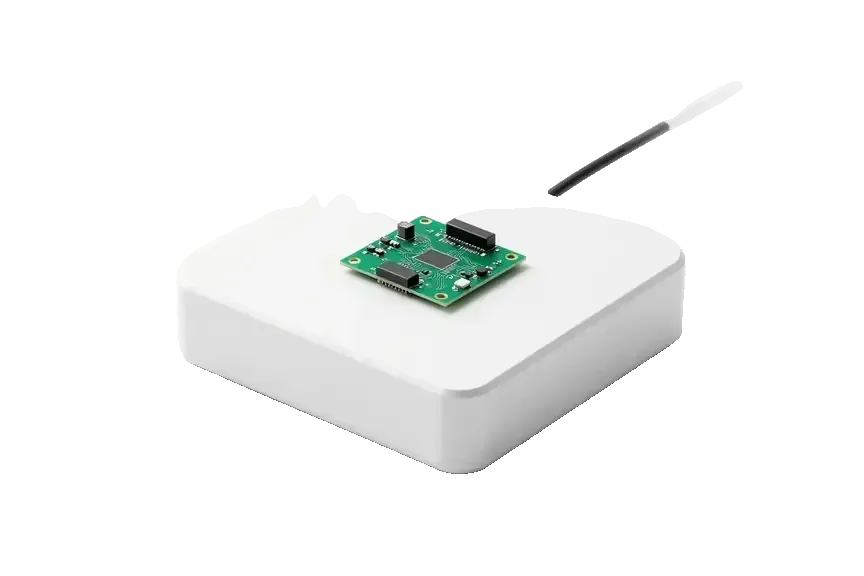
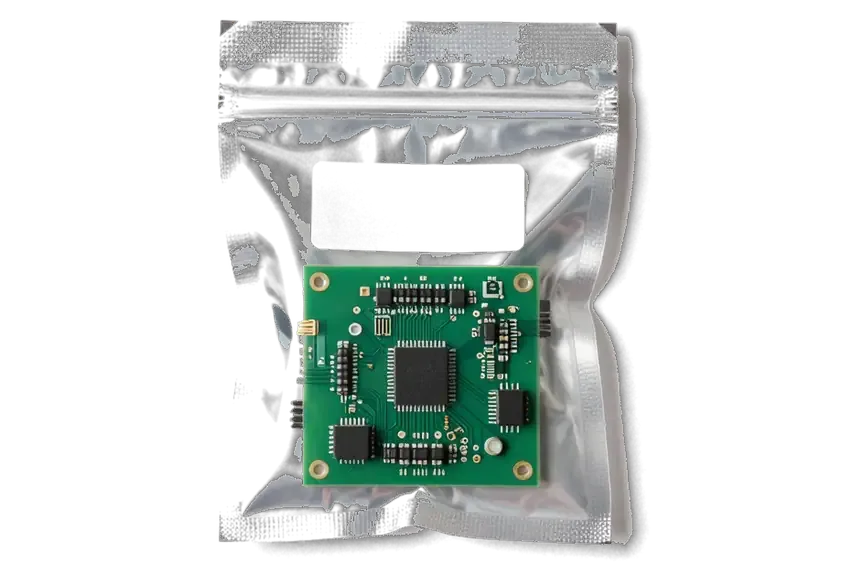
We first test the remote and the set-top box together, so we don't replace working parts or charge you for extras.
Eleven years working with Apple devices help us quickly tell worn buttons from a pairing failure or a flat battery.
Our warranty covers a minimum of twelve months, and the terms for your particular remote are explained by the technician ahead of the repair.
A experienced technician disassembles the remote: first makes a diagnosis, then proposes a plan and gives the final amount.
We test 32 remote functions, including the clickpad, buttons, Siri microphone, IR channel and charging, to find the real cause.
The price is confirmed once diagnostics are done and prior to any work, so you won't encounter unexpected costs later.
Open 10–19 Monday to Friday, 11–18 on weekends and public holidays, which makes an after-work visit convenient.
Usually the whole journey — from message to pickup — takes less than an hour; complex repairs follow the timeline in the receipt.
Book a repairYou send a photo of the damage on WhatsApp — we quote the price and available time. Or you call a courier.
An engineer checks the device in front of you and shows what is broken. 0 ₸, even if you decline the repair.
We fix the price, the part (original or analog), the timeline and the warranty. You sign — we start.
Before installation we show you the new part in its factory packaging. You wait in the waiting area with coffee and Wi‑Fi.
Picture, sound, remote, Wi‑Fi, HDMI. You check them together with the engineer.
Together with the receipt, warranty card and the old part. Payment — Kaspi, card or cash.
Technicians for iPhone, Mac, iPad, Apple Watch and AirPods repair.
Photo: Bakmukhammed S. Photo: Galymzhan S.
 Photo: Zhandos Sh.
 Photo: Darkhan T.
 Photo: Kudiret S.
“If the repair didn’t suit you or you have a complaint, write to me personally.”
Send a photo of the fault — an engineer will reply on WhatsApp, give the price and a time you can come in.
Siri Remote Repair in Astana, and the check costs nothing before payment
For Siri Remote repair in Astana, owners can bring the remote to iServices, where an experienced technician runs a free 15-minute check in front of you and shows what has failed. We fix the clickpad, touch surface, buttons, charging port and battery, set the part price on the receipt before work begins, and provide a 1-year warranty.
A Siri Remote is not just a shell of buttons. Inside sit a rechargeable cell, a charging port, a touch surface, a microphone and an infrared blaster. Below is which nodes fail most often and how each fault shows up.
Behind a remote that no longer keeps its charge or won't power up at all, we usually find a spent battery or a Lightning or USB-C port that has worked loose. Capacity dwindles once a few hundred full cycles have gone by, so a remote that once lasted weeks now gives out in a day or two. A port goes bad in its own way: a solder joint that has cracked or lint jammed inside the socket interrupts contact only when the cable is tilted. We check the connector with the cable attached and power applied, not merely by sight. When the remote springs to life only on the charger, the battery is nearly always the cause, not the buttons.
A dead clickpad or a touch surface that ignores swipes is usually a worn contact or a cracked glass layer, not a software glitch, and both are repairable on the remote itself. The clickpad sits on a thin membrane with carbon contacts that flatten over time, so presses stop registering in the centre first. The touch surface on newer remotes is a glass layer over a sensor grid, and a single hairline crack can kill a whole strip of gestures. Before opening anything, we pair the remote with a known-good Apple TV to rule out the set-top box. Bluetooth faults on the Apple TV side mimic a dead pad more often than owners expect.
When voice control stops hearing commands or the remote drops its link, the cause is split between the microphone, the infrared blaster and the connection state, and each is checked separately. The microphone sits behind a pinhole that clogs with pocket lint, which muffles voice input without any visible damage. The blaster handles volume and power on a TV or soundbar, and a failed one leaves those buttons silent while everything else works. The wireless handshake itself can stall after a system update on the Apple TV. Re-pairing and resetting the remote solve a share of these cases without opening the shell, so try that at home first.
Remote repair is not one service but a set of jobs matched to a specific fault. Below are the options we cover, what each one addresses, and when a fix makes more sense than a new remote.
| Symptom | Likely node | What we do | Part choice |
|---|---|---|---|
| Won't charge or dies fast | Battery / charging port | Replace battery or port | Original or aftermarket |
| Buttons or clickpad dead | Contact / clickpad | Clean or replace contact | Original or aftermarket |
| Swipes ignored | Touch surface | Replace glass or touch layer | Original or aftermarket |
| Siri not hearing | Microphone | Check and replace mic | Original or aftermarket |
| Won't pair | IR / pairing state | Re-pair, check IR emitter | Original or aftermarket |
Both a genuine component and a third-party alternative are available; 64% of customers opt for the genuine one, and the selection plus how it affects the guarantee is noted on the receipt prior to any work. The difference between them shows less in whether the remote functions and more in day-to-day feel: a genuine clickpad retains its crisp travel and click, whereas a compatible unit may go soft within months. Battery capacity is the other gap — a third-party cell sustains fewer charge cycles, which counts for a remote in constant use. Each option is presented in factory packaging ahead of fitting, and the removed component is handed back to you along with the receipt and warranty card. If you are searching for Siri Remote repair in Astana, we pair the component to the fault and record your selection on the receipt.
Repair tends to pay off when a single node has gone and everything else on the remote still works, whereas a unit with several dead functions at once is frequently less costly to swap than to rebuild. One dead clickpad, a tired battery or a microphone that no longer catches voice commands are each a single-task fix on a unit that is otherwise sound. The situation shifts after liquid or a power surge came through the set-top box: the board may have damaged traces, and rebuilding it can exceed the cost of a new remote. In such a case we check the board first and state plainly which option the numbers favour. If the remote was submerged or the box took the blow alongside it, request a board check before consenting to any rebuild — that keeps you from shelling out for a repair that won't last.
The path from your first message to a working remote in your hand is short. Below are the steps, what goes onto the receipt, and what you check together with the specialist before taking the remote home.
A technician answers via WhatsApp in under 5 minutes and gives an estimate based on a picture, so you have a rough figure before you set out. A single photo of the remote on a bare table lets us determine whether the problem lies in the battery, the charging port or the clickpad, and whether the task fits a 20–40 minute window. Should the image be unclear, the specialist requests another angle instead of making assumptions. Take the shot in decent light and from both faces of the remote, so the technician can tell which assembly to inspect first. That one photo spares you the journey if the damage proves to be only cosmetic.
Diagnostics cost nothing, last 15 minutes and are carried out with you watching, regardless of whether you go ahead with a repair, and the technician points out on the spot what has broken. We open the remote, apply a load to the battery, inspect the charging port for contact and put the buttons and touch surface through a response pass, naming each outcome as it appears. Nothing disappears into a back room — the device remains on the bench in your sight throughout. Should the fault not be confirmed, you walk out with no repair and no charge, which takes away the chief fear of paying for a diagnosis that led nowhere.
Cost, component, timing and guarantee are set down on the receipt within 2 minutes ahead of any work, and when you collect the device you inspect the remote alongside the specialist. The receipt lists the component — genuine or third-party — the guarantee period of up to 1 year, and how long the task will take, so nothing rests on a verbal agreement. The removed part comes back to you together with the warranty card. At handover, check beyond the buttons: pair the remote with the set-top box and test voice input, as these are the two functions owners most often neglect to verify once home. Have the pairing step repeated in your presence — a remote that links up on the bench may still lose the connection on your own TV stand.
Most remote jobs here fit into a short wait, so you can plan the rest of your day around one visit. Below are the timings, the waiting area, payment options and the courier route.
Many procedures are performed while you watch, and 72% of our orders finish in the lounge zone; the full path from the first message to pickup typically runs under sixty minutes. Replacing a button or clickpad keeps the bench busy for 20–40 minutes, and the 32-point function check tacks on roughly ten minutes. A battery or charging port swap usually needs about 25 minutes. Should the fault sit on the logic board or call for a scarce component, the task goes past the one-hour mark — the technician pins down the precise timing after diagnostics and records it on the receipt. At our workbench, a reliable answer to "how long" emerges only after the device is opened, never before.
After the repair we run a 32-function check of about ten minutes, and for a remote that means buttons, clickpad, touch surface, microphone, IR and the wireless link with the Apple TV. The engineer presses every key, swipes the touch surface edge to edge, records a voice command and points the remote at the receiver to confirm the IR beam fires. The wireless link is tested on a working set-top box at the workbench, then repeated in front of you. You sign off on the same list before the remote leaves the building. Testing on our own box removes the false alarm where a remote "fails" only because of settings on the Apple TV at home — bring your own unit in and we check against it too.
A remote is a small item, yet it still deserves more than a handover to a stranger. So why does choosing a direct contractor that has its own technicians and written terms remove most of the risk?
We operate with in-house technicians and our own workshop as a direct contractor, not an aggregator or intermediary, backed by 11 years in business and 46,000+ repairs. The technician who accepts your device is the one who opens it on the bench, so nothing is handed to an unknown third party overnight. Our team works under a microscope on board-level faults, which is why most tasks don't wait on an order. The surest sign of a genuine service is that the check happens where you can see it — we do exactly that, free, for 15 minutes. When one team both receives the unit and repairs it, there is no handover between contractors — and no muddled responsibility for the outcome.
Every repair carries a guarantee of up to 1 year, and the device comes back to you along with the replaced part, the warranty certificate and the receipt. The receipt is filled out before any work begins and confirms four points: the price, the component, the turnaround time and the warranty, so nothing relies on a verbal agreement that could later change without notice. The new part is installed directly from factory packaging and shown to you in advance — 64% of customers choose a genuine component, while others deliberately opt for third-party rather than by default. Payment is possible via Kaspi, by card or in cash, and courier pickup can be arranged if you prefer not to travel across town. Keep the old component until the warranty ends — it serves as proof of exactly what was replaced should you ever need to return.
The choice to repair a Siri Remote rests on five checks: what failed, what a free inspection shows, what the receipt locks in, how long the visit takes and whether one fault or several are in play.
Did not find an answer? Message us on WhatsApp: an engineer replies, not a bot.
Ask a questionAn impact often damages the touch panel or the flex cable inside. A technician in Astana will check the clickpad and contacts, then say whether the glass needs replacing or the connection just needs restoring.
It's possible — the culprit could be the charging port (Lightning or USB-C), the battery or the mainboard. Diagnostics reveal the failed part, and the technician will suggest either repair or replacement.
Often the cause is a clogged microphone mesh or damage from moisture. Test the remote in a quiet room: if commands still aren't recognised there, cleaning or microphone replacement is needed.
Reboot both the set-top box and the remote, then pair them once more. Should the remote stay invisible to Apple TV, our technician inspects the Bluetooth module and the buttons.
Yes, if you disconnect it from charging right away and don't turn it on. The technician will open the case, clean oxidation off the board and check whether the buttons and clickpad work.
Fixing the remote leaves the set-top box's memory untouched, so apps and settings remain as they were. If the remote is replaced, pairing it with Apple TV is all that's needed.


 iPad
 MacBook
 iMac
 Mac mini and Studio
 Apple Watch
 AirPods
 Apple Pencil
 HomePod
