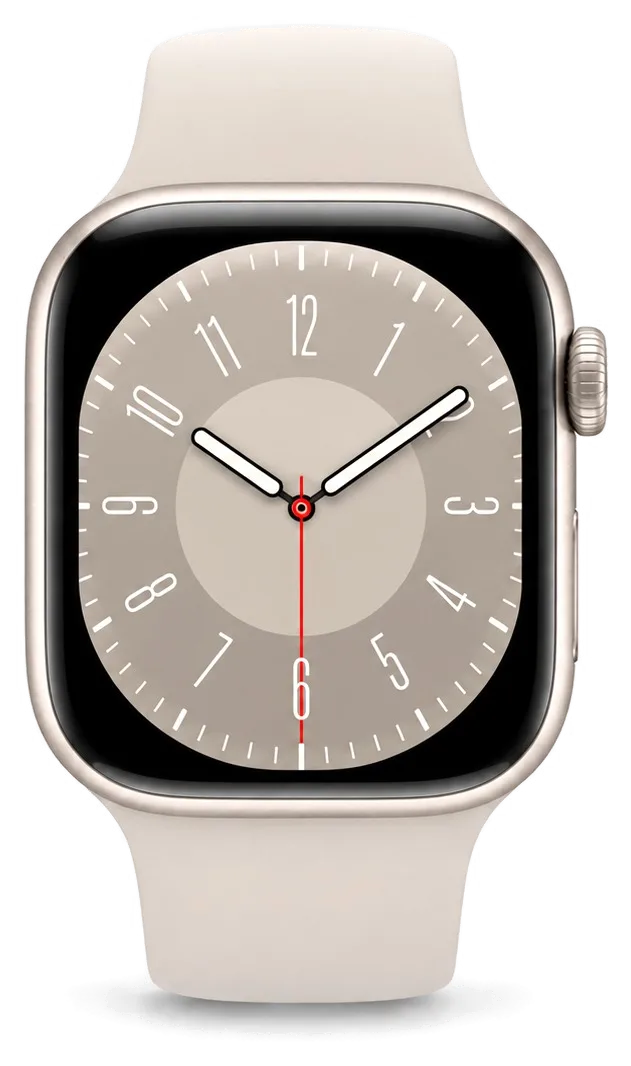
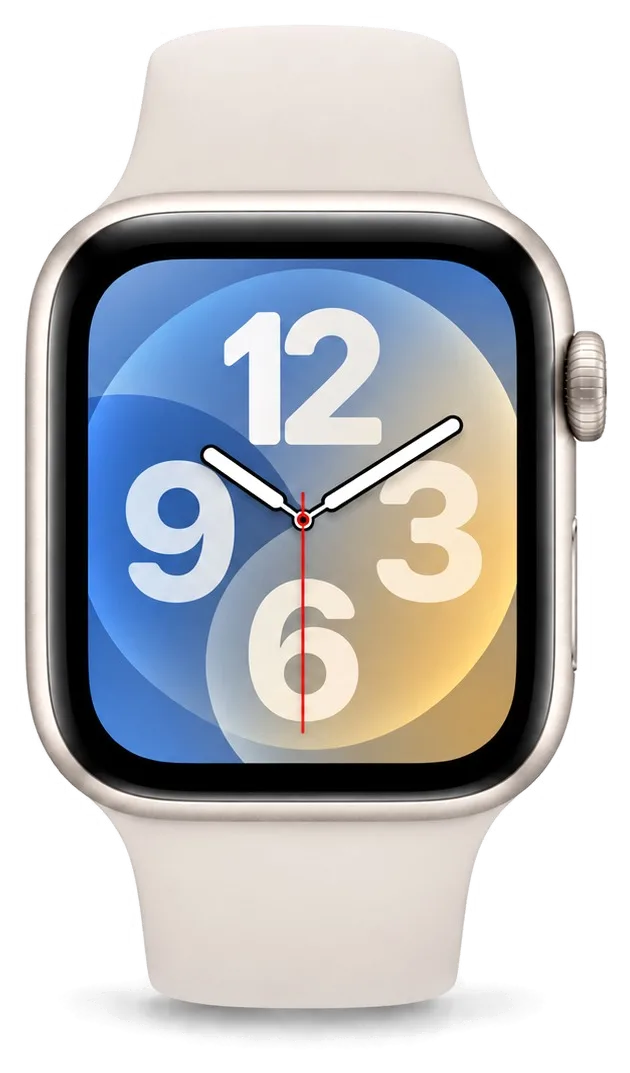
The SE is the pared-back model with an aluminium case and Ion-X glass, and no Always-On display. It fails along a few predictable lines, so the first task is to identify which assembly has given up.
The faults SE owners bring to us most often
- Cracked front cover: a knock on the edge fractures the Ion-X layer while the OLED underneath keeps working, so the two are judged separately.
- Battery that dies by mid-evening: a worn cell shows up as sudden shutdowns at 20–30% and a case that heats up on the charger.
- Charging that stops entirely: the coil or the back contacts fail, and the watch sits dead on the puck.
- Digital Crown or side button that jams: grit gets under the crown, and turning or pressing stops registering.
- A swollen cell lifting the screen: the pack expands and pushes the display up at one edge, which makes it a same-day fault rather than a wait-and-see one.
How SE differs from SE 2 and why it matters for repair
The SE and SE 2 use identical 40 mm and 44 mm cases and a shared display assembly, so screen and battery work is the same on both, yet the SE 2 adds crash detection and a newer chip that changes nothing about how the watch is opened. The first-generation SE has no Always-On mode, and that one gap is what owners notice day to day. Because the two generations share components, a technician reads the model number engraved on the back cover before quoting, and that check decides which power cell and which screen get ordered. Mixing the two up is the most common sourcing mistake on this model.
What we check before naming the fault
We run a free 15-minute diagnostic in front of you and show exactly which component has failed, even if you decide not to repair. The watch goes onto a charging puck first, then the charging element and the cell are read through the Watch app, and only after that does the logic board come under suspicion. A unit that will not power on is tested on the puck and on the induction loop before anyone touches the motherboard, because a dead loop looks identical to a dead battery from the outside. That order of checks is what stops a simple swap from being sold as a board repair — and it is why our quotes hold once the case is open.
Cracked Glass or a Dead Display
A crack on an SE does not always mean the whole screen has to go. The glass is bonded to the display, and how the image and touch behave tells a technician which component actually failed.
Glass, display or touch layer
Symptoms mapped to the component that actually failed| What you see | Part at fault | What we do |
|---|
| Crack, image and touch fine | Cover layer only | Replace the cover layer |
|---|
| Stripes or black patches | OLED display | Replace the display |
|---|
| Taps ignored, image fine | Touch layer | Replace the assembly |
|---|
| Glass lifted, screen bulging | Swollen battery | Replace battery and reseal |
|---|
Can you polish a scratch on Ion-X glass
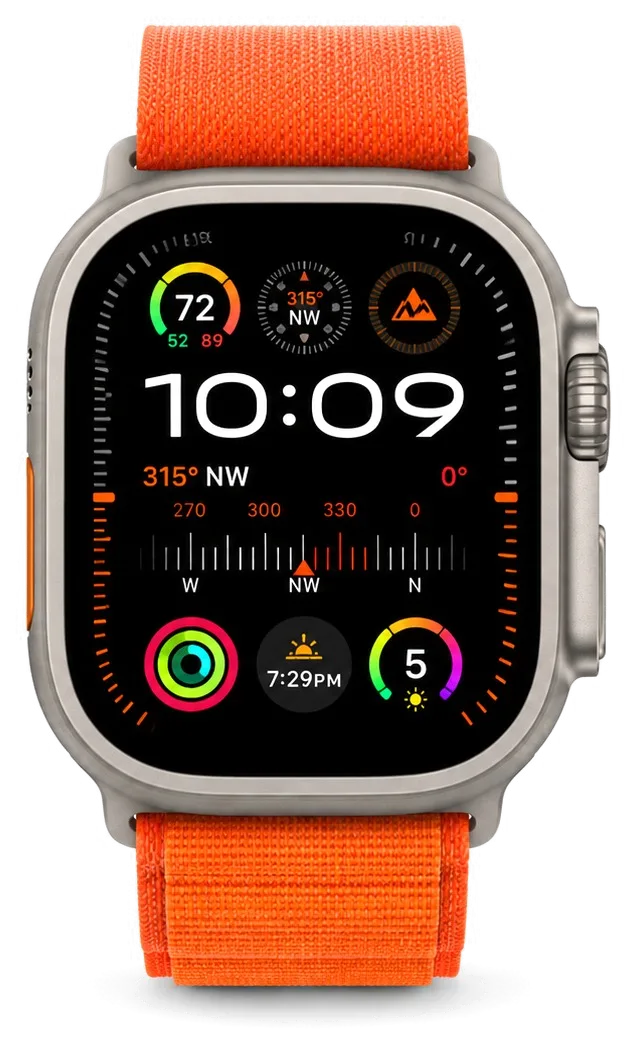
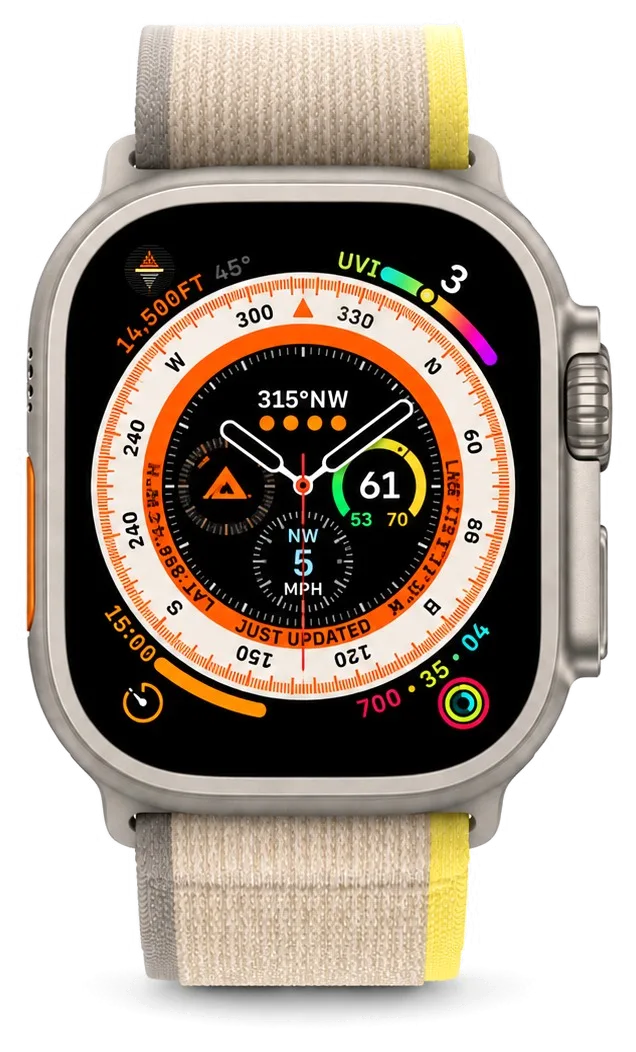
Light surface scratches on Ion-X can be polished out, but deep gouges and any crack cannot, because polishing removes material and thins the cover layer over the display. Ion-X is the hardened cover glass on the standard SE, while the Ultra model is protected by sapphire and a raised titanium bezel, so the two wear very differently. A crack, however small, has already released the tension the cover layer was manufactured with, and no compound restores that. Polishing is only worth it when the scratch barely catches a fingernail; if it catches clearly, the cover layer is already weakened and a replacement is the safer route. If you are weighing up an apple watch se repair in Astana, a technician can tell you whether polishing or a full cover-layer replacement is the right call for your watch.
What happens to water resistance after a screen repair
We reseal the case with a fresh gasket after every screen job, but factory water resistance is reduced once the watch has been opened, so we do not recommend swimming in a repaired SE. The gasket is a one-use part, which is why a shop that reuses the old adhesive leaves a watch that fogs up after a shower rather than after a swim. Once the case is ready to close, the engineer clears old adhesive from the channel, seats the new seal evenly and checks the crown and button gaps for a flush fit. Keep in mind that the seal protects against rain and handwashing, not pressure at depth. If you swim regularly, treat the watch as splash-resistant after service and dry it after contact with water.
Battery Drain and Charging Faults
When an SE does not last until evening or refuses to take a charge at all, the cause is almost always one of three nodes. Here is how to tell worn cells from a charging fault.
Why your SE no longer lasts the day
A battery that has lost capacity is the usual reason an SE stops lasting until evening, and we replace it by opening the watch from the screen side, so the display and touch layer come off as one unit. The cell sits directly under that cover layer, pressed against the display flex and the adhesive gasket that seals the case. Capacity fades gradually: a watch that ran a full day two years ago now gives you six or seven hours of normal use, and always-on display drains it faster. A swollen cell pushes the screen up ahead of any failure to hold charge, so a gap along the case edge is an early warning worth acting on.
When the watch will not charge at all
- Cable and puck first: try a known working charger and a different adapter, since a dead puck looks exactly like a dead watch.
- Charging coil next: the induction loop sits against the back cover and is checked for continuity prior to opening anything.
- Logic board last: the charging circuit is tested only after the loop and connector are ruled out.
- Drop history matters: an induction loop damaged by impact passes a visual check and still refuses to take power.
- Result of the test: the engineer tells you which node failed prior to ordering any component.
Board-level faults and the microscope
Board repair is done under a microscope and takes 1 to 3 days, and after water contact the diagnostic itself can take up to two days before we know what survived. Our technicians work on the logic board at magnification because the charging and power traces on an SE are finer than a human hand can track, and a lifted pad is easy to miss at normal scale. Liquid damage spreads under the shield cans, so a watch that works right after a splash can fail weeks later when corrosion reaches the traces — that delay is why we clean and inspect even when the device powers on. A charge fault that survives a new induction loop almost always ends at the logic board.
Repair or Replace Your SE
Shops in the Astana search results push you toward buying new. For an SE, repair is often the cheaper and smarter route, and the decision rests on the condition of the parts, not the age of the model.
When a repair makes sense and when it does not
A single failed component on an SE is almost always worth repairing, while a watch with a cracked screen, a dead battery and liquid damage at once is usually not. The logic is plain arithmetic: one component and one step versus three components and three steps in the same visit. Our free diagnostics settle it — an engineer checks the watch in front of you, runs a 15-minute inspection and shows what is actually broken, even if you then walk away. A display, a battery or a charging fault each has a known turnaround of 20–40 minutes. Water damage is the exception; after liquid gets inside, diagnostics sometimes stretch to two days. The decision turns on how many separate faults the diagnostic finds, because each one adds a component and a step to the same visit.
Original part or aftermarket part
Which replacement component goes into the watch| Part | What it means for the watch | Warranty |
|---|
| Original | All functions work as before | Up to 1 year |
|---|
| Aftermarket | Lower cost, functions may differ | 6 months |
|---|
| Shown before fitting | In factory packaging | Fixed on receipt |
|---|
What you get back with the watch
- Receipt: fixes the price, the part, the turnaround and the warranty ahead of any work, in about two minutes.
- Warranty card: covers the repair up to 1 year, so a repeat fault is handled without argument.
- Old part: returned in a bag, so you can see exactly what came out of the watch.
- Final check: you test charging, the microphone, the speakers and the network with the engineer before leaving.
- Factory packaging: the new component is shown to you ahead of fitting, so nothing is swapped behind your back.
- Service record: we have logged 46,000+ repairs over 11 years, and each job ends with documents that match it.
How the Visit Works in Astana
A visit here is built so the watch does not sit in a drawer for days. Below is how to book, what to prepare and how the handover goes.
From a WhatsApp photo to a fixed receipt
Send a photo of the damage on WhatsApp and an engineer replies within 5 minutes with a price, then fixes the price, part, turnaround and warranty on the receipt in 2 minutes ahead of any work. The new component arrives in factory packaging and is shown to you ahead of installation; if travelling across the city is awkward, a courier can be called instead. The receipt is the document that matters: it names the exact component, whether it is original or aftermarket, the deadline and the warranty period, which runs up to 1 year. A photo taken straight on in good light shows the crack pattern better than an angled shot, which lets the engineer name the right component ahead of your arrival.
Preparing your watch and iPhone before the visit
- Unpair in the Watch app: open the Watch app on your iPhone, tap your watch, then Unpair — this clears Activation Lock so the repair can proceed.
- Keep the backup: unpairing saves a copy of the watch data on the iPhone automatically, and it is the only copy you hold if the board has to be replaced.
- Loosen the band: take the strap off ahead of handover so the engineer can reach the case and crown without forcing the lugs.
- Note the symptoms: write down when the drain or flicker started — a short note shortens the free diagnostics.
- Bring the charger: the charging puck helps confirm whether the fault sits in the watch or in the cable.
Waiting on site and the final check
72% of repairs finish while the customer waits in the waiting area with coffee and Wi-Fi, and the whole process from first contact to pickup usually takes less than an hour. The engineer runs free diagnostics in front of you for 15 minutes and shows what is broken, even if you decide not to repair. At pickup we check 32 functions together with you in about 10 minutes, including touch, the heart sensor, charging and the network, so a fault is caught prior to your departure. The watch comes back with the receipt, the warranty card and the old part — keep the old component, since it proves which unit was swapped if a question arises later.
Summary: Apple Watch SE Repair
A short recap of what decides the outcome on an SE: which layer failed, whether one component or several are involved, and how carefully the watch is checked before and after the work.
- Cracked cover, clean image: a cover-layer job; stripes, dead touch or a blank screen mean the whole display is replaced.
- Fast drain: a worn battery is the usual cause, and a swollen cell lifts the screen before it fails completely.
- No charging: the chain is tested from cable to coil to board, cheapest cause first.
- One failed component: worth repairing; several faults at once usually are not.
- Before and after: unpair the watch from the iPhone ahead of the visit, then check touch, sensor and charging at pickup.









 iPad
 MacBook
 iMac
 Mac mini and Studio
 AirPods
 Apple Pencil
 Apple TV
 HomePod





