The hardest cases deserve attention first, because their outcome is often decided in the first minutes after an accident. Here is what the owner should do and what happens at the bench afterwards.
First steps after the phone gets wet
- Switch it off: power the device down while it still responds, because current through damp contacts speeds up corrosion on the board.
- Do not charge it: even a brief connection to a cable can short the power rails and turn a cleaning job into board work.
- Skip the hairdryer and rice: hot air softens the adhesive and drives moisture deeper, while rice draws nothing out from under the screen.
- Remove the case and SIM tray: some moisture evaporates faster this way, but opening the body yourself is not a good idea.
- Bring it in the same day: the sooner an engineer opens the case and cleans the board, the less corrosion has time to form.
How we restore a logic board
Logic board repairs are done under a microscope and take 1–3 days; meanwhile you can follow your device's status on WhatsApp, where a reply from an engineer arrives in 5 minutes or less. Board-level iPhone 15 Pro repair in Astana starts by finding a short or an open in the power rails: current is measured, suspect areas are warmed, and the faulty component is located. Micro-soldering follows — a controller or capacitor gets replaced, or a damaged trace is restored — and afterwards the board is stress-tested to verify stability. When liquid has got inside, up to two days may be needed for diagnostics, since corrosion shows itself gradually rather than all at once. The question owners ask most at this stage is whether their photos will survive: if the storage chip is intact, data usually stays in place, but nobody can promise that before diagnosis.
Protecting your data before complex work
Back up your data before any complex board work, as long as the iPhone still starts. A copy in iCloud or on a computer protects you from the worst case, when storage is damaged together with the power circuitry. The passcode will be needed to test Face ID, cameras and network after the job, so you can either share it at drop-off or enter it yourself at handover. Turning off Find My is usually not required, but a device with a forgotten passcode cannot be tested properly. Keep your Apple ID password at hand as well, because some functions ask for it after a part replacement. If the screen is completely dead and there is no backup, avoid repeatedly plugging it into a computer: on a damaged board, every start attempt adds stress to the faulty circuit.
Reading the Symptoms Before the Visit
The same symptom can point to a trivial fault or a serious one. Below is a quick map from what you notice to the likely cause, plus two complaints that are often confused with board failure.
Symptom, likely cause and what we do
From visible symptom to our fix| Symptom | Likely cause | What we do |
|---|
| Cracks, picture still even | Front cover broken | Replace only the cover |
|---|
| Lines, spots, flicker | OLED panel damaged | Fit a new display assembly |
|---|
| Flat by lunchtime | Worn battery | Replace the battery |
|---|
| Charging cuts in and out | Lint or corrosion in USB-C | Clean the port, test the flex |
|---|
| Hazy photos, flare | Cracked camera lens cover | Replace the lens cover |
|---|
| Dead after getting wet | Corrosion on the board | Clean and restore the board |
|---|
| Face ID not working | Impact on TrueDepth module | Diagnose module and flex cable |
|---|
Phantom touches and dead zones
Phantom touches, when the screen opens apps or types letters on its own, usually indicate damage to the touch layer of the display assembly. On the iPhone 15 Pro the touch sensor is bonded to the OLED panel, so even without visible cracks a knock on a corner can disrupt it near the edge or around the Dynamic Island. Dead zones, where touches do not register, show up when typing or swiping down from the top. Before heading to a workshop, rule out software and accessories: restart the phone and remove the case and screen protector, which sometimes press on the edge. If the symptom persists on a bare screen, the cause is hardware. Continuing to use such a display is risky, because random presses can send a message or place a call without your knowledge.
Shutting down in the cold
A handset that switches off in frost while still showing charge usually has a worn battery. In a long Astana winter this sign becomes especially obvious: an aged cell loses voltage sharply in the cold, and the power management chip cuts the power to protect the board. Other signals include a service recommendation in Battery Health and a sluggish interface when charge runs low. You can check that indicator yourself in settings before visiting anyone. Swelling shows as a gap between the screen and the frame or a slightly raised display edge. Do not put off replacing a bulging battery: it presses on the OLED panel from the inside and can damage it, turning a simple battery swap into a full screen replacement.
How iPhone 15 Pro Repair Works from Message to Handover
The process is built so that the owner knows the price and the timing in advance. Below is the path from your initial message until the phone is returned to you, with realistic waiting times for each stage.
Step by step at the workshop
- WhatsApp photo: send us a picture of the fault, and within 5 minutes our engineer will reply with a price based on it.
- Available time: the same reply also offers the nearest free slot, so you come to a bench that is already prepared rather than to a queue.
- Diagnostics with you present: 15 minutes, no charge, and even if you decline the repair, the specialist demonstrates the fault.
- Receipt first: roughly 2 minutes pass while price, part, timeframe and warranty are written down, and only then does the technician begin.
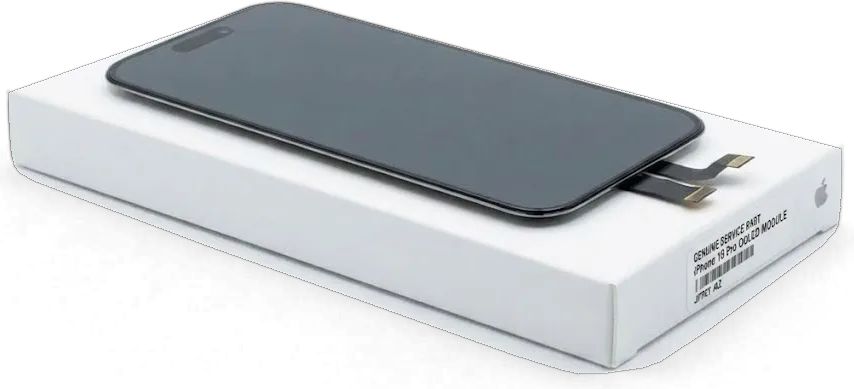
- Part shown in its box: you watch the new part being taken from its factory packaging, and the old one goes back to you together with the phone.
How long you wait and the courier option
Most jobs take 20–40 minutes, so we usually restore the device within a single visit. A screen takes about 40 minutes, a battery 25 minutes and camera glass 20 minutes, and the whole path from first contact to handover normally fits into less than an hour. Our waiting area offers coffee and Wi‑Fi, and 72% of jobs finish while the customer sits right there. Exceptions are liquid damage and board-level work, for which the timeframe is given only after diagnostics. If coming in is inconvenient, a courier can be called to collect the iPhone and bring it back. Hours on weekdays are 10:00–19:00; Saturday, Sunday and public holidays run 11:00–18:00. If there are two faults, such as the screen and the battery, list both in your first message so they can be handled in one visit.
Screen Damage and the Choice of Part
The display is still the most common reason Pro owners need a workshop. Here we explain situations where a partial repair suffices, how part choices vary, and the fate of face recognition.
Glass only when the panel survives
On this model we can replace only the front cover of the screen, provided the OLED panel beneath it is intact and touch works across the whole surface. The job differs from a full display swap: the engineer separates the broken top layer from the working panel, removes the old adhesive and bonds a new cover without touching the panel itself. Many owners who come in expecting a new display leave without needing one, which is exactly why diagnostics come first. The receipt records cost, part kind, duration and warranty before any work begins, and the replacement part is shown to you in its factory packaging. This approach does not apply when lines or black blotches are already visible, since those mean the panel itself is damaged.
Original or alternative and the unknown part notice
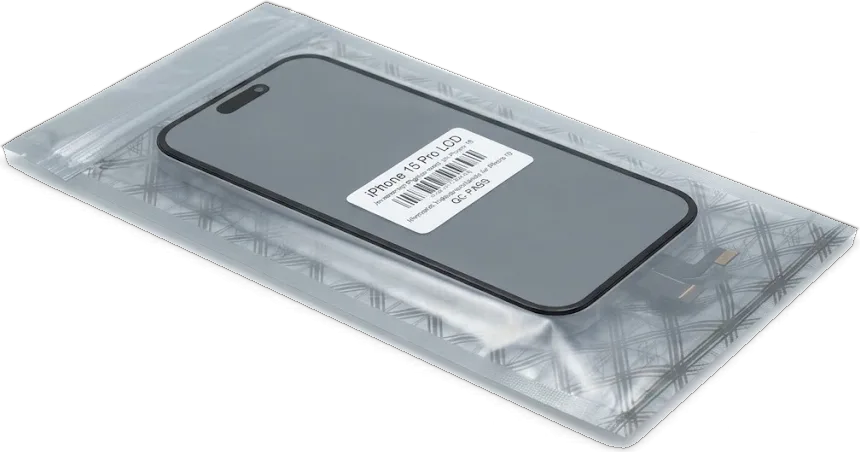
An original display assembly and an alternative differ mainly in outdoor brightness, colour accuracy and True Tone support. The original OLED panel keeps its factory colour calibration and works correctly with the ambient light sensor, while some alternatives lack True Tone and render white noticeably cooler. Settings may list an alternative as an unknown part — a label showing the part type that has no effect on touch or Face ID. For everyday tasks such as messaging, video and navigation, many people never notice a difference. Think ahead about your priorities: if the phone serves as your main camera for shooting and editing, the original is the safer choice; if a working screen for daily use is all you need, an alternative will do. Ask the engineer beforehand whether the notice will appear.
Will Face ID keep working
When the screen is replaced properly, Face ID continues to function, since the TrueDepth system is a separate module, not integrated into the display. During careful disassembly these parts stay untouched: the proximity sensor, dot projector and infrared camera, which are located under the Dynamic Island cutout at the top of the body. When face recognition fails after someone else has worked on a phone, the cause is usually a damaged flex cable or an impact on the TrueDepth module itself, which calls for separate diagnostics. Right after the device is put back together, we check Face ID together with you — all before you sign anything. If face recognition stopped working at the moment of the fall rather than after a fix, tell the engineer at the start, so the search begins at the module and not at the new screen.
Handover Checks and Who Stands Behind the Work
The last minutes at the workshop decide whether questions remain a week later. Here is what gets tested, what documents the owner receives and who is responsible for the result.
What we test before handing the phone back
Our handover checklist by function| Function | How we test it | Normal result |
|---|
| Face ID | Several unlocks in a row | Unlocks on the first try |
|---|
| True Tone | White screen by a window and a lamp | Tint shifts smoothly |
|---|
| Cameras | All lenses, focus, flash | No spots or flare |
|---|
| Microphones and speakers | Voice note on speakerphone | Clear sound, no crackle |
|---|
| USB-C charging | Cable and rising percentage | Steady charging |
|---|
| Network | Call and mobile data | Stable connection |
|---|
Warranty, documents and payment
Work warranty lasts up to 1 year and is documented in the receipt as well as the warranty card given to you at handover. Besides the paperwork, you get the old part back, which makes it easy to confirm exactly what was replaced. Before you sign, the engineer runs a 32-point function check with you, which takes about 10 minutes. You can settle the bill however is convenient at pickup — Kaspi, bank card, or cash. The receipt also records the part type, original or alternative, so there is no room for later confusion about what was installed. Take a photo of the receipt and the warranty card right after handover: a warranty claim needs the document number, and paper gets lost far more easily than a picture on your phone.
Our own technicians with no middleman
At iServices there is no intermediary: iPhone 15 Pro repairs in Astana are carried out in-house by our staff in our facility, and no third party the client never meets gets involved. 11 years of experience stands behind us, with over 46,000 completed repairs and offices located in both Almaty and Astana. Keeping the chain short gives the client transparent responsibility: receipt, warranty card and the replaced component all originate from the workshop that actually disassembled the phone, so any warranty issue is handled by those same specialists. When a middleman forwards the phone elsewhere, any disagreement leaves you speaking with a call-center operator. Why does this matter for a Pro in particular? An expensive flagship is something you want to see in a technician's hands, not sent off into the unknown. Whichever workshop you pick, ask where exactly the phone will be opened.
Summary: iPhone 15 Pro repair
A short summary of what helps the owner of a flagship save time and nerves, from the first warning sign to testing a fully working phone at the counter.
- The first minutes after liquid matter: switch it off, do not charge it, skip the hairdryer and get it cleaned the same day.
- Symptoms point to causes: lines mean the panel, patchy charging means a dirty port, and cold-weather shutdowns mean a worn battery.
- A cracked cover does not always mean a new display: with an intact panel, replacing the top layer alone is enough.
- Documentation locks in the terms: the part, the timeline and the guarantee are all written down prior to starting, and the replaced component is returned to its owner.
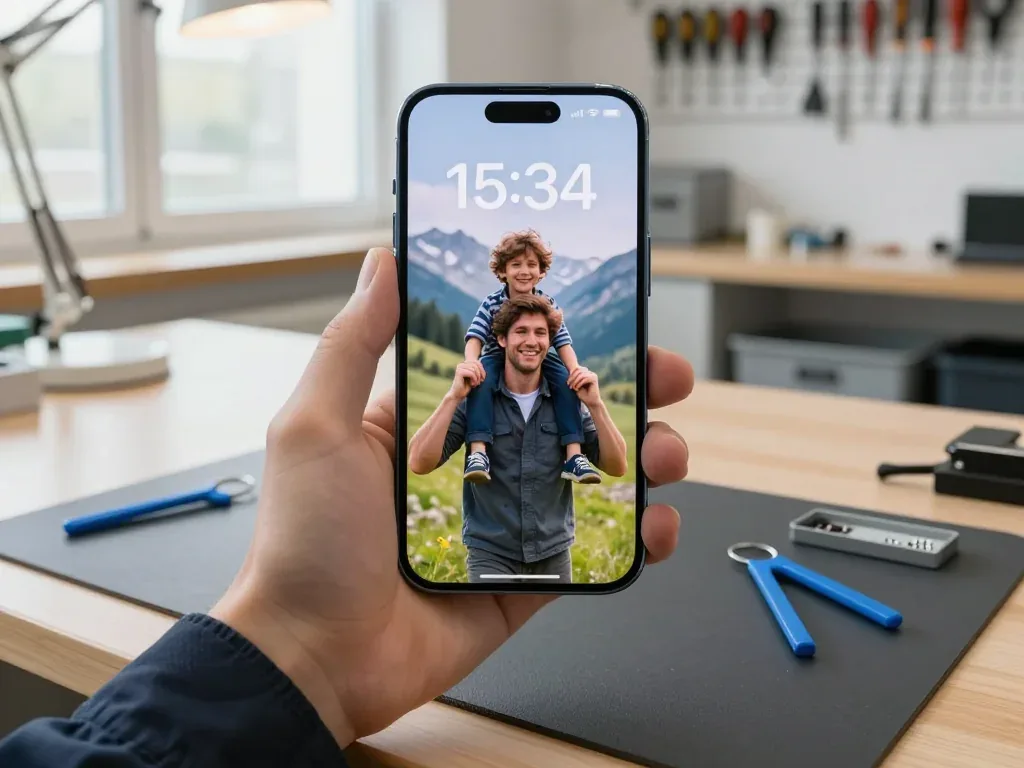
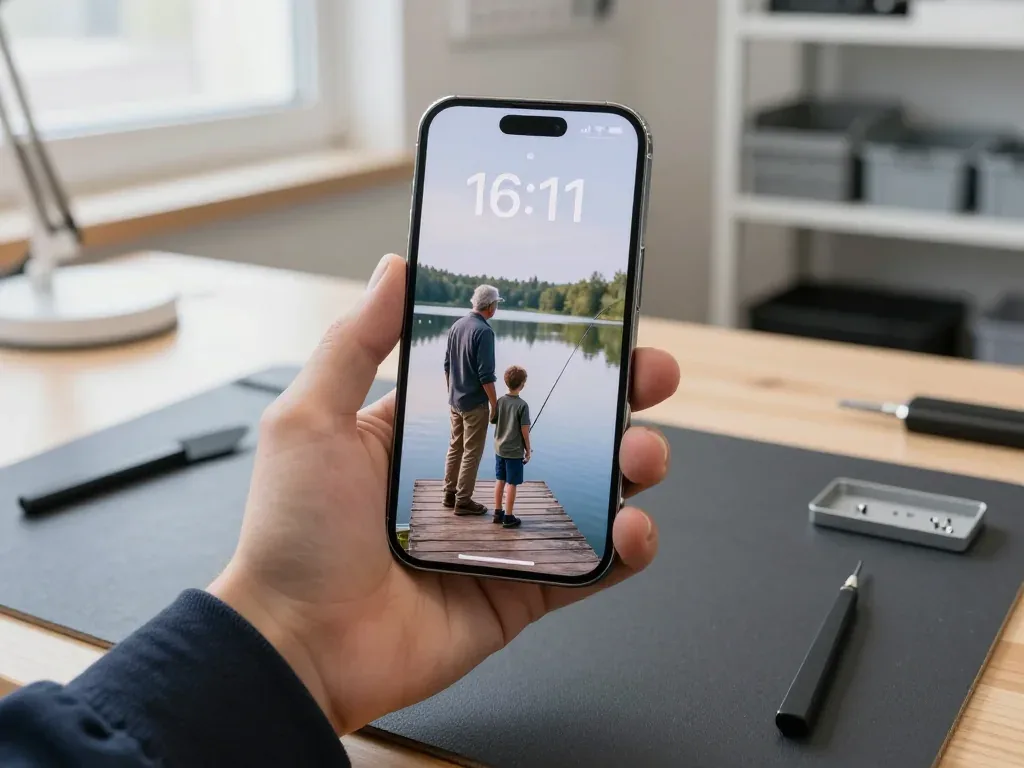
- Test before signing: check True Tone, Face ID, cameras, sound, charging and network alongside the engineer.









 iPad
 MacBook
 iMac
 Mac mini and Studio
 Apple Watch
 AirPods
 Apple Pencil
 Apple TV
 HomePod




