BS Photo: Bakmukhammed S.
Bakmukhammed S.
on-site iPhone technician
13years of experience
4.93rating, 107 reviews

AirPods die in the cold within minutes — we replace the battery in a day and show you the new one in its factory packaging. Independent service, not authorized by Apple
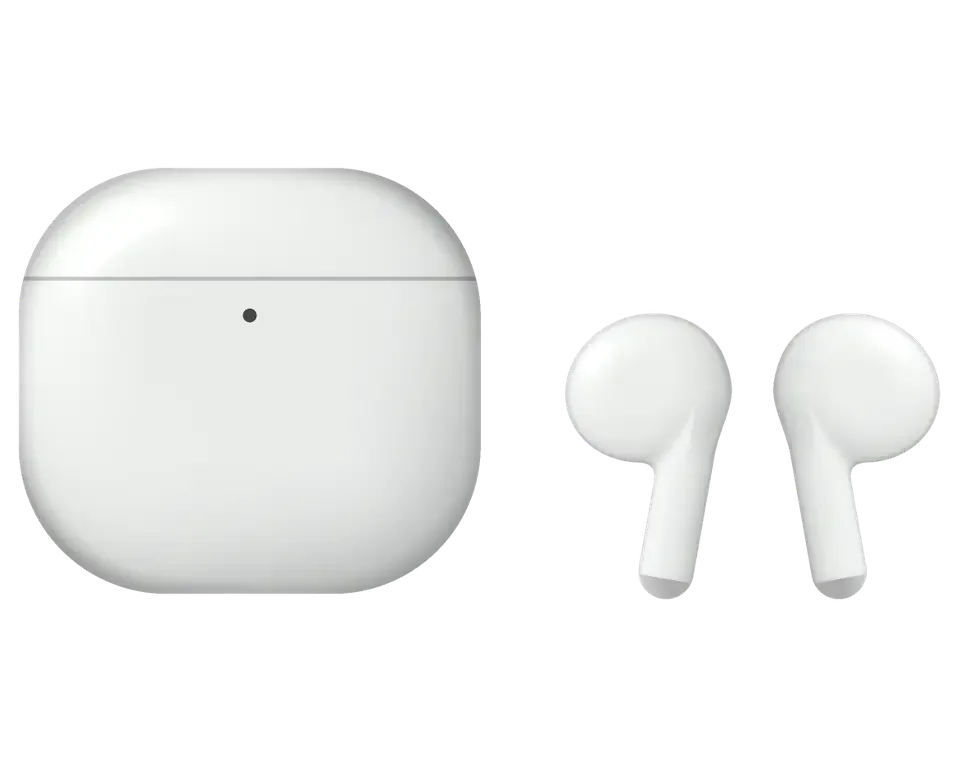

Choose your earbuds below to see the usual faults for that line and how the work is assessed.
Repair from 6 990 ₸
2021Repair from 5 490 ₸
Repair from 5 490 ₸
2020Repair from 5 490 ₸
2022Repair from 5 490 ₸
Repair from 6 990 ₸
Send a photo and we will identify the model and name the price.
Send a photoIf one of these sounds familiar, mention it to the technician and the check will start in the right place.
The pair lasts a fraction of what it used to between charges
02Colleagues complain about noise or a quiet voice in meetings
03One side is clearly quieter or sounds muffled and flat
04It loses most of its charge when left alone in a bag
05Sits in the case, yet stays empty or never lights the status lamp
06Audio breaks up, or one earbud keeps disappearing and returning
07Noise at high volume, during calls or when the device moves
08The hinge is slack and the lid rattles or fails to stay shut
09You take the earbud out but music keeps playing — the sensor is faulty
10The indicator stays dark on a wireless pad, but charging with a cable works
11The magnet in the slot is weak, so the earbud falls out and doesn't start charging
12The earbuds don't appear on the map and won't play a sound for locating
The final figure follows the job you choose and the generation of the earbuds, and unusual cases are assessed separately.
| Model | Earbud battery replacement | Earbud speaker replacement | Microphone | Cleaning | Case battery replacement |
|---|---|---|---|---|---|
| AirPods 4 | 7 900 ₸ | 11 900 ₸ | 7 900 ₸ | 6 990 ₸ | 22 900 ₸ |
| AirPods 3 | 10 900 ₸ | 11 900 ₸ | 7 900 ₸ | 5 490 ₸ | 22 900 ₸ |
| AirPods 2 | 10 900 ₸ | 11 900 ₸ | 8 900 ₸ | 12 900 ₸ | 22 900 ₸ |
| AirPods Max | 55 900 ₸ | 55 900 ₸ | 41 900 ₸ | 12 900 ₸ | — |
| AirPods Pro 2 | 11 900 ₸ | 11 900 ₸ | 7 900 ₸ | 5 490 ₸ | 22 900 ₸ |
| AirPods Pro | 13 900 ₸ | 11 900 ₸ | 7 900 ₸ | 6 990 ₸ | 22 900 ₸ |
After a spill or a heavy drop, the scope of work is clear only once the earbud is opened and the board is inspected.
The choice affects sound, compatibility and lifespan, so it is worth making on purpose rather than by default.
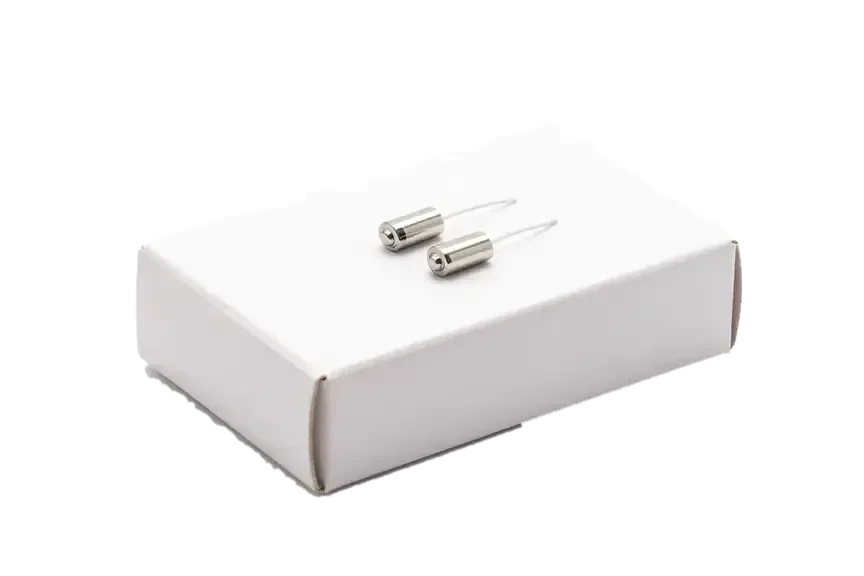
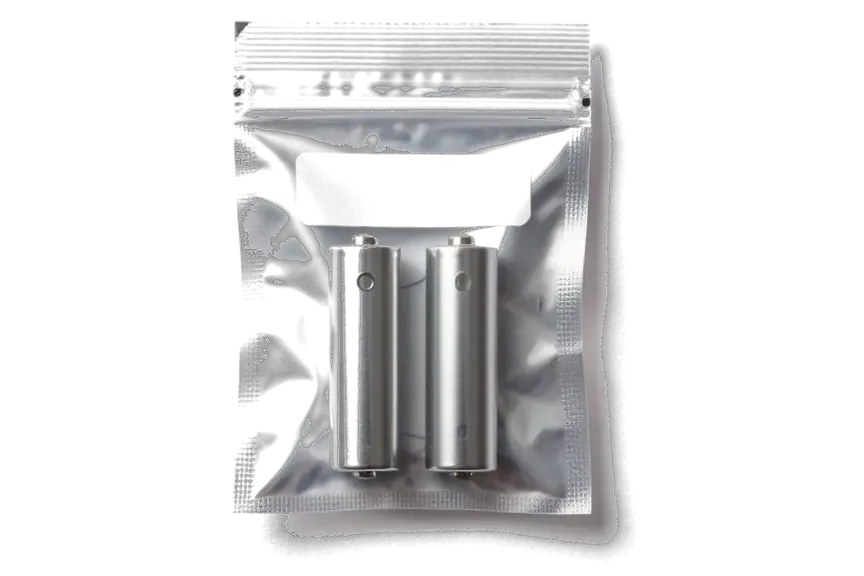
Each part, whether earbud, case or battery, is handled on its own, and the warranty up to 1 year stays with you.
Our technicians have worked on Apple devices for eleven years and know how small batteries age and fail in daily use.
If one earbud or the charging case has failed, we replace only that component, which saves you from paying for a full new set.
Should a repair not be worthwhile, the technician will tell you directly and suggest a better option for your earbuds.
The workshop has been running for eleven years, so the team understands how every earbud generation wears down and breaks.
When a repair does not make sense, the technician says so and suggests what to do with the pair instead.
You can come by on weekdays between 10:00 and 19:00, as well as on weekends and public holidays between 11:00 and 18:00.
Usually the whole journey — from message to pickup — takes less than an hour; complex repairs follow the timeline in the receipt.
Book a repairYou send a photo of the damage on WhatsApp — we quote the price and available time. Or you call a courier.
An engineer checks the device in front of you and shows what is broken. 0 ₸, even if you decline the repair.
We fix the price, the part (original or analog), the timeline and the warranty. You sign — we start.
Before installation we show you the new part in its factory packaging. You wait in the waiting area with coffee and Wi‑Fi.
Sound, microphones, noise cancellation, ear sensor, earbud and case charge, connection. You check together with the engineer.
Together with the receipt, warranty card and the old part. Payment — Kaspi, card or cash.
Technicians for iPhone, Mac, iPad, Apple Watch and AirPods repair.
Photo: Bakmukhammed S. Photo: Galymzhan S.
 Photo: Zhandos Sh.
 Photo: Darkhan T.
 Photo: Kudiret S.
“If the repair didn’t suit you or you have a complaint, write to me personally.”
Send a photo of the fault and the AirPods model. An engineer will reply on WhatsApp, give the price and available time — no calls or forms.
Free On-Site Diagnostics for AirPods Repair in Astana
As a direct repair shop, iServices has its own experienced technicians and takes care of AirPods repair in Astana. Most problems get resolved while you wait; the checkup takes 15 minutes and is done right in front of you at no charge, plus we display the spare in its factory packaging. Every job carries a warranty up to 1 year.
An AirPods kit consists of a case plus two earbuds, and trouble nearly always lies within one of these three components. Before any work starts, we find out which part has actually failed.
Most faults in these units trace back to one of three places — the battery inside the bud, the charging chain in the holder, or the mesh over the speaker. That cell sits inside a sealed shell and loses capacity as it ages, so a single bud that drains in under an hour usually points there. That charging chain covers the Lightning or USB-C port, the wireless charging coil and the built-in cell, and any link in that sequence can break the flow of power. The speaker mesh traps earwax and dust, which muffles output on one side long before the driver itself fails. Since the battery inside the earbud is bonded to the shell, that kind of fault does not always mean a repair is possible; determining which component failed tells you whether to fix or replace.
| Symptom | Likely part | What we do |
|---|---|---|
| Case does not charge earbuds | Contacts or port | Clean contacts, test port |
| Case does not charge at all | Port, coil or case battery | Check charging chain |
| One earbud drains fast | Earbud battery | Repair or replace earbud |
| One side quieter | Speaker mesh | Clean mesh, test membrane |
| Crackle with ANC on | Mic or membrane | Inspect, clean, test |
Even when you choose against repairing, our engineers carry out no-cost diagnostics right before your eyes within 15 minutes and point out precisely what has failed. That matters because the same symptom can come from different parts: a case that lights up but will not charge the earbuds is a contacts problem, not a dead case battery, and the two look identical to the owner. A photo sent on WhatsApp gets a price quote within 5 minutes, so you arrive already knowing whether the job is worth the trip. Once the engineer confirms the faulty part, price, part type, turnaround and warranty are fixed on the receipt in about 2 minutes before any work starts.
A case that will not charge is the most common complaint we see. The fix depends on which link in the charging chain has failed, so we test them in order.
We check the holder in a fixed order — contacts, port, wireless coil, built-in cell, then the board — so we never replace a part that still works. The contacts at the bottom of the cradle come first: lint and oxide film there block current even when the connector is perfect. Then the socket itself, where a bent Lightning pin or a worn USB-C tongue interrupts the line. The wireless coil is tested next by placing the unit on a charging pad, and the built-in cell is measured under load rather than by voltage alone. The board closes the chain. If a unit charges through the cable yet refuses wireless charging, the coil is nearly always at fault rather than the cell, and that shifts the whole repair approach.
A dead socket, a failed coil and a worn cell all stop charging but need different work, and only testing tells them apart. A Lightning connector with a corroded or bent pin usually shows intermittent charging that stops when the cable is nudged; a USB-C socket on newer units fails more often from compacted debris than from contact wear. A failed MagSafe coil charges fine over cable and refuses every pad. The built-in cell ages the same way the earbud cell does, so a unit that holds charge for minutes rather than hours is a battery symptom, not a socket symptom.
Faults located on the case board get fixed under a microscope instead of replacing the entire unit. Charging controller faults, cracked solder around the socket and liquid residue between board layers all look identical from the outside — the unit simply stops accepting power. Under magnification the engineer traces the charging circuit, reflows the joints and cleans corrosion without touching the parts that still work. Board repair takes longer than a part swap, so we tell you upfront when a unit needs bench time instead of a while-you-wait fix. We book such jobs for a separate slot, and the engineer explains what was found once the board is under the lens.
When one bud dies hours before the other, the battery inside it has worn out. Because that cell is glued in, the choice between repair and replacement matters.
Each bud's battery is bonded into the shell, which makes swapping it harder than on a phone battery. In every generation the cell sits behind a sealed seam, held by adhesive that also keeps moisture and dust away from the driver and the antenna. Opening that seam means cutting through the seal, lifting the cell without bending the housing, and later restoring a bond that survives daily pocket carry. On a battery that has already cycled hundreds of times, the shell plastic around the seam has usually gone brittle too. That glued construction is why a heavily worn unit is often replaced as a whole rather than opened — the shell and seals are not designed to be reused many times.
| Situation | Repair | Replace earbud |
|---|---|---|
| Mesh clogged, sound low | Yes | No |
| Battery drains in minutes | Sometimes | Usually |
| Cracked shell or seal | No | Yes |
| Earbud lost | No | Yes, same model |
A replacement bud has to match the exact model and generation, because a part from another generation will not pair reliably with your holder. AirPods 3, AirPods 4, Pro 2 as well as Pro 3 have housings that differ in shape and internal contacts, and the case firmware expects the sensors matching the side it was built for. We confirm the generation from the holder markings before ordering, then fit the new part and pair it with the holder, updating the firmware so both sides report the same battery and sensor data. This pairing step is what separates a clean replacement from a mismatched part that drops the connection mid-call — the model check takes a minute and saves a return visit.
Sound complaints are rarely a dead driver. More often the mesh is clogged, the membrane is dirty, or a pickup is blocked, and every case has its own fix.
A clogged speaker mesh, rather than a dead driver, is typically behind a bud that plays softer than its pair. Earwax, dust and lint pack into the fine steel grid over the driver and cut the air path, so the same signal produces less output on that side. We look at the mesh under magnification first, then check the membrane beneath it for dents or tears before touching anything. Cleaning the opening restores volume in most of these cases, but pressing or scraping too hard can puncture the membrane, so it is done gently with the right tool. A driver that is genuinely dead behaves differently: it drops out entirely or rattles at every volume level, not just at low frequencies. If the grid looks clear and the sound is still weak, the fault sits deeper, and we say so before opening the housing.
Crackle that appears only when noise cancelling is on usually points to a blocked ANC microphone or a dirty vent, not the speaker itself. Each Pro bud carries several such pickups behind narrow openings, and a film of dust over one of them feeds rough data into the cancellation circuit, which the ear hears as crackle or a pulsing hiss. The same symptom can come from a clogged vent that changes pressure inside the housing. We switch between active mode, transparency and off, and compare both buds to isolate which opening is affected. Because the ANC pickups sit in tight openings, cleaning them wrongly can make the crackle worse, so we test every mode after cleaning. A crackle that survives all three modes is a different fault and gets a separate diagnosis.
If callers say you sound faint, the voice microphone or its mesh is usually blocked, and we test it by recording a call after cleaning. The voice element sits at the base of each stem, and skin oil mixed with dust forms a film that muffles speech without killing the mic outright. We clean the opening, then record a short call in the waiting area and play it back with you listening. iServices has handled 46,000+ repairs over 11 years, and voice blockage is one of the more common sound complaints we see. A microphone that works in a quiet room but fails in wind is often a seal problem rather than a dead component, which changes what we replace. We check the ear sensor too, since a blocked sensor can route audio to the wrong element during a call.
Each AirPods generation is built differently, and that changes which parts are serviceable. Knowing your model tells you what a repair can realistically achieve.
The third generation uses a Lightning or MagSafe shell, while the fourth moved to a USB-C version without a setup button. On the earlier model the Lightning connector sits on the bottom edge, and the MagSafe variant adds a ring of magnets around the same port, so wireless charging depends on which version you own. The newer generation drops the physical pairing button and relies on a touch-sensitive area, with power delivered through a USB-C socket that also handles wired charging. The internal battery and contact pads that bridge the housing to the buds wear first on both. The missing button on the fourth-gen model means pairing and reset are done differently, so a swap has to match the exact generation. Before any AirPods repair in Astana, confirm which version you carry — a MagSafe shell will not accept a Lightning board cleanly.
The Pro 2 brought a charging holder with a speaker and the H2 chip, Pro 3 added a heart-rate sensor, and the Max uses magnetic ear cushions and a headband. The speaker plays the find-my chime and the low-battery tone, and the H2 chip runs the pairing handshake and noise handling, so a fault here shows up as a unit that will not talk to the buds. Pro 3 keeps the USB-C port and adds an optical pulse sensor inside the bud, close to the mesh and sensitive to moisture. The Max carries aluminium cups, a steel headband and cushions that attach with magnets rather than clips, so those parts come off without opening the cups and are a straightforward swap rather than a repair. Owners of the over-ear model usually ask about cushions first — they are the most common fix.
| Model | Case and port | Typical fault |
|---|---|---|
| AirPods 3 | MagSafe or Lightning | Mesh clog, case battery |
| AirPods 4 | USB-C, no button | Case contacts, port |
| AirPods Pro 2 | Lightning or USB-C, speaker | ANC mic, case battery |
| AirPods Pro 3 | USB-C, heart-rate sensor | Mesh, water damage |
| AirPods Max | Lightning or USB-C | Cushions, headband, battery |
Water and pairing trouble each demand a clear sequence. What you do in the first minutes following a spill, and how a repaired unit is reconnected, decide the outcome.
Following a spill, do not charge the device and do not press the buttons — dry it gently and let a technician check it first. Charging drives current through wet contacts and turns a recoverable fault into corroded board traces. Wipe the outside with a dry cloth, shake out the mesh openings, and keep the lid open in a warm room with air moving. Skip rice, a hairdryer and a radiator: heat warps the speaker mesh and pushes moisture deeper toward the battery connector. Bring the whole set, since liquid rarely stops at one part. Corrosion develops gradually, so water diagnostics may need up to two days; a unit that looks healthy right after a spill can still break down afterward.
Once a replacement is fitted, we reset the set and pair the new bud with the holder, then update the firmware so both sides match. The reset is the same gesture on every model: lid open, both units in, hold the button until the status light flashes white, then release. You then connect from the Bluetooth menu and let the charging shell push its firmware to the fresh part — a mismatch here is what causes one side to drain faster or drop out of noise cancelling. If the bud does not appear in the Bluetooth list following a reset, the cause is usually a generation mismatch rather than a faulty part. Check the model number printed inside the lid against the replacement before assuming it is dead.
Before handover we check 32 functions in about 10 minutes, including sound, both microphones, noise cancelling, the ear sensor and charging, together with you. Rather than behind a closed door, every test is performed by the engineer with you watching: playback on left and right, a call through each mic, the in-ear sensor pausing music when a unit is removed, and the charger triggering the status light. Anything that fails goes back to the bench before you sign off. The old part, the warranty card and the receipt go with you, giving you a record of precisely what was swapped. Coverage lasts up to 1 year, and holding on to the replaced component helps should any question arise down the line.
A closing recap of what decides whether an AirPods fault can be repaired, which part usually fails, and what to do before handing the device to a technician.
Did not find an answer? Message us on WhatsApp: an engineer replies, not a bot.
Ask a questionCold temporarily reduces the capacity of any lithium battery, so frosty walks shorten listening time. Keep the case in an inner pocket and let it warm up before charging. If runtime stays short indoors too, the battery itself is worn.
Automatic ear detection relies on sensors on the earbud, and dirt on them confuses it. Wipe the sensor area with a dry cloth and make sure Automatic Ear Detection is on in the AirPods settings on your iPhone. If one side still fails, its sensor or board should be checked.
It is often dirt in the speaker mesh, but a failing speaker can also crackle, especially with noise cancellation on. Some early AirPods Pro were known for this fault. A technician tests each earbud separately to see which one is at fault.
Firmware installs automatically while the AirPods sit in the case on charge next to an iPhone connected to Wi-Fi. The current version is shown in the AirPods section of the iPhone Bluetooth settings. An update is worth trying before repair when the fault looks like a software glitch.
A clogged outer microphone mesh or a poorly fitting ear tip is the usual reason. Run the Ear Tip Fit Test in the AirPods settings and try another tip size. If the seal is fine and the effect is still weak, the microphones need a check.
Slight warmth is normal, but a case that gets hot to the touch is not. Stop charging it and use a different cable and adapter to rule them out. If the case still heats up, its battery or board should be inspected before further use.
After a replacement the set is paired again once, and then it connects as before. At handover you check with the engineer that both sides play, the microphone works and the case charges.
Bring the earbuds and case together with the receipt and warranty card to the Astana branch. The warranty runs up to 1 year, and its exact term is written on the receipt.
Телефонмен кеңестім, кейін апардым. Жақсы сервис
Проблема — хрипит. Ғалымжан С. всё сделал при мне, за пятнадцать минут. Полёт нормальный
Друг посоветовал, у него после воды ноут подняли. Просто перестало работать: одно ухо не роботает. Диагностику сделали при мне. Пришлось ставить: кейс. Спасибо, что выручили. Дома включил, всё на месте.
До этого обращался в сервис у дома, там только развели руками. Скептически относился, пока не забрал. Проблема — не подключаются. Дома включил, всё на месте.
Искал, где есть оригинальные запчасти, а не «как оригинал». Расстроился, если честно. Проблема — не заряжаеться. Оплату взяли после ремонта. Вскрытие показало: динамик. Выбрал iService, потому что близко к работе. Сделали так, что и не придерёшься!!
Записалась на ремонт AirPods 4. Проблема — не заряжается. Работает, как будто и не ломалось.
Ғалымжан С. показал старую деталь, всё прозрачно. Ни шума, ни запаха, всё штатно
Обратился по поводу AirPods Pro 2. Проблема — не подключаються. Ғалымжан С. посмотрел и честно сказал: менять не надо. Позвонил, описал проблему, сказали привозить — посмотрят. Все функции проверил — работают.
Проблема — не подключаются. Ғалымжан С. разобрался в редкой модели. Вернули — проверил, всё ок!!
Уронил на плитку — и всё, хрипит. Позвонил, описал проблему, сказали привозить — посмотрят. Нужна была новая деталь: кейс. За такую работу 10 000 — адекватно. Квитанцию потеряли, пришлось восстанавливать. Рекомендую без оговорок. Ни шума, ни запаха, всё штатно.
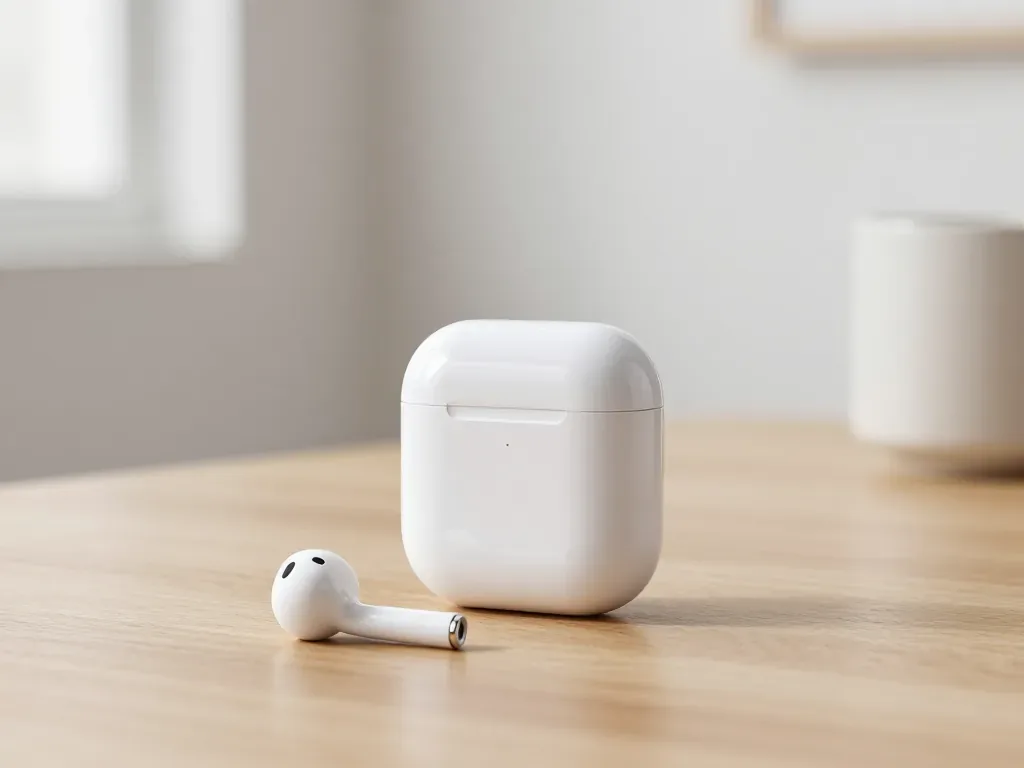
One earbud losing charge first is usually a worn cell or a dirty contact, not a dead pair. A free check tells which.
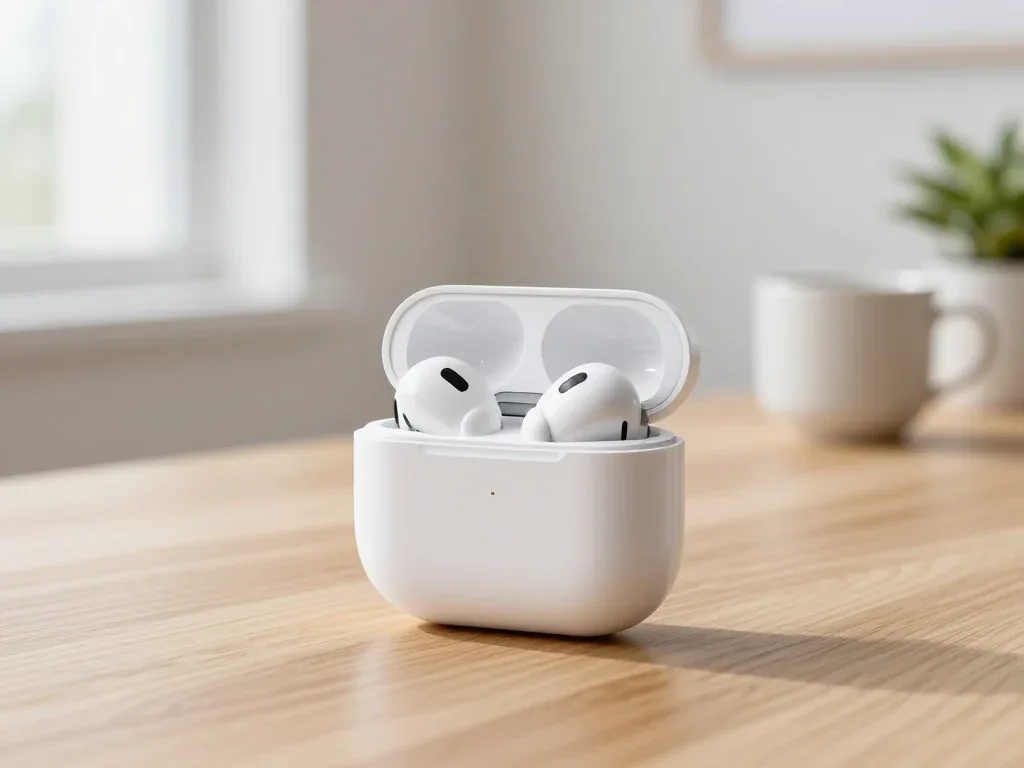
Find out why your AirPods case won't charge and what to check before visiting a repair shop.
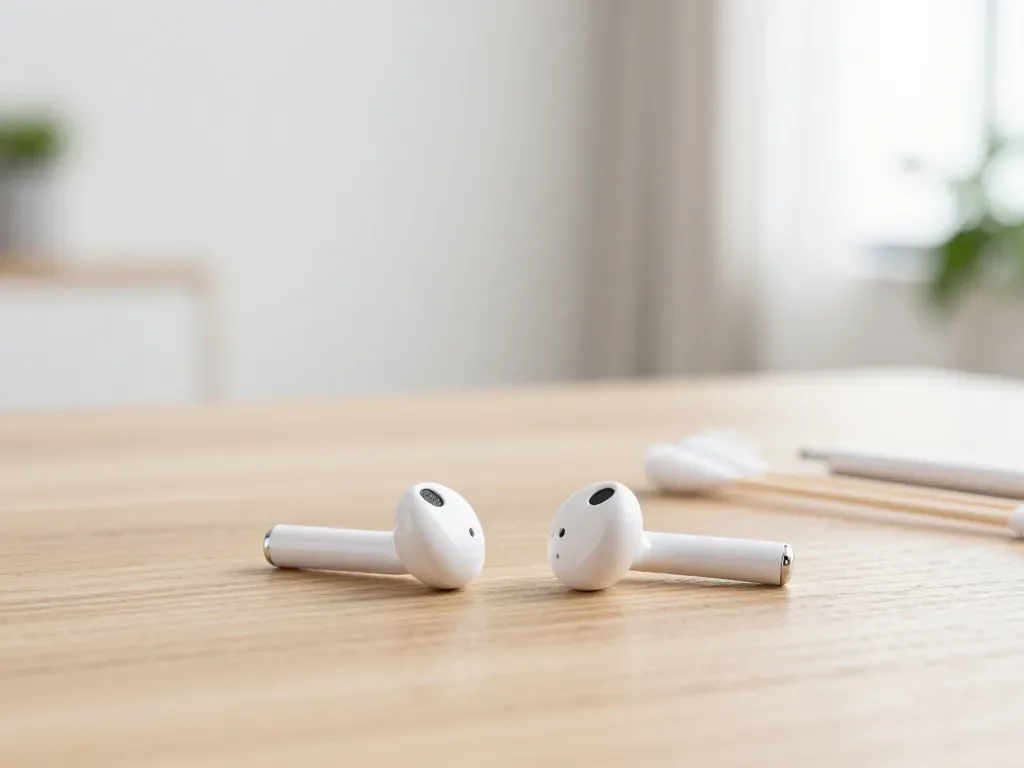
Most quiet AirPods come down to clogged mesh or a tired driver. Here is how to tell the difference before you clean anything.

Back up your data, turn off Find My, and bring proof of purchase — then the repair starts faster.

 iPad
 MacBook
 iMac
 Mac mini and Studio
 Apple Watch
 Apple Pencil
 Apple TV
 HomePod
