KS Photo: Kudiret S.
Kudiret S.
iCloud unlock specialist
10years of experience
4.37rating, 100 reviews

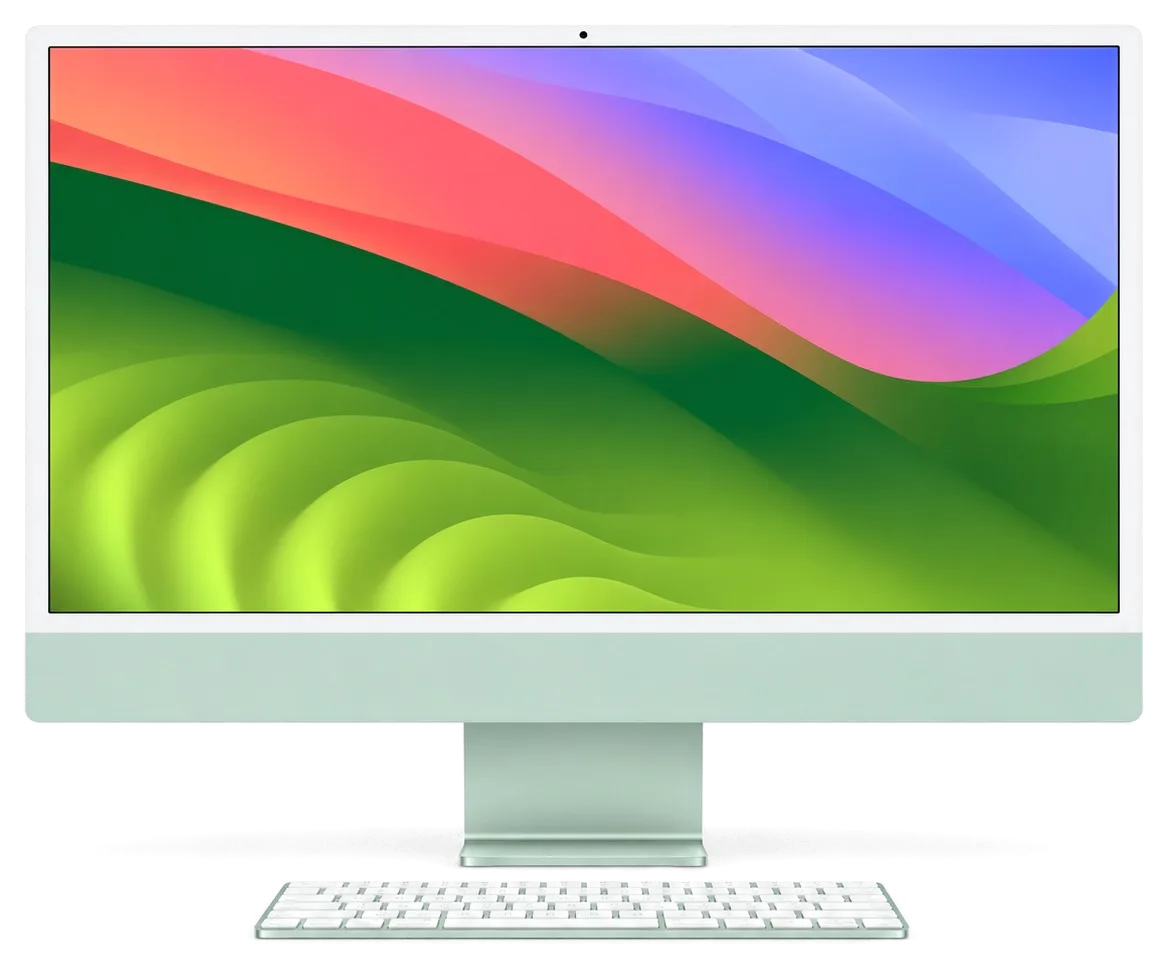
iMac 24 M1 goes dark after cold or gets liquid — we find the cause in your presence, and put the price and warranty in the receipt.
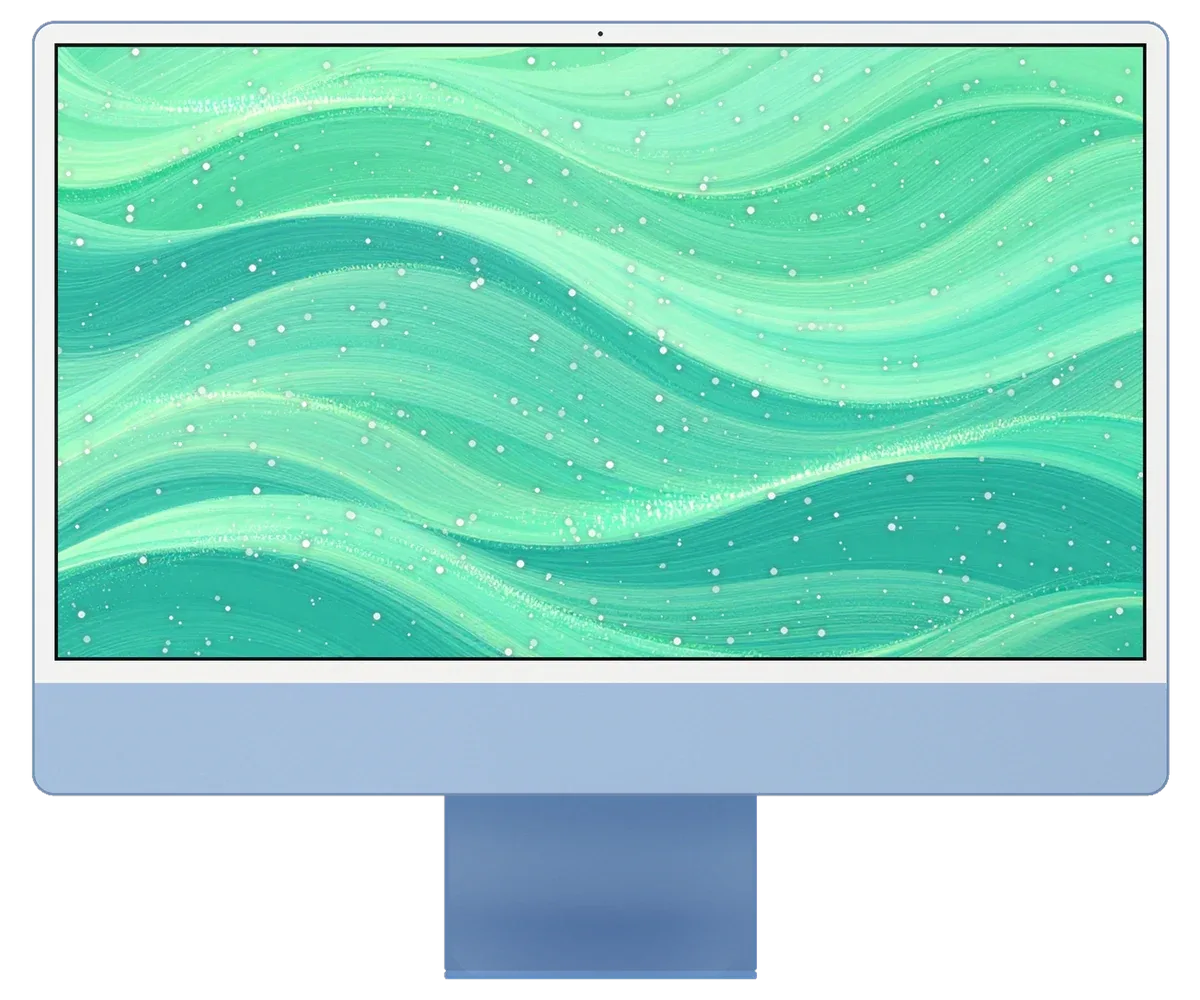
A desktop used in hybrid work shows trouble as mid-meeting restarts, dropped peripherals and a fan that never calms down.
The computer reboots during a call, often after hours of continuous use.
The keyboard fingerprint key no longer unlocks or pairs with the machine.
Accessories disconnect or lag even with fresh batteries.
Even with few apps open, the fan runs loud and the back is warm.
The picture shivers for a second, especially when the machine warms up.
A drive or a dock connected to one USB-C port is no longer recognised.
The machine does not wake after a surge or a sudden outage.
Coffee or water reached the keyboard side or the vents behind the screen.
The all-in-one was bumped while carried, and a web spread across the thin glass.
The Ethernet port in the power supply does not provide network, though the cable is fine.
The rear connectors do not see flash drives and do not charge connected devices.
macOS interrupts installation, and the all-in-one endlessly restarts.
The table lists the main jobs for iMac 24 M1; the final amount depends on the cause and the inspection.
| Service | Original | Aftermarket |
|---|---|---|
| iMac 24" M1 display panel replacement | 639 900 ₸ | 395 900 ₸ |
| iMac 24" M1 power supply replacement | 80 900 ₸ | 44 900 ₸ |
| iMac 24" M1 fan replacement | 38 900 ₸ | 21 900 ₸ |
| iMac 24" M1 speaker replacement | 37 900 ₸ | 20 900 ₸ |
| Other repairs | Price | |
| iMac 24" M1 logic board repairmicrosoldering · 1–3 days | 84 900 ₸per job | |
| iMac 24" M1 dust cleaningdisassembly and dust cleaning | 19 900 ₸per job | |
| iMac 24" M1 Wi-Fi module repairwireless module · board-level repair | 34 900 ₸with parts | |
| iMac 24" M1 macOS installationOS installation, no parts replaced | 19 900 ₸per job | |
We state the final cost after diagnostics, once it is clear which unit has failed.
When several people use one iMac, practical needs matter more than a perfect colour match.
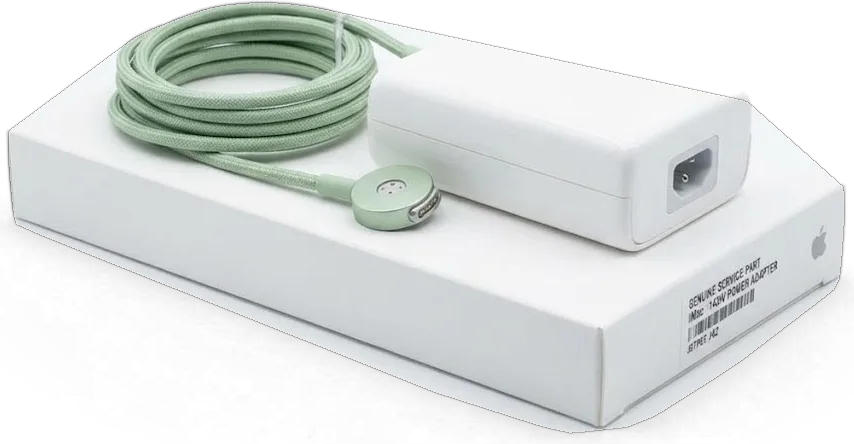
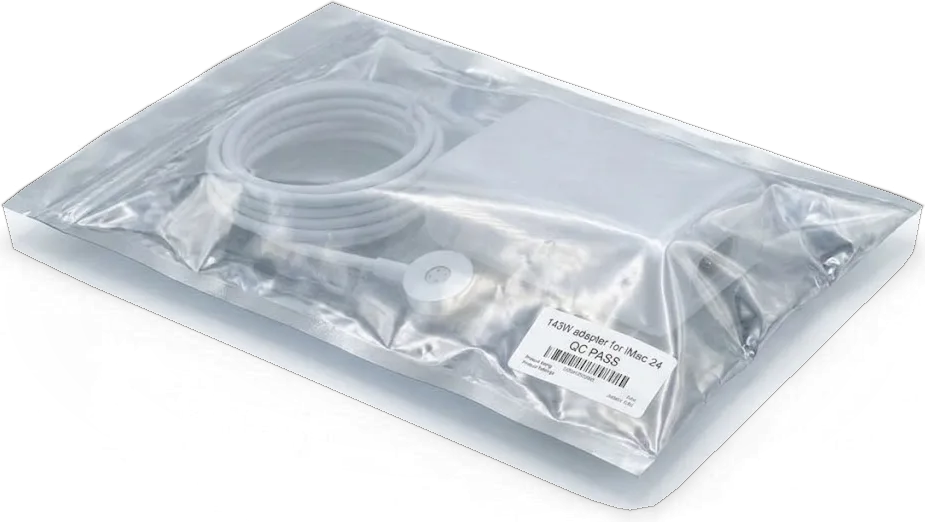
An all-in-one sits at the centre of your workday, so we avoid needless swaps, lay out clear options and keep hours that suit it.
Why do people in creative fields choose our service for their iMac? We have been repairing Apple machines for eleven years.
An all-in-one Mac can sit on a desk for many years, which is why locating the actual root of the problem beats a rushed fix.
A glued, slim display calls for exact work, so the all-in-one is opened only by experienced technicians.
If the cable, a setting or dust is the culprit, we say so and leave expensive working parts in place.
We explain what is realistic to repair and what is not, and the amount is given after the inspection.
Our doors are open weekdays 10:00–19:00, and weekends plus holidays 11:00–18:00, so you can drop by after the office.
Usually the whole journey — from message to pickup — takes less than an hour; complex repairs follow the timeline in the receipt.
Book a repairYou send a photo of the damage on WhatsApp — we quote the price and available time. Or you call a courier.
An engineer checks the device in front of you and shows what is broken. 0 ₸, even if you decline the repair.
We fix the price, the part (original or analog), the timeline and the warranty. You sign — we start.
Before installation we show you the new part in its factory packaging. You wait in the waiting area with coffee and Wi‑Fi.
Screen, camera, microphones, speakers, ports, Wi‑Fi and Bluetooth. You check together with the engineer.
Together with the receipt, warranty card and the old part. Payment — Kaspi, card or cash.
Technicians for iPhone, Mac, iPad, Apple Watch and AirPods repair.
Photo: Kudiret S. Photo: Kamran A.

“If the repair didn’t suit you or you have a complaint, write to me personally.”
Send a photo of the fault — an engineer will reply on WhatsApp, give the price and a time you can come in.
Astana iMac 24 M1 Repair with Free On-Site Diagnostics
In Astana, iServices provides a free 15-minute diagnostic for iMac 24 M1 repair right in front of you, and a price quote can be obtained within 5 minutes by sending a photo via WhatsApp. Most faults are fixed while you wait in the lounge. Choose an original or aftermarket part; every job carries a warranty up to 1 year.
On the 24-inch M1 the supply sits in an external magnetic brick, while memory and SSD are soldered down — so "will not switch on" and "runs slow" mean something different here than on older Intel all-in-ones.
Each no-power case begins with checks on the magnetic cable and the external adapter, since on the 24-inch M1 these two components break much more frequently than the mainboard. The all-in-one draws current through a brick with a magnetically attached connector, and a frayed cord or a tired supply reproduces a dead machine exactly: no chime, no fan, black glass. Our engineer measures voltage and checks the contact pads in front of you during the free check, then traces current onto the logic board only if the supply reads correct. From the outside, a dead logic board and a dead brick are indistinguishable, so during the free diagnostic we install a known-good unit — that way you avoid paying for unnecessary work. When the fault turns out to be deeper than the supply, we handle the iMac 24 M1 repair in Astana on site.
| Symptom | Likely cause | First, what we check |
|---|---|---|
| Will not power on | Magnetic cable or external adapter | Voltage, cable contact |
| Image gone, sound works | Display assembly or its flex | Backlight, display connector |
| Vertical lines or spots | Matrix damage | Panel under load |
| Fan loud, case hot | Dust buildup and thermal paste that has dried out | Cooling path, temperatures |
| Random shutdowns | Overheating or power delivery | Adapter, thermal sensors |
| Wi-Fi drops | Antenna module or logic board | Module seating, signal test |
If liquid reached the keyboard, the stand or the vents, we treat it as urgent and start with a deep clean and corrosion check before switching the unit back on. A spill rarely kills a machine on contact — it creeps along the cooling path and under the shields, where it eats traces quietly for days. That is why a spill that "still works" is the more dangerous case: the owner keeps using it, and corrosion spreads while the machine is live. After liquid contact our diagnostic can stretch to two days, because oxide under the shield needs to be found and neutralised before the machine is trusted again.
On the 24-inch M1 some parts come out and go back as whole modules, while memory and storage sit inside the logic board. A straight answer about what is repairable starts from how the machine is built.
| Component | Serviceable | Notes |
|---|---|---|
| Display assembly | Modular | Cut free from adhesive |
| External power adapter | Replaceable | Magnetic connector |
| Cooling fan | Cleaned or swapped | Standard part |
| USB-C and Thunderbolt ports | Repairable | Component-level if damaged |
| RAM | Not upgradeable | Soldered to the logic board |
| SSD | Not upgradeable | Soldered, set capacity |
We explain to every owner that the M1 puts processor, graphics and memory into a single package, so unlike older Intel models there is no slot to add RAM or fit a larger drive. On the Intel generation you could lift the stand, open a hatch and click in extra memory; on Apple Silicon that path is closed, and the SSD is soldered next to the chip with capacity locked at build time. What we can still do is read the drive's health and see whether a slow machine is simply full. The upside of the tighter layout is fewer connectors to fail; the trade-off is that a lagging unit usually means a full or dying drive, so we measure storage health prior to suggesting any repair.
The 24-inch screen is held by adhesive, so we cut it with suction tools and special blades, then re-glue the panel with a fresh strip when the repair is done. A replacement display arrives as a complete module with its own glass and backlight, which is why a cracked panel is swapped rather than patched, and the old part goes back to you with the paperwork. The thin M1 chassis leaves almost no margin around the edge, so a rushed pry is exactly what cracks the glass further. That is why the display is the one part we never hurry, even on a same-day job — the extra minutes on the seal save a second panel.
Diagnostics follow a fixed chain — power supply, logic board, image, then cooling — so the cause is located before anything comes apart, not after a part has been swapped on a hunch.
Our engineers work from the power adapter inward, then the mainboard, then the display and finally the cooling path, so the cheapest fix is ruled in or out first. The external brick is measured under load with a lab power supply and the magnetic connector checked for contact loss, which on an all-in-one often mimics a dead logic board. Only then do we probe the rails on the mainboard itself, feed a known-good signal into the panel and log fan behaviour and temperatures under load. Following a fixed order matters on the M1 because a single symptom like a black screen can come from the adapter, the logic board or the panel, and testing in sequence stops us from replacing a healthy part.
Send the damage photo over WhatsApp, and within 5 minutes an engineer will answer with an estimate plus a free time slot. A sharp picture of the port area, the power brick or the screen helps us determine before your visit whether it is a same-day job or a logic-board repair. The WhatsApp quote fixes the part — original or aftermarket — and the turnaround on the receipt later, so nothing shifts once the machine is on the bench. A photo rarely replaces the in-person test, but it tells us whether the case is a same-day job or a logic-board repair, so you know before leaving home how long the iMac may stay with us.
Some faults cannot be solved by swapping a module, and that is when the microscope comes out and the question of your files moves to the front, because the storage on this model is soldered down.
Where replacing a module will not cure the fault, component-level mainboard repair is performed under a microscope; allow 1 to 3 days for that. The M1 chip, power rails and controller circuits sit on a dense multi-layer PCB, so our technicians work with a soldering station and magnification rather than replacing the whole assembly. This kind of job means tracing a single failed capacitor or a shorted line instead of guessing at the largest part. The one task that cannot be done while you wait is this one, so we tell you the realistic window up front instead of promising a same-hour finish.
Because the SSD on the 24-inch M1 is soldered to the logic board, your files live and die with that mainboard, so a backup made before the repair is the only real safety net. Time Machine to an external drive or an iCloud sync covers documents and photos, but neither runs on its own once the computer stops booting. Should the machine fail to boot, data is sometimes accessible only via a working mainboard of the same type — hence our question about backups before any component-level work begins. A desktop that holds years of work deserves a copy kept somewhere else, not just on the soldered storage.
An all-in-one travels harder than a phone, so delivery, packing and handover sit in one block here. How the iMac arrives decides whether a cracked screen gets added to the repair.
Bring the iMac in yourself or arrange a courier; in both cases keep the screen away from hard edges and support the stand so the panel does not flex during transit. Wrap the display in foam or a thick blanket, brace the stand against the box wall, and never lay the machine flat on its glass. Our workshops sit in Almaty and the capital, and a courier can be called to either location. Bring the power adapter and the keyboard with Touch ID along as well, because the adapter belongs to the power test and the keyboard is needed to confirm login and Touch ID after the service. If the rear ports are involved, photograph the cable layout before unplugging anything.
Before work starts we fix the price, the replacement part, the turnaround and the guarantee on the receipt, and you choose between an original part and an aftermarket equivalent. This takes roughly two minutes and ensures nothing shifts afterward. Coverage runs up to 1 year, and the new part is shown in factory packaging prior to installation, so you see the item before the case is closed. The removed part goes back to you with the warranty card, so you can see exactly what came out of the machine and keep it as a record of the repair. Ask for the receipt to name the exact part fitted, not just the repair type.
A short recap of the points that decide whether the repair goes smoothly and whether the machine keeps its original behaviour afterwards.
Did not find an answer? Message us on WhatsApp: an engineer replies, not a bot.
Ask a questionRandom restarts during calls can come from a failing power adapter, overheating or a software crash with a camera app. Check the crash report after the restart and update macOS. If it repeats, the technician tests the power brick and the logic board.
Usually not: Touch ID lives in the Magic Keyboard, which has to be paired with this particular iMac. Re-pairing it by cable often helps. If fingerprints are still rejected, the keyboard or the security link with the board is checked.
Usually yes, if only the display is damaged and the board survived the impact. The free diagnostics show the full picture before any decision, and the engineer explains both options so you can choose.
The iMac 24 M1 gets power through a cable with a magnetic connector, and a loose fit or a damaged cable cuts the supply. Check that the connector sits fully in the port and try another socket. If it still drops out, the cable, the adapter or the port on the computer is tested.
Move photo libraries and archives to an external SSD or to cloud storage and keep the internal drive for the system and apps. The storage on this iMac is fixed to the board. The technician can help check drive health during a visit.
Unplug the power cable and all accessories immediately and leave the ports facing down. Do not use a hair dryer, which can push liquid deeper. Bring the iMac for liquid damage cleaning before trying to switch it on.
Sleep problems often come from a peripheral or USB hub keeping the system half awake. Disconnect accessories and try again, then reset settings if needed. If the screen stays black, a power or board check is the next step.
Проблема — перегревается. Камран А. провозился, но сделал. Вернули — проверил, всё ок)
Проблема — шумит. Камран А. разобрался в редкой модели. Внешне не видно, что разбирали
Нужен был ремонт iMac 24 M1. Проблема — шумит. Ни разу не пожалел. Пользуюсь и вспоминаю добрым словом.
Телефонмен кеңестім, кейін апардым. Достарыма айтамын. Бағасы мен сапасы сай
Қабылдау тез болды, кезек жоқ. Екі күннен кейін өзі қоңырау шалды. Бөлшек қоймада бар екен, күтпедік. Ақауын тез анықтады, қажетсіз нәрсе ұсынбады. Барлығы ресми, чек берді. Қосымша жұмыс қажет болды, бірақ бағаны көтермеді. Ескі бөлшекті көрсетіп, қайтарып берді. Рахмет, ұсынамын.
Работала годами — и на тебе. Проблема — полосы на экране. Третий месяц — никаких проблем.
Работаю рядом, заехал в обед. Записался на ремонт iMac 24 M1. Проблема — перегреваеться. Камран А. подобрал аналог дешевле, не навязывал оригинал. Всё оформили по договору, с печатью. Обошлось заменой: матрица. Отдал 73 000 и не жалею. Всё чётко, без сюрпризов.
Оставила заявку на iMac 24 M1. Проблема — перегревается. Шум ушёл, работает тихо
Проблема — не включается. Камран А. принял без вопросов, хотя был без записи. Кулер не слышно, греется меньше.
В Астана сервисов много, но по Apple берут не все. Обратилась по поводу iMac 24 M1. Проблема — полосы на экране. Всё оформили по договору, с печатью. Шум ушёл, роботает тихо)

Most slow iMacs are held back by a worn drive or too little memory. A short check shows which part is the real bottleneck.

Most dead iMacs trace back to power delivery or the logic board, and a free 15-minute check in front of you settles which one it is.

Most loud-fan cases trace back to dust-packed fins and dried thermal paste, not a dead fan. A free 15-minute check shows which one you have.

Back up your data, turn off Find My, and bring proof of purchase — then the repair starts faster.




 iPad
 MacBook
 Mac mini and Studio
 Apple Watch
 AirPods
 Apple Pencil
 Apple TV
 HomePod
