KS Photo: Kudiret S.
Kudiret S.
iCloud unlock specialist
10years of experience
4.37rating, 100 reviews

Mac Studio M1 stuck on the Apple logo or losing the display — we find the cause with you and put the price on the receipt before work starts.
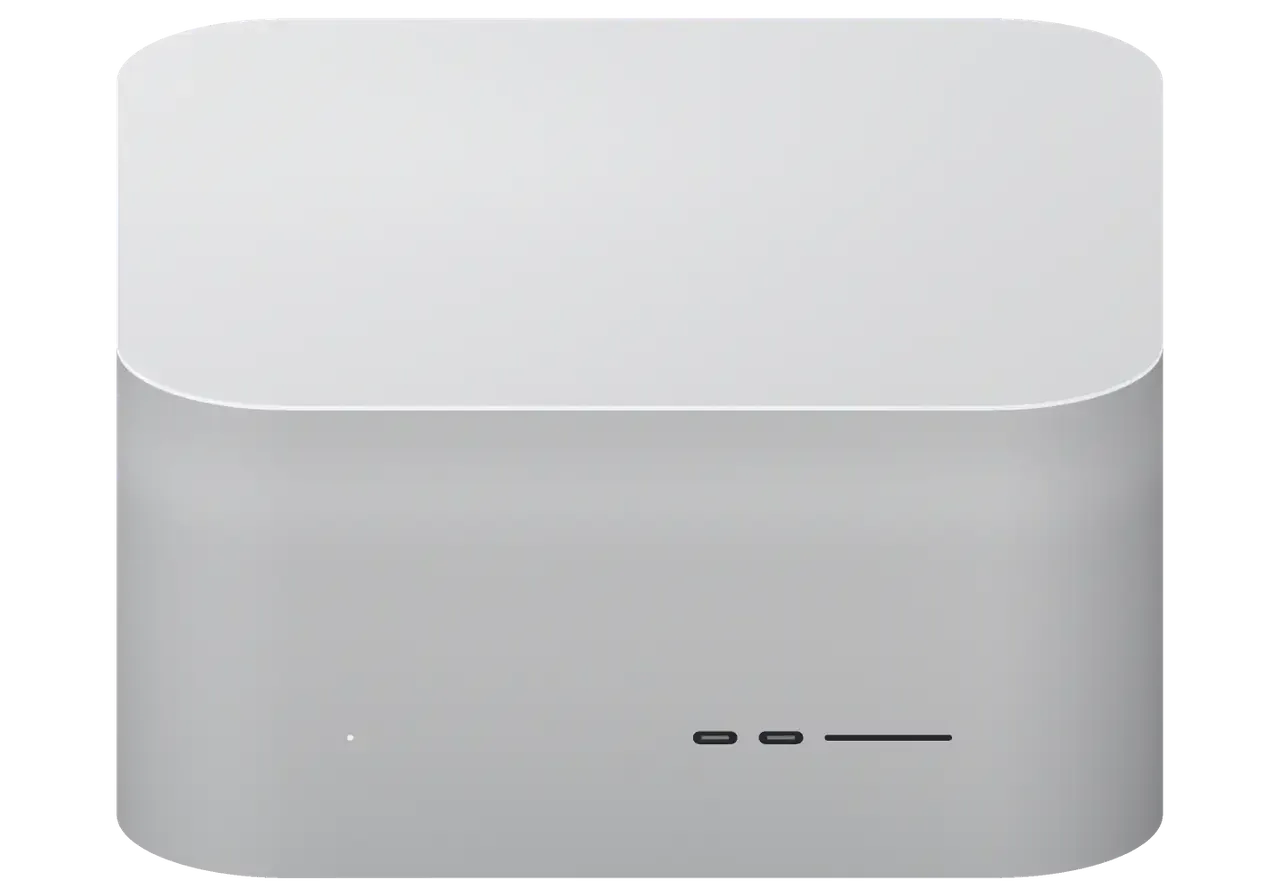
A studio desktop sits on the desk for years, and faults begin with startup, power, networking or external drives.
The progress bar never finishes: damaged firmware, storage or board power.
The screen asks to restore the system, but the process breaks off with an error.
The station goes dark during light work: heat, power or a controller fault.
The link to a NAS is slow or drops: a port, a cable or a network controller.
The 3.5 mm jack hisses and clicks: a worn contact or the board's audio circuit.
The screen cuts out some time after startup: a cable, a port or the video circuit.
A Thunderbolt drive will not mount: a port, hub power or a controller.
Overheating under light load points to clogged cooling fins or dried thermal paste.
The fans are audible even at idle, though the station used to run quiet.
The wireless network disconnects, headphones and mouse lose connection.
After a voltage spike the station won't turn on: the built-in power supply is affected.
The built-in speaker plays no system sounds or notifications.
We give the exact cost of Mac Studio M1 repair in Astana from the diagnostics outcome, once the cause is clear; leave a request by phone or on WhatsApp.
| Service | Original | Aftermarket |
|---|---|---|
| Power supply replacement | 80 900 ₸ | 44 900 ₸ |
| Fan replacement | 24 900 ₸ | 13 900 ₸ |
| USB-C / Thunderbolt ports replacement | 37 900 ₸ | 20 900 ₸ |
| Other repairs | Price | |
| SSD installationstorage installation | 39 900 ₸with parts | |
| Dust cleaningdisassembly and dust cleaning | 17 900 ₸per job | |
| Logic board repairmicrosoldering · 1–3 days | 44 900 ₸per job | |
| Wi-Fi module repairwireless module · board-level repair | 33 900 ₸with parts | |
| MacOS installationOS installation, no parts replaced | 12 900 ₸per job | |
The result depends on the version, the part and the amount of work, so we do not promise particular sums in advance.
For a Mac Studio, replacement fans, connectors and power elements can be either stock or compatible alternatives, and each path has its own logic.
For a powerful desktop the diagnosis must be clear, with the sum named after it and not guessed in advance.
The technician names the cause and the options instead of jumping to the priciest replacement, and the decision stays yours.
11 years with Apple lets us tell a system fault from a hardware one quickly and avoid sending the station in circles.
For Mac Studio owners in Astana, we are the go-to service because we know these machines inside out.
Stations are repaired by experienced technicians familiar with the built-in power supply, the board and the thin fan ribbons.
Our team has spent eleven years working with Apple hardware, gaining deep expertise along the way.
The company has two branches, and if the station travels with you to another city, servicing can continue there.
Usually the whole journey — from message to pickup — takes less than an hour; complex repairs follow the timeline in the receipt.
Book a repairYou send a photo of the damage on WhatsApp — we quote the price and available time. Or you call a courier.
An engineer checks the device in front of you and shows what is broken. 0 ₸, even if you decline the repair.
We fix the price, the part (original or analog), the timeline and the warranty. You sign — we start.
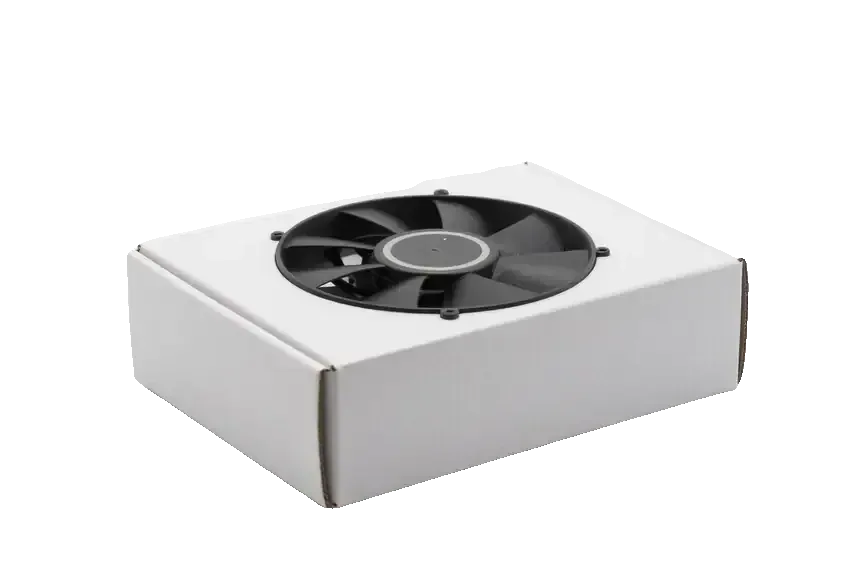
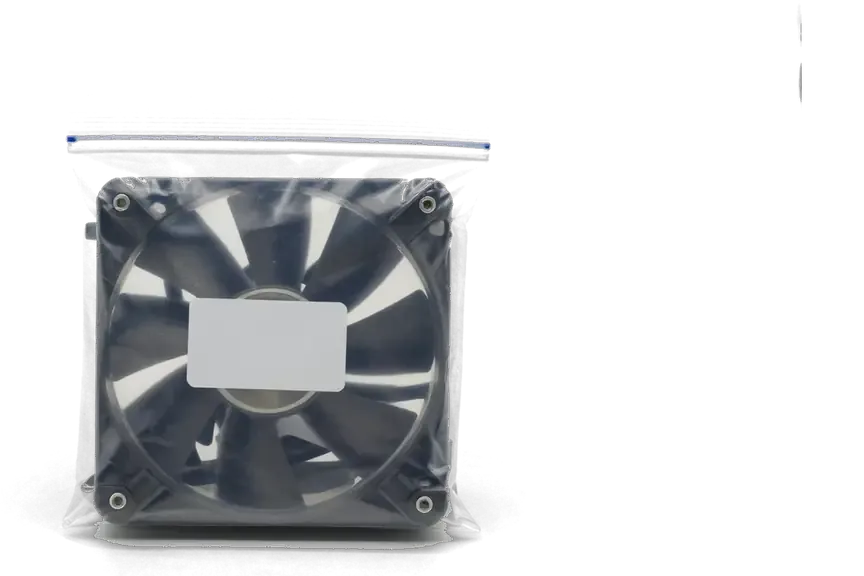
Before installation we show you the new part in its factory packaging. You wait in the waiting area with coffee and Wi‑Fi.
Startup and operation under load, ports, Wi‑Fi and Bluetooth, sound. You check together with the engineer.
Together with the receipt, warranty card and the old part. Payment — Kaspi, card or cash.
Technicians for iPhone, Mac, iPad, Apple Watch and AirPods repair.
Photo: Kudiret S. Photo: Kamran A.

“If the repair didn’t suit you or you have a complaint, write to me personally.”
Send a photo of the fault — an engineer will reply on WhatsApp, give the price and a time you can come in.
Mac Studio M1 Repair in Astana for Work Machines That Cannot Wait
In Astana, iServices repairs Mac Studio M1 machines in both the Max and Ultra versions, and diagnostics are free, done in your presence within 15 minutes. The board, power, ports and video output are handled under a microscope; the receipt lists the price, part, timing and warranty before work, with coverage up to 1 year.
Two versions of Mac Studio M1 exist — one with M1 Max, one with M1 Ultra — and their internal layout and cooling differ, so what a technician can replace versus cannot depends on which you have.
The M1 Ultra joins two M1 Max dies into a single package, so its cooling assembly is heavier and its board layout differs from the M1 Max version. Both chips sit behind the same compact aluminium chassis, but the Ultra carries a larger heatsink and two blower fans working harder to move the extra heat away from the joined dies. Ports, power delivery and the front SD and USB-C arrangement are laid out differently between the two variants, so a technician who has mapped one variant cannot simply transfer that map to the other. Under sustained load the Ultra generates more heat, so a clogged radiator or failing fan often manifests as throttling rather than a completely dead unit — early checks are advisable on video and 3D workstations.
Unified memory is embedded within the chip package, making post-purchase upgrades impossible, and SSD modules are system-paired, so a desktop-PC-style swap won't work. The memory is part of the silicon itself: there are no slots, no spare banks, and no upgrade path once the unit leaves the factory. Storage is a separate module physically, yet it is bound to the machine at firmware level, which means a module pulled from another unit will not be recognised as a boot drive. Due to that pairing, storage faults and data recovery are addressed at firmware and component level rather than by installing a new drive — so make a Time Machine backup before any board work.
| Component | Serviceable | Typical work |
|---|---|---|
| Power supply | Yes | Test and repair or replace |
| Fans and radiator | Yes | Clean, rebalance, replace |
| Rear and front ports | Yes | Repair or replace connector |
| Logic board | Yes | Component-level repair under microscope |
| Unified memory | No | Not upgradeable, part of chip |
| SSD modules | Paired | Firmware-level work only |
Most Mac Studio faults announce themselves as a symptom — no power, no image, a whine under load — and each symptom points to a different part of the machine.
When a Mac Studio appears completely dead, we first check the built-in power supply independently of the logic board, since from the outside a failed PSU and a failed mainboard are indistinguishable. The unit is measured on a bench supply, then checked under a short load, and only after that do we trace the standby rail toward the chips. A supply that reads correct voltage but still will not boot usually means the fault sits on the mainboard, so the free 15-minute check in front of you settles which path the repair takes before any part is ordered. An M1 repair often starts this way. Owners seeking Mac Studio M1 repair in Astana can rely on a clear diagnosis before any part is ordered.
A steady hum that rises with workload usually comes from dust-loaded turbines or a fan bearing, while a high-pitched whine points to coil noise on the mainboard. The Studio has two turbines pulling air through one large heatsink, and a mat of dust on the fins raises the pitch long before the fans themselves fail. Coil noise from chokes near the power stages behaves differently: it tracks the load curve rather than temperature. Coil whine is not always a fault to repair — it becomes a repair case when it appears at idle or comes with throttling, so note when the sound starts before you bring the unit in. A recording made at idle and under load tells us more than a description.
A missing image or a dead port is checked cable-first, then port-by-port, because a single failed Thunderbolt or HDMI connector can look like a graphics fault. We swap the cable and the display, then test each rear Thunderbolt and HDMI output in turn, then the USB-A pair. Front USB-C and the SD slot sit on their own path, so if only the front ports fail while the rear ones work, the repair is usually a connector job rather than a full rebuild. Owners in Astana often bring a unit whose monitor simply stays black after a desk move — a bent connector or a strained cable is the common cause. iServices repairs ports at component level, so a single dead socket does not condemn the whole machine.
A Mac Studio repair hinges on diagnostics, which we perform in your presence so the readings the engineer sees are visible to you as well.
Our free diagnostics last roughly 15 minutes and are done while you watch, even if you choose not to proceed with repair, and the engineer points out faults as they are discovered. We open the unit, connect a bench power supply to the voltage rails, watch the current draw at idle and under load, then walk each Thunderbolt, HDMI, USB and SD path while you watch the readings change. The image handshake runs on the same bench, so a dead monitor output is separated from a dead mainboard before anything is quoted. Seeing the readings yourself means you can judge whether a component-level repair is really needed or whether a cheaper port or supply fix explains the symptom.
Most checks finish in 15 minutes, but intermittent faults that only appear under sustained load or after liquid contact can take up to two days to reproduce. Liquid damage is the usual reason: corrosion beneath a BGA package keeps conducting hours after the spill, and the fault moves as the unit warms, so a single cold test proves nothing. We run the machine through extended load cycles and log the rail behaviour until the failure repeats in front of us. For a desktop that fails only on long renders, leave it running the failing task when you hand it in — a reproduced fault is worth more than a description of one.
When the fault sits on the mainboard or in firmware, the work moves to the microscope and a second Mac, and protecting your working files becomes part of the service rather than an afterthought.
Mainboard faults are fixed at component level under a microscope, and such work usually requires 1 to 3 days since each stage is tested before moving to the next. The engineer works at the soldering station on the power section, the SSD modules and the traces around them, checking voltage after every pass instead of swapping the whole unit. A Mac Studio M1 repair therefore keeps the original circuitry in the case, which matters here: memory and storage are paired to it, so a straight swap is not a drop-in option. We photograph the damaged area during the process so you can see what changed. Component repair preserves the paired storage and the machine's identity, so ask for the microscope stage to be shown to you prior to approving any work.
When a unit refuses to reach macOS, firmware restoration via DFU using another Mac frequently brings it back — this is worth trying prior to opening the hardware for repair. The engineer connects the two machines with a USB-C cable, holds the correct key combination on the target unit and lets Apple Configurator push a fresh image across. The procedure takes minutes, not days, and it separates a software dead end from a genuine hardware fault. If the machine comes back to life, no soldering is needed at all. A DFU restore can wipe the internal drive, so confirm your Time Machine backup is current ahead of the moment the engineer connects the second Mac.
We treat your working files as part of the repair, confirm a Time Machine backup prior to any board work, and return the old part with the receipt and warranty card. Everything — price, component, turnaround, warranty — is written on the receipt beforehand, so a studio billing by the hour can calculate the cost of downtime precisely. On a paired SSD, data recovery is a component-and-firmware task rather than a drive swap, which is why we ask about backups at the counter. If the files matter more than the speed of the fix, say so up front and the engineer will sequence the schedule around the backup first.
For a unit that anchors a studio, downtime and coverage matter as much as the repair itself, so here is how long each job runs and how the chassis reaches us.
| Job | Typical turnaround | Done while you wait |
|---|---|---|
| Port or connector repair | 1 hour to 1 day | Sometimes |
| Power supply fix | 1 hour to 1 day | Sometimes |
| Cooling clean and fan service | 1 hour to 1 day | Sometimes |
| Mainboard repair under microscope | 1–3 days | No |
| Firmware restore via DFU | 1 hour to 1 day | Sometimes |
Every repair comes with coverage up to 1 year, and the device is returned with the receipt, warranty card and the old part. Before you leave, the engineer runs a 32-function check with you — cameras, microphones, speakers, charging and network — about 10 minutes on a Mac Studio M1 that has to go back into production the same day. Before work starts, the receipt fixes price, part, turnaround and coverage, so nothing on the invoice changes after the fact. Keeping the old part lets you or a second opinion confirm what was actually replaced, which is worth having on a unit that runs your business.
You can call a courier to collect the unit, and we operate from branches in Almaty and Astana with payment by Kaspi, card or cash. The workshop is a direct contractor with its own technicians, not an aggregator or a middleman, so the chassis does not travel between hands. Start by sending the fault photo via WhatsApp — within five minutes an engineer responds, gives a quote based on the image, and your pickup gets booked with the correct slot already held. For a studio that cannot idle, that saved trip is the difference between losing half a day and losing a week.
A repair decision on a work machine comes down to five facts: the silicon inside, the parts that cannot be swapped, the symptom, the backup, and the paperwork.
Did not find an answer? Message us on WhatsApp: an engineer replies, not a bot.
Ask a questionIt matters, because the two versions use different cooling and boards. Open the Apple menu, then About This Mac, to see the chip. The M1 Ultra version is noticeably heavier thanks to its copper heat sink, and its parts are not interchangeable with the M1 Max.
Usually yes, provided the issue lies in the slot itself or its ribbon cable, not in the controller chip. The card reader circuit gets tested first, after which the engineer explains which component is at fault. In the meantime, an external USB card reader plugged into a rear port works as a stopgap.
Constant noise at idle points to dust in the heat sink, a worn fan bearing or a background process loading the chip. Check Activity Monitor first: if the CPU is calm and the fans still roar, the cooling needs cleaning or a fan swap.
Swap the cable and test the monitor on a Thunderbolt port with an adapter. Some monitors and TVs need a specific resolution or refresh rate set in Displays settings. If HDMI stays dead with every screen, the port or its circuit is examined.
It is built for long loads, but the fans and the heat sink take the strain first. With nonstop rendering, dust builds up faster, so a cleaning check about once a year is sensible. Keep the base intake and rear exhaust free of obstructions.
Keep it handy, since Activation Lock stays tied to your account after any repair. After board work you may be asked to sign in again to confirm iCloud and system services. The technician never needs your password to carry out the repair itself.
Позвонил насчёт Mac Studio M1. Проблема — перегревается. Назвали срок — два дня, уложились. Вышло из строя: плата. Шум ушёл, работает тихо.
До этого обращалась в сервис у дома, там только развели руками. Проблема — перегреваеться. Нагрев в норме, постороних звуков нет!!
Проблема — перегревается. Камран А. всё сделал при мне, за пятнадцать минут. Дома включил, всё на месте.
Залил кофе, и через день — шумит. Экран яркий, батарея держит. Третий месяц — никаких проблем.
Искал сервис, где дадут гарантию и чек. Работал годами — и на тебе. Проблема — не включается. Позвонил, описал проблему, сказали привозить — посмотрят. Вышло из строя: кулер. Вышло около 100 000, точнее не считал. Сейчас роботает без нареканий
Работаю рядом, заехала в обед. Записалась на ремонт Mac Studio M1. Проблема — не включаеться. Внешне не видно, что разбирали.
Работаю рядом, заехал в обед. В работе было: Mac Studio M1. Проблема — шумит. Привёз на такси, приняли без вопросов. Вышло из строя: кулер. Отдал 21 000 и не жалею. Пришлось самому напомнить о себе. Ни разу не пожалел.
Искал сервис, где дадут гарантию и чек. Проблема — не видит диск. Внешне не видно, что разбирали.
Техника рабочая, терять её надолго нельзя. Привезла на диагностику: Mac Studio M1. Проблема — не видит диск. Назвали срок — два дня, уложились. По факту меняли: кулер. Сравнивала — здесь дешевле. Скажу знакомым. Функционирует, тьфу-тьфу.
S Mac Studio (M1 Ultra, 2022) vyshla nepriyatnost: zvuk na podklyuchyonnuyu akustiku vyvodilsya s pereboyami. Posle obrashcheniya razobralis s nastroykami i audiovykhodom.


 iPad
 MacBook
 iMac
 Apple Watch
 AirPods
 Apple Pencil
 Apple TV
 HomePod
