BS Photo: Bakmukhammed S.
Bakmukhammed S.
on-site iPhone technician
13years of experience
4.93rating, 107 reviews

Your HomePod mini went silent after a power surge or ignores touch — we'll find the cause while you wait and confirm the price before any work starts.
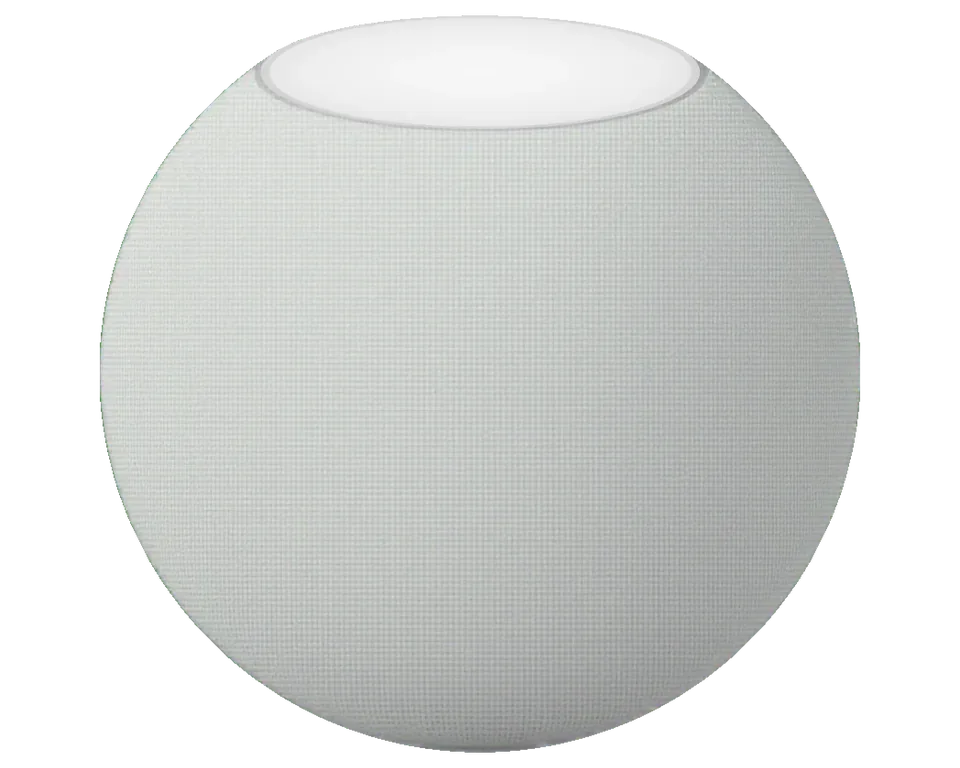
This compact speaker suffers from power surges, moisture on the touch panel, and cable wear, and its built-in sensors sometimes start giving false readings.
No indicator light and no sound, even with the adapter plugged in
Touches on the top surface are ignored and the lights don't change color
Sound distorts at medium volume, with clicks and rustling audible
The speaker falls off the network and Siri stops responding; only a restart helps
Kinks are visible at the base of the adapter and charging cuts out
Values shown in the Home app either fluctuate or get stuck at one number
Siri doesn't react to your voice, even though music plays and the speaker is online
Sound cuts out mid-track, the indicator goes dark and then comes back on
Holding your finger down doesn't trigger a reset and the lights don't flash as they should
The panel responds with a delay or triggers from the lightest touch
Volume is at maximum, but the speaker sounds raspy, as if the sound is dampened
After a reset, the speaker isn't found in the Home app and doesn't transfer settings
The price depends on what exactly has failed — power, speaker, touch sensor, or board. The table shows starting prices for common jobs.
| Service | Original | Aftermarket |
|---|---|---|
| Power cable replacement | 9 900 ₸ | 6 990 ₸ |
| Casing repair | 22 900 ₸ | 12 900 ₸ |
| Charging port replacement | 15 900 ₸ | 8 900 ₸ |
| Other repairs | Price | |
| Speaker and casing cleaningdisassembly and dust cleaning | 3 490 ₸per job | |
| Board repairmicrosoldering · 1–3 days | 7 990 ₸per job | |
| Wi-Fi / Bluetooth module repairwireless module · board-level repair | 3 490 ₸per job | |
| Firmware flashingsoftware restore, no parts replaced | 7 990 ₸per job | |
| Water damage cleaningcorrosion cleaning · diagnostics up to 2 days | 12 900 ₸per job | |
The technician will give you the exact amount after free diagnostics, once they've seen the condition of your speaker's board and housing.
The choice usually concerns the power board or the speaker. Here's what to look at so your speaker works as it did before the repair.
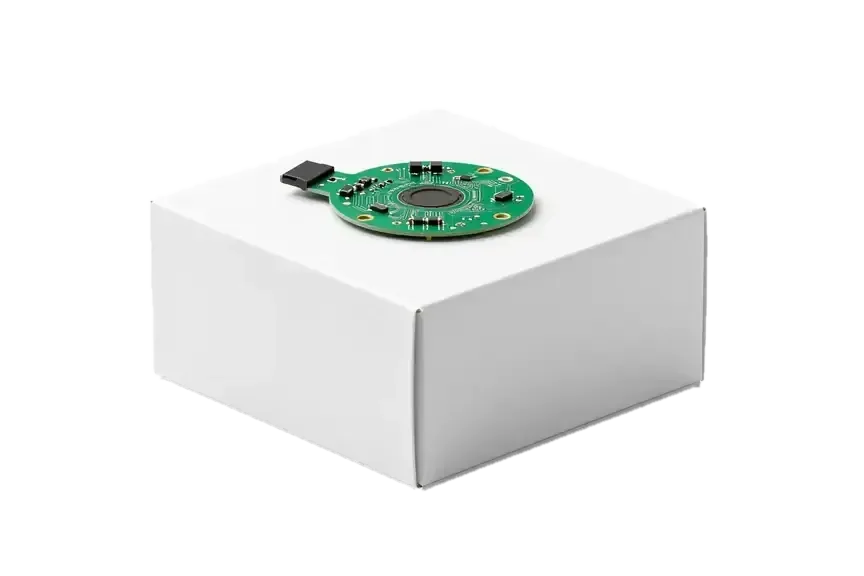
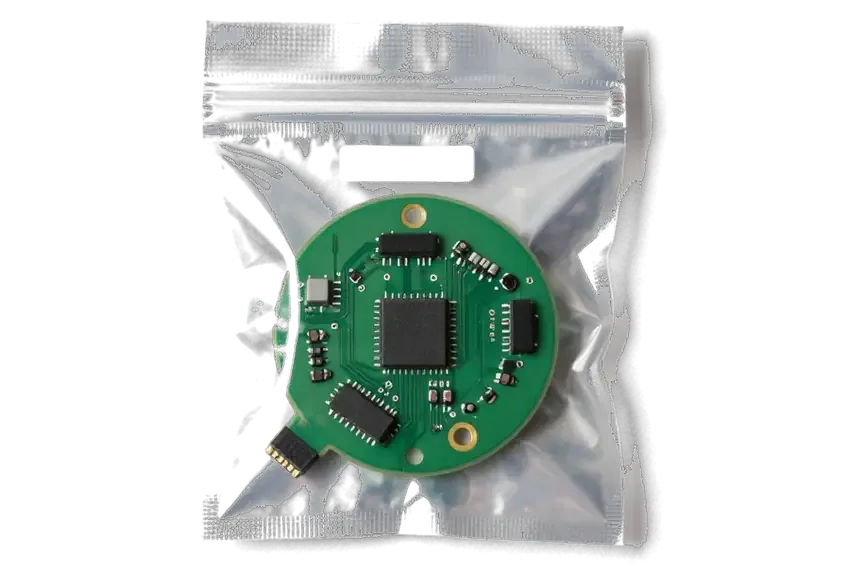
We check the adapter and software first, then open the housing, so we don't replace working components or charge you for unnecessary work.
We've been repairing Apple devices for 11 years, so we disassemble the HomePod mini carefully, preserving the fabric mesh and touch panel.
All repairs come with a guarantee of at least twelve months. If the same issue reappears, we will inspect the speaker once more free of charge.
Your speaker is diagnosed and repaired by a experienced technician who knows how to work with compact boards and won't damage the housing.
Before handover we check 32 functions: sound, microphones, touch sensor, Wi-Fi, temperature and humidity sensors, and operation with the Home app.
Diagnostics in Astana are free and done while you wait. The technician will show you the faulty component and explain what needs replacing.
We welcome guests on weekdays from ten in the morning to seven in the evening, and on weekends from eleven to six, so you can drop by without rushing.
Usually the whole journey — from message to pickup — takes less than an hour; complex repairs follow the timeline in the receipt.
Book a repairYou send a photo of the damage on WhatsApp — we quote the price and available time. Or you call a courier.
An engineer checks the device in front of you and shows what is broken. 0 ₸, even if you decline the repair.
We fix the price, the part (original or analog), the timeline and the warranty. You sign — we start.
Before installation we show you the new part in its factory packaging. You wait in the waiting area with coffee and Wi‑Fi.
Sound, microphones, Siri, Wi‑Fi, power. You check them together with the engineer.
Together with the receipt, warranty card and the old part. Payment — Kaspi, card or cash.
Technicians for iPhone, Mac, iPad, Apple Watch and AirPods repair.
Photo: Bakmukhammed S. Photo: Galymzhan S.
 Photo: Zhandos Sh.
 Photo: Darkhan T.
 Photo: Kudiret S.
“If the repair didn’t suit you or you have a complaint, write to me personally.”
Send a photo of the fault — an engineer will reply on WhatsApp, give the price and a time you can come in.
At iServices in Astana, technicians handle HomePod mini repairs
iServices technicians operate with their own workshop in Astana and work as a direct contractor for HomePod mini repair in Astana. Free 15-minute checks happen as you watch, most speakers are fixed on the spot, and every job carries a warranty of up to 1 year. Before work starts, the chosen original or aftermarket part is recorded on the receipt.
A column that ignores the socket and shows no light is the first scenario most owners bring in. We cover what sits inside and what we trace before opening.
A HomePod mini is a spherical unit with a USB-C cable running from the body into the adapter, so the cable is not a separate plug-in part you can swap at home. Inside the shell sit the logic board, the full-range driver, the touch panel on top, and the temperature and humidity sensors for room readings. The lead feeds the board directly rather than through a removable connector, so a damaged lead behaves like a dead speaker, not a loose accessory. Because the cable is moulded into the shell, a frayed lead is a workshop job needing the device opened, not a cord you replace from a drawer.
We start every dead-unit case with the power path — the lead, the adapter and the board feed — because that is where most no-power faults sit. First the engineer plugs the unit into a known-good adapter in front of you, then checks whether the lead carries current, then traces the feed to the board. Diagnostics are free and take 15 minutes even if you decide against the repair, so nothing is guessed at. A speaker that stays dark on a known-good adapter but warms slightly near the base usually points to the board feed rather than the lead, changing the job from a cable fix to board work.
| Symptom | Likely part | What we do |
|---|---|---|
| No response, no light | Cable or board feed | Trace power path, open shell |
| Light on, no sound | Full-range driver | Test driver, check seating |
| Crackle on bass | Driver or shell | Inspect driver and housing |
| Touch panel dead | Top panel | Check panel and ribbon |
| Drops off Wi-Fi | Wi-Fi module or board | Test network, then module |
A crackle on bass is the second most common reason a HomePod mini reaches our bench. Here is what produces the distortion and how to tell the speaker from the shell.
Crackling or rattling in the bass of a HomePod mini typically stems from a worn full-range speaker or a component that has come loose within the housing, and diagnostics reveal both. That full-range driver covers the entire frequency band, so when its surround or cone begins to degrade, the distortion gathers at the low frequencies, where the cone moves the most. An internal part that has worked free — a screw, a bracket, a fabric edge that has lifted — instead rattles against the chassis and tints the sound another way, producing a buzz that follows the rhythm rather than the note. If the crackle shows up only at high volume and disappears at low levels, the speaker is the more probable cause, which determines whether the fix is a replacement or a reseat.
Three things produce distorted sound in a mini — the driver, a loose internal element, and a damaged fabric cover — and each behaves differently under test. A failing driver distorts in proportion to cone travel, so the crackle grows with bass content and loudness and stays consistent across tracks. A loose element buzzes on transients and often disappears when the unit sits on a soft surface that dampens vibration. A damaged cover shows as a physical tear or a pushed-in weave, and the sound changes only if the weave touches the cone. The touch panel controls loudness and pause, so a lagging panel is a separate fault. A torn but acoustically intact cover rarely causes noise, so replacing it is cosmetic, not a sound fix.
Dropped Wi-Fi and a "no response" line in the Home app are often blamed on the speaker before anyone checks the network. Here is how to separate a router problem from a hardware fault.
A HomePod mini that drops off Wi-Fi is first tested on a second network, because a fault that follows the network is a router issue and one that follows the speaker is a module or board issue. If the connection holds there but fails on the home network, the wireless module and board are fine and no repair is needed — the fix sits in the router channel, the 2.4 GHz band or the number of devices on the access point. A speaker that also vanishes from Bluetooth and the Home app on the hotspot has a hardware fault, and the radio chip on the logic board is the first place a technician looks.
If Siri no longer reacts to your voice on a HomePod mini, we check the microphones and the software side, because to an owner a failed mic and a stalled update look identical. Six components lie beneath the top panel and serve every voice command, so one blocked or broken component leaves the mini answering only when you are right beside it. Our technicians perform a voice test at three distances, then verify whether the touch surface still handles volume and pause — a unit that responds to taps but not to voice suggests the pickup hardware, while one that responds to neither suggests the board. A software restore resolves stalled-update cases; a dead pickup requires a part.
A flickering light ring or an unresponsive touch panel on a HomePod mini can come from the sensor layer itself, a ribbon connection, or a firmware state stuck mid-update. The top carries the sensors and the LED feedback on one ribbon that runs inside the housing, so a knock or a liquid spill that reaches the top edge can interrupt the controls while the speaker keeps playing. A flicker that appears only during setup usually clears after a software restore, while one that shows in normal use points to the hardware. We watch the glow through a full reset before quoting any part, because a swap on a firmware fault solves nothing.
From the first message to pickup, a repair follows a clear path. Below is how that path works and what gets written down along the way.
A photo of the issue sent via WhatsApp gets a specialist's reply within five minutes, complete with price; the component, timing, cost and guarantee are then written on the receipt prior to any work beginning. That first answer isn't a random estimate — the technician prices it from the picture, then a free check in your presence verifies it in 15 minutes, even if you decide against repairing. On the receipt we write down four points: the final amount, whether the component is original or aftermarket, the timing, and the guarantee, which lasts up to 1 year. The new component is presented in factory packaging before fitting, and the removed one is returned to you at handover. Settling the component and guarantee in writing before the case is opened means the price can't shift once the device is on the bench.
Nearly all work on the mini is done while you wait, and when picking up you verify the sound, Siri, touch panel and Wi-Fi together with the specialist. From the first message to handover it usually takes under an hour, and 72% of repairs are completed while the customer waits — our branches in Almaty and Astana offer a lounge with coffee and Wi-Fi. Prior to handover the specialist performs a 32-function test lasting about 10 minutes, checking speakers, microphones, charging and network. After that you try the same functions yourself, and the device is returned with the receipt, warranty card and old component. This joint check at pickup catches any function still failing before you head out.
After a repair the unit may need to be re-added to the Home app, and a stereo pair usually has to be set up again once the speaker is back on the network. The speaker keeps its own settings, but the phone treats a serviced unit as a device it has not seen for a while: AirPlay targets can drop, and the pair splits back into two separate speakers. Re-adding takes a couple of minutes on the iPhone — open the Home app, tap the plus, and hold the phone near the mini. Keeping the same Apple ID and home makes re-adding a short step rather than a full reset of the room.
A direct contractor runs the job from quote to pickup, and you leave with the receipt, the warranty card and the component that came out of your speaker.
A direct contractor, not an aggregator. With in-house technicians and our own workshop, we operate as a direct contractor, so your speaker is repaired here instead of being handed off to someone else. The engineer who replies to your WhatsApp photo is the one at whose bench the unit ends up, and the same team has completed 46,000+ jobs over 11 years. No work is subcontracted, so no link in the chain can replace a component without the others noticing. Being a direct contractor keeps the agreed component and the coverage consistent from quote through pickup. That is why every HomePod mini repair that customers in Astana bring to us is done in our own workshop, from the first photo until the moment you collect the speaker.
You choose between an original and an aftermarket option, and every job carries coverage up to 1 year with the old component returned to you. Before any work begins, both options are listed on the receipt together with turnaround and terms, and prior to installation the new component is shown in factory packaging. Across our customer base, 64% pick an original; the rest weigh cost against how close the unit stays to factory behaviour. Choosing an aftermarket option can shorten the wait on a scarce item, while an original keeps the unit closest to how it left the factory. Keep the old component and the warranty card together — the card is what a future claim rests on, and the removed piece proves which one was actually replaced.
Board-level faults on the mini are repaired under a microscope, taking 1–3 days because the shell must be opened and the circuitry worked on directly. A cable or driver swap finishes in 20–40 minutes while you wait; a board fault is a different class of work, and 72% of our repairs still close the same day because most are not board jobs. A fault that only shows after warming up is why we test a repaired device through a full warm cycle before it goes back to you. If the speaker died after a spill, diagnostics can stretch up to two days — the residue must dry and the fault traced under load before quoting a component.
A short recap of what separates a repairable HomePod mini from a dead one, and when a trip to the workshop actually pays off.
Did not find an answer? Message us on WhatsApp: an engineer replies, not a bot.
Ask a questionMost often the power board fails while the speaker and touch sensor remain intact. The technician will check the adapter and board, then tell you whether replacing the power supply is enough or a more complex repair is needed.
The cause may be dirt, moisture, or damage to the sensor flex cable. The technician will first clean the panel and check the contacts, and only then suggest replacing the touch module.
Yes, the cable is replaced together with the connector, but this requires carefully opening the housing. The technician will select a compatible cable and check charging after installation.
Rasping can come from a clogged speaker grille, moisture that got in, or a damaged diaphragm. The technician will clean the speaker and check the sound, and replace it if necessary.
Heat buildup or dampness inside the casing can make the temp and humidity readings inaccurate. Once diagnostics are done, the technician will determine if the sensor should be swapped out or a software reinstall suffices.
Check that your router broadcasts a network in a band the speaker supports and that the speaker is within reliable range. If setup hangs again, the technician will check the antenna module and board.
С HomePod mini вышла неприятность: звук начал заметно искажаться. В сервисе разобрались с акустикой и исправили проблему.


 iPad
 MacBook
 iMac
 Mac mini and Studio
 Apple Watch
 AirPods
 Apple Pencil
 Apple TV
