MN Photo: Mukhpilov Nail
Mukhpilov Nail
smartphone repair technician
10years of experience
4.83rating, 83 reviews

Your mini speaker is silent or crackling — we'll check it for free, find the cause and fix it with a warranty up to 1 year.
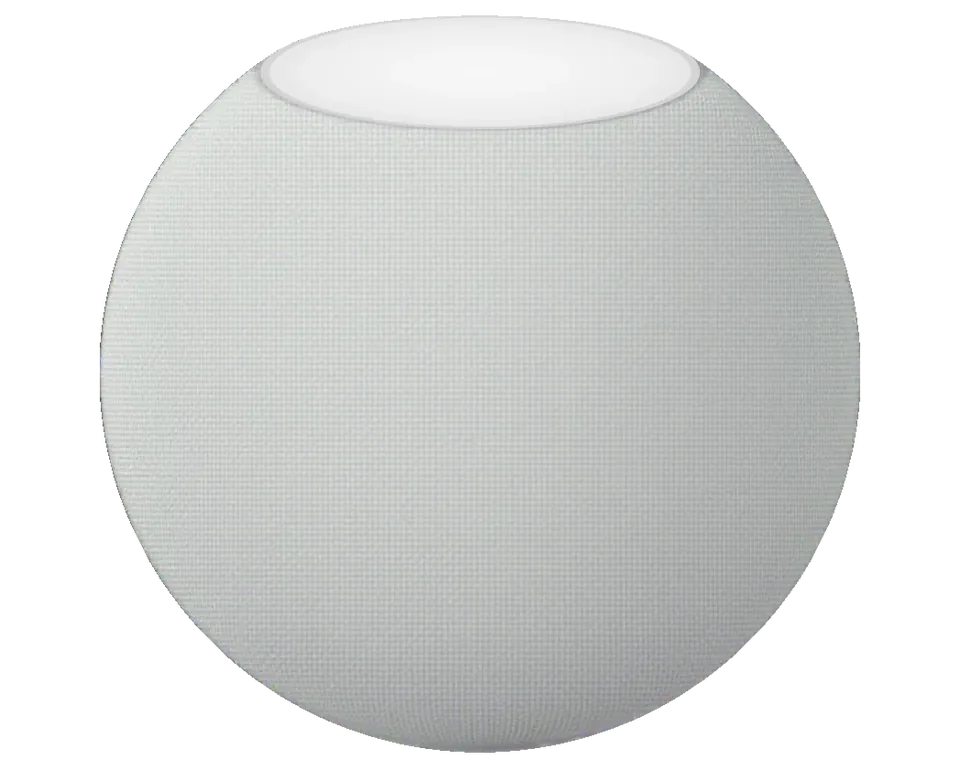
The compact body hides the board, speaker and power cable — failures are related to power, sound and network connectivity.
The top light is off, Siri doesn't respond, the adapter is connected but nothing happens
Music cuts out, the speaker goes dark and starts up again as if unplugged from the socket
At higher volume there's a crackle, bass is muddy, the body vibrates
The light is on, Siri responds, but music and calls are silent
The wire at the exit from the body is frayed, charging cuts out when the speaker is moved
The speaker drops off the network, the Home app shows 'No Response'
Touches don't pause or change volume, the panel is dead
The speaker doesn't finish setup, spins the indicator and doesn't enter working mode
Shows wrong temperature or humidity in the room, though nearby conditions are different
Microphones don't pick up commands from normal distance, you have to shout up close
Volume is turned all the way up, but the speaker plays at half strength
The spherical body is dented, the fabric has separated, something rattles inside
We quote the price after diagnostics — it depends on what failed: power, cable, speaker or board.
| Service | Original | Aftermarket |
|---|---|---|
| Power cable replacement | 9 900 ₸ | 6 990 ₸ |
| Casing repair | 22 900 ₸ | 12 900 ₸ |
| Charging port replacement | 15 900 ₸ | 8 900 ₸ |
| Other repairs | Price | |
| Speaker and casing cleaningdisassembly and dust cleaning | 3 490 ₸per job | |
| Board repairmicrosoldering · 1–3 days | 7 990 ₸per job | |
| Wi-Fi / Bluetooth module repairwireless module · board-level repair | 3 490 ₸per job | |
| Firmware flashingsoftware restore, no parts replaced | 7 990 ₸per job | |
| Water damage cleaningcorrosion cleaning · diagnostics up to 2 days | 12 900 ₸per job | |
If restoration turns out to be unprofitable, the technician will say so before starting work and explain why.
For HomePod mini, the choice is usually between the power cable and the board — reliability and sound depend on it.
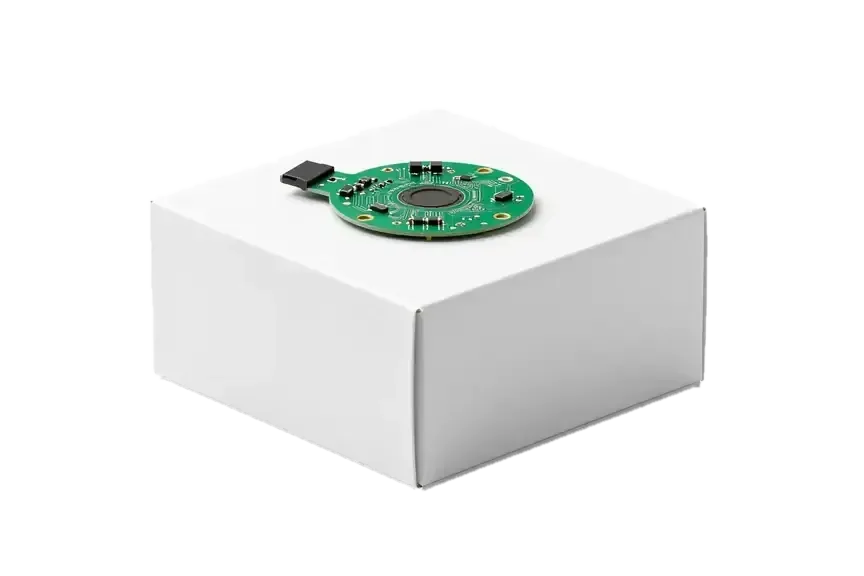
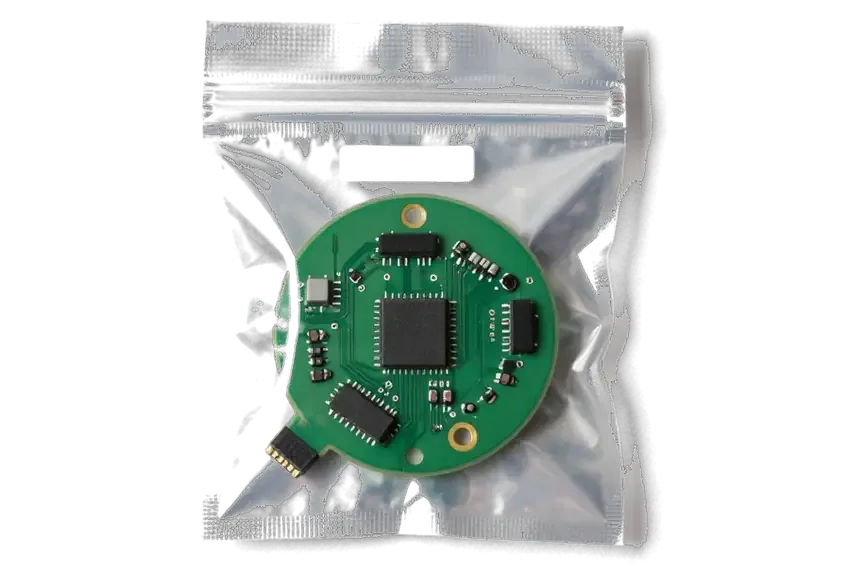
The mini speaker requires careful disassembly and precise diagnostics — here's what's convenient for owners in Almaty.
Over eleven years of work, we've learned where the mini's weak point is in the power cable and where the board or microphone fails.
The performed speaker repair is covered by a warranty up to 1 year, and the exact terms are confirmed by the technician before work begins.
The speaker is accepted by a experienced technician: they find the cause and only then propose a work plan and cost.
We check power, sound and network connectivity in your presence so you understand what exactly happened to the speaker.
Some mini failures are related to the router or the Home app, and we check this before opening the body.
Weekdays 10:00 to 19:00, weekends and holidays 11:00 to 18:00 — you can drop by on Saturday.
Usually the whole journey — from message to pickup — takes less than an hour; complex repairs follow the timeline in the receipt.
Book a repairYou send a photo of the damage on WhatsApp — we quote the price and available time. Or you call a courier.
An engineer checks the device in front of you and shows what is broken. 0 ₸, even if you decline the repair.
We fix the price, the part (original or analog), the timeline and the warranty. You sign — we start.
Before installation we show you the new part in its factory packaging. You wait in the waiting area with coffee and Wi‑Fi.
Sound, microphones, Siri, Wi‑Fi, power. You check them together with the engineer.
Together with the receipt, warranty card and the old part. Payment — Kaspi, card or cash.
Technicians for iPhone, Mac, iPad, Apple Watch and AirPods repair.
Photo: Mukhpilov Nail Photo: Molchanov Rinat
 Photo: Shokan A
 Photo: Sybanbaev Birzhan
 Photo: Denis Gushchin
 Photo: Duisebaev Azhdar

“If the repair didn’t suit you or you have a complaint, write to me personally.”
Send a photo of the fault — an engineer will reply on WhatsApp, give the price and a time you can come in.
HomePod mini repair in Almaty by iServices technicians
iServices handles HomePod mini repair in Almaty as a direct contractor with its own technicians. We run free 15-minute diagnostics in front of you, fix most units while you wait, and back the work with a warranty up to 1 year. You pick an original part or an aftermarket one, and both are fixed on the receipt before work starts.
The compact body hides a power path unlike the full-size models, so the first step is always to find out whether the fault sits in the cord, the adapter, the board or the speaker itself.
On the HomePod mini the USB-C cord is routed out of the spherical body and cannot be unplugged, so a damaged lead is a repair, not a swap. It runs into the internal circuitry through a fixed joint at the base that carries both current and data. A chewed, bent or heat-damaged lead stresses the connector from the inside, and the unit then behaves like a dead one: no light, no chime, no response to the socket. We test the cord and the input separately, with a known-good adapter, before anyone opens the housing. Because current feeds straight into the board, a damaged lead can mimic a dead circuit, which is why we confirm the rail first and never quote a board job on the strength of a symptom alone.
| Symptom | Likely culprit | What we do |
|---|---|---|
| No light, no sound | Cord or input | Test cord and rail |
| Light flickers, then dies | Internal circuitry | Check under microscope |
| Dead after a surge | Power circuit | Measure and inspect |
| Works only when cord is held | Connector joint | Reflow or replace |
We diagnose for free in front of you for about 15 minutes, and you see exactly what has failed even if you decide not to repair. The engineer connects the unit to a known-good adapter and walks the route with you: cord first, then the input, then the circuitry. The verdict goes onto the receipt, which takes about two minutes and fixes the component, the turnaround and the warranty before any work starts. Watching the test happen matters more than the verdict itself, because a technician who shows you the failed component on the bench cannot later swap in a different story about what was broken.
A speaker that crackles, buzzes or loses its low end is telling you something specific, and the fix depends on whether the fault sits in the emitter, the housing or the fabric wrap.
A damaged emitter or a loosened element inside the housing produces the crackle and buzz you hear on bass-heavy tracks, and diagnostics shows which one it is. The full-range component sits in a sealed acoustic chamber, so a single torn edge or a screw backing out of its seat turns clean low frequencies into a rattle that gets worse as volume climbs. A dented or slightly deformed shell adds its own resonance, which is why one track can sound muddy on a given unit and harsh on another. Pushing the volume up to confirm the buzz can widen an existing tear in the diaphragm, so it is better to stop testing at high levels and let the bench check find the source.
We assess the fabric wrap and the housing together, because a torn mesh lets dust reach the sound component and a dented shell can rattle against it. The acoustic mesh is bonded to the shell, and once a seam lifts, fine dust and lint work their way onto the moving element and change how it behaves. Our technicians handle both components on one bench, and the branches in Almaty and Astana keep the same diagnostic routine. A wrap that looks fine can still be the culprit if it has stretched loose at the seam, so we press gently around the seam during diagnostics rather than judging by sight alone.
| Option | Fit and finish | Best for |
|---|---|---|
| Original driver | Matches factory spec | Daily heavy use |
| Aftermarket driver | Fits, slightly different tone | Occasional listening |
| Clean and reseat | No new part | Loose element only |
Not every dropout is a hardware fault, so we separate the router from the unit first, then look at the microphone array, the touch panel and the software.
We first test the unit on a different network, and only if the dropouts follow it do we move on to the Wi-Fi module and the board. A HomePod mini that vanishes from the Home app on one router but holds a stable connection on another points at the network, not the hardware. When the fault travels with the device, we inspect the Wi-Fi and Bluetooth module and the joints where it meets the main board, since a weakened solder point drops the link under load. Our technicians log the exact time a dropout happens. A link that dies at the same hour every day usually tracks the router's channel or a neighbouring network, not the device, so noting the timing helps more than repeating the reset.
When Siri stops responding to voice but the touch surface still works, we check the microphone array and the surface separately, since they fail for different reasons. The array sits behind the top housing, and a single clogged or damaged mic element is enough to make voice requests unreliable while playback stays clean. The touch surface handles volume and pause, and its backlight can behave oddly once the flex underneath loosens. We run a short voice test at different distances and angles before opening anything, then inspect the mic mesh and the connector. A surface that flickers on its own often signals a loose connection rather than a dead sensor, so we reseat the connector before considering a replacement.
A unit stuck on an update is often recovered in software, and your Home app settings and stereo pair can be restored once it boots again. We start with a forced restart, then a factory reset through the Home app, and only if the device refuses to complete the update do we connect it to a service tool and reinstall the firmware. Your rooms, scenes and automations live in the Home app on your iPhone, so they survive the reset and return when the unit rejoins the network. Before any reset we note how it is paired, because a stereo pair that is split during recovery has to be re-paired by hand afterwards.
The whole path is short by design, from a photo on WhatsApp to a checked speaker in your hands, and each step is written down so nothing shifts after the fact.
Send a photo of the damage on WhatsApp and an engineer replies within 5 minutes with a price and a free time slot. If you cannot come in yourself, we arrange a courier across the city in about 90 minutes, and the pickup costs nothing when it travels together with a repair. Most jobs — a cable joint, a power board, a driver swap — are finished in 20 to 40 minutes while you sit in the waiting area with coffee and Wi-Fi. A clear photo of the cable joint or the top panel saves a trip, because it lets the technician tell a cable fault from a board fault before you leave home.
Before any work starts we fix the price, the part, the turnaround and the warranty on the receipt, and we show the new unit in its factory packaging. The technician asks whether you want an original piece or an aftermarket one, and both choices go onto paper with the timeline attached — warranty runs up to 1 year on the fitted piece. Writing and signing the note takes roughly 2 minutes, and you can compare both options side by side before deciding. A written record protects both sides, because it turns a verbal estimate into something you can hold the service to if the part or the timeline changes later.
At pickup you check the sound at different volumes, Siri, the touch panel and the Wi-Fi connection together with the technician. The device runs through a full function check in about 10 minutes, and you listen to a quiet passage, then a loud one, then ask Siri to set a timer. The old unit, the receipt and the warranty card leave with you in the same bag. We pack the removed part separately, so you can compare it with the new one at home and see exactly what was swapped. Testing at low volume first catches a loose driver that a loud track would mask, so we start quiet and work up rather than the other way round.
We are a direct contractor with our own technicians and workshop, and the details below are what that means for a HomePod mini owner in Almaty.
We are a direct contractor with our own technicians rather than a pass-through to a third party. The engineer taking in your unit opens it, orders the component and tests the result, and that bench also handles board work under a microscope when damage sits below the connector level. Two branches, in Almaty and Astana, follow one routine, so a booking at either location meets the same standard. A direct contractor keeps one team at the bench from diagnosis to handover, so the specialist who finds the defect answers for the fix. That is what HomePod mini repair in Almaty gives owners: one team accountable for the whole job.
You can wait in our waiting area with coffee and Wi-Fi, call a courier, and pay by Kaspi, card or cash. Most jobs are short enough that waiting makes sense, and the whole process from first contact to pickup usually takes less than an hour. A courier across the city takes about 90 minutes and is free with a repair, which suits owners who would rather not make the trip for a cable issue. Payment is settled at pickup, after you have checked the unit yourself, so nothing is paid before the work is visible. If you are coming from another district, message us first and we will hold a free slot for the day you plan to visit.
Every repair carries cover up to 1 year, and the component you chose is named on the receipt and the guarantee card. That record matters because the paperwork shows which item went in, when, and under what terms. The old item comes back with the device, so you can see what was removed instead of taking it on trust. A guarantee naming the installed part matters, because a later defect on that same piece is covered without a debate about what was fitted. Keep the card with the receipt in one place, and photograph both on the day of pickup, so a claim months later needs no search.
Five points sum up what decides a HomePod mini repair: which component has failed, how the fault is confirmed, and what paperwork protects the owner afterwards.
Did not find an answer? Message us on WhatsApp: an engineer replies, not a bot.
Ask a questionThe cable on the mini is not detachable, so replacement means carefully opening the body. If the wire is broken at the base, the technician will assess whether the contact can be restored or the cable replaced entirely. You shouldn't disassemble the speaker yourself.
Most often the cause is power: a weak adapter or damaged cable doesn't provide enough power. Try the included USB-C adapter with sufficient power, and if restarts continue, the board needs checking.
The sensors are inside the body and connected to the board, so after replacing the board or cable their operation is checked separately. The technician will show the readings in the Home app when you pick up the speaker.
Sometimes dirt in the microphone holes or a firmware glitch is to blame, and cleaning or software restoration helps. If the microphones are damaged, the technician will tell you what can be done for your speaker.
The mini speaker is connected via USB-C cable to a Mac and the software is restored through Finder. If the computer doesn't see it or the failure repeats after restoration, board diagnostics are needed.
It's worth bringing the adapter and cable so the technician can check the power supply as a whole. The iPhone will be useful for setting up the speaker and checking its operation in the Home app.
С HomePod mini вышла неприятность: звук начал заметно искажаться. В сервисе разобрались с акустикой и исправили проблему.

 iPad
 MacBook
 iMac
 Mac mini and Studio
 Apple Watch
 AirPods
 Apple Pencil
 Apple TV
