MN Photo: Mukhpilov Nail
Mukhpilov Nail
smartphone repair technician
10years of experience
4.83rating, 83 reviews

AirPods Max hold charge for a couple of hours — we replace the battery in a day, hand over a new one in the box and give a warranty.
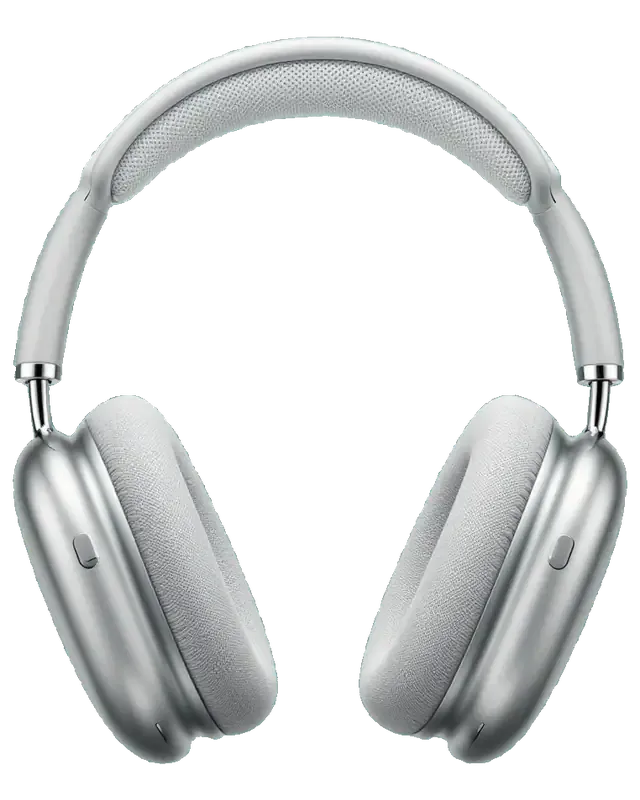
Over-ear headphones wear out in predictable places, from cushions and headband to the battery and the crown.
The headphones lose most of their charge while idle or die early on a full charge.
The fabric peels, the foam flattens and the magnets no longer hold the cushion firmly.
The knit canopy has stretched, so pressure on the top of your head is uneven.
Sound is weak or crackly on one side, especially when the volume goes up.
Modes switch, but hum still gets through, or a whistling and popping sound appears.
The dial feels gritty, volume jumps on its own or the noise control button is stiff.
The status light stays dark, the port is clogged or the connector has gone loose.
The headphones disconnect, will not show on iPhone or Mac, or get stuck in pairing.
After long wear, moisture builds up under the ear cushions and sound starts to fail.
Music doesn't pause when the headphones are taken off, and charge is wasted.
The steel arm doesn't lock at the right length and slides down under the cup's weight.
The other person complains of a quiet voice and noise, though music plays fine.
We quote the exact price for AirPods Max work after diagnostics, because it depends on the fault and the part needed.
| Service | Original | Aftermarket |
|---|---|---|
| Earbud battery replacement | 96 900 ₸ | 55 900 ₸ |
| Earbud speaker replacement | 100 900 ₸ | 55 900 ₸ |
| Case charging connector replacement | 85 900 ₸ | 47 900 ₸ |
| Microphone replacement | 74 900 ₸ | 41 900 ₸ |
| Ear cushion replacement | 12 900 ₸ | 8 900 ₸ |
| Headband replacement | 66 900 ₸ | 44 900 ₸ |
| Other repairs | Price | |
| Cleaningdisassembly and dust cleaning | 12 900 ₸per job | |
| Water damage repaircorrosion cleaning · diagnostics up to 2 days | 19 900 ₸per job | |
| Board repairmicrosoldering · 1–3 days | 89 900 ₸per job | |
| Firmware flashingsoftware restore, no parts replaced | 5 490 ₸per job | |
Call or message us on WhatsApp and describe what happened, and a technician will outline the likely steps.
Fit and sound matter a lot on headphones like these, so a technician explains the difference before any part is replaced.
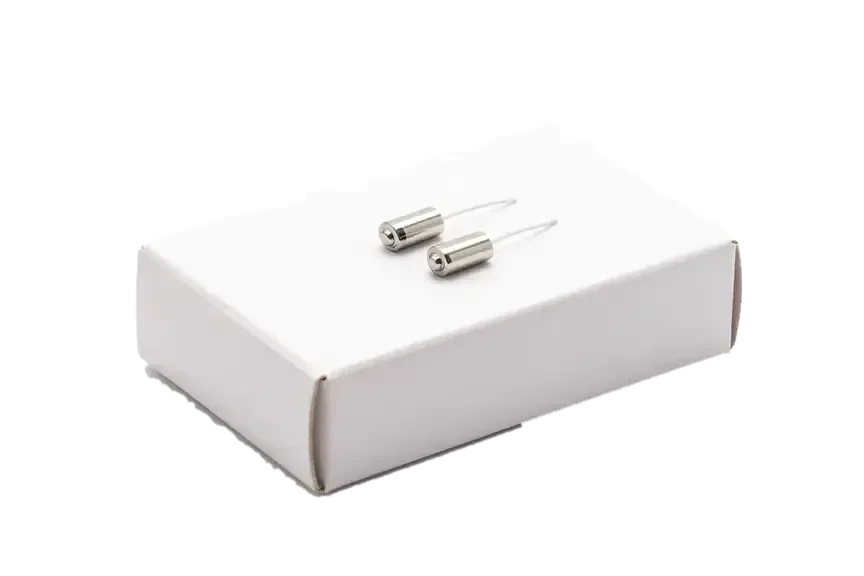
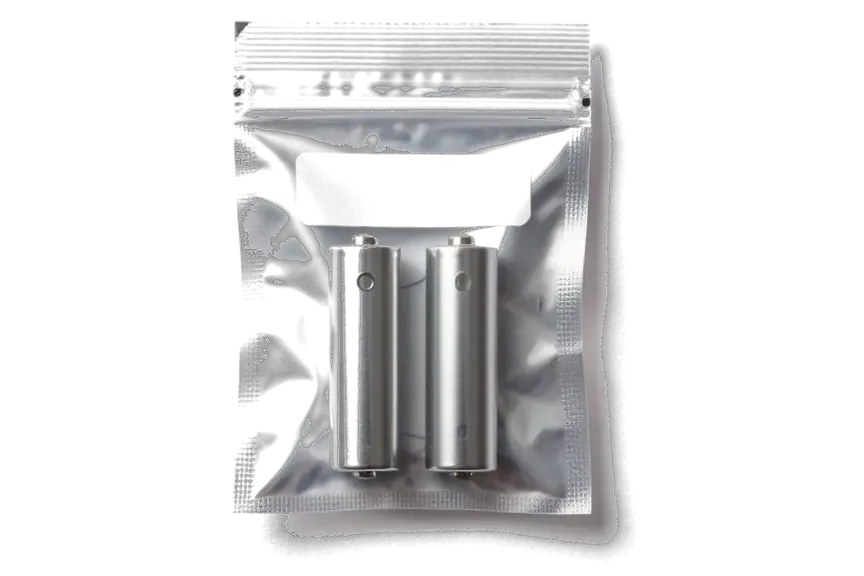
Premium headphones need a calm look first: we work out what is wrong and say plainly what is worth repairing.
For eleven years we have repaired headphones, watches and phones, so the weak points of this design are familiar.
Completed repairs carry a warranty up to 1 year, and the technician agrees the exact terms with you up front.
Your headphones are handled by experienced technicians who know glued assemblies and delicate flex cables well.
We find the cause before we name a price, so you are not asked to pay for a part that was never the problem.
We are open Monday to Friday 10:00–19:00 and on weekends and holidays 11:00–18:00, so plan your visit around that.
We show you what is wrong and say plainly when a clean or a settings reset is enough and no repair is needed.
Usually the whole journey — from message to pickup — takes less than an hour; complex repairs follow the timeline in the receipt.
Book a repairYou send a photo of the damage on WhatsApp — we quote the price and available time. Or you call a courier.
An engineer checks the device in front of you and shows what is broken. 0 ₸, even if you decline the repair.
We fix the price, the part (original or analog), the timeline and the warranty. You sign — we start.
Before installation we show you the new part in its factory packaging. You wait in the waiting area with coffee and Wi‑Fi.
Sound, microphones, noise cancellation, ear sensor, earbud and case charge, connection. You check together with the engineer.
Together with the receipt, warranty card and the old part. Payment — Kaspi, card or cash.
Technicians for iPhone, Mac, iPad, Apple Watch and AirPods repair.
Photo: Mukhpilov Nail Photo: Molchanov Rinat
 Photo: Shokan A
 Photo: Sybanbaev Birzhan
 Photo: Denis Gushchin
 Photo: Duisebaev Azhdar

“If the repair didn’t suit you or you have a complaint, write to me personally.”
Send a photo of the fault — an engineer will reply on WhatsApp, give the price and a time you can come in.
AirPods Max Repair in Almaty with Original Parts and Warranty up to 1 year
For AirPods Max repair that Almaty owners can rely on, choose iServices, a direct repair shop with experienced technicians in Almaty and Astana. We diagnose headphones free of charge in front of you in 15 minutes, show the replacement part in factory packaging, and back every job with a warranty up to 1 year. Most repairs finish while you wait.
AirPods Max are over-ear headphones with aluminium cups, magnetic earpads and a battery sealed inside one shell. Below are the parts that fail most often and what we do with each.
We replace the earpads and the headband mesh without opening the aluminium shells, because both are separate serviceable parts held by magnets and clips. The pads click off the rim and a fresh pair seats back in seconds, while the headband mesh is a tensioned canopy clipped to the steel frame — we swap it whole rather than patching the weave. Earpads flatten and lose their seal over months of daily use, which quietly weakens noise cancellation and bass long before anything electronic fails, so swapping them early restores the original fit. The mesh is the second item to go: it stretches and sags, which is why the headband starts pressing after a long flight.
The battery in these headphones is glued inside one aluminium shell, so a worn cell that drains within an hour is a job for a technician rather than a drop-in swap. Opening it means releasing the adhesive bed around the cell, lifting the board connectors clear and keeping the driver and antenna wiring untouched — we work with heat and a plastic pry tool, never a metal blade near the coil. A healthy pair should hold charge across a full day of listening, so if yours dies during a commute the cell has aged, and replacing it before it swells protects the shell and the board around it. A swelling cell pushes against the aluminium and can distort the seal that keeps condensation out, so bring the headphones in at the first sign of fast drain.
A Max that will not charge usually points to the Lightning or USB-C port in the cup or to the contacts inside the Smart Case, and we test both before quoting. The port sits on a small board behind the shell, so lint, pocket grit and a bent pin are common findings; the contacts in the pouch are checked separately with a meter, since a dirty contact there mimics a dead battery. The Smart Case only puts the headphones into low-power mode rather than charging them, so a Max that drains overnight inside it is showing a battery or port fault, not a fault in the accessory. A two-minute meter check settles which side is at fault before any part is ordered.
Before we name a part or a turnaround, the engineer tests the headphones in front of you and shows what has actually failed. Below is how diagnostics run and how to read the symptoms.
Our diagnostics are free and take about 15 minutes in front of you, even if you decide not to repair, and the engineer shows the faulty part as it is found. The check walks through charging, both drivers, the microphones, the Digital Crown and pairing. If you want to sit down, the waiting area has coffee and Wi-Fi, and you can watch from there. We have run 46,000+ repairs over 11 years, and the opening quarter-hour always follows the same order. This is also how AirPods Max repair in Almaty starts, so you see the fault before any work is agreed. Watching the check matters more than a written verdict, because you see which function fails and can judge whether the job is worth it before a component is ordered.
Moisture under the earpads is common on Max after long sessions or a rainy commute, and after liquid exposure diagnostics can take up to two days while we inspect the circuitry under a microscope. Condensation forms because the aluminium cups seal warm air against cool metal, so a sweaty session or a cold walk leaves droplets on the driver and the electronics. In most cases the pair dries out and works normally, but a corroded circuit needs the microscope before we promise anything. Never charge a damp pair or push air into the drivers, since power on wet components turns a recoverable spill into a dead cup; let it dry and bring it in first.
| Symptom | Component we inspect first | What we do |
|---|---|---|
| Dies within an hour | Battery in the cup | Test cell, replace if worn |
| Will not charge | Lightning or USB-C port | Clean, check, replace port |
| Weak bass, loose fit | Earpads | Swap pads, reseal |
| One side silent | Driver and circuitry | Inspect under microscope |
| Crown or button stuck | Digital Crown, button | Clean or replace module |
Not every node inside the Max is serviced down to the smallest level; sometimes swapping the whole unit is more reliable and faster. Here is how we decide, and how to weigh a genuine piece against an aftermarket one.
When the battery or driver is sealed into the cup, we replace the whole module rather than re-glue a single cell, because a sealed rebuild rarely holds its seal. The power pack is bonded to the housing with adhesive that loses its grip once opened, and a hand-rebuilt unit sits loosely against the driver, so vibration returns within weeks. A module swap restores the factory fit and keeps the cup water-resistant, which a hand-rebuilt piece cannot guarantee over the following months. On the Max units we have handled, this route also avoids the fine soldering a single-cell job demands near the driver diaphragm. If a fault sits on an accessible connector — a charging contact, for instance — a smaller fix still makes sense and costs less time in the chair.
We offer both a genuine component and an aftermarket one, and 64% of our customers choose the original, with the decision written on the receipt before work begins. The item arrives in factory packaging and is shown to you before installation, so you see exactly what goes into the cup. A third-party battery can restore runtime but may not match the genuine cell's charge curve, so ask what changes in daily use before deciding on cost alone. The cheaper route suits a spare pair or a device near the end of its run, while daily drivers tend to go original. Either way the turnaround, the type and the warranty are fixed on paper first.
| Option | What it restores | Best for | Warranty |
|---|---|---|---|
| Original module | Factory fit and functions | Long-term daily use | Up to 1 year |
| Aftermarket part | Core function at lower cost | Budget repair | 6 months |
| Component repair | Single failed element | Rare, accessible faults | Up to 1 year |
Quiet output, crackle and callers who cannot hear you on the Max more often trace back to clogged meshes and microphones than to the board. Here is what we check and when a part actually needs replacing.
A Max that sounds quieter on either ear or crackles usually has a blocked mesh over the speaker or a loose connection, and cleaning that mesh resolves many of these cases without any part being replaced. The grille sits behind the magnetic earpad and collects grey lint from hair, fabric and dust, so the cup worn against a hood or scarf often goes quiet first. Crackle that follows the music usually points to a loose connector rather than a dead speaker, while a constant hiss on both cups is more likely a cable or board issue. Each cup is tested separately and output is compared before touching a component. Pushing a pin into the grille can tear the membrane behind it, so let a technician clean it with the right tool rather than improvising at home.
When callers say you sound distant, one of the Max microphones is usually clogged or failing, and we test each mic against active cancellation before deciding on a fix. Each cup carries several of them: some feed the cancellation system, others handle calls and transparency, and one sits near the Digital Crown on the right ear. A blocked mic on the call path makes your voice muffled to the person listening even when music sounds perfect. Since we have completed 46,000+ repairs over 11 years, we know the call mic and the cancellation units rarely fail together. The mics that drive active cancellation are separate from the call one, so a pair that cancels well can still sound muffled during calls, which is why both are tested.
A stuck Digital Crown or a Max that will not pair after a part swap is handled by cleaning the control module and re-pairing the headphones to the iPhone before handover. Grit under the crown makes it skip or refuse to click, and the noise-control button shares the same flex cable, so a single fault often shows as both. Re-pairing a fresh cup to the case of the same model restores the link, and the control responds again once the module is clean. Re-pairing after a swap also refreshes the firmware link, so a dial that felt unresponsive can behave normally again once the headphones rejoin the device. We re-pair and test the crown, the noise-control button and transparency before the headphones leave the bench.
A repair ends not with handing back the device but with a joint check of what works and a receipt that carries the guarantee. Here is what gets written down and what you test together with the engineer.
Before any work starts we fix the price, the part, the turnaround and the guarantee on the receipt in about two minutes, so nothing changes mid-repair. The document also names whether the part is original or aftermarket, and it states the cover period — up to 1 year on our work. Every customer leaves with the receipt, the guarantee card and the old part, which stays with you rather than disappearing into a workshop drawer. We have handled 46,000+ repairs over 11 years, and the receipt format has stayed the same because it settles most disputes before they start. A written record of original versus aftermarket is exactly what you show if a claim question comes up months later.
After the repair we run a 32-function check of about 10 minutes and then go through sound, microphones, noise cancellation, charging and pairing together with you. The engineer hands over the device only after the bench pass is done, and you repeat the key steps yourself: play a track, take a call, toggle noise cancellation, plug in the charger, re-pair to your phone. Our branches in Almaty and Astana follow the same handover script, so the check does not depend on which technician is on shift. Testing with your own iPhone and your own music catches pairing or volume quirks that a bench test on shop equipment can miss — bring your phone charged and your usual headphones profile ready.
Most repairs finish while you wait, with 72% completed in our waiting area, and a courier across the city takes about 90 minutes, free with a repair. The waiting area has coffee and Wi-Fi, so an hour-long visit does not cost you a working day, and typical jobs such as a battery or port swap land in the 20–40 minute bracket. If you cannot come in, call a courier and the device travels to the workshop and back without you leaving the office. Sending a photo of the damage on WhatsApp first gets you a price and a free time slot within five minutes, so you arrive when a technician is ready for your Max.
A working Max is worth keeping, and the points below are the ones that decide how a repair goes. Each rests on how the headphones are built, not on guesswork.
Did not find an answer? Message us on WhatsApp: an engineer replies, not a bot.
Ask a questionThe closed cups trap warmth and moisture from your skin, especially during long sessions. Take the cushions off now and then and let the cups air out. If moisture keeps appearing and sound or noise control starts acting up, have the cups inspected.
AirPods Max go into a low power state when placed in the Smart Case and after resting still for a while outside it. That is why there is no separate power switch. If the charge still disappears overnight, the battery or the case magnets are worth checking.
Yes, a stiff or slipping Digital Crown is usually a mechanical problem, often caused by dirt. Do not spray liquids into it. The technician opens and checks the mechanism and tells you what can be done.
Many outer parts, such as the ear cushions, are alike, but the charging port and related internals differ. Tell the technician which version you have before ordering anything. It saves time when a part has to be matched.
A stretched or torn mesh canopy can be replaced, though the work depends on the headband design and part availability. Ask the technician to confirm the part before the repair. Hanging the headphones by the canopy speeds up wear.
Check sound in both cups, noise cancellation and Transparency, the Digital Crown and charging together with the engineer. Put the headphones on and listen for crackles in quiet surroundings. You also get the receipt, warranty card and the old part.
AirPods Max (USB-C) подвёл: периодически исчезала связь с телефоном. Ребята проверили Bluetooth и сопряжение; Ринат не отмахнулся от моих вопросов.
У моего AirPods Max (Lightning) периодически исчезала связь с телефоном. Ребята проверили Bluetooth и сопряжение; Спасибо Ринат: разобрался с нюансами без лишних разговоров.
У моего AirPods Max (Lightning) наушники перестали заряжаться через разъём. По результатам диагностики проверели порт и работу питания; С Ринат всё обсудили по делу без спешки.
На AirPods Max (USB-C) наушники перестали заряжаться через разъём. После обращения проверили порт и работу питания.
С AirPods Max (Lightning) вышла неприятность: звук начал потрескивать на низкой громкости. В сервисе проверили аудиоканал и динамики.
На AirPods Max (Lightning) звук начал потрескивать на низкой громкости. Ребята проверили аудиоканал и динамики.
На AirPods Max (USB-C) в одном ухе звук стал заметно тише. После обращения проверели звуковой тракт и баланс каналов.
У моего AirPods Max (USB-C) режим шумоподавления включался с задержкой. В сервисе проверели настройки и работу микрофонов.
У моего AirPods Max (USB-C) цифровое колёсико перестало чётко реагировать. По результатам диагностики проверели органы управления.
На наушниках один динамик стал играть намного тише другого, появился какой-то странный хрип. В сервисе провели глубокую чистку сеточек и диагностику. Всё исправили очень быстро, звук снова объемный и чистый, как при покупке.
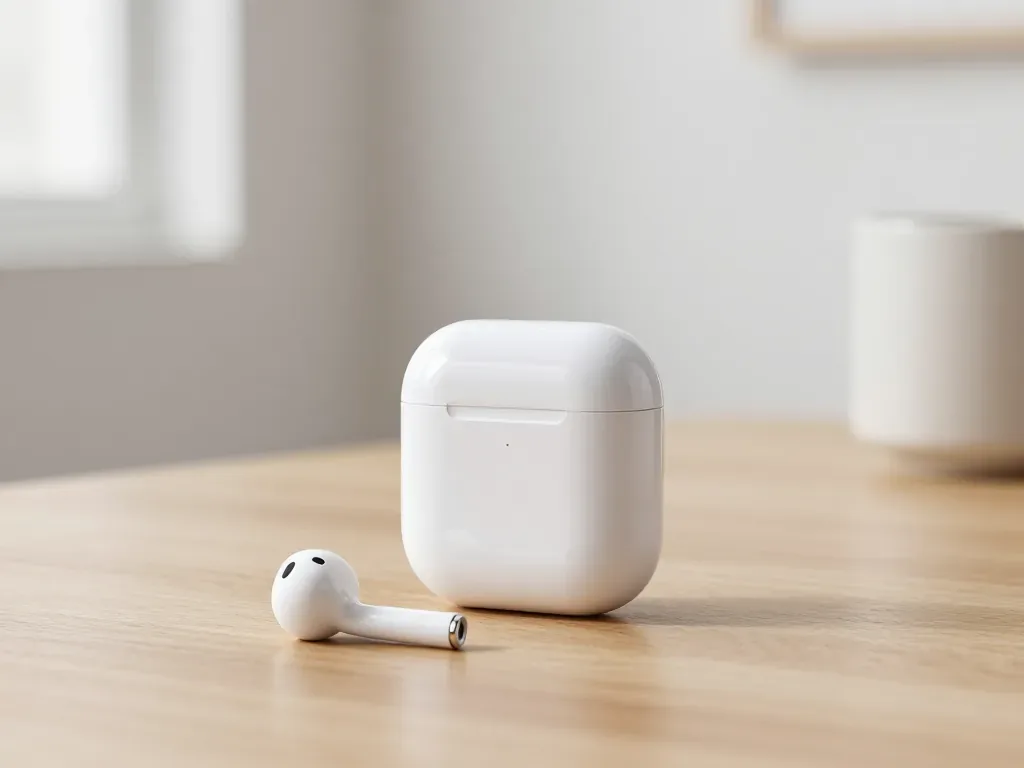
One earbud losing charge first is usually a worn cell or a dirty contact, not a dead pair. A free check tells which.
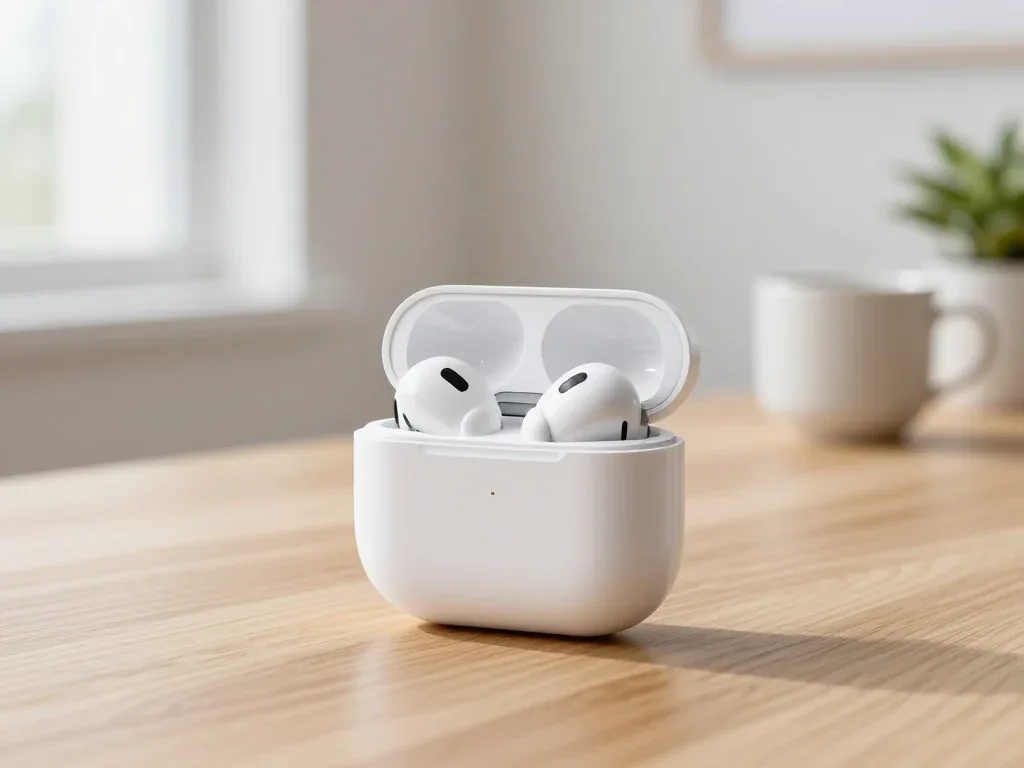
Find out why your AirPods case won't charge and what to check before visiting a repair shop.
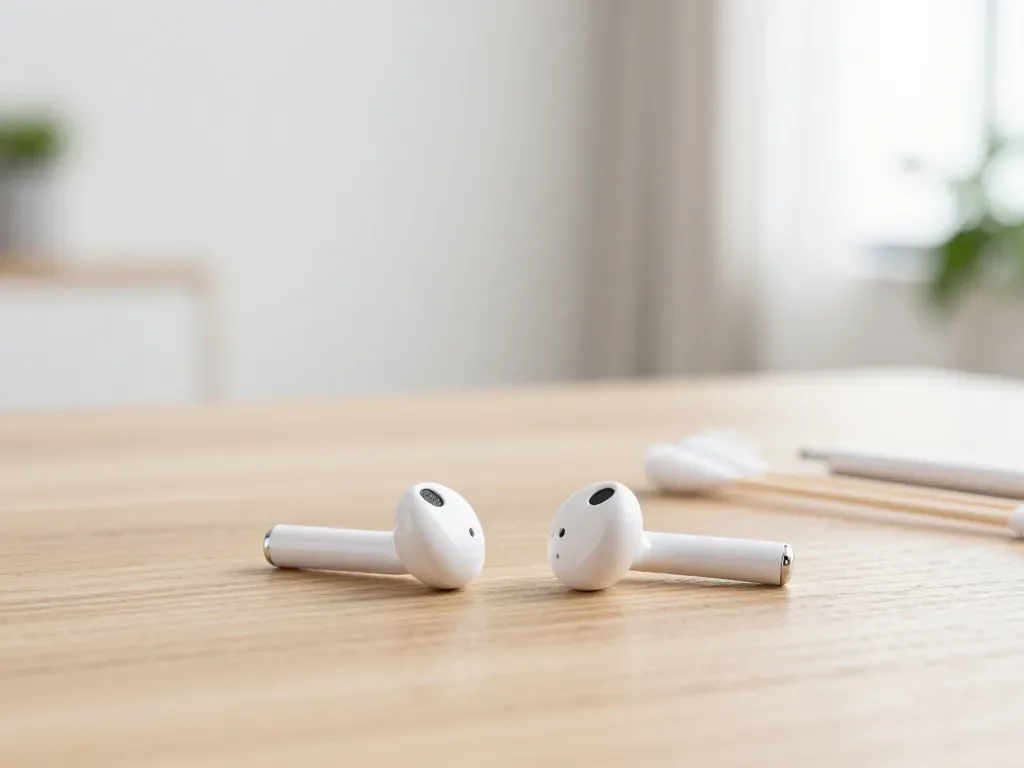
Most quiet AirPods come down to clogged mesh or a tired driver. Here is how to tell the difference before you clean anything.

Back up your data, turn off Find My, and bring proof of purchase — then the repair starts faster.

 iPad
 MacBook
 iMac
 Mac mini and Studio
 Apple Watch
 Apple Pencil
 Apple TV
 HomePod
