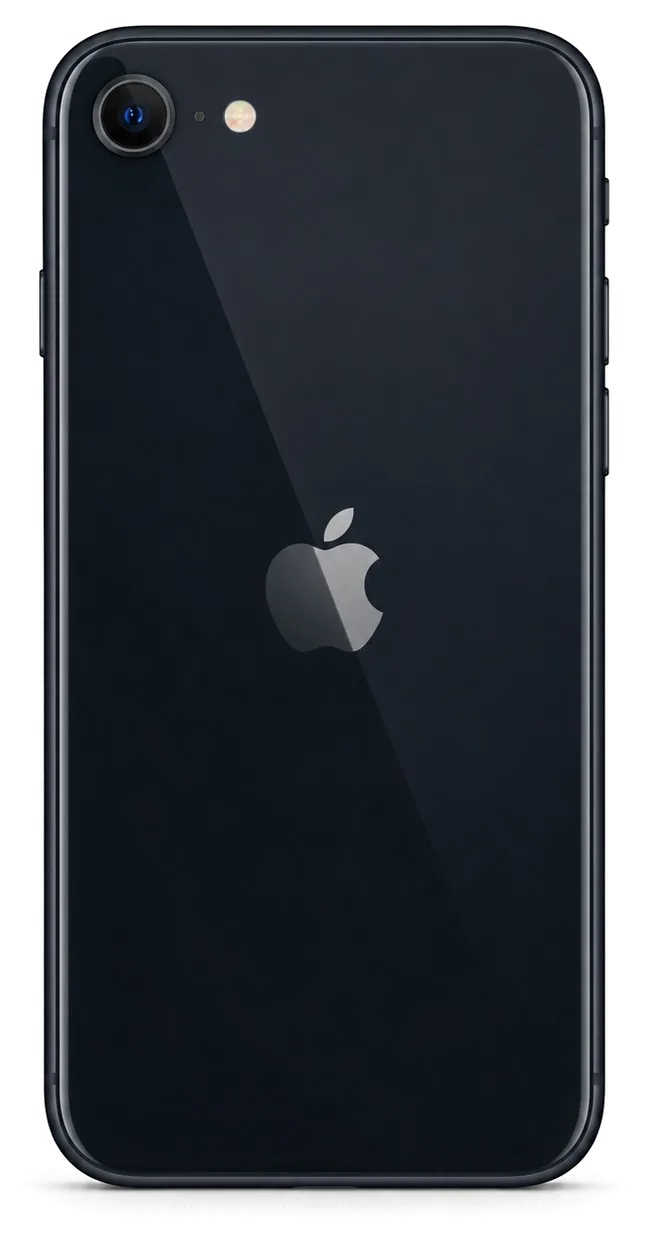
The SE is small and light, so it meets drops and pocket pressure differently from bigger phones. On our bench the same handful of faults keeps returning, and each behaves in its own way.
The Faults We See Most on an SE
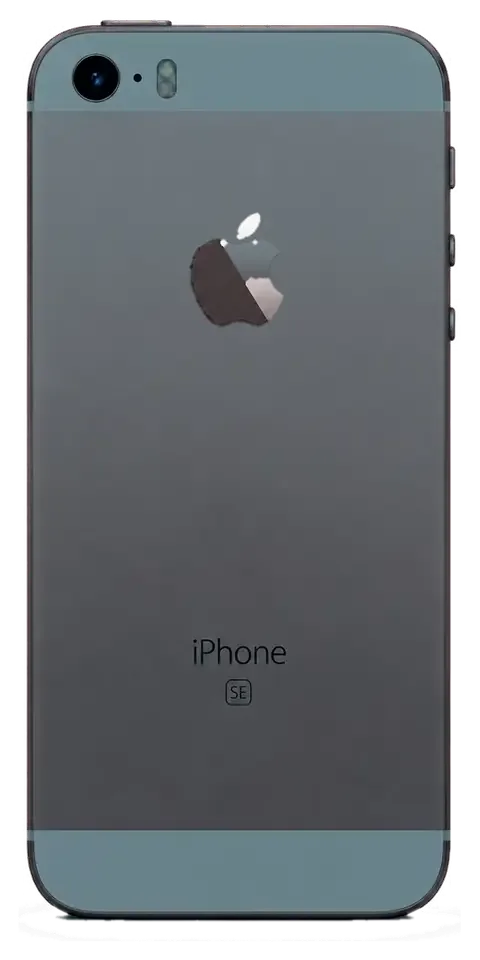
Most iPhone SE units that reach our bench come in with a cracked screen, a worn battery or a charging port that no longer grips the cable. The 4-inch and 4.7-inch bodies put the display module close to the frame edge, so the front panel takes the impact of a fall. The Lightning port sits at the bottom of a short housing and collects lint from tight pockets, which is why charging faults appear early. We handle iPhone SE repair Almaty owners request daily, and the Home button with Touch ID is the fourth regular visitor — it wears from constant single-finger use. Because the SE body is short, a corner drop sends force straight into the display frame, so the cover cracks ahead of any housing bend.
Symptom, Likely Cause and What We Do
symptoms mapped to probable causes and the matching service step| Symptom | Likely cause | What we do |
|---|
| Screen cracked, touch still works | Broken cover glass | Glass-only or full module swap |
|---|
| Battery drains by midday | Worn cell | Battery replacement |
|---|
| Charges only at an angle | Dirty or worn port | Port clean or replacement |
|---|
| No sound on calls | Audio codec or speaker | Audio check, then speaker |
|---|
| Blurry photos | Scratched camera glass | Camera glass replacement |
|---|
| Random restarts | Power fault | Microscope diagnostics |
|---|
Why the Home Button and Touch ID Need Care
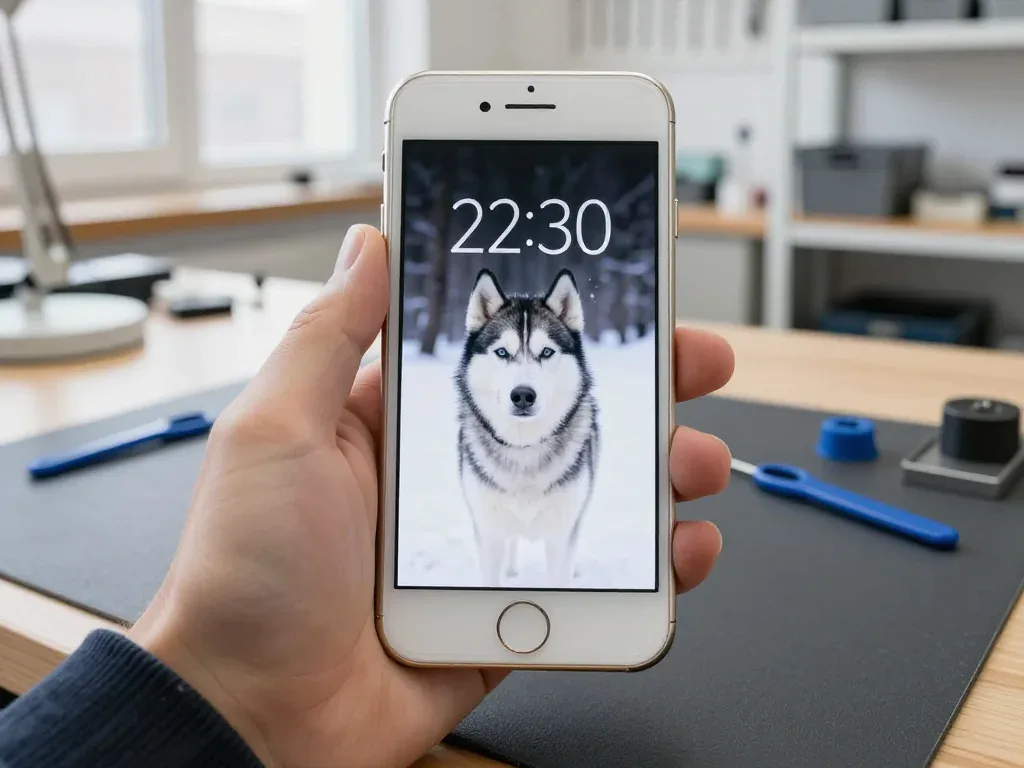
On every SE the Home button carries Touch ID, and we keep the original button paired to its logic board so the fingerprint sensor keeps working after a screen job. The sensor is matched to that mainboard at the factory, and a donor unit from another phone will not restore Touch ID — the pairing is lost for good. That is why a module swap on an SE is never a simple cover change: the technician moves your own button and its flex across to the new assembly and tests the fingerprint before closing the phone. The fingerprint is tested at least twice — right after reassembly and again at the final handover — because a loose connector shows up only under repeat use. Ask any workshop to confirm they reuse your own part prior to starting.
Glass or Full Display Module for Your iPhone SE Repair
A cracked SE screen does not always mean a new panel; sometimes only the top layer is gone, and the choice changes what you pay attention to afterwards.
When Only the Glass Is Broken
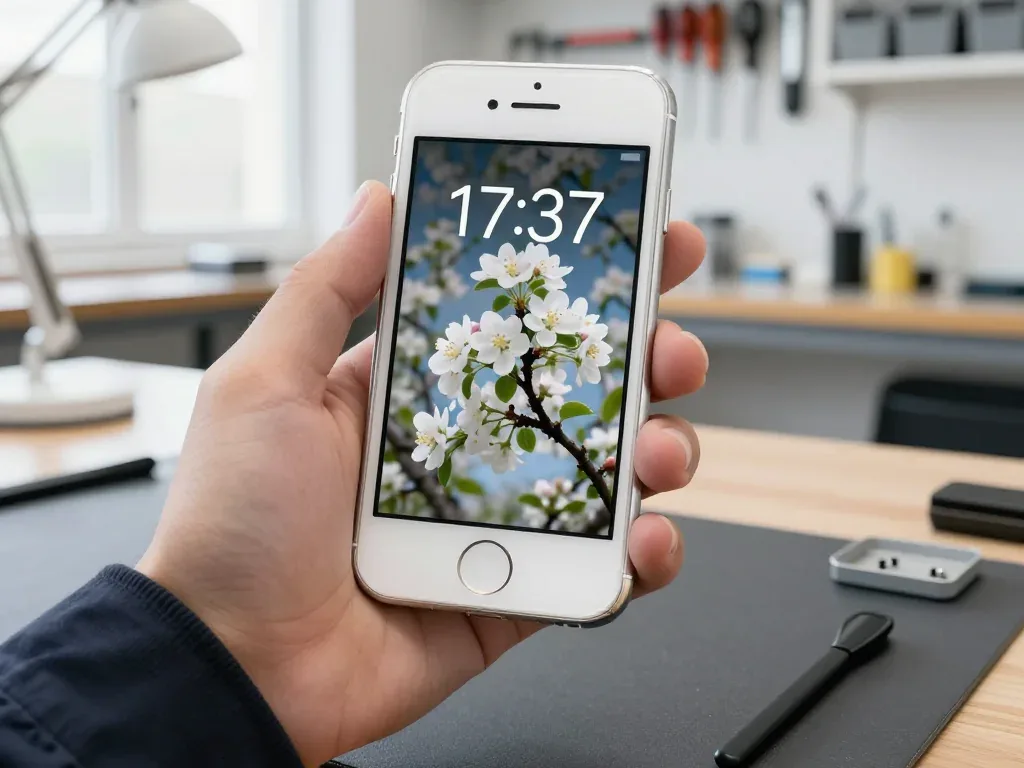
If the LCD underneath still shows a clean image and the touch layer responds everywhere, we can replace just the cover glass and keep your original display. The module stays in place, the digitizer stays in place, and only the cracked sheet on top is lifted off, cleaned and bonded back with a fresh sheet. This is delicate bench work: the old adhesive has to be softened evenly, dust cleaned out under a lamp, and the new layer pressed without a single trapped speck, because any grain underneath shows as a bright dot forever. Glass-only work is cheaper on parts but slower on labour, so it suits a screen that is otherwise perfect rather than a panel with dead touch zones.
When the Whole Module Has to Go
Lines, dark patches or touch that fails in a single corner mean the LCD itself is damaged, and the entire assembly is swapped instead of the top sheet. A green or purple streak across the picture, a black blotch that spreads after a drop, or a strip along the edge where taps do not register all point to a broken panel rather than cracked glass, and no amount of polishing on top will fix it. On an SE the screen is an LCD unit, so a pressure mark shows as a bright blotch that never fades, unlike the OLED burn-in seen on newer models. A full replacement is a standard job for us and takes about 40 minutes while you wait.
What Happens to Brightness After a Screen Job
Brightness is set by the module itself, and a tired aftermarket part often tops out dimmer than the unit it replaced, so the picture can look softer in daylight even when everything is fitted correctly. Before you leave, we check the screen together with you and show the new part in its factory packaging before installation, so you can compare the result with what was there before. If the image looks uneven or a patch stays bright in one spot, tell the engineer during that check — it is easier to sort out on the spot than after you get home. Keep a backup of your data before any screen work, since a repair always involves disconnecting and reconnecting the display.
Original or Aftermarket Part and How We Lock the Choice
The part you choose decides how the phone behaves months later, so we put the options side by side and write the decision down before any work starts.
How Original and Aftermarket Parts Differ
Original versus aftermarket parts side by side| Part | Functions kept | Best for |
|---|
| Original display | Full brightness, touch | Long-term daily use |
|---|
| Aftermarket display | Touch, brightness may differ | Budget repair |
|---|
| Original battery | Full health reading | Keeping the phone |
|---|
| Aftermarket battery | Charge holds, health may vary | Short-term use |
|---|
What the Receipt Fixes Before Work Starts
Before we open the phone, the receipt records the price, the component type, the turnaround and the warranty, and it takes about two minutes to fill in. An original part keeps every function the phone shipped with, while an aftermarket part can match the fit but may lose a feature such as peak brightness — and the gap between the two shows up in daily use, not on the day of repair. That is why 64% of our customers pick the original option, and why we let you compare both prior to deciding. We show the new part in its factory packaging before installation, so you see exactly what goes into the SE. A written component type protects you later, because if the fitted component does not match the receipt, the warranty claim is straightforward rather than a matter of memory.
Why a Direct Contractor Beats a Middleman
We are the workshop itself, with our own technicians and bench, so the person who diagnoses your SE is the person who repairs it. That setup comes from 11 years in business and 46,000+ repairs handled on our own premises. With a middleman the phone travels to a third party and back, which adds days and blurs who is responsible if a function fails after pickup. There is no handover of your device between companies and no queue behind another shop's schedule. The direct route keeps both the timeline and the accountability in one place, from the first WhatsApp photo to the moment you walk out. Ask any service one question prior to handing over a phone — who physically does the work — because the answer tells you who stands behind the warranty.
How Long Your iPhone SE Repair Takes and How to Wait
Most SE jobs finish inside a single visit, and knowing which repairs run while you wait helps you plan the trip around your day.
Repairs That Finish While You Wait
which jobs finish in the lounge and which stay longer| Repair | Time | Wait on site |
|---|
| Screen module | 40 min | Yes |
|---|
| Battery | 25 min | Yes |
|---|
| Camera glass | 20 min | Yes |
|---|
| Board repair | 1–3 days | No |
|---|
When the Phone Stays Overnight
Logic-board work and liquid damage stay longer, with micro-soldering taking 1–3 days and water diagnostics sometimes up to two days. We solder under a microscope, because the traces on a compact motherboard sit fractions of a millimetre apart and a steady hand alone will not hold the tolerance. A dropped SE with a dead charging port often hides a cracked via under a shield, and that only shows up on the bench. Liquid damage is the slowest case of all: corrosion keeps spreading while the circuitry dries, so we clean and inspect prior to promising anything. A soaked SE should never be charged or dried with a hairdryer on the way to us, because heat pushes oxidation deeper into the layers.
Sending the Phone Without Coming In
You can send a photo of the damage on WhatsApp, get a price within five minutes, and hand the handset to a courier who covers the city in about 90 minutes, free with a repair. An engineer reads the picture and names the component before anyone travels, so the driver carries the right module rather than making a second run. Pickup runs on the same schedule as the workshop, and the handover is logged with the same receipt that fixes price, part, turnaround and warranty. A photo taken in good light from two angles saves a second trip, because the engineer can confirm the component prior to arranging the dispatch.
The Handover Check and What You Take Home
The last ten minutes decide whether the repair holds up in real life, so we run the checks with you rather than handing the device over and waving goodbye.
The 32-Point Check We Run Together
- Touch ID: unlock with the registered finger and add a new print, since the home button is most sensitive to rushed reassembly.
- Display settings: open brightness and colour settings and watch the picture respond, confirming the ambient sensor survived the swap.
- Cameras: shoot a photo and a short video on both lenses, including the front one.
- Microphones: record a voice memo, play it back, then place a test call for the top mic.
- Speakers: play a track at full volume on both grilles and listen for crackle.
- Charging and network: plug in the cable, confirm the signal bars, run one speed test.
What to Do Before You Hand the Phone In
Back up the handset and know your Apple ID password before the visit, because a locked device cannot be fully tested after repair. A current iCloud or computer backup takes minutes and protects photos, chats and app data if a board-level fault turns out worse than the first symptom suggested. Note the passcode somewhere separate, and switch off Find My before handover. Turning off Find My is not about trust, it is about letting the engineer run activation checks that a locked unit blocks. Wipe the case and remove any swollen cover so the frame and ports can be inspected properly. If the screen is cracked, avoid pressing on the glass yourself, since a hairline fracture can spread into the digitizer and turn a glass job into a full module replacement.
Warranty, Old Part and Payment
You leave with the device, the receipt, a warranty card covering the work up to 1 year, and the old component in a bag if you want it. The receipt repeats what was agreed before the work started, and the warranty card states the same period in writing, so nothing depends on memory. Payment runs by Kaspi, card or cash, whichever suits you at the counter. Keeping the old part matters when the handset is later sold or traded, since a buyer can see exactly which component was changed and when. Ask for the component even if you plan to keep it for years, because a spare original display or battery has resale value on its own.
Summary: iPhone SE repair
Five points decide whether a compact iPhone SE leaves the bench working as it should, and each is easy to check prior to agreeing to any work.
- Screen damage: cracked glass over a clean LCD can be replaced on its own, while a damaged module needs the full assembly.
- Touch ID pairing: the sensor sits in the Home button and stays matched to the board, so the original button is kept through a screen repair.
- Part choice: original and aftermarket parts differ in the functions they preserve, and the choice is written on the receipt prior to work starting.
- Turnaround: most SE repairs finish in 20–40 minutes, while board and water cases run from a single day to three.
- Safe handover: a check of 32 functions, a warranty card and the old part are what turn a fast repair into a safe repair.












 iPad
 MacBook
 iMac
 Mac mini and Studio
 Apple Watch
 AirPods
 Apple Pencil
 Apple TV
 HomePod




