MN Photo: Mukhpilov Nail
Mukhpilov Nail
smartphone repair technician
10years of experience
4.83rating, 83 reviews

If your Apple Pencil Pro won't respond to squeeze or has vanished from Find My, we'll test it with your tablet and run diagnostics in front of you.
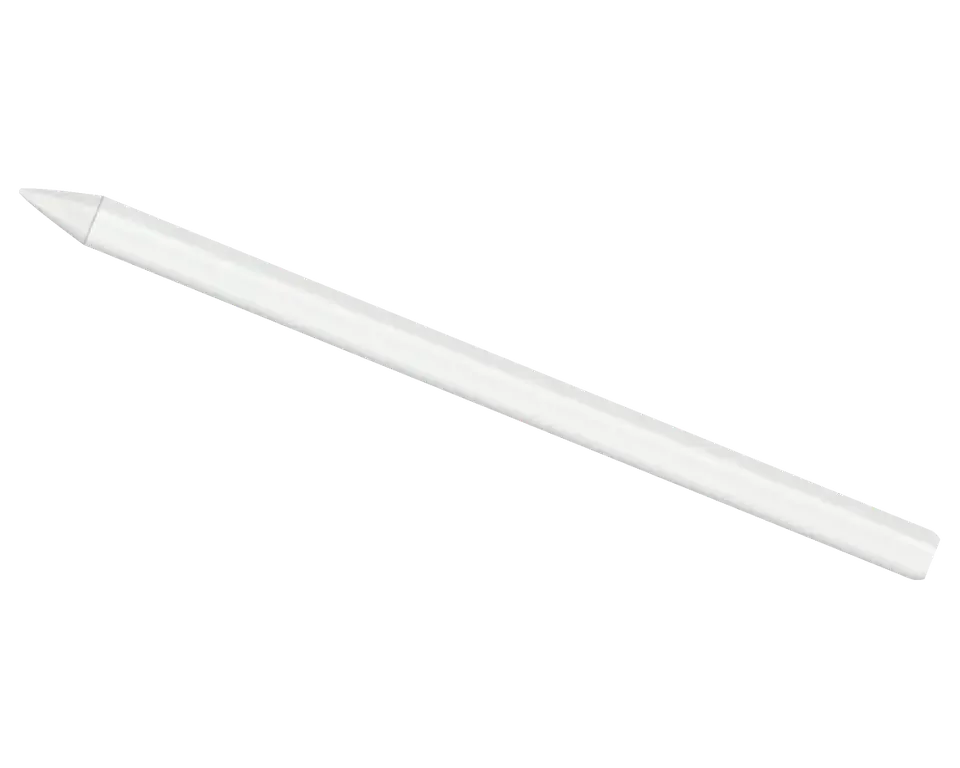
The stylus attaches magnetically to the iPad edge, and inside there's a gyroscope, squeeze sensor, and haptic feedback. Let's go through common issues.
The stylus sticks to the iPad's side, but no charging indicator appears.
The menu doesn't open, the tool doesn't switch, even though the stylus is connected.
The pen rotates in jerks or doesn't respond to wrist rotation, the line jitters.
No light vibration when squeezing or drawing that you used to feel.
The stylus doesn't appear in the Find My app or shows the wrong location.
After attaching to the edge, no connection window appears, the stylus isn't listed.
The line breaks, the tip skips, even though the nib is screwed on tight.
Line thickness doesn't change when tilting, as if the sensor doesn't see the pen.
The stylus slides off the edge or falls with a light push, charging becomes unstable.
The tip is loose in the thread, play appears and scratches on the iPad glass.
A crack appeared on the side or end, dust gets inside, the stylus may turn off.
Charge melts in an hour, the stylus turns off mid-work, though it used to last longer.
We give the price after diagnostics: it depends on what exactly failed — the magnet, board, squeeze sensor, or nib.
| Service | Original | Aftermarket |
|---|---|---|
| Tip replacement | 6 490 ₸ | 3 490 ₸ |
| Battery replacement | 20 900 ₸ | 11 900 ₸ |
| Other repairs | Price | |
| Bluetooth module repairwireless module · board-level repair | 2 990 ₸per job | |
| IPad pairing restorationsoftware restore, no parts replaced | 2 990 ₸per job | |
The technician fixes the final amount in the receipt before starting work, because each stylus condition is individual.
Most often you have to choose the nib and internal parts. They affect response, precision, and the safety of the iPad screen.
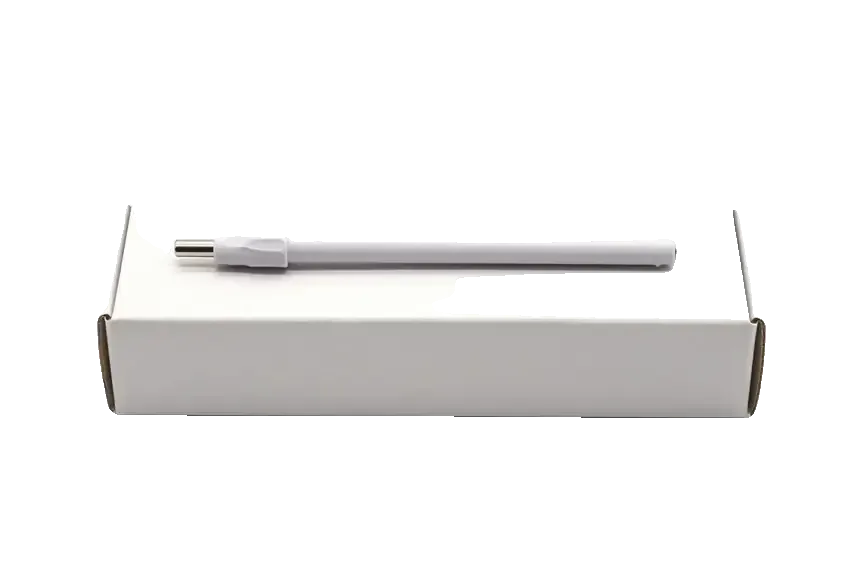
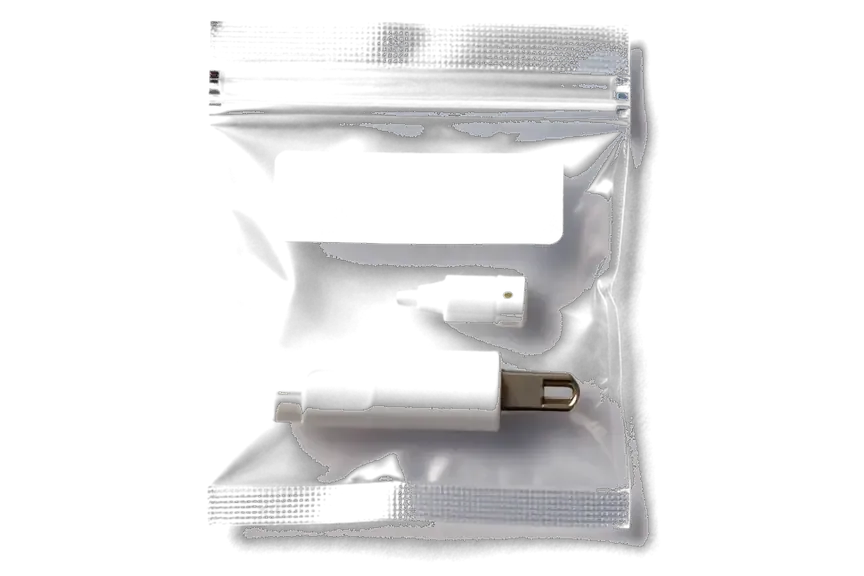
We check the stylus together with the iPad, give the price before repair, and provide a warranty. Here's what else makes the service convenient.
Small Apple electronics require care, and eleven years of experience help distinguish wear from a board or magnet failure.
Work performed is covered by a warranty up to 1 year, the exact terms are confirmed by the technician before repair.
A experienced technician accepts the stylus: first finds the cause, then offers a work plan and price.
Some stylus 'failures' are related to the tablet or its screen, so we look at both devices if you brought the iPad.
We give the cost after diagnostics and before repair, so there are no price surprises.
Weekdays 10:00 to 19:00, weekends and holidays 11:00 to 18:00 — you can drop by after school or work.
Usually the whole journey — from message to pickup — takes less than an hour; complex repairs follow the timeline in the receipt.
Book a repairYou send a photo of the damage on WhatsApp — we quote the price and available time. Or you call a courier.
An engineer checks the device in front of you and shows what is broken. 0 ₸, even if you decline the repair.
We fix the price, the part (original or analog), the timeline and the warranty. You sign — we start.
Before installation we show you the new part in its factory packaging. You wait in the waiting area with coffee and Wi‑Fi.
Pairing, pressure and tilt, charging, response on the iPad screen. You check together with the engineer.
Together with the receipt, warranty card and the old part. Payment — Kaspi, card or cash.
Technicians for iPhone, Mac, iPad, Apple Watch and AirPods repair.
Photo: Mukhpilov Nail Photo: Molchanov Rinat
 Photo: Shokan A
 Photo: Sybanbaev Birzhan
 Photo: Denis Gushchin
 Photo: Duisebaev Azhdar

“If the repair didn’t suit you or you have a complaint, write to me personally.”
Send a photo of the fault — an engineer will reply on WhatsApp, give the price and a time you can come in.
Apple Pencil Pro Repair in Almaty at iServices Center
iServices handles Apple Pencil Pro repair in Almaty as a direct contractor with its own technicians, not a middleman. We run free diagnostics in front of you, fix the charging coil, battery, tip or board, and back the work with a warranty up to 1 year. Most jobs finish while you wait.
A stylus fails along a handful of predictable routes, and each route leaves a different trace. First, let us map what actually breaks inside the barrel and how that failure shows up in your hand.
| Symptom | Likely part | What we check |
|---|---|---|
| Will not charge | Coil or battery | Charge draw on the flat side |
| iPad will not see it | Board or antenna | Pairing and signal |
| Line breaks, pressure drops | Tip or sensor | Strokes across the screen |
First rule out the stylus: try it on a second compatible iPad and attach a known-good unit to your own tablet, because a dead charging strip on the iPad mimics a dead accessory. Snap the suspect unit onto another edge and watch whether the charge indicator appears within a few seconds; then pair a working one with your device and see if it draws. If the accessory charges elsewhere but not on yours, the fault sits in the connector or the Bluetooth stack of the tablet, and no work on the unit will change that. Clearing the pairing in settings and re-attaching is the first step we run, since a stale entry can hide a healthy unit.
We take in Apple Pencil Pro units with charging, tip, pairing and board faults, and each case starts with a free check in front of you. Below is what we repair and how we trace the faulty part.
When an Apple Pencil Pro will not charge, we test the induction winding and the glued-in cell first, then replace whichever part diagnostics flags. That winding sits against the flat side of the pencil body and draws power from the iPad's magnet, so a bent loop or a cracked solder joint cuts charging even when the cell itself is healthy. The power cell is bonded into the stylus housing, which is why we open the shell rather than pull a unit out of a slot. A pencil that holds charge but drains overnight usually needs the cell, while one that never shows a charging state points to the winding or the iPad's magnet. Apple Pencil Pro repair in Almaty covers both of these charging faults, so the pencil is checked and fixed in one visit.
The nib is a wear part, and once it wears down to the metal core it scratches the iPad glass, so we swap it ahead of that point. A worn nib also changes how pressure and tilt register, so replacing it can restore line quality that looked like a sensor fault. Original nibs carry a specific thread and a plastic shoulder that keeps the metal core recessed; third-party ones that sit too proud leave the core exposed and grind against the glass with every stroke. We fit the new piece, check the seating by hand, then run a line test on the iPad across the full pressure range. If you draw daily, inspect this part under a lamp once a month — a flat, glossy spot where the plastic has worn through means the core already touches the screen.
Board-level faults on an Apple Pencil Pro, including the Bluetooth antenna and the haptic module, we repair under a microscope rather than swap the whole unit. The haptic module drives the squeeze response, and the pressure sensor that registers a squeeze sits on the same circuit as the Bluetooth antenna, so a pencil that pairs but ignores a squeeze usually has a trace or module fault rather than a dead battery. Circuit work takes one to three days because the joints are small and each repair is inspected under magnification prior to closing the shell. Tell us at drop-off whether the pencil still pairs — that single detail decides whether we open the circuit or the battery compartment first.
The visit follows a fixed order: a photo on WhatsApp, a free check in front of you, a receipt that locks the terms, then a handover test. Each step is short, and you stay in the room throughout.
Diagnostics are free and take about 15 minutes in front of you, even if you decide not to repair, and the engineer shows you what is broken. The check covers the charging coil, the battery, the tip seating and Bluetooth pairing with your iPad, so the fault appears on the bench rather than in a description. We run it ahead of any quote, and you watch the readings change as the stylus is picked up, paired and set down. Seeing the fault live is what separates a real coil or battery diagnosis from a guess, so ask to watch the test rather than accept a verdict by phone.
After the repair you test the stylus with the engineer — pairing, pressure, tilt, squeeze, haptic feedback and charging on the iPad magnet — before you leave. We hand over the accessory and your iPad together so the pairing is confirmed on the device you actually draw on, and the engineer watches the pressure curve respond across the full range. Squeeze and haptic get their own pass, since both sit on the same module and one can fail while the other still works. Testing squeeze and haptic on the spot catches a loose module while you are still here, which is far easier to sort the same day.
A replacement component inside a pencil takes one of two routes, an original part or an aftermarket one, and the choice changes how the tool behaves in your hand. Here is what separates the two and when each makes sense.
| Parameter | Original | Aftermarket |
|---|---|---|
| Pressure sensor | Factory-grade, full curve | Simpler, flatter response |
| Haptic feedback | Matches factory timing | Softer pulse |
| Charging and pairing | Restored | Restored |
| Best for | Drawing, fine line work | Casual notes, sketching |
If you sketch or take notes for hours a day, we lean toward the original component, while a pencil used occasionally can be restored with an aftermarket one. Pressure sensitivity and tilt matter most to illustrators and people who shade with the side of the tip, because those gestures depend on the sensor reading every gram of force. A student who taps through lecture slides rarely notices the difference and saves on the component. Our branches in Almaty and Astana stock both routes, so the choice is not limited by location. Tell the engineer what you use the pencil for ahead of the decision, because that answer changes the recommendation more than the fault itself.
We are a direct contractor with our own technicians and workshop, not an aggregator or middleman, so the component and the warranty come from the same place that does the work. A middleman adds a handoff where the part can be swapped or the warranty blurred, so confirm who actually holds the tool before you leave the pencil. Our warranty runs up to 1 year, and the component you approve is written on the receipt prior to work starting and shown in its factory packaging ahead of installation. Across 11 years and 46,000+ repairs, the workshop has kept one rule: the person who fixes the pencil signs off on the warranty.
Most visits are short, but how you pay and how the stylus reaches us depends on your schedule. Here is what to expect on timing, payment and handover.
Most Apple Pencil Pro jobs are finished during a single visit, and 72% of our repairs are completed in the waiting area with coffee and Wi-Fi. A tip swap or a charging-coil fix typically runs 20–40 minutes, the same window we hold for iPhone screen and battery work, whereas board-level jobs stretch to 1–3 days under the microscope. We have been at this for 11 years and logged 46,000+ repairs, so the technician can usually tell from the symptom which lane your stylus falls into. Board work is the exception and takes longer, so ask the specialist to confirm the timeline on the receipt prior to deciding whether to stay or leave the device.
Send a photo of the damage on WhatsApp and an engineer replies within 5 minutes with a price and a free time slot. Shoot the tip and the charging side of the pencil in daylight, add one line about what changed, and the technician can often name the failing coil or contact before you leave home. That first exchange also books your window, so the 15-minute diagnostics starts the moment you walk in rather than as you fill in forms. A sharp picture of the tip and the charging side lets the specialist guess the fault before you arrive, which shortens the visit.
A few practical points decide most repair cases — from a worn tip to a power fault. Keep them in mind when choosing what to do with the stylus.
Did not find an answer? Message us on WhatsApp: an engineer replies, not a bot.
Ask a questionCheck that the stylus fits snugly against the edge and Bluetooth is on. Sometimes a case or dirty contacts interfere. If the indicator doesn't appear, the cause may be in the stylus board or the iPad itself — diagnostics will show.
Not always. First check Settings → Apple Pencil and make sure the squeeze action is enabled. Also, the app itself must support the gesture. If settings are correct but there's no response, show the stylus to a technician.
Slight warmth during charging is normal. If the stylus gets hot and stops charging, the battery or charging board may be faulty. In that case, stop using it and bring it for diagnostics.
Make sure the stylus is charged and was recently connected to the iPad. In the Find My app, check if search for accessories is on. If the stylus still doesn't appear, a board failure is possible — diagnostics needed.
Most likely the cause is the new display, not the stylus. Not all non-original screens work equally well with Apple Pencil Pro. Test the stylus on another iPad: if it's fine there, the issue is with the display.
Come to the workshop with the stylus and your tablet. The engineer will connect the stylus to a working iPad and immediately show what's wrong. This check is free and done in your presence.
Be the first to leave a review
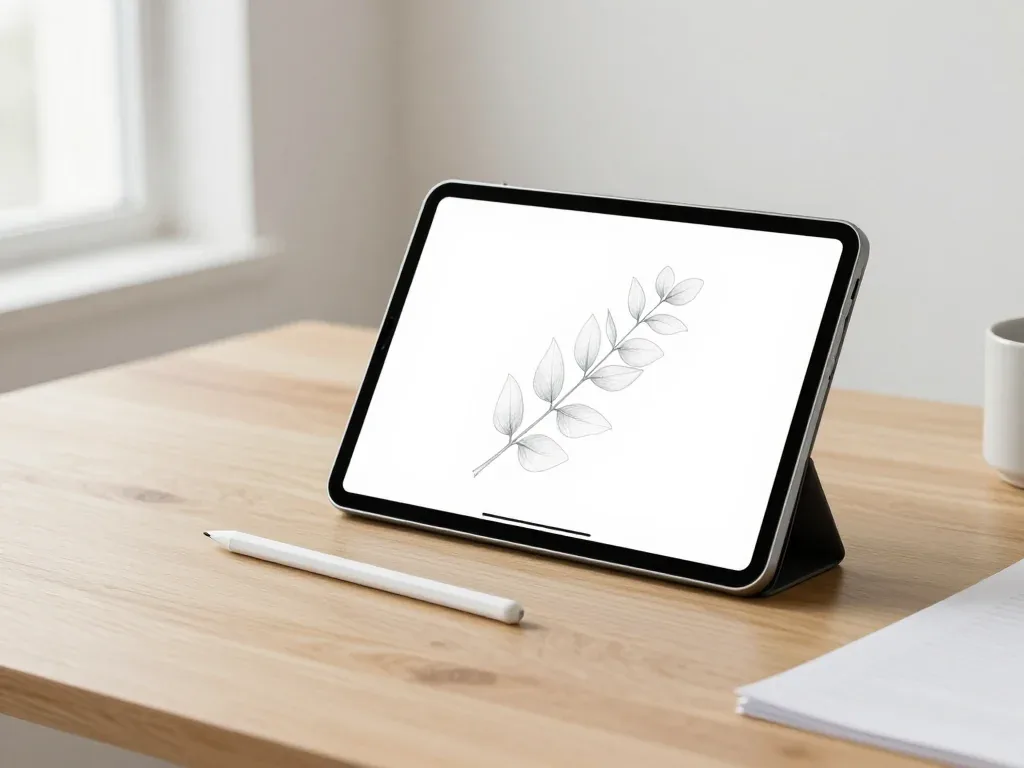
Most pairing failures come from a flat stylus, a stale Bluetooth entry or dirty contacts, and a free 15-minute check confirms the cause.

Back up your data, turn off Find My, and bring proof of purchase — then the repair starts faster.

 iPad
 MacBook
 iMac
 Mac mini and Studio
 Apple Watch
 AirPods
 Apple TV
 HomePod
