Your city

AstanaAstana, Kabanbay Batyr Ave., 7/2 · +7 727 339-99-12
Eng

iPad Display Replacement in Almaty

Cracked glass or stripes on the screen? We fit new glass or a full module in 1 hour to 1 day, original or aftermarket, from 44 900 ₸.

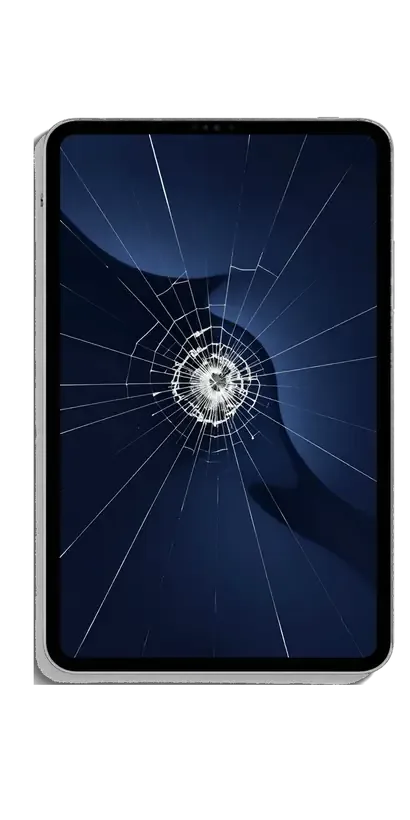
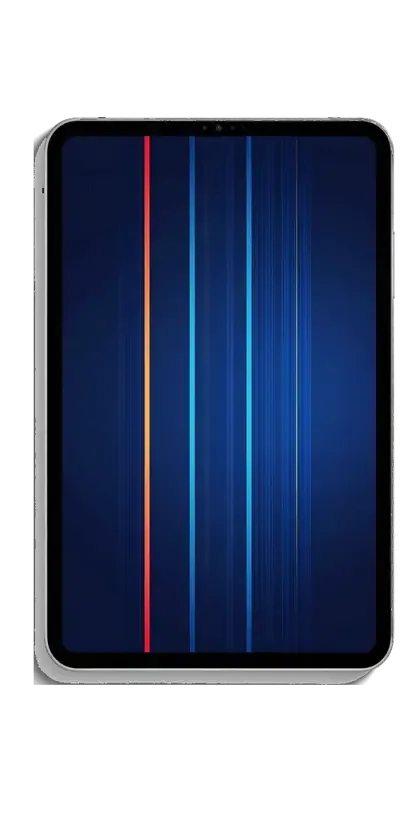
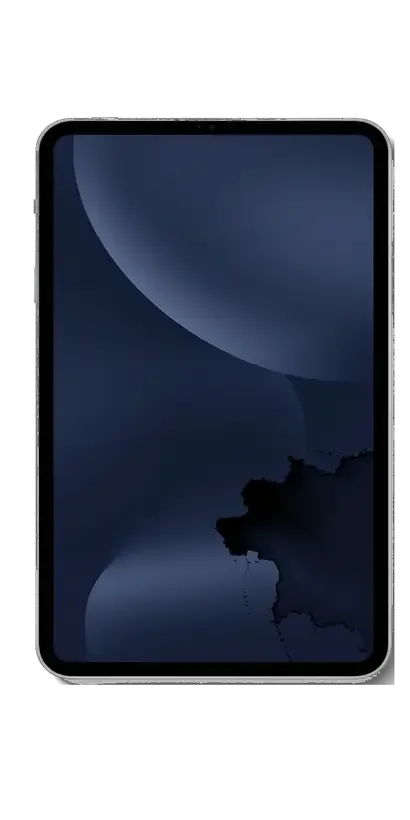
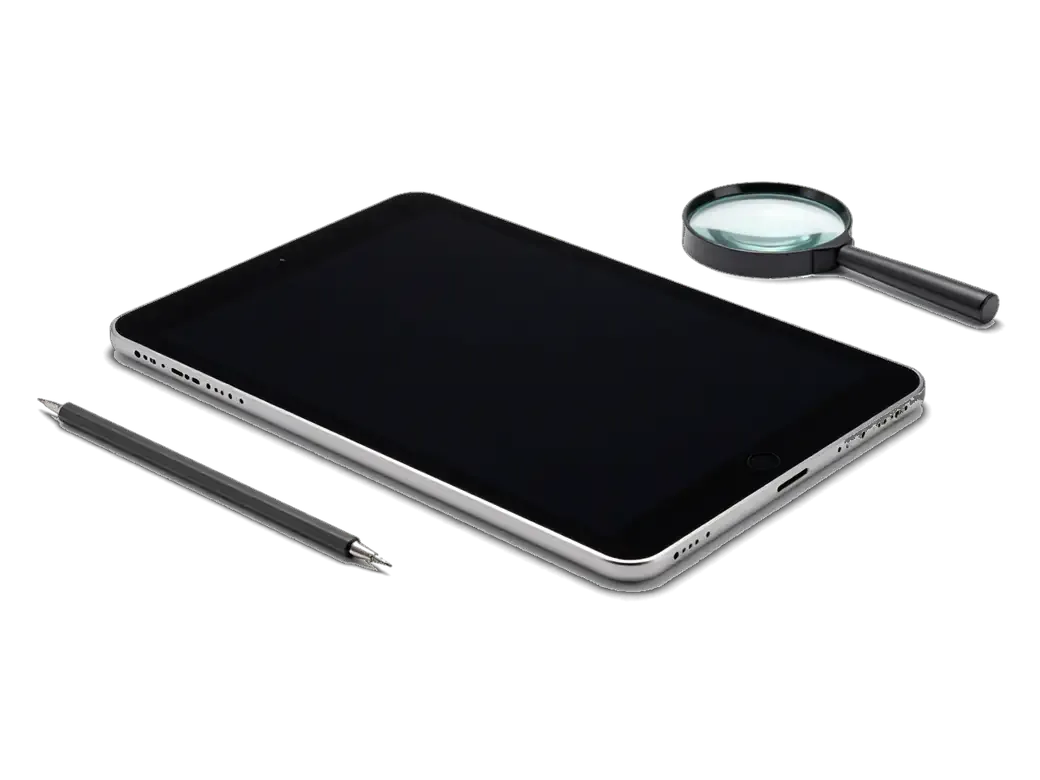
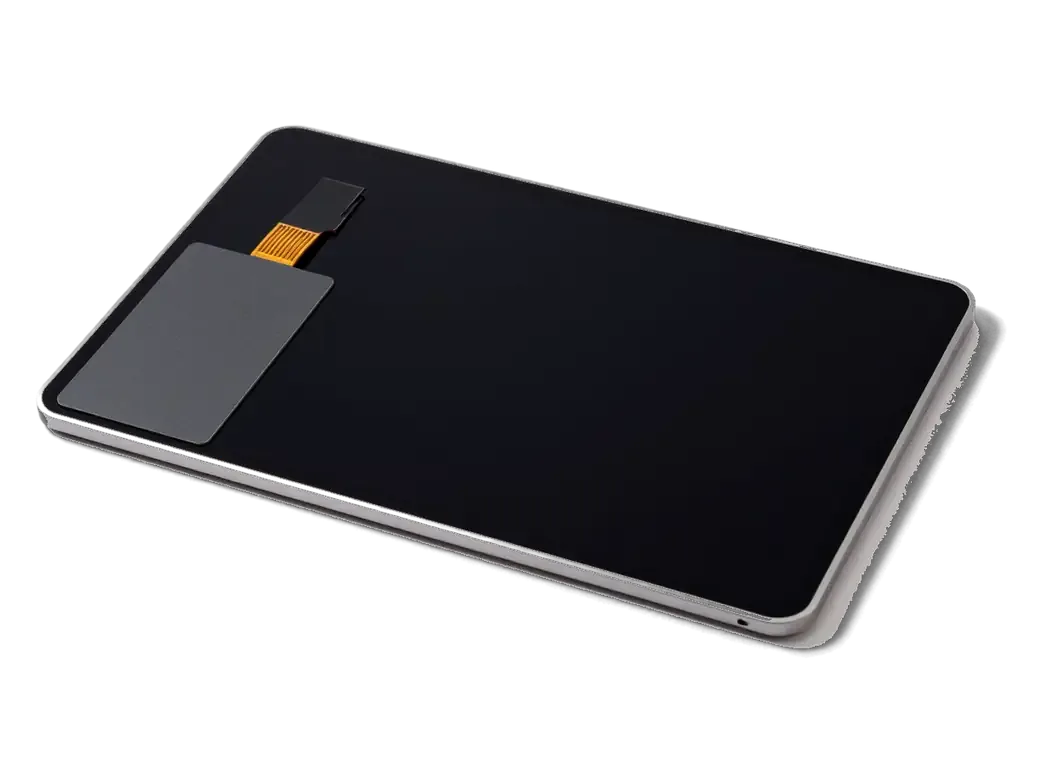
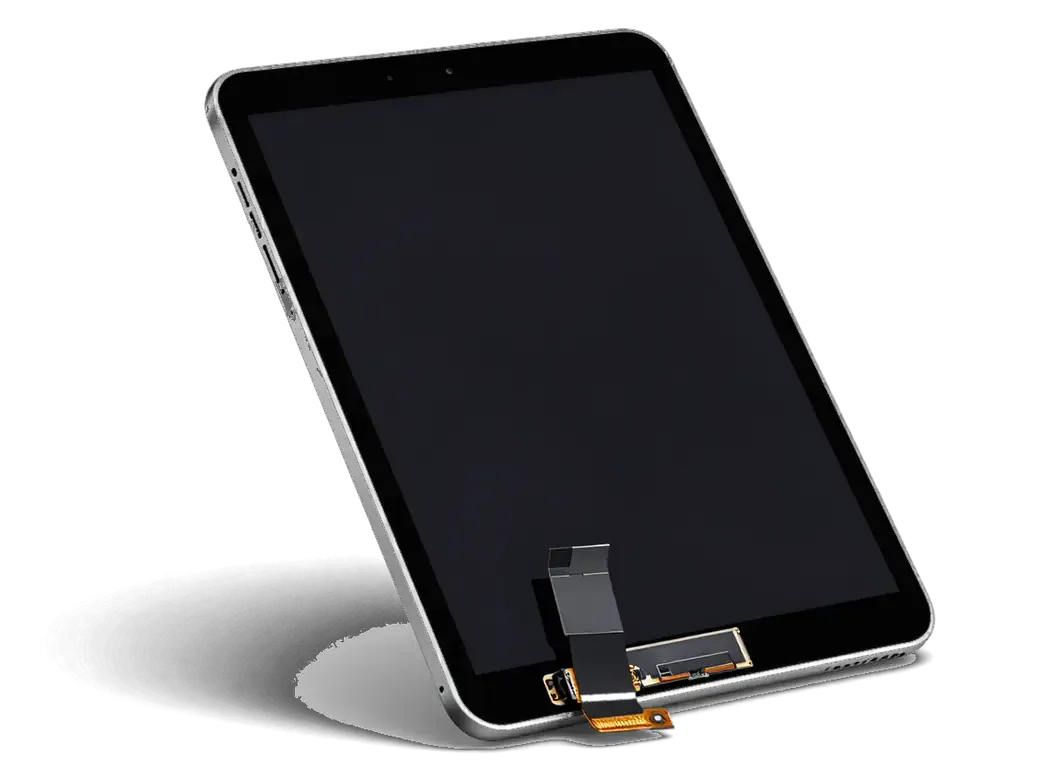
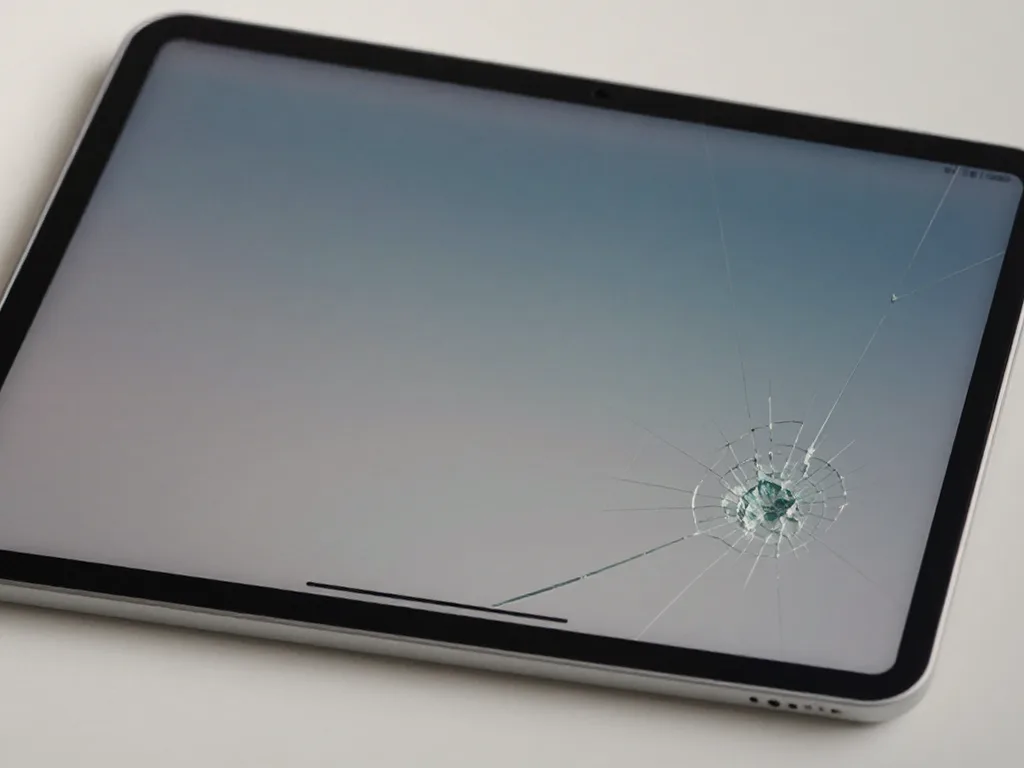
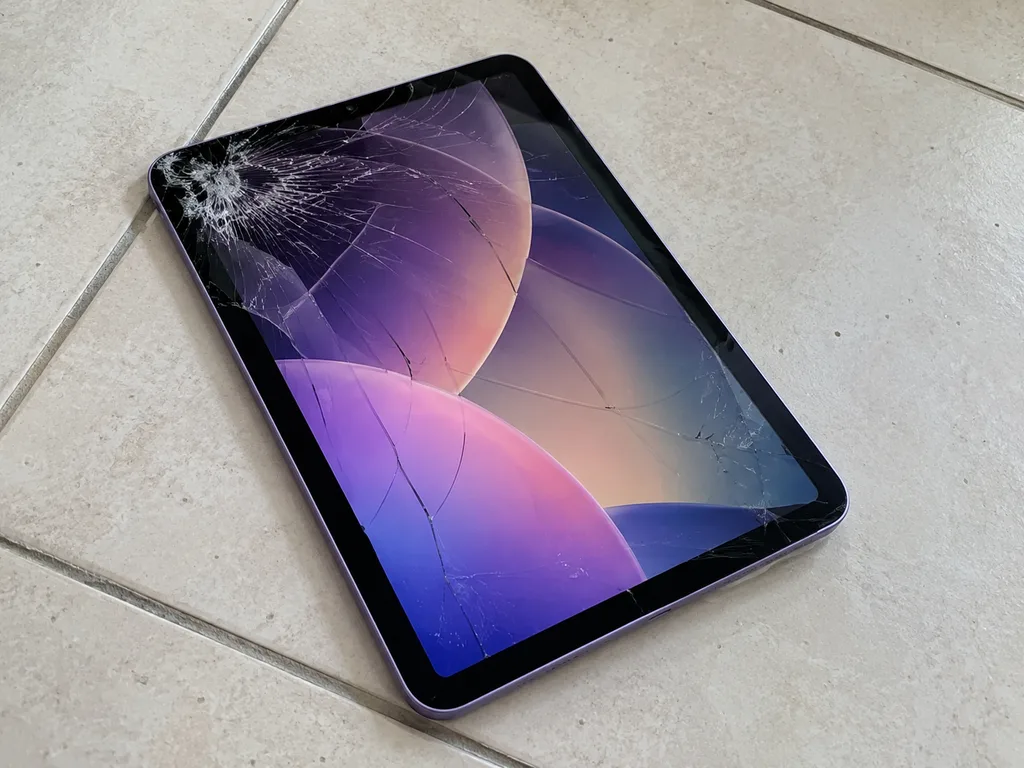
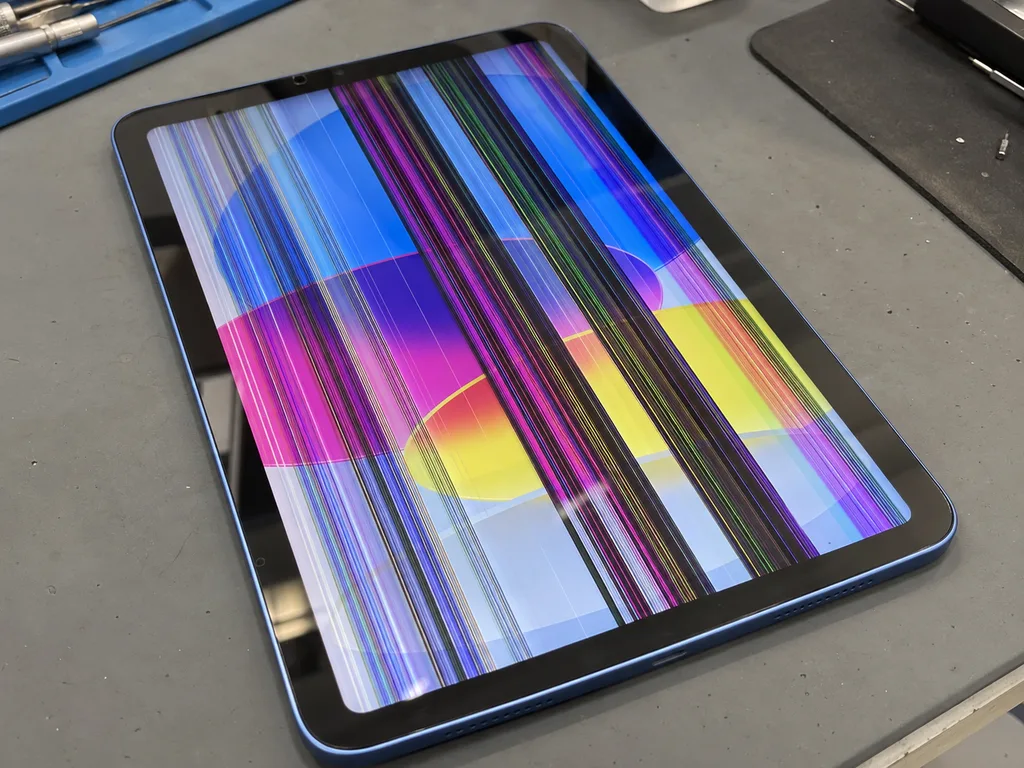
iPad with a web of cracks on the glass and a dark blue wallpaperiPad with colored stripes and a dark spot on the screeniPad with a large black spot in the corner of the screen
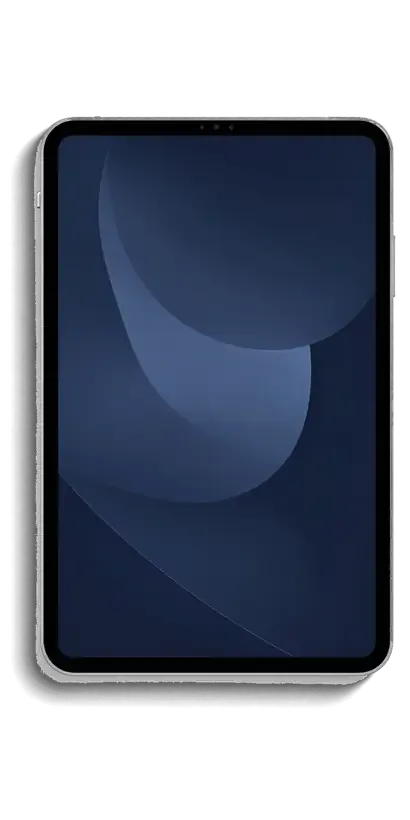
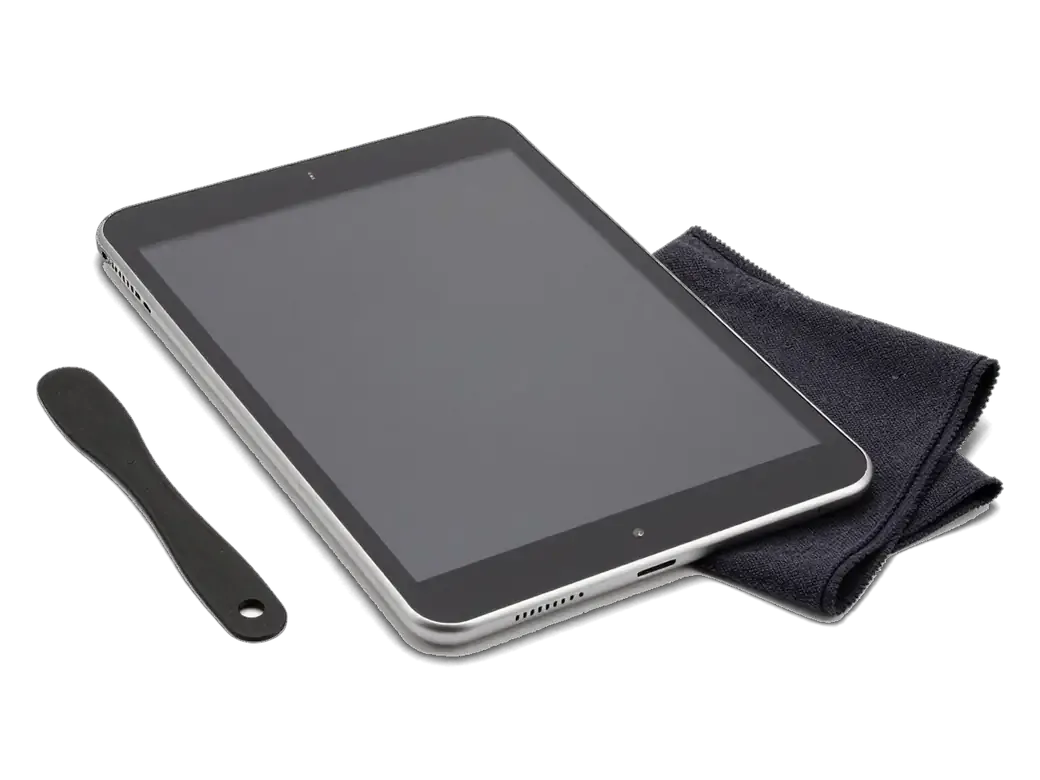
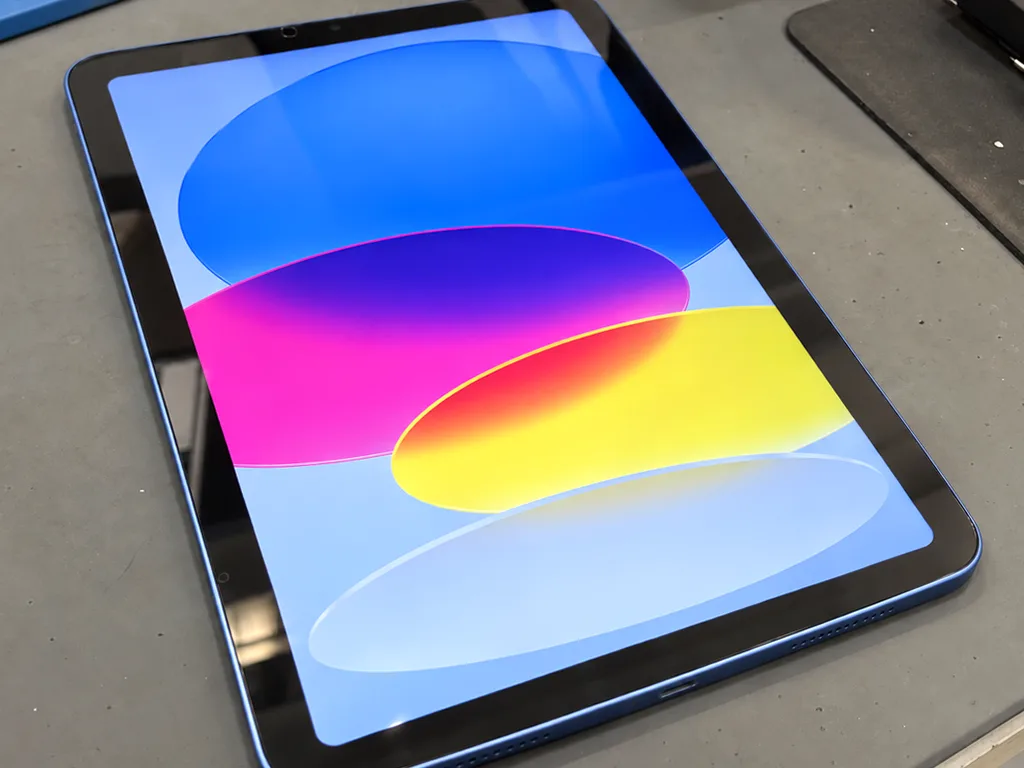
iPad with screen on and a dark blue abstract wallpaper
BeforeAfter
Crack web
Price incl. labor
from 65 900 ₸
Warranty
up to 1 year
  • Check in front of you
  • Price fixed on the receipt
  • Careful removal

Signs Your iPad Needs a Display Replacement

Cracks spreading from a corner

The tablet landed on a corner, cracks fan out across the glass and you can feel chips under your finger.

Phantom taps and dead spots

The keyboard types on its own, buttons near the edge ignore you and swiping down works only now and then.

A dark blot that keeps growing

An ink-like stain or a bright white patch appears under the glass and grows each day, a sign the panel is hurt.

Sound but no picture

Notifications arrive and audio plays, yet the screen stays black or flickers when you tilt the tablet.

How Much an iPad Display Replacement Costs in Almaty

The table lists prices with parts for popular models; the engineer confirms the exact figure for your tablet after a quick check.

ServiceOriginalAftermarket
iPad Pro 12.9 display replacement301 900 ₸186 900 ₸
iPad Pro 11 display replacement273 900 ₸169 900 ₸
iPad Air 5 display replacement254 900 ₸157 900 ₸
iPad Air 4 display replacement227 900 ₸140 900 ₸
iPad mini 6 display replacement319 900 ₸197 900 ₸
iPad mini 5 display replacement105 900 ₸65 900 ₸
iPad 10 display replacement172 900 ₸106 900 ₸
iPad 9 display replacement126 900 ₸78 900 ₸
iPad 10 display glass replacement107 900 ₸66 900 ₸
iPad 9 display glass replacement72 900 ₸44 900 ₸

Glass alone can be swapped only on base iPads without lamination, while Air, Pro and mini models get a complete module.

What Happens During an iPad Display Replacement

  1. 01
    Inspecting damage on an iPad with a cracked screen
    Check in front of you

    In 15 minutes the engineer tests the panel, touch layer and ribbon cables and shows you what is broken.

  2. 02
    Selecting a new screen for an iPad
    Price fixed on the receipt

    Before any work starts, the price, part type, turnaround and warranty are written on your receipt.

  3. 03
    Removing the broken screen module from an iPad
    Careful removal

    Adhesive is softened with heat and shards are held by film so glass dust never falls into the housing.

  4. 04
    Cleaning the iPad frame after removing the screen
    Home button transfer

    On models with a Home button it moves to the new glass, since Touch ID only works with the original button.

  5. 05
    Installing a new screen on an iPad
    Test fit before sealing

    The new screen is connected without glue and checked for touch, brightness and color before closing up.

  6. 06
    Testing touch response on the iPad screen
    Final check together

    After assembly you and the engineer check True Tone, edge touch, cameras, charging and sound together.

  7. iPad mini 5 display replacement
    from65 900 ₸

    You get your iPad back with the receipt, a warranty card and the old part.

    Price for my model

Original or Aftermarket Screen for Your Tablet

An original part matches factory brightness and color, while an aftermarket one saves money on a tablet used for video and study.

Original Applewarranty up to 1 year
iPad display replacement105 900 ₸
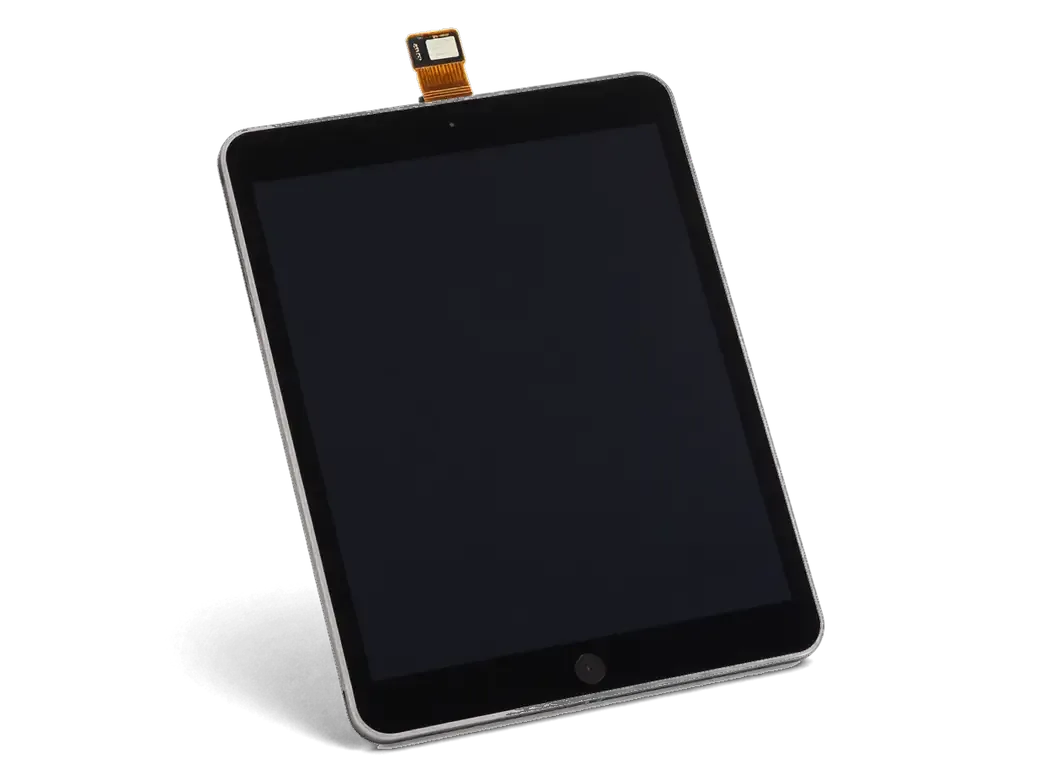
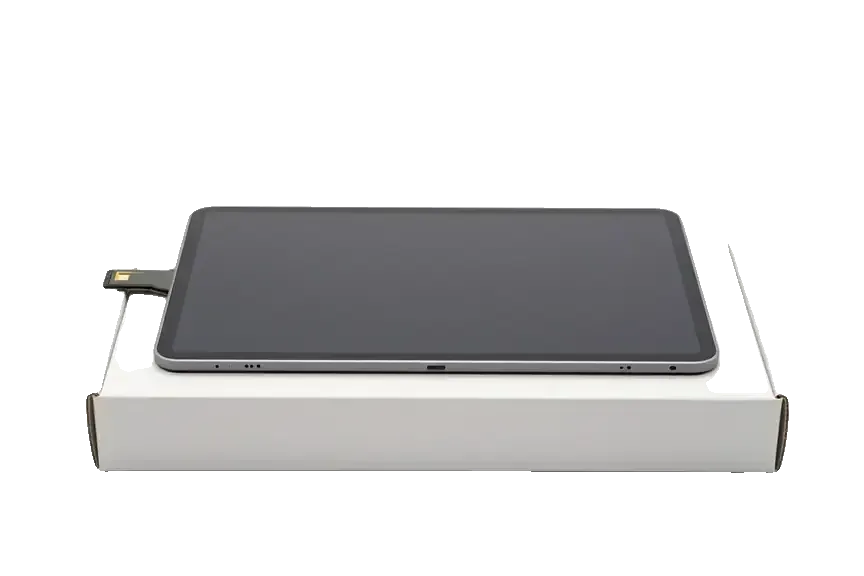
Original: iPad display module on a white box
Color
Factory accurate, no yellow tint or mismatch
Apple Pencil
Precise strokes right up to the edge
Cost
Noticeably higher than aftermarket
Warranty
Up to 1 year on the work
Chosen by 64% of clients
Book with an original part
Aftermarketwarranty 6 months
iPad display replacement65 900 ₸−38%
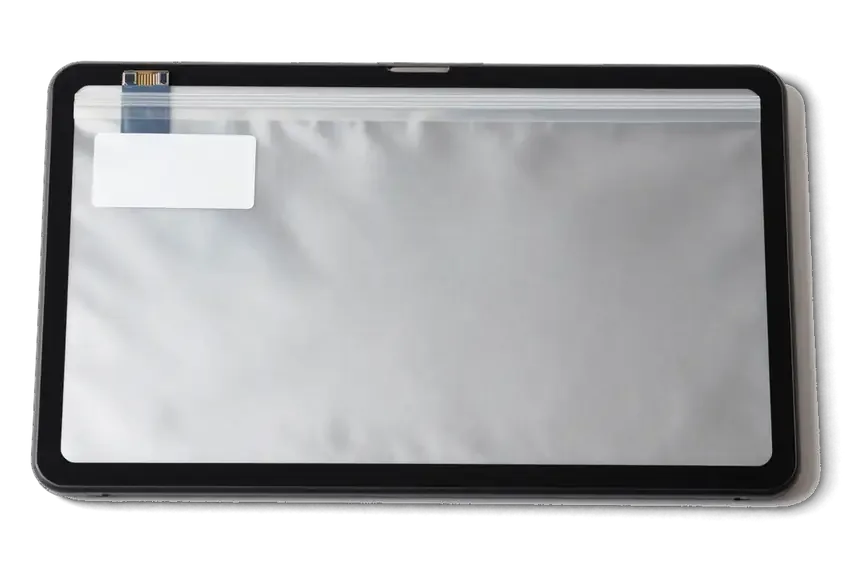
Analog: iPad display module in an antistatic bag
Color
Slightly cooler or dimmer at full brightness
Apple Pencil
Strokes may lag a little near the edge
Cost
About 35% less than the original
Warranty
Also up to 1 year on the work
Chosen by 36% of clients
Book with an aftermarket part

Why Almaty Tablet Owners Trust Us With Their Screens

15min

Diagnostics you can watch

We check your iPad for free right in front of you and show the fault, even if you decide not to go ahead with the repair.

1year

Warranty up to 1 year

Your new screen comes with a warranty card covering up to 1 year, and the terms are written on the receipt in advance.

11years

Repairing since 2015

Over 11 years our technicians have opened every generation, from iPads with a separate digitizer to fully laminated Pro models.

2options

Sealed part shown first

We show you the new display in its factory packaging before fitting it, so you see the exact option you chose going in.

0₸

Quote from a photo

Send a picture of the broken screen on WhatsApp and an engineer replies within 5 minutes with a price and a free slot.

Wait in comfort

While the screen is swapped you can relax in the waiting area with coffee and Wi-Fi, or call a courier anywhere in Almaty.

iPad display repair before and after in Almaty

1 / 6
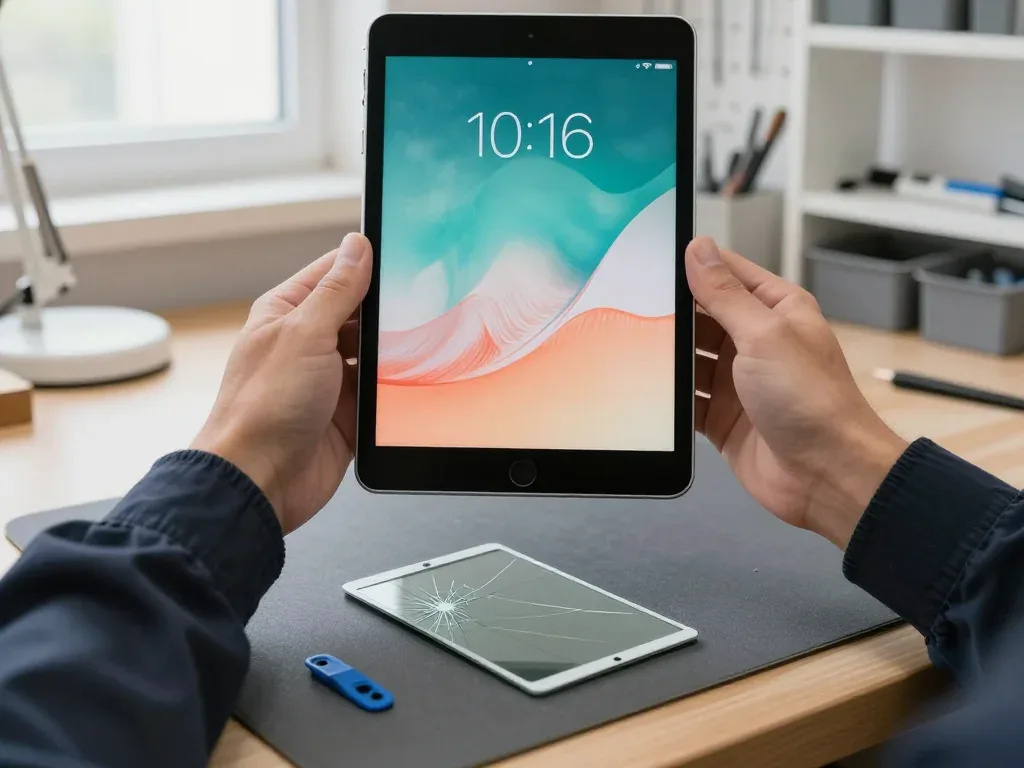
iPad 10 on a mat after display replacement, technician's hands on both sides, sleeping ginger cat on the screen

iPad 10: lines appeared after a drop

The customer brought in an iPad 10 after dropping it — the screen had cracks and lines. We replaced the display module and checked touch response and image quality — everything works properly now.

from 106 900 ₸repair cost
I want the same
iPad 9 held by a technician with screen on, broken touch glass lying on a mat nearby

iPad 9: cracked glass, broken touch

The client dropped the tablet on a tiled floor — the glass cracked, but the image stayed intact. We replaced the touch glass, kept the original matrix, and checked touch response across the whole screen.

from 44 900 ₸repair cost
I want the same
Before photo: cracked iPad glassBefore: cracked iPad glass
After photo: iPad with a new displayAfter: iPad with a new display
BeforeAfter

iPad Air M2: dropped from a table

1 dayOriginalFree courier
Problem
The glass is covered in a web of cracks, the touchscreen responds intermittently.
What we did
Replaced the glass with the display, checked Apple Pencil and Touch ID. The courier picked it up and brought it back.
1 daythe client didn't leave home
I want the same
Before photo: web of cracks on the glassBefore: spiderweb cracks on the glass
After photo: new glass and displayAfter: new glass and display
BeforeAfter

iPad mini 6: cracked glass

1 dayOriginalWarranty up to 1 year
Problem
Dropped on tile; the glass is spiderwebbed and the touchscreen doesn't respond at the bottom.
What we did
Replaced the display assembly with glass, and checked Apple Pencil and True Tone.
1 daylike out of the box
I want the same
Before photo: colored stripes on the displayBefore: colored stripes on the display
Photo after: new displayAfter: new display
BeforeAfter

iPad (10th generation): stripes on the screen

1 dayOriginalWarranty up to 1 year
Problem
After a drop, vertical stripes appeared on the screen.
What we did
Replaced the display, transferred True Tone, and tested the touch sensor across the whole area.
1 dayno stripes
I want the same
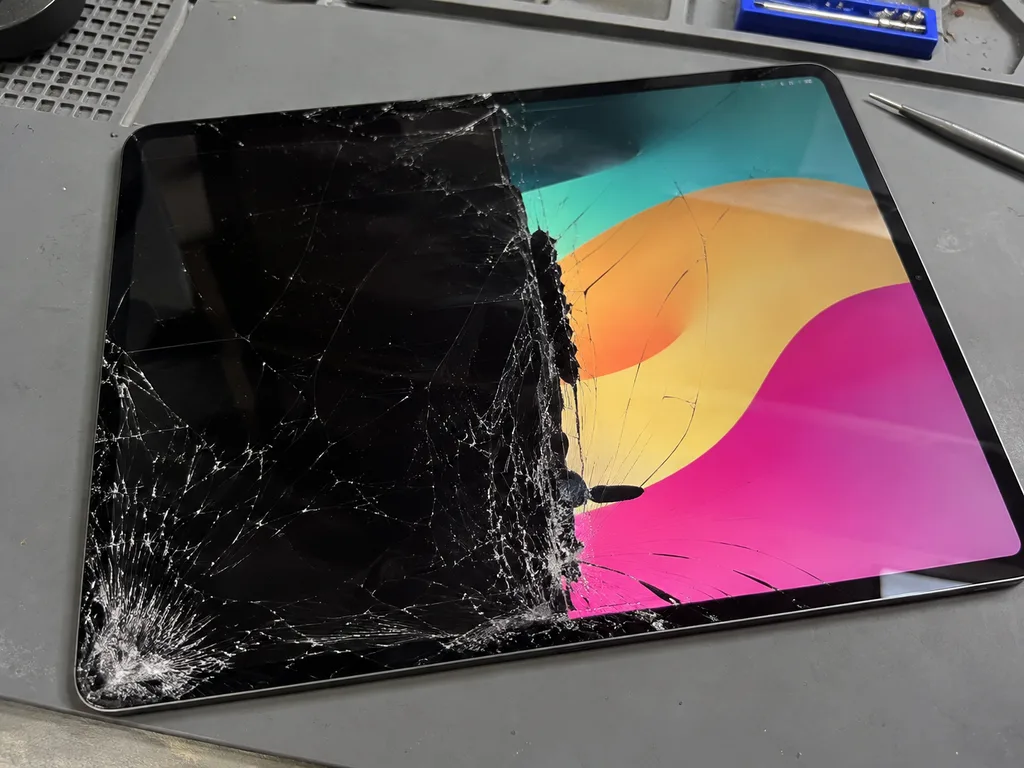
Before photo: broken OLED screenBefore: broken OLED screen
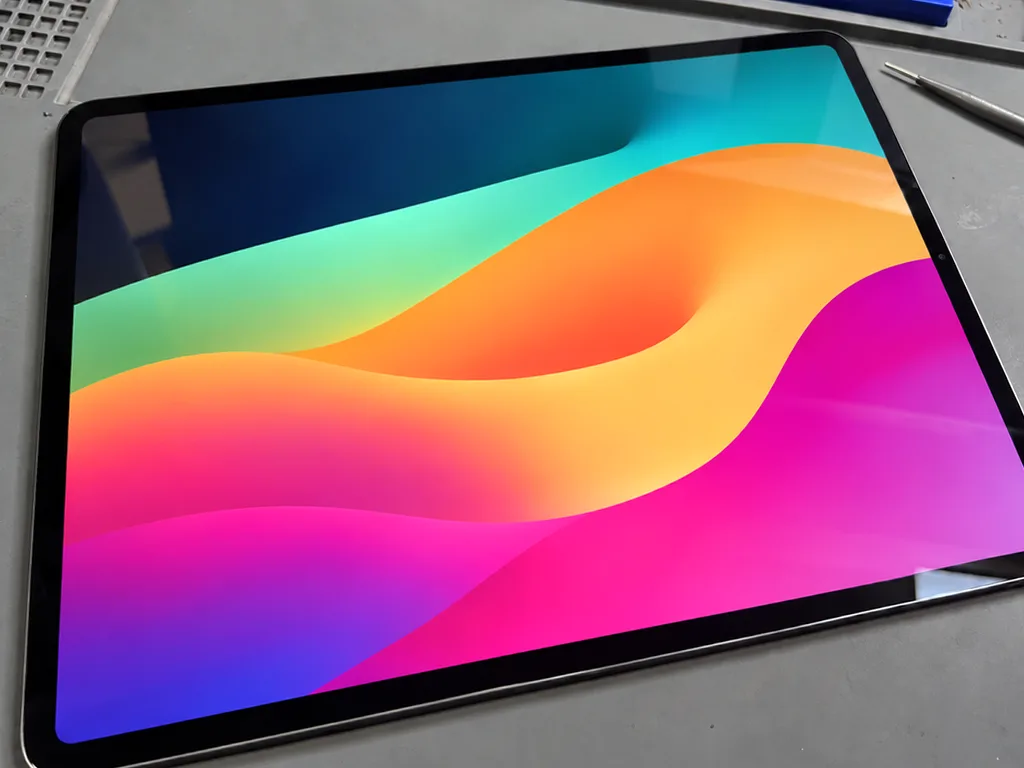
Photo after: new screenAfter: a new screen
BeforeAfter

iPad Pro 13 M4: broken screen

1 dayOriginalWarranty up to 1 year
Problem
It fell screen-first onto the corner of a table, and half the screen is black.
What we did
Replaced the Tandem OLED screen and tested Face ID and Apple Pencil Pro.
1 dayinstead of a new iPad
I want the same

How iPad display replacement is done in Almaty

Usually the whole journey — from message to pickup — takes less than an hour; complex repairs follow the timeline in the receipt.

Book a repair
  1. Step 1

    Message or call

    5 min

    You send a photo of the damage on WhatsApp — we quote the price and available time. Or you call a courier.

  2. Step 2

    Free diagnostics

    15 min

    An engineer checks the device in front of you and shows what is broken. 0 ₸, even if you decline the repair.

  3. Step 3

    Price in the receipt

    2 min

    We fix the price, the part (original or analog), the timeline and the warranty. You sign — we start.

  4. Step 4

    Repair while you wait

    20–40 min

    Before installation we show you the new part in its factory packaging. You wait in the waiting area with coffee and Wi‑Fi.

  5. Step 5

    Post-repair check

    10 min

    Screen and touch, Face ID or Touch ID, cameras, microphones, speakers, charging, Wi‑Fi. You check together with the engineer.

  6. Step 6

    Pick up your device

    warranty up to 1 year

    Together with the receipt, warranty card and the old part. Payment — Kaspi, card or cash.

Who will replace your iPad display

Technicians for iPhone, Mac, iPad, Apple Watch and AirPods repair.

1 / 6
DGDenis Gushchin — display replacement technician, iServices service center in AlmatyPhoto: Denis Gushchin

Denis Gushchin

display replacement technician
20years of experience
5.0rating, 34 reviews
MNMukhpilov Nail — smartphone repair technician, iServices service center in AlmatyPhoto: Mukhpilov Nail

Mukhpilov Nail

smartphone repair technician
10years of experience
4.83rating, 83 reviews
MRMolchanov Rinat — Apple repair and diagnostics engineer, iServices service center in AlmatyPhoto: Molchanov Rinat

Molchanov Rinat

Apple repair and diagnostics engineer
10years of experience
4.85rating, 33 reviews
SAShokan A — diagnostics technician, iServices service center in AlmatyPhoto: Shokan A

Shokan A

diagnostics technician
8years of experience
5.0rating, 37 reviews
SBSybanbaev Birzhan — firmware specialist, iServices service center in AlmatyPhoto: Sybanbaev Birzhan

Sybanbaev Birzhan

firmware specialist
7years of experience
4.75rating, 74 reviews
DADuisebaev Azhdar — connector replacement technician, iServices service center in AlmatyPhoto: Duisebaev Azhdar

Duisebaev Azhdar

connector replacement technician
7years of experience
4.3rating, 35 reviews
Gamid K, phone repair technician
“If the repair didn’t suit you or you have a complaint, write to me personally.”
Gamid Kphone repair technician · +7 701 333-47-01

We'll quote iPad display replacement in Almaty from a photo in 5 minutes

Send a photo of the screen and the iPad model. An engineer will reply on WhatsApp, give the price and today's available time.

  1. 5 minAn engineer replies and names the price
  2. 0 ₸Diagnostics in front of you in 15 minutes
  3. 30 minMost repairs — while you wait

iPad Display Replacement in Almaty with a 1-Year Warranty

In short

iServices handles iPad display replacement in Almaty as a direct contractor with its own technicians and workshop. You send a photo of the damage on WhatsApp, get a price and a free slot within 5 minutes, and choose an original part or an aftermarket one. Most jobs finish while you wait, and every repair carries a warranty up to 1 year.

Mukhpilov NailWe reply on WhatsApp within 10 minutes
Ask

Glass or the whole display, what actually needs replacing

A cracked tablet screen does not automatically mean the whole display assembly is gone. We explain which layer is damaged and how the engineer decides what to replace.

How to tell a cracked touch glass from a damaged display

The touch glass handles finger input while the LCD or OLED panel underneath produces the image, so symptoms point to different layers. A digitizer registers taps and swipes; the panel draws pixels, colour and brightness. When only the top layer fails, taps may land in the wrong spot, part of the surface stops responding, or the glass lifts at a corner while the picture stays sharp. When the panel is hurt, you see vertical lines, dark blotches, a bright halo around the edges or dead zones that stay black. If the picture is clean and taps register but you see spiderweb cracks, the glass is the culprit; discolored patches, lines or dead zones mean the panel is failing.

When replacing only the glass is enough and when it is not

We confirm the layer during a free 15-minute diagnostics in front of you, and only then decide whether a glass-only job or a full display replacement is the honest option. The engineer runs the touch grid across the whole surface, checks the picture for uniformity and inspects the frame for bending that would stop a new layer from seating flat. On many models the glass and panel are bonded into one unit, so a glass-only fix is not always possible. With 11 years in business and 46,000+ repairs behind us, we know when splitting a bonded assembly is a false economy. The engineer shows you the damaged layer and names the part before any quote, so an iPad display replacement in Almaty never starts on a guess.

Original part or aftermarket and what happens to True Tone and Face ID

The component you pick shapes how the tablet behaves. Here is how the options differ and which functions we check after the new display is in.

How original and aftermarket displays differ

two screen options compared by build and compatibility
OptionWhat it isFunction fitWho picks it
Original assemblyFactory-spec screen unitFull True Tone and Face ID support64% of our customers
Aftermarket assemblyThird-party screen unitImage and touch work, some functions may varyBudget-focused customers
Sealed boxOpened in front of youPart number matched to your modelEvery job
Removed unitHanded back at pickupLets you compare old and newEvery job

What happens to True Tone and Face ID after the swap

True Tone depends on the component type and its compatibility with the device, while Face ID is checked after the swap as part of our function test. An original assembly carries the sensor pairing the tablet expects, so the colour shift stays automatic and the front camera keeps its depth reading. An aftermarket panel reproduces the image and touch layer but can leave True Tone fixed, so brightness and warmth no longer follow the room. Face ID sits in the front module, not in the glass, yet a loose connector during reassembly can knock it out, so we re-check it with you before handover.

Why we show the new component in factory packaging

  • Sealed packaging: the screen arrives in its factory box and is opened in front of you.
  • Part match: the engineer confirms the part number matches your tablet model.
  • Old unit returned: the removed display goes back to you at handover.
  • Receipt record: the chosen component is written on the receipt before work begins.
  • Side-by-side check: you see the sealed unit and the old one together, so nothing is swapped behind your back.

How an iPad display replacement goes, from a WhatsApp photo to pickup

From your first message to a working device, the process follows a fixed sequence. Each step has a set time, so you know what to expect.

How to book and what the free diagnostics covers

You send a photo of the damage on WhatsApp, an engineer replies within 5 minutes with a price and a free slot, and the free 15-minute diagnostics happens in front of you even if you decline the repair. The engineer opens the device and points to the layer that failed — touch glass, digitizer or the panel itself. We book slots seven days a week, with weekday hours 10:00–19:00 and weekend hours 11:00–18:00. Quoting from a photo saves a trip, but the in-person check confirms the exact component, since a photo cannot show a hairline crack under the glass.

What gets written on the receipt before work starts

  • Price: the agreed figure is printed and stays fixed once work begins.
  • Component type: original or aftermarket is named on paper, preventing swaps between agreement and installation.
  • Turnaround: the expected completion window is stated up front, from 1 hour to 1 day depending on model.
  • Warranty: coverage of up to 1 year is recorded before work starts.
  • Your copy: you keep the receipt from the moment work starts, not only at pickup.
  • Old display: the removed screen is returned to you in a bag at the end.

The 32-function check and what you take home

After the repair we run a 32-function check that takes about 10 minutes, testing Face ID, True Tone, cameras, microphones, speakers, charging and network together with you. The engineer hands over the device and walks through each result on the screen. You leave with three things: the unit, the warranty card and the old display in a bag — the removed screen is yours. Testing with the customer present turns a checklist into something you can verify yourself, so any issue surfaces before you leave the branch. If a function does not behave as expected, the engineer addresses it before handover, so you walk out with a device that has already passed the full test.

Turnaround, waiting on site and courier pickup

How long you are without the tablet depends on the device and the part. We lay out the realistic timing and the ways to hand the device over.

How long an iPad display replacement takes

An iPad display replacement takes from 1 hour to 1 day depending on the device, and 72% of our repairs finish while the customer waits in the waiting area. The exact time depends on the model and on whether the panel and digitizer come as one bonded assembly, so the engineer names the window when you book. While the work is running you can stay on site with coffee and Wi-Fi. On a tight schedule, ask for the specific estimate when you book. If the model needs a bonded assembly replaced, the engineer tells you before you leave the tablet, so you can plan the day around the real window.

Waiting on site or sending the tablet by courier

ways to hand over the tablet for repair
Handover optionHow it worksTimingNotes
Wait on siteYou stay in the waiting areaMost jobs same visitCoffee and Wi-Fi provided
Courier pickupCall a courier to collect the iPad90 minutes across AlmatyFree with a repair
Drop off and returnLeave it and collect laterUp to 1 dayWe accept devices 7 days a week

Warranty and what to do if something looks off after the repair

Here is what the coverage includes, how long it runs, and how we handle a display that looks off after the repair.

What the warranty covers and for how long

Every repair carries coverage up to 1 year, and the terms are written on the document you receive at handover. The guarantee applies to the part and the workmanship together, so a screen that fails on its own is handled the same way regardless of which option you chose. That matters because 64% of our customers pick an original component while the rest go with a quality aftermarket one, and both routes come back with identical terms. The warranty terms are the same for every customer and are written on the card you receive at handover. Keep the receipt and the card together with the device — both are needed to process a claim.

Spots or lines after the swap and how we handle it

If spots or lines appear after the swap, bring the device back with the receipt and warranty card and we re-check the display and its connection at no extra charge. Most post-repair lines trace back to a loose display flex or trapped debris rather than a faulty unit, so the first step is a re-seat, not a new component. The flex carries both image and touch signals, so a connector that is not fully seated shows up as a stripe or a dead strip along one edge. The engineer repeats the 32-function check with you before handover. If the part itself is defective, the replacement goes under the same coverage up to 1 year.

Summary: iPad Display Replacement

Five points decide whether an iPad display repair holds up over months of daily use, from the broken layer to the paperwork you walk away with.

  • Layer first: a cracked screen may need only glass or the full display; a proper check decides.
  • Part choice matters: original and aftermarket displays differ in how functions like True Tone behave.
  • Written terms: price, part, turnaround and warranty should be fixed on paper first.
  • Function test: a post-repair check of Face ID, True Tone, cameras and charging confirms the result.
  • Warranty and old part: a warranty card and the removed display should come back at handover.

Common Questions About iPad Display Replacement

Did not find an answer? Message us on WhatsApp: an engineer replies, not a bot.

Ask a question
Can you replace just the glass on an iPad Air or iPad Pro?

No, on the iPad Air from the second generation, every iPad Pro and the iPad mini 4 and later, the glass is bonded to the panel. That means the whole module is replaced rather than the glass alone. Re-gluing glass on these models rarely gives a reliable result.

Will my photos and apps stay on the iPad after a screen swap?

Yes, the display has nothing to do with storage, so your data stays put. Still, back up to iCloud or a computer before any repair. You can type your passcode yourself during the final check.

Does Touch ID still work after a glass replacement on an iPad 9?

Yes, as long as the original Home button is moved to the new glass, because it is paired with the logic board. A new button will not enable Touch ID, so the technician transfers the old one. We test your fingerprint together after assembly.

Will True Tone keep working on my iPad Air with a new module?

Yes, provided the calibration data from the old screen is transferred to the new one. Without it, the True Tone switch disappears from Display & Brightness in Settings. That is why the engineer checks True Tone with you once the tablet is assembled.

How long will I be without my iPad while the screen is replaced?

Usually from 1 hour to 1 day, depending on the model and how much has to be taken apart. The exact turnaround is written on the receipt before work begins. You are welcome to wait in our waiting area.

Should I replace a small crack on my iPad if everything still works?

Yes, it is better not to wait, because dust and moisture get in through the crack and the glass spreads with every press. On base iPads, coming in early often means only the glass is replaced and the panel is spared. Until then, cover the crack with clear tape.

How can I tell whether only the iPad glass broke or the panel too?

If the picture is clean with no blots or stripes but touch works on and off, usually only the glass with the touch layer is damaged. Black blots, colored lines and bright patches point to a damaged panel. A 15-minute diagnosis will tell you for sure.

What Almaty clients say about iPad display replacement

1 / 10
4.9

average rating on Google Maps, wikicity and our website · 445 reviews
Google Maps4.438 reviews ›wikicity5.015 reviews ›Reviews on the iServices website5.0392 reviews ›
ЖО
Жанна О.Order No. IS‑2605‑•••31 · 13 May 2026
iPad Pro 12,9″ (1-го поколения) · screen

С iPad Pro 12,9″ (1-го поколения) вышла неприятность: экран стал неожиданно темнеть. Ребята проверили подсветку и настройки проблему устранили.

iServices customer review, in Russian
ЕЗ
Екатерина З.Order No. IS‑2511‑•••98 · 4 November 2025
iPad Pro 12,9″ (6-го поколения, M2) · screen

iPad Pro 12,9″ (6-го поколения, M2) подвёл: стекло покрылось трещинами после падения. В итоге оценили повреждение и аккуратно восстановили экран.

iServices customer review, in Russian
ЕП
Ерлан П.Order No. IS‑2508‑•••52 · 2 August 2025
iPad mini (A17 Pro) · screen

С iPad mini (A17 Pro) вышла неприятность: стекло покрылось трещинами после падения. В iservice оценили повреждение и аккуратно восстановили экран.

iServices customer review, in Russian
ТТ
Тимур Т.Order No. IS‑2503‑•••84 · 22 March 2025
iPad (A16, 2025) · screen

Проблема была такая: сенсор иногда переставал реагировать — и непонятно что делать. После обращения проверили экран и добились нормальной реакции на касания в i-service.

iServices customer review, in Russian
АХ
Арман Х.Order No. IS‑2405‑•••87 · 5 May 2024
iPad Pro 11″ (4-го поколения, M2) · screen

С iPad Pro 11″ (4-го поколения, M2) вышла неприятность: сенсор иногда переставал реагировать. По результатам диагностики проверили экран и добились нормальной реакции на касания.

iServices customer review, in Russian
РФ
Руслан Ф.Order No. IS‑2308‑•••45 · 9 August 2023
iPad Pro 11″ (4-го поколения, M2) · screen

Проблема была такая: стекло покрылось трещинами после падения — и непонятно, что делать. Ребята оценили повреждение и аккуратно восстановили экран.

iServices customer review, in Russian
ДЮ
Динара Ю.Order No. IS‑2209‑•••56 · 11 September 2022
iPad Air (4-го поколения) · screen

iPad Air (4-го поколения) подвёл: экран стал неожиданно темнеть. По результатам диагностики проверили подсветку и настройки, проблему устранили.

iServices customer review, in Russian
СШ
Светлана Ш.Order No. IS‑2208‑•••53 · 20 August 2022
iPad Air 2 · screen

Проблема была такая: экран стал неожиданно темнеть — и непонятно что делать. После обращения проверили подсветку и настройки, проблему устранили.

iServices customer review, in Russian
ИХ
Ирина Х.Order No. IS‑2305‑•••86 · 13 May 2023
iPad Pro 12,9″ (3-го поколения) · screen

У моего iPad Pro 12,9″ (3-го поколения) экран стал неожиданно темнеть. В итоге проверели подсветку и настройки проблему устранили; Ринат спокойно объяснил, с чего лучше начать.

iServices customer review, in Russian
ЕМ
Ермек М.Order No. IS‑2311‑•••12 · 21 November 2023
iPad Pro 12,9″ (2-го поколения) · screen

iPad Pro 12,9″ (2-го поколения) подвёл: стекло покрылось трещинами после падения. После обращения оценили повреждение и акуратно восстановили экран.

iServices customer review, in Russian
Showing 10 of 31

Where to get iPad Display replacement in Almaty

Address
Almaty, Panfilov St., 21
Opening hours
Mon–Fri 10:00–19:00Sat–Sun 11:00–18:00
Phone and messengers
+7 701 333-47-01WhatsApp: +7 701 333-47-01
Directions map: iServices Almaty — Panfilov, 21© OpenStreetMapFind us on the maps: Google Maps · 2GIS