Every generation that reaches our bench has its own repair logic. Below is what we can swap, what is soldered down, and where the boundary sits between a fixable fault and a dead end.
Intel models and Pro 27" and what is modular inside
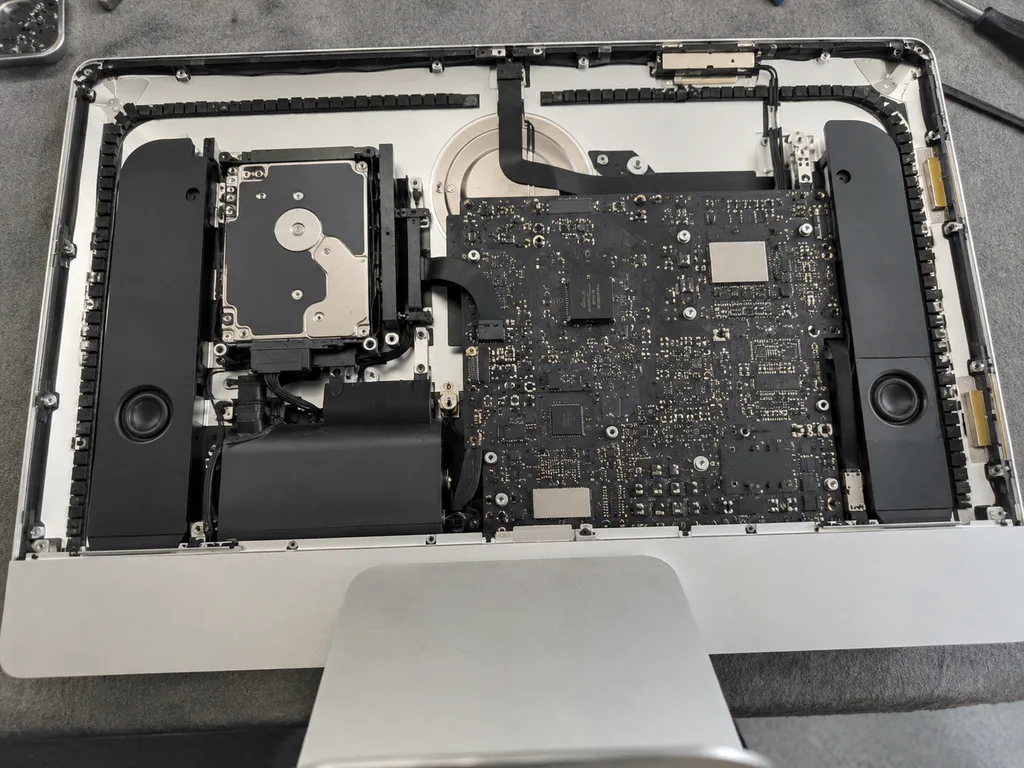
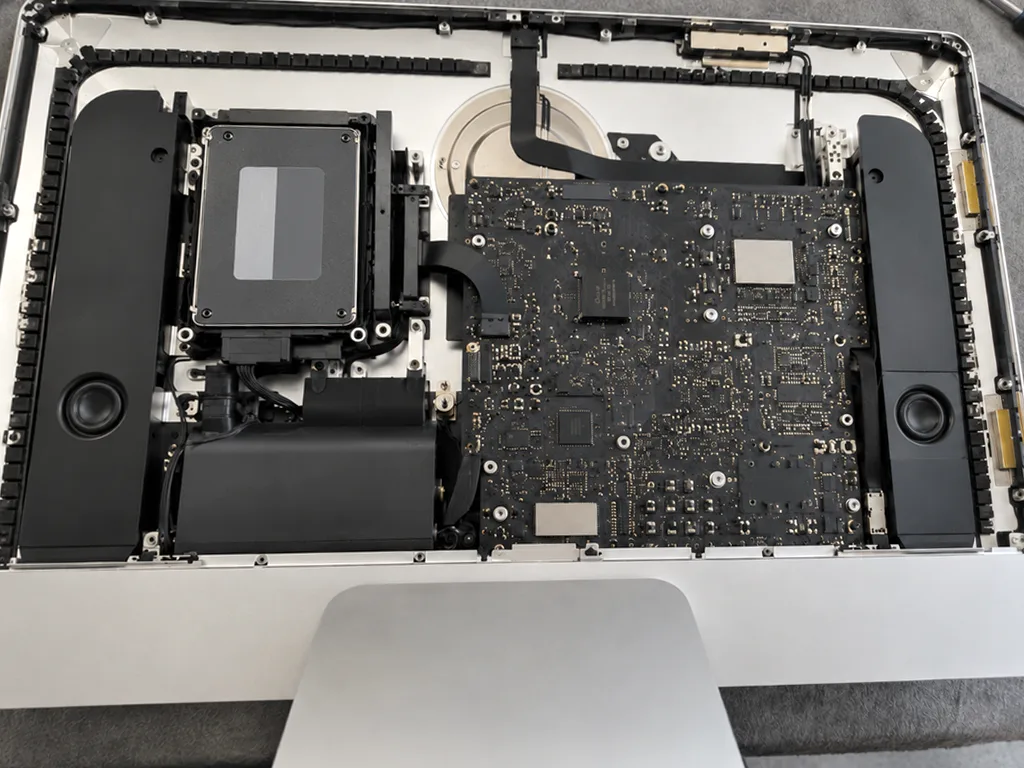
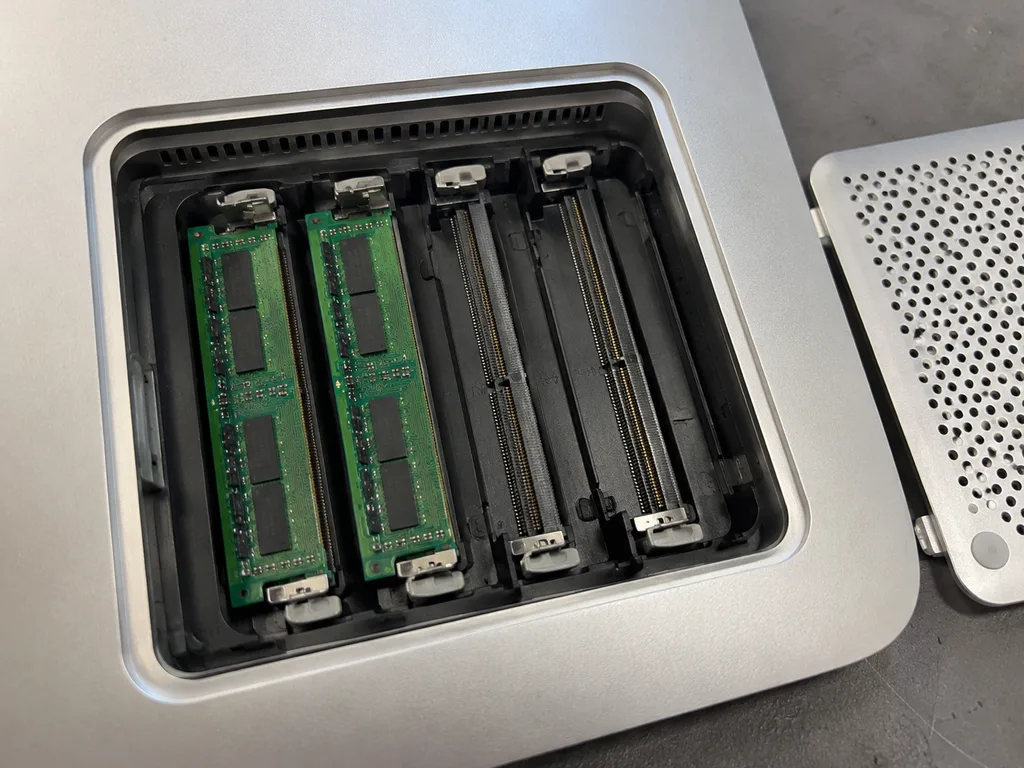
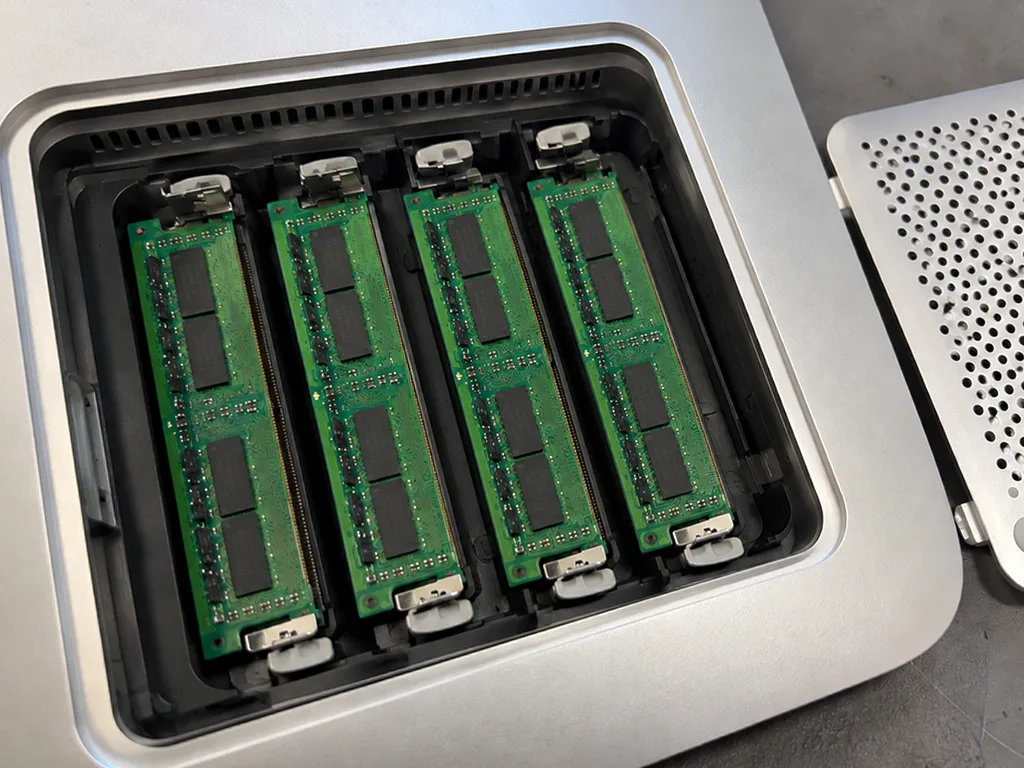
We service Intel 21.5" and 27" units and the Pro 27" with its Xeon processor and Radeon Pro Vega graphics, where RAM, storage and the power supply are separate parts. On the 21.5" and 27" chassis the HDD or Fusion Drive sits on a standard bay, the SO-DIMM slots are reachable once the display is off, and the fan and power supply come out as complete modules. The Pro adds a T2 chip that governs the SSD, so storage on that model is no longer a simple drive swap. A common Intel job is a tired Fusion Drive replaced with an SSD, which cuts boot time and app loading noticeably on the same hardware. On these machines a failing Fusion Drive or a noisy fan is a swap, not a rebuild, so the repair stays predictable.
24" M1 and M3 and the parts that are soldered
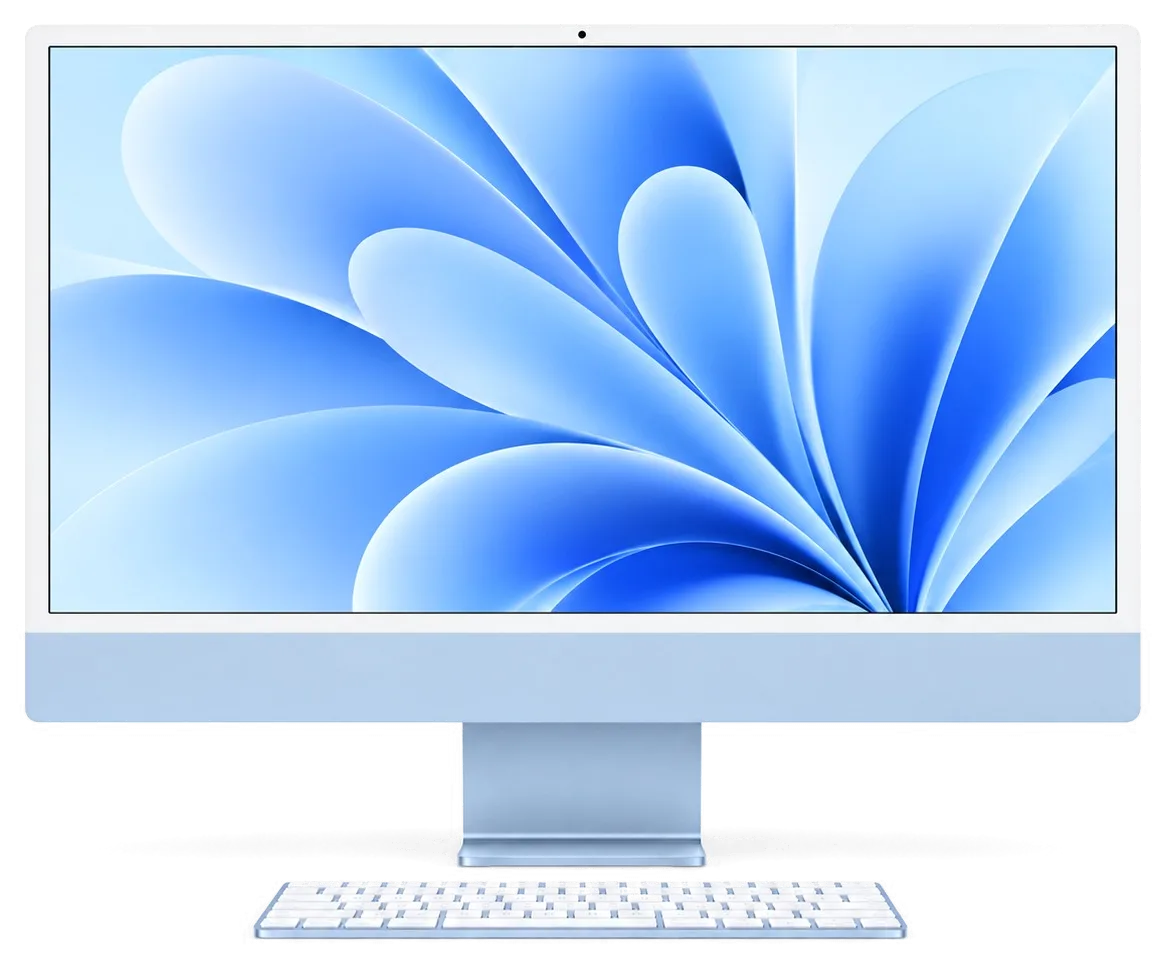
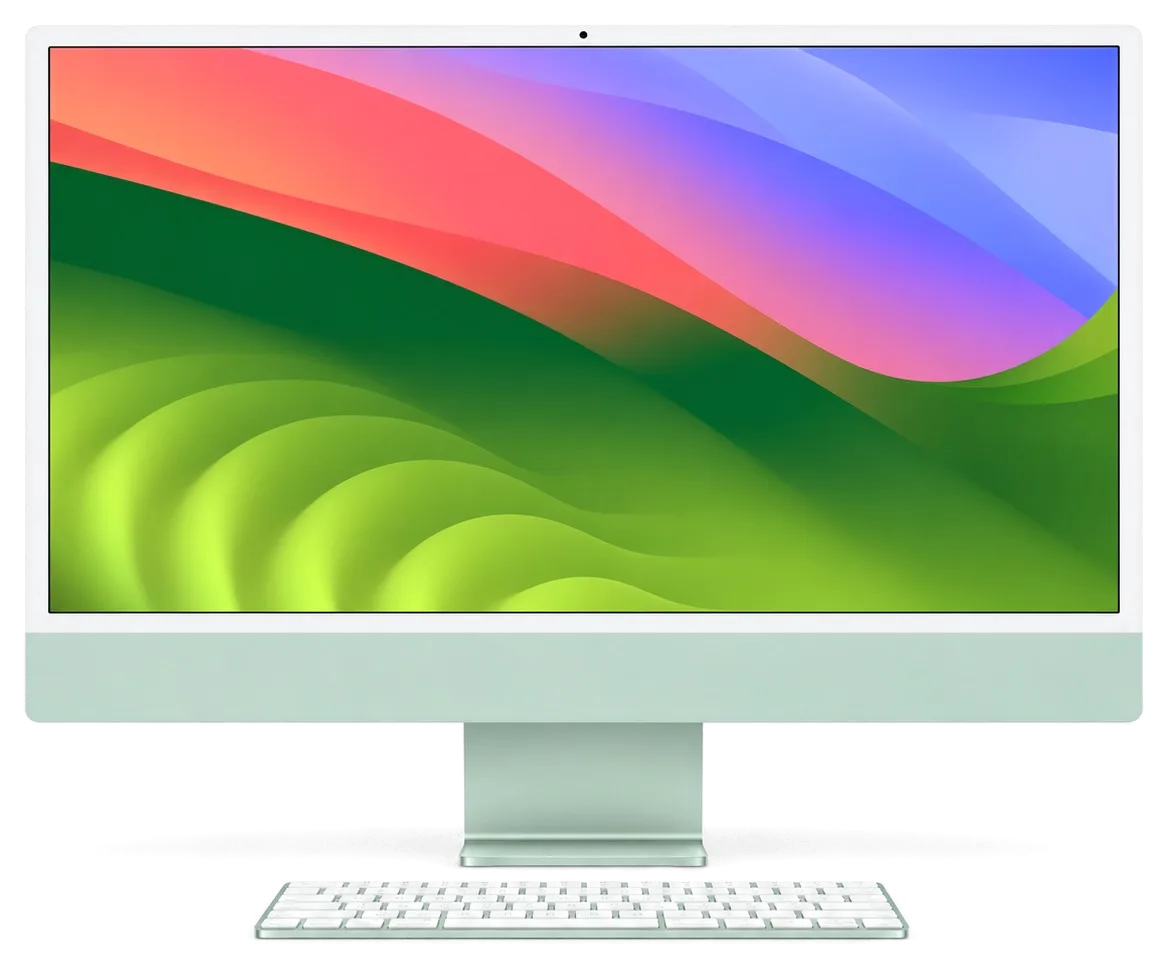
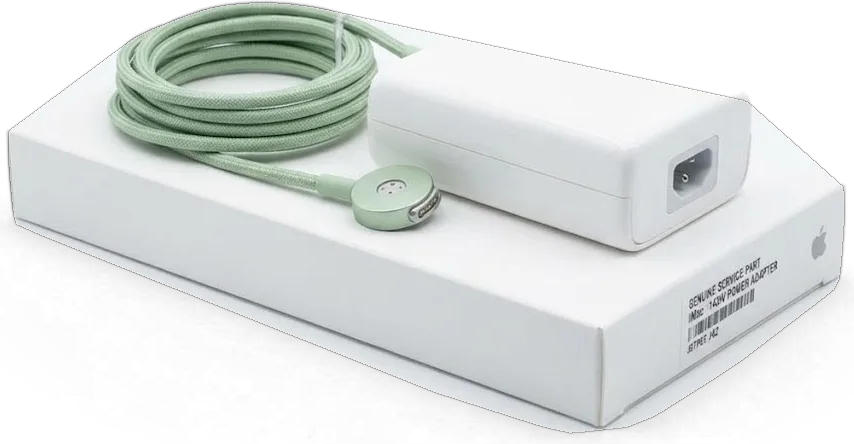
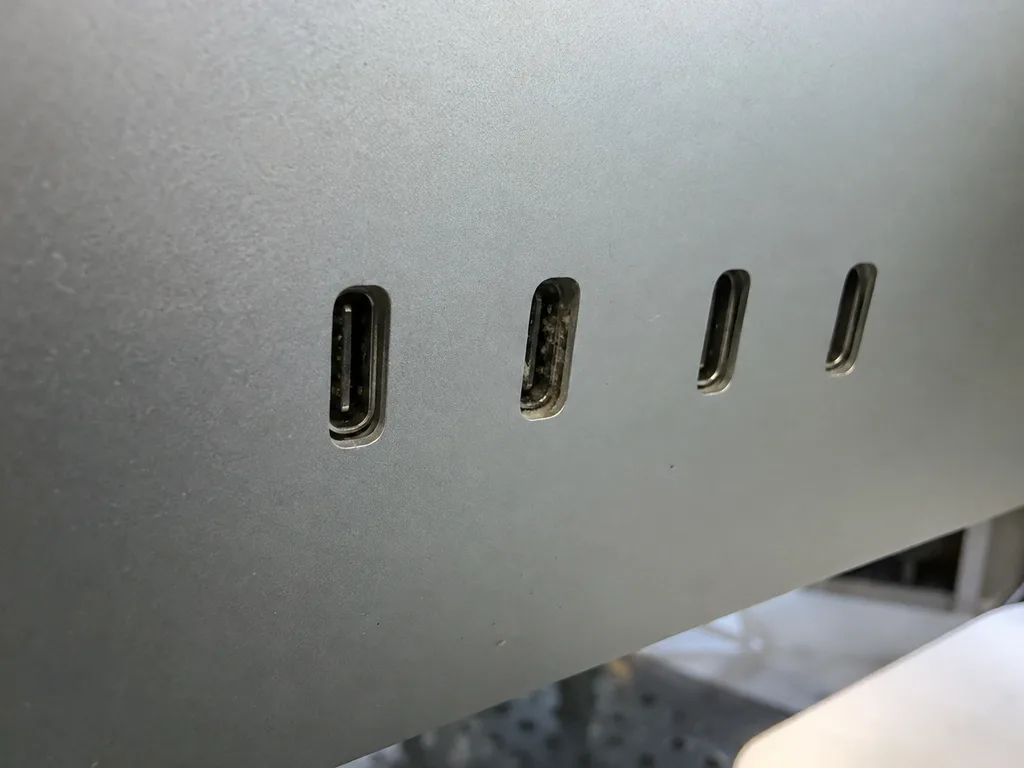
On the 24" M1 and M3 machines the processor, graphics, RAM and SSD sit together on a single logic board, so there is no memory or storage upgrade, only repair of what failed. The unified memory is packaged with the M1 or M3 die itself, the flash storage is soldered in place, and the cooling is a thin fan plus heat pipe sized for a low-power chip. Ports, the fan and the display remain separate assemblies, which keeps those faults at module level. Because the external power brick feeds the whole unit through a magnetic connector, a dead unit is often a dead adapter, and testing that first saves the customer a board-level job.
What is replaceable across the lineup at a glance
Parts swappable versus board-tied by generation| Generation | Replaceable parts | Board-tied parts | Typical repair route |
|---|
| Intel iMac 21.5" / 27" | RAM, HDD/Fusion, fan, power supply, display | CPU, GPU | Swap or upgrade |
|---|
| iMac Pro 27" | Fan, thermal paste, power supply, display | SSD tied to T2, CPU, GPU | Swap plus board work |
|---|
| iMac 24" M1 / M3 | External adapter, fan, display, ports | RAM, SSD, CPU/GPU | Adapter test, then board |
|---|
What Each Symptom Usually Points To in iMac Repair
A symptom is a starting point, not a verdict. Here is how we read the common complaints and where each one usually leads on the bench.
When the iMac will not power on
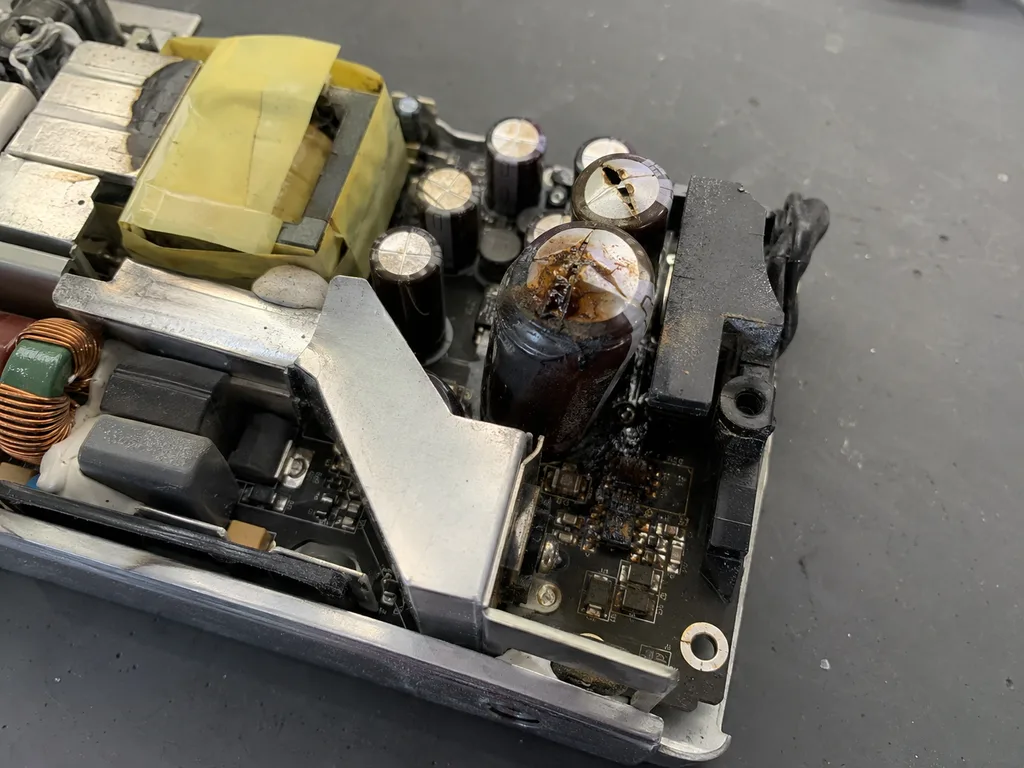
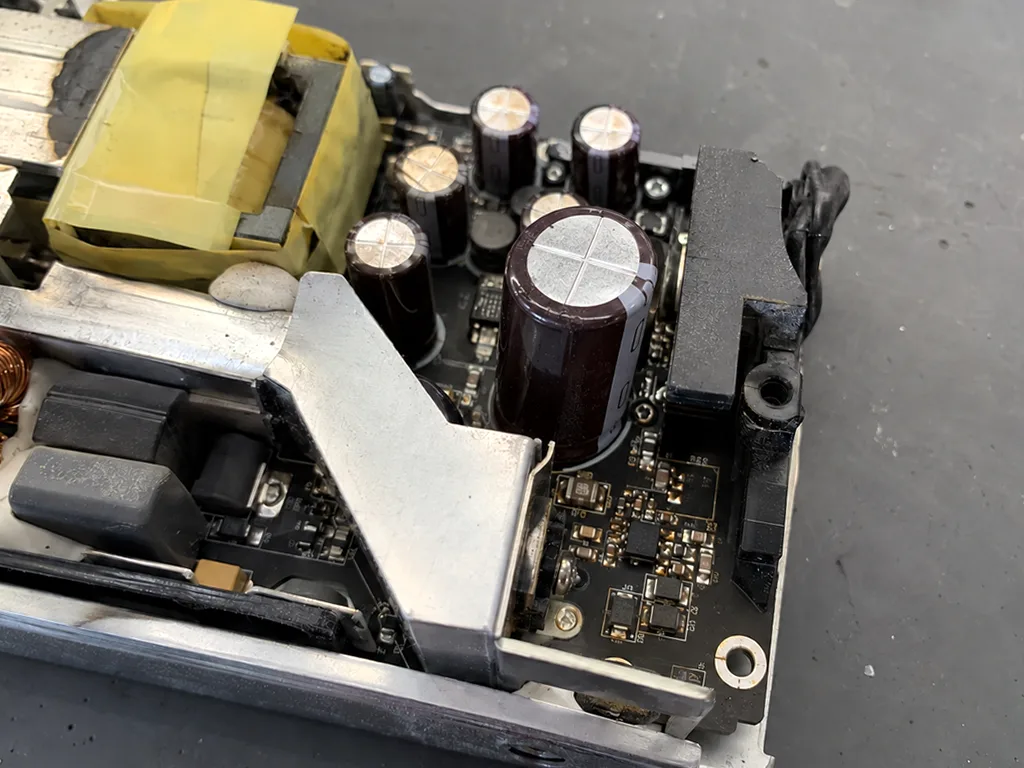
A 24" iMac that stays dark is checked at the magnetic adapter first, then at the board, because the external brick fails more often than the all-in-one itself. The 24" M1 draws power through a magnetic connector on the rear shell, so a dead brick, a frayed cable or a burnt contact all look identical from the outside. We meter the adapter under load on a bench supply, inspect the connector pins for scorching, then trace the rail onto the logic board. On Intel models the same complaint often ends at the internal power supply or a shorted rail rather than the panel. If the adapter shows correct voltage but the unit is silent, the fault has moved inside, and a microscope-level inspection of the mainboard begins. This is also where iMac repair in Almaty starts for most dead units.
No image, stripes or a picture that flickers
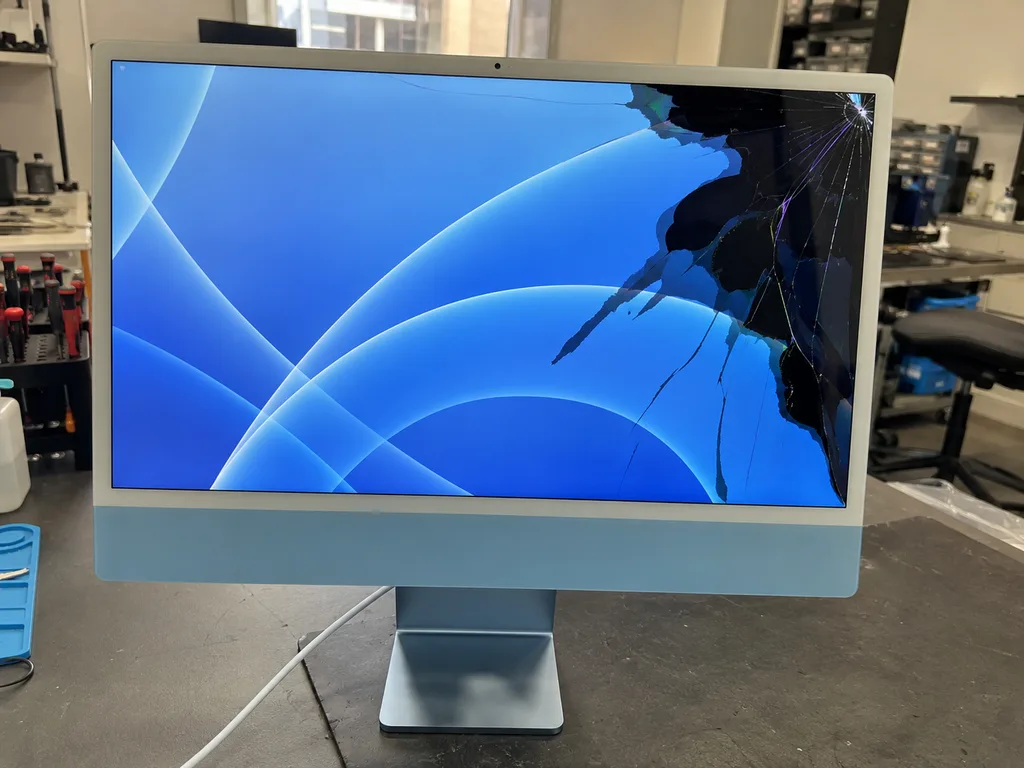
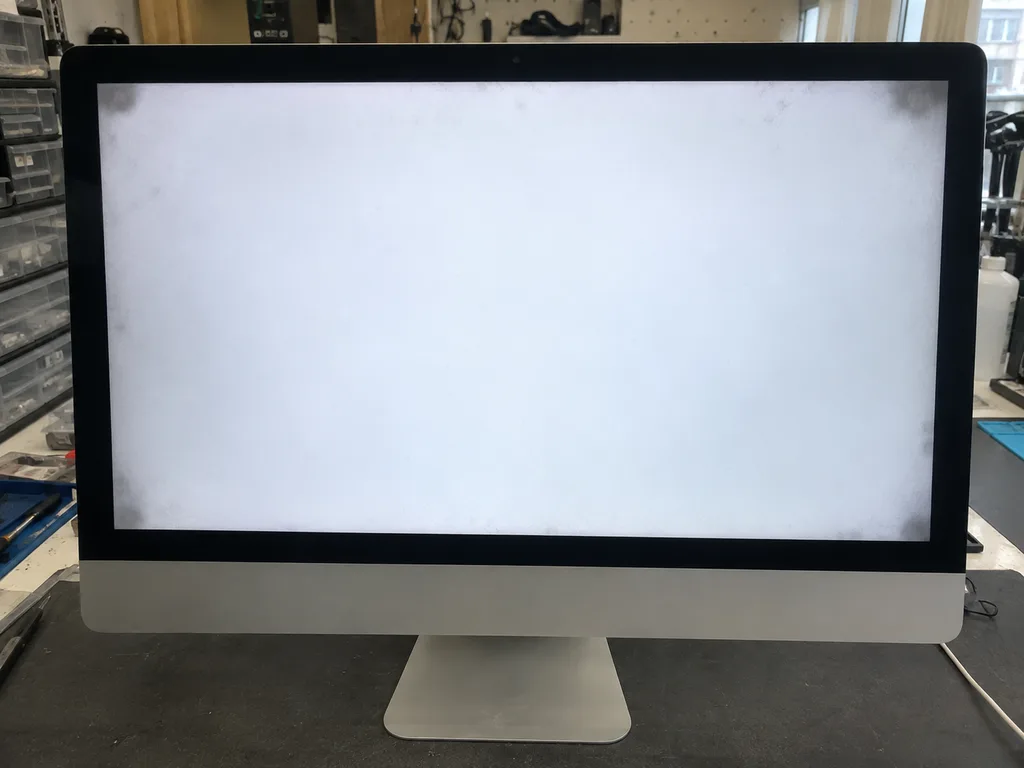
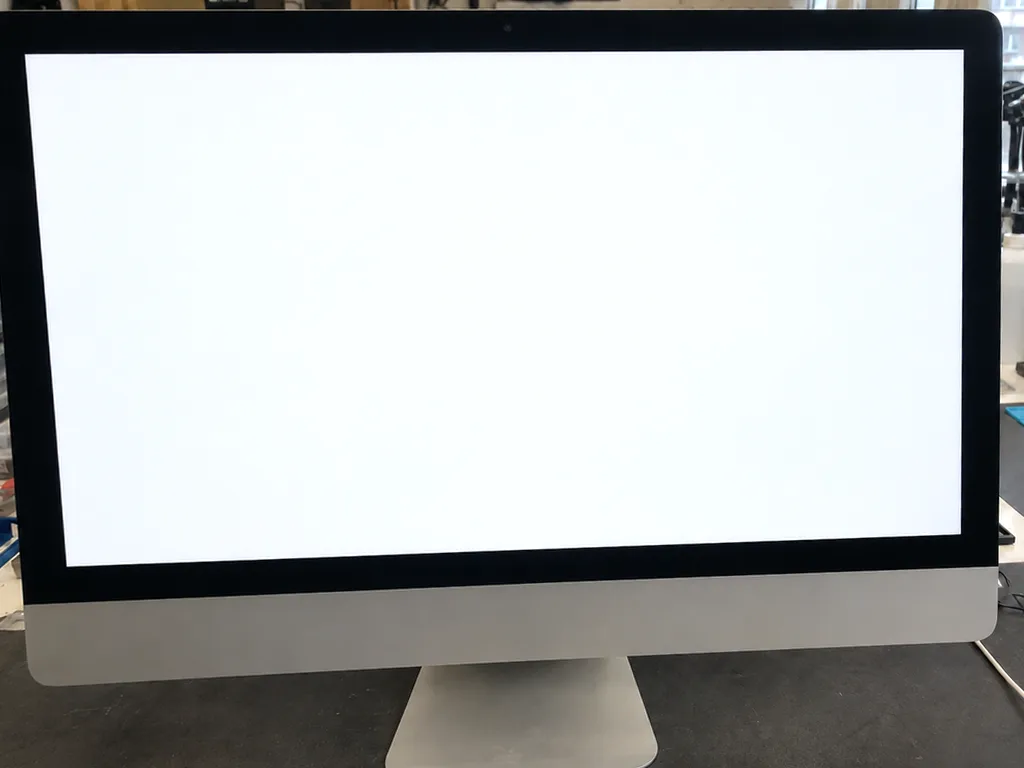
Sound without a picture on a desktop Mac usually means the logic board is alive and the fault sits in the display path, the backlight or the cable that feeds the panel. The glass and matrix are bonded to the chassis with adhesive tape, so every symptom in this group has to be confirmed before the display comes off. A backlight that dies leaves a faint image visible under a torch; a failed cable gives a flicker that changes with pressure; a tired panel shows bands that stay put. Stripes that change when you tilt the unit point to a connector or cable, while fixed bands across the same rows point to the panel itself, and the two need different repairs. Testing the backlight driver and reseating the cable takes minutes and decides whether you pay for a cable or a whole display.
Noise, heat and shutdowns under load
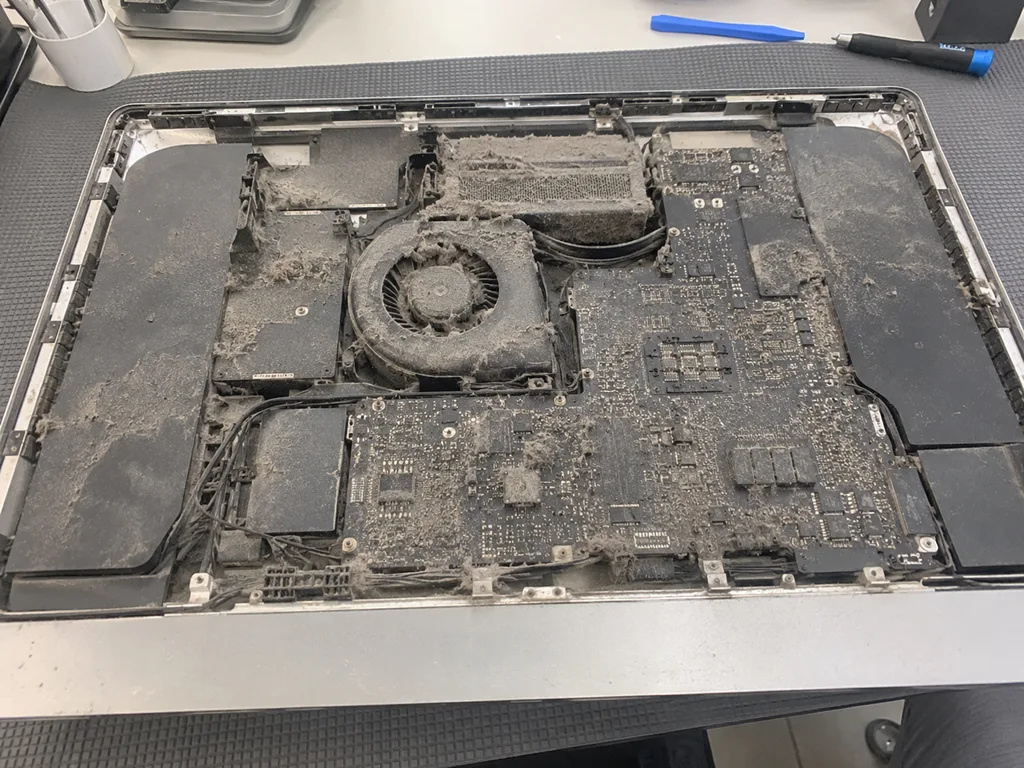
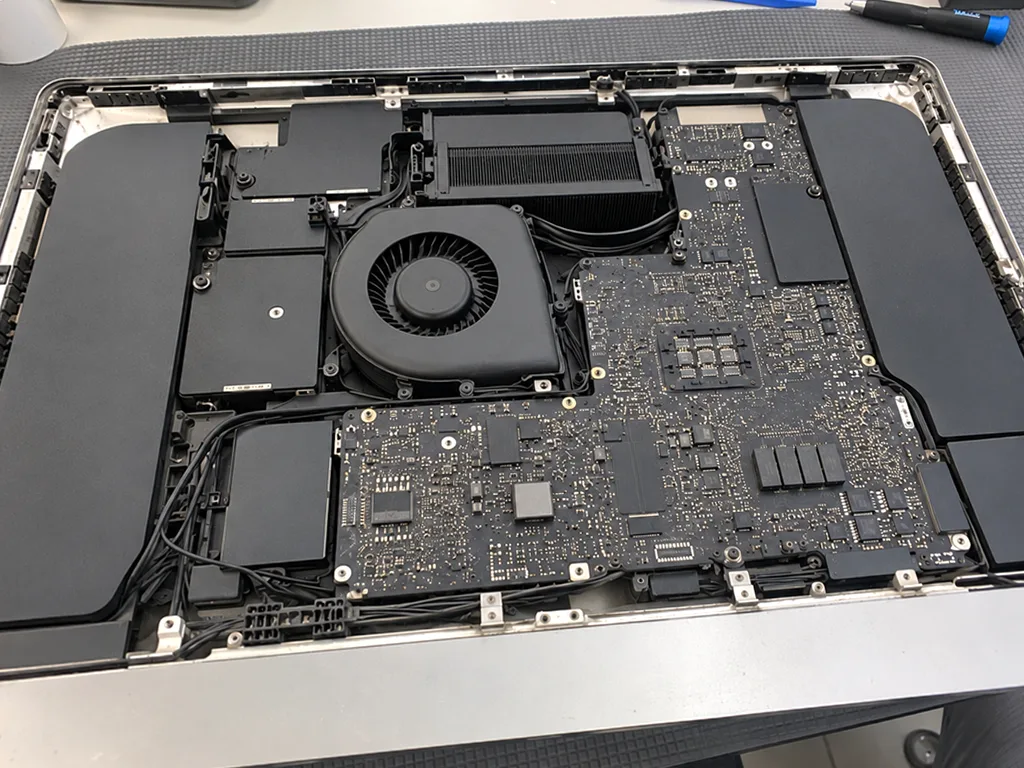
A fan that roars and a chassis that runs hot usually mean dust-packed fins and dried thermal paste, and cleaning the cooling system brings temperatures back down. The 24" M1 and M3 pull air through a slim blower and a single heat pipe, while the 27" Intel and iMac Pro use twin turbines and a taller stack of fins that clogs from the bottom up. We strip the cooling path, clear the radiator, replace the paste and check the fan bearings under load. On an iMac Pro the cooling stack is deep, so a partial clean leaves the rear channels blocked and the noise returns within weeks, which is why we strip and repaste the whole path. Shutdowns mid-render are the same story one step further, where thermal throttling turns into a protective cut-off.
How We Find the Fault Before iMac Repair Opens the Case
Diagnostics on an all-in-one is a sequence, not a guess. We work from power to board to display to cooling, and you watch each step happen at the bench.
Free diagnostics in front of you in 15 minutes
Our engineer checks the device in front of you for 15 minutes at no charge and shows you what is broken, even if you decide not to repair it. A bench power supply reads the actual draw, temperature sensors report what the fans are doing, and the logic board goes beneath a microscope where liquid traces or burnt components would otherwise stay invisible. Most faults announce themselves within those fifteen minutes; water damage is the exception, since a liquid-hit unit sometimes needs up to two days before the full picture is clear. Seeing the fault on the bench changes the conversation, because you are not asked to trust a verdict you never watched being reached.
The order we test in and why it matters
- Power first: the adapter, cable and voltage are checked before anything is opened.
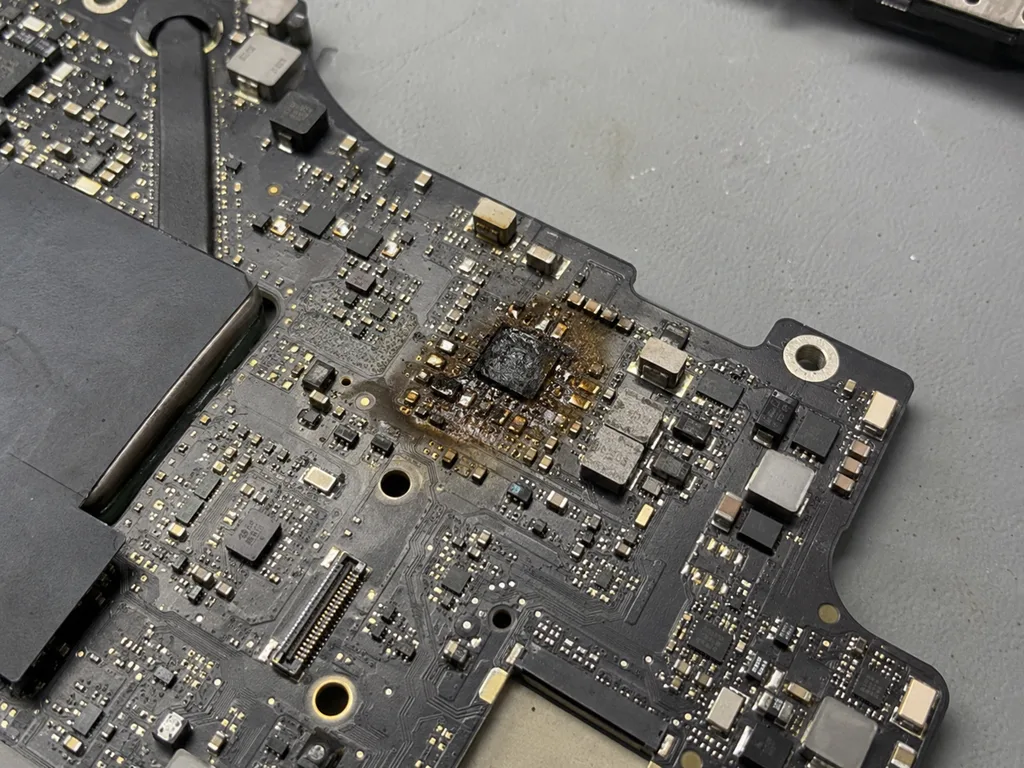
- Board second: the mainboard is inspected for liquid, burn marks and failed components.
- Display third: the panel, backlight and cables are tested once the board is confirmed alive.
- Cooling last: fan behaviour and temperatures are read during stress, not at idle.
- Load test: the unit runs at full stress to confirm the fault is gone, not just hidden.
The 32-point check before you get the device back
After the repair we run 32 checks over about 10 minutes, covering the display, the FaceTime camera, microphones, speakers, ports, Wi-Fi and Bluetooth, plus temperatures during stress. The unit goes back with the receipt, the warranty card and the old part, so every replaced component is accounted for. You go through the list with the engineer rather than reading a report, so anything that feels off is caught before you leave the lounge — a flickering backlight or a microphone that drops out on a call gets flagged while the case is still open, and the engineer re-seats the connector on the spot instead of booking a second visit.
The Display, the Adhesive and Why an iMac Is Not a Screwdriver Job
The screen is the part that makes an iMac repair different from a laptop repair. It is glued, it is fragile, and it has to go back on perfectly.
How the glass comes off without cracking
The display is held by an adhesive strip, so we cut the bond with a dedicated tool and suction cups instead of prying at the front layer. The LCD sits on a thin foam gasket that tears easily once a blade goes in at the wrong angle, and the outermost sheet is only a few millimetres thick at the edge. We warm the perimeter first so the glue softens evenly, then run the cutter along the frame while two suction cups keep the assembly steady. A cold or rushed cut is what cracks screens, which is why the unit is warmed and the blade is guided along the frame rather than forced through the seam. If the surface does chip, the crack usually starts at a corner where the tape is widest — check that corner first when you inspect the work.
Matrix, glass or backlight and what actually gets replaced
On most units the LCD, the front sheet and the backlight are separate layers, so a scratched surface and a dead matrix are not the same repair. The outer layer protects the imaging unit; behind it sits the matrix that produces the picture, and behind that the backlight that lights it. A scuff on the front can sometimes be polished or the cover swapped, while a failed matrix means the whole assembly goes. The illumination is its own part on the larger chassis and can be replaced when it dims. A single dead column or a bright spot that stays in one place after a restart belongs to the imaging unit, while a uniform dimming across the screen points to the lighting. Describe which pattern you see before booking — it decides which part we bring.
Re-sealing the display so dust stays out
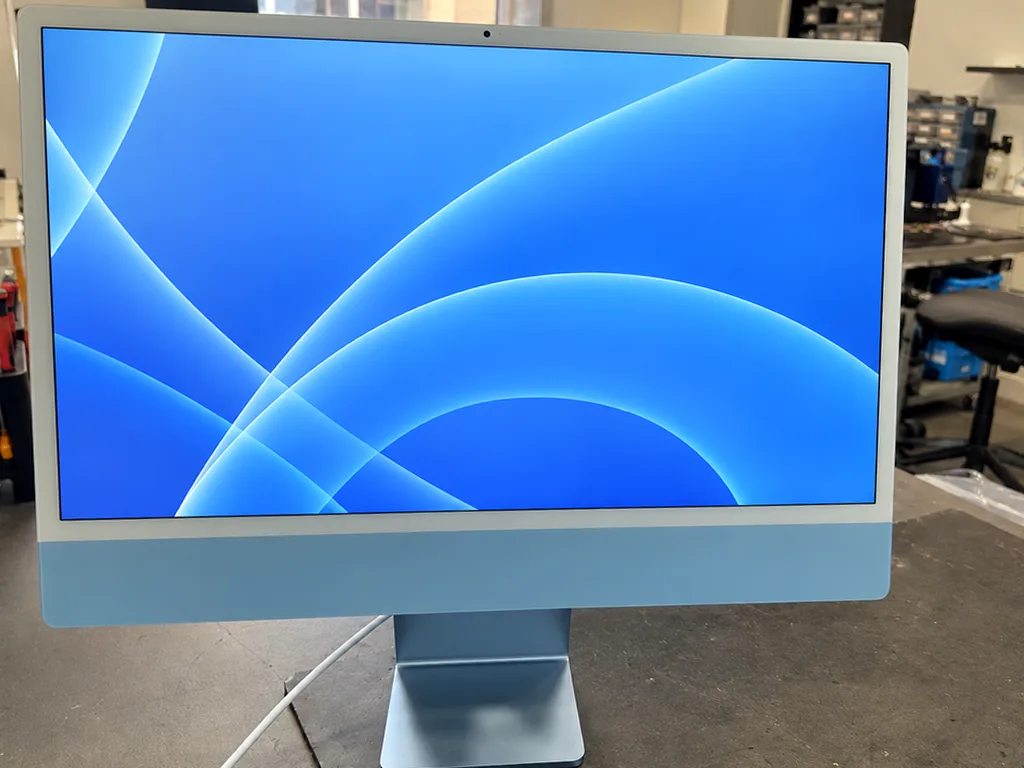
We re-seal the screen with a fresh adhesive strip every time, because a reused bond lets dust and moisture behind the front layer within months. The original tape loses tack the moment it is cut, and pressing it back down leaves gaps along the bottom edge where the assembly flexes most. A new strip is applied to the clean frame, the assembly is seated with even pressure across the whole perimeter, and the unit is left to settle before reassembly. A properly sealed screen shows no light bleed at the edges and no dust specks after weeks of use, which is the check we ask you to repeat at home. Hold a torch at a low angle across the display a month later — a bright halo at the border means the seal has lifted.
Your Data on a Soldered SSD or a T2 Chip
Data is the part of an iMac repair that cannot be undone, so we plan around it before the case is opened. Here is how storage, backups and the T2 chip shape each job.
Why a backup comes before any board work
We ask for a Time Machine or iCloud backup before board-level work, because a soldered SSD cannot be lifted out and read on another machine. On a 24-inch M1 or M3 the NAND chips sit directly on the logic board, so once that mainboard is removed for microsoldering, the drive goes with it and no adapter will mount it elsewhere. Recovery mode still works on a healthy board, which is why we boot into it and copy what we can before the iron touches a single capacitor. A Time Machine copy on an external drive takes minutes and removes the risk entirely. If the unit will not boot, the backup is made from the drive in its current state, and that is the last clean copy before the board is touched.
The T2 chip and why the iMac Pro is different
On the iMac Pro 27-inch the storage is tied to the T2 security chip, so the drive only reads on a working mainboard and cannot be moved to another unit. The T2 handles encryption keys for the SSD, and those keys live in the chip itself, not on the NAND. Pull the drive and put it in a donor machine and you get an encrypted brick, even though the NAND is physically intact. The same logic board carries the Intel Xeon and the storage controller, so a liquid spill that kills power delivery also cuts access to your files. That is why a mainboard repair on an iMac Pro is planned around data recovery first, and why a dead unit with a healthy drive still needs the logic board brought back to life before anything can be read.
What happens to your files during a repair
A part swap on an iMac leaves your files untouched, while microsoldering work is done with the drive in place so the data stays where it is. Replacing a fan, a power supply or a display connector does not touch storage at all, and you come back to the same login screen and the same desktop. A storage-related job is different: macOS may need reinstalling through Disk Utility after a failed update, and that wipes the volume unless the data was copied out first. We tell you before the work starts whether the repair touches storage at all, so you know whether to expect a login screen or a fresh macOS install. On a soldered SSD the data is reachable only while the mainboard is alive, which is the reason we treat the backup as step one.
Getting the Unit to Us, Turnaround and Warranty
An all-in-one is heavy and its screen is glass, so how it travels and what is written down matter as much as the repair itself.
Packing the iMac and calling a courier
A courier across Almaty reaches you in 90 minutes and the trip is free with a repair, and the unit travels face-down in its original foam or a padded box. We run the same courier routine for customers here and in Astana, and you can also bring the machine to the bench yourself during our opening hours. A 27-inch panel is the fragile piece, not the aluminium body: foam corners and a flat position stop the glass from flexing on the road. The stand, the power cable and the Magic Keyboard with Touch ID should come along, because the keyboard is paired to the unit and some faults only show with the original accessories.
How long each repair actually takes
Expected windows by type of job| Type of work | What it covers | Timeframe |
|---|
| Diagnostics | Power, board, display, cooling check | 15 minutes, free |
|---|
| Part swap | Fan, adapter, ports, cooling clean | Same visit |
|---|
| Display service | Panel or glass replacement, re-seal | Same visit to a day |
|---|
| Mainboard repair | Microscope-level job | 1 to 3 days |
|---|
The receipt, the warranty and the old part
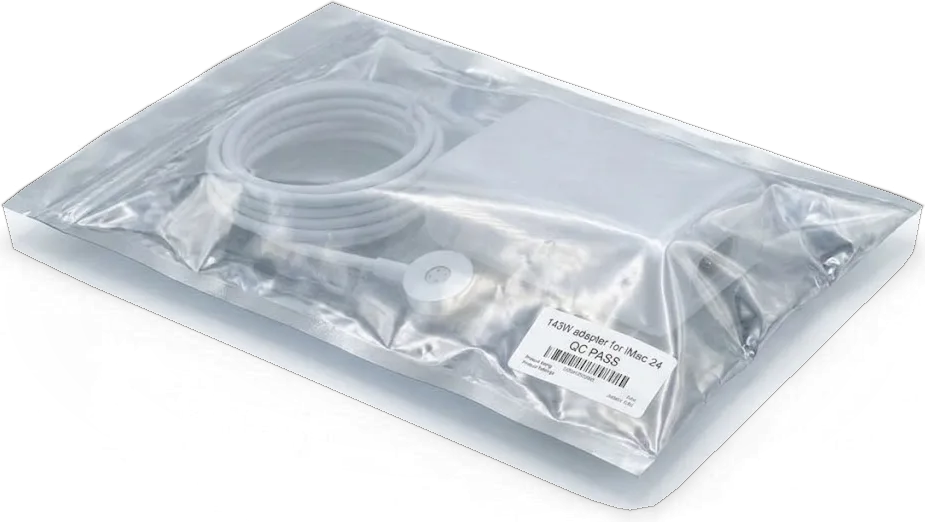
Before the bench opens we fix the price, the part, the turnaround and the warranty on the receipt, and the warranty runs up to 1 year. You choose between a genuine spare and an aftermarket alternative, and the new item is shown in its factory packaging before installation, so the decision is yours and not ours. Roughly two in three owners pick the genuine option, and we note the choice on the receipt so nothing is renegotiated later. The replaced piece goes back to you with the warranty card, which also settles the repair-or-sell question: a machine with documented service and a genuine spare holds its value far better on the secondary market than a unit with an unknown history.
Summary: iMac repair
A short recap of the decisions that shape an iMac repair, so the visit goes in one direction instead of three.
- Know your generation: Intel models and the iMac Pro take swaps, while the 24" M1 and M3 keep RAM and storage soldered to the mainboard.
- Read the symptom, not the verdict: a dark screen is often the external adapter, and a roaring fan is usually dust and dried paste.
- Back up first: a soldered SSD and a T2-tied drive cannot be lifted out, so the clean copy has to exist before the case opens.
- Plan the trip: an all-in-one travels face-down in foam, and the stand, cable and paired keyboard should come with it.
- Get it in writing: the part, the turnaround and the warranty belong on the receipt before anyone touches the unit.














 iPhone
 iPad
 MacBook
 Mac mini and Studio
 Apple Watch
 AirPods
 Apple Pencil
 Apple TV
 HomePod



