MN Photo: Mukhpilov Nail
Mukhpilov Nail
smartphone repair technician
10years of experience
4.83rating, 83 reviews

Your Apple Pencil 2 no longer charges from iPad or skips strokes — we'll check it for free and repair with a warranty up to 1 year.
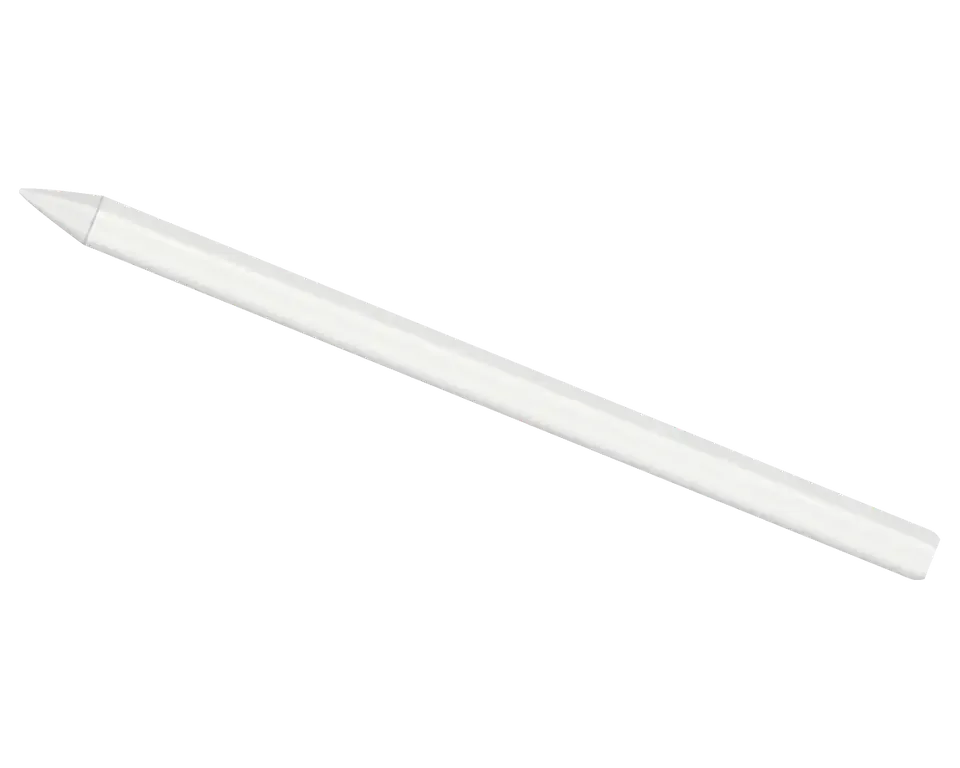
The second-generation stylus attaches magnetically to iPad and charges wirelessly, so issues are related to charging, touch, and the tip.
The stylus attaches to the iPad, but the charging indicator doesn't appear
The charge lasts a couple of hours of drawing instead of the usual days
Tool switching doesn't work, although the pen draws and erases
The stylus disconnects mid-work, and you have to reattach it to the tablet
The stroke is interrupted, the pen skips areas or draws with a delay
The tip wobbles, catches on the glass, leaves scratches on the screen
The tablet doesn't see the pen, and there's no Apple Pencil section in settings
A crack appeared on the flat side, and the stylus no longer holds on the magnet
Pressure doesn't change line thickness, and the pen draws with a single thickness
The body gets hot on the magnet, charging is intermittent or stops
Apple Pencil 2 slides off the side of the iPad, doesn't attach well, and loses contact
After rain or wiping with a damp cloth, touches register only every other time
We quote the price after free diagnostics: it depends on what has failed — battery, board, tip, or magnet.
| Service | Original | Aftermarket |
|---|---|---|
| Tip replacement | 6 490 ₸ | 3 490 ₸ |
| Battery replacement | 20 900 ₸ | 11 900 ₸ |
| Other repairs | Price | |
| Bluetooth module repairwireless module · board-level repair | 2 990 ₸per job | |
| IPad pairing restorationsoftware restore, no parts replaced | 2 990 ₸per job | |
The technician fixes the final amount in the receipt before starting work, so there are no unexpected extra charges.
Most often you have to choose between the tip and the battery: this affects the writing feel and battery life.
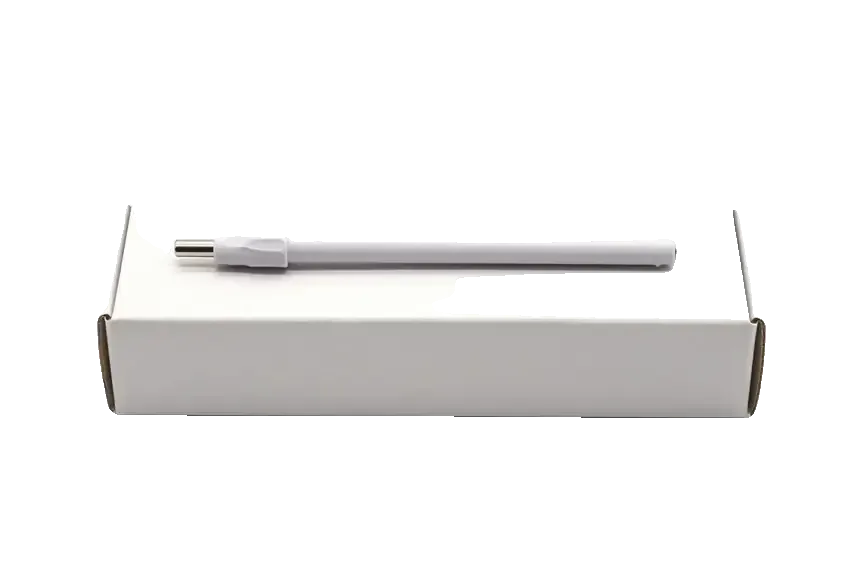
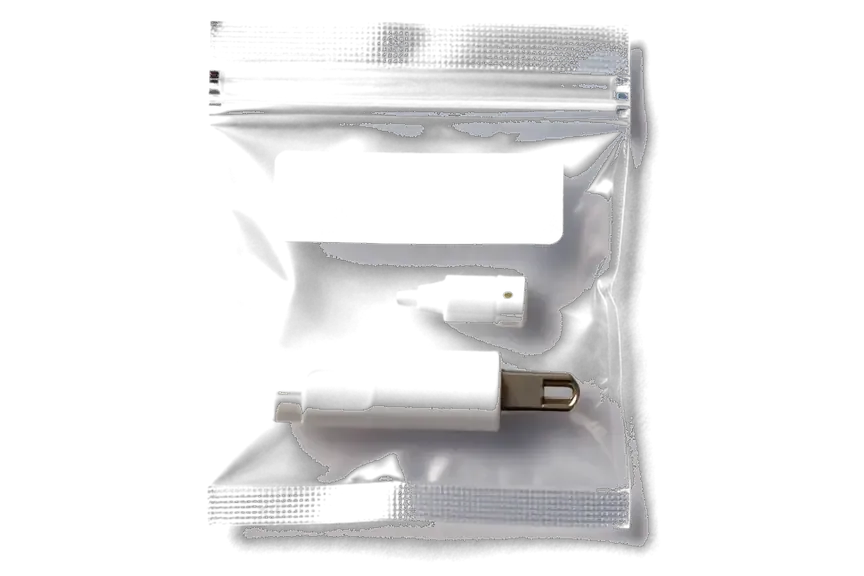
The second-generation stylus is trickier to repair than it seems: the body is glued, and charging is magnetic. We check it together with the iPad.
Over eleven years of work, we've studied the weak points of styluses: the magnetic contact, the battery, and the board responsible for double tap.
We provide a warranty up to 1 year for the repair performed. If the same issue returns, the technician will deal with it again.
Some stylus problems are related to the tablet or its screen, so we look at both devices if you bring the iPad.
The stylus is disassembled and checked by experienced technicians who know the differences between all Apple Pencil generations.
The stylus body is glued, and not every break is worth repairing. If the repair isn't cost-effective, we'll say so before starting work.
We accept on weekdays from 10:00 to 19:00, on weekends and holidays from 11:00 to 18:00. You can drop off the stylus after school or work.
Usually the whole journey — from message to pickup — takes less than an hour; complex repairs follow the timeline in the receipt.
Book a repairYou send a photo of the damage on WhatsApp — we quote the price and available time. Or you call a courier.
An engineer checks the device in front of you and shows what is broken. 0 ₸, even if you decline the repair.
We fix the price, the part (original or analog), the timeline and the warranty. You sign — we start.
Before installation we show you the new part in its factory packaging. You wait in the waiting area with coffee and Wi‑Fi.
Pairing, pressure and tilt, charging, response on the iPad screen. You check together with the engineer.
Together with the receipt, warranty card and the old part. Payment — Kaspi, card or cash.
Technicians for iPhone, Mac, iPad, Apple Watch and AirPods repair.
Photo: Mukhpilov Nail Photo: Molchanov Rinat
 Photo: Shokan A
 Photo: Sybanbaev Birzhan
 Photo: Denis Gushchin
 Photo: Duisebaev Azhdar

“If the repair didn’t suit you or you have a complaint, write to me personally.”
Send a photo of the fault — an engineer will reply on WhatsApp, give the price and a time you can come in.
Apple Pencil 2 Repair in Almaty with Free Diagnostics
At iServices in Almaty, Apple Pencil 2 repair starts with a free 15-minute diagnostic where an engineer checks the stylus in front of you and shows what is broken. We fix charging coils, batteries and boards, fix the part and warranty on the receipt before work, and back every job with a warranty up to 1 year.
The Apple Pencil 2 has no charging port, so power enters through the flat magnetic face and the failure points are unlike those of a phone. Four parts actually break, and each one fails in its own way.
The first-generation stylus charges through a Lightning connector, while the second generation has no port at all and charges wirelessly from the flat magnetic edge of the iPad. That single change reshapes the whole repair map: the older model fails at the connector and its socket, the newer one fails at the coil, the magnet and the glued-in cell. Double tap is a second difference — it runs through a capacitive strip on the flat side, so a unit that charges but ignores double tap points at the board rather than the cell. That missing port is why a dead second-generation device is more often a coil or battery problem than a connector problem — the diagnosis has to start at the magnetic face, not at a plug.
| Symptom | Likely part | What we check |
|---|---|---|
| Will not charge on the magnet | Charging coil, battery | Coil continuity, battery hold |
| Tablet does not see the stylus | Bluetooth board, pairing | Pairing, board under microscope |
| Line breaks or skips | Tip, pressure sensor | Tip wear, pressure signal |
| No pressure or tilt | Pressure sensor, board | Sensor response, board |
Charging and pairing failures are the two most common reasons a second-generation Apple Pencil comes in. Both start at the same place — the magnetic face — so the diagnostic separates coil, cell and logic board.
We start by checking the charging coil and the cell, because a second-generation Apple Pencil has no port — if it will not charge on the magnet, the fault sits in the winding, the power cell or the logic that manages them. The magnetic edge carries both power and data, so one worn contact pad can cut charging and pairing at once. Our engineer opens the free 15-minute diagnostic by testing continuity through the winding, then reads cell hold under load and inspects the circuitry under the microscope for cracked solder around the pads. Apple Pencil 2 repair in Almaty usually ends at the contact or the power cell, not deeper. A unit that charges only when pressed hard against the tablet usually has a worn contact, not a dead cell — pressing harder hides the real fault and delays the fix.
If the tablet does not detect the accessory, we check pairing in Bluetooth settings first, then the antenna and circuitry under the microscope, since a dropped unit often damages the logic rather than the radio itself. The antenna sits close to the magnetic face, so a hairline crack there drops the signal while charging still works. We test the unit against a second tablet to rule out the device side, then trace the antenna line and the joints at magnification. Board-level work on a pencil takes one to three days, longer than a contact or cell swap. Re-pairing fixes a surprising share of "dead" devices — forget the accessory in Bluetooth settings and attach it again before assuming the logic is gone.
A stylus that writes but skips, loses pressure or scratches is a different problem from one that will not charge. Here the tip and the pressure sensor are the first suspects.
The Apple Pencil nib is a replaceable part, and once it wears down to the metal core it can scratch the tablet screen, so it should be swapped as soon as the plastic starts to flatten. The plastic shell on the nib is the only layer between the metal core and the glass, and it thins out with every hour of drawing, note-taking and tapping on the display. Heavy users who press hard and sketch daily wear a nib down in a few months, while light note-takers can go a year or more on the same one. A tip that feels scratchy is already past the safe point — the plastic shell is what protects the glass, and once it is gone the metal touches the screen directly.
A broken line or lost pressure usually points at the force sensor or the board, not the tip, so we test the pen on a known-good iPad before opening anything. The second-generation stylus measures force and tilt through a sensor stack under the nib, connected to the main board by a thin flex cable. A drop, bent body or moisture at the magnetic edge can damage the flex or knock the sensor out of alignment, showing up as gaps in a stroke or tilt that stops responding. As a direct repair provider with our own technicians and workshop, we run the force and tilt test on a reference tablet first, then inspect the flex and board under a microscope. If the line breaks only in one app, the fault is in its settings, and a repair would not change anything.
| Job | Symptom it fixes | What we do |
|---|---|---|
| Tip replacement | Scratchy, flattened tip | Swap tip, test line |
| Pressure sensor check | No pressure or tilt | Test sensor, board |
| Board repair | Skipping, dead zones | Microscope inspection |
Half the "broken accessory" cases are actually a tablet problem — a dirty magnetic contact, a settings issue or a Bluetooth fault. Separating the two saves an unnecessary repair.
We pair the accessory with a second iPad and test a known-good unit on the customer's tablet, so the fault lands on one device instead of both. Pairing takes seconds on the magnetic edge, and the engineer runs the check in front of the customer during the free 15-minute diagnostic — no device leaves the counter. A healthy unit that charges and draws on another tablet clears the pen entirely, while a second unit that fails on the customer's tablet points at its magnetic strip or Bluetooth module. We repeat the pairing twice, because a single failed attempt is often just a dirty contact. This cross-test is the fastest way to avoid paying for a repair that was never needed — if the pencil works on another tablet, the fault is in the device.
| Test result | What it means | Next step |
|---|---|---|
| Stylus works on second iPad | iPad fault | Check iPad magnet, settings |
| Second stylus fails on iPad | iPad fault | iPad diagnostic |
| Both fail on both devices | Board fault | Stylus board repair |
The visit is built around a free diagnostic in front of the customer, a receipt that fixes the terms before work, and a final check of the stylus together with the engineer.
You send a photo of the damage on WhatsApp, an engineer replies within 5 minutes with a price and a free slot, and the price, part, turnaround and warranty are fixed on the receipt before work starts. The diagnostic itself takes 15 minutes and happens in front of you, even if you decide not to go ahead. Our courier can collect the pen across the city in about 90 minutes, free with a repair, and most jobs are finished in 20 to 40 minutes while you sit in the waiting area with coffee and Wi-Fi. Fixing the terms on the receipt before work is what protects the customer if the fault turns out to be deeper than the photo suggested — the price does not move mid-repair.
We show the new part in factory packaging before installation, offer an original part or an aftermarket one, and back the job with a warranty up to 1 year, with payment by Kaspi, card or cash. You choose between the two options before we open the device — 64% of customers pick the original. The device goes back with the receipt, the warranty card and the old part, and the final check of 32 functions takes about 10 minutes. Choosing an original part matters most for the charging coil and battery, where a cheap aftermarket part tends to fail again within months.
The points below sum up what decides whether a second-generation stylus can be fixed, and what to check before handing it over for work.
Did not find an answer? Message us on WhatsApp: an engineer replies, not a bot.
Ask a questionMost often, dirt on the contacts on the side of the tablet or on the stylus itself interferes. Wipe them with a dry soft cloth and check charging again. If the indicator doesn't appear, the cause may be the battery or the stylus board — diagnostics will show this.
A gradual drop in battery capacity is normal for a compact sealed stylus, and cold weather or frequent full discharges speed it up. If the stylus barely holds a charge through a day of work, bring it in for diagnostics. The technician will measure the battery and tell you whether replacement makes sense.
First, check in iPad settings whether this function is enabled for the required app. If the settings are fine but there's no response, the sensor along the flat side may be dirty or damaged. In that case, diagnostics are needed.
Yes, original Apple tips are compatible with all stylus models. With analogs it's more complicated: they may have different threads or hardness, so it's better to try them on site.
Don't try to disassemble the stylus yourself: inside is a glued body and fragile flex cables. Bring it for diagnostics along with the iPad. The technician will check the magnetic contact, board, and battery, then name the cause and repair cost.
Attach the stylus to the iPad and make sure the charging indicator appears. Then open Notes or a graphics editor and check the line, pressure, and double tap. If anything remains unclear, the technician will demonstrate the function on site.
На Apple Pencil (2-го поколения) после падения появился люфт наконечника. По результатам диагностики осмотрели крепление и оценили повреждения.
На Apple Pencil (2-го поколения) перестала срабатывать чувствительность к нажатию. Ребята проверили функции и совместимость.
Most pairing failures come from a flat stylus, a stale Bluetooth entry or dirty contacts, and a free 15-minute check confirms the cause.

Back up your data, turn off Find My, and bring proof of purchase — then the repair starts faster.

 iPad
 MacBook
 iMac
 Mac mini and Studio
 Apple Watch
 AirPods
 Apple TV
 HomePod
